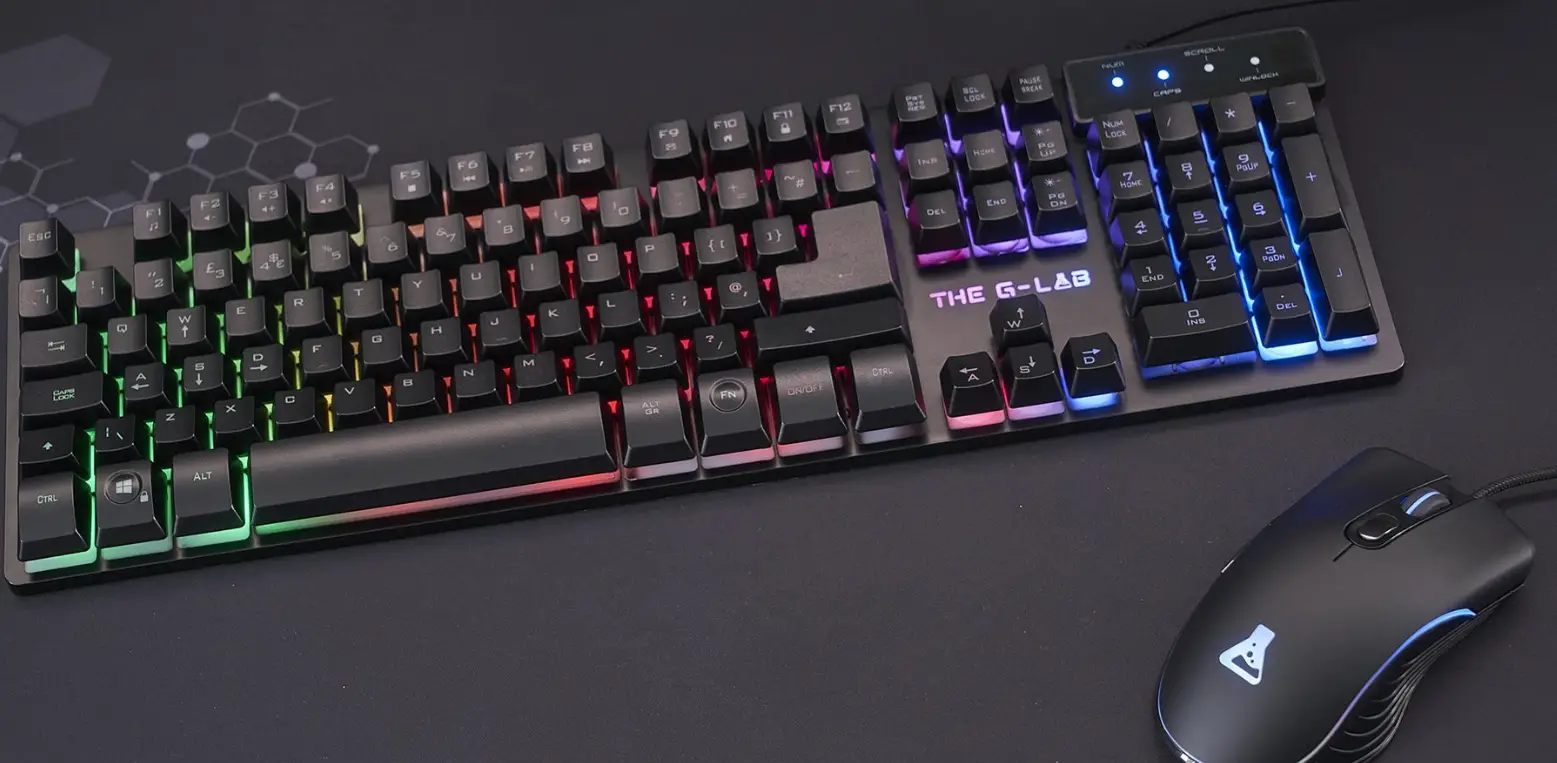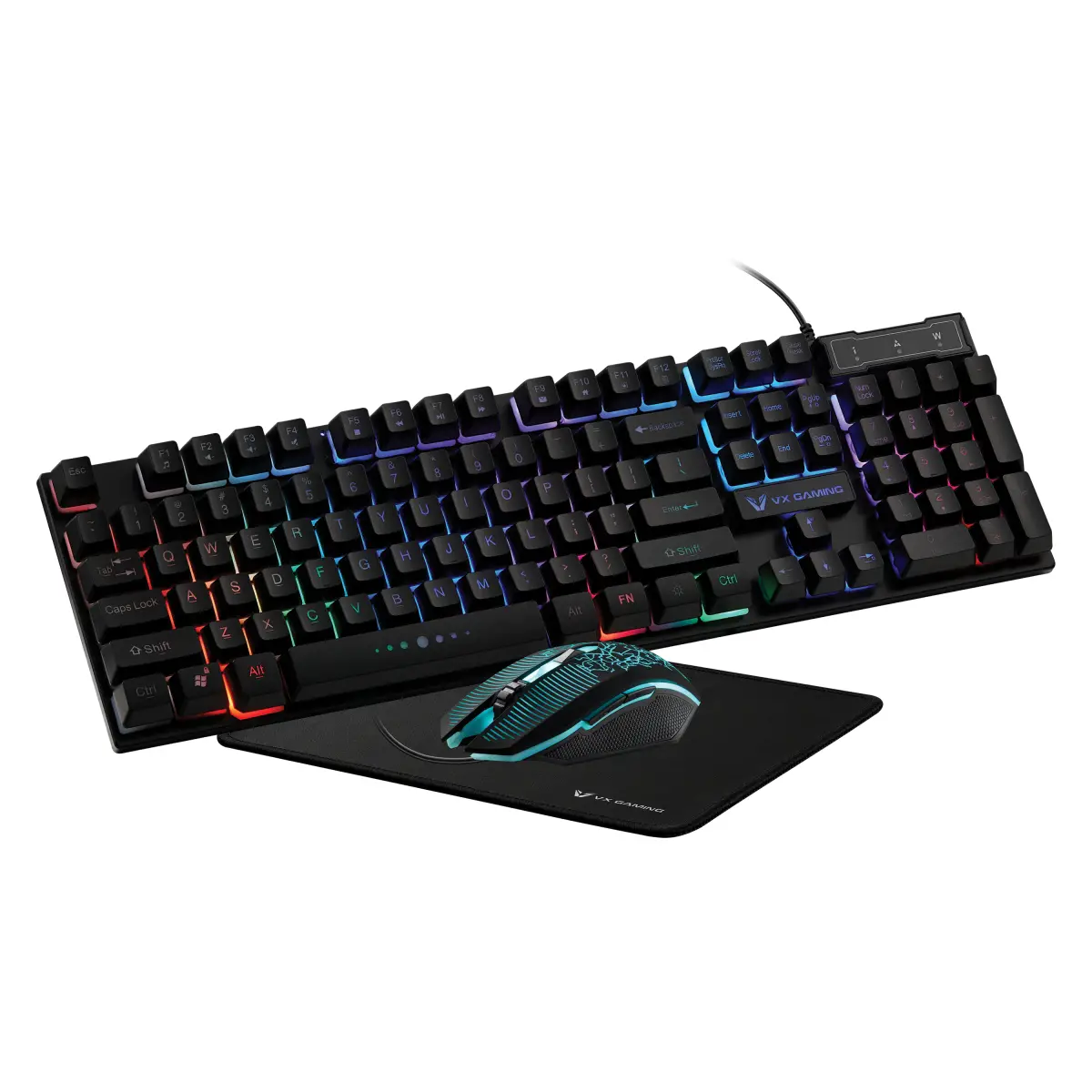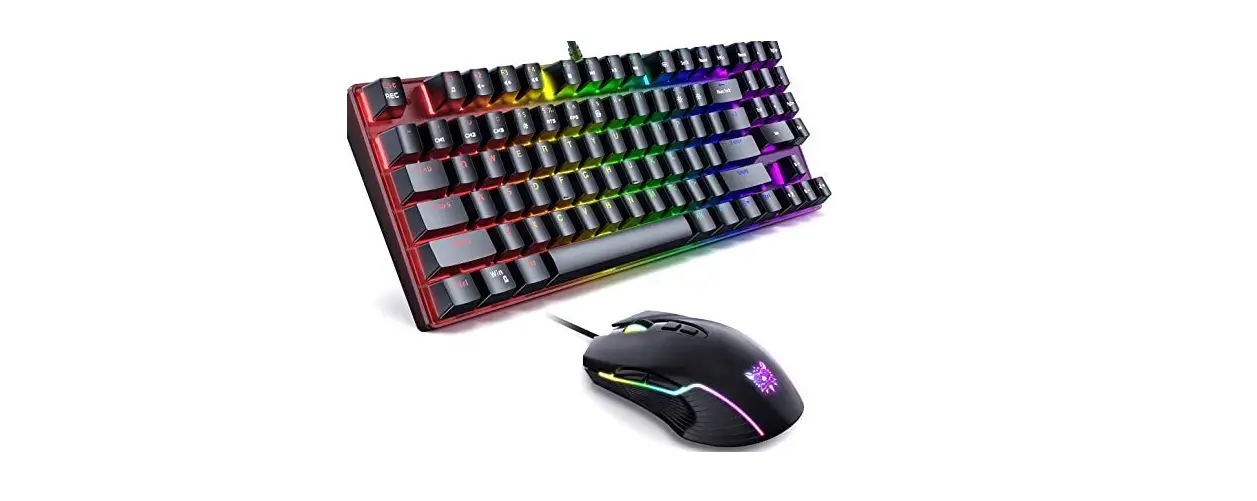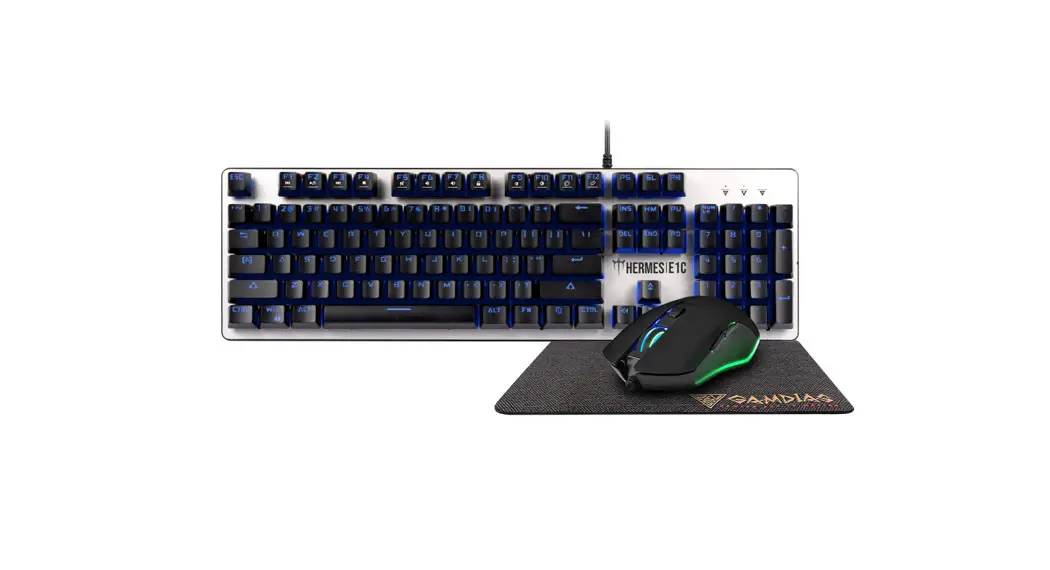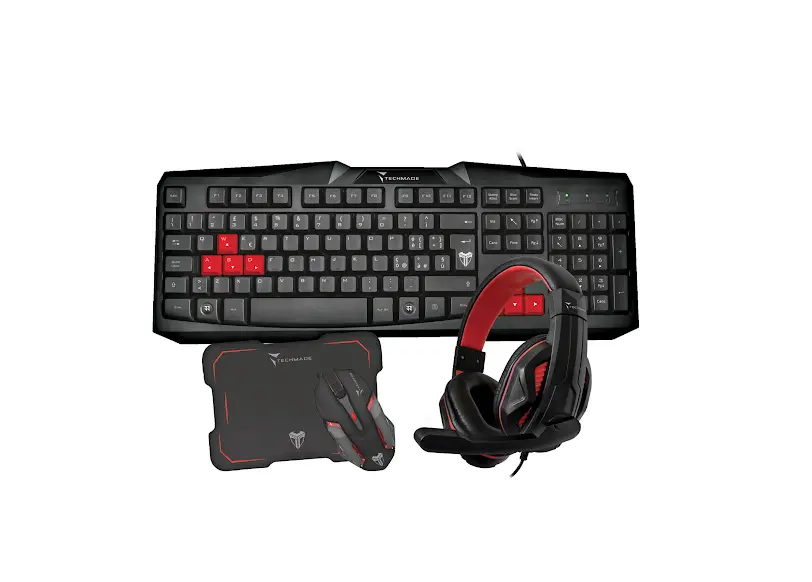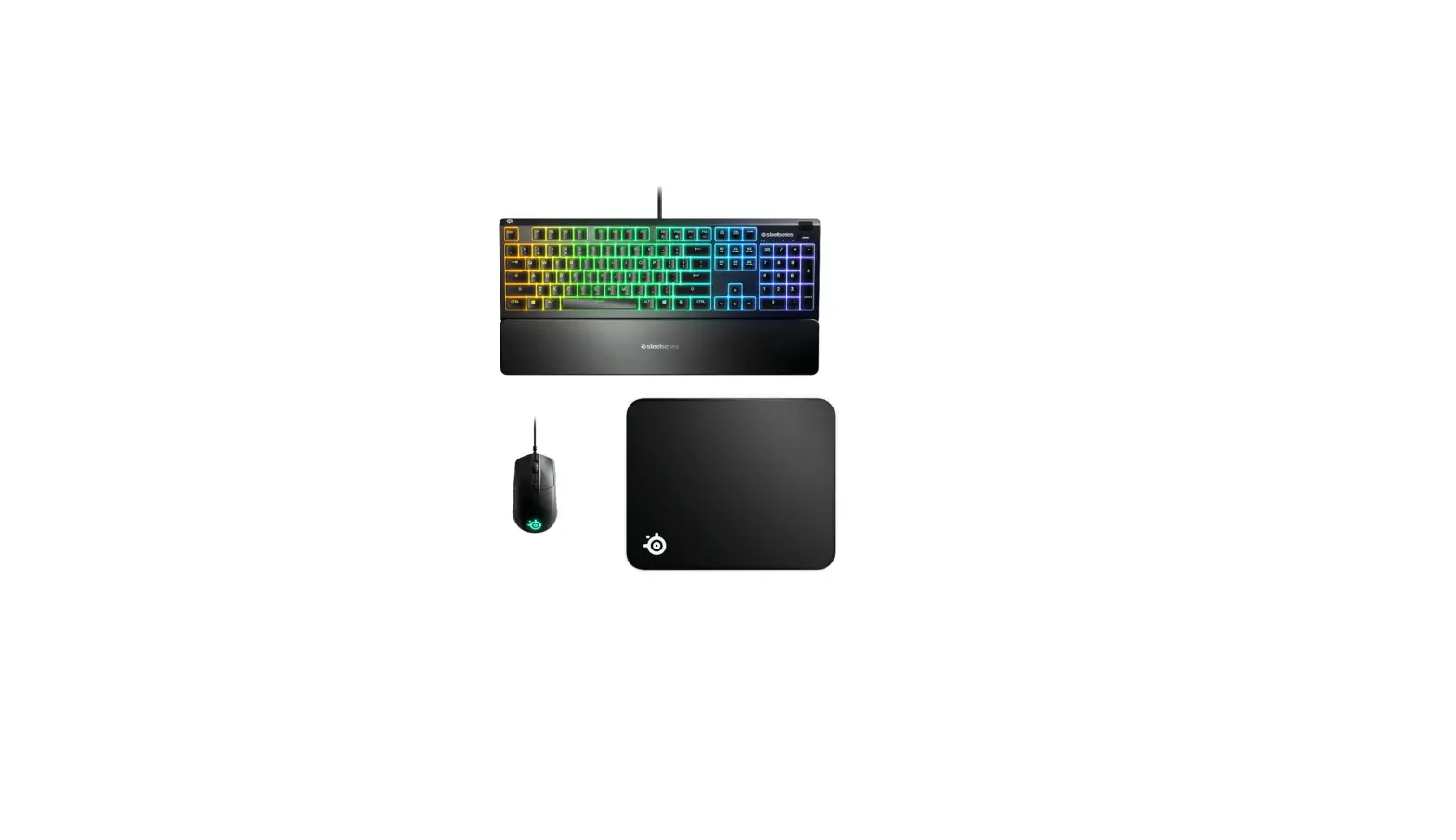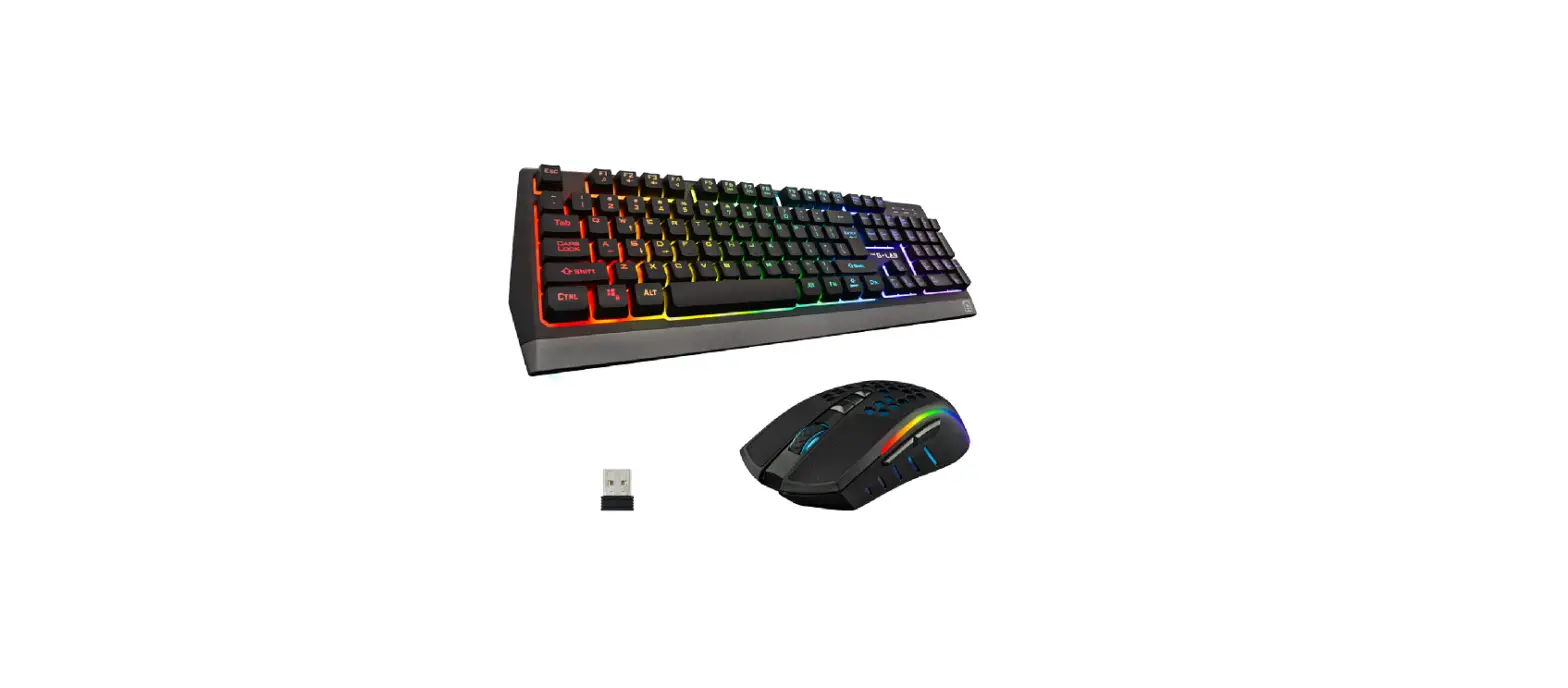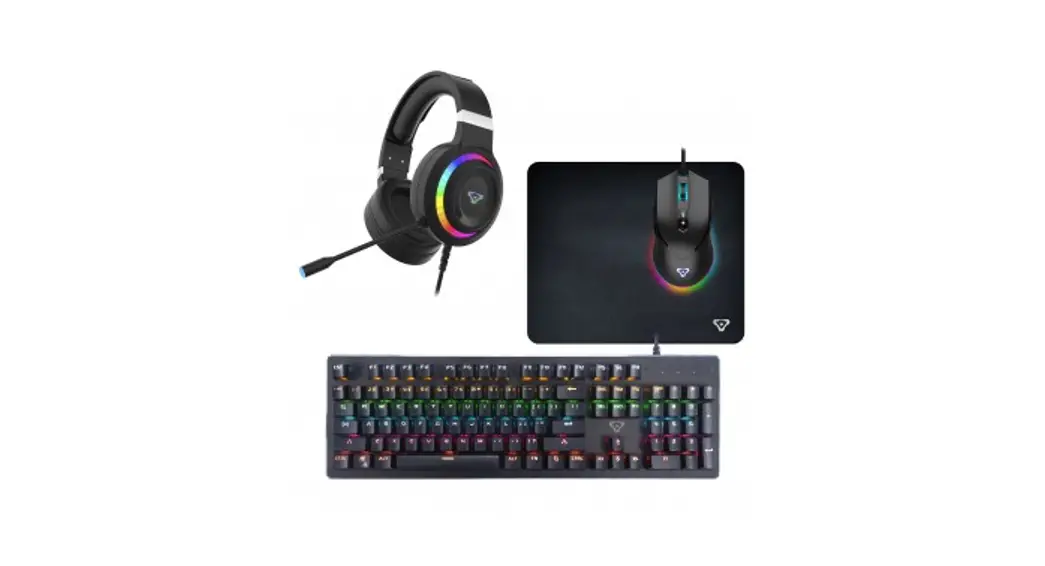
G-LAB Combo ARGONNE Gaming Bundle
Testing club
JOIN THE LAB!
Check out our website to become a brand ambassador and test our latest releases !
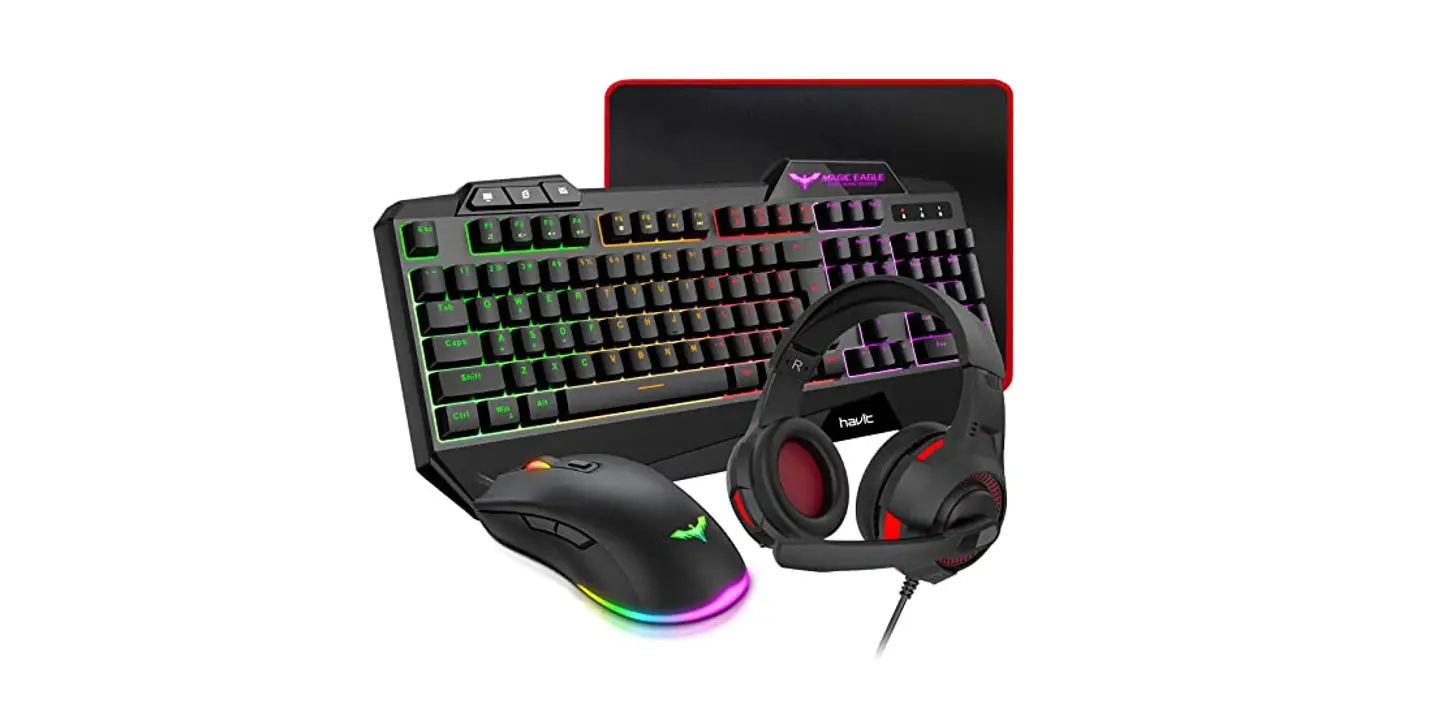
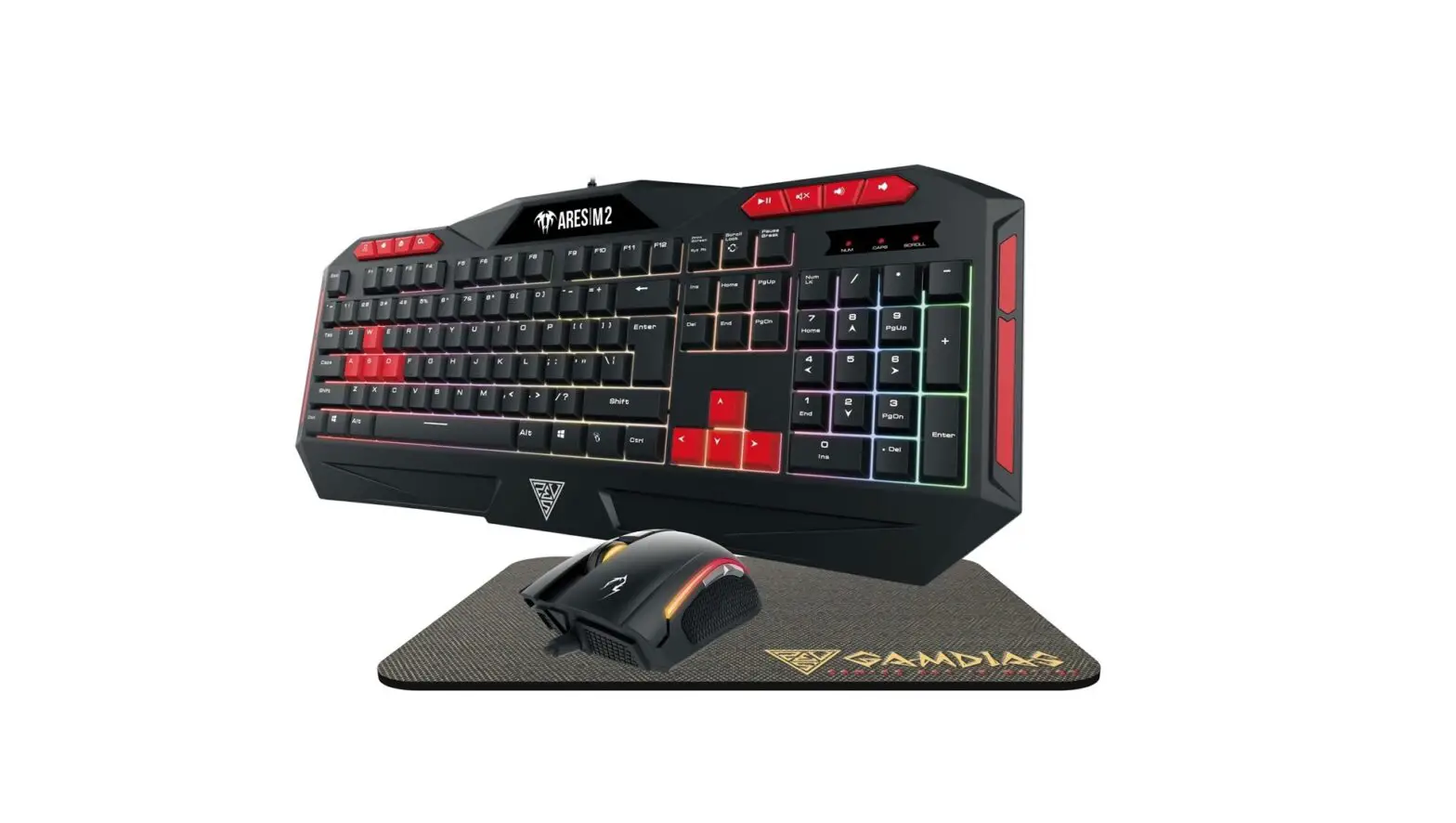
Mouse + Keyboard + Headset + Pad
Mouse
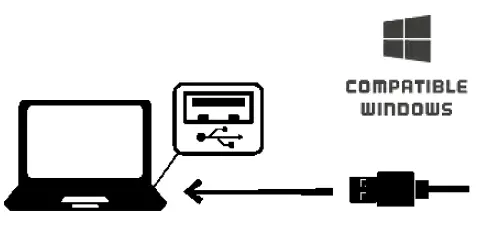
Plug & Play
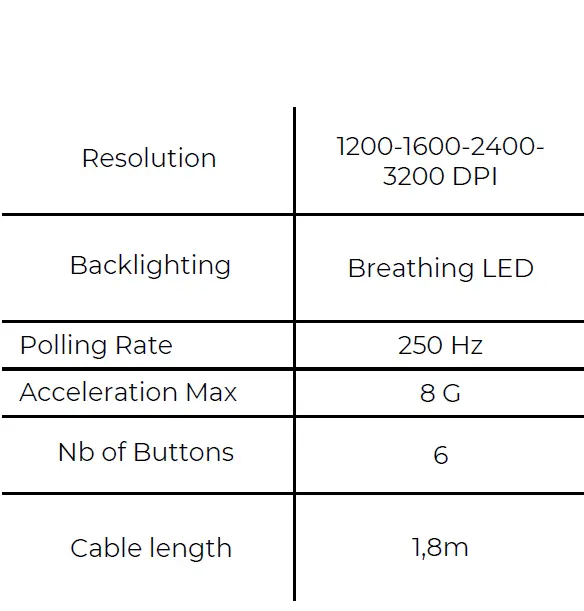
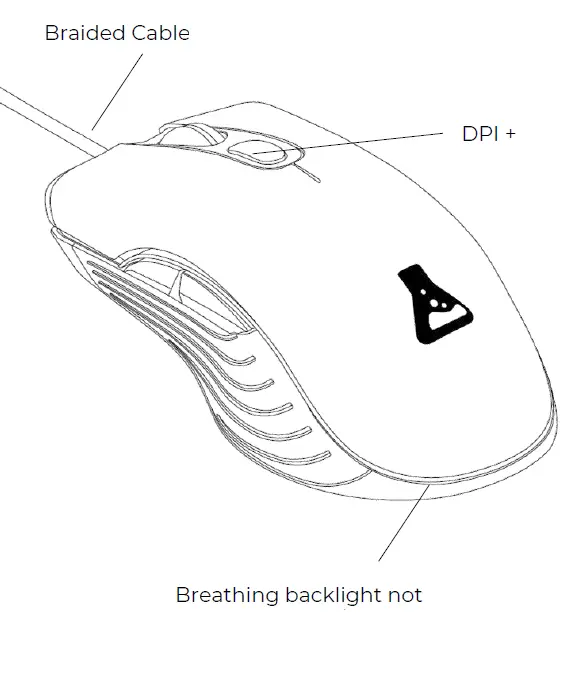
Mouse Specifications
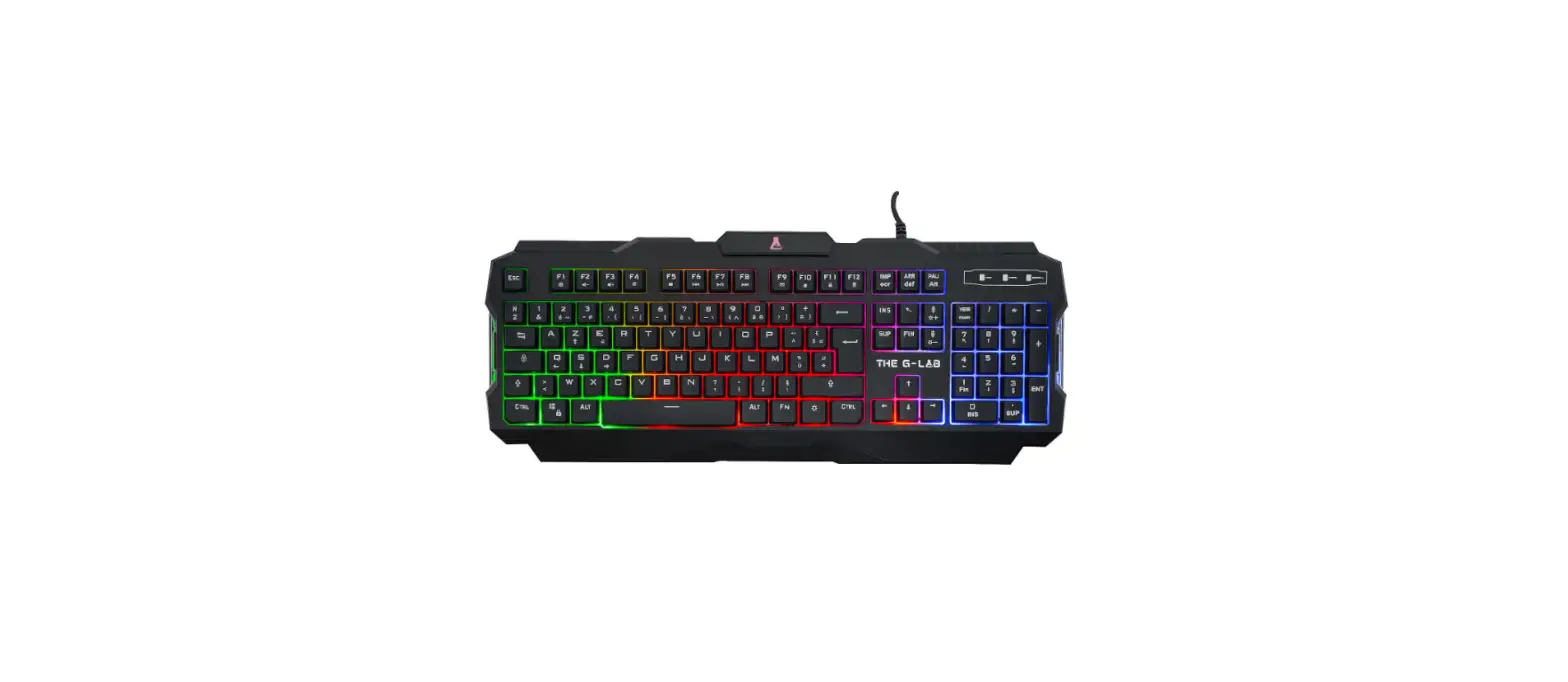
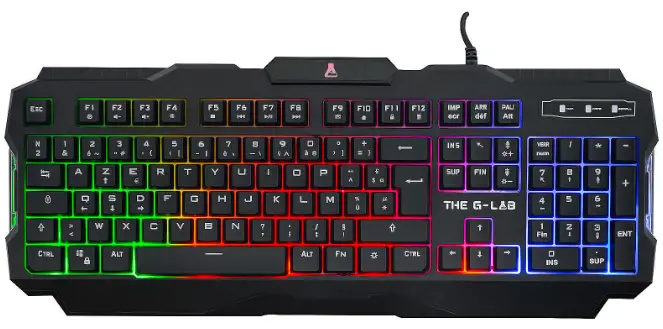
Keyboard
Plug & Play

- It is not necessary to install any driver. It is auto-recognized by your system.
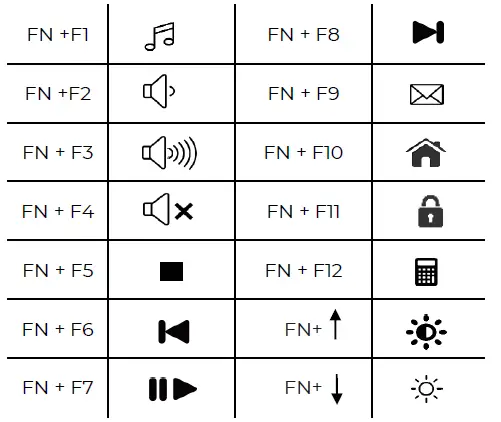
Mutimedia shortcuts
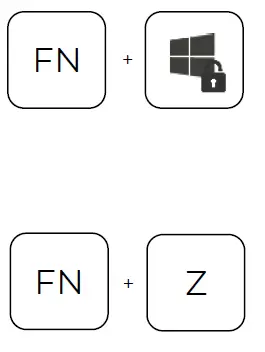
Game mode
- Windows lock mode
- WASD to arrow switch

- Anti-ghosting keyz
Mouse PAD

HEADSET

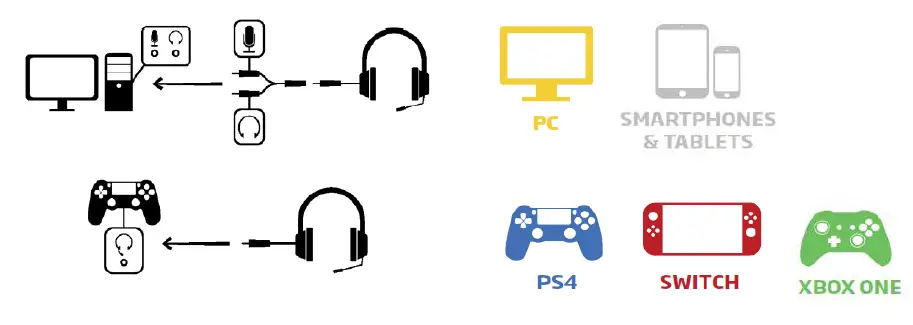
- Plug the Jack Cable

- USB Cable for backlighting only
- www.the-g-lab.tech
This symbol indicates that this product must not be disposed of with your other household waste, but must be taken to a designated collection point for the recycling of waste electrical and electronic equipment.