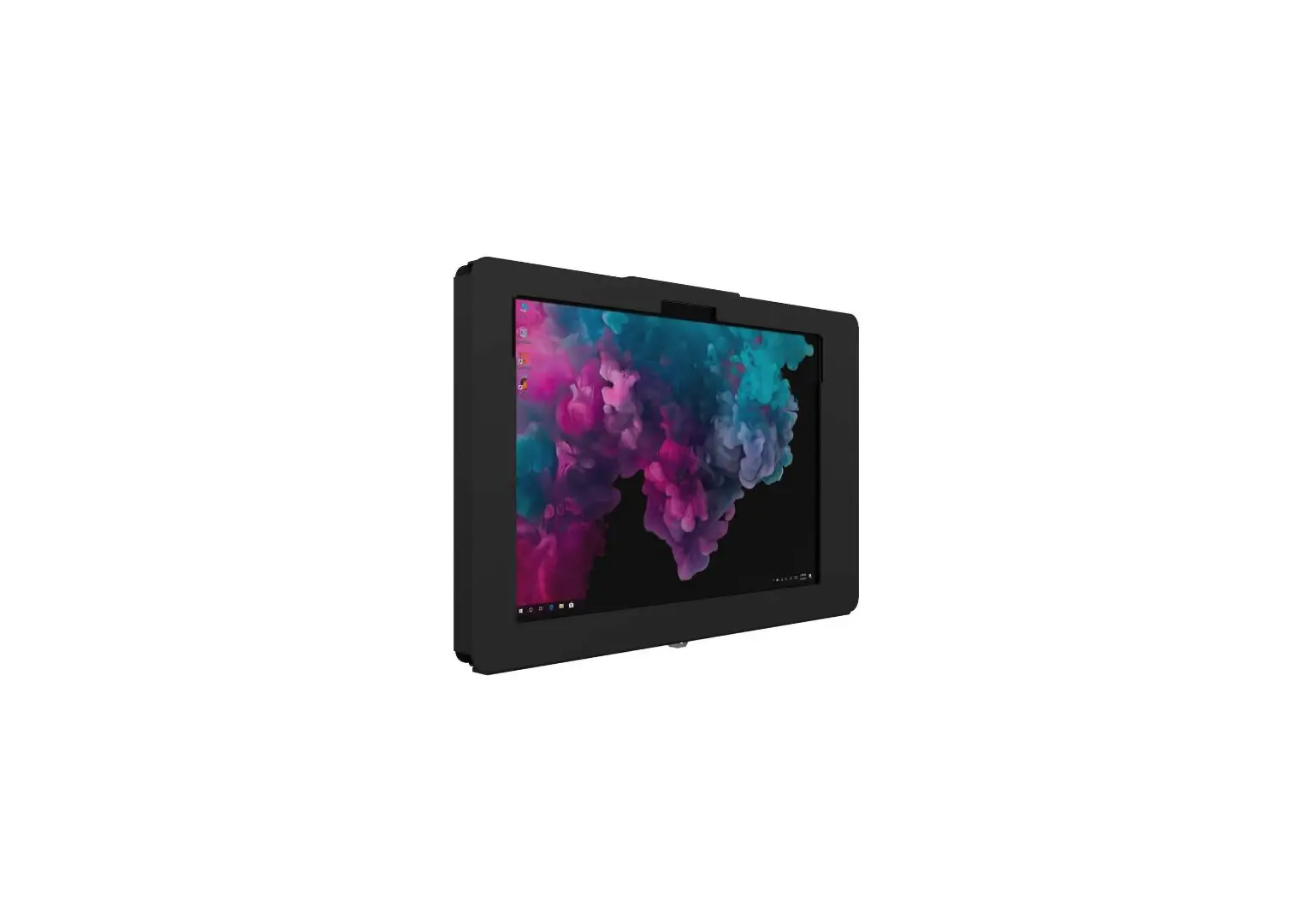
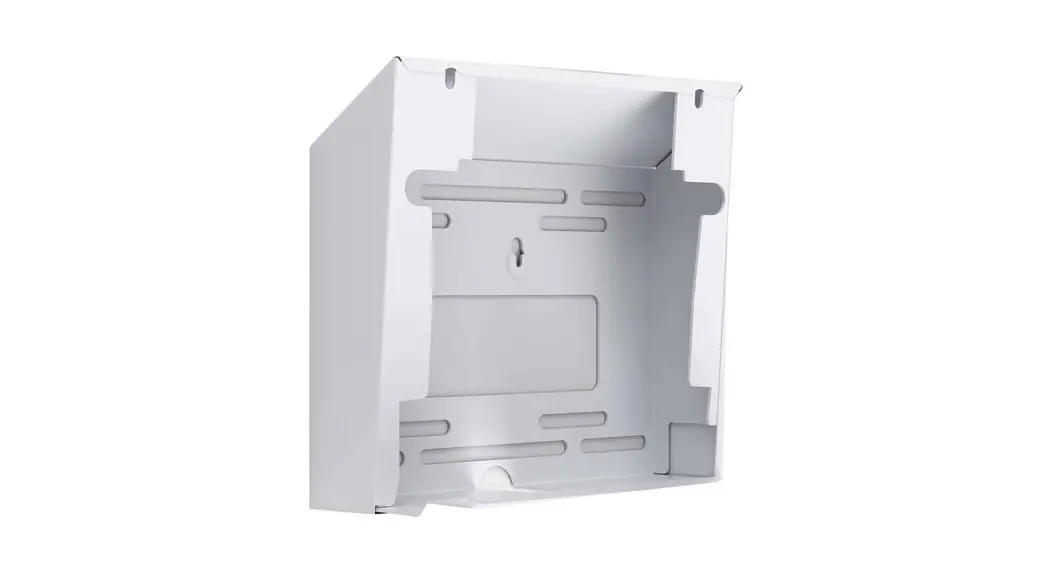
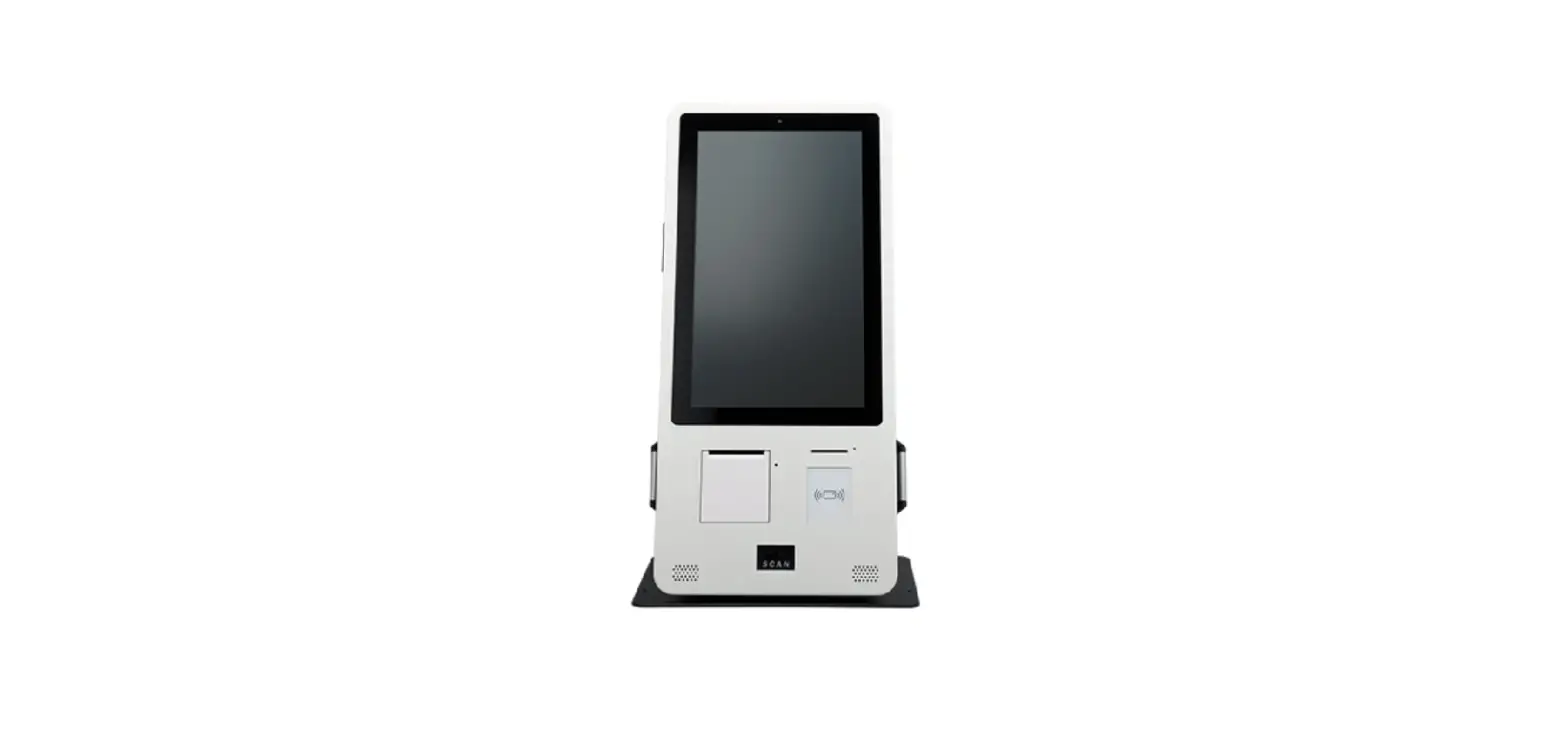
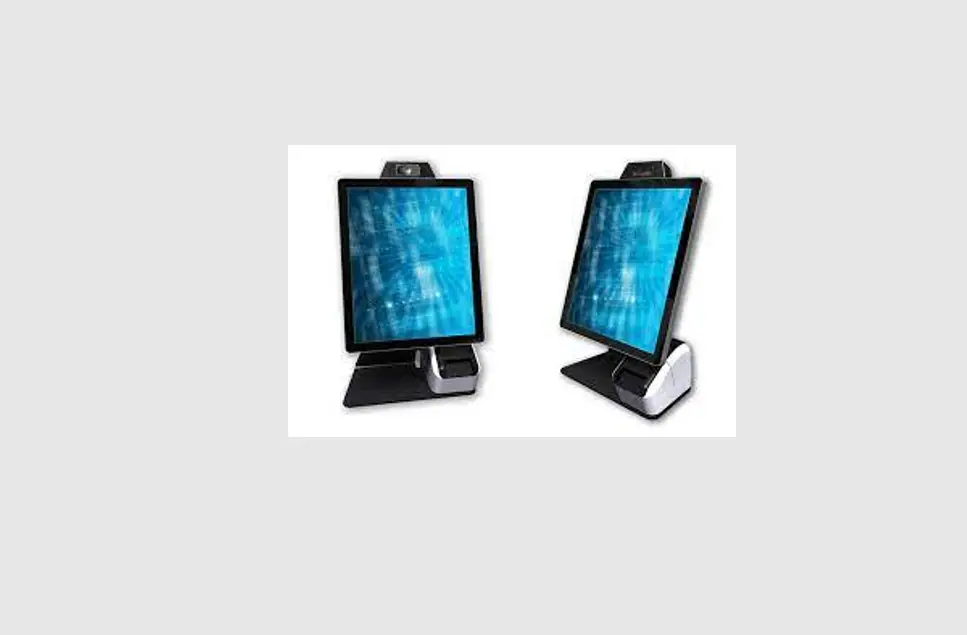
Elevate II Wall-Countertop Mount Kiosk
Product Information: Elevate II Wall/Countertop Mount
Kiosk
The Elevate II Wall/Countertop Mount Kiosk is a versatile
mounting solution for tablets and other mobile devices. The kiosk
can be mounted on a wall or countertop, and it comes with all the
necessary hardware for assembly. The package includes A x1, B x1, C
x1, D x1, E x1, F x4, G x2, H x4, I x4, J x4, and K x4 components.
The kiosk is available in two mounting options – Option A for
mounting from above the surface and Option B for mounting below the
surface.
Tools Required:
- Drill
- Screwdriver
- Level
Product Usage Instructions:
Assembly Instructions:
- Identify the components from the package – A x1, B x1, C x1, D
x1, E x1, F x4, G x2, H x4, I x4, J x4, and K x4. - Choose the mounting option – Option A for mounting from above
the surface or Option B for mounting below the surface. - Follow the assembly instructions as per the chosen mounting
option.
Option A: Mount from Above the Surface
- Place component E over component D and secure them together
using four screws from component K. - Attach component B to component E using two screws from
component J. - Attach component A to the top of component E using four screws
from component I. - Attach four components F to component A using four screws from
component K. - Attach two components G to the bottom of component E using four
screws from component H. - Secure the kiosk to the surface using screws and anchors as
required.
Option B: Mount Below the Surface
- Place component E over component B and secure them together
using two screws from component J. - Attach component A to the top of component E using four screws
from component I. - Attach four components F to component A using four screws from
component K. - Attach four components P to component A using four screws from
component K. - Attach four components Q to components P using four screws from
component K. - Secure the kiosk to the surface using screws and anchors as
required.
For any further assistance or queries, customers can contact the
product support team via email at [email protected] or call
at +1(949) 216-8888.
Elevate II
Wall/Countertop Mount Kiosk
Assembly Instructions
Contents A x1 B x1 C x1 D x1 E x1 F x4 G x2 H x4 I x4 J x4 K x4
Tools required
A OPTION
Mount from above the surface
1
E
D cap
D K
H
B OPTION
Mount below the surface
1
E J
B
Email us at [email protected] or call us at +1(949) 216-8888
© The Joy Factory, Inc.
2
B
A I
3
F
CA
Secure
Optional 270° Module Assembly Instructions
Contents O x1
Drilling Template (Scale 1:1)
Ø 6~8mm
50mm 22.06mm
22.06mm 50mm Ø 16~18mm
for arm
Swivel range clockwise 270°
for swivel
Email us at [email protected] or call us at +1(949) 216-8888
© The Joy Factory, Inc.
270f
O P
P x4
Mount Pole
Q
Q x4
270°
B