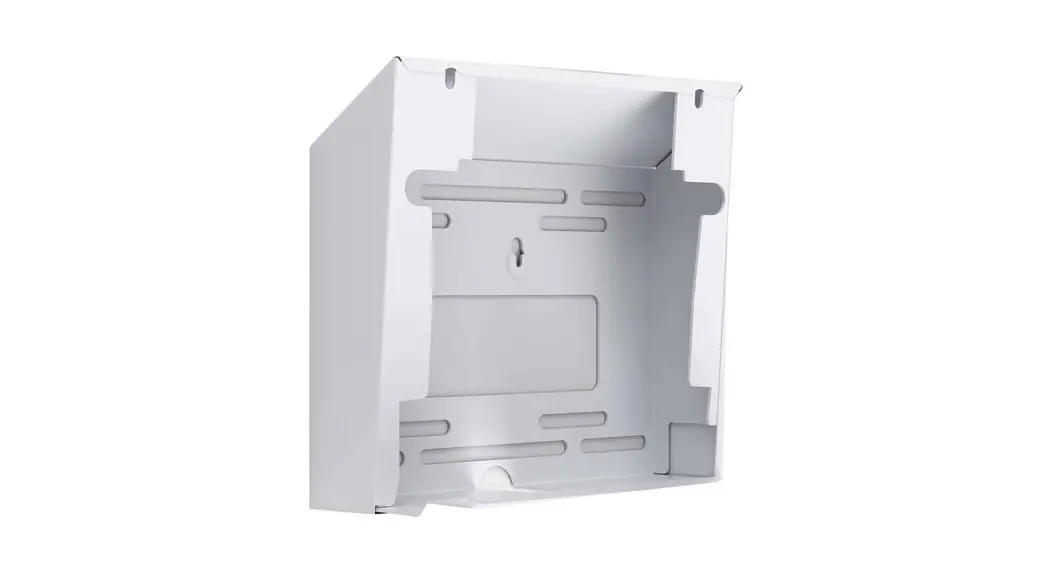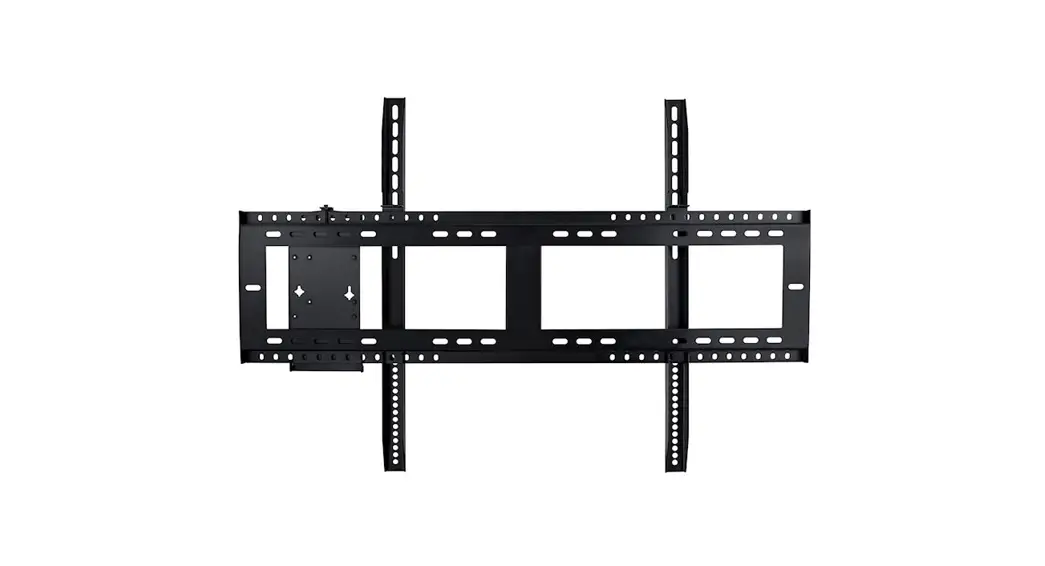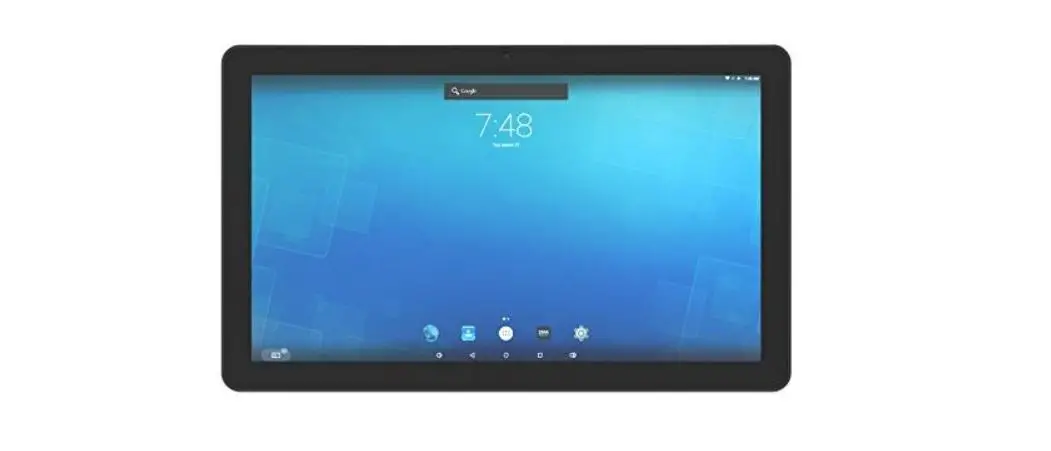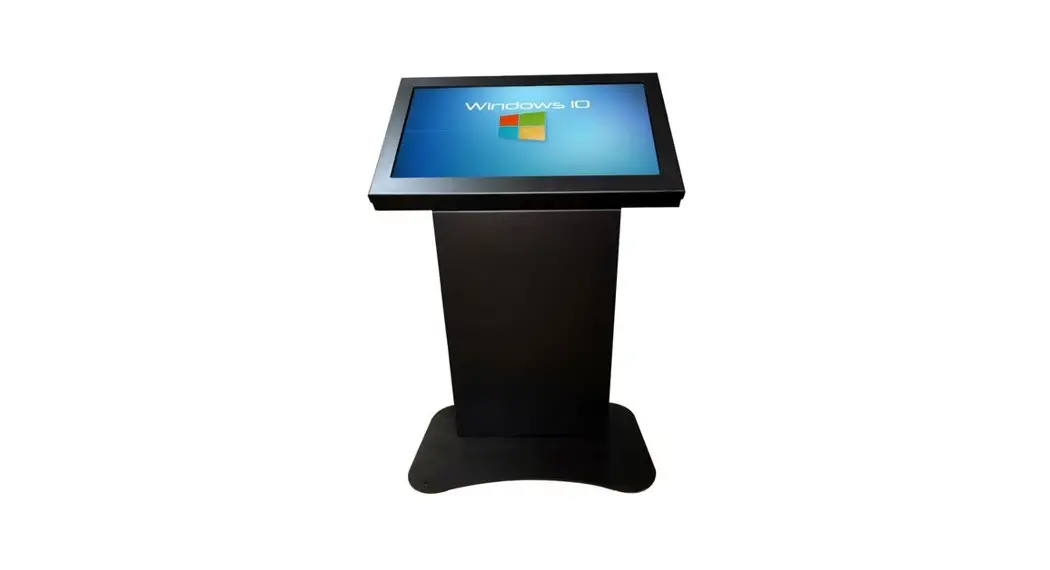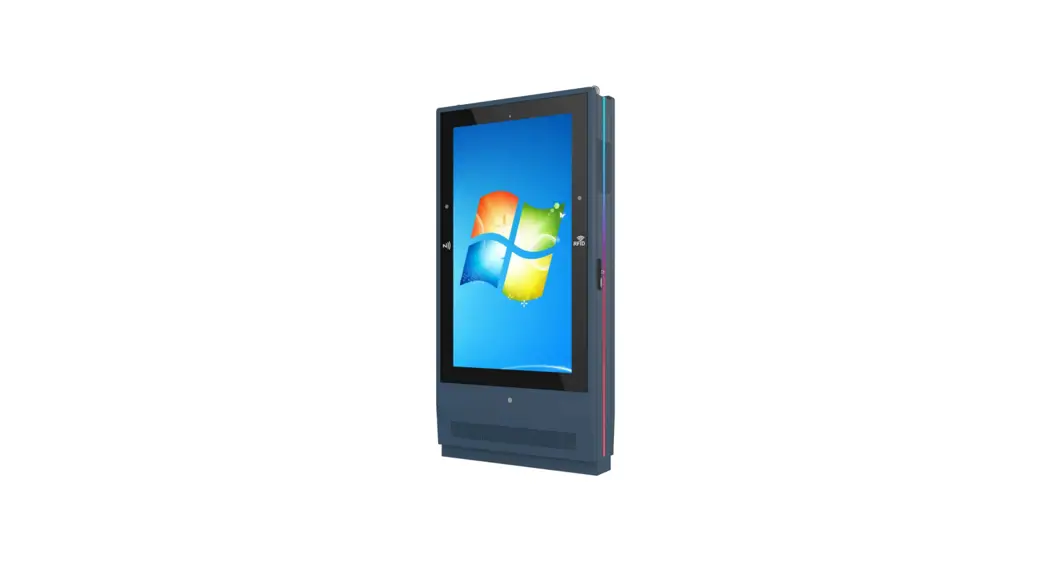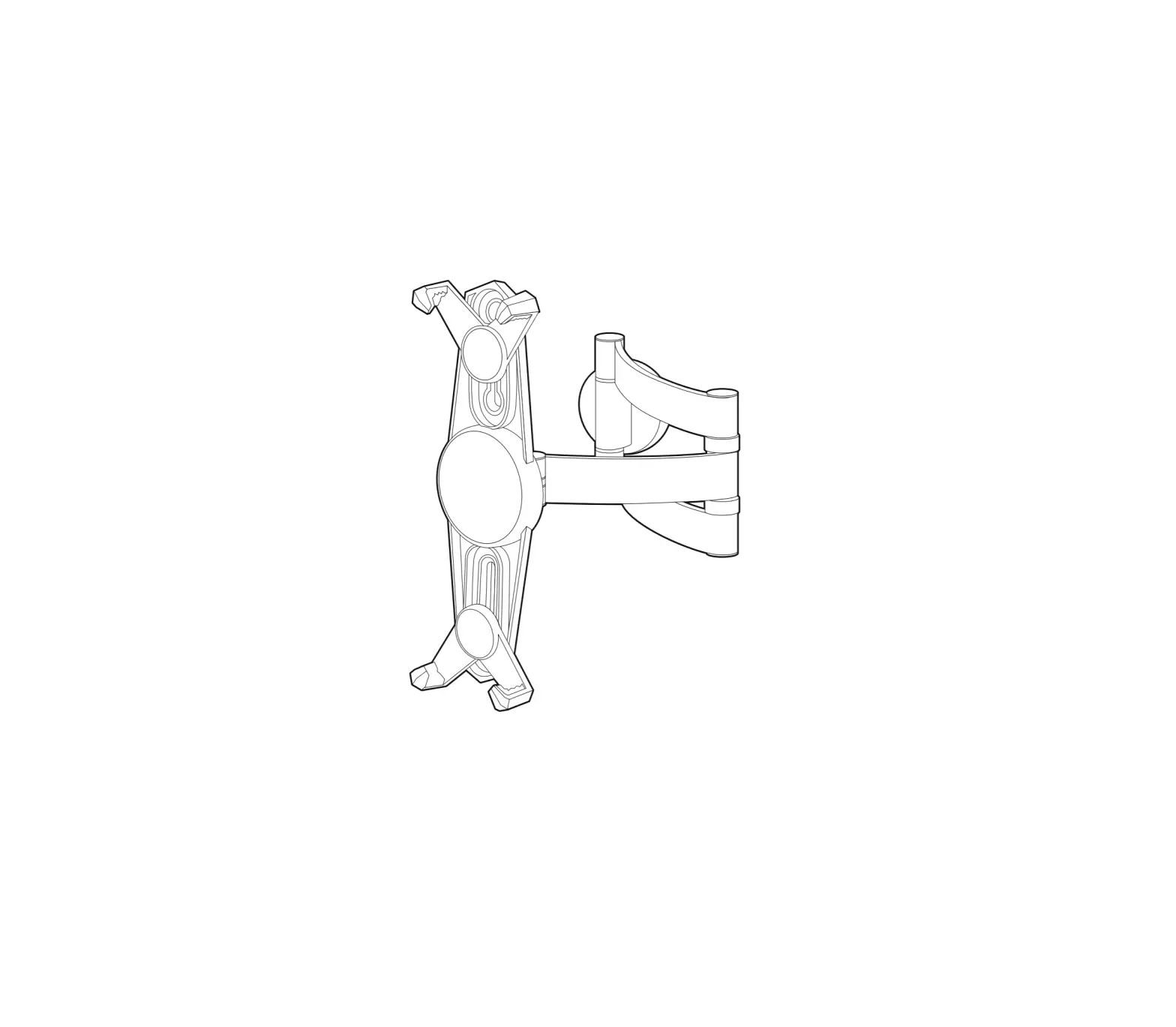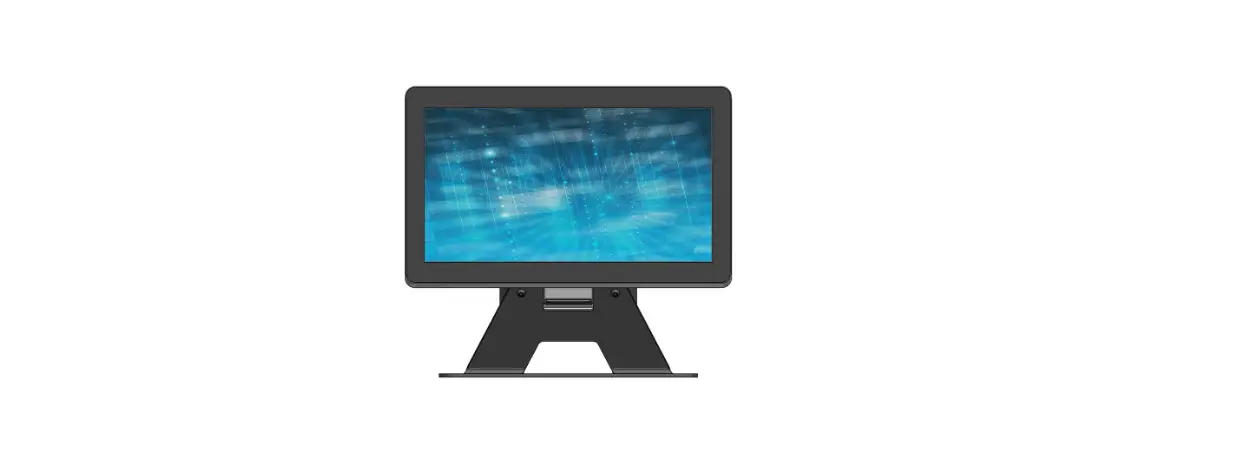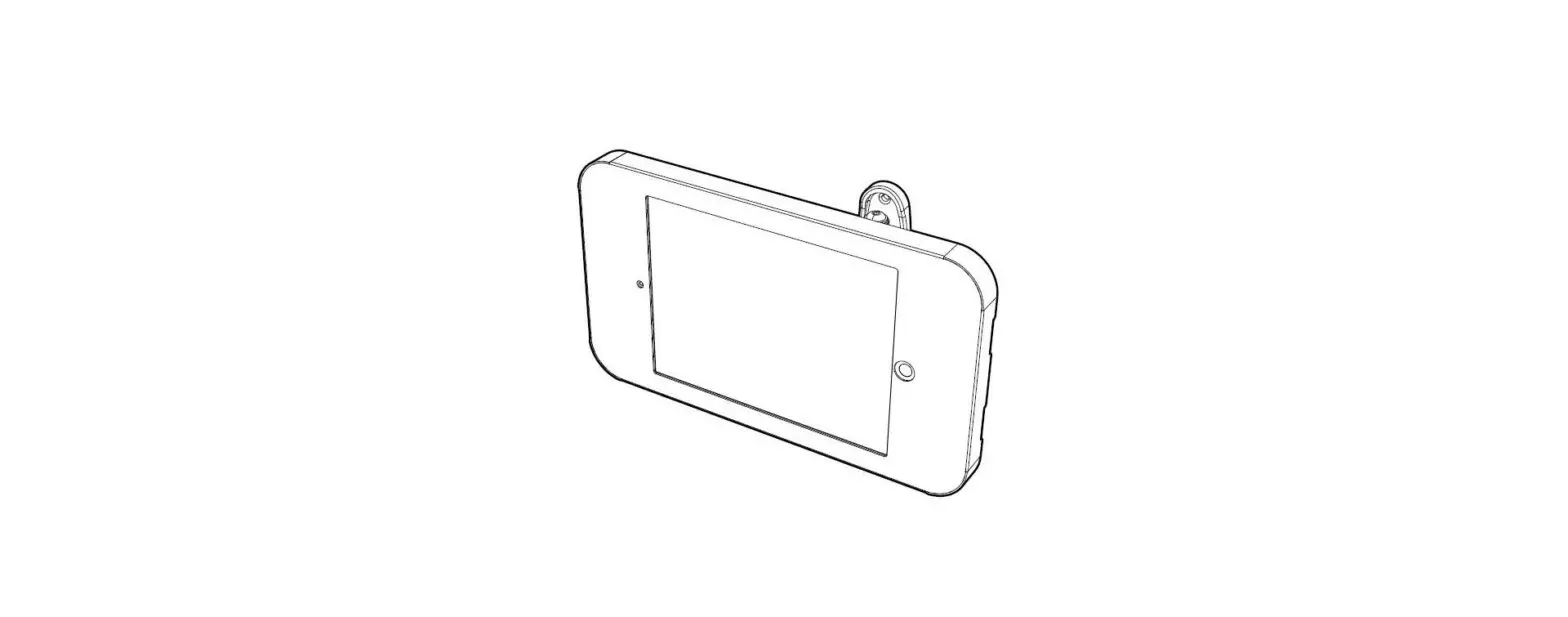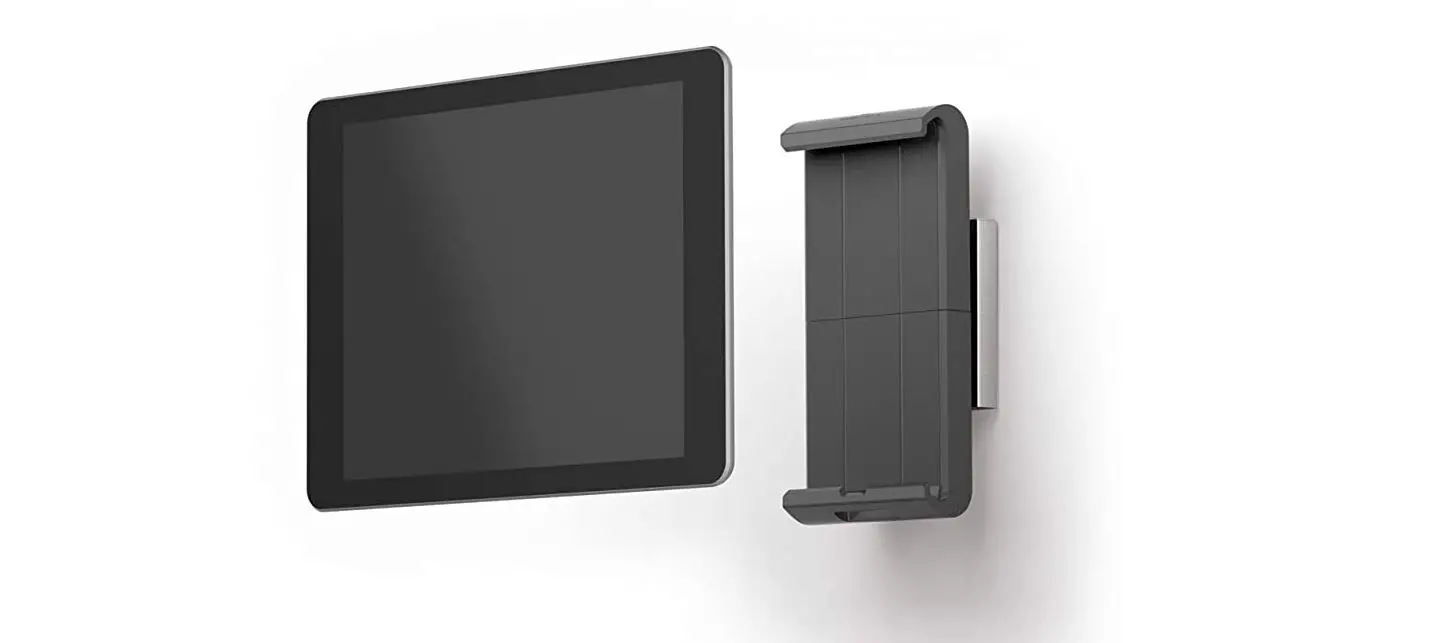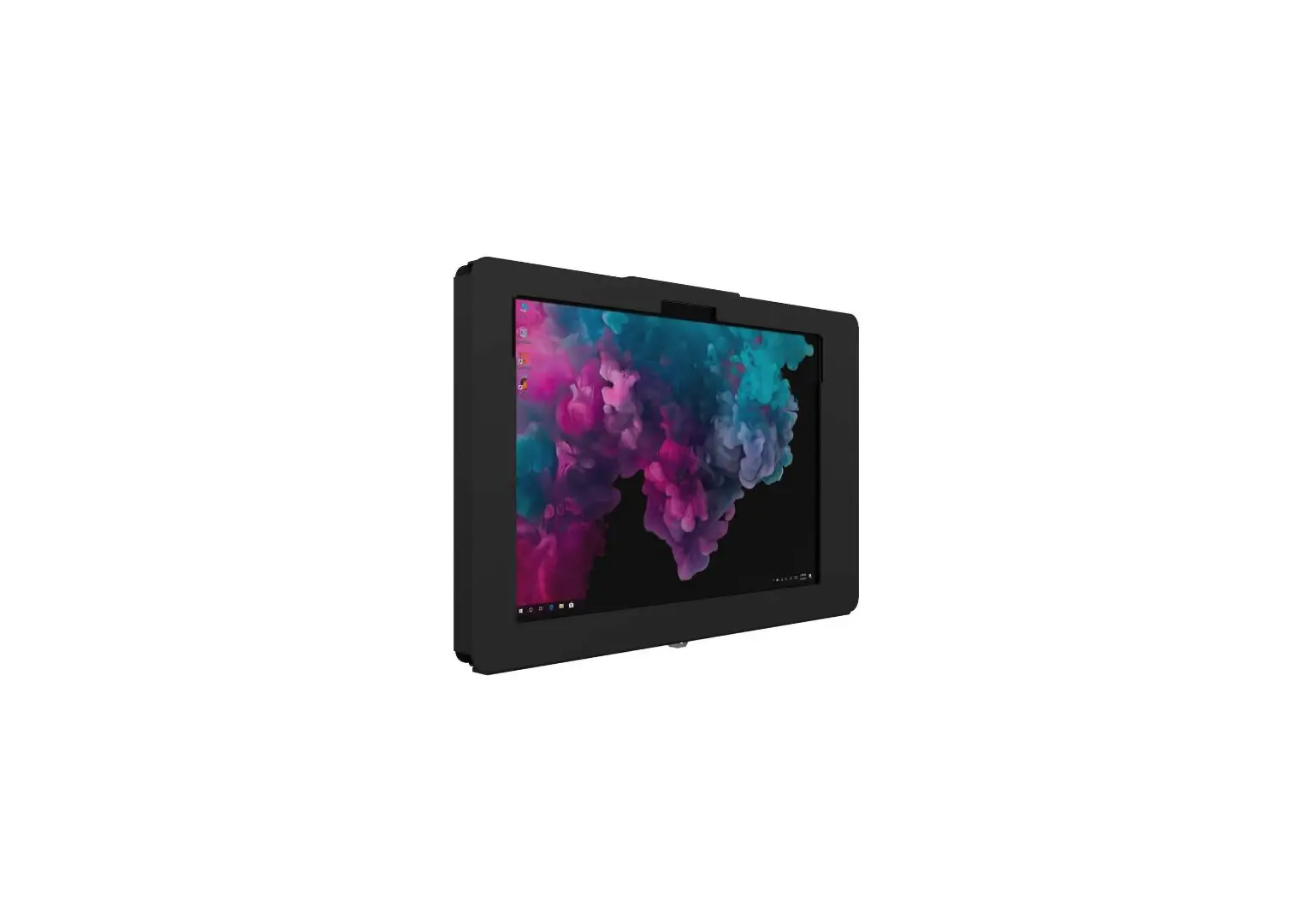

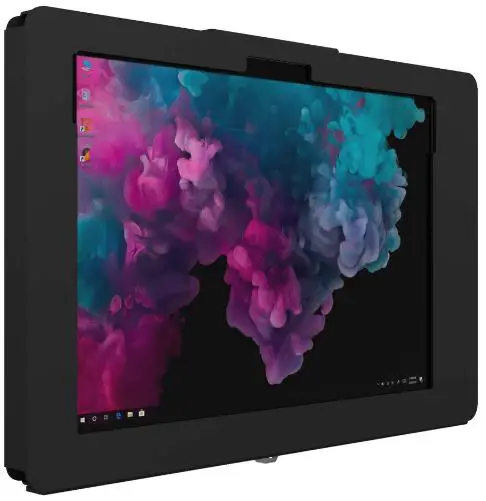
The Joy Factory Elevate II On-Wall Mount Kiosk for Surface Pro
Product Information
The Elevate II On-Wall Mount Kiosk is designed to securely hold and display a Microsoft Surface Pro tablet. The kiosk can be mounted either from above or below the surface, using the included hardware and tools. It features a lock for added security and is made from durable materials.
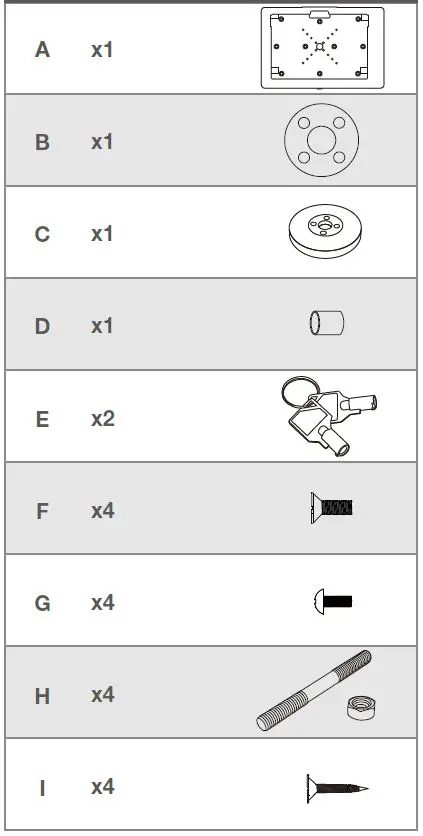
Components
- A x1 – Main bracket
- B x1 – Backplate
- C x1 – Cap type C
- D x1 – Lock cover
- E x2 – Arm covers
- F x4 – Screws for backplate attachment
- G x4 – Screws for arm attachment
- H x4 – Screws for cap attachment
- I x4 – Screws for lock cover attachment
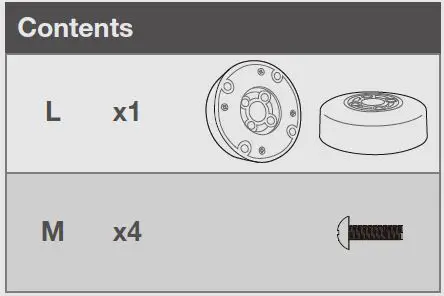
- L x1 – Lock mechanism
- M x4 – Keys for lock mechanism
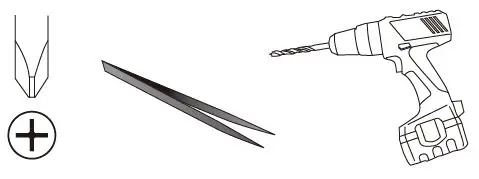
Tools Required
Drill, drill bits, screwdriver, level, measuring tape,pencil
Product Usage Instructions
Mounting from Above the Surface (Option A)
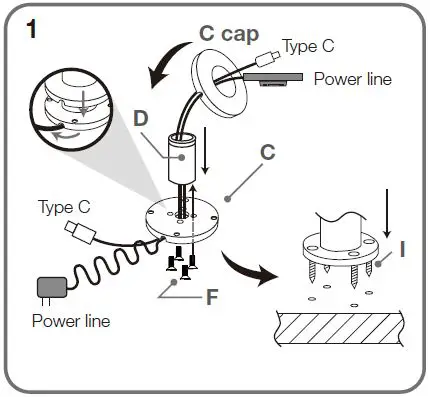
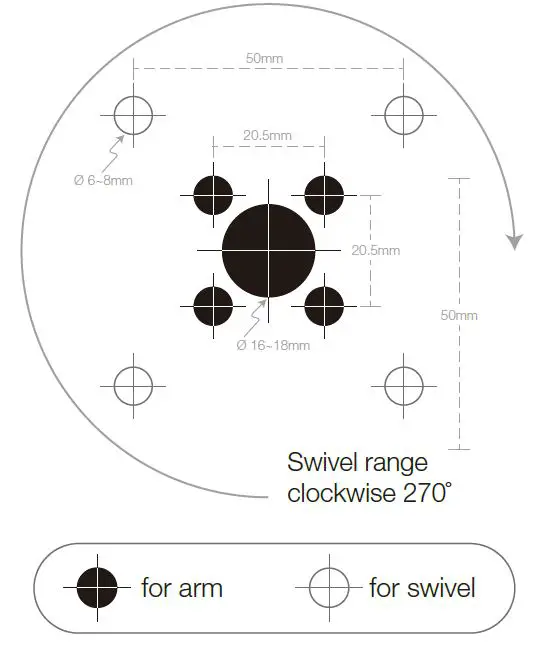
- Using the drilling template, mark the location where the kiosk will be mounted.
- Drill holes into the surface for the arm attachment screws.
- Attach the backplate to the surface using the screws provided.
- Attach the arms to the backplate using the screws provided.
- Insert the tablet into the bracket and secure it with the cap.
- Attach the lock cover to the bracket using the screws provided.
Mounting from Below the Surface (Option B)
- Using the drilling template, mark the location where the kiosk will be mounted.
- Drill holes into the surface for the arm attachment screws.
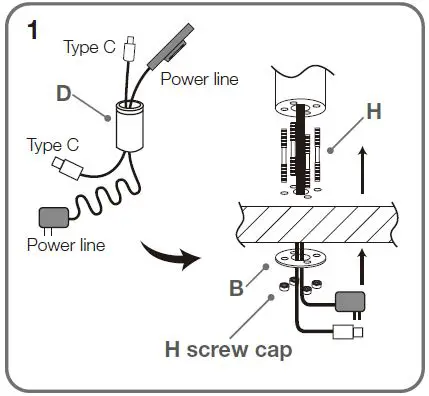
- Attach the arms to the backplate using the screws provided.
- Attach the backplate to the surface using the screw cap and screws provided.
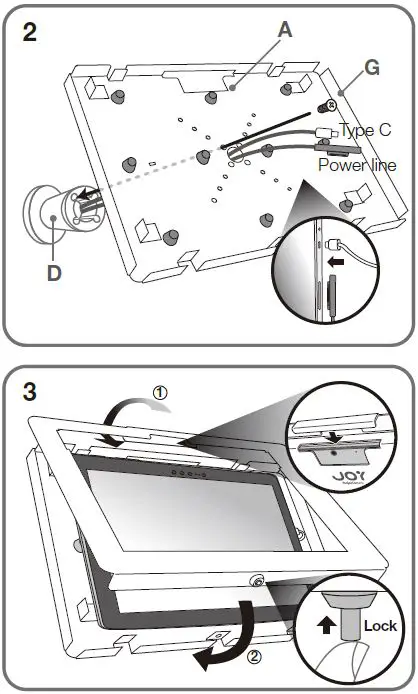
- Insert the tablet into the bracket and secure it with the cap.
- Attach the lock cover to the bracket using the screws provided.
Note: For both mounting options, make sure to route the power line through the designated hole in the backplate for a clean and organized look. Use the lock mechanism for added security and peace of mind.
If you have any questions or need further assistance, please email us at [email protected] or call us at +1(949) 216-8888.
Product Contents
Product Tools Required
Assembly Instructions
OPTION A
Mount from above the surface
OPTION B
Mount from below the surface
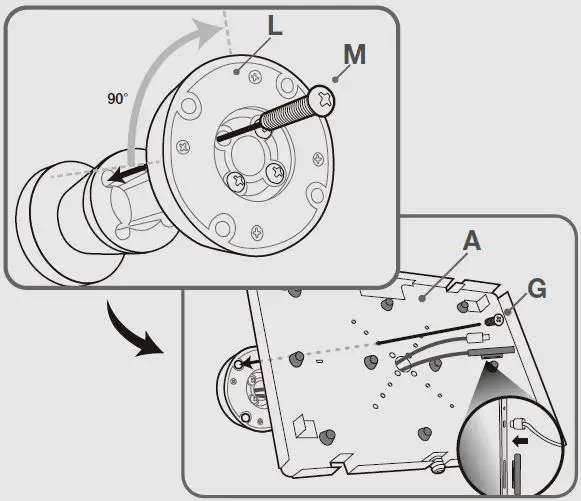
Optional 90° Module
Assembly Instructions
Drilling Template (Scale 1:1)
 Email us at [email protected] or call us at +1(949) 216-8888
© The Joy Factory, Inc.