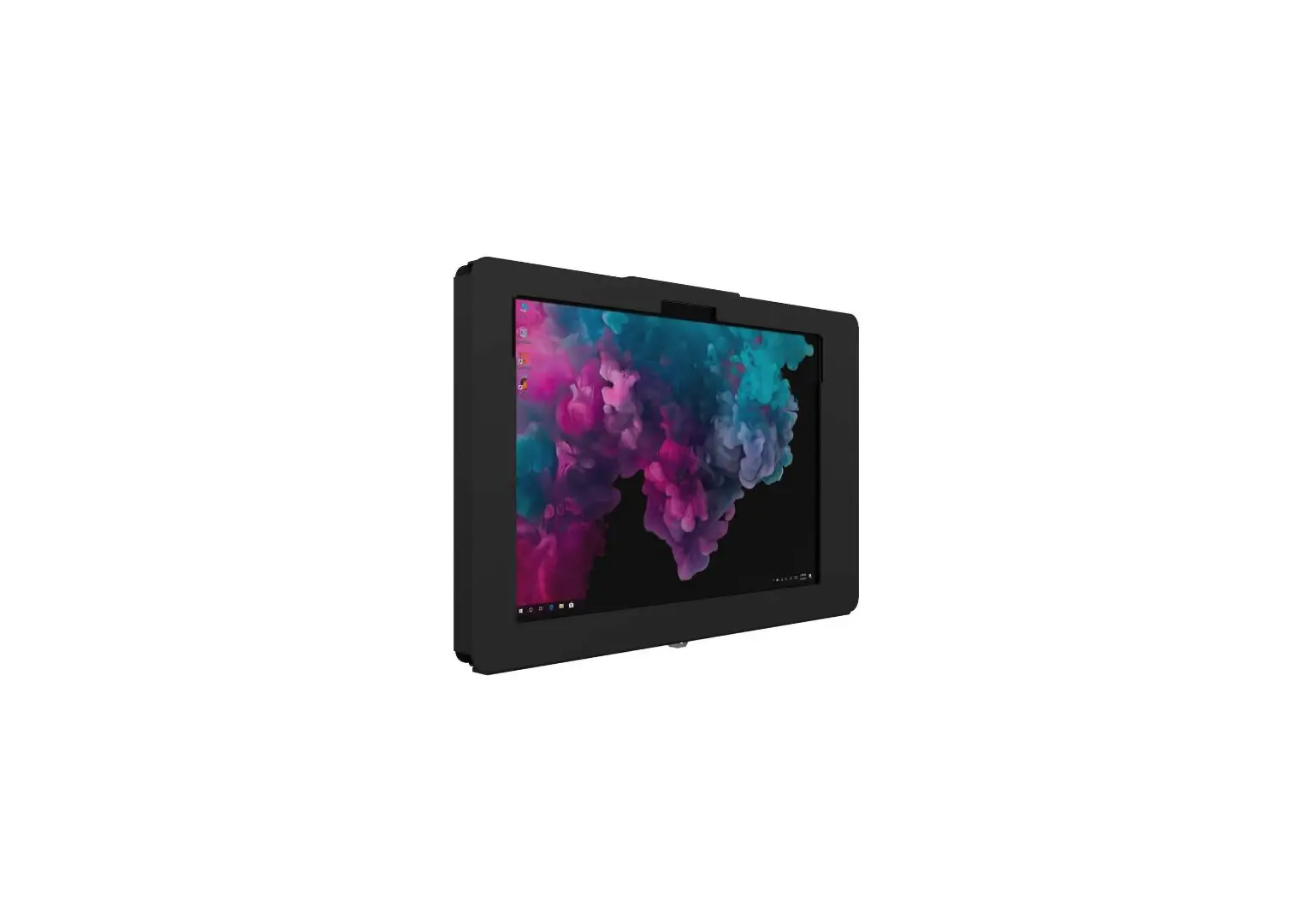
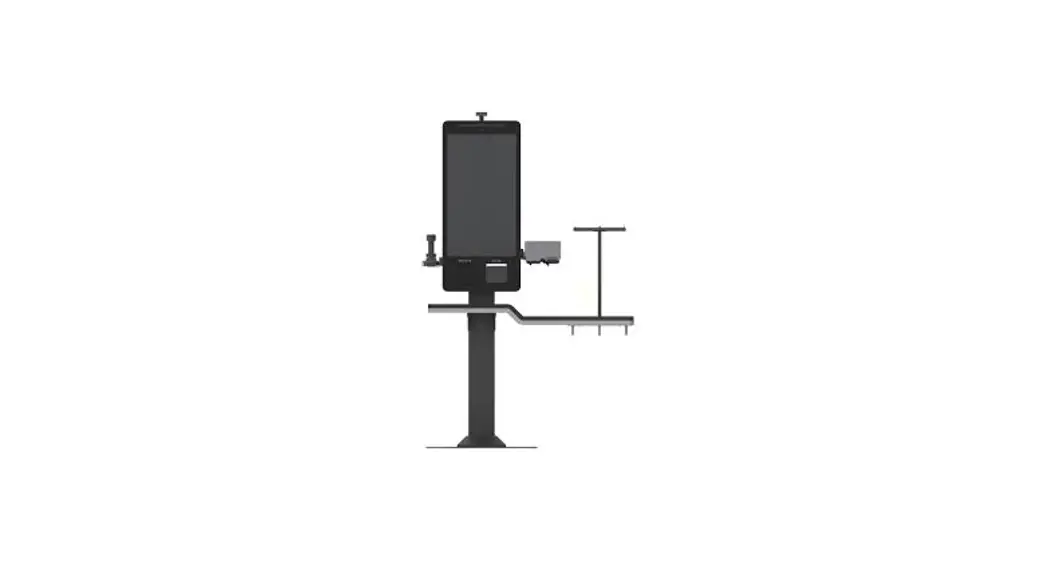
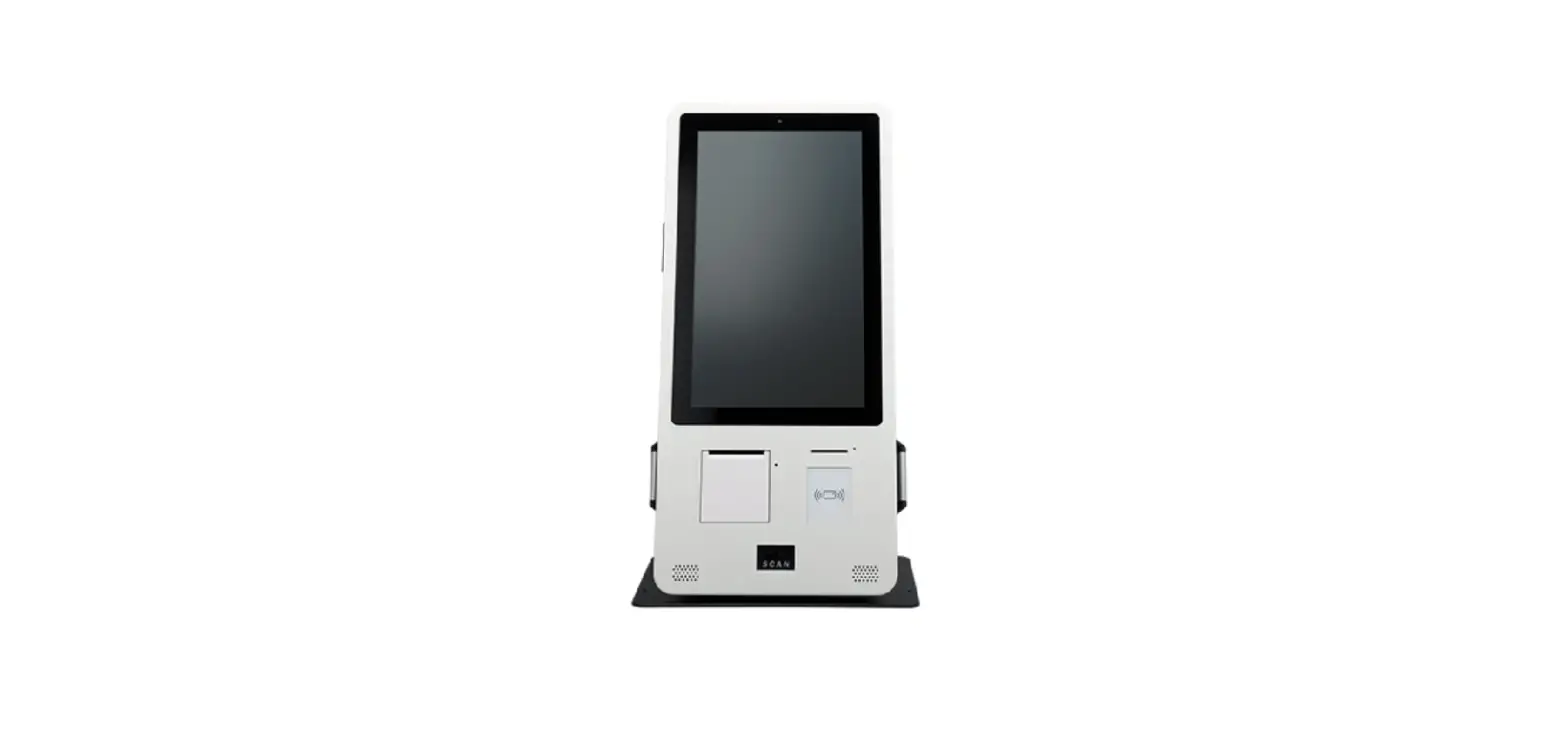
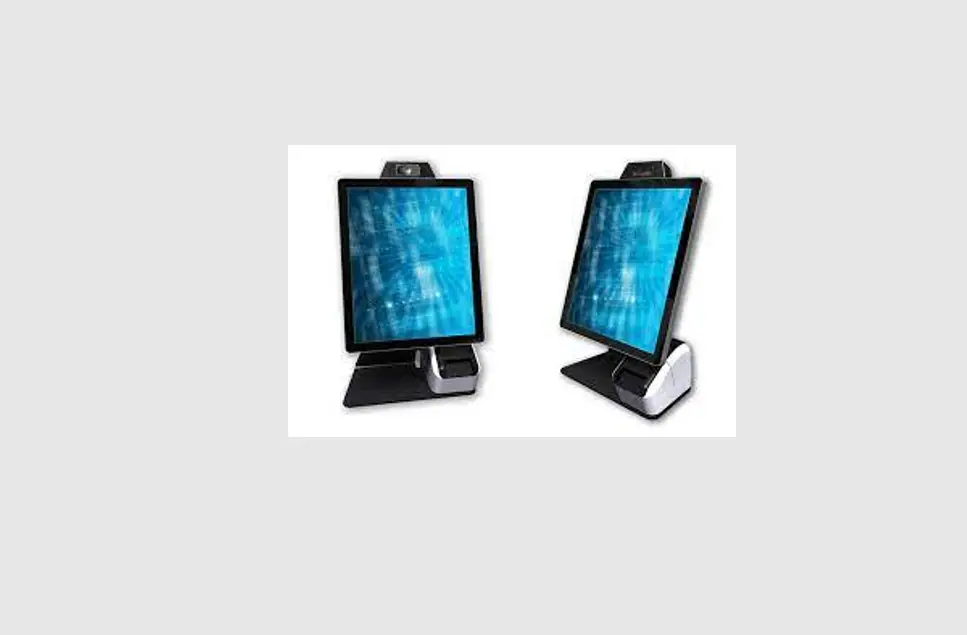
Elevate II Countertop Kiosk
Product Information
Elevate II Countertop Kiosk
The Elevate II Countertop Kiosk is a secure and versatile
solution for displaying your tablet in public spaces. It comes with
contents A x1, B x1, C x1, D x1, E x1, F x4, G x2, H x4, and I x4.
In addition, it requires tools 1, E, H, 2, B, D, A, and I for
assembly. It also includes contents O x1 and P x4, as well as Q x4.
The tools required for these additional contents are 270f.
Assembly Instructions
- Start by gathering all the necessary contents and tools.
- Attach the base (I) to the kiosk stand (B) using the screws (D)
and the wrench (H). - Attach the tablet holder (A) to the kiosk stand (B) using the
screws (E) and the wrench (H). - Attach the cover (C) to the tablet holder (A) using the screws
(F). - Secure the tablet in place using the security lock (CA).
- Additional contents O, P, and Q can be attached according to
the included instructions using tool 270f.
If you have any questions or concerns during assembly or usage
of the Elevate II Countertop Kiosk, please contact our customer
support team at [email protected] or call us at +1(949)
216-8888.
Elevate II
Countertop Kiosk
Assembly Instructions
Contents A x1 B x1 C x1 D x1 E x1 F x4 G x2 H x4 I x4
Tools required
1
E
H
2
B
D
A I
3
F
Secure
CA
Optional 270° Module Assembly Instructions
Contents O x1
P x4
Q x4
Tools required
270f
O P
for Countertop
Kiosk
Base I
270°
Email us at [email protected] or call us at +1(949) 216-8888
© The Joy Factory, Inc.