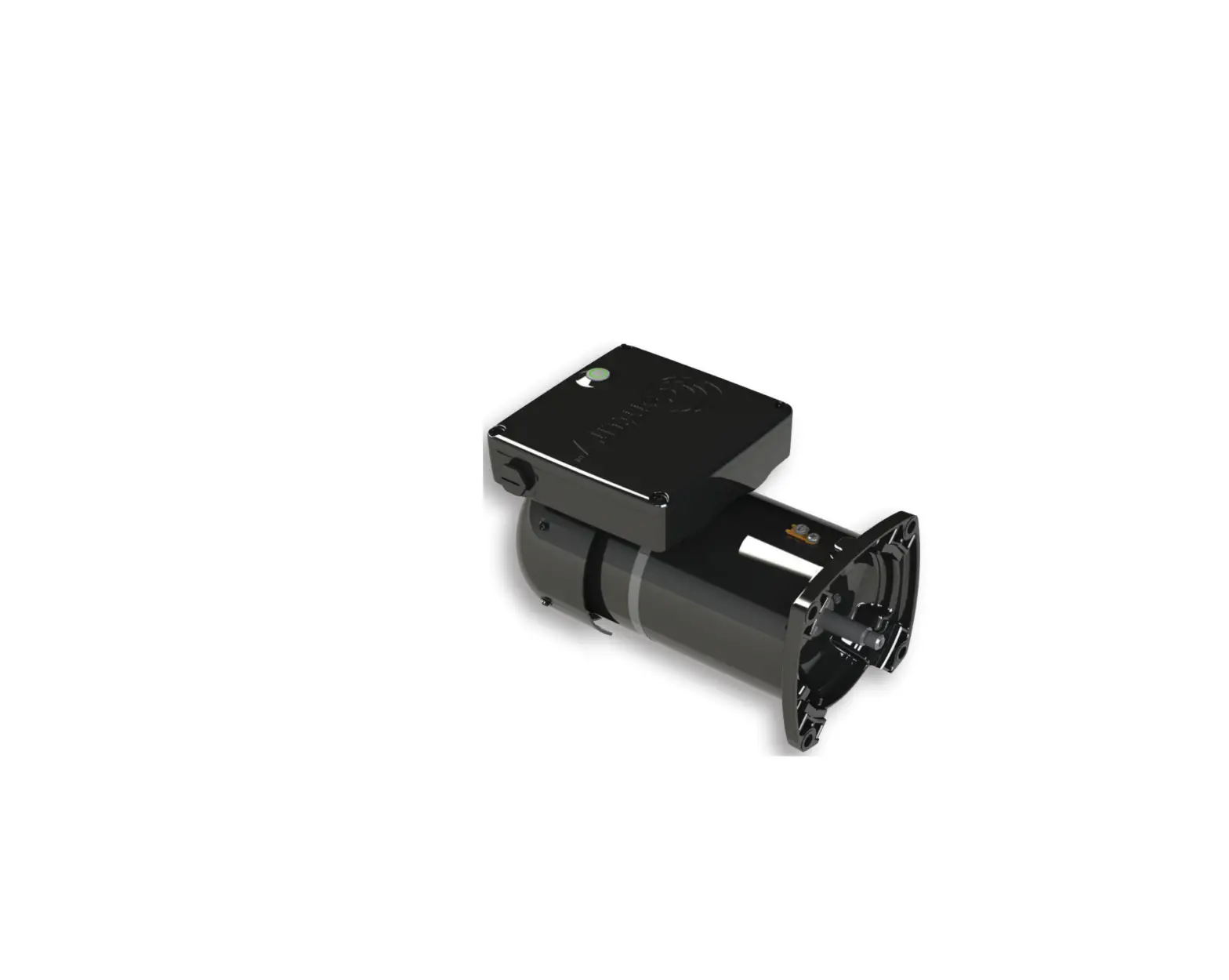
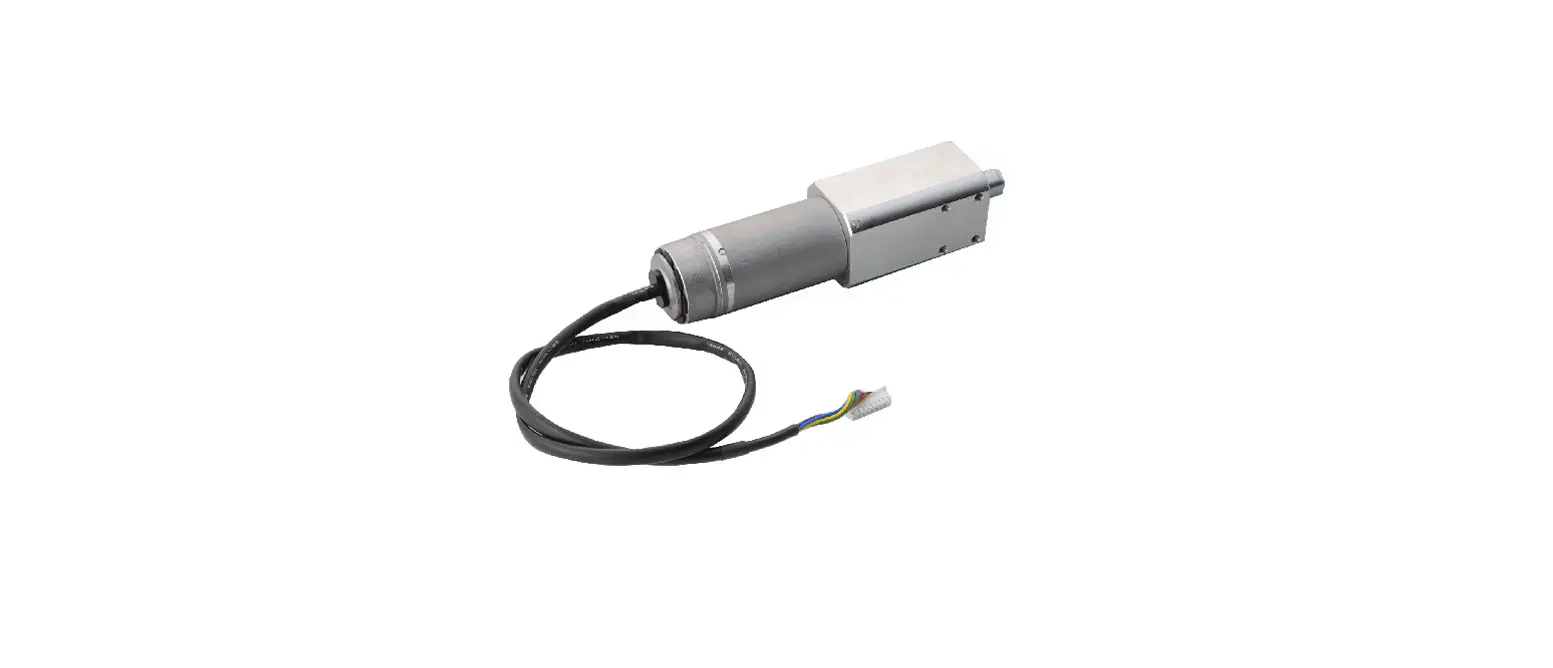
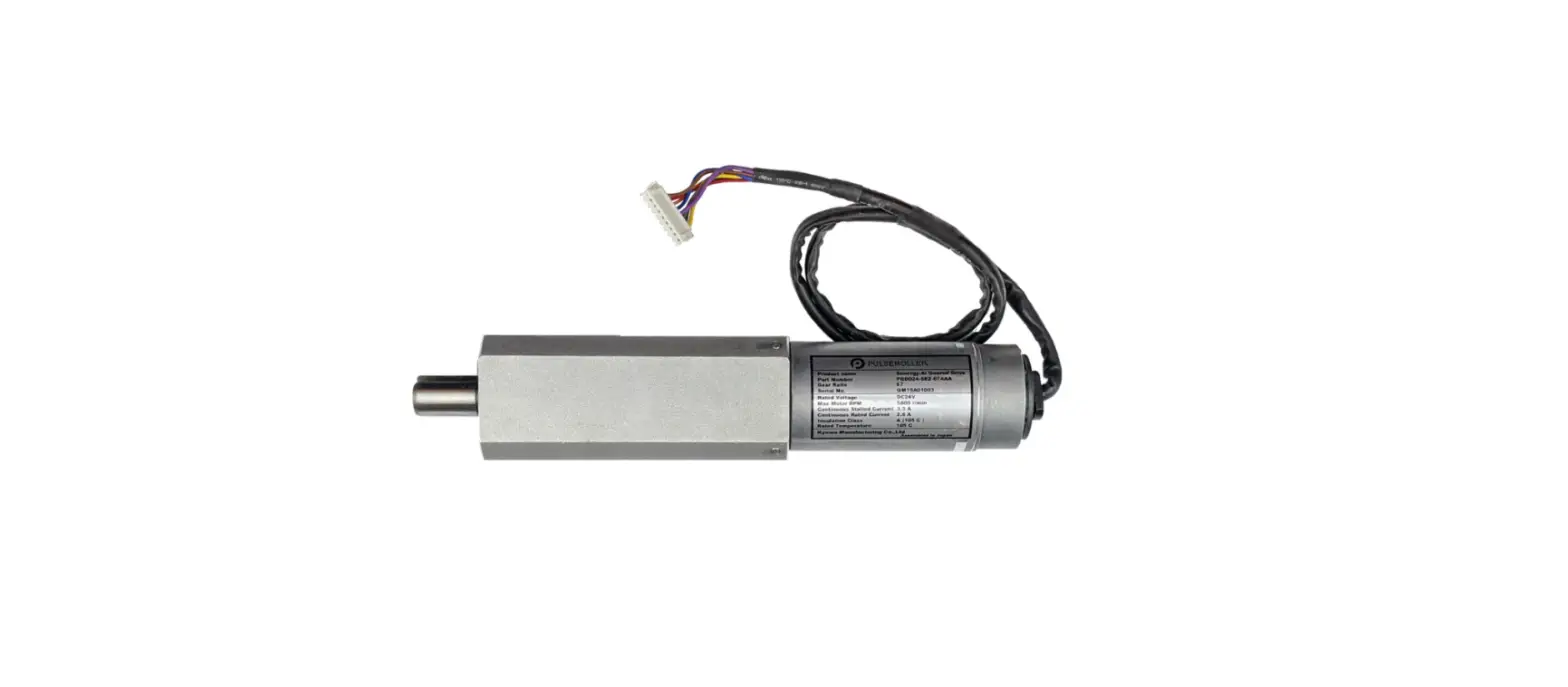
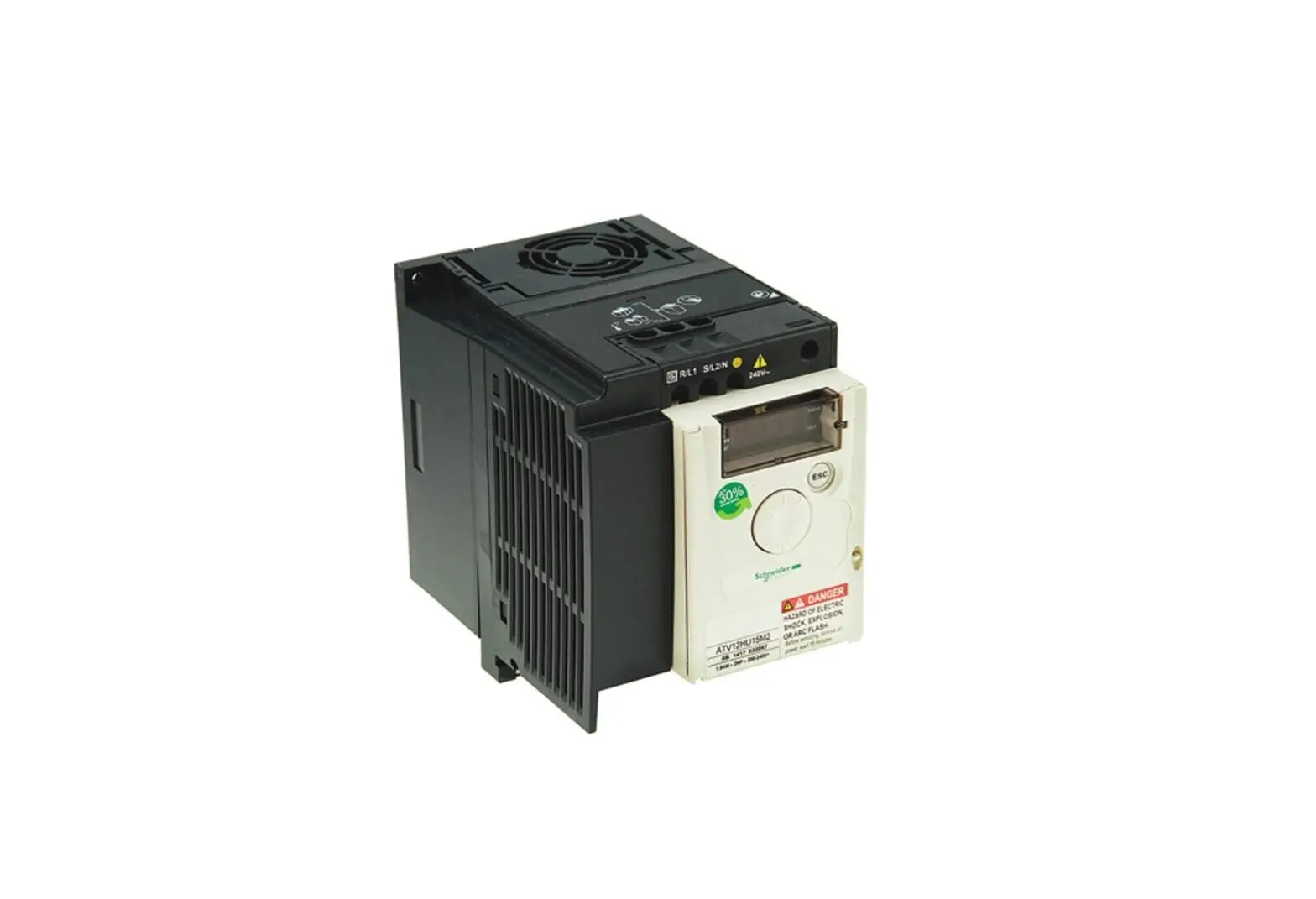
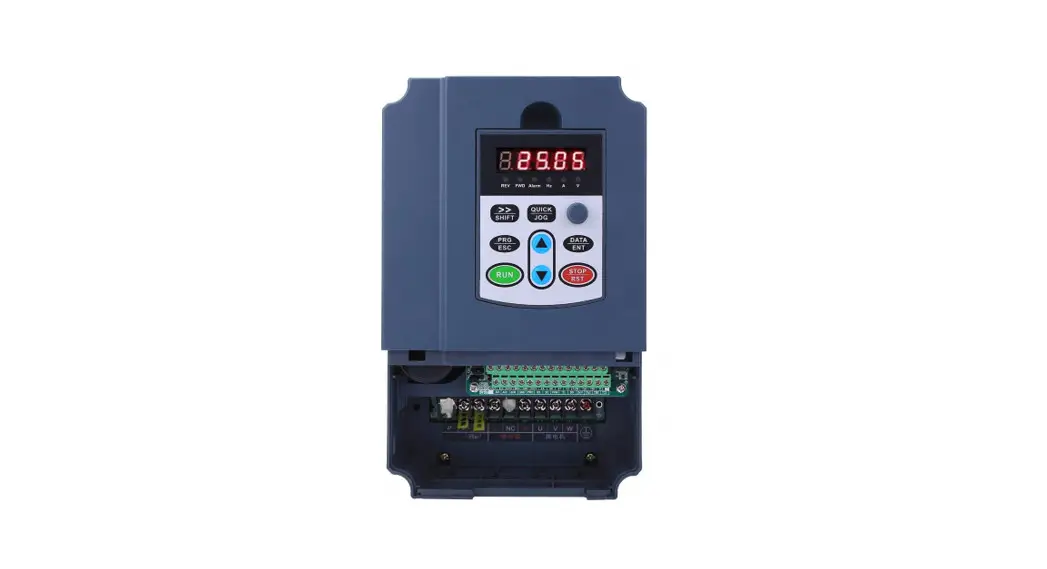
18-BC113D1-1A Integrated Variable Speed Control Drive
Product Information: Integrated Variable Speed Control Drive
Replacement
The Integrated Variable Speed Control Drive Replacement is a
heating, ventilating, and air-conditioning equipment that requires
specific knowledge and training to install, start up, and service.
This product is designed to control the speed of the motor to
adjust air flow and temperature in HVAC systems.
This product comes with an installer’s guide that contains
instructions on how to replace the drive board. All phases of the
installation must comply with national, state, and local codes. The
instructions do not cover all variations in systems, nor do they
provide for every possible contingency to be met in connection with
the installation. If further information is desired or specific
problems arise, the matter should be referred to your installing
dealer or local distributor.
Product Usage Instructions: Integrated Variable Speed Control
Drive Replacement
Section 1. Safety
Only qualified personnel should install and service the
equipment. When working on the equipment, observe all precautions
in the literature and on the tags, stickers, and labels that are
attached to the equipment. Follow proper lockout/tagout procedures
to ensure the power cannot be inadvertently energized.
Section 2. Tools and Parts Required
2.1 – Tools Required
The following tools are required to perform the procedures
described in this document:
- Thermal grease
- Screwdrivers
- Nut drivers
- Wire stripper
- Torque wrenches
Section 4. Remove IVSC
Before removing the Integrated Variable Speed Control (IVSC),
disconnect all electric power, including remote disconnects. Follow
proper lockout/tagout procedures to ensure the power cannot be
inadvertently energized.
Use screwdrivers and nut drivers to remove the screws and nuts
that secure the IVSC to the mounting bracket. Carefully disconnect
all wiring connectors from the IVSC by pulling on the connector,
not the wire. Remove the IVSC from the mounting bracket.
Section 5. Apply Thermal Grease
Apply thermal grease to the back of the new IVSC. Use a wire
stripper to strip 1/4 inch (6 mm) of insulation from the wires that
connect to the IVSC.
Section 6. Reinstall the IVSC
Reinstall the IVSC onto the mounting bracket. Use torque
wrenches to tighten the screws and nuts to the specified torque
values. Reconnect all wiring connectors to the IVSC.
Section 7. Perform Final Inspection
Perform a final inspection of the installation to ensure that
all wiring is properly connected and that no tools or parts are
left inside the equipment. Reconnect all grounding devices.
Section 8. Return Drive Board
Return the old drive board to your local distributor or dealer
for proper disposal or recycling.
18-BC113D1-1A-EN
Installer’s Guide
Integrated Variable Speed Control Drive Replacement
ALL phases of this installation must comply with NATIONAL, STATE AND LOCAL CODES IMPORTANT — These instructions do not cover all variations in systems, nor do they provide for every possible contingency to be met in connection with the installation. Should further information be desired, or should particular problems arise which are not sufficiently covered for the purchaser’s purposes, the matter should be referred to your installing dealer or local distributor.
Table of Contents
Section 1. Safety …………………………………….. 2 Section 2. Tools and Parts Required ………….. 3 Section 3. Terminology …………………………….. 3 Section 4. Remove IVSC………………………….. 4 Section 5. Apply Thermal Grease………………. 6 Section 6. Reinstall the IVSC ……………………. 6 Section 7. Perform Final Inspection……………. 7 Section 8. Return Drive Board…………………… 7
Section 1. Safety
Only qualified personnel should install and service the equipment. The installation, starting up, and servicing of heating, ventilating, and air-conditioning equipment can be hazardous and requires specific knowledge and training. Improperly installed, adjusted or altered equipment by an unqualified person could result in death or serious injury. When working on the equipment, observe all precautions in the literature and on the tags, stickers, and labels that are attached to the equipment.
WARNING
HAZARDOUS VOLTAGE! Failure to follow this Warning could result in property damage, severe personal injury, or death. Disconnect all electric power, including remote disconnects before servicing. Follow proper lockout/tagout procedures to ensure the power cannot be inadvertently energized.
WARNING
HIGH LEAKAGE CURRENT! Failure to follow this warning could result in property damage, severe personal injury, or death. Earth connection essential before connecting supply.
CAUTION
GROUNDING REQUIRED! Failure to inspect or use proper service tools may result in equipment damage or personal injury. Reconnect all grounding devices. All parts of this product that are capable of conducting electrical current are grounded. If grounding wires, screws, straps, clips, nuts, or washers used to complete a path to ground are removed for service, they must be returned to their original position and properly fastened.
CAUTION
HOT SURFACE! May cause minor to severe burning. Failure to follow this Caution could result in property damage or personal injury. Do not touch compressor.
2
18-BC113D1-1A-EN
400 VOLTS
ELECTRICAL HAZARD
Failure to follow this warning could result in personal injury or death.
WAIT TWO (2) MINUTES after disconnecting power prior to touching electrical components as they may hold a dangerous charge of 400VDC, then verify DC Voltage is less than 42 VDC at inverter test points labeled +DC and -DC before servicing board.
DC- DC+
+DC -DC
+DC and -DC
Figure 1 – IVSC Test Points
Section 2. Tools and Parts Required
2.1 – Tools Required The following tools are required to perform the procedures described in this document:
· DC Volt Meter · 5/16″ Nut Driver · 7/16″ Socket Wrench · Torque Wrench w/ 7/16″ Socket 2.2 – Parts Required All required parts are contained in the Replacement Kit that accompanies this document. They include:
· Thermal Grease · Aluminum Nuts (3) – These Aluminum Nuts
secure the Cold Plate to the Drive assembly. These are spares and should be used in the event of damage to the ones installed on the Unit. Verify that you have the required tools and parts before proceeding.
Section 3. Terminology
The following terms and abbreviations are used in this document.
Drive ………………………………………….same as MOC Drive Assembly ……………. same as AOC and MOC EEV ……………………….. Electronic Expansion Valve HPCO ……………………………..High Pressure Cut Off IVSC ………………Integrated Variable Speed Control PM…………………………………….. Personality Module
18-BC113D1-1A-EN
3
IVSC Replacement Drive
Section 4. Remove IVSC
4.1 – Power Down Unit and Remove Cover 1. Power down the Outdoor Unit and wait at least 2
minutes.
2. Remove the 4 screws securing the Control Box cover and place screws and cover aside (See “Figure 2 – Outdoor Unit”).
3. Unplug all AOC connectors located at the top of the drive and move the leads aside (See “Figure 4 IVSC Connections”).
You will unplug these connectors from the AOC:
· Latching Switchover Valve J17 · EEV J5 · CAN J20 · Ambient Temperature J21 · Discharge Temperature J22 · Coil Temperature J23 · Suction Temperature J24 · Liquid Temperature J25 · Suction Pressure J26 · Liquid Pressure J27 · Personality module J16
Control Box Cover
Remove these 4 Screws
and Control Box Cover
Figure 2 – Outdoor Unit 3. Test voltage across Inverter test points (see “Figure
1 – IVSC Test Points on page 3.”) WARNING – DO NO PROCEED until DC voltage measures less than 42 VDC. 4.2 – Remove Connections 1. Remove the P-Clamp securing the shielded wiring harness. (see “Figure 3 – Compressor Connections”) located at the bottom of the Drive. 2. Disconnect the harness.
S 6
J2, J3
DS51 Yellow – COMM J14, J15 Charge
Assistance J7
SAT Temp J19
Data Port
Unplug the HPCO wires, fan harness and compressor harness from the MOC (See Figure 5 MOC Drive Connections).
Disconnect high voltage field connections.
Use care when removing the connectors. Some have latching tabs that must be depressed while removing. DO NOT PULL ON WIRES. Grasp by connector only when removing plug from board.
J8 AOC/MOC Interface
Program Socket FRC DFT Load Shed
J26 J27 Suc P Liq P Sensor Sensor
J11
J25
PM
J16
Disconnect Shielded Wiring Harness
Sensor Sensor Sensor Sensor Sensor
AMB Dis T Coil T Suc T Liq T
J23 J24
J22
J21
Remove P-Clamp
J17 LSOV
J5 EEV J20 CAN
Figure 3 – Compressor Connections
4
Figure 4 – IVSC Connections
18-BC113D1-1A-EN
AOC Board
Unplug the HPCO wires
IVSC Replacement Drive
4.4 – Remove the IVSC 1. Remove the screws securing the IVSC in place
(See “Figure 7 – IVSC Screw Locations”). When removing the final screw, support the IVSC with one hand. USE CARE AND DO NOT ALLOW THE IVSC TO SLIP AND DAMAGE THE LIQUID LINE. 2. Remove the IVSC by sliding it up and away from the cabinet housing.
Remove this screw last and support Drive while removing
Figure 5 – MOC Drive Connections
4.3 – Remove the Cold Plate 1. Remove the three Aluminum nuts securing the Cold
Plate to the Drive Assembly (See “Figure 6 – IVSC Cold Plate”) and set aside. You will use a Torque Wrench when reattaching Cold Plate to Drive.
2. Remove the Cold Plate and set aside. Avoid direct contact with the Thermal Grease that is exposed when the Plate is removed.
3. Separate the Liquid Line from the Drive Assembly one to two inches. Be careful not to bend or strain the copper tubing.
4. Using a clean, dry cloth carefully wipe away any existing thermal grease from the copper tubes. Support the tubing at all times and take care not to bend or twist the tubing.
Remove these
screws first
2 1
Slide Drive up and away to remove
Remove Aluminum
Nut
IVSC Cold Plate
Remove Aluminum
Nuts
Figure 7 – IVSC Screw Locations
Figure 6 – IVSC Cold Plate
18-BC113D1-1A-EN
5
IVSC Replacement Drive
Section 5. Apply Thermal Grease
To apply the Thermal Grease, the IVSC should be positioned so that the plastic cover is facing down and the cutout for the Liquid Line is facing up.
It is critical that the copper Liquid Line has good thermal contact with the aluminum plate. Proper application of Thermal Grease will ensure this contact.
Apply a small, 1/8″ bead of Thermal Grease in the center of the cutout around the entire length. It takes very little grease to create adequate thermal transfer. The included .5-ounce tube contains enough grease for 2-3 applications. See Heat Sink Detail.
Section 6. Reinstall the IVSC
6.1 – Return the Drive to the Cabinet Housing 1. Place the Drive back in its original position by
sliding it between the Liquid Line and the cabinet housing.
2. While holding the Drive firmly against the cabinet with one hand, replace the top right screw first. Tighten this screw by hand, enough to secure the Drive to the cabinet but still allow the Drive to move.
3. Verify that all wiring harnesses and wires are out of the way and that none of them are pinched between the Drive and cabinet housing.
4. Align the screw holes and replace the remaining 5 screws and tighten by hand with a 5/16″ nut driver.
6.2 – Reattach Wiring Refer to Figures 4 and 5 for location of sensors and harnesses and reattach the connectors to the AOC and MOC. While the order in which you reattach the wiring is not significant, you may find it easiest to start in the upper left hand of the AOC and move down and then right.
HEAT SINK DETAIL
Thermal Grease Fill Line
1/8″ Grease Bead
6.3 – Position the Liquid Line 1. Align the Liquid Line with the cutout on the IVSC.
2. Locate the rubber grommet that protects the Liquid Line from the sharp edges of the cabinet housing. Push the rubber grommet into the notch in the housing so that it is flush with the edge of the cabinet and the grommet is seated securely around the Liquid Line.
3. Position the Cold Plate over the Liquid Line and slide it over the bolts.
4. Place the 3 aluminum nuts on the bolts and hand tighten 2-3 turns.
5. Press the Liquid Line into the cutout so that it is properly aligned and seated into the cutout. Apply pressure to the Cold Plate and finger tighten the aluminum nuts. Repeat this process 3-4 times to ensure the Liquid Line is firmly seated in the cutout. You should see the Thermal Grease begin to flow around the copper tubing.
NOTICE: Use only the aluminum nuts that were on the unit originally or those that shipped with the Replacement Kit.
6
18-BC113D1-1A-EN
IVSC Replacement Drive
6.4 – Tighten the Aluminum Nuts Using a torque wrench, tighten the aluminum nuts to 40-50 in. lbs. of torque.
CAUTION. The aluminum nuts are designed to strip out at 80 in. lbs. DO NOT OVERTIGHTEN.
If you do not have a torque wrench, finger tighten the nuts as described above. With a felt tip marker, mark a position on the nut at 12 O’Clock and turn the nut to the 5 O’Clock position. See “Figure 8 Tighten Aluminum Nuts”.
1. Finger tighten nut, then mark the 12 O’Clock position.
2. Tighten to in. lbs of torque or to 5 O’Clock position.
DO NOT OVERTIGHTEN
Figure 8 – Tighten Aluminum Nuts
Section 7. Perform Final Inspection
1. Verify that all wires and plugs are reconnected and that no wires are pinched between the Drive and the Cabinet Housing.
2. Start up Unit and verify operation.
3. Replace the Control Box cover and secure the 4 screws.
4. Verify that the Line Set Cover is in place.
Section 8. Return Drive Board
1. Package the failed control and return to your local parts center.
NOTE: To receive Factory Credit for failed Drive Boards covered by the Limited Warranty, a valid pre-authorization number is required. Be sure to mark the box and the service invoice with the preauthorization number before returning to your local parts center.
6.5 – Reattach Compressor Wiring 1. Plug in the Compressor plug to the connector at the
bottom of the Drive.
2. Reattach the P-Clamp that secures the shielded wiring harness to the Drive assembly.
18-BC113D1-1A-EN
7
About Trane and American Standard Heating and Air Conditioning Trane and American Standard create comfortable, energy efficient indoor environments for residential applications. For more information, please visit www.trane.com or www.americanstandardair.com
The manufacturer has a policy of continuous data improvement and it reserves the right to change design and specifications without notice. We are committed to using environmentally conscious print practices.
18-BC113D1-1A-EN 11 May 2023 Supersedes (New)
© 2023
 Trane Heating & Air Conditioning