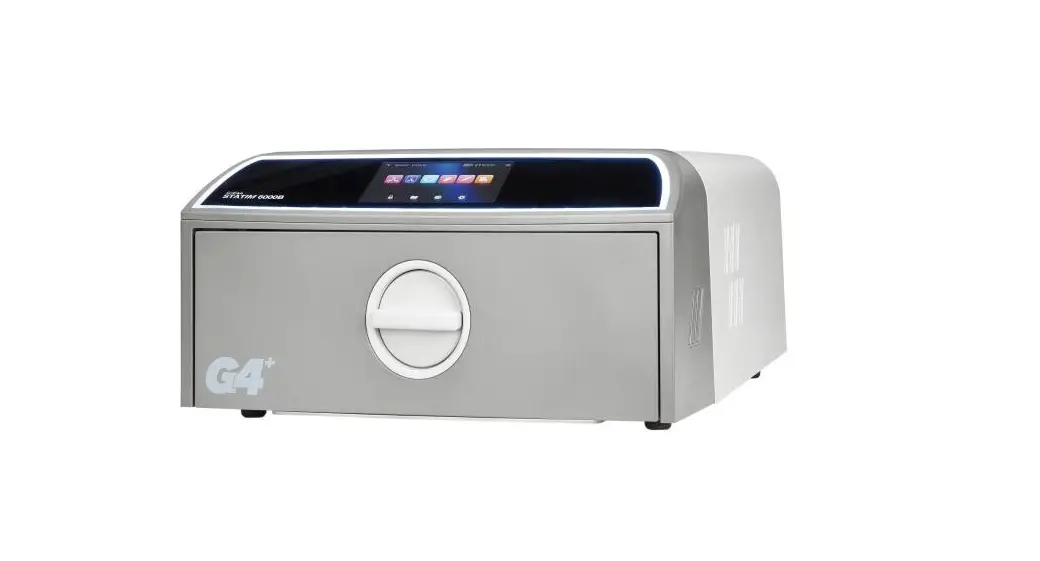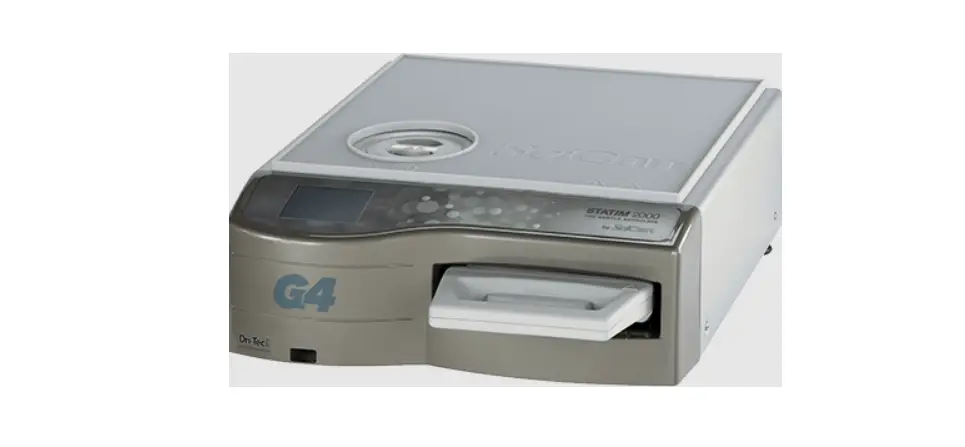

G4 Scican Statim p
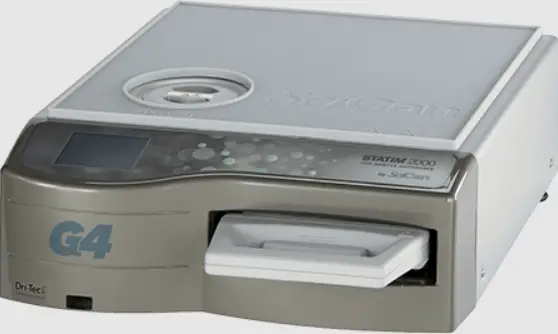
General Usage
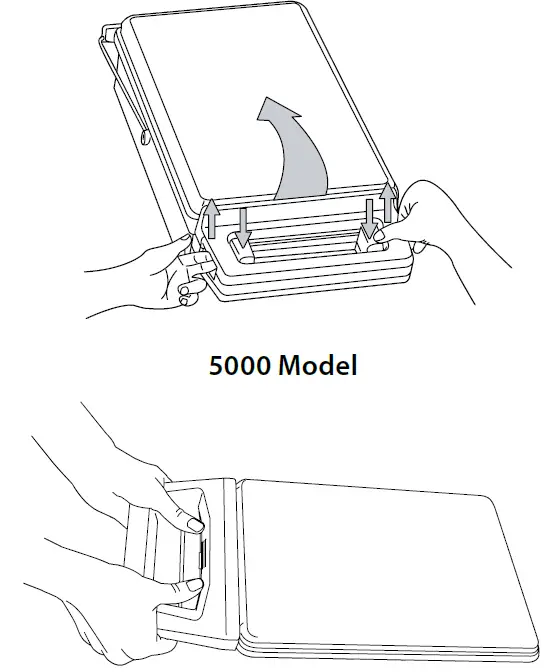
- Opening/ Closing the Cassette
With thumbs on the thumb pads, push down, pulling up with forefingers until lid opens.
- Filling the Cassette
 Do not Over load cassette
 - Inserting Cassette
Hold the cassette handle in one hand and the carry handle in the other.
Place the end of the cassette into the unit and drop the carry handle into its closed position. Gently push cassette inward until you hear a click. Never force the cassette into the STATIM.
- Cycle Starting Guide
Unwrapped Cycle (Solid)
Unwrapped Cycle (Hollow) Sterilize light loads of solid metal instruments such as hand instruments, speculums and forceps; or hollow instruments such as dental/phaco handpieces.
(Press button again to view available cycles)
Wrapped Cycle Sterilize solid or hollow metal instruments which have been sealed in autoclave bags.
Rubber and Plastics Cycle Sterilize solid or hollow unwrapped instruments.
Air Dry Only Cycle This is NOT a sterilization cycle. Refer to Operator’s Manual.
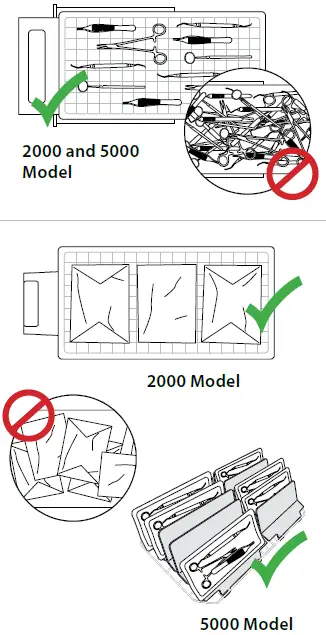 Do not Over load cassette
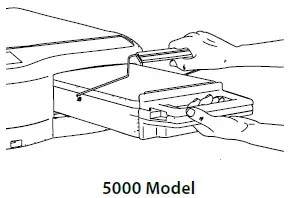 Gently push cassette inward until you hear a click. Never force the cassette into the STATIM.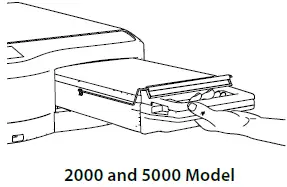
 Sterilize light loads of solid metal instruments such as hand instruments, speculums and forceps; or hollow instruments such as dental/phaco handpieces.
 Sterilize solid or hollow metal instruments which have been sealed in autoclave bags.
 Sterilize solid or hollow unwrapped instruments.
 This is NOT a sterilization cycle. Refer to Operator’s Manual.
- Network Connectivity
Indicates you are connected to the network.
- USB Storage Device
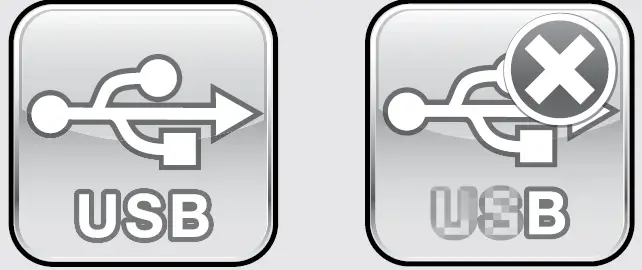
Access last5 cycle data and last 5 cycle faults. Indicator also confirms proper USB connection.
- Water Level / Quality Status
indicator wil notify user it waters of sufficient quality or quantity to proceed with sterilization.
- Cassette Status
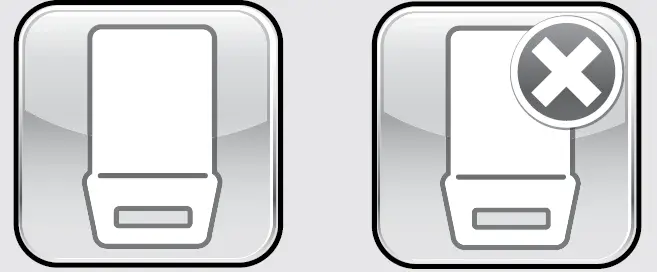
Indicator will notify user if cassette has been properly inserted.
NOTE: Sterilization cycle will not begin if there 1s an error
- User/Technician Menu
Access unit information and menus to change unit settings.
- START Button
Button is enabled once a cycle type has been selected and used to begin a cycle.
- STOP Button
Button is enabled after a cycle has started and used to interrupt cycle.
- Toggle UP/DOWN to view menu option’s

- ENTER
Push button to view/select menu options.
- BACK
Push button to return to previous menu.








DRYING PERFORMANCE
Four steps to obtaining optimal drying results
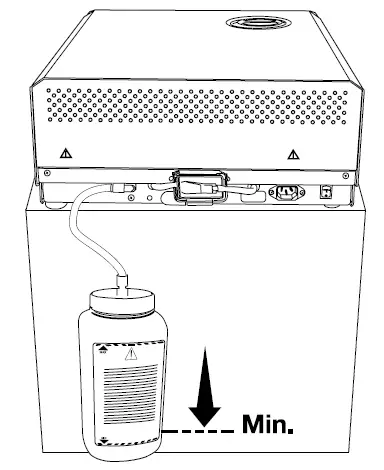
- Set Up Waste Bottle
Fill this bottle with water to the minimum level and set it on, or close, to the floor.
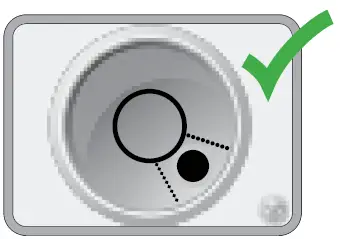
- Leveling your Unit

- Scroll to |Level and select.

- Adjust the leveler feet to move the bubble. Level will change from red to green
- Scroll to |Level and select.
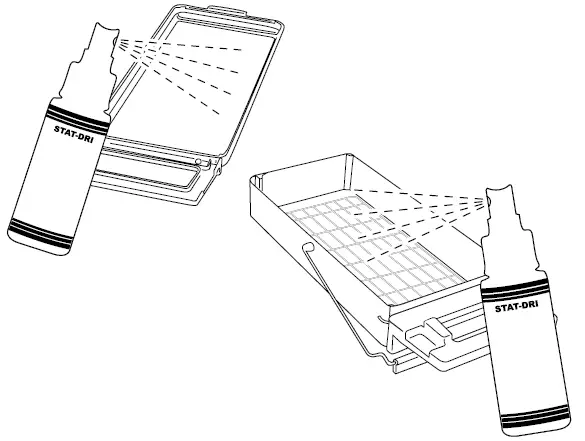
- Coat Cassette
After cleaning and drying the cassette, treat the interior surfaces with STAT-DRI Plus.
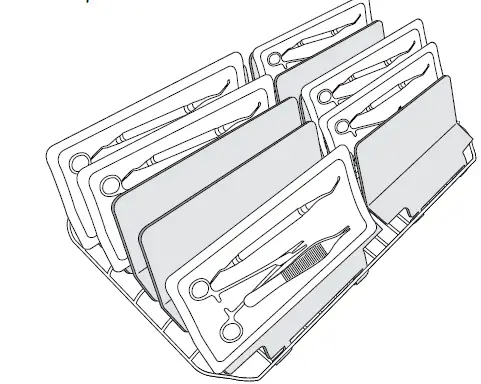
- Use Drying Plate Rack (5000 only)
For optimal drying performance of wrapped instruments, use the drying plate rack
Supplied and insert one bag per plate with window side up.
Plate positions for full load (10 bags)

GENERAL MAINTENANCE
To ensure trouble-free performance, follow this preventative maintenance schedule.
- Daily
- Water Reservoir
Replace water as needed
For ophthalmic use, drain at the end of every workday, leave empty, and refill at the start of the next workday. - Waste Bottle
Empty the waste bottle every time you refill the- water reservoir.
Fill the bottle with water, up to the MIN line marking. You may also add some chlorine-free disinfectant.
- Water Reservoir
- Weekly
- Cassette
Wash the interior of the cassette with dishwashing soap or a mild detergent that does not contain chlorine.
Scrub the inside with a cleaning pad designed for use with Teflon-coated surfaces.
After removing all traces of the detergent, treat interior surfaces of the cassette with the STAT-DRI- Plus drying agent to enhance drying process. Additional STAT-DRI Plus can be ordered by requesting 20ZPLUS, 80ZPLUST or 320ZPLUS. - Water Reservoir Filter
Check the water reservoir filter every week and clean if necessary. Replace only if necessary.
- Cassette
- Every 6 Months
- Biological Filter
Replace every 500 cycles or six months (whichever is first). Call for service if wet - Air Filter
Replace every 500 cycles or six months (whichever is first). - Cassette Seal
Replace every 500 cycles or six months (whichever is first), or whenever necessary.
- Biological Filter
IMPORTANT!
Users of this device must be sure to select the most appropriate sterilization cycle according to the recommendations of the leading infection control authorities and local regulatory guidelines/recommendations.
www.scicancom