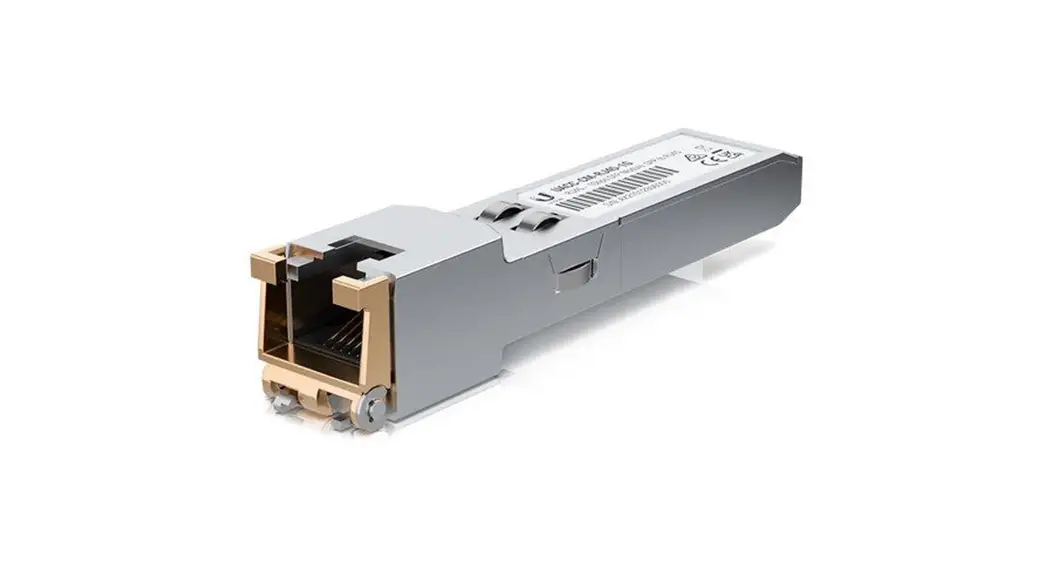
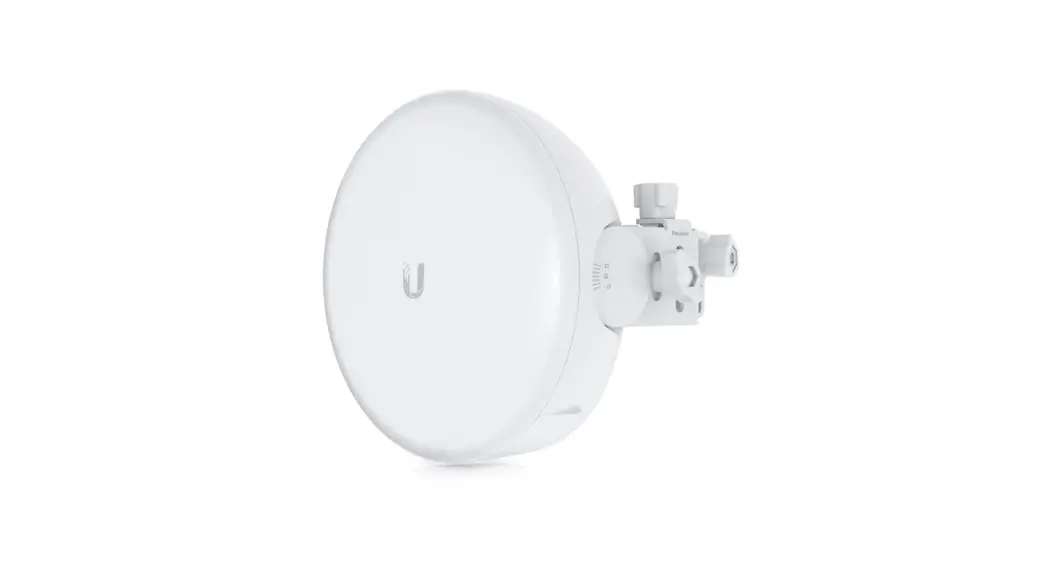
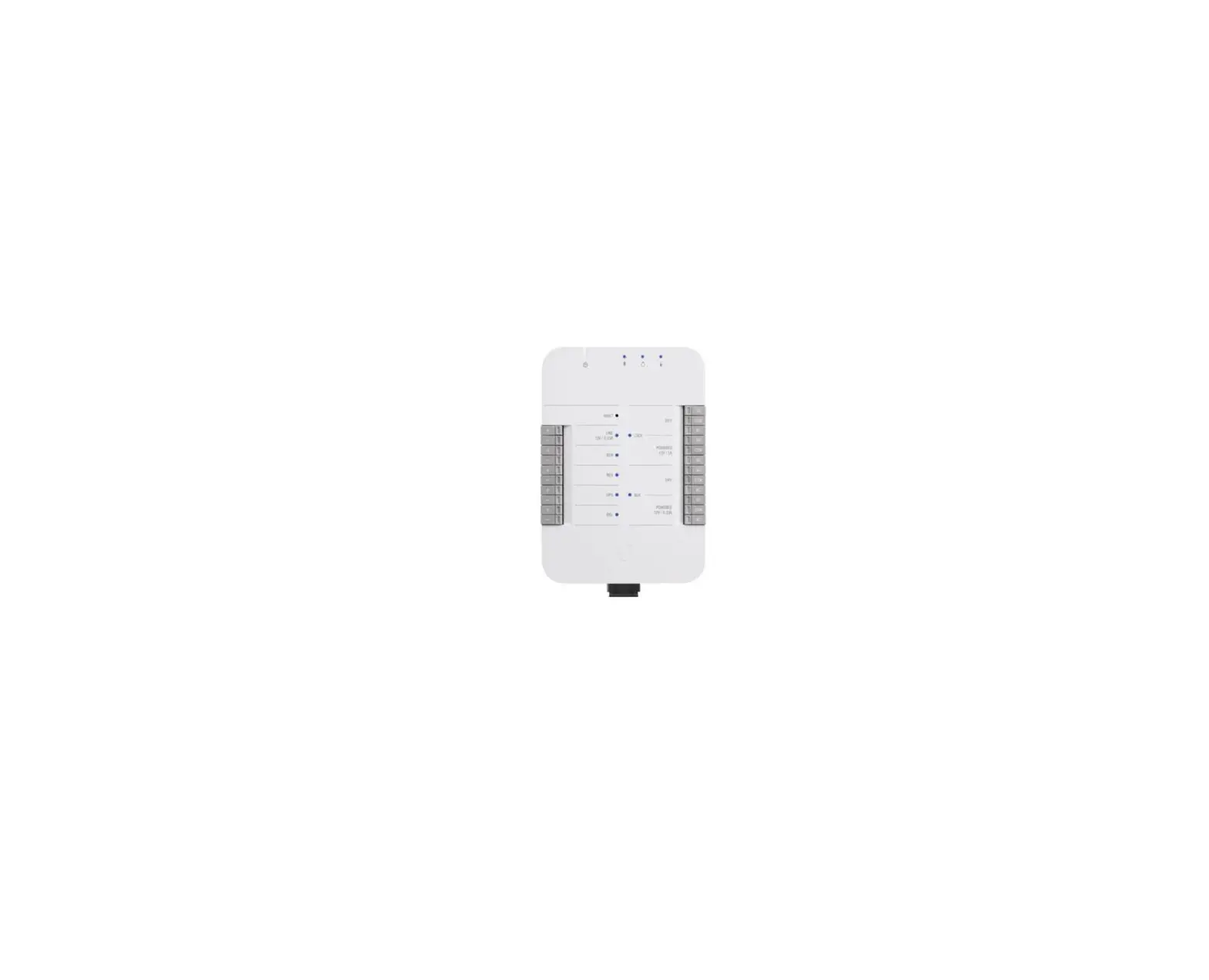
UACC-OM-SM-1G-S-2 Network Transceiver Module
Product Information
The Ubiquiti UACC-OM-SM-1G-S-2 is a fiber optic jumper that is
designed to be used with the WL-ZGWMDPB-G100-0 application example.
It is compatible with transceiver gb and switch con interface
SFP.
Product Usage Instructions
Follow the below steps to use the Ubiquiti
UACC-OM-SM-1G-S-2:
- Insert the module (Gbic) in the corresponding SFP port before
proceeding with the connection. - Open the fiber optic jumper packaging and remove the
protections from the tips of the fiber optic jumper
connectors. - Connect one end of the fiber optic jumper to the corresponding
Gbic in the network switch. - Connect the other end of the fiber optic jumper to the other
device that needs to be connected over the network. - Ensure that all connections are secure and properly
seated. - Power on the devices and test the network connection.
Quick Guide
Ubiquiti UACC-OM-SM-1G-S-2
WL-ZGWMDPB-G100-0 application example
optical fiber
. ÿ… ……..- ——· .. .. .. … .. .. ÿ +
fiber optic jumper _
. ÿ.. …- -..
– ..
ÿ…………. —
.
….
–
–
+
Transceiver gb
+
——– ·
Switch con interface
SFP
J,.
+ 1·1-1
ÿÿ.;_I!!!
= 1
———
1
INSTRUCTIONS
Step 1.- The module (Gbic) must be previously inserted in the corresponding SFP port. Step 2.- Next, we open our fiber optic jumper packaging and remove the protections from the tips of the fiber optic jumper connectors. Step 3.- The connection of each one of the ends of the jumper is made in the corresponding Gbic in the network switch.