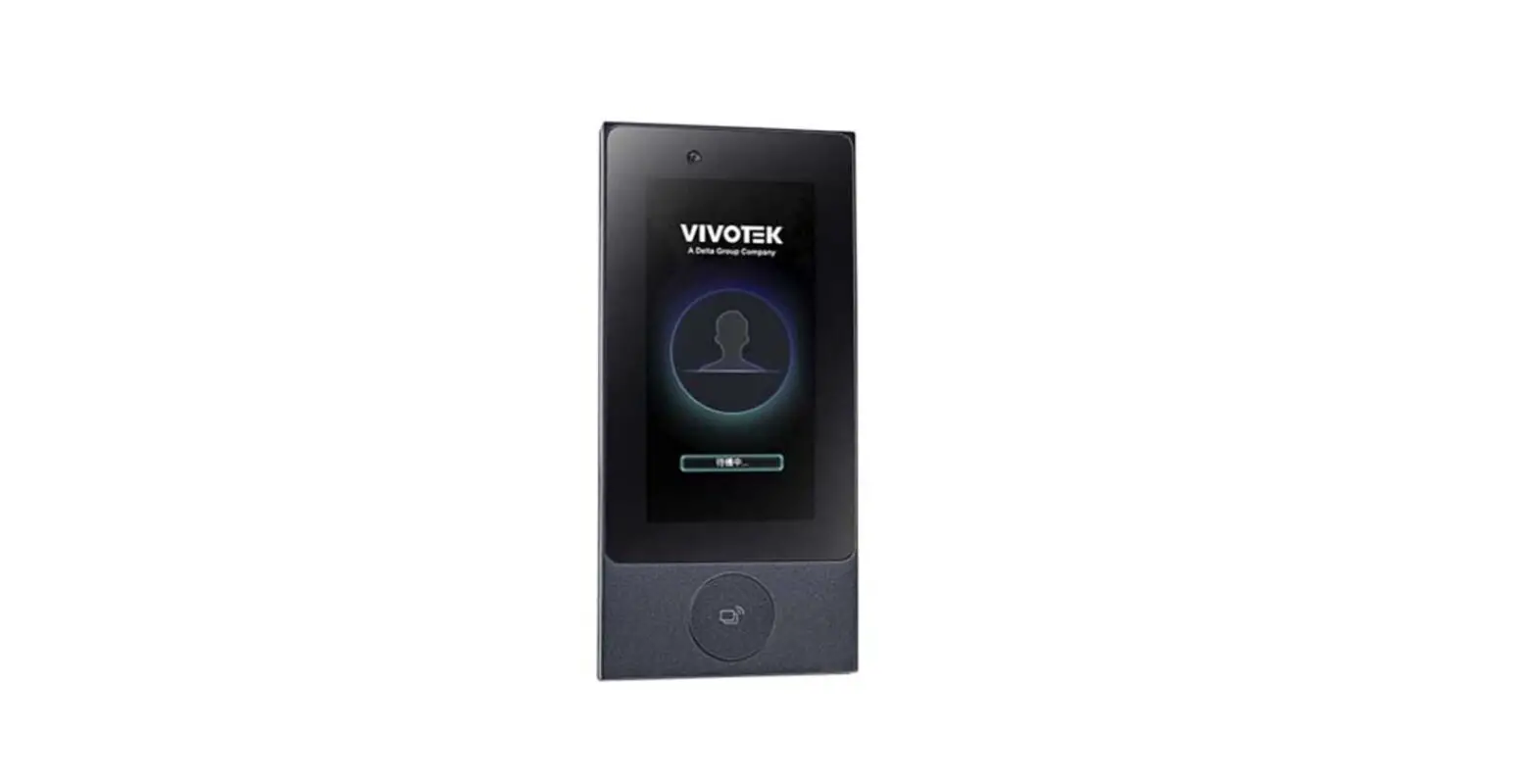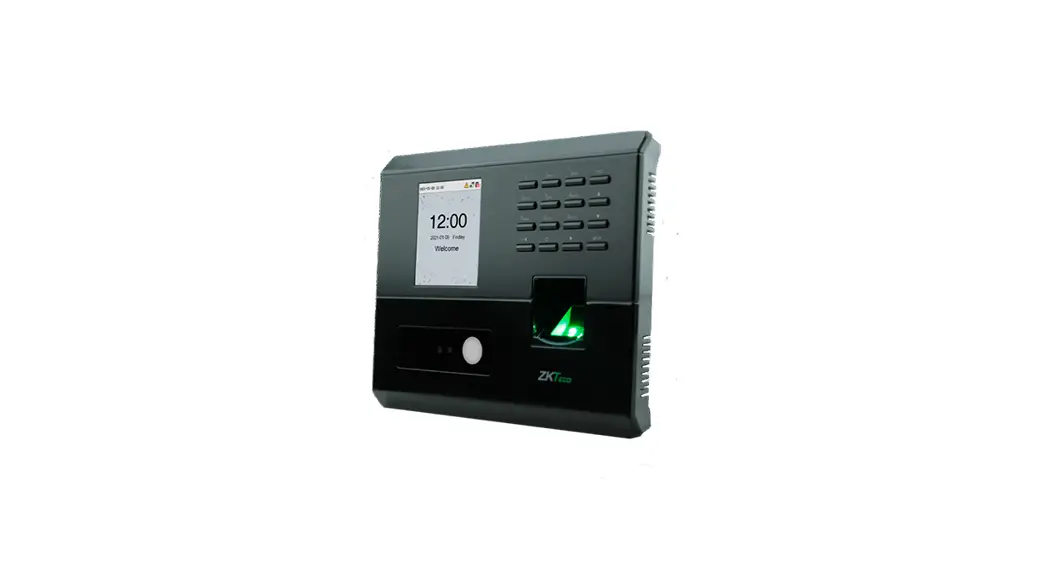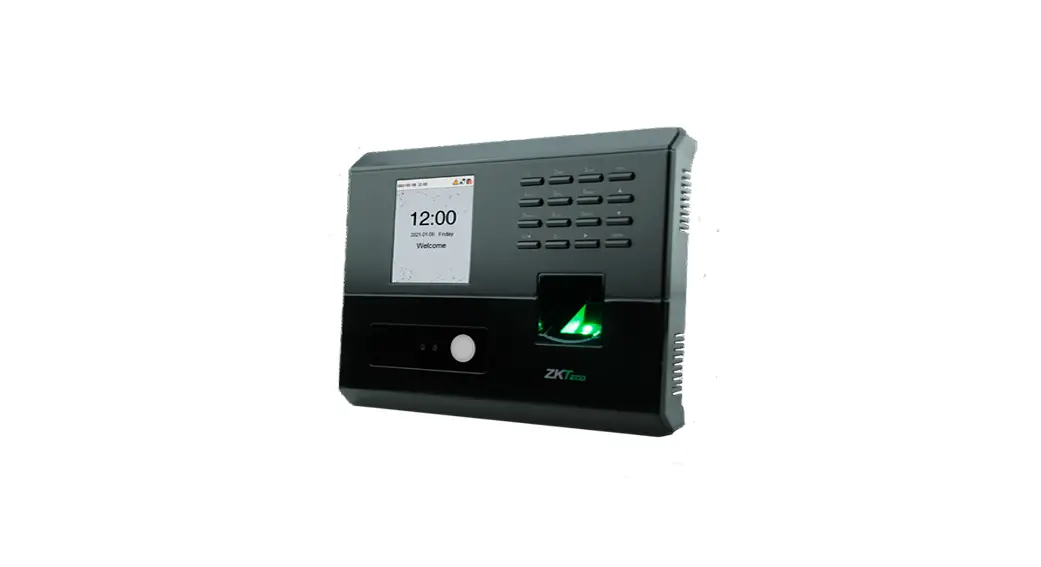

MB10-VL Installation Guide
Version: 1.1
How to install the device?
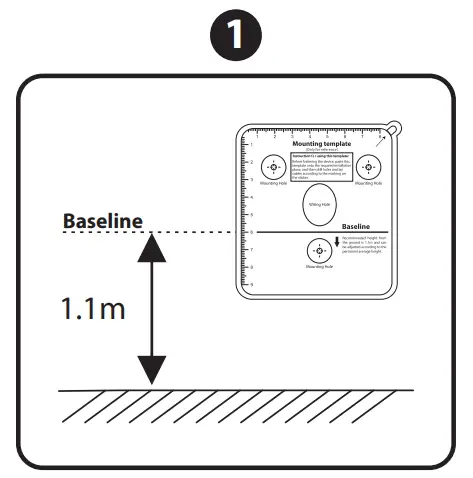
Attach the mounting template sticker to the wall, and drill holes according to the mounting paper.
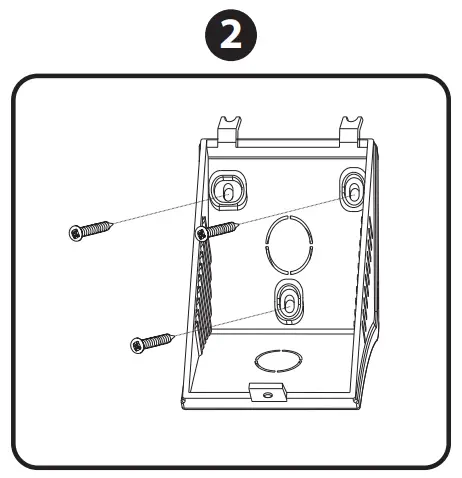
Fix the backplate on the wall using wall mounting screws.
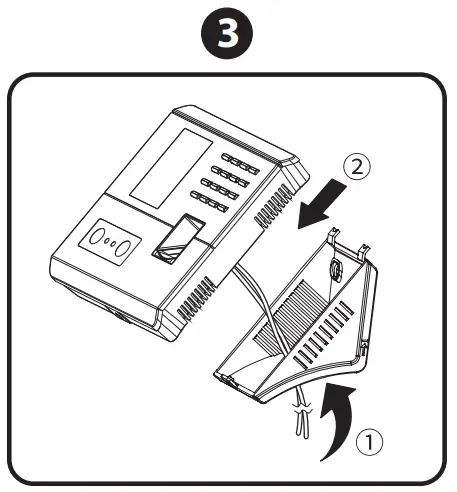
After passing the wires through the wiring hole and connecting them to the device, and then attach the device to the backplate from top to bottom.
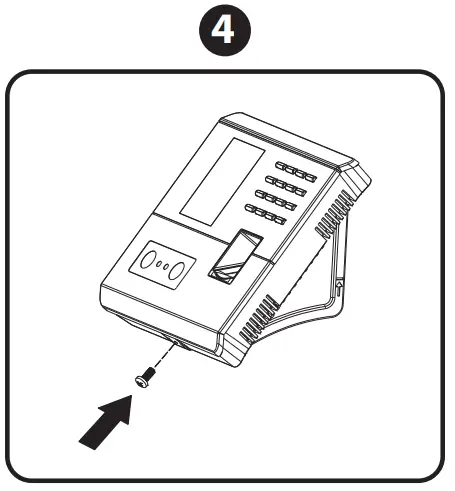
Fasten the device to the backplate with a security screw.

Wiring Diagram
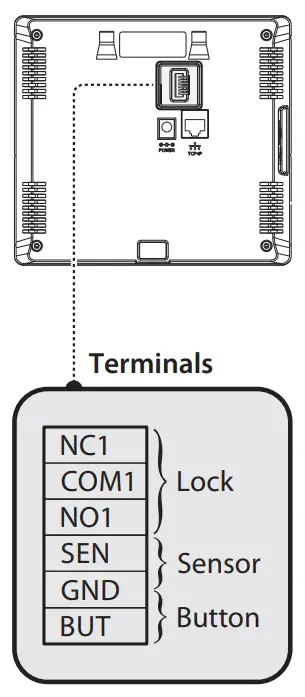
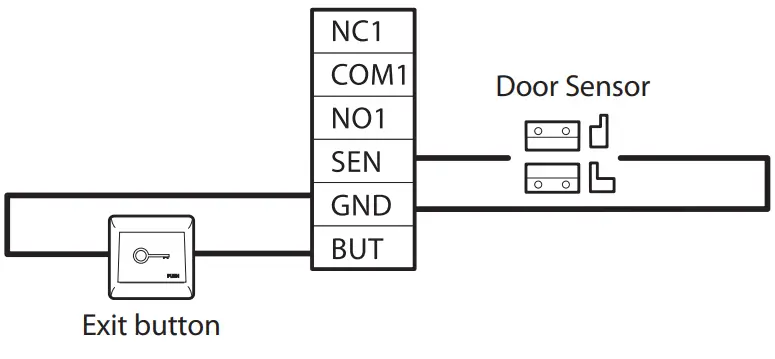
Door Sensor & Exit Button Connection
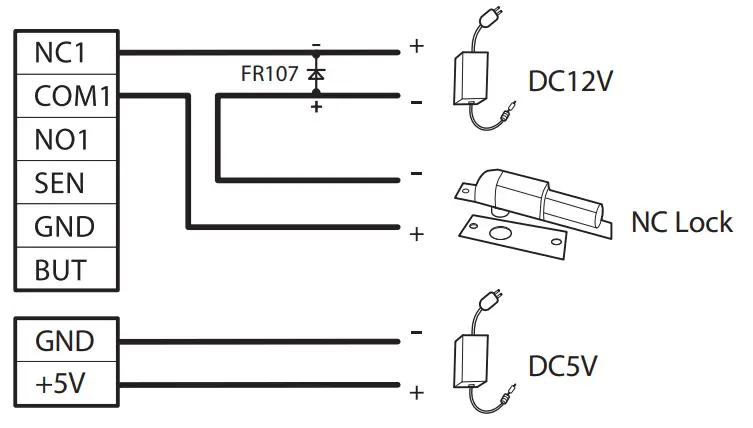
Lock Relay Connection
Not sharing power with the lock
Power Connection
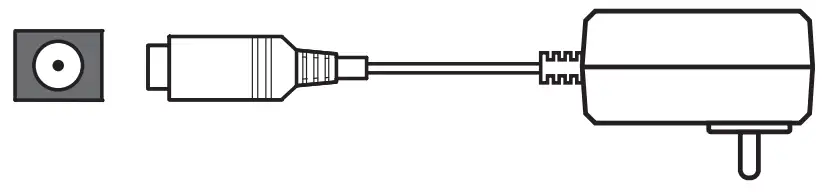
- Recommended AC adapter: 5V, 2A
- To share the power with other devices, use an AC adapter with higher current ratings.
Ethernet Connection
Connect the device and computer software over an Ethernet cable.
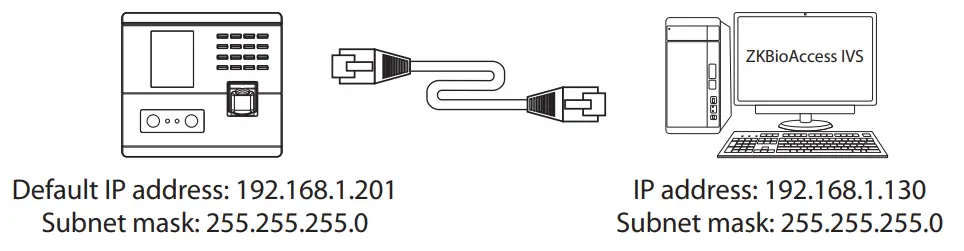
Note: In LAN, IP addresses of the server (PC) and the device must be in the same network segment when connecting to ZKBioAccess IVS software. Click on [Comm.] > [Ethernet] > [IP Address], input the IP address and click on [OK].
 https://www.zkteco.com/en/download_catgory/41.html
Download Center
Scan the QR Code and Download the User Manual, Installation Guide, and Quick Start Guide
Copyright © 2020 ZKTECO CO., LTD. All rights reserved.
ZKTECO CO., LTD. www.zkteco.com
ZKTeco Industrial Park, No. 32, Industrial Road, Tangxia Town, Dongguan, China.
Phone: +86 769 – 82109991 Fax: +86 755 – 89602394
 ZKTeco | Home Page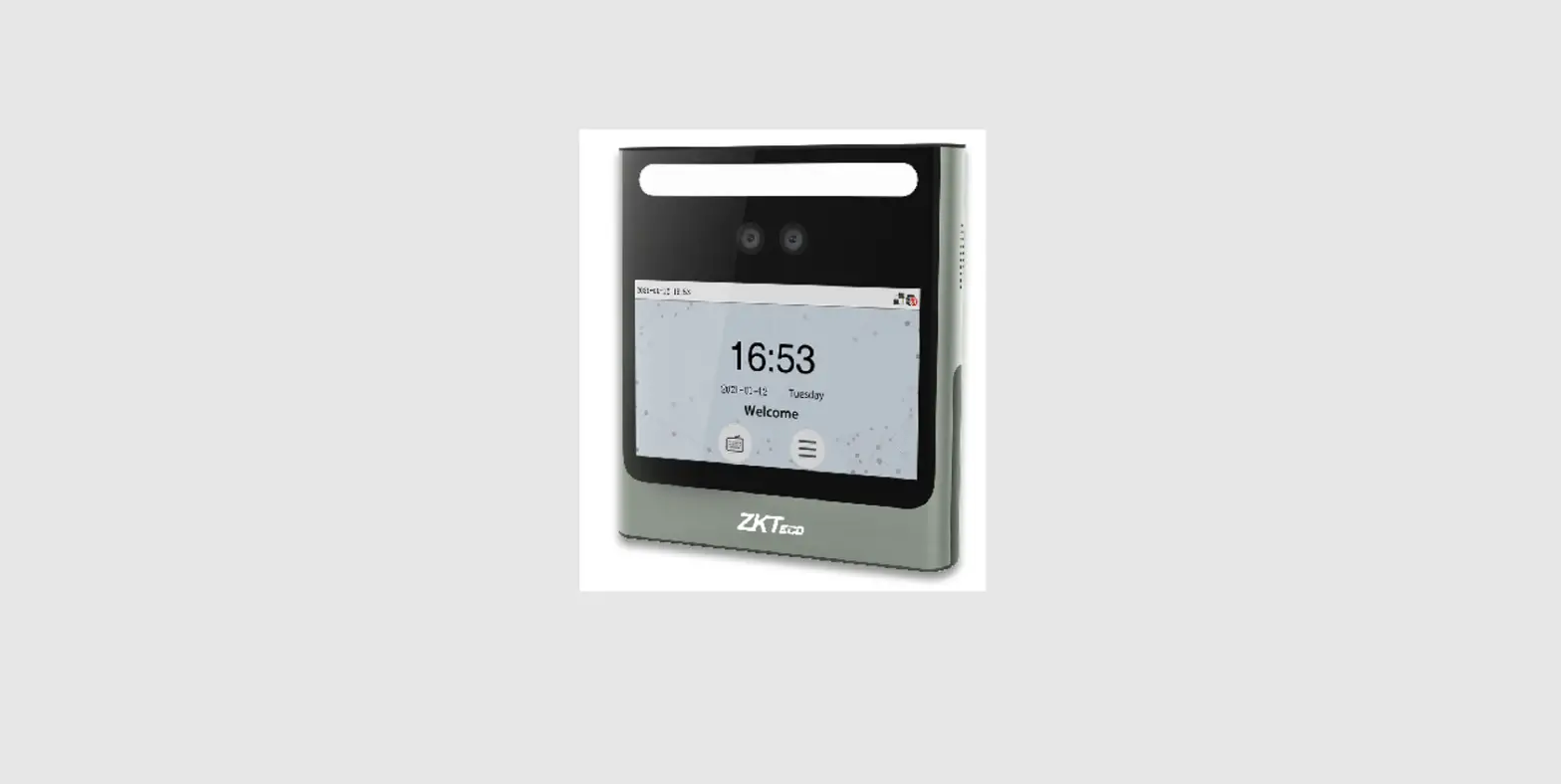

![Zkteco Speedface-v5l[qr] Series Visible Light Facial Recognition Terminal User Guide](https://static-data1.manualsee.com/1/img/411/2395082/2022/03/ZKTeco-SpeedFace-V5LQR-Series-Visible-Light-Facial-Recognition-Terminal-fea.png "Zkteco Speedface-v5l[qr] Series Visible Light Facial Recognition Terminal User Guide")

![Zkteco G4[qr] Android Multi-biometric Facial Recognition Terminal User Guide](https://static-data1.manualsee.com/1/img/172/2574452/2022/04/ZKTECO-G4QR-Android-Multi-Biometric-Facial-Recognition-Terminal-Featured-Image.png "Zkteco G4[qr] Android Multi-biometric Facial Recognition Terminal User Guide")