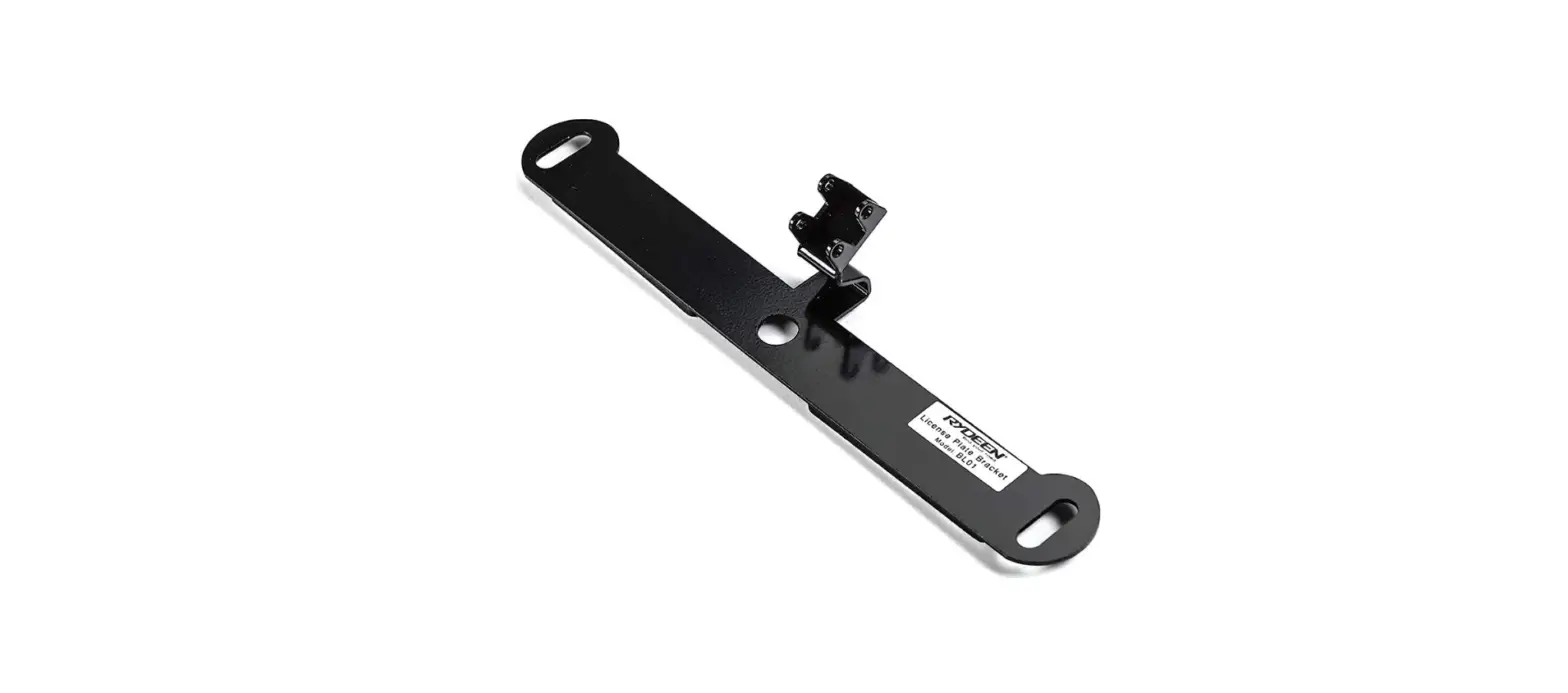
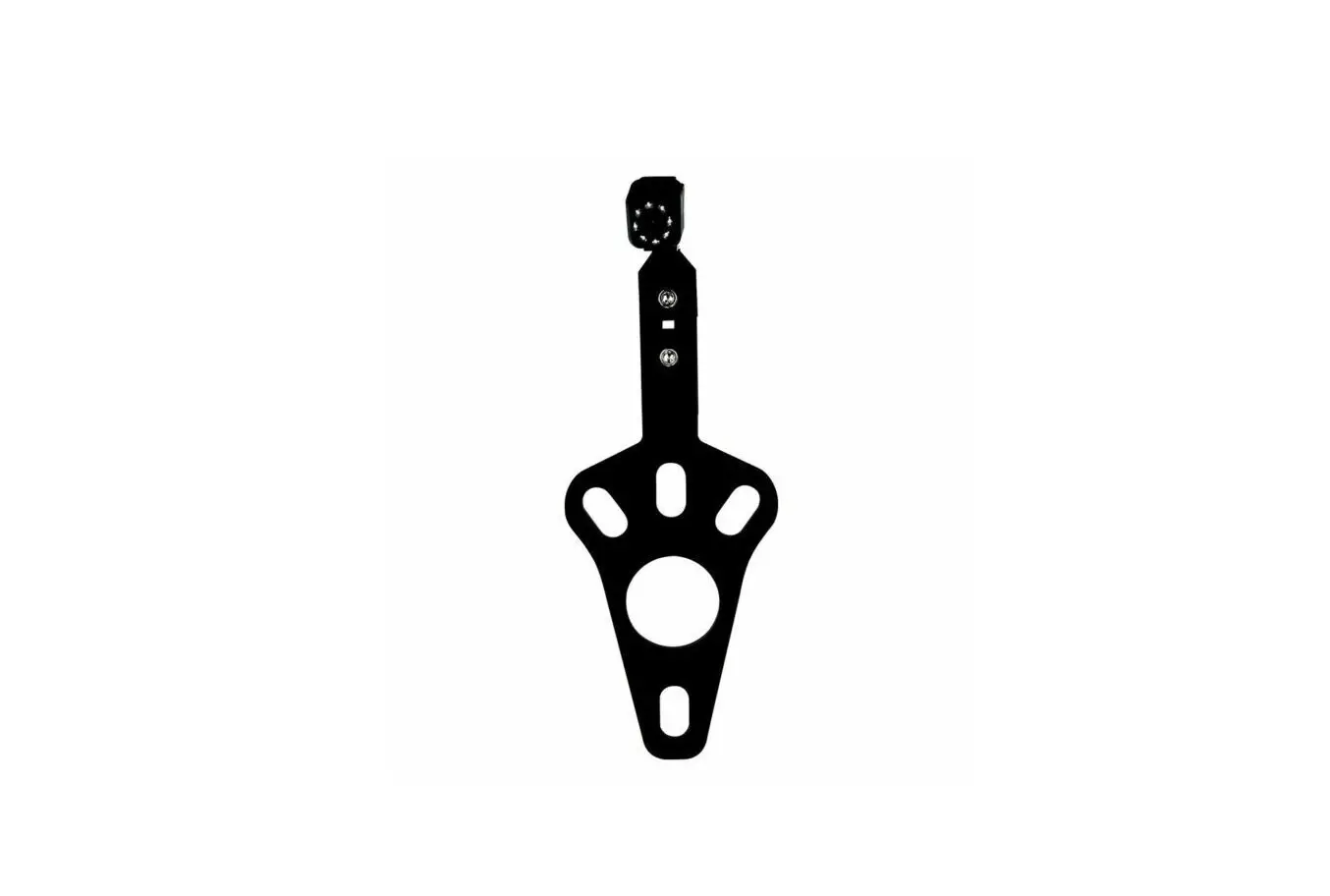
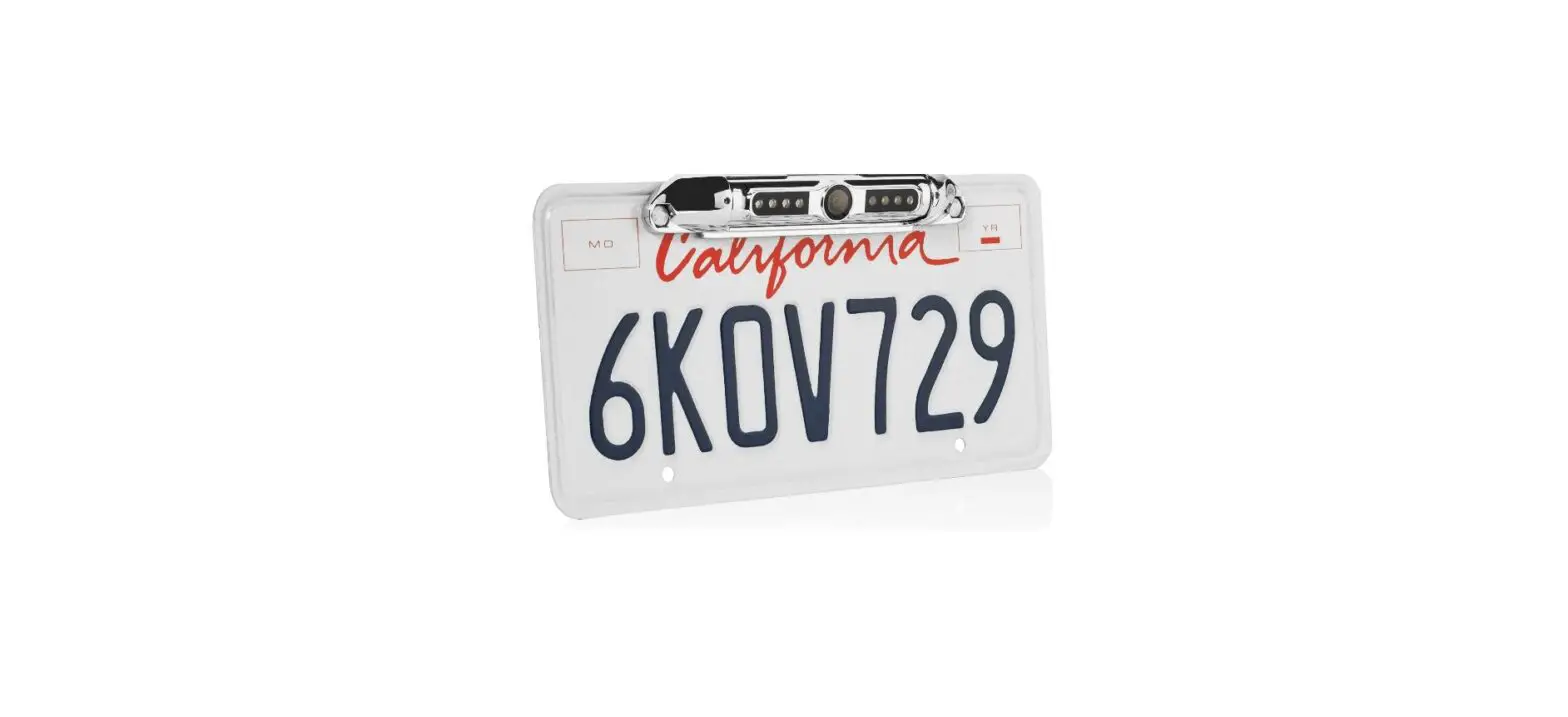
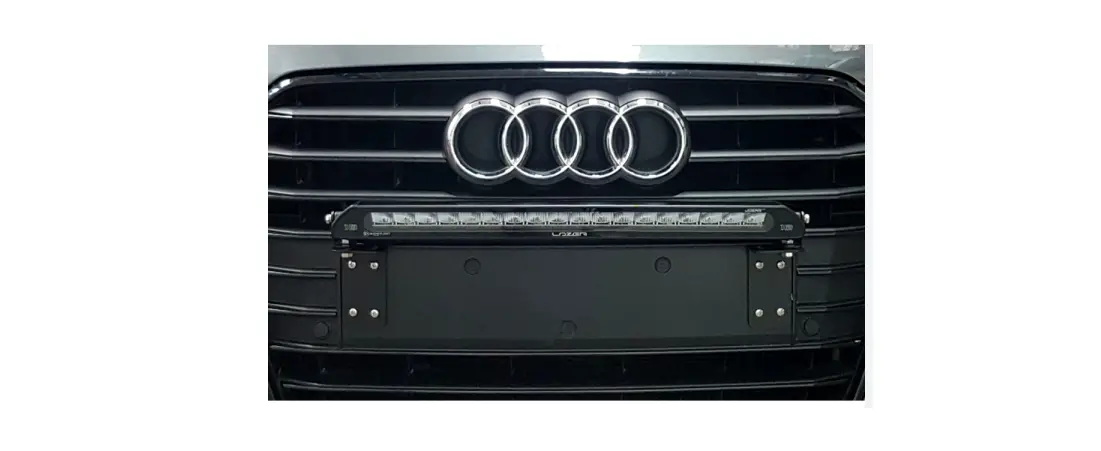
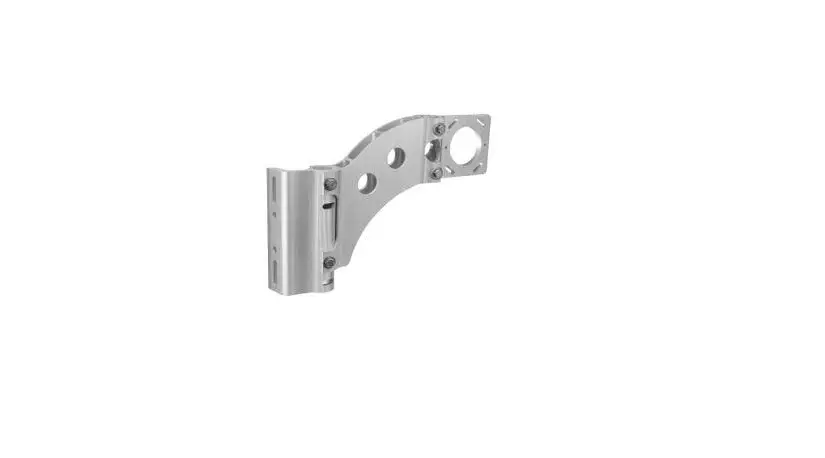
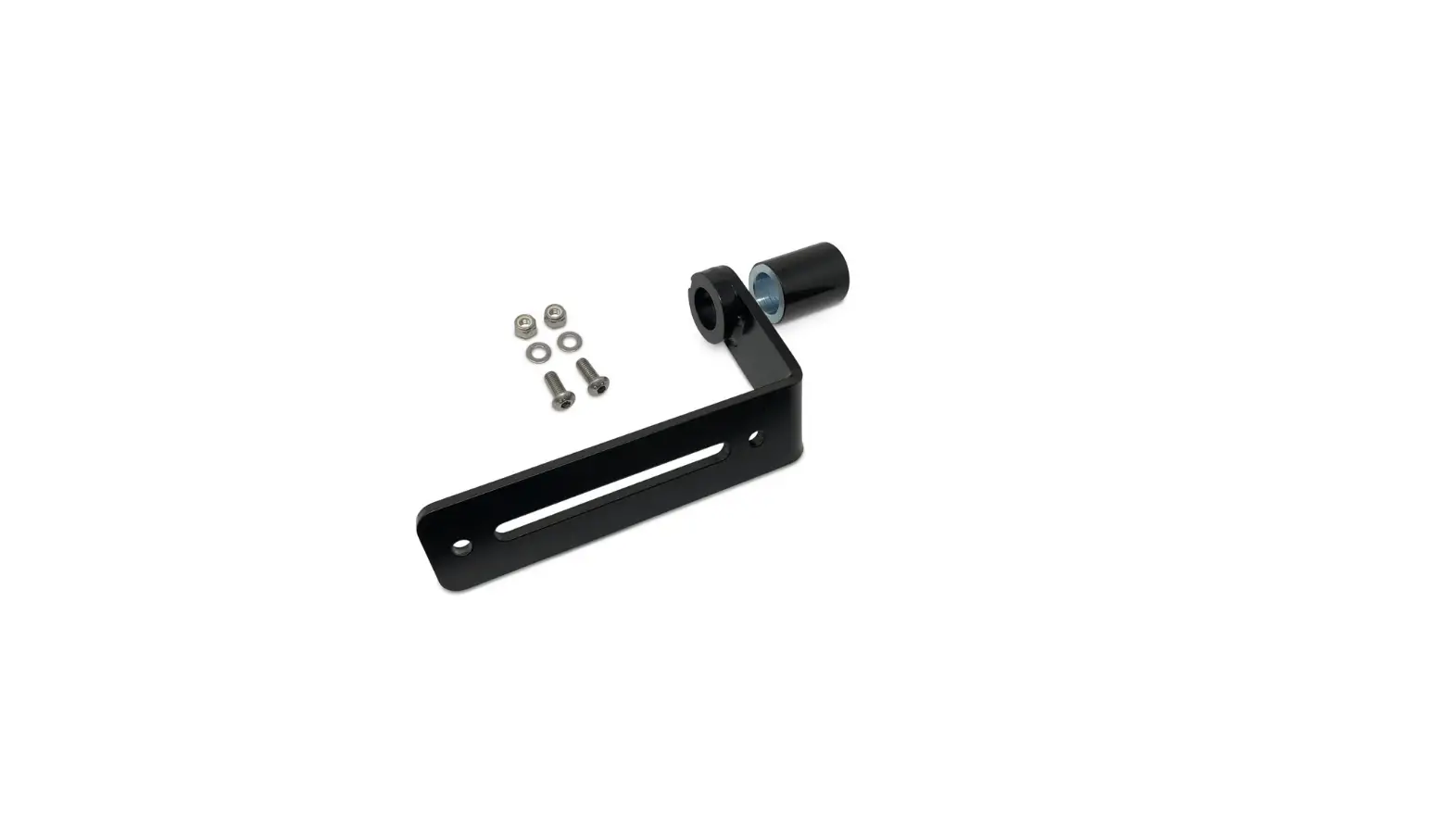
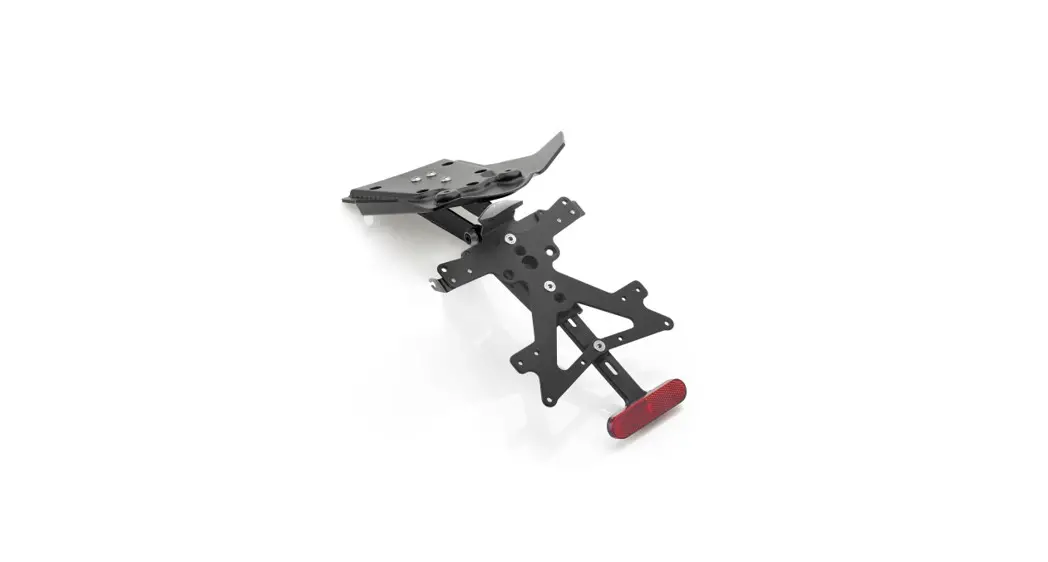
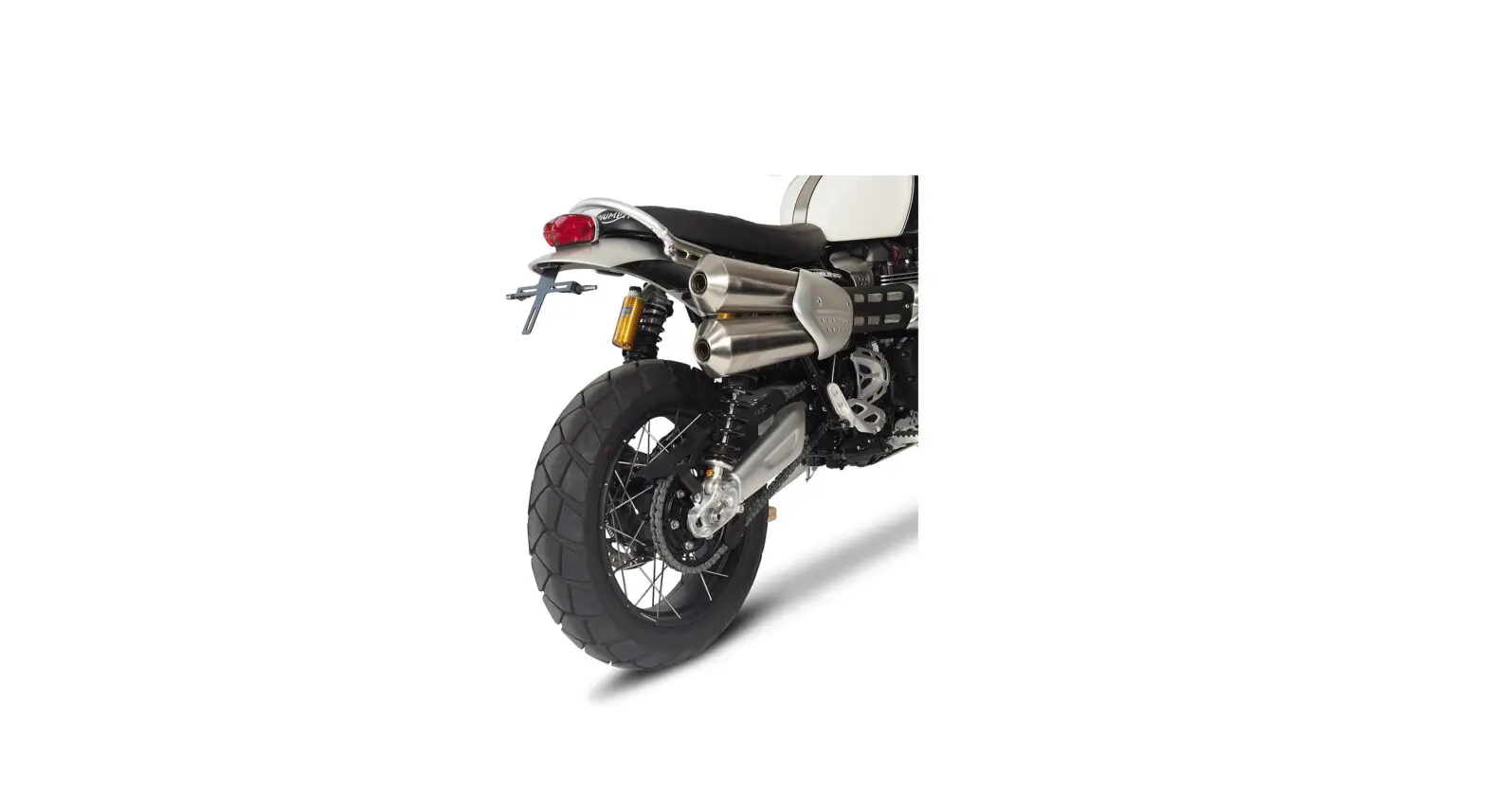
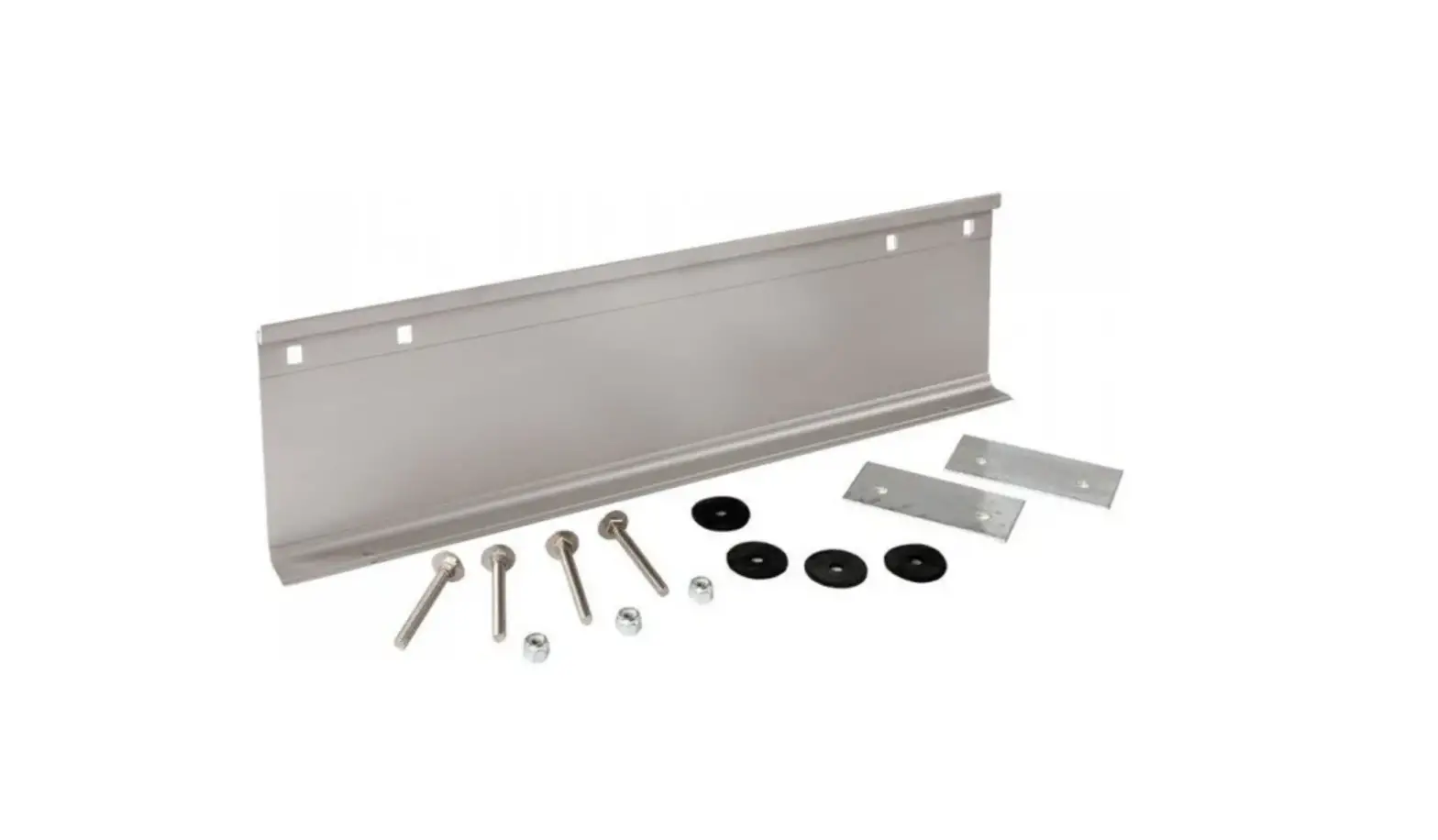
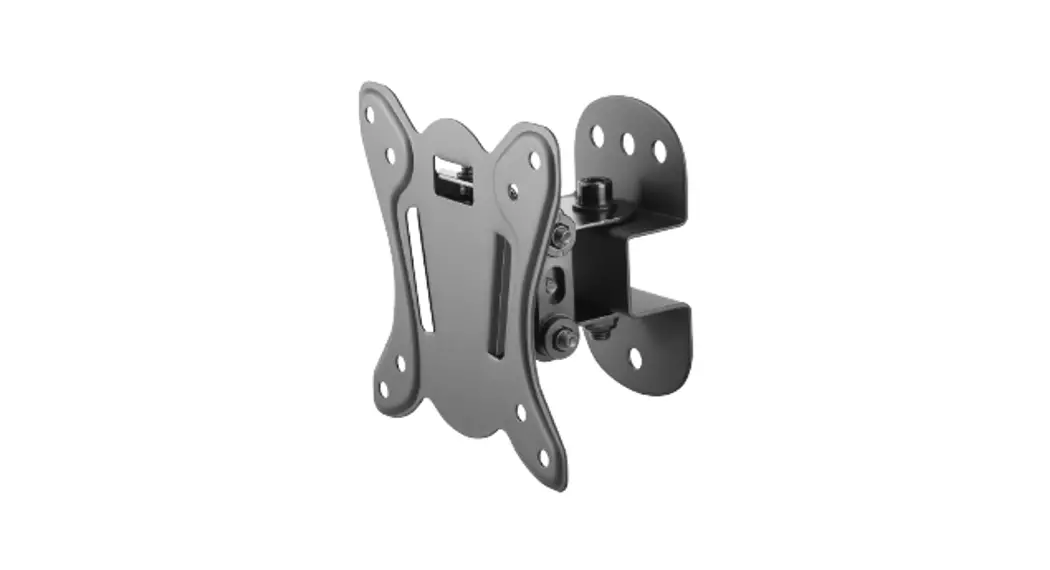
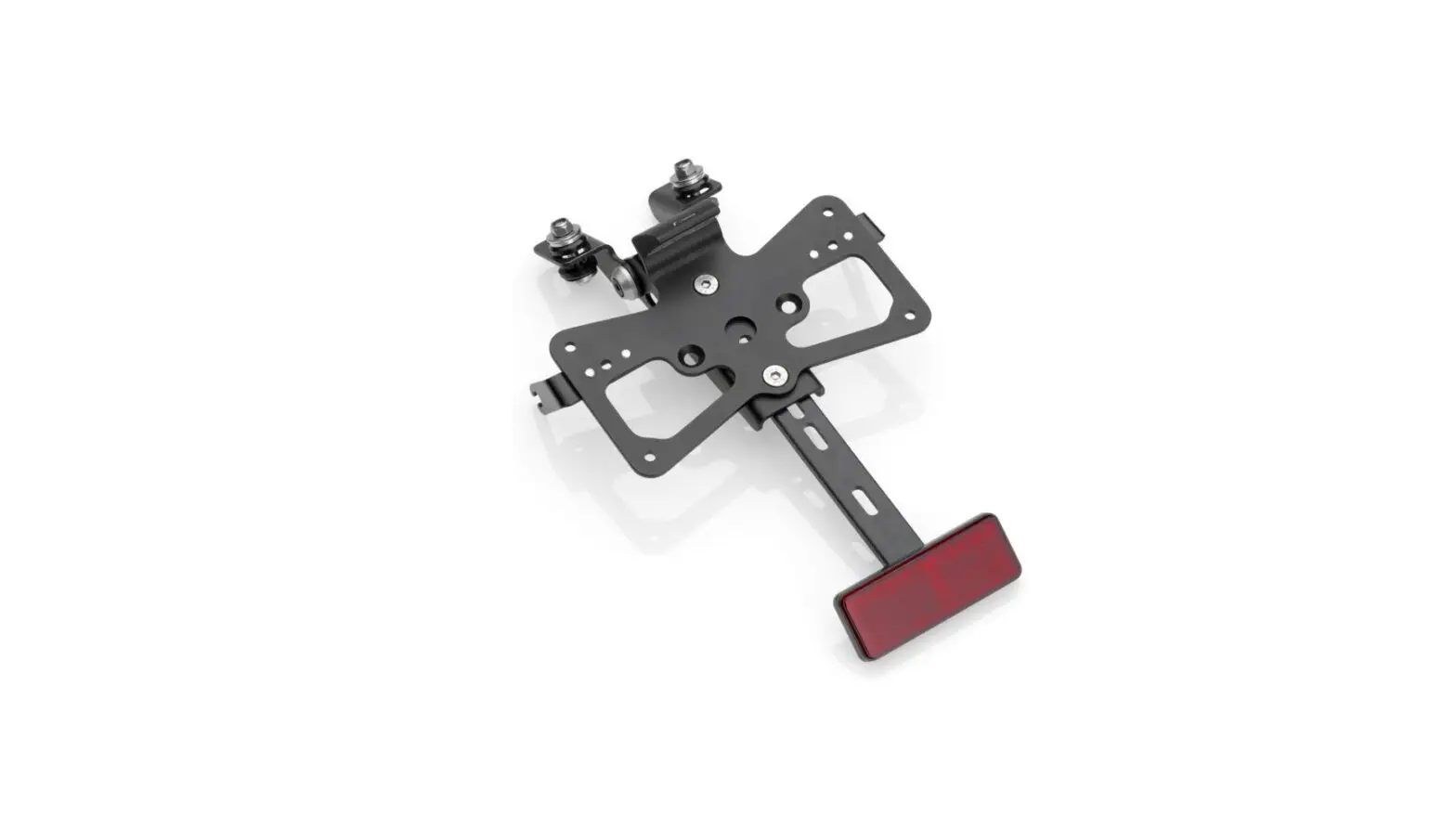
BL01 License Plate Bracket for MINy and MINy HD
Product Information:
Part Number: BL01
Product Name: License Plate Bracket for MINy and MINy HD
Product Usage Instructions:
- Start by ensuring that you have all the necessary tools and
equipment for installation, including a screwdriver and the license
plate bracket BL01. - Locate the desired position on your vehicle’s front bumper to
mount the license plate bracket. - Clean the mounting area thoroughly to remove any dirt or debris
that may affect the adhesive or screw attachment. - If using adhesive, peel off the backing from the adhesive pad
on the back of the license plate bracket. Press firmly onto the
cleaned mounting area and hold for a few seconds to ensure proper
adhesion. - If using screws, align the pre-drilled holes on the license
plate bracket with the corresponding holes on the mounting area.
Insert the screws through the holes and tighten them using a
screwdriver until secure. - Once the license plate bracket is securely attached, place your
vehicle’s license plate onto the bracket. Ensure that it is
centered and aligned correctly. - If necessary, use additional screws or adhesive to secure the
license plate onto the bracket for added stability. - Double-check the attachment to ensure that the license plate
bracket is securely mounted and the license plate is properly
fastened.
Please refer to the full user manual for any additional
information or troubleshooting steps.
Part #BL01 – License Plate Bracket for MINy and MINy HD
Installa<on Instruc<ons
Bracket Assembly
a. If not already completed, remove the backing from the
supplied adhesive strips and affix them to the back of the moun<ng
bracket. Posi<on one each on the back of the bracket between each
license plate eyelet and the center hole on the bracket.
b. On the camera, remove the universal moun<ng bracket by
removing the screw that holds it to the camera. (A hex wrench is
provided for this purpose.)
c. ACach the camera to the license plate bracket by lining up the
(4) bracket eyelets with the corresponding holes at the base of the
camera. (Ensure that the arrow on the top of the camera is facing up.)
Apply washers to the two long screws provided with the bracket kit.
d. With the front of the bracket facing you, insert the screws into
the bracket holes on the right side of the camera and <ghten with the
hex wrench.
Bracket Installa<on
e. Remove the vehicle license plate. Use the assembled bracket as
a template to determine the best posi<on to drill the wire pass-through
hole by aligning the eyelets on the bracket with the top two license
plate holder eyelets. Important: Check behind the intended drill area to
ensure that there are no wires or other obstruc<ons.
f.
Drill a hole large enough to pass the camera connector. Use a
grommet (not supplied) or other means to cover the hole’s edges and
protect the cable from shor<ng or fraying against the metal.
g. Route the connector through the hole and pull any excess cable
through. Clean the area where the bracket is to be mounted. Placing the bracket in its intended moun<ng
posi<on, remove the remaining backing from the adhesive strips and
secure the bracket to the vehicle, ensuring that its eyelets are aligned
with those that secure the license plate.
h. Replace the license plate and insert the holding screws.
Bracket Adjustment
i.
In most cases, the camera angle will not need to be adjusted.
However, if adjustments are necessary, remove the camera from the
mount and use pliers to carefully bend the bracket to the desired angle.
Replace the camera.
Rydeen Mobile Electronics 2701 Plaza Del Amo, Unit #705 Torrance, California 90503 USA
Phone: (877) 777-8811 Fax: (310) 943-3778