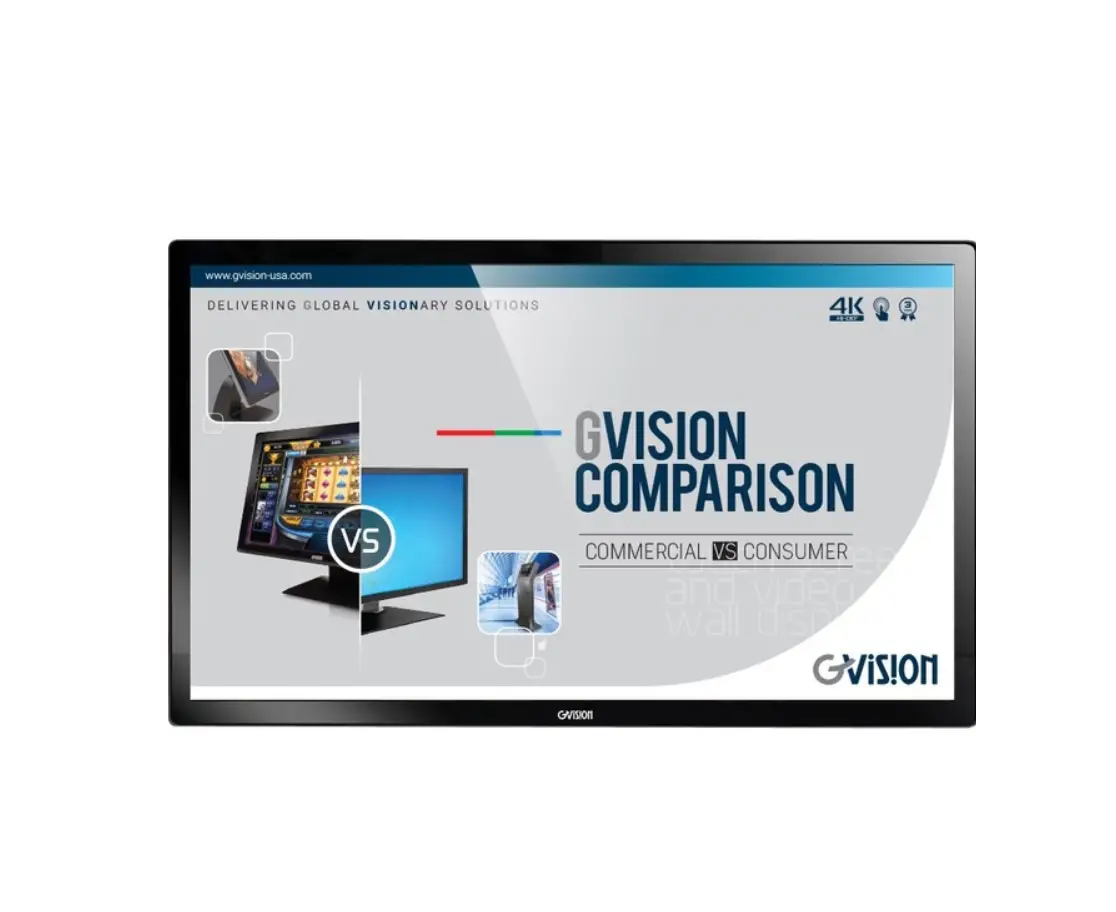
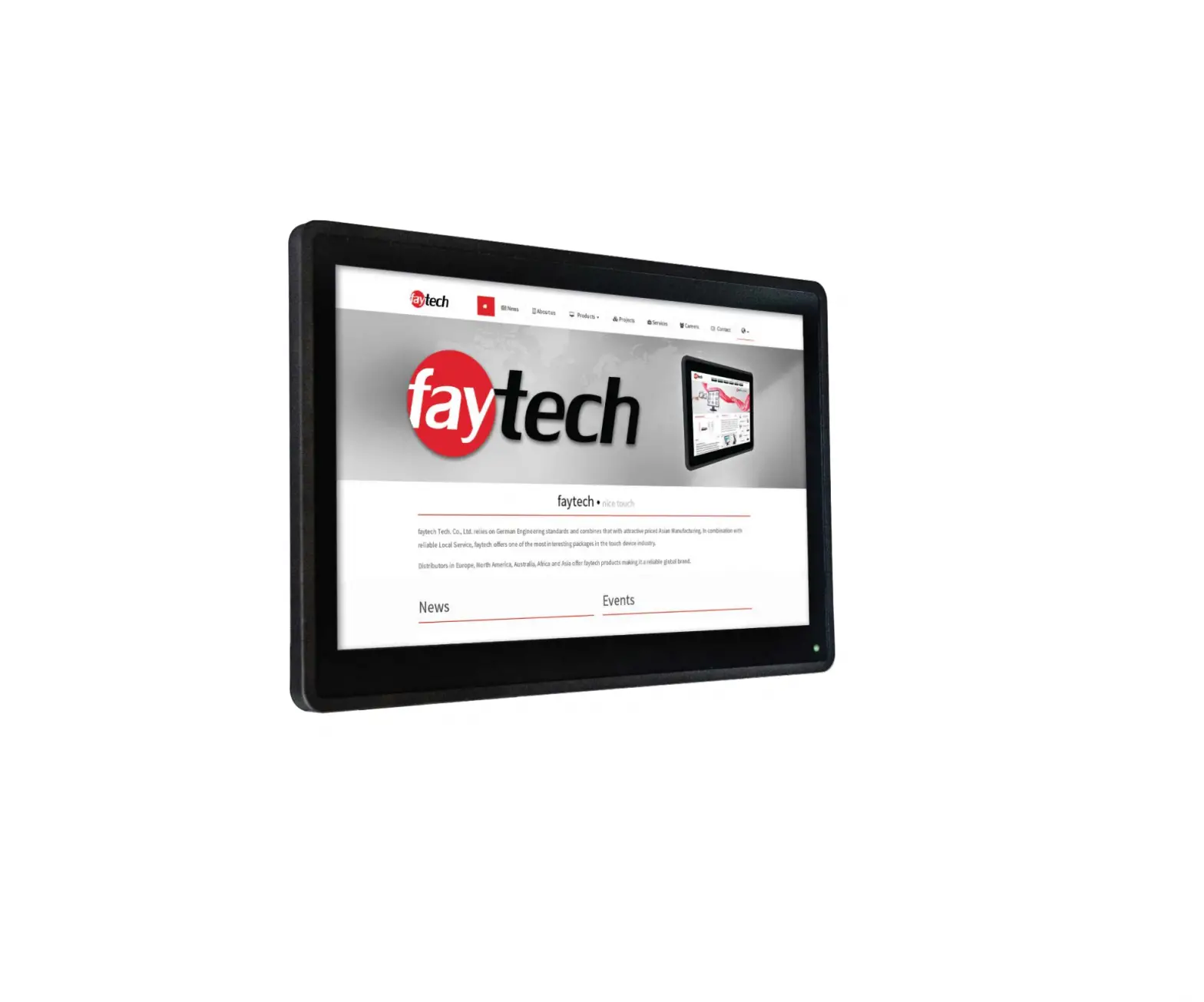
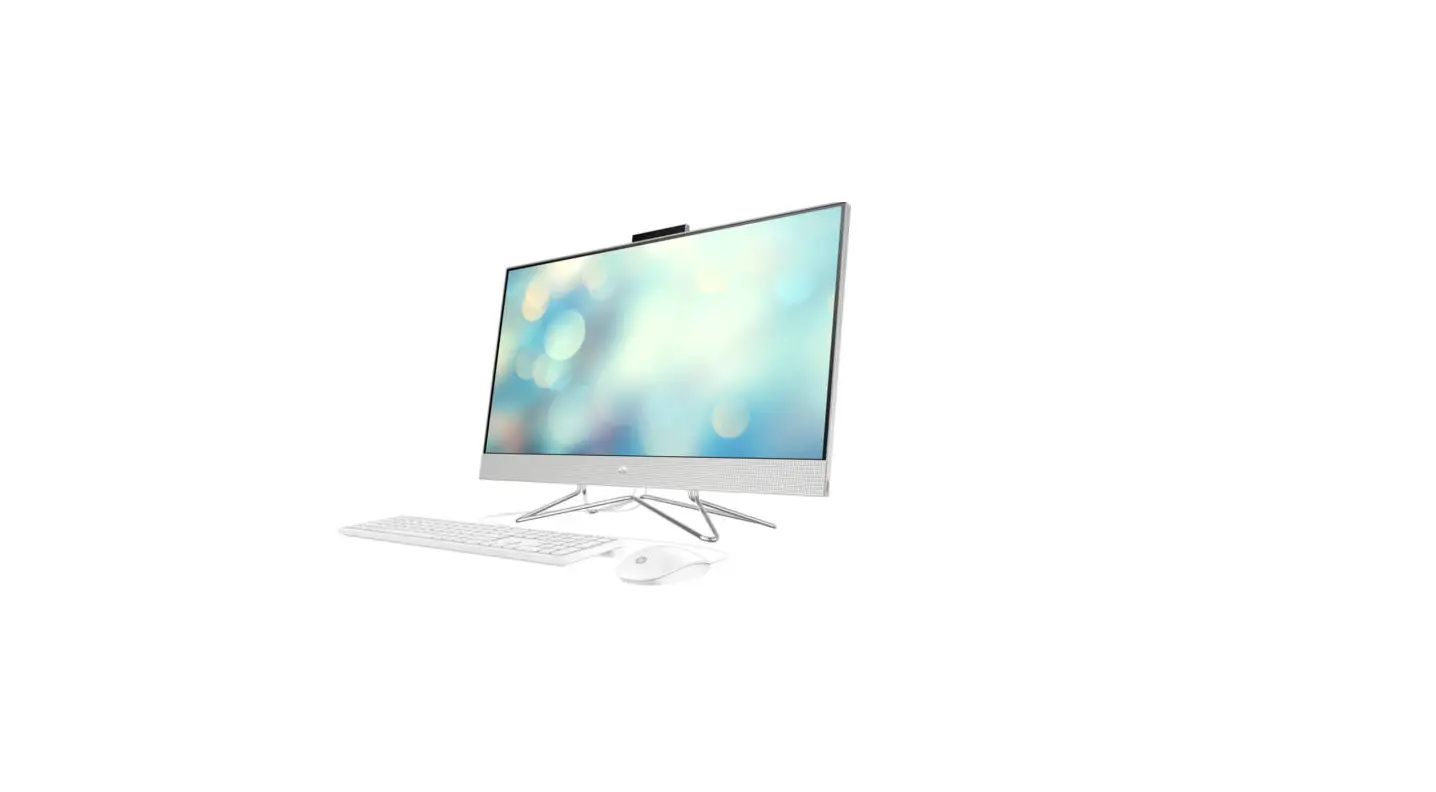
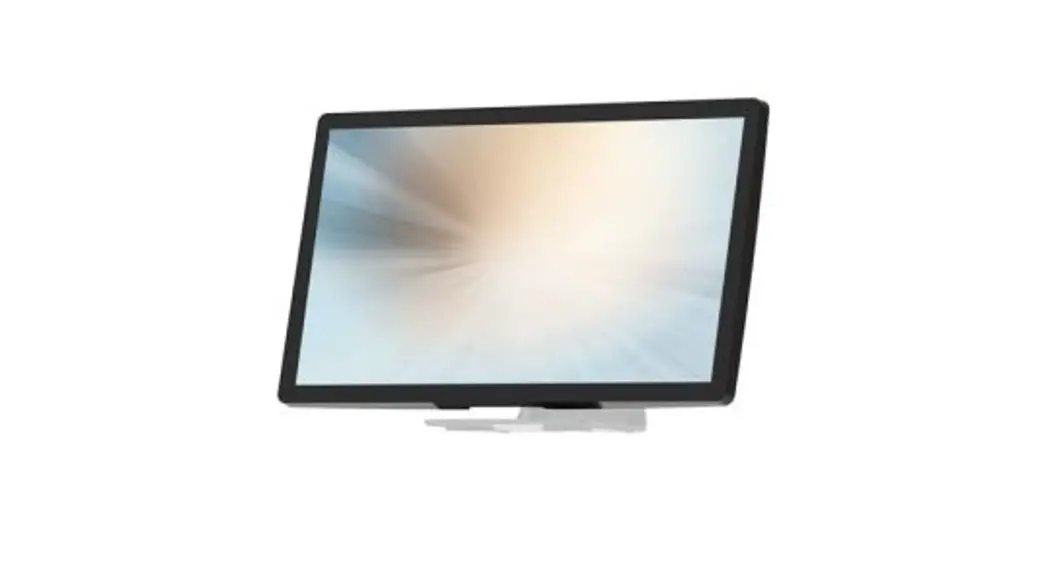
DSXX 65 Inch PCAP 4K Touch Panel PC
Product Information:
Manufacturer: Shenzhen ZhengYuanTai Technology,Co,.Ltd.
Address: 1F,3F,5F,1st,Building,LeBao Industrial Park,FengXin
Rd,Guangming New District,Shenzhen,China
Product Name: 65PCAP 4K monitor
Power Dissipation: Low
Resolution: 1920×1080
Operating System: Windows 10
Product Usage Instructions:
Safety Precautions:
- Read the handbook before operating the product and keep it for
future reference. - Observe all warnings and illustrations provided in the
manual. - Do not adjust, maintain, or modify the product without
corresponding qualifications. - Do not open or remove the rear cover, box, or cover board of
the product. Contact the manufacturer for assistance. - Be cautious when maintaining the inner body even if the power
is cut off, as some facilities may have a UPS that can continue to
supply power.
Installation Guidelines:
- Place the facility in a flat, stable, and well-ventilated
area. - Avoid direct sunlight, high temperature, humidity, dust, and
corrosive gas. - If installing the product on a wall, ensure that the wall’s
load-bearing capacity is sufficient to avoid falling and causing
harm to people. - Do not block the ventilation opening and install the facility
according to the provided handbook. - Avoid installing the facility near heat sources such as
radiators, heat registers, or stoves. - Use qualified connecting lines to prevent equipment
failure. - Avoid pressing, stretching, or heating the connecting line to
prevent damage. - Firmly grasp the plug of the connecting line when inserting or
removing it to avoid damage. - In case of any issues, cut off power and the connecting line
immediately and contact the after-sales service.
Product Usage:
This 65PCAP 4K monitor is designed to provide high-resolution
visuals with a 1920×1080 resolution. It comes pre-installed with
Windows 10 operating system. The monitor has low power dissipation
in both viewing mode and standby mode, contributing to energy
savings.
Shenzhen ZhengYuanTai Technology,Co,.Ltd. 1F,3F,5F,1st,Building,LeBao Industrial Park,FengXin Rd,Guangming New District,Shenzhen,China
FCC Caution:
This device complies with part 15 of the FCC Rules. Operation is subject to the following two conditions: (1) This device may not cause harmful interference, and (2) this device must accept any interference received, including interference that may cause undesired operation. Any changes or modifications not expressly approved by the party responsible for compliance could void the user’s authority to operate the equipment. NOTE: This equipment has been tested and found to comply with the limits for a Class B digital device, pursuant to Part 15 of the FCC Rules. These limits are designed to provide reasonable protection against harmful interference in a residential installation. This equipment generates, uses and can radiate radio frequency energy and, if not installed and used in accordance with the instructions, may cause harmful interference to radio communications. However, there is no guarantee that interference will not occur in a particular installation. If this equipment does cause harmful interference to radio or television reception, which can be determined by turning the equipment off and on, the user is encouraged to try to correct the interference by one or more of the following measures: — Reorient or relocate the receiving antenna. — Increase the separation between the equipment and receiver. — Connect the equipment into an outlet on a circuit different from that to which the receiver is connected. — Consult the dealer or an experienced radio/TV technician for help.
To maintain compliance with FCC’s RF Exposure guidelines, This equipment should be installed and operated with minimum distance 5 cm between the radiator and your body: Use only the supplied antenna.
1
Shenzhen ZhengYuanTai Technology,Co,.Ltd. 1F,3F,5F,1st,Building,LeBao Industrial Park,FengXin Rd,Guangming New District,Shenzhen,China
Safty Instructions
To use the product safely and rightly and to keep users from suffering hurt or property loss, please observe the following safety precautions when installing, using and maintaining. Please read this handbook before operating the product and keep the handbook for future reference.
Notice and observe all the warnings and illustration. Do not adjust, maintain or modify if you don’t have corresponding qualifications. Do not open or remove the rear cover, box or cover board of the product. Please contact the
dealer or after-sales service center when needing internal checking, adjustment and maintaining. Do not place article on the product. The product might be damaged if foreign matters enter the internal unit. Do not tread or squeeze the power line, especially on the plug, outlet or the place where the cable extends out of the product. Do not put the product in inflammable or corrosive gaseous environment, which might cause fire or damage the product. Putting the product in inflammable gas is easy to cause dangerous explosion. Please cut off power or the connecting line immediately if there is smoking, off-odor or abnormal noise. Contact the after-sales service center to maintain after affirming there is no more smoking or off-flavor. It might cause fire if it is used without maintaining. Only qualified servicemen can maintain. If the product gets any kind of damage, such as damage to plug, splash or foreign matter into the facility, exposed to rain or humidity, not able to function or dropped from the high, please maintain it immediately. Do not expose the product to the rain or chemicals. If the product is moist, please dry it before turn on the power. Turn off the power when clean the product. Installment of unsuitable facility might cause the fall of the facility or other accidents. Fasten the screw of every component when installing. Do not touch the fixed component inside the facility , otherwise it might cause damage to people or to the facility.
Be careful when maintaining inner body even if the power is cut off. Some facilities are
equipped with UPS, and they can continue to supply power which is dangerous to people after the power is cut off.
2
Shenzhen ZhengYuanTai Technology,Co,.Ltd. 1F,3F,5F,1st,Building,LeBao Industrial Park,FengXin Rd,Guangming New District,Shenzhen,China
Notes
Please put the facility in flat, stable and draughty place and avoid direct sunlight, high temperature, humidity, dust and corrosive gas.
If the product is installed on the wall, please make sure the wall’s load bearing is enough. To avoid falling and hurt people, install according to the illustration.
The LCD might get nebulized when the temperature variation is big, which will cause image distortion or decay of color. Wait for a moment (with power on) and the nebulization will disappear.
Do not block up the ventilation opening. Install the facility according to this handbook. Do not install the facility near any heat source such as radiator, heat register or stove. Do not use unqualified connecting lines, which might cause equipment failure. Do not press, stretch or heat the connecting line, which might cause damage to it. Please firmly grasp the plug of the connecting line when inserting and drawing. Pulling the
connecting line emphatically might cause damage to it. Cut off power and the connecting line immediately and contact the after-sales service
center if the facility or the connecting line is damaged for some reason. Continuing using without maintaining might cause smoking or off-flavor. Do not hang or shin on the facility, which might cause the facility to fall, upset or damaged and cause hurt to people. Be more careful when there are kids near the facility. Please cut off power for safety if not using the facility for a long time. Do not let the connecting line get squeezed by the wall or buckle, pull or twine the connecting line overly. Make sure the power and the connecting line are cut off when moving the facility. Keep the facility from getting collided, which might cause equipment failure.
3
Shenzhen ZhengYuanTai Technology,Co,.Ltd. 1F,3F,5F,1st,Building,LeBao Industrial Park,FengXin Rd,Guangming New District,Shenzhen,China
Introduction to the product
Thank you for buying this 65″PCAP 4K monitor. We wish you to enjoy this product in the next few years. The power dissipation is low no matter in viewing mode or standby mode, which means you make contribution to energy saving. We are introducing the function of the product here and we hope it can enrich your usage experience.
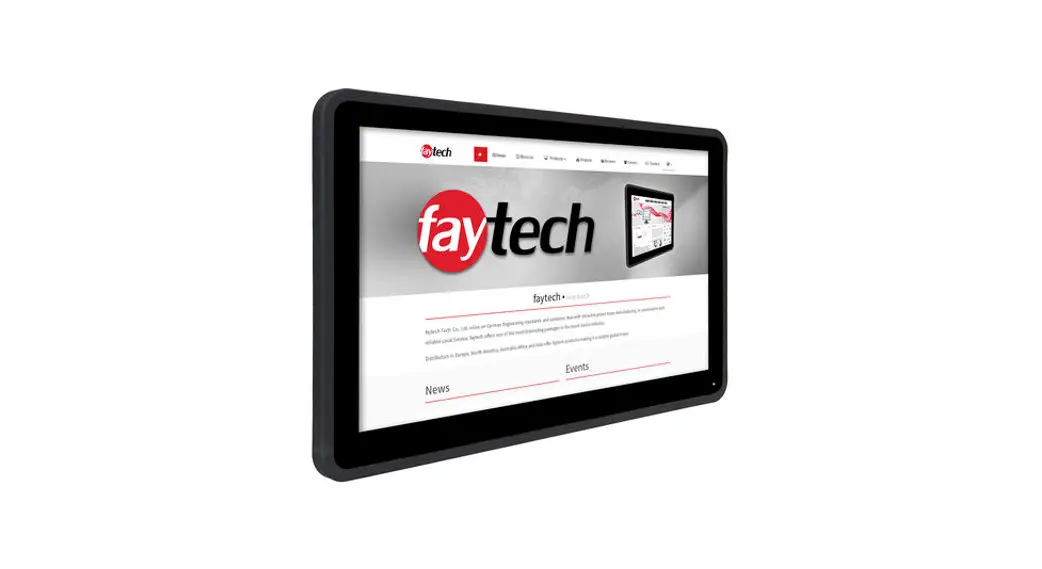
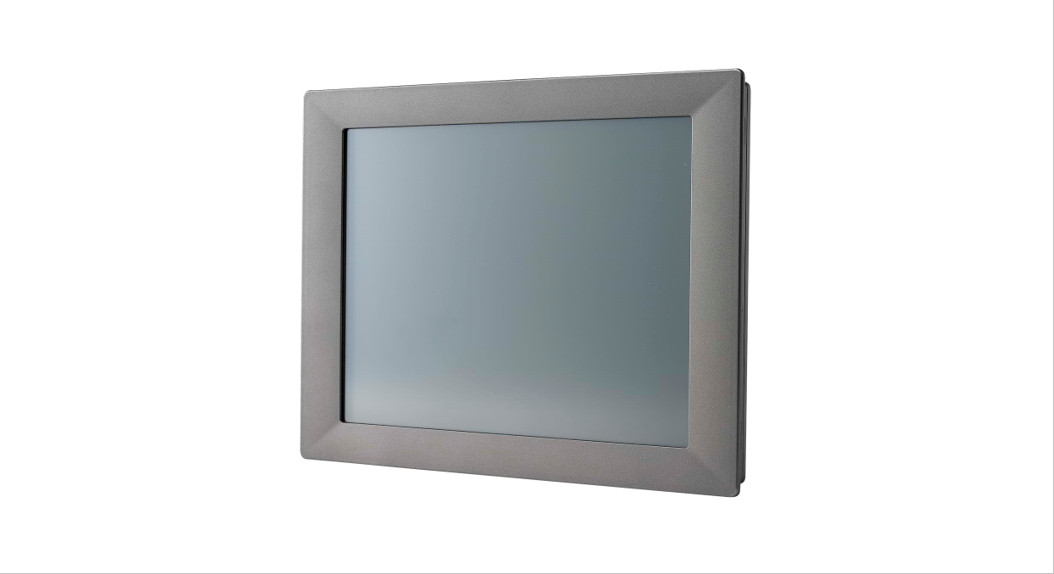
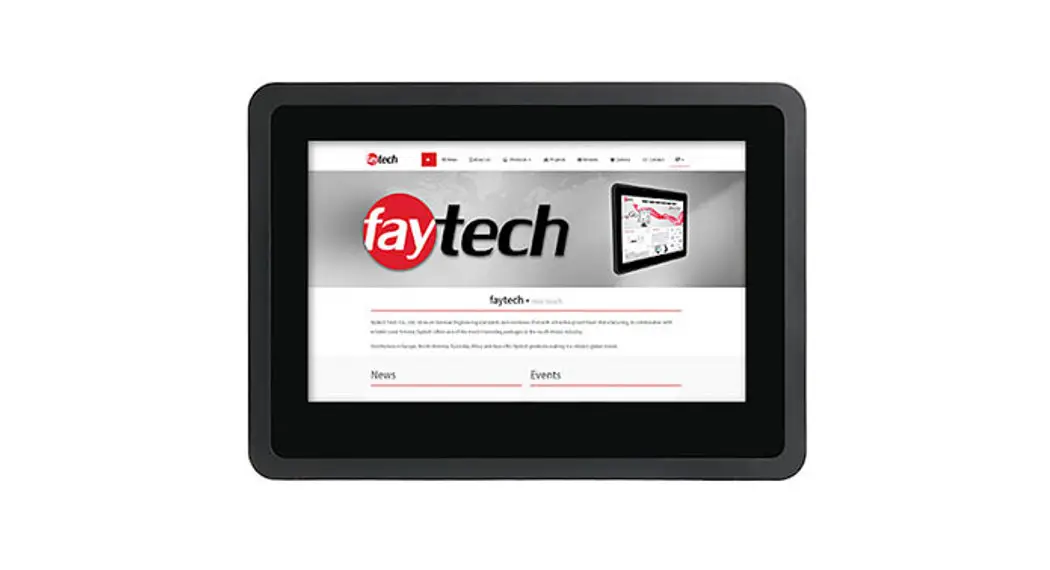
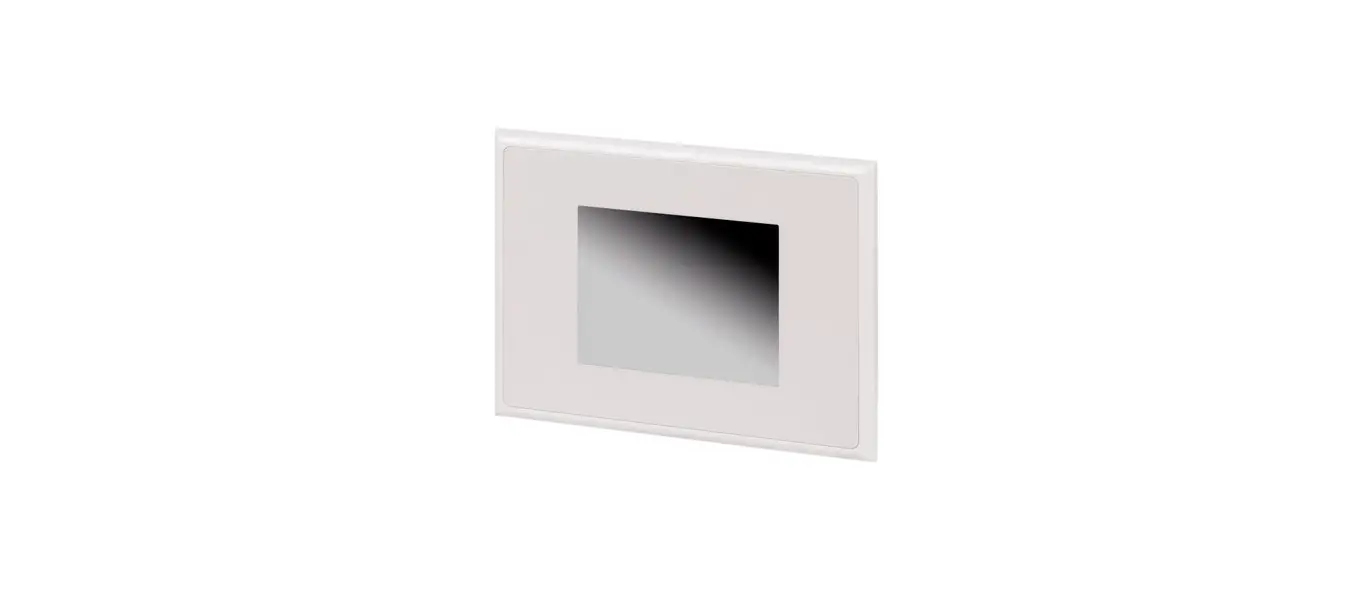
Product appearance
Performance feature
High contrast ratio and high luminance(250cd/) G+G Projective Capacitive Touch. 178°/178° view angle. 50K lifespan.Front toughed glass Built-in power supply, low energy consumption, long service life.
4
Shenzhen ZhengYuanTai Technology,Co,.Ltd. 1F,3F,5F,1st,Building,LeBao Industrial Park,FengXin Rd,Guangming New District,Shenzhen,China
1920×1080 resolution. Windows 10 inside
Connecting external device
Please connect the monitor to external devices according to the following I/O interface list, and choose corresponding signal incoming channel.
Description Model Size Active Area Screen Maximum Resolution Pixel Pitch: Color Depth LCD Panel Surface Treatments
Monitor Solution
Viewing Angle (CR>10) Contrast Ratio Average Brightness Frame Rate Backlight Unit Prime Power Jack
Languages
Others
Mounting option
Touch panelpc DSXX 21.5 inch 476.6(H) × 268.1(V)mm 1920×1080
0.2482×0.248mm (H×V) 16.7M True Colors Hard coating (3H)
89/89/89/89 (Typ.)(CR10)
Typ. 1000:1 Typ. 250 cd/ Typ. 60Hz LED 1920 x 1080 @ 60 Hz 12V,5A
Multi Language
100x100mm
5
Shenzhen ZhengYuanTai Technology,Co,.Ltd. 1F,3F,5F,1st,Building,LeBao Industrial Park,FengXin Rd,Guangming New District,Shenzhen,China
Optional Accessories
Adapter,Power plug cable, Manual
Operating Storage
Temperature : 0 to 50ºC / Humidity : 10 to 90% Temperature : -20 to 60ºC / Humidity : 10 to 90%
Power Consumption
<45W
Touch
Touch Type
PCAP Touch
Touch Solution Glass hardness
Ilitek touch solution 6H
Windows version:
Windows
CPU Memory Storage (SSD)
Windows OS
WiFi & Bluetooth & Ethernet(LAN)
4G/8G 128G/256G/512G
Windows 10PRO 32/64 bits Windows 11PRO 32/64 bits(depends on CPU) Support
1
2
9 10
13
3 45 678
11 12
6