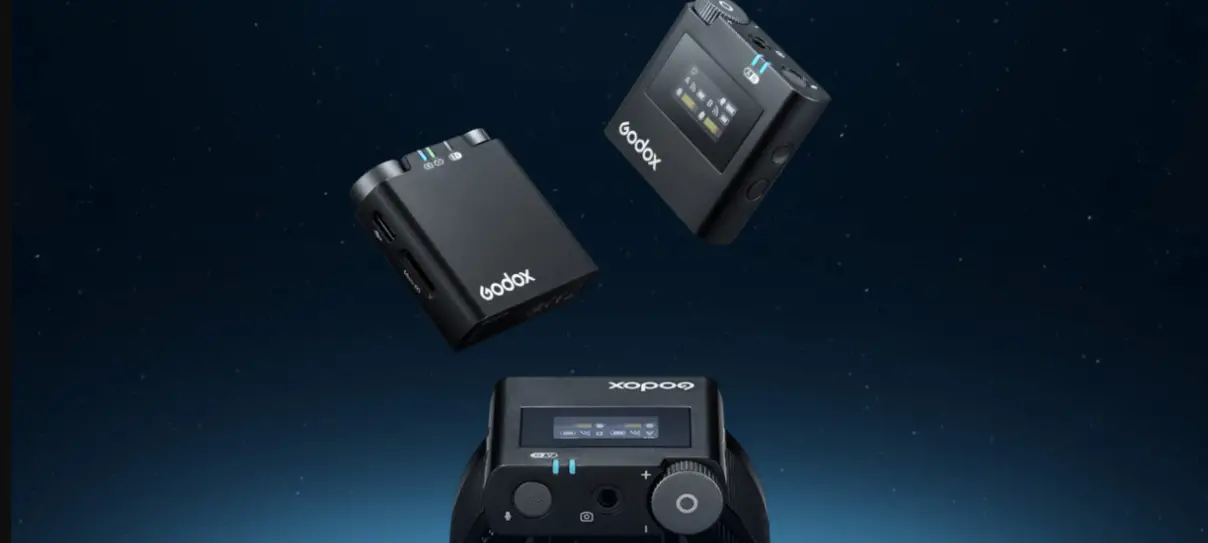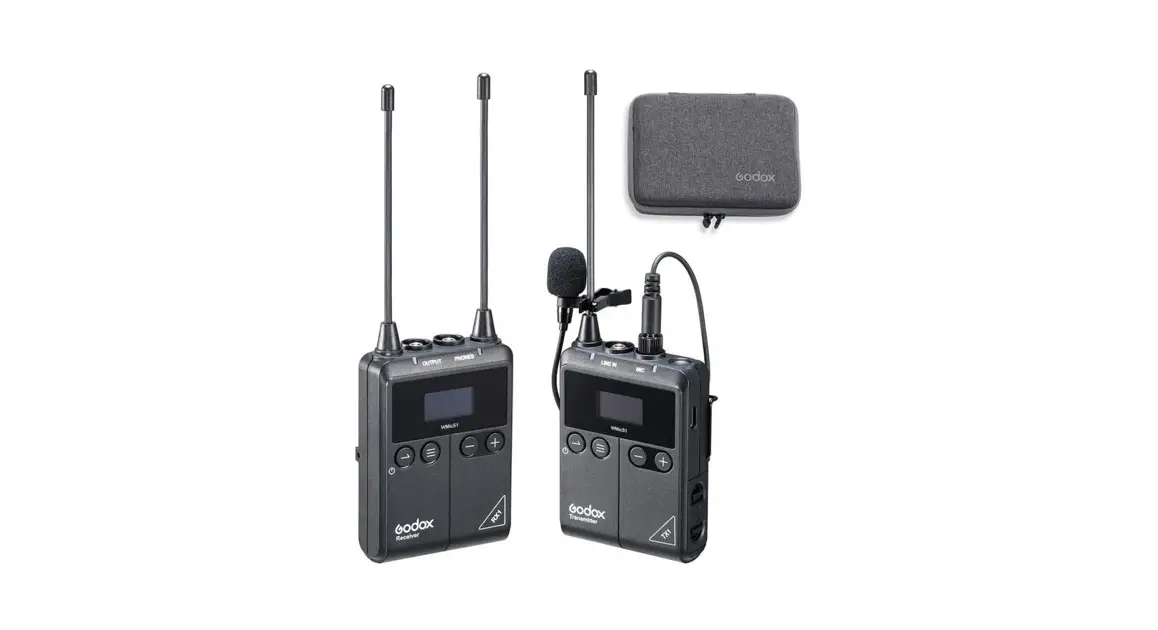
 WMic S1
Instruction Manual
UHF Wireless Microphone system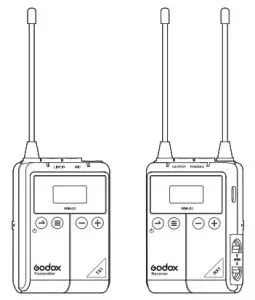
Forward
Thank you for purchasing UHF Wireless Microphone system-WMicS1. These products are suitable for video recording, journalistic shooting, audio recording, etc. Please read this manual carefully before using to make sure the correct operation and exert the optimum function.
Features:
- UHF Frequency Range: 514MHz-596MHz
- There are 96 wireless channels that can be freely switched without interference
- High and stable sound quality like broadcast
- The maximum wireless distance up to 100m
- With OLED display to show the parameters set Achieve real-time monitoring with 3.5mm earphone
- With output volume control and silence function
- The power of the transmitter is adjustable
- Support two transmitters and one receiver to work simultaneously
- Two power supply mode
(Note: as the max. support frequency is 514MHz-596MHz which includes the 96 wireless channel’s frequency, there are parts of frequency that may not be utilized.)
Warning
 Do not disassemble. Should repairs become necessary, this product must be sent to an authorized maintenance center. Always keep this product dry. Do not use in rain or in damp conditions. Keep out of reach of children. Do not use the flash unit in the presence of flammable gas. In certain circumstances, please pay attention to the relevant warnings. Do not leave or store the product if the ambient temperature reads over 40 ℃. Turn off the flash trigger immediately in the event of a malfunction. Observe precautions when handling batteries.
– Use only batteries listed in this manual. Do not use old and new batteries or batteries of different types at the same time.
– Read and follow all warnings and instructions provided by the manufacturer.
– Batteries cannot be short-circuited or disassembled.
– Do not put batteries into a fire or apply direct heat to them.
– Do not attempt to insert batteries upside down or backward.
– Batteries are prone to leakage when fully discharged. To avoid damage to the product, be sure to remove batteries when the product is not used for a long time or when batteries run out of charge.
Should liquid from the batteries come into contact with skin or clothing, rinse immediately with fresh water.
Names of Parts
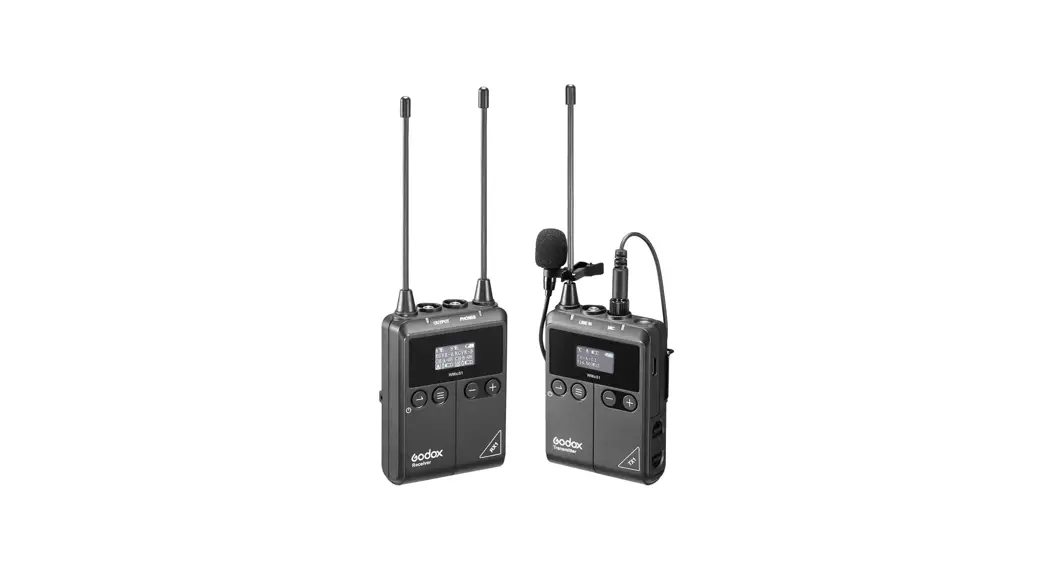
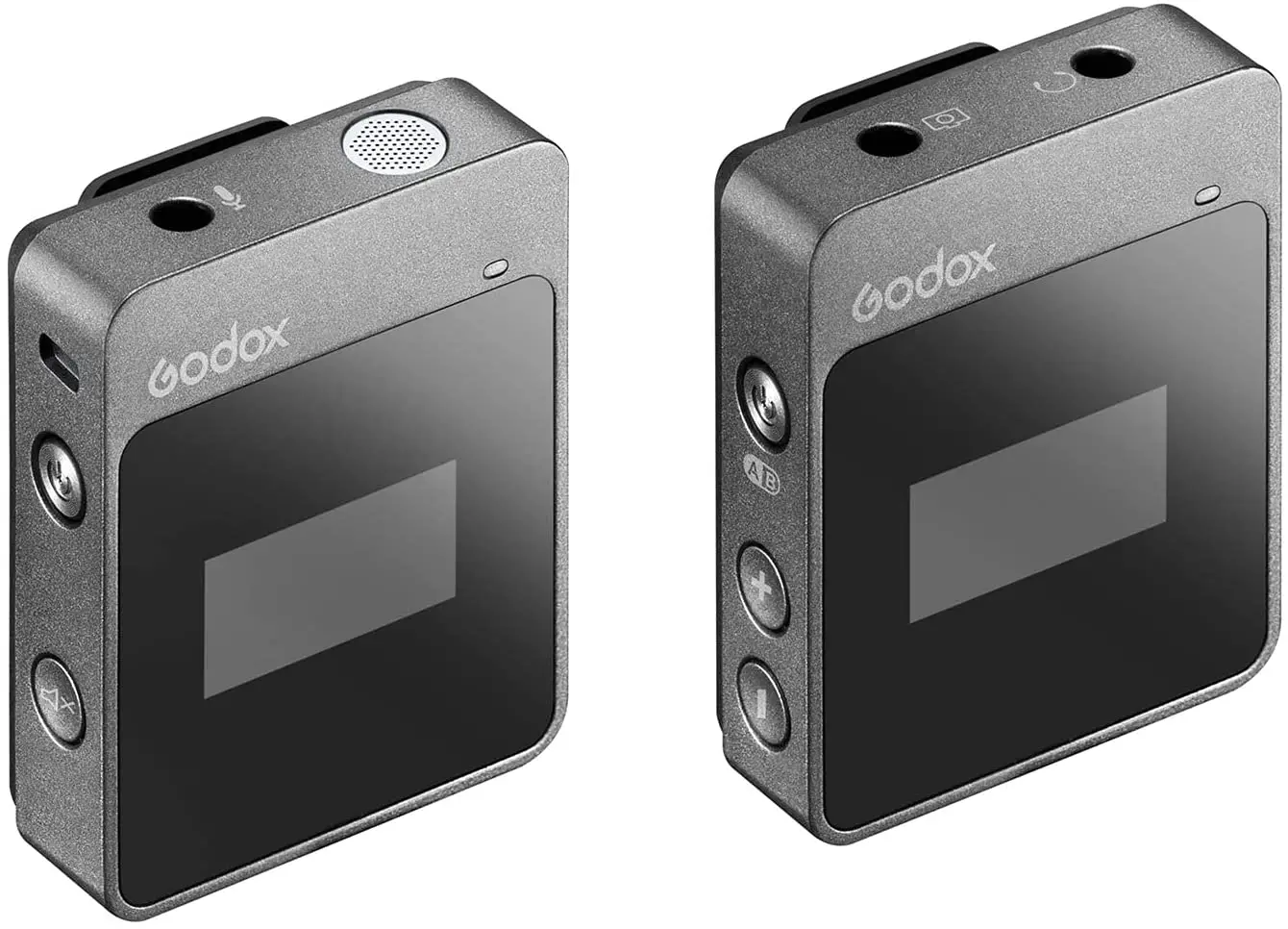
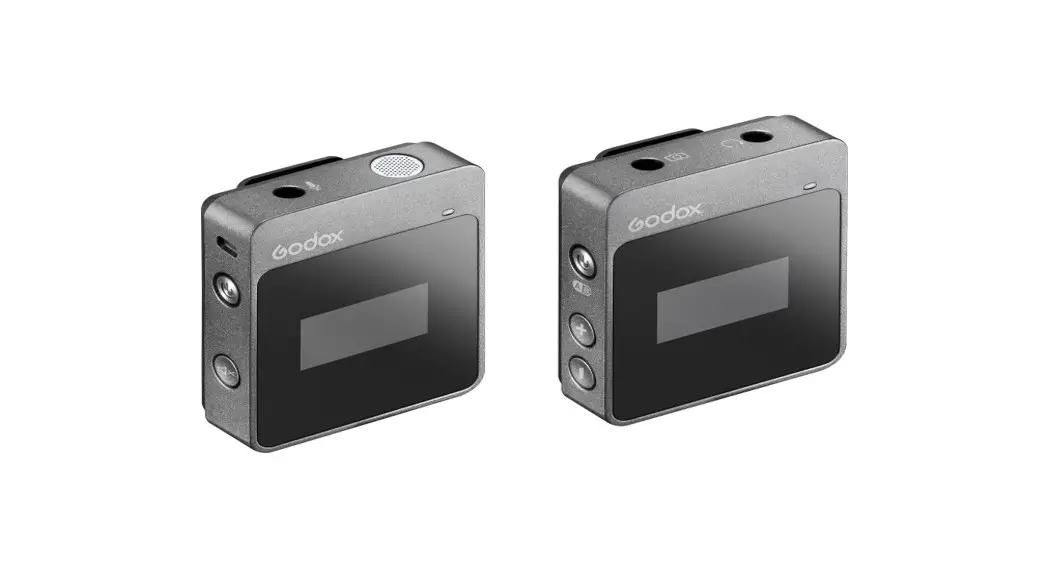
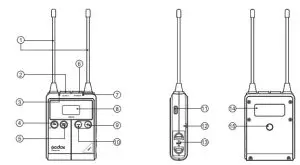
Body-pack Transmitter (TX1 )
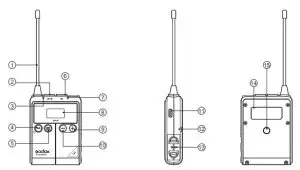
| 1. Antenna 2. 3.5mm Audio Line In Port 3. Power Indicator -Greenlight: full battery level -Red light: Low battery level, replace the batteries 4. Power Source/Mute Button 5. Menu Button | 6. MicrophoneInput Port 7. Audio Indicator -Green light: Sound directivity mode -Red light: Silent mode 8. OLED Display 9. Menu + 10. Menu – | 11. USB Type-C Port 12. Metal Clip Port 13. Battery Holder -2×AA Battery 14. Product Label 15. 1/4″Shoe Mount Port |
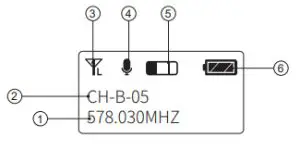
OLED Display :
- Communication Frequency
- Wireless Group and Channel
- Transmitting Power Icon
- Pick-up Sound/Silent Icon
- Input Volume Indicator
- Battery Level Indicator

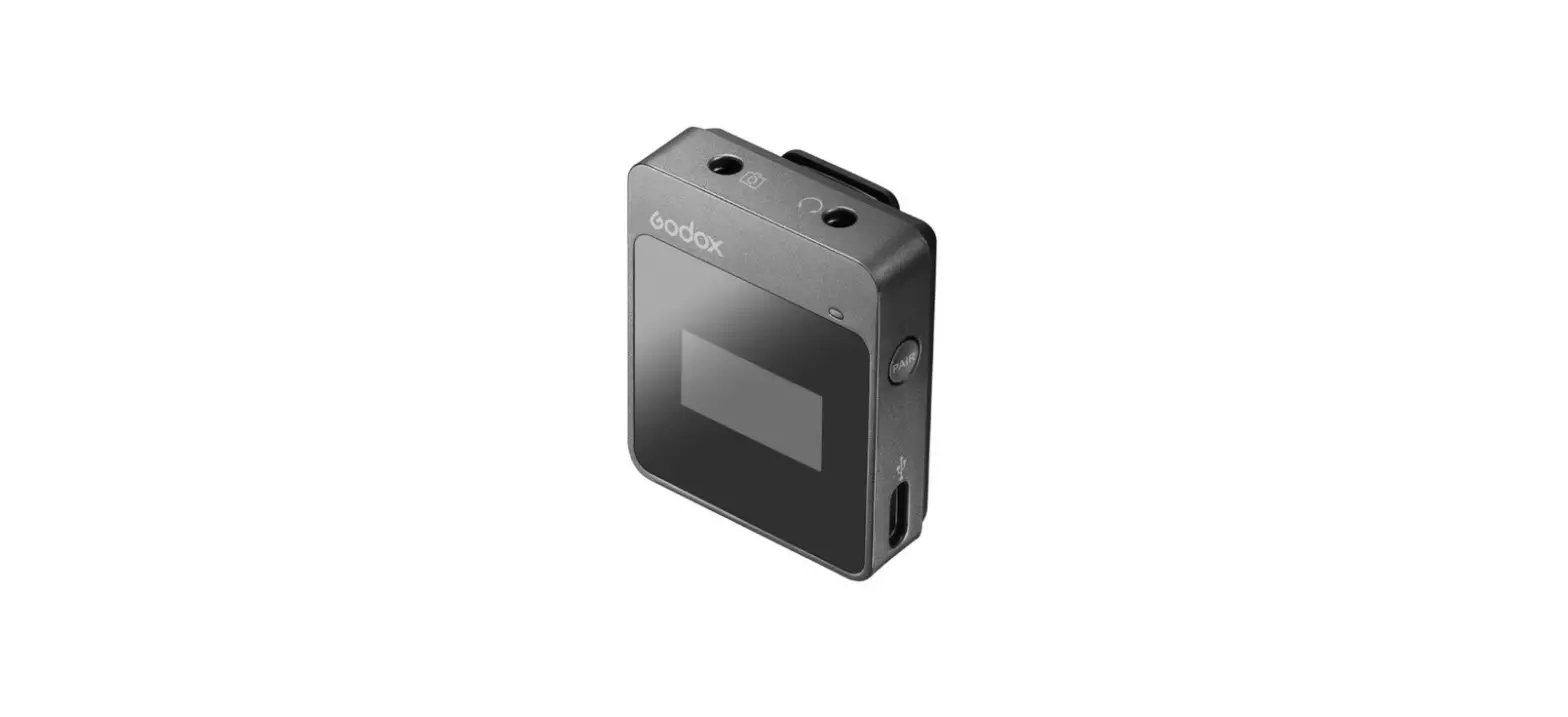
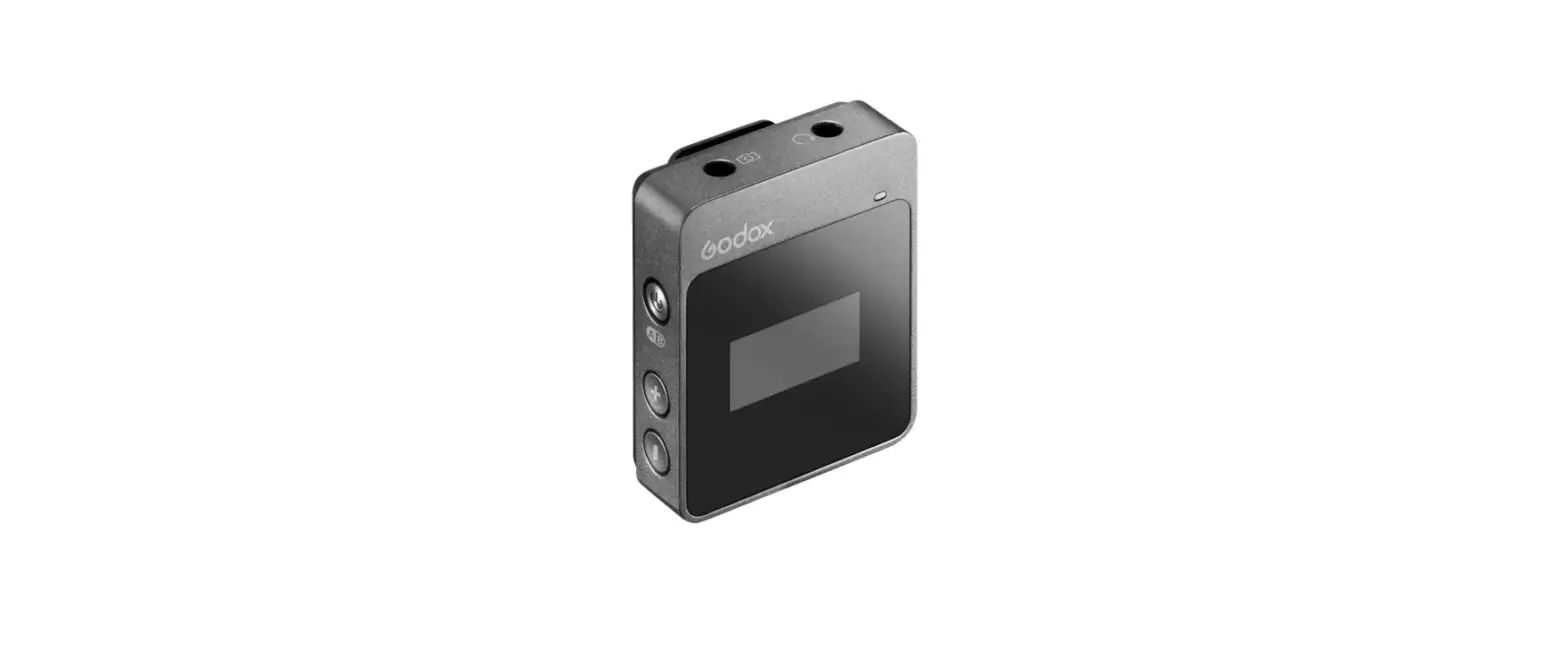
Portable Receiver (RX1 )
| 1. Antenna 2. 3.5mm Audio Output Port 3. Power Indicator -Greenlight: full battery level -Red light: Low battery level, replace the batteries 4. Power Source/Mute Button 5. Menu Button | 6. 3.5mm Earphone Monitoring Port 7. RF Indicator -Green light: Strong RF signal -Red light: Week or disconnected RF signal 8. OLED Display 9. Volume +/Menu + 10. Volume -/Menu – | 11. USB Type-C Port 12. Metal Clip Port 13. Battery Holder -2×AA Battery 14. Product Label 15. 1/4″Shoe Mount Port |
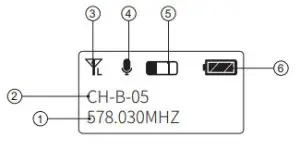
OLED Display :
- A Group Frequency Signal
- B Group Frequency Signal
- Battery Level Indicator
- A Group Receive Channel
- B Group Receive Channel
- Transmitter’s Battery Level and Volume
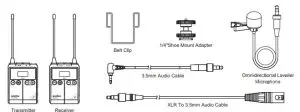
Included Item
| Name | Model | Included Items |
| Body-pack Transmitter | TX1 | Transmitter x1 Belt Clip x1 Omnidirectional Lavalier Microphonex1 |
| Portable Receiver | RX1 | Receiver x1 Belt Clip xl 3.5mm Audio Cablexl XLR To 3.5mm Audio Cablex1 1 /4″ Shoe Mount Adapter xl |
| UHF Wireless Microphone System Kit 1 | WMicS1 Kit 1 | Transmitter x1 Receiver x1 Omnidirectional Lavalier Microphonexl Belt Clip x2 3.5mm Audio Cablex1 XLR To 3.5mm Audio Cablex1 1 /4“Shoe Mount Adapter xl |
| UHF Wireless Microphone System Kit 2 | WMicS1 Kit 2 | Transmitter x2 Receiver x1 Omnidirectional Lavalier Microphonex2 Belt Clip x3 3.5mm Audio Cablex1 XLR To 3.5mm Audio Cablex1 1/4″Shoe Mount Adapterxl |
Recommended Combination
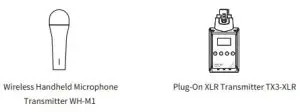
Power Supply
There are two modes of power supply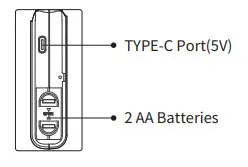
Operation Instruction
Transmitter Setting
 Power on/off: Long press the power switch for 2 seconds to power it on or off. Short press the power switch to make it silent.
 GRP/CH/RF Setting: Long press the menu button to enter the setting interface. Then, short press the menu button to switch to the next setting.
 Power on/off: Long press the power switch for 2 seconds to power it on or off. Short press the power switch to make it silent.
 GRP/CH/RF Setting: Long press the menu button to enter the setting interface. Then, short press the menu button to switch to the next setting.
– GRP Group setting: choose GRP and press +/- to choose A or B group.
– CH Channel setting: choose CH and press +/- to set a channel from 01 to 48.
– RF Power setting: choose RF power to switch H/L power.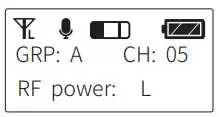
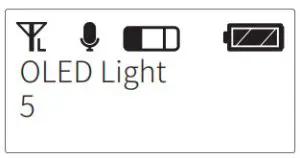
- Display brightness setting: short press +/- button until OLED light is displayed on the panel. Then, long-press the menu button to choose the corresponding brightness level of OLED light. Short press +/- button to choose brightness from 1 to 8 levels.

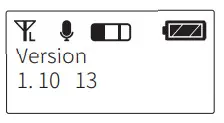
- Software version: short press +/- button until Version is displayed, which means the version of the software.

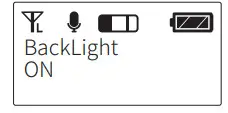
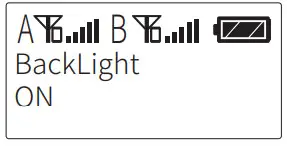
- Backlighting time: Short press +/- until Back Light is displayed on the LCD panel. Then,long-press the menu button and the backlighting time will be blinking. Short press the +/-button to choose backlighting time: ON means lighting and OFF means off. Delay10S/the 30S/60S.

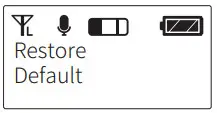
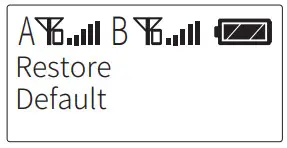
- Restore factory settings: short press the +/- button until Restore Default is displayed. Then, long-press the menu button to restore factory settings.

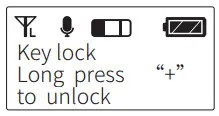
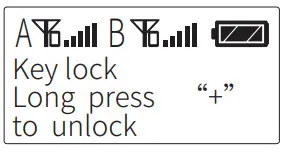
- Button lock: To avoid pressing down mistakenly, it is recommended to use the button lock. Long press the “+” to enter the locking state and long-press it again to unlock.
Receiver Setting
- Power On/Off: long press the button for 2 seconds to power it on or off.
- RCVR/CH/VOL setting: to set channel A’s parameters, long-press the menu button to enter the setting interface during the A’s parameters are displayed. Then, short press the menu button to switch to the next setting. To set channel B’s parameters, long-press the menu button to enter the setting interface during the B’s parameters are displayed.

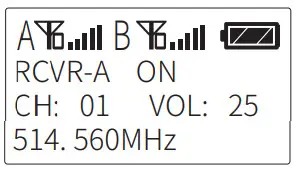
– RCVR Power switch setting: select RCVR and press +/- button to choose ON/OFF.
– CH Channel setting: select CH and press +/- button to choose a channel from 01 to 48.
– VOL Setting: select VOL and press +/- button to choose a volume from 00 to 30.
Please set the receiver and transmitter to the same channel during usage, thus achieving recording and real-time monitoring.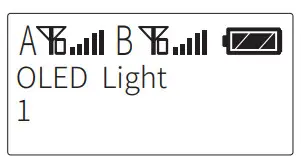
- Display brightness setting: short press +/- button until OLED light is displayed on the panel. Then, long-press the menu button and the corresponding brightness value of OLED light will be blinking. Short press +/- button to choose brightness from 1 to 8 levels.

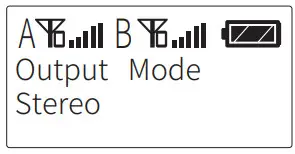
Output mode: there are Stereo mode and Mono mode. Short press +/- button to enter output mode. Then, long-press the menu button to switch the two channels. When in Monochannel output, the sound of the left channel and right channel will
be output simultaneously. When in Stereo channel output, the sound of left channel(A group) and right channel(B group) will be output independently. The default channel of this system is the Mono channel.
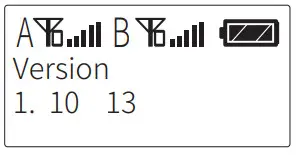
- Software version: short press +/- button until Version is displayed, which means the version of the software.

Backlighting time: Short press +/- until Back Light is displayed on the LCD panel. Then, long-press the menu button and the backlighting time will be blinking. Short press the +/- button to choose backlighting time: ON means lighting and OFF means off. Delay10S/the 30S/60S.

Restore factory settings: short press the +/- button until Restore Default is displayed. Then, long-press the menu button to restore factory settings.

Button lock: To avoid pressing down mistakenly, it is recommended to use the button lock. Long press the “+” to enter the locking state and long-press it again to unlock.
| Transmitter Port | Receiver Port |
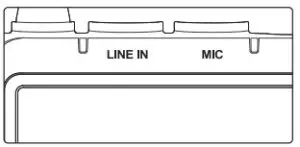 | 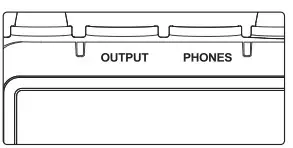 |
| LINE IN: to connect with external audio signal input. MIC: to connect with lavalier microphone. | LINE IN: to connect with external audio signal input. MIC: to connect with lavalier microphone. |
Operation
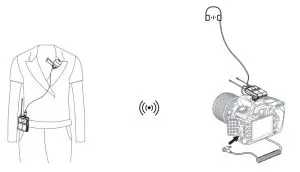 Transmitter
- Insert the omnidirectional lavalier microphone into the transmitter’s MIC port.
- Turn on the transmitter to set the relevant parameters.
- Clip the transmitter onto the belt or put it into your pocket.
Receiver
- Connect the 1/4” cold shoe onto the receiver, and install them on the camera or shooting equipment.
- Insert one end of the 3.5mm cable into the receiver’s OUTPUT port and the other end into the camera’s MIC port.
- Turn on the receiver to set relevant parameters.
Note: Please set the group and channels of transmitter and receiver to the same when setting parameters.
When a receiver is connecting to two transmitters, A transmitter must be set and used in A group while B transmitter must be set and used in B group.
Technical Data
| Name | Body-pack Transmitter TX1 | Portable Receiver RX1 | |
| Channel Group | NB | A/B | |
| Selectable Channel | 96(Group A: 48; Group B: 48) | 96(Group A: 48; Group B: 48) | |
| RF Frequency Range | 514MHz – 596MHz | 514MHz – 596MHz | |
| Oscillator Type | Crystal Controlled PLL Synthesizer | Crystal Controlled PLL Synthesizer | |
| Audio Frequency Range | 40Hz-18KHz | 40Hz-18KHz | |
| Sound Delay | 12ms | 12ms | |
| Antenna | 1/4A | 114A | |
| Audio Input Port | 3.5mm Port | 3.5mm Port | |
| Power Supply | USB Port | USB Type-C | USB Type-C |
| Battery | Two M batteries | Two M batteries | |
| Working Temperature Range | 0°C-50°C | 0°C-50°C | |
| Signal Noise Ratio | =70dB | ||
| Receive Sensitivity | -95dBm | ||
| Distortion | Below 0.5% | ||
| Size | 631 90*22mm | 63*190*25mm | |
| Net Weight | 70g | 80g | |
Troubleshooting
- Unable to receive the audio signal. Make sure batteries are installed correctly and Power Switch is turned on. Check if the transmitter and the receiver are set to the same channel, if the microphone or earphone is well connected, or if the devices are set to the correct mode.
- Check if the transmitter is set to silent mode or not.
- Signal disturbance or shooting interference. Change a different channel of the transmitter and receiver.
- Operating audio distance limited or signal missing. Check if batteries are exhausted. If so, replace them.
Maintenance
Avoid sudden drops. The device may fail to work after strong shocks, impacts, or excess stress.
Keep dry. The product isn’t water-proof. Malfunction, rust, and corrosion may occur and go beyond repair if soaked in water or exposed to high humidity.
Avoid sudden temperature changes. Condensation happens if sudden temperature changes such as the circumstance when taking the transmitter and receiver out of a building with higher temperature to outside in winter. Please put the transmitter and receiver in a handbag or plastic bag beforehand.
Keep away from a strong magnetic field. The strong static or magnetic field produced by devices such as radio transmitters leads to malfunction.
This product, except consumables e.g. lapel microphone, is supported with a one-year warranty.
Unauthorized service will void the warranty.
If the product had failures or was wetted, do not use it until it is repaired by professionals.
Changes made to the specifications or designs may not be reflected in this manual.
 http://weixin.qq.com/r/vEPI0F7ERgM5rRqz9xau
Follow Wechat Public Account
GODOX Photo Equipment Co., Ltd.
Add: Building 2, Yaochuan Industrial Zone, Tangwei Community, Fuhai
Street, Bao’an District, Shenzhen 518103, China
Tel: +86-755-29609320(8062) Fax: +86-755-25723423
E-mail: [email protected]
Made In China
godox.com