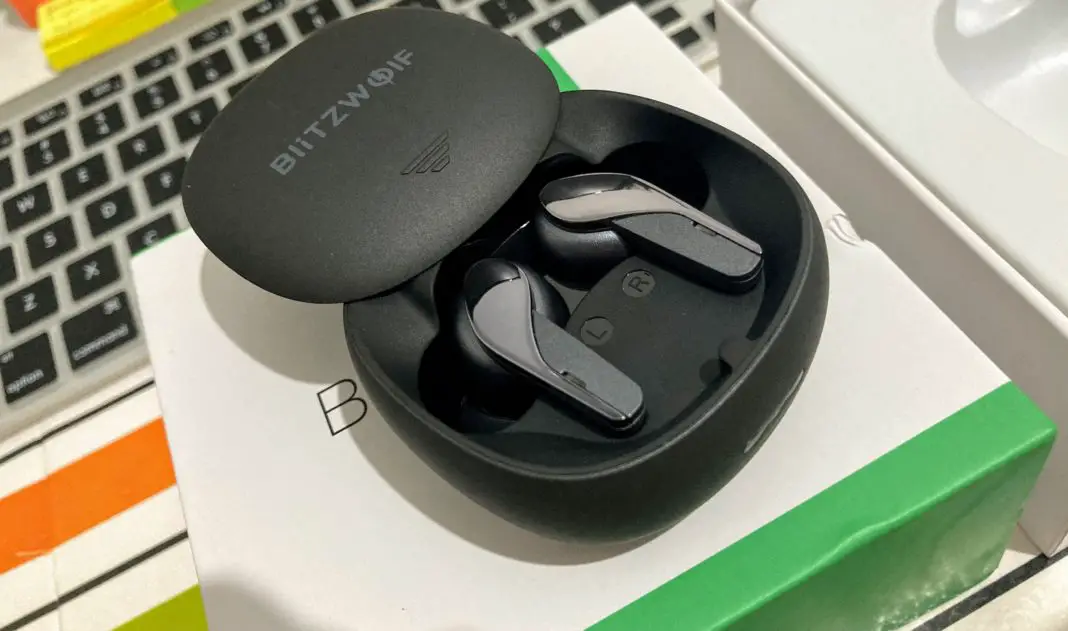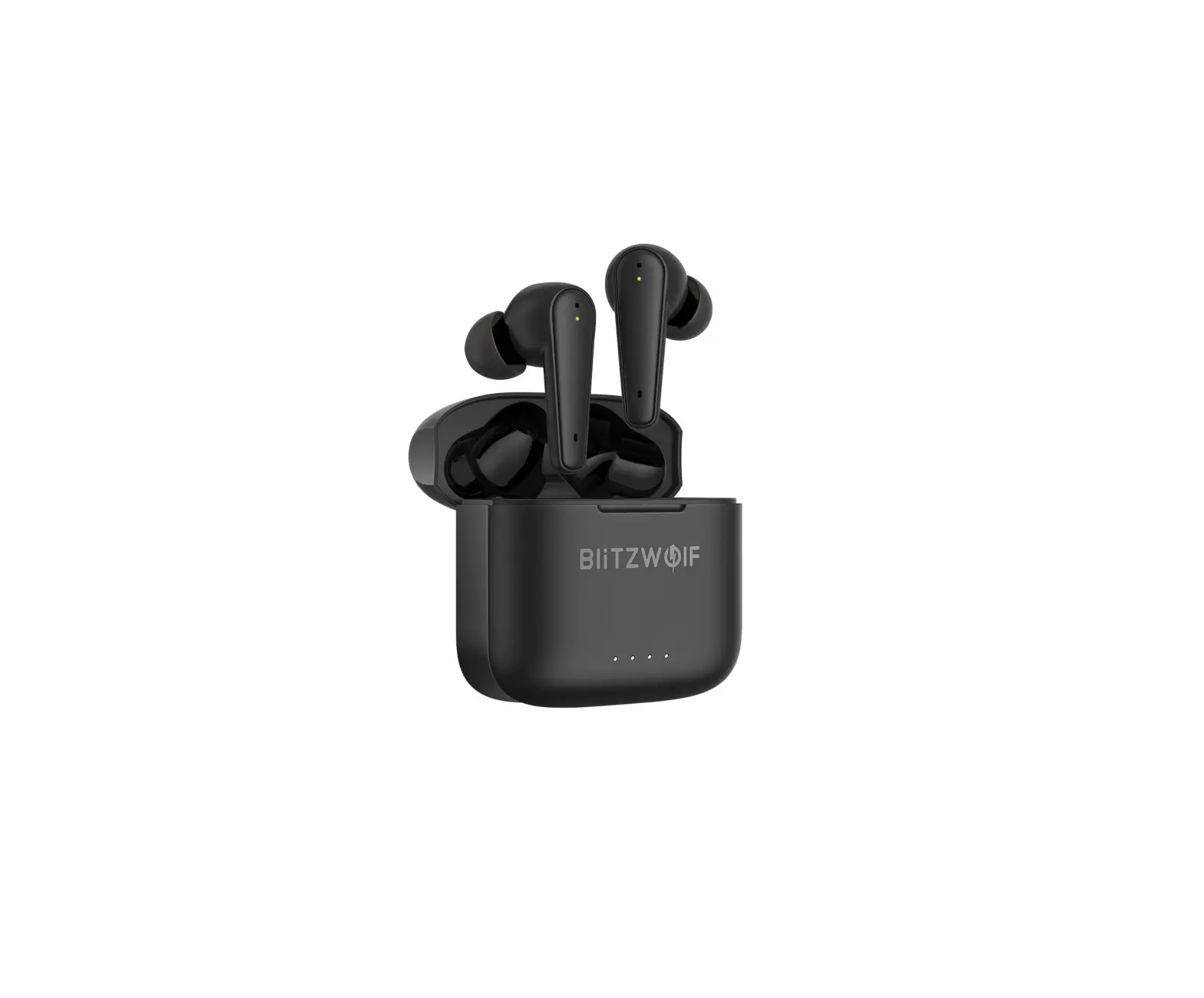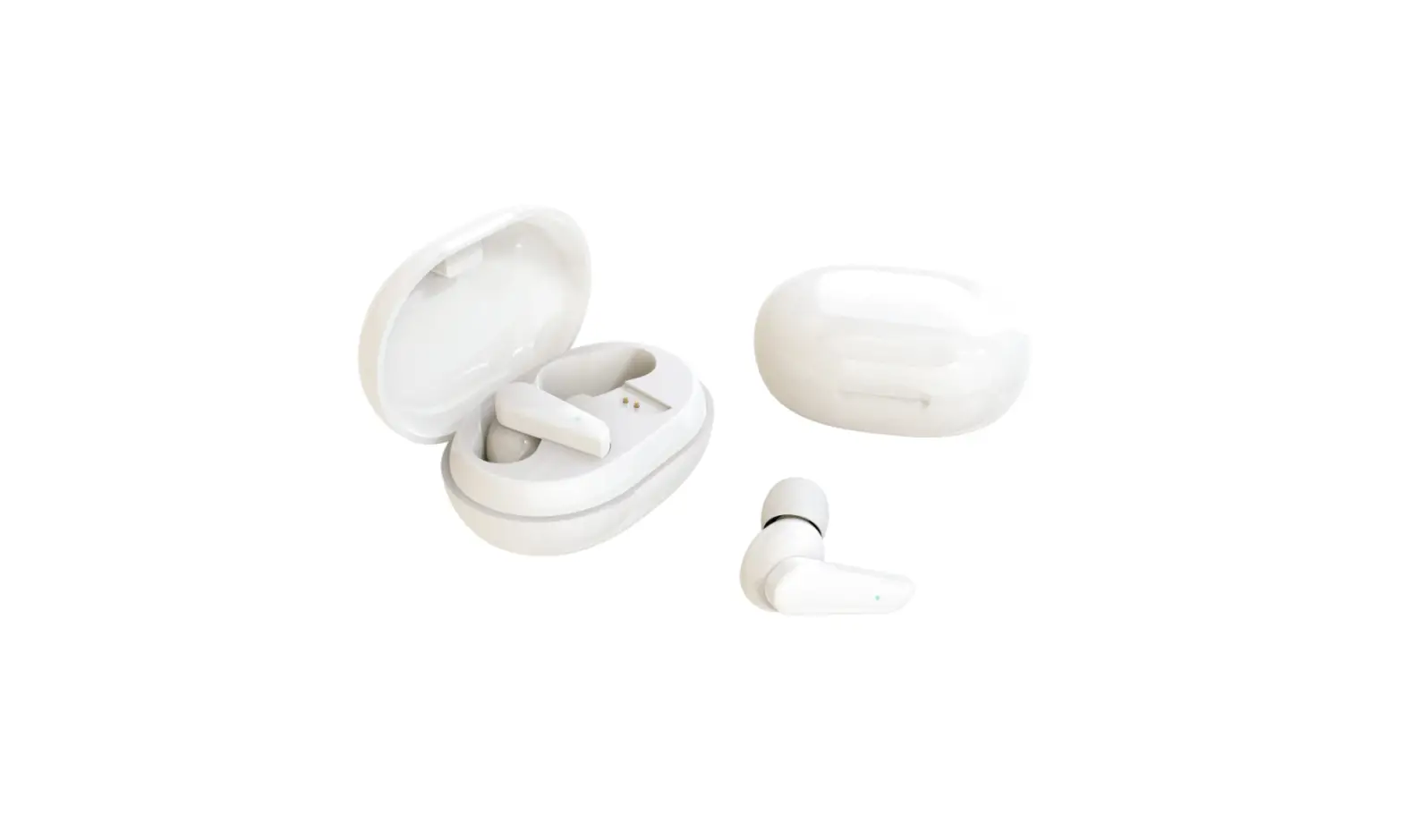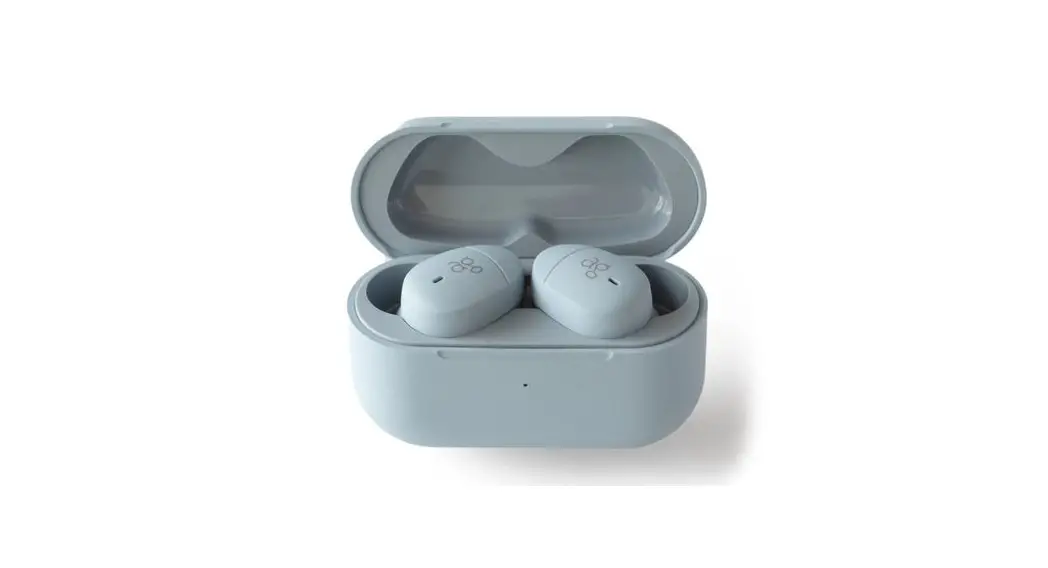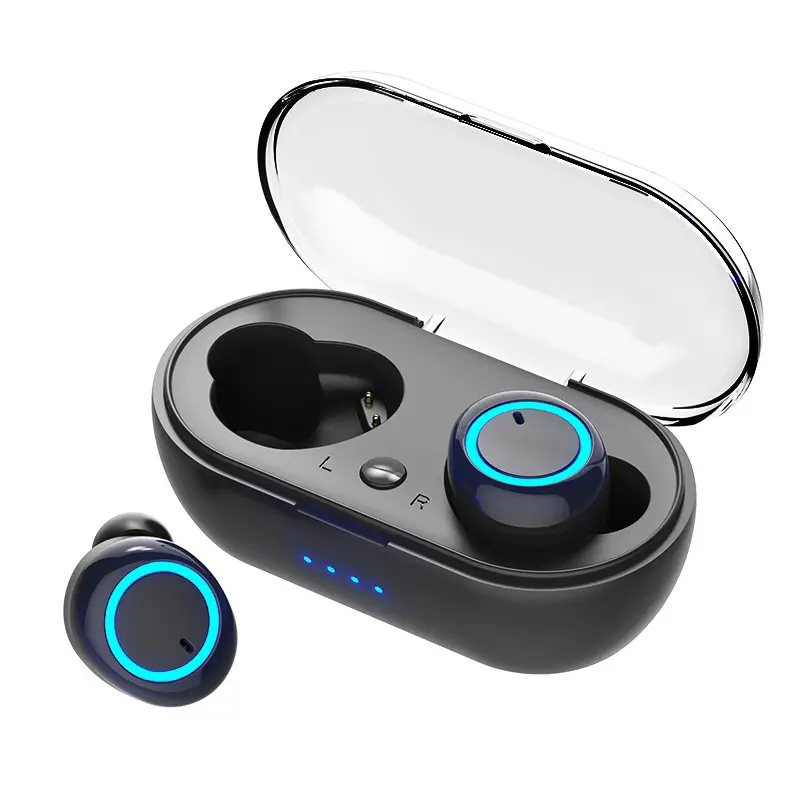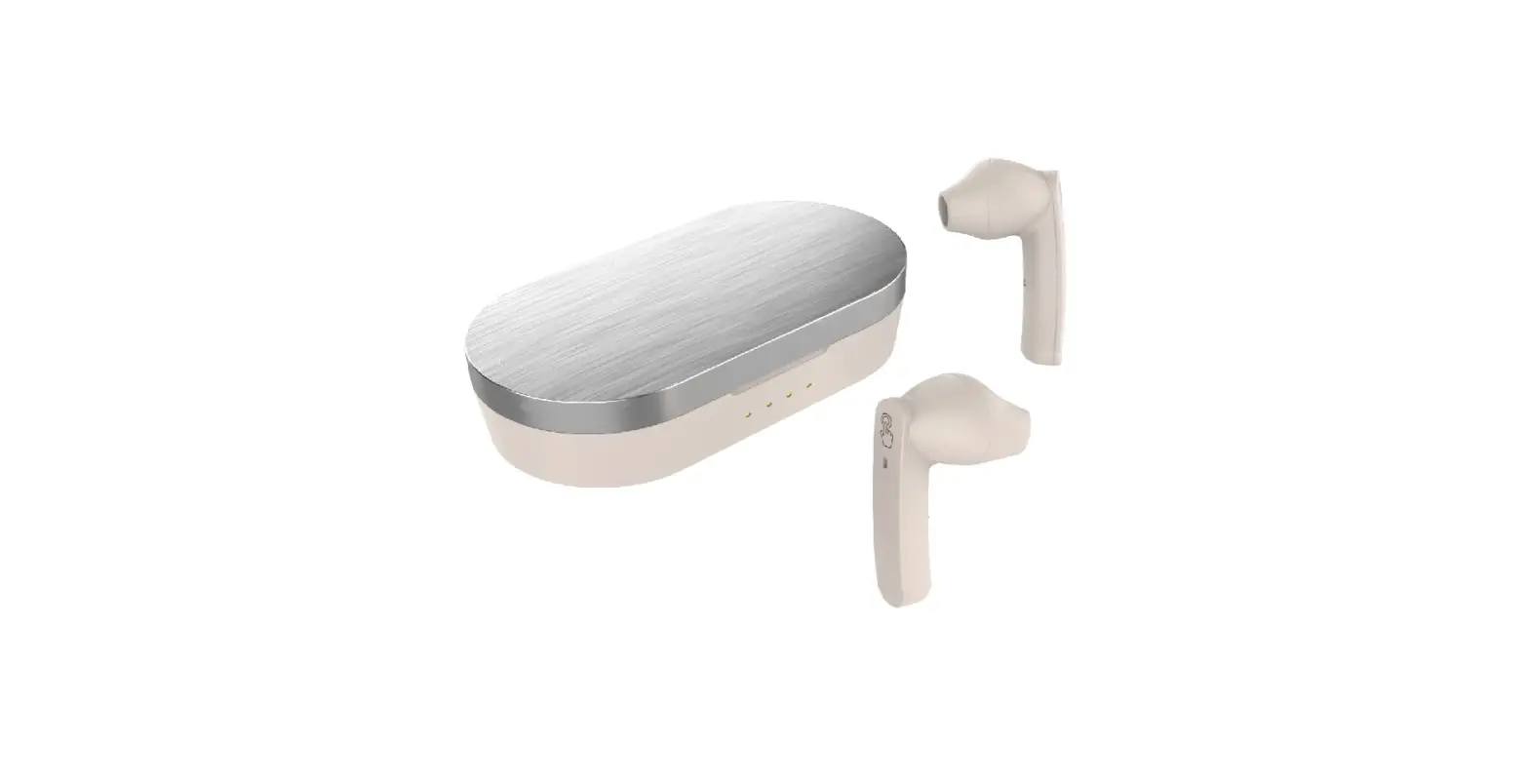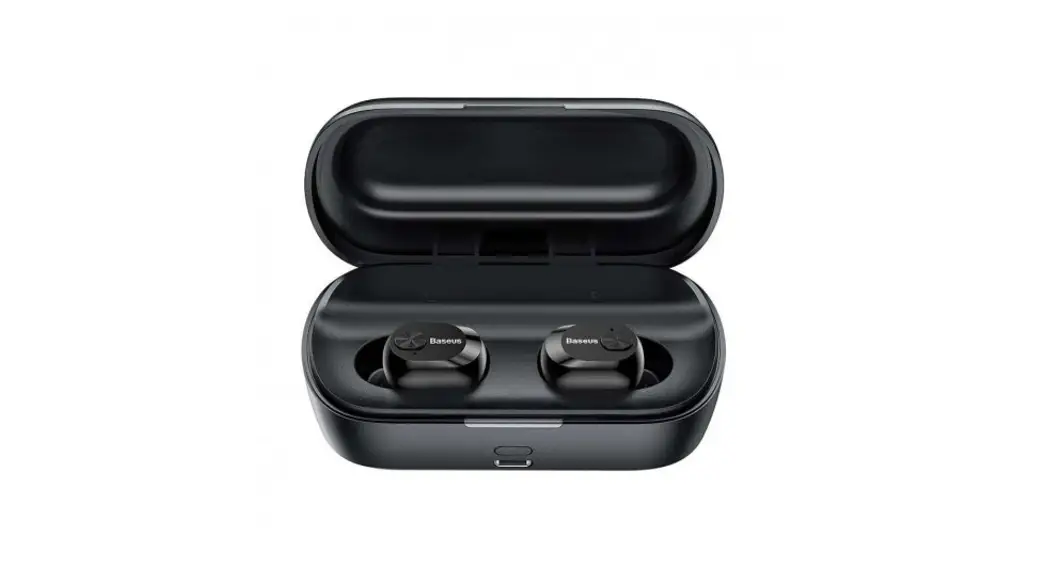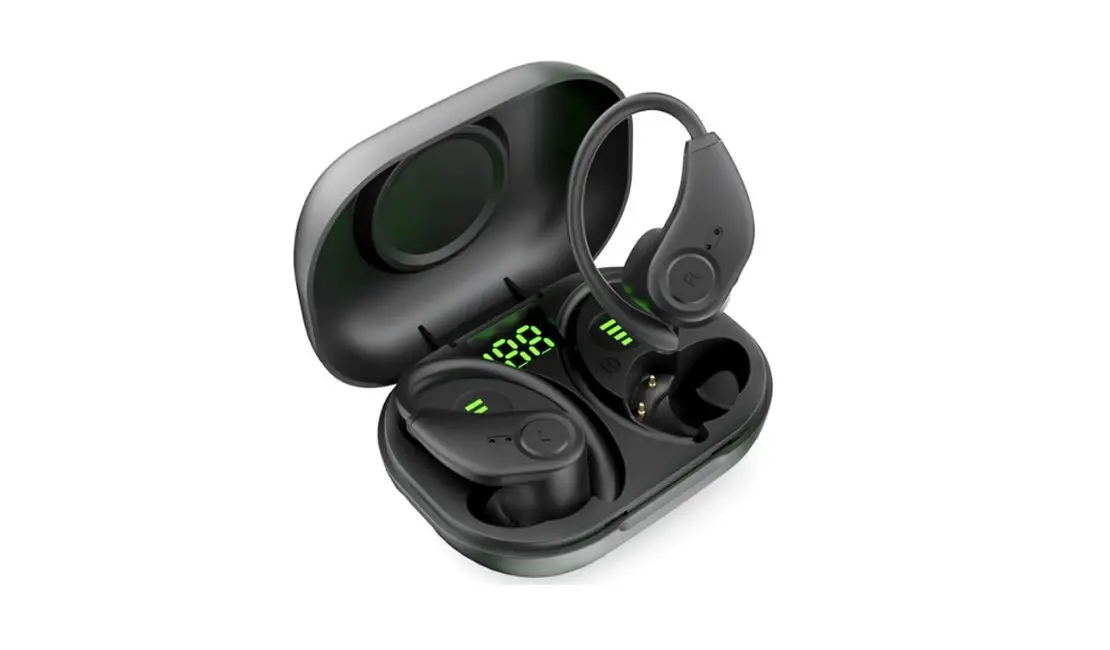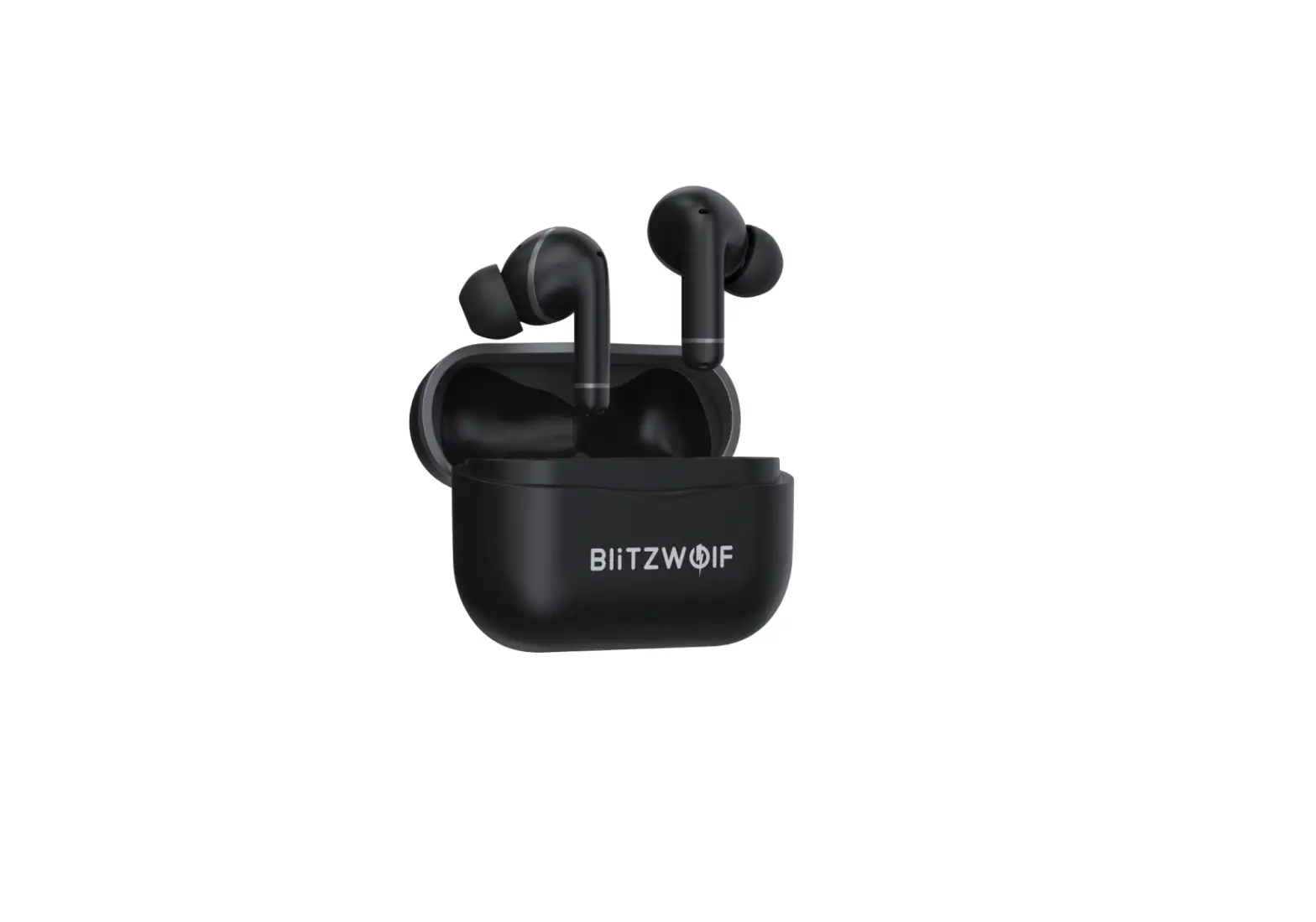
BliTZWOlF BW-ANC3 Bluetooth Compatible BT Wireless TWS Earphone
Specifications
| Model | BW- ANC3 |
| Bluetooth | V5.0 |
| Earbuds charging time | 1.5h |
| Working Voltage | DC5V- 1A |
| Standby time | 70h |
| Playtime | Normal model 7h |
| ANC model Sh | |
| Number of Earbuds charges from case | 4 times |
Pairing
- Open the charging case
- Turn on the Bluetooth of your device
- Select “BW- ANC3” and from the list of devices
- Your buds solo will automatica lly connect to the last paired device as soon as you open the charging case
Reset
Long press the button on the charging case for 10 seconds while it is charging.
The 4 LED will flash in white 5 times indicating that the earbuds are reset
Smart sound features
Hybrid ANC
The buds solo feature 3 advanced microphones on each earbud that capture environmental Noises. These noises are processed by the hybrid noise- cancellation system that equalizes them before they reach your ears, making sure that you get the best sound. Long press the right earbud for 2 seconds to enter the ANC mode
Transparency mode
Transparency mode ensures that you get to hear the outer sounds and know what’s going in around you, without affecting the quality of what’s being played on your earbuds. Long press the right earbud for 2 seconds to enter transparency mode from the ANC mode
Controls
Play/Pause
Tap either earphone twice
Previous song
Tap the left earphone thrice
Next song
Tap the right earphone thrice
Volume up
Tap the right earphone once
Volume down
Tap the left earphone once
Answer/End a call
Tap either earphone once to answer
Tap either earphone twice to end
Reject call
Touch and hold either earphone for 2 seconds
Voice assistant
Touch and hold the left earphone for 2 seconds
 | SCHEU FER T €chnologies GmbH Address: Hertleinstrasse 37, 91052, Erlangen, Germany E-mail: [email protected] |
 | VISHTEC UK Co.,Ltd Address: Unit G25 Waterfront Studios, 1 DockRoad, London, E16 1AH E-mail: [email protected] |