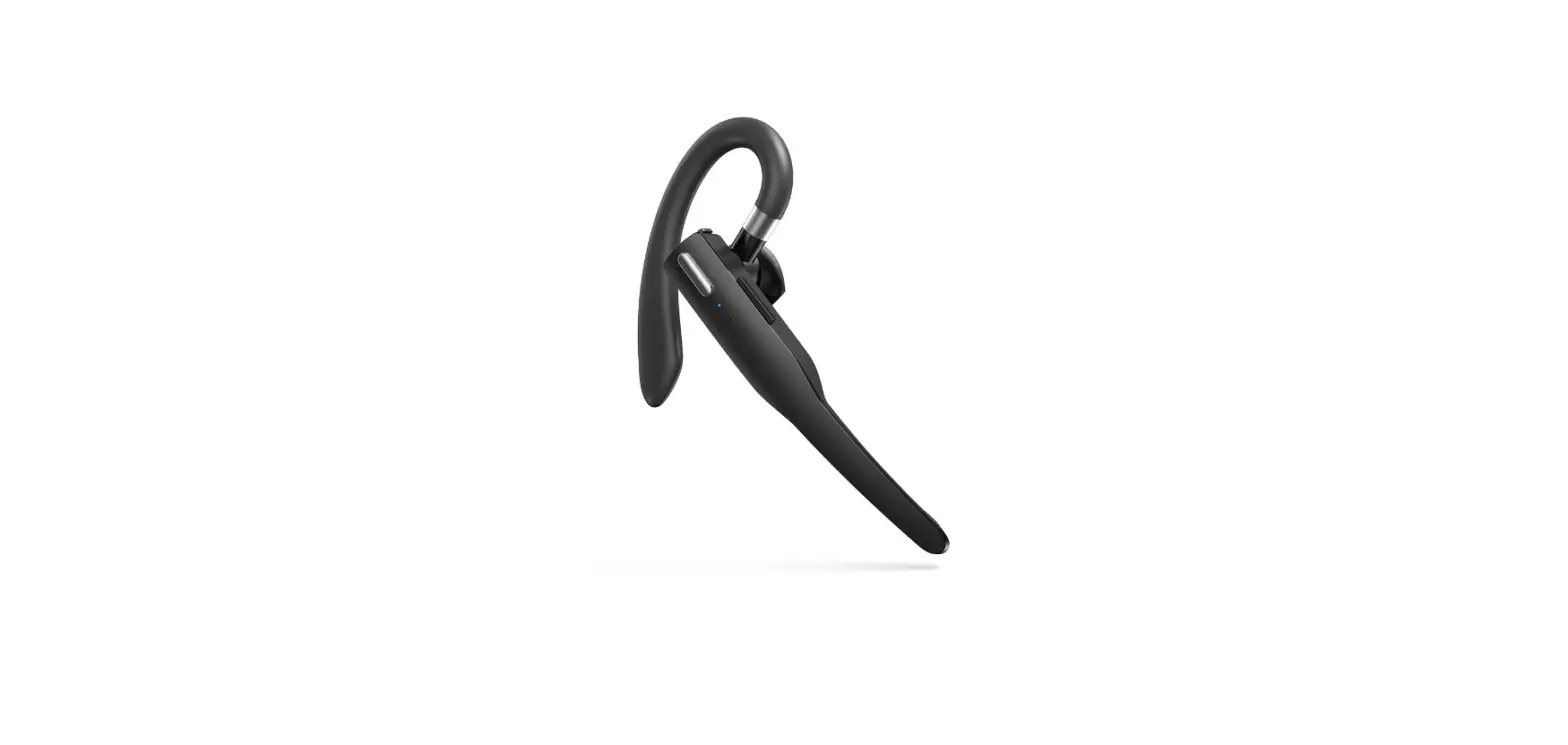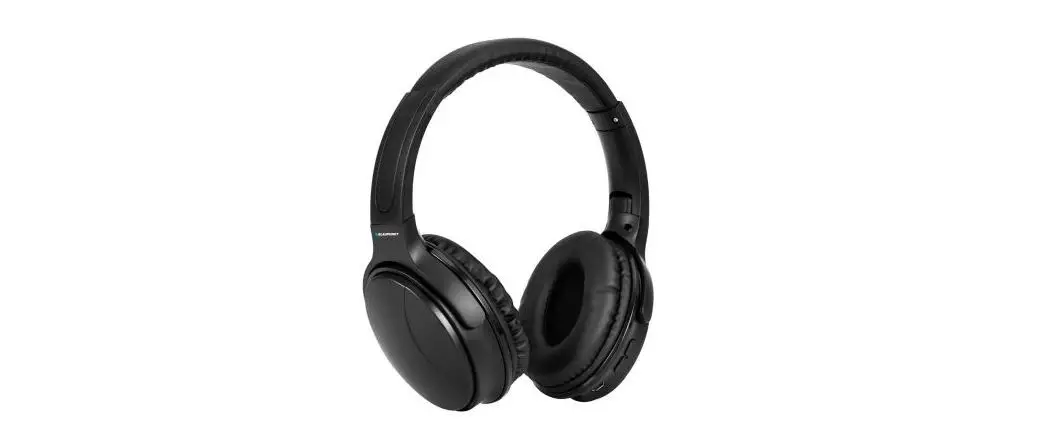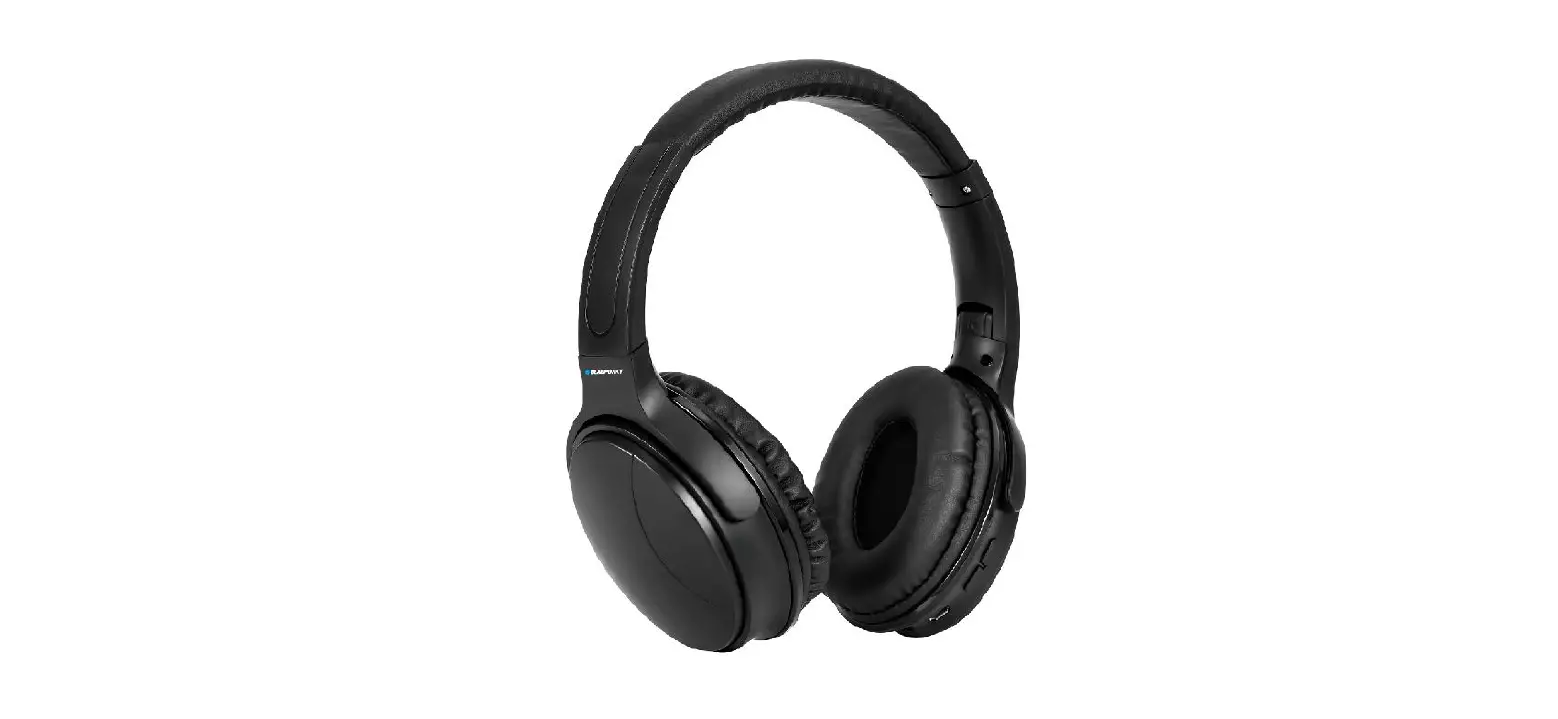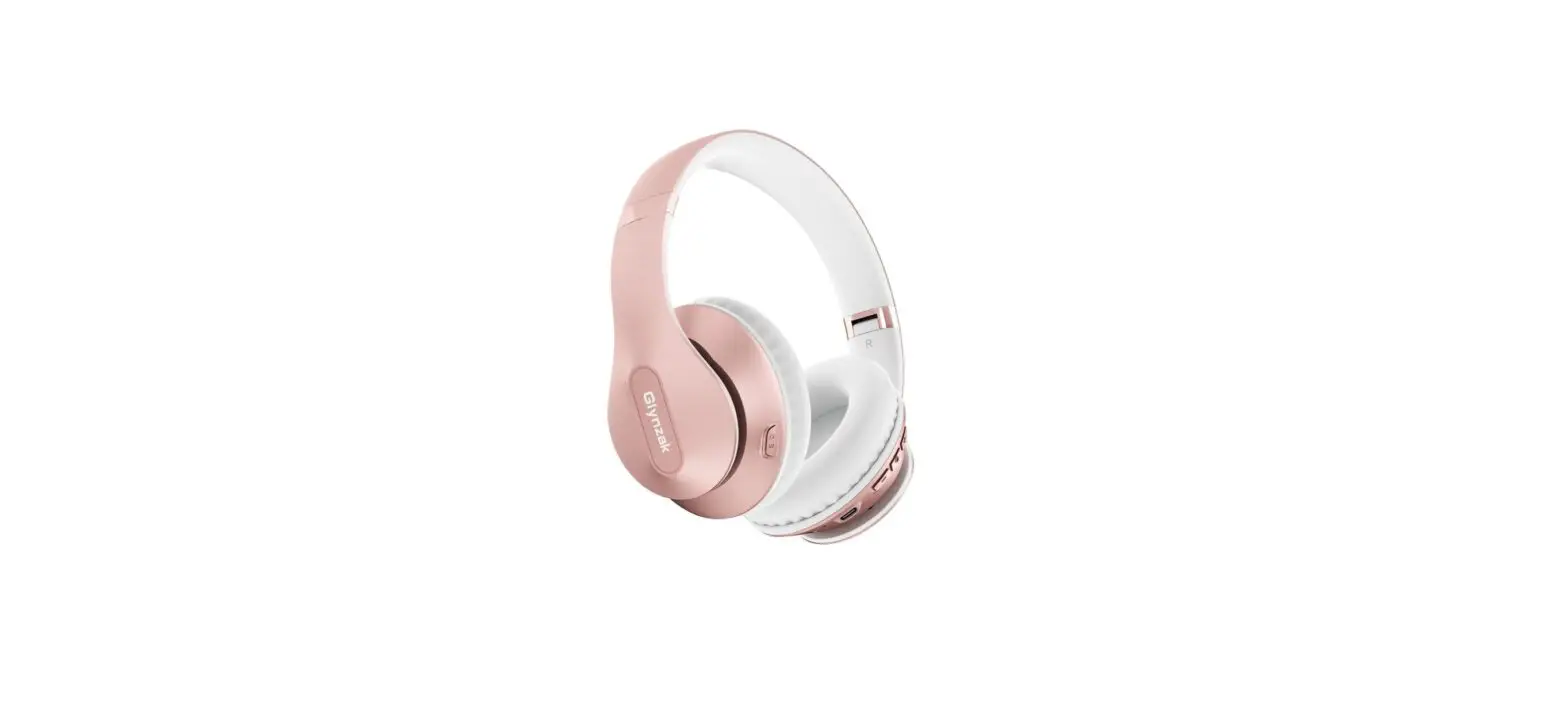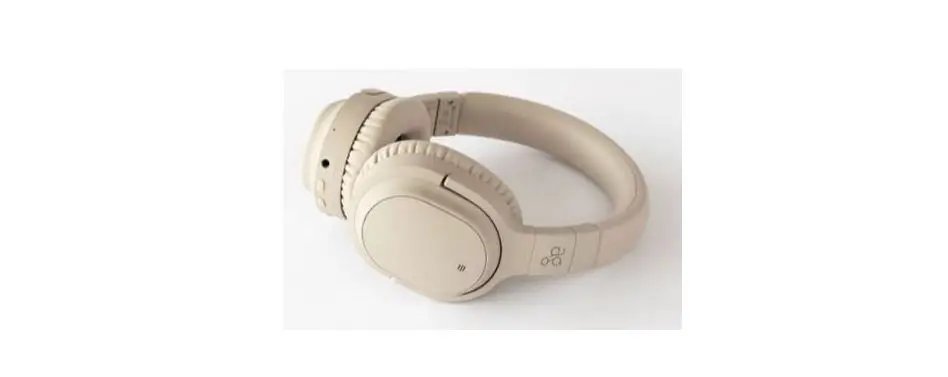
 BW-HP2 Pro
User Manual
Parameter
| Model | BW-HP2 Pro |
| Bluetooth distance | ≤ 10m |
| Battery | 1000mAh |
| Charging time | 3.5h |
| Frequency | 20Hz-20kHz |
| Charging | DCSV-1A |
| Time | 42h |
Function
| LED Indicator Light Description | |
| Pairing Status | Red and blue LED twinkle alternately |
| Turn On | Blue LED stay on indefinitely, flash slowly In the music playing |
| Charging Status | Red LED light in charging, red LED goes off while fully charged |
| Standby Mode | Blue LED stay on indefinitely |
| Low Battery Status | Red LED flash quickly |
Basic Key Operation
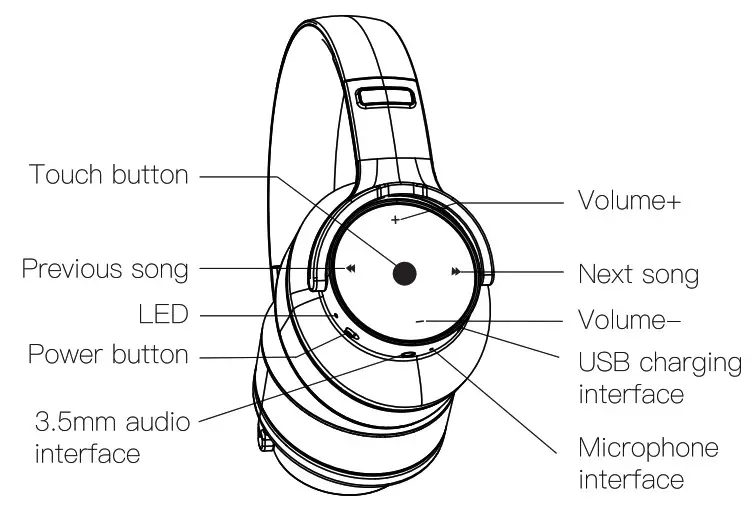
Turn On/Off: Toggle switch built
Mode Conversion: Short press previous trade and next track
Volume adjustment
Press the volume +/- key to adjust the volume
Song selection
Long press the previous/next song key to switch songs
Play / pause / Phone call
When the music Is playing, short press the power button, the music is paused, press again, the music plays
When you call, short press the power button to answer the call. Press again to hang up the current call
Press and hold the power button during an incoming call to refuse to answer
Low latency mode
Tap the touch button three times
Mode Description
Bluetooth mode
After the headset is turned on it enters the Bluetooth pairing mode, and the LED lights flash alternately red and blue. Turn on the Bluetooth function of the phone, search for the Bluetooth device name: BW-HP2 Pro, click the device name to connect.
Line-in Mode
Plugin the audio cable, the headphone can’t be tamed on, can only listen to the music with the audio cable. If you want to listen to the songs In Bluetooth, you need to unplug the audio cable and bin on headphones to use.
Factory Reset
When Bluetooth in connected, long press ‘Volt” and Vol-. for 6 seconds, red LED quickly flashes 3 times, and then red and blue LED twinkle alternately, it indicates the factory reset. After reset, the volume defaults to Bade 14/16, and won’t automatically reconnect to the previously connected phcce It needs to delete the BW-HP2 Pro on your phone Bluetooth list and connect again for the previously connected phone.

Made in China