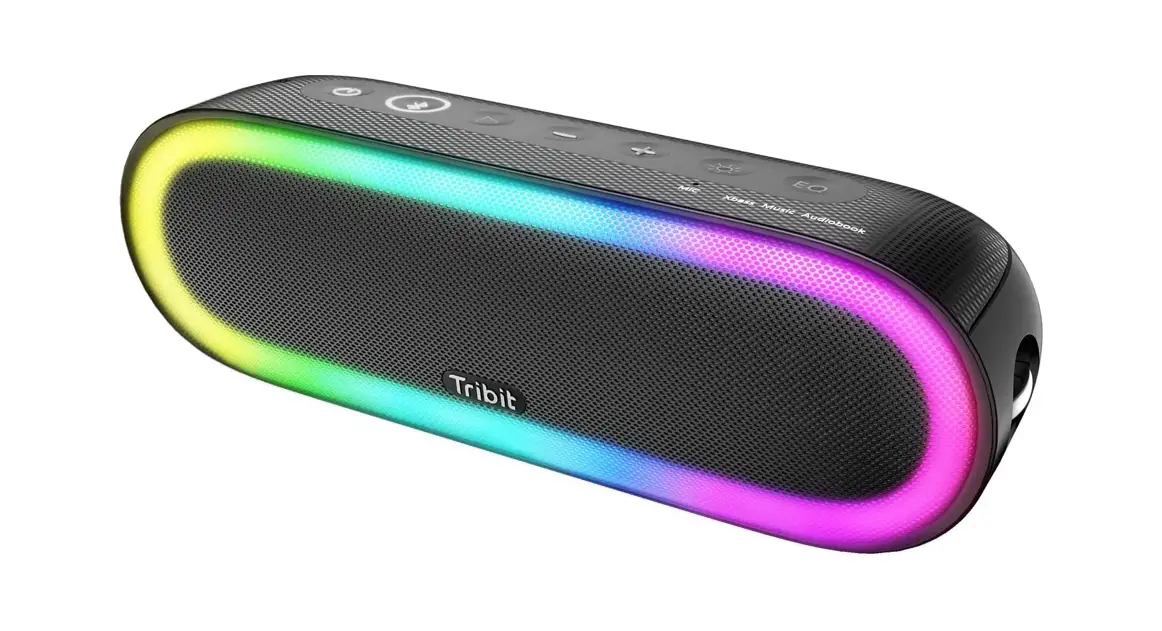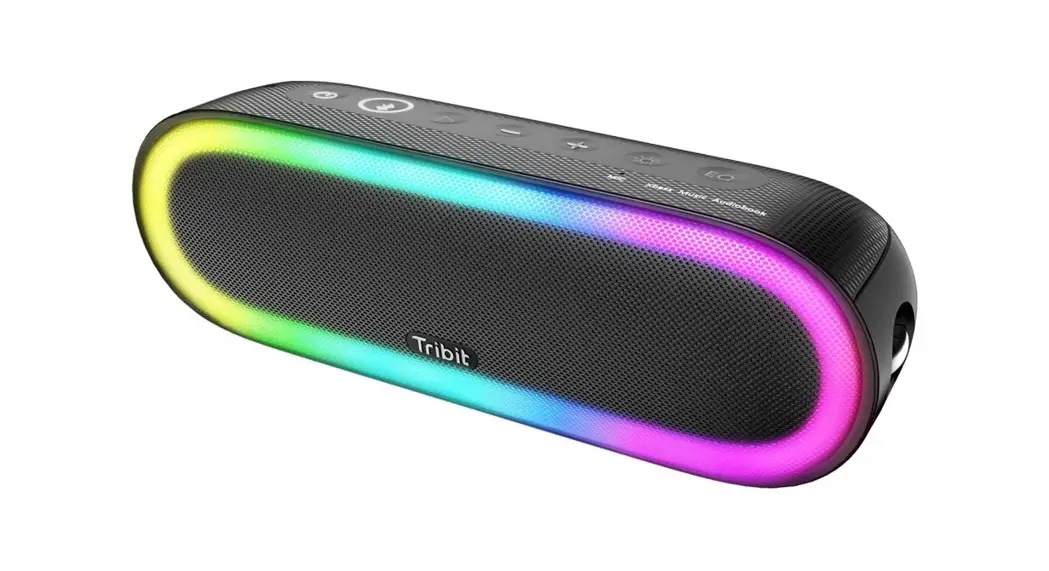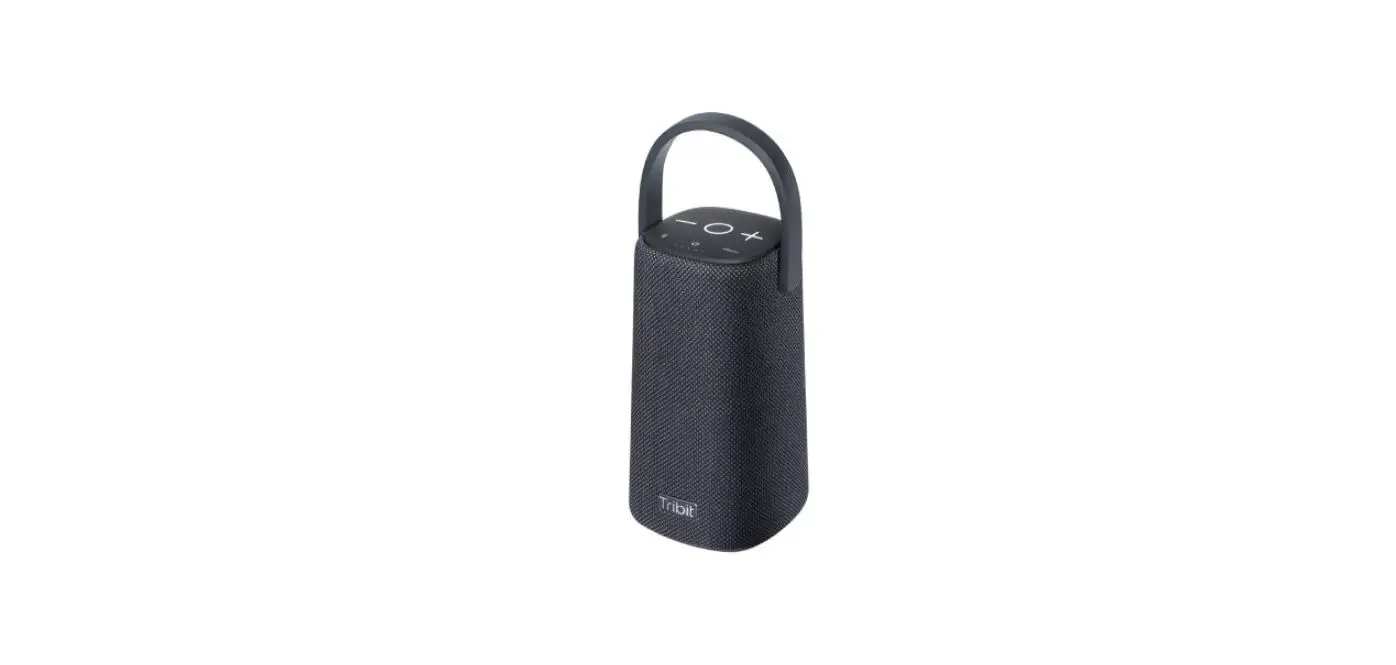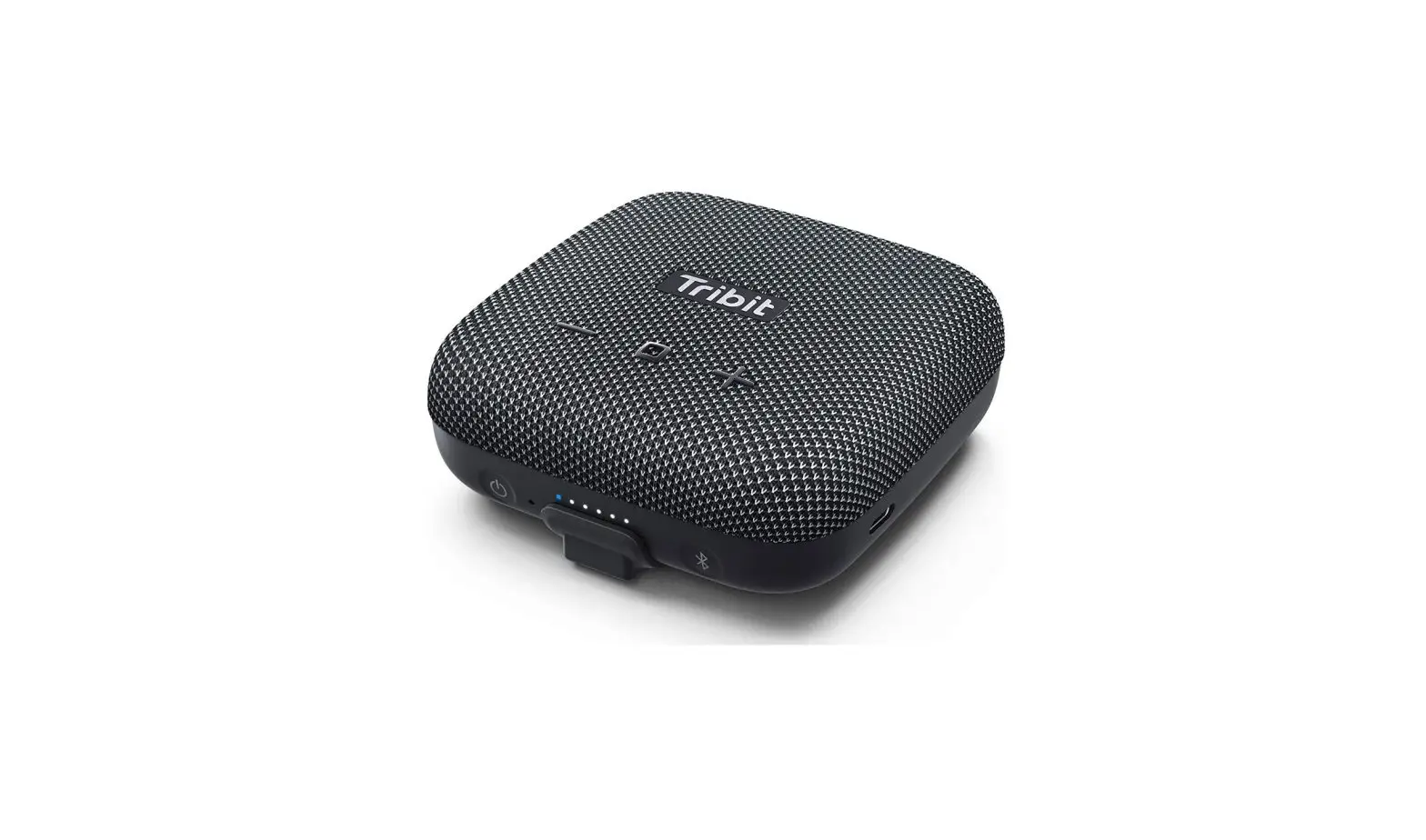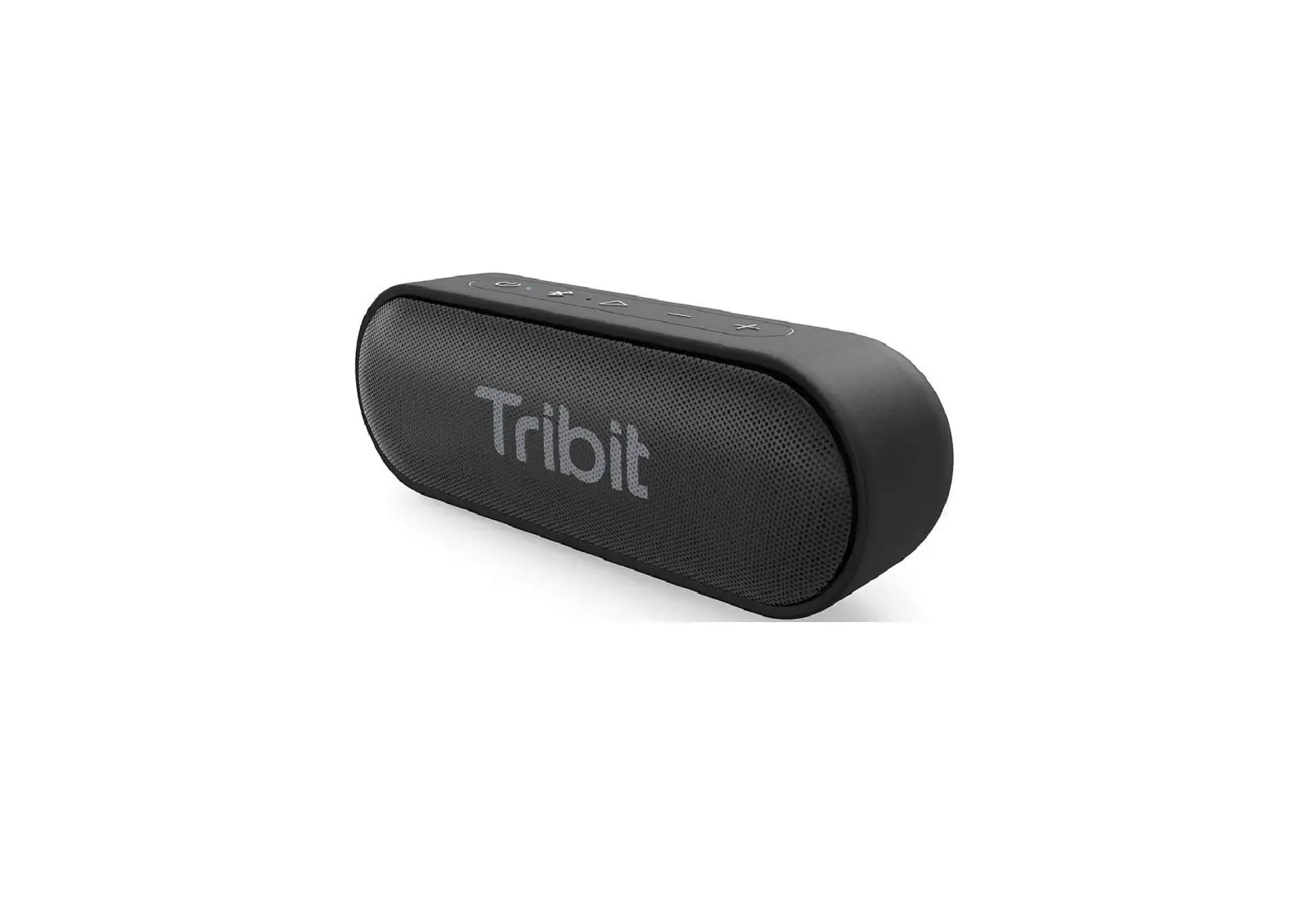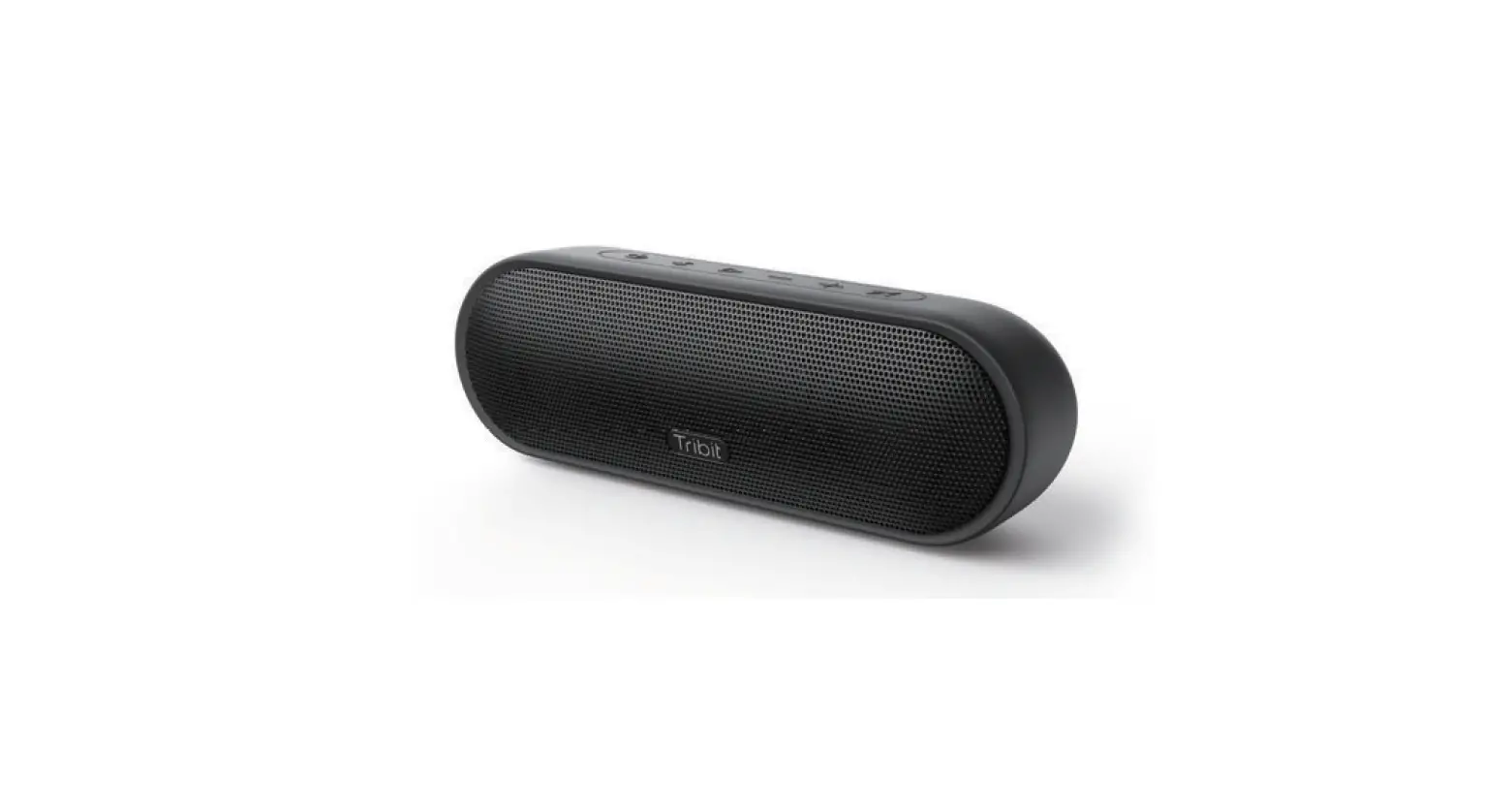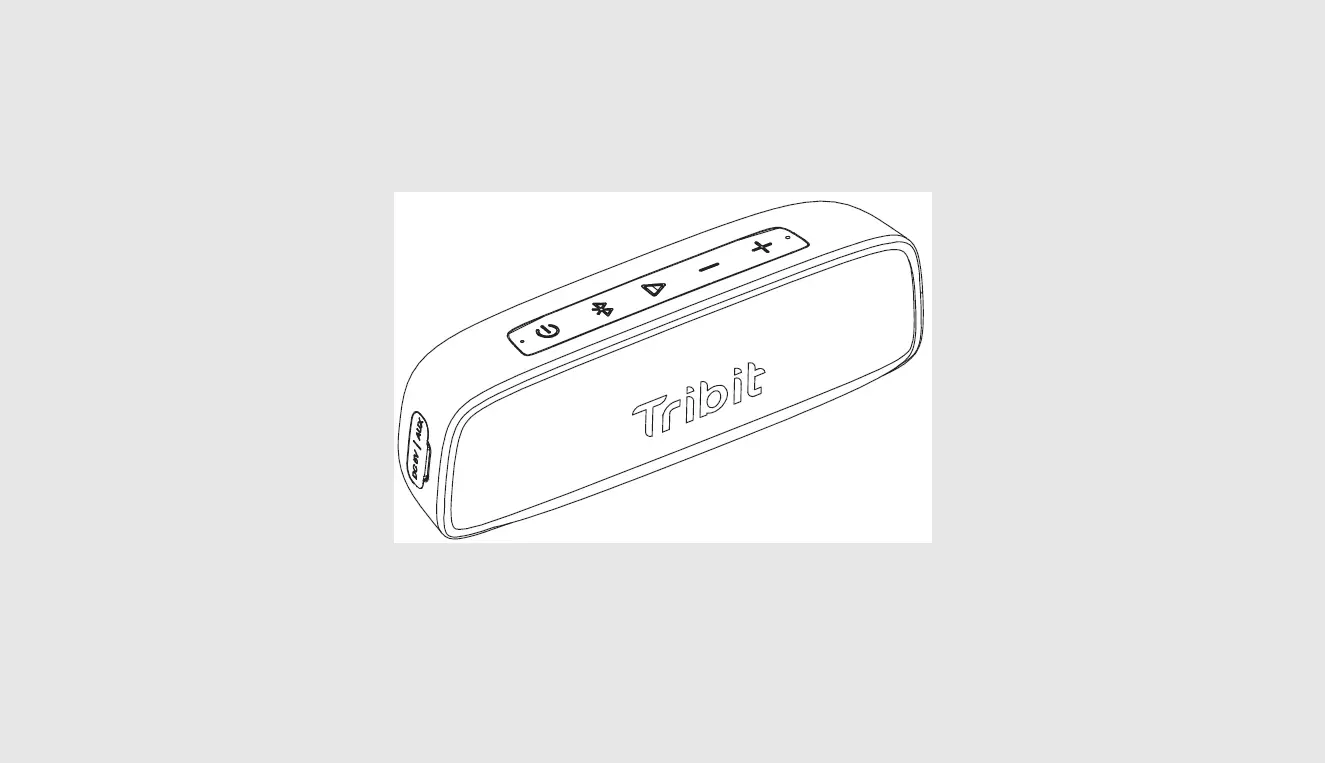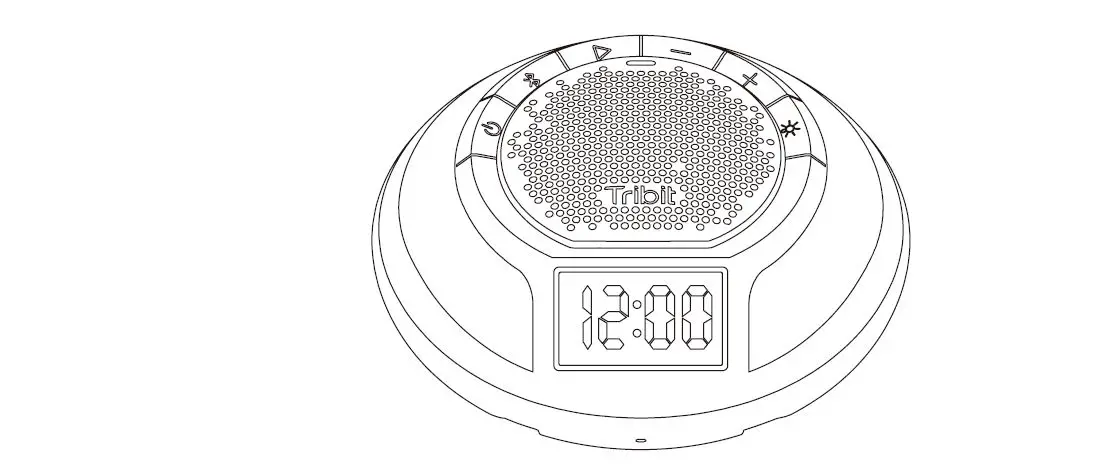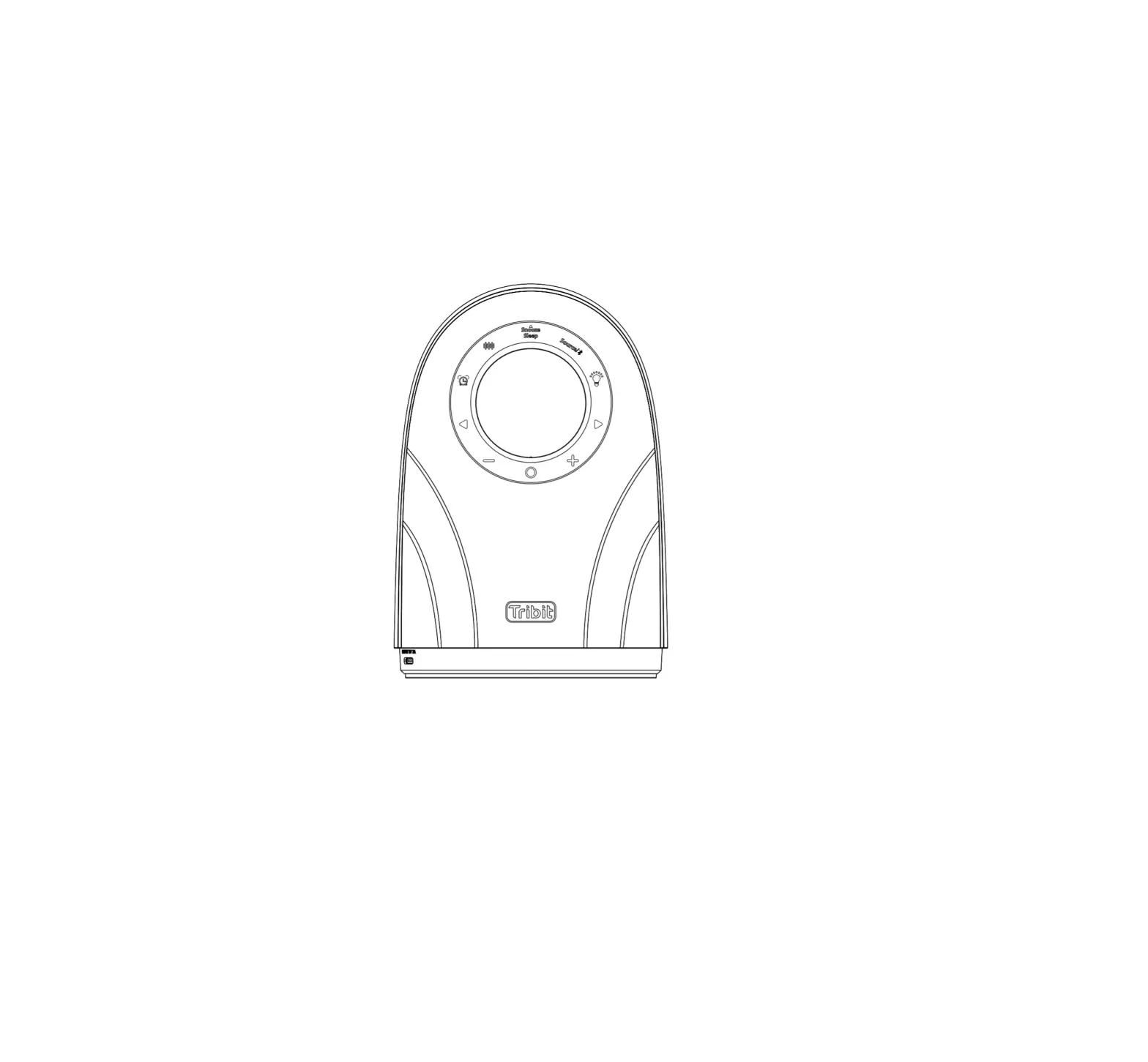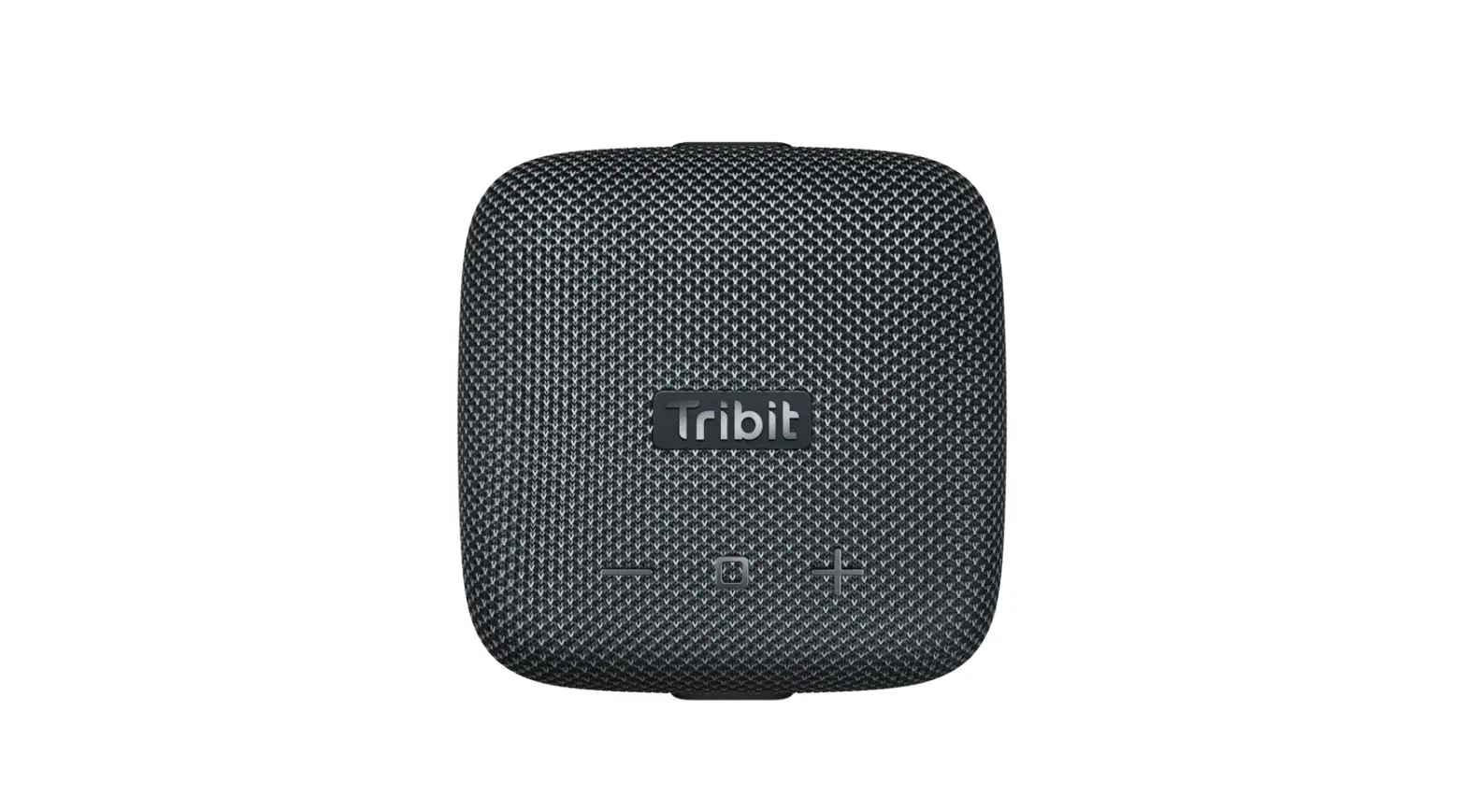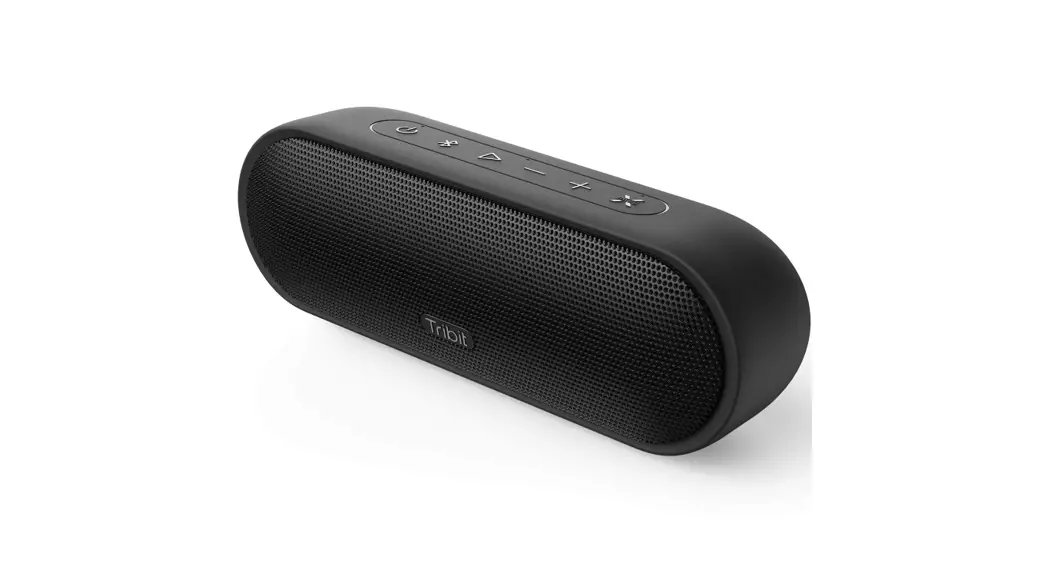

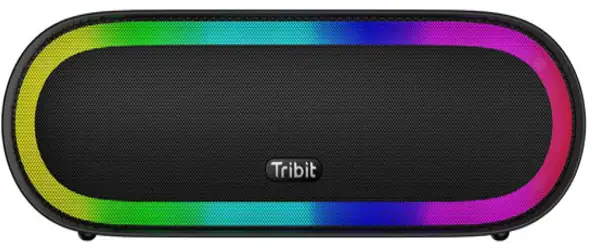
BTS35
Portable Wireless Speaker
User Manual
Safety Precautions
* Avoid dropping.
* Do not disassemble or repair the speaker.
* Avoid extreme temperatures.
* Do not use the device outdoors during thunderstorms.
* Do not use any corrosive cleanser/oil to clean.
Specification
Bluetooth version: 5.0
Support: A2DP, AVRCP, HFP, HSP
Output power: 30W
Frequency response: 60Hz-20KHz
Frequency band: 2.402GHz-2.480GHz
Maximum transmission power: < 6dBm
Battery: ( 3.65V 4000mAh*2 ) / 29.2Wh
Music play time: Up to 20hours ( varies volume level and music files )
Charge time: 4H @ 5V/2A
Waterproof: IPX7
Dimensions: 250mm x 87mm x 80mm
Weight: 1020g
What’s in the Box
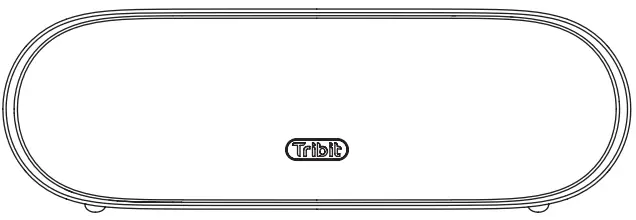 |  | 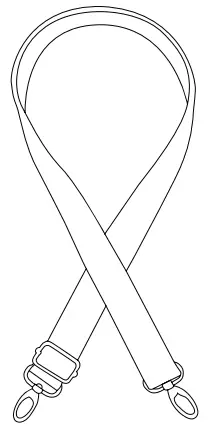 |  |  |
| XSound Mega | User Manual | Strap | USB-C charging cable | Audio Line |
Overview
 Power Button / Indicator
- Bluetooth Button / Indicator
- MFB
- Volume –
- Volume +
- Light Adjustment Button
- EQ Mode Button
- EQ Mode Indicators
- MIC
- Hanging holes
- NFC

- USB-A charging port ( output )
- AUX-IN port
- USB-C charging port ( input/output )
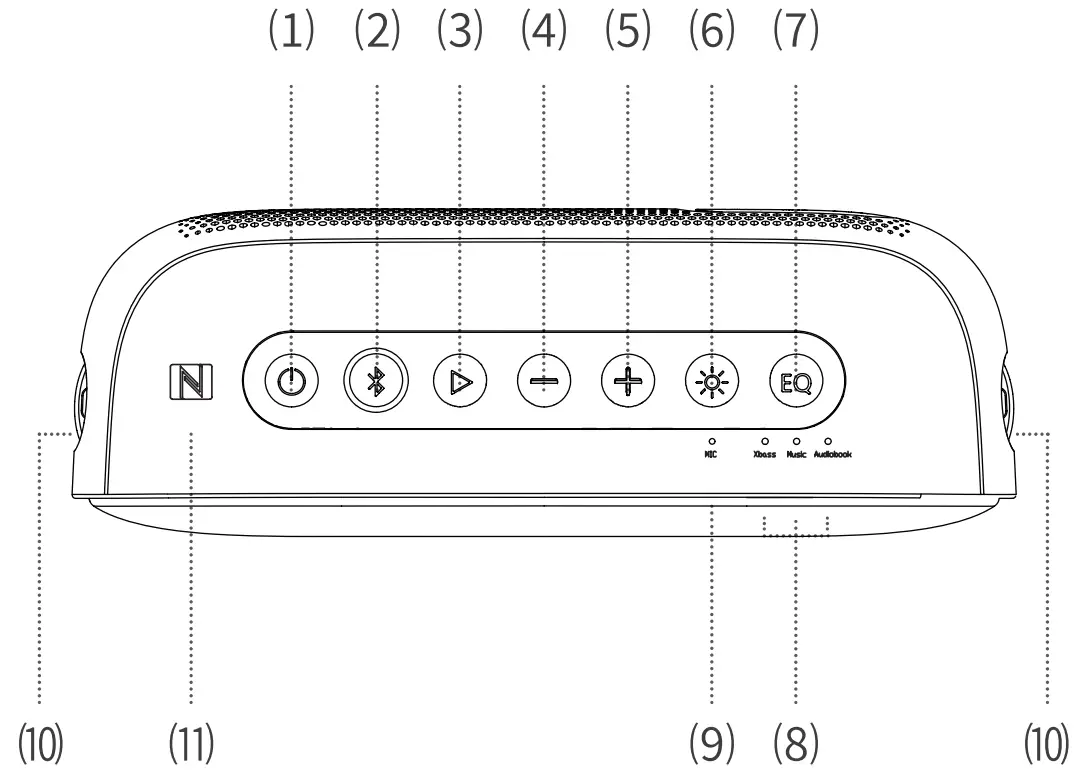 Power Button / Indicator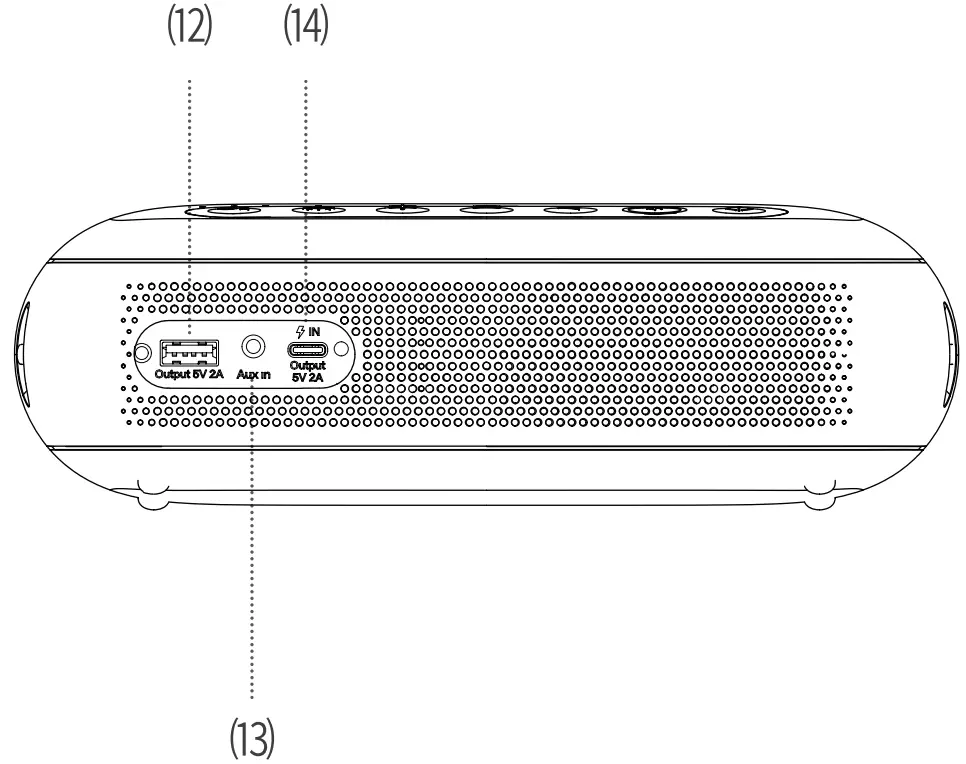
Connections
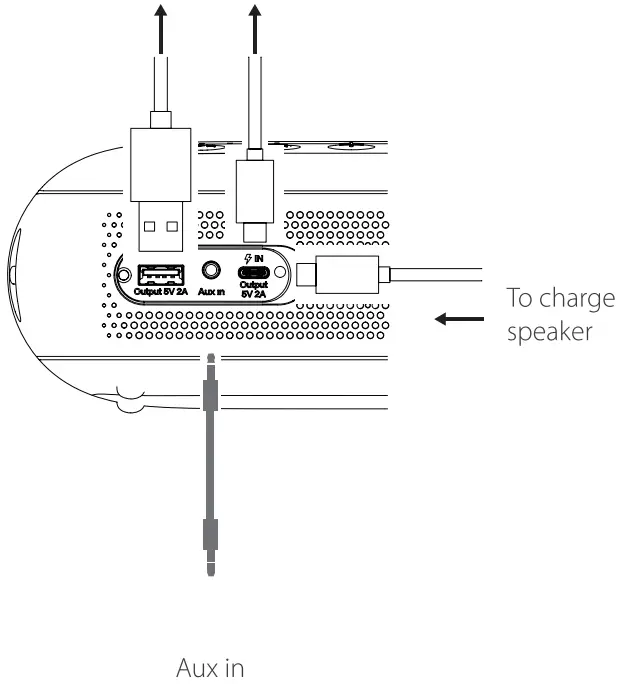
Speaker charge to other devices
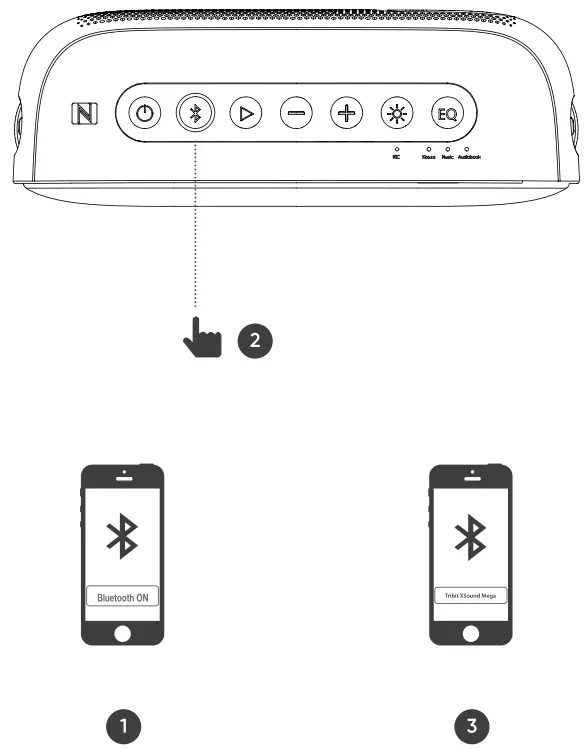
 Bluetooth Pairing
 Bluetooth Pairing
 Connections
 Connections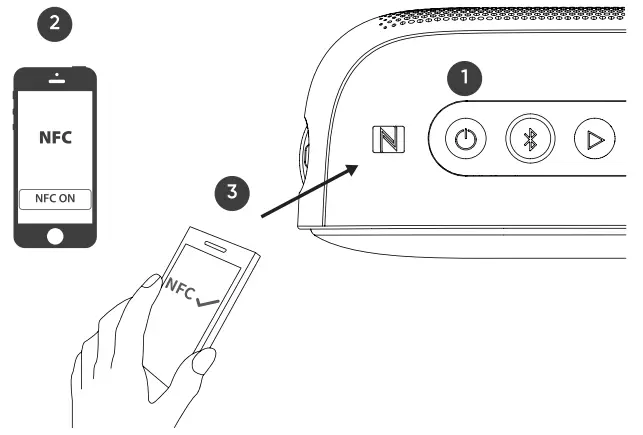
- Make sure the speaker is on.
- Open NFC on your phone.
- The NFC area on the phone needs to be close to the NFC area on the speaker. The phone will automatically recognize the speaker and request pairing. Click”agree” to complete the pairing.
Broadcast Mode
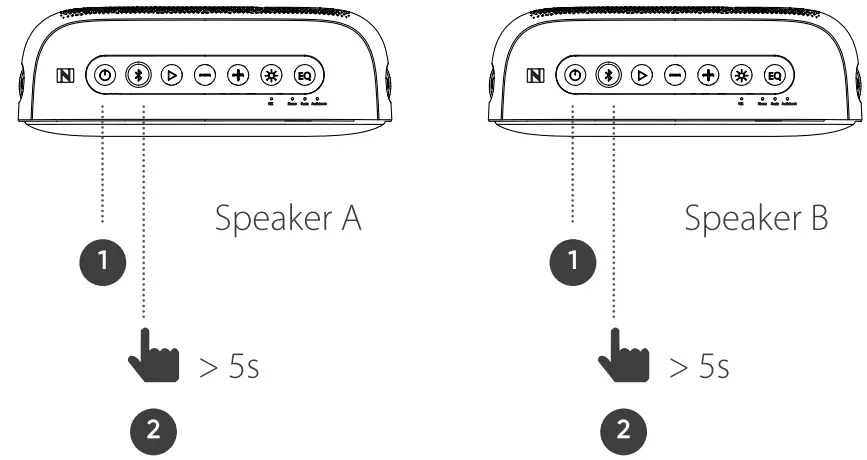
- Make sure both speakers are on and connect speaker A to the device;
- Press the Bluetooth button for both speakers for 5s to enter Broadcast pairing mode, and speaker B will connect to speaker A automatically, the Broadcast Mode is on.
- if you want to connect multiple speakers to the group, press
 button 55, the speaker will connect to speaker A automatically.
| Function | Button | Operation |
| Power ON /OFF |  | Press the button to turn on / off the speaker |
| Pair Bluetooth Device |  | Press the button to manually enter Bluetooth pairing mode |
| Broadcast mode | Press and hold the button Ss to enter Broadcast mode | |
| Broad cast mode | Press and hold the button Ss to disconnect Broadcast mode | |
| Play / Pause |  | Press once the button |
| Next track | Double press the button | |
| Previous track | Press the button for 3 times |
| Function | Button | Operation |
| Voice dial function | | Press and hold the button for 2s to activate ( your device must support this function ) |
| Answer/end the incoming call | Press once the button | |
| Reject an incoming call | Press and hold the button for 2s | |
| Volume Down | _ | Press the button to decrease the volume level |
| Volume Up | + | Press the button to increase the volume level |
| Light adjustment |  | Press the button to switch or turn off the light |
| EQ mode | EQ | Press the button to switch Music mode, Bass mode, and Audiobook mode |
Indicators
| Indicator | Light | Status |
| Power indicator | White indicator keep sturdily on | Power on |
| Red indicator flashes quickly | Battery low | |
| Red indicator keep sturdily on | Charging ( Red indicator will power off when battery full ) | |
| Bluetooth indicator | Blue indicator flashes quickly | Bluetooth pairing mode |
| Blue indicator flashes slowly | Bluetooth reconnecting | |
| Blue indicator keep sturdily on | Connected | |
| White indicator flashes quickly | Broadcast pairing mode |
| Indicator | Light | Status |
| EQ indicators | Xbase indicator keep sturdily on | Bass mode is on |
| Music indicator keep sturdily on | Music mode is on | |
| Audiobook indicator keep sturdily on | Audiobook mode is on |
Reset
If this speaker has any problem, you can try to press and hold “Volume +” and “Volume -“buttons simultaneously for Ss to reset this speaker and remove the old pairing in your Bluetooth device, and then pair again.
Customer Service
* 18-month limited warranty * For FAQS and more information, please visit: Email: [email protected]
FCC Statement
Changes or modifications not expressly approved by the party responsible for compliance could void the user’s authority to operate the equipment. This equipment has been tested and found to comply with the limits for a Class B digital device, pursuant to Part 15 of the FCC Rules. These limits are designed to provide reasonable protection against harmful interference in a residential installation. This equipment generates uses and can radiate radio frequency energy and, if not installed and used in accordance with the instructions, may cause harmful interference to radio communications. However, there is no guarantee that interference will not occur in a particular installation. If this equipment does cause harmful interference to radio or television reception, which can be determined by turning the equipment off and on, the user is encouraged to try to correct the interference by one or more of the following measures:
– Reorient or relocate the receiving antenna.
– Increase the separation between the equipment and receiver.
– Connect the equipment into an outlet on a circuit different from that to which the receiver is connected.
– Consult the dealer or an experienced radio/TV technician for help
This device complies with part 15 of the FCC rules. Operation is subject to the following two conditions (1)this device may not cause harmful interference, and (2) this device must accept any interference received, including interference that may cause undesired operation.
that the radio equipment type Portable
Wireless Speaker BTS3S is in compliance with Directive 2014/53/EU.
The full text of the EU declaration conformity is available at the following
Internet address: http://files.tribit.com/e3S-1368n-01-uk-doc.pdf