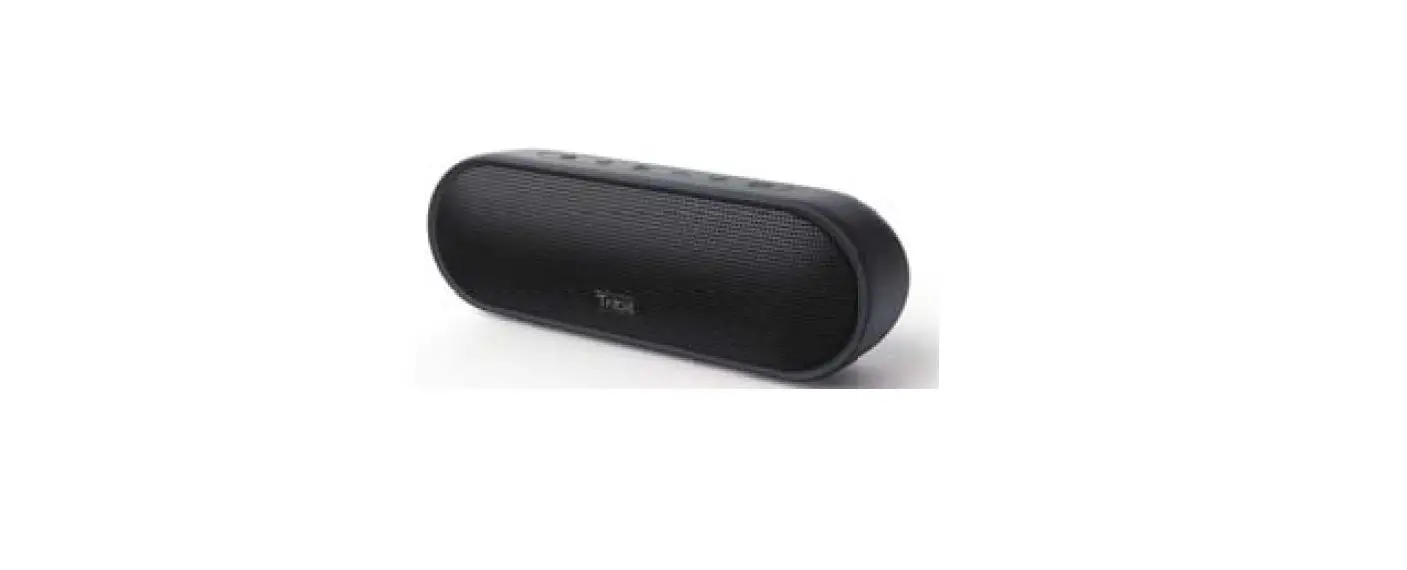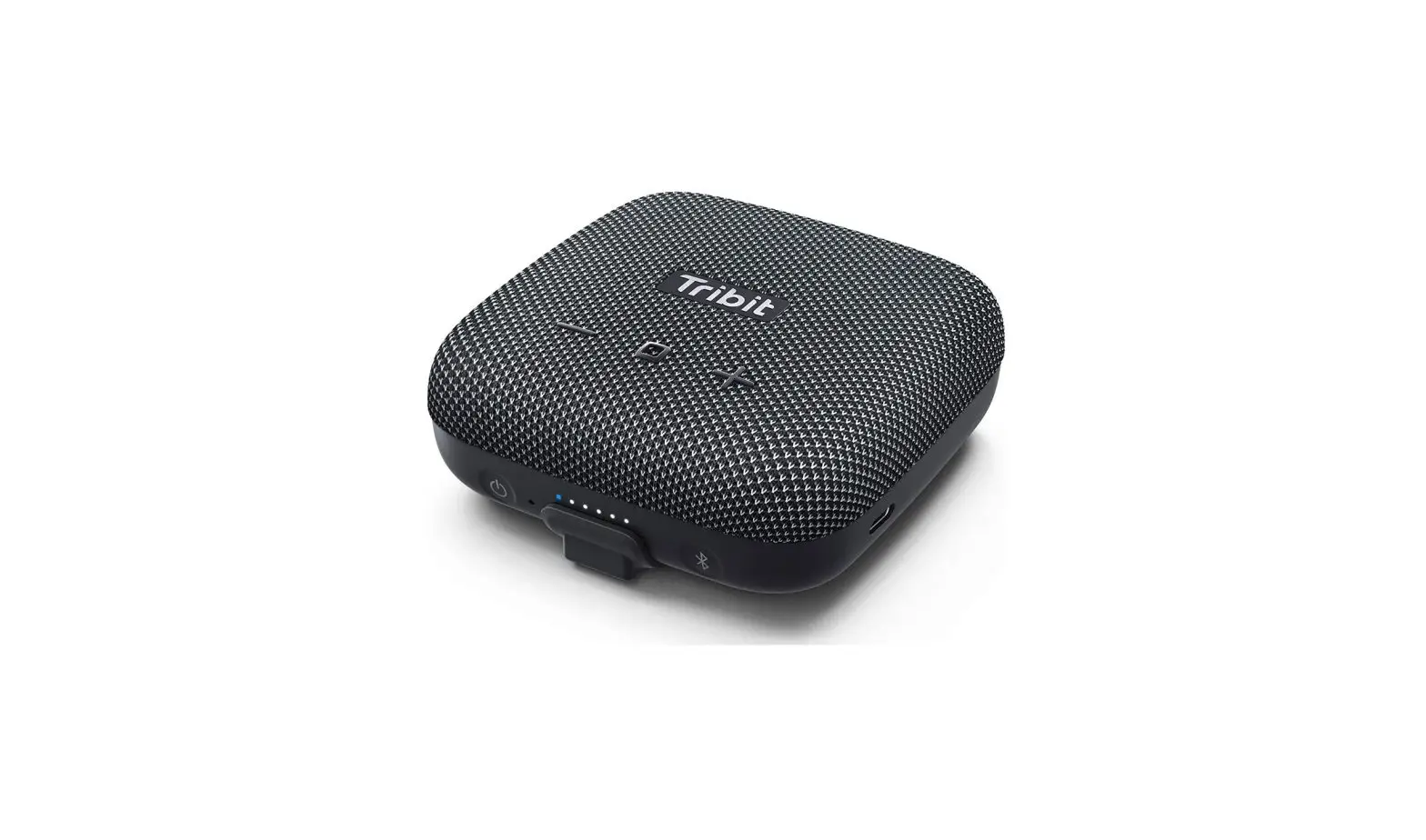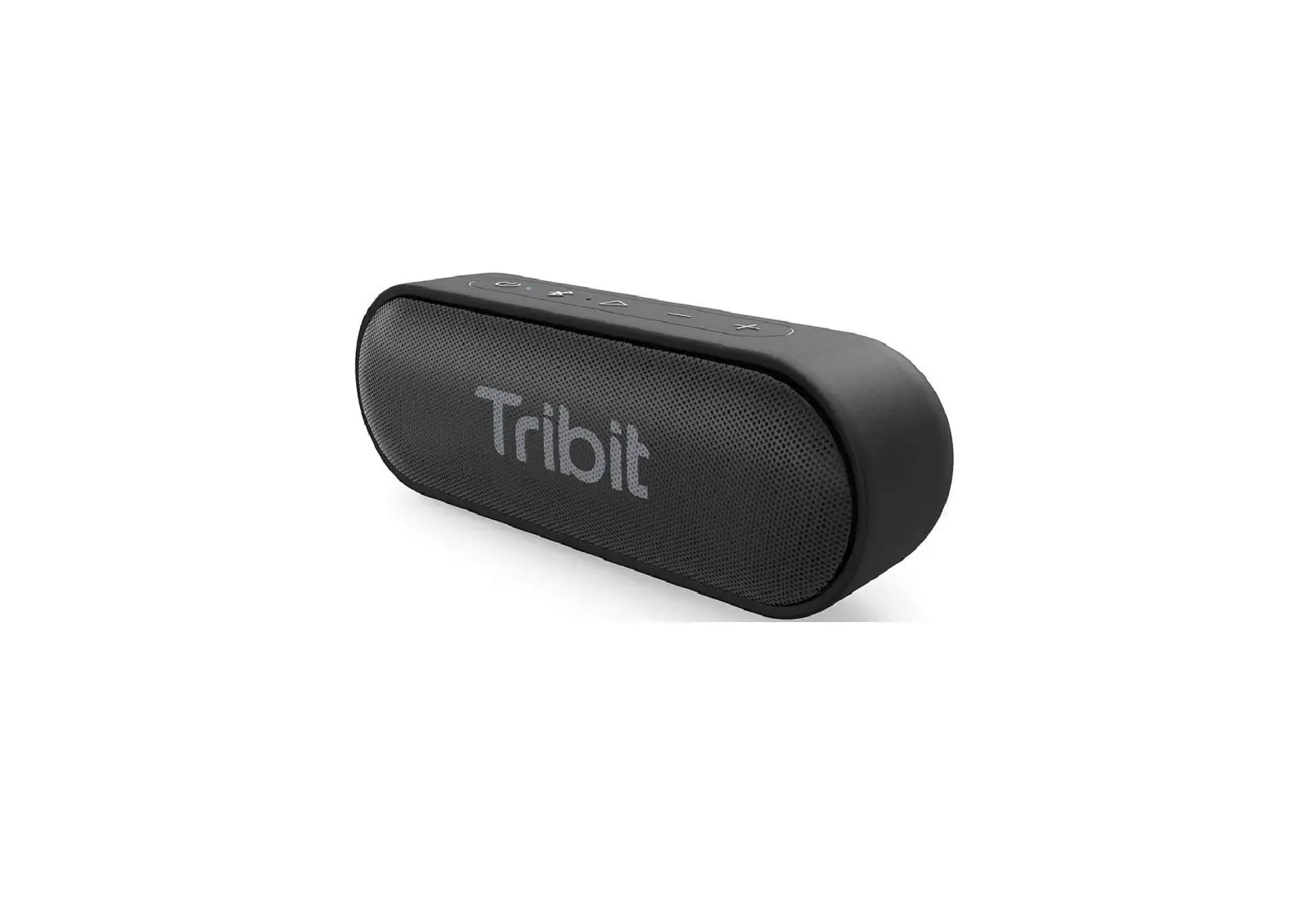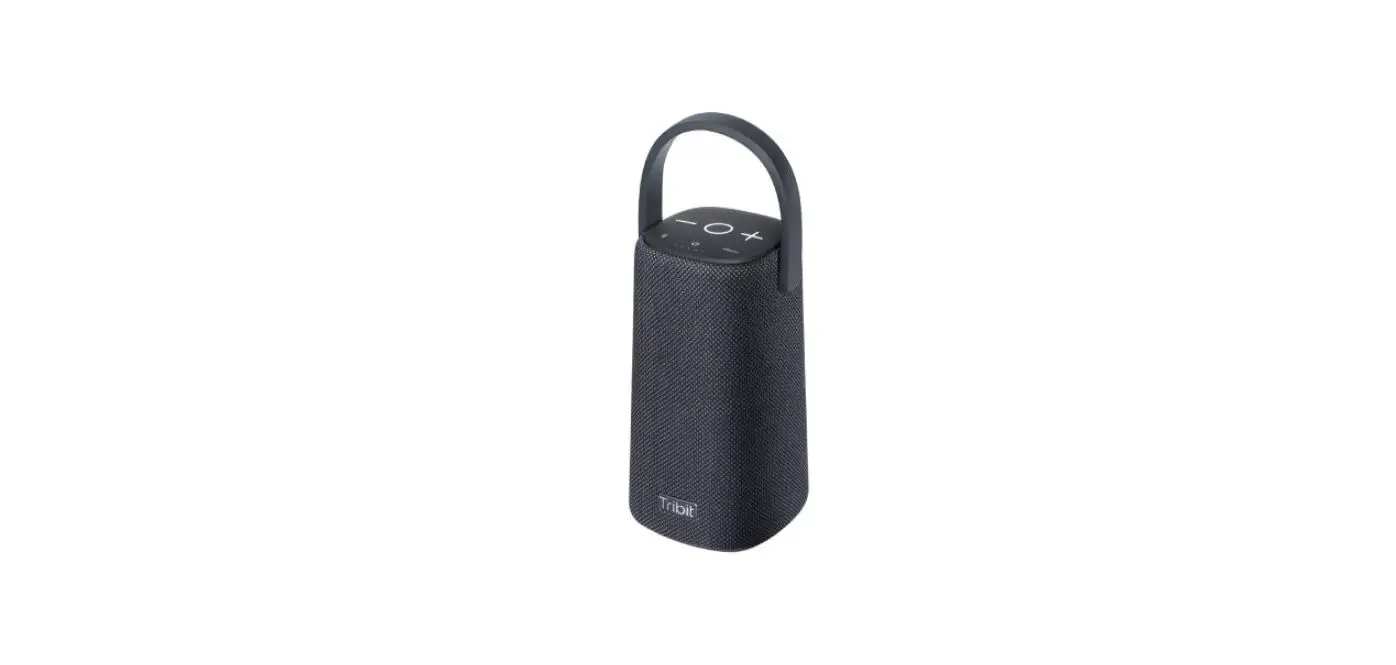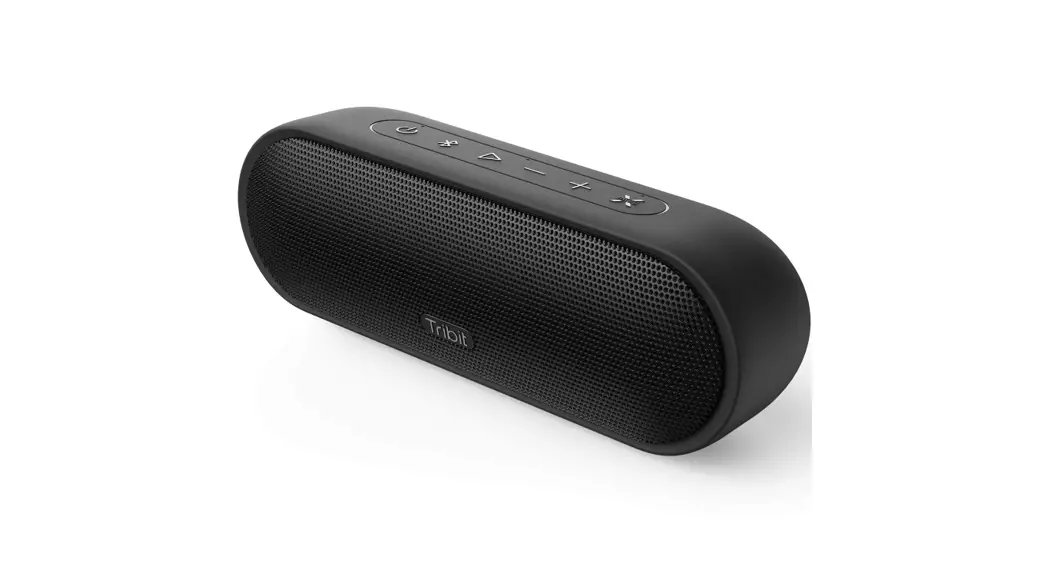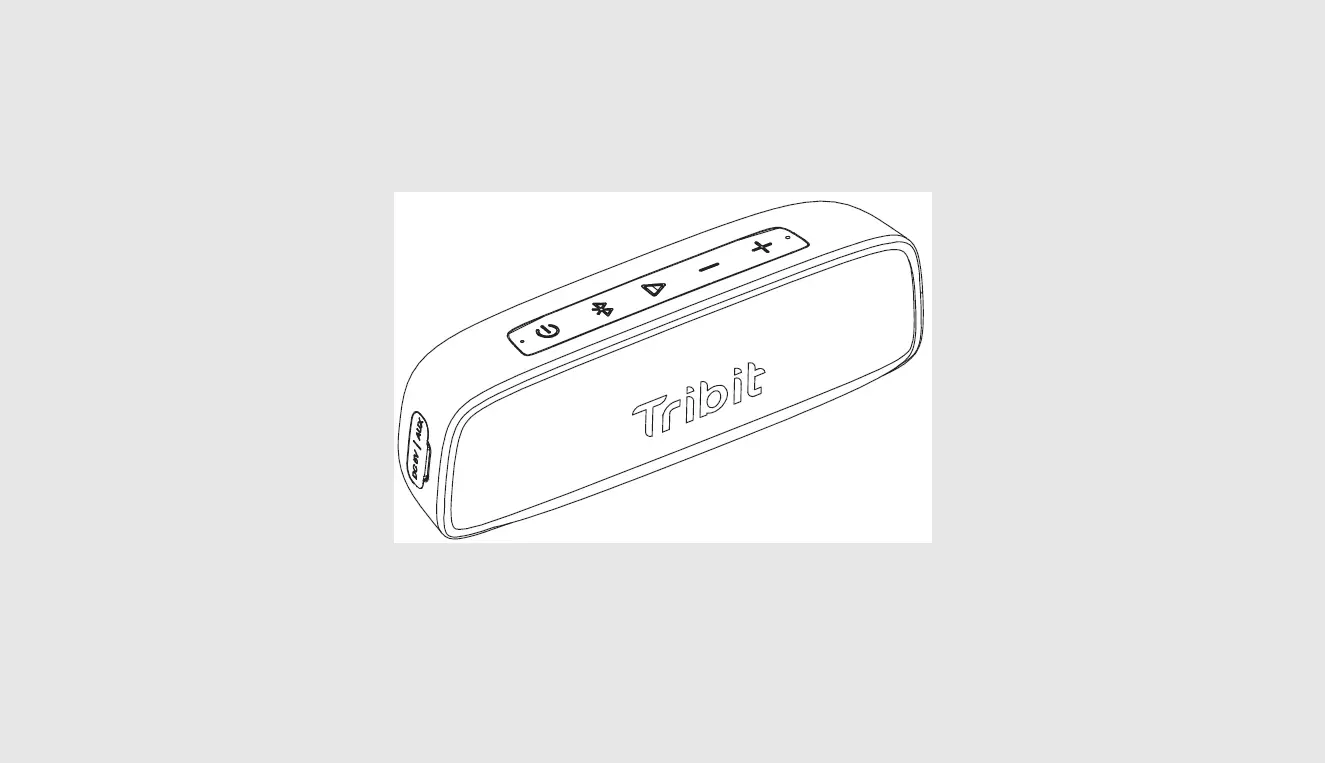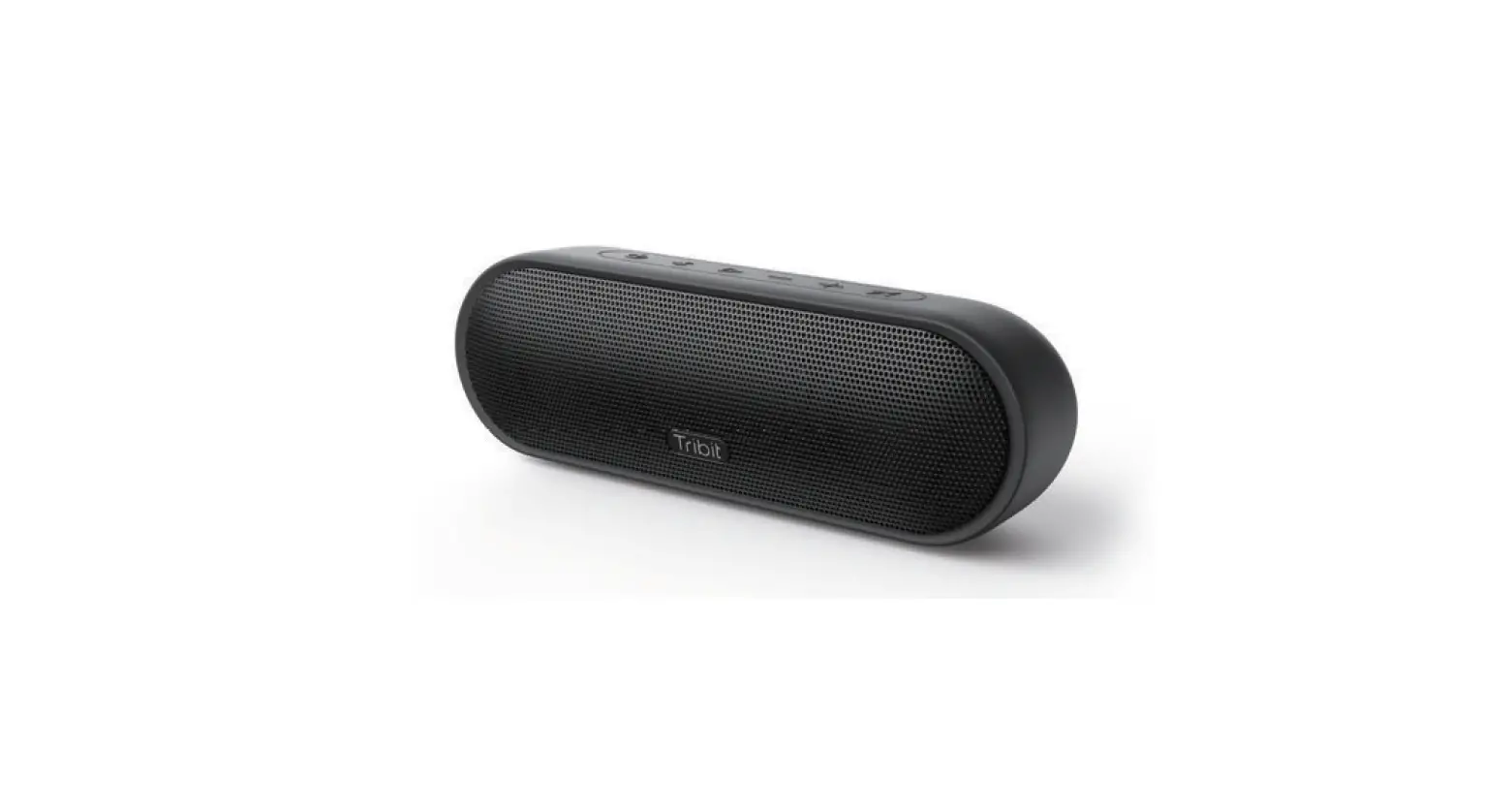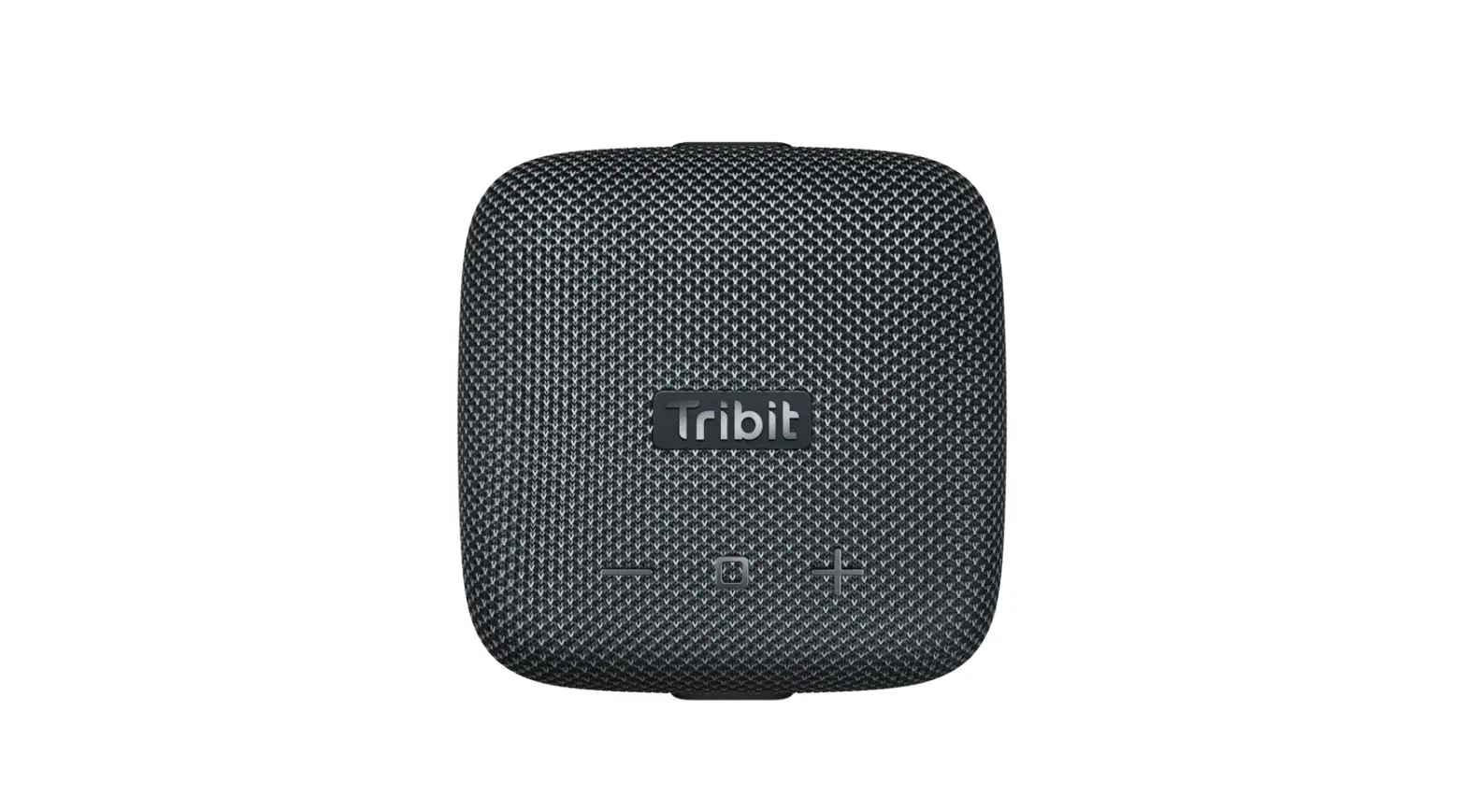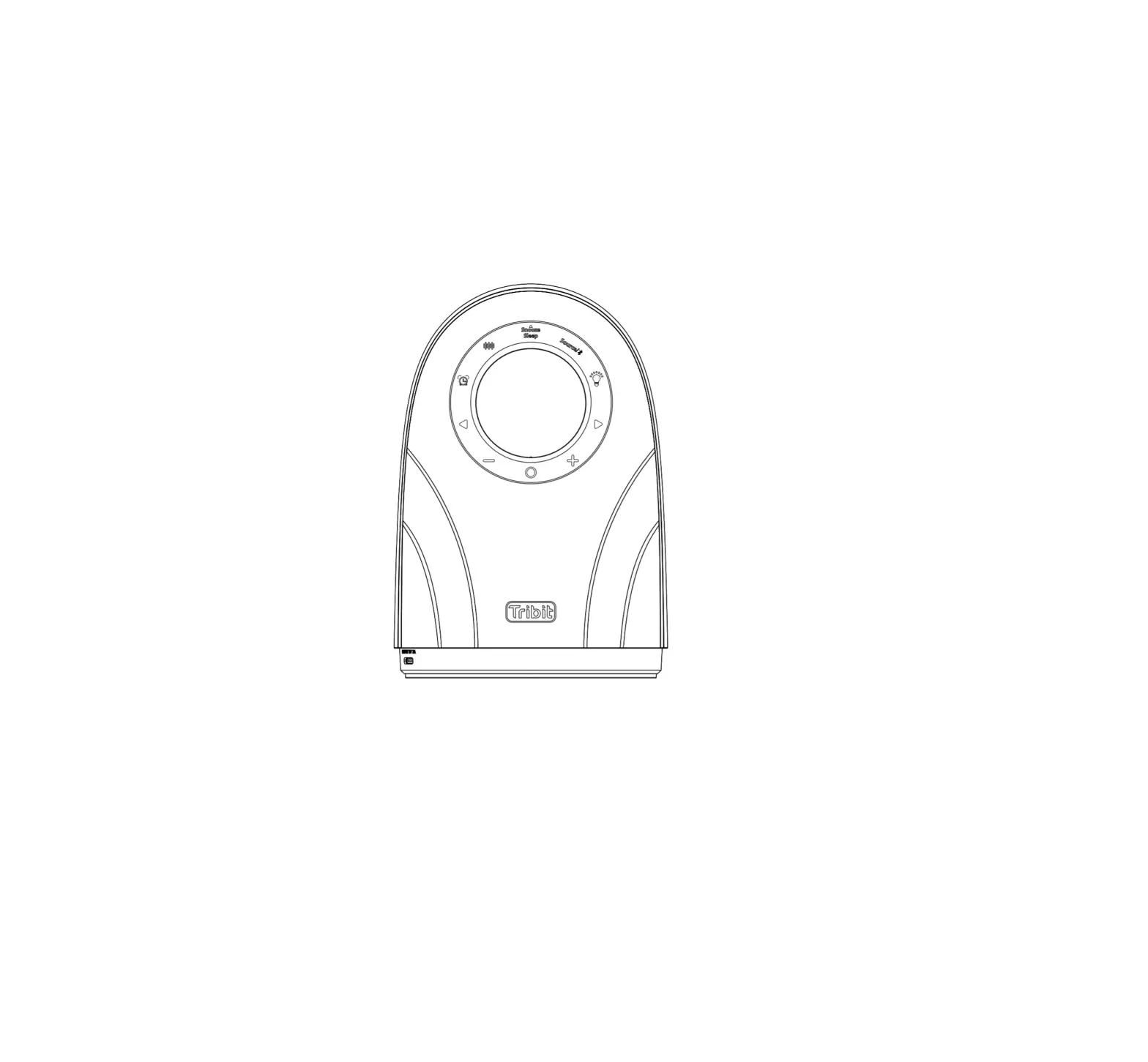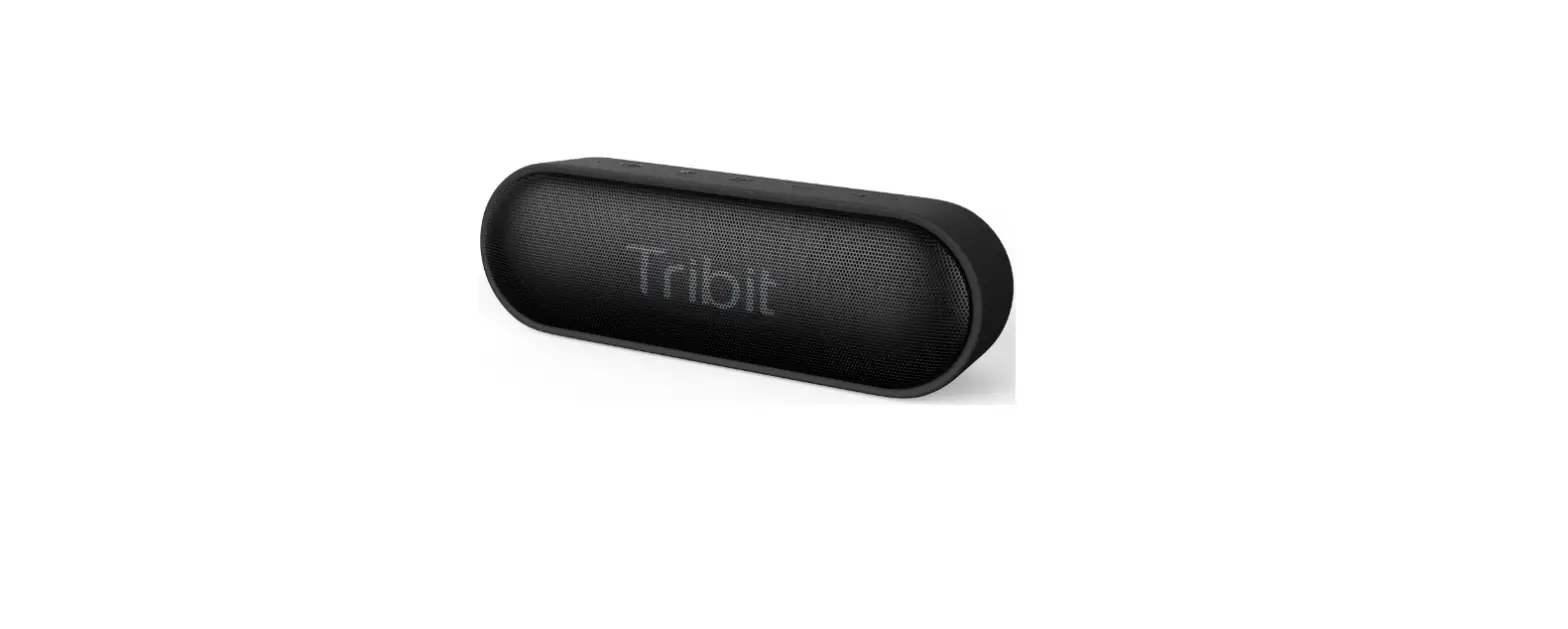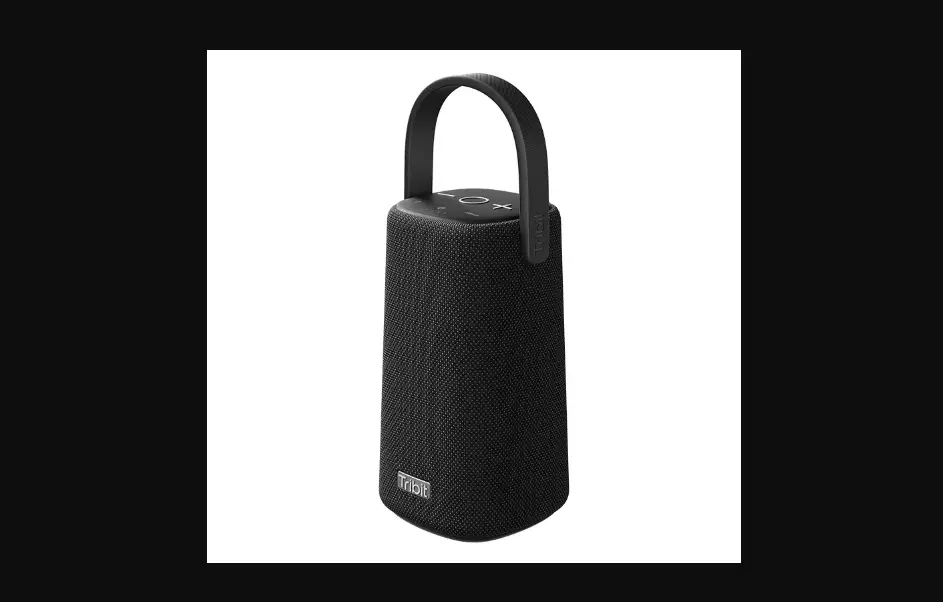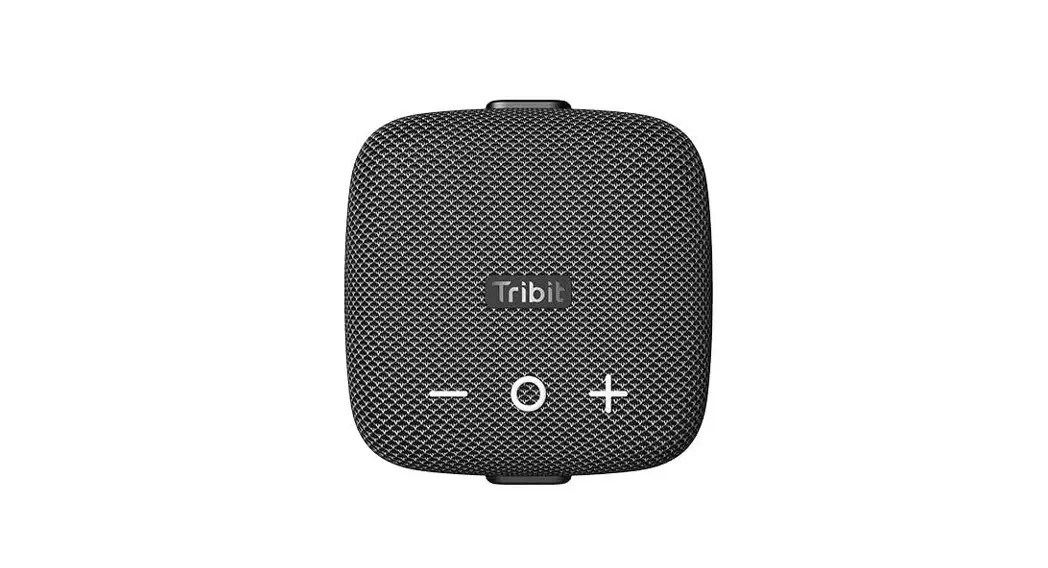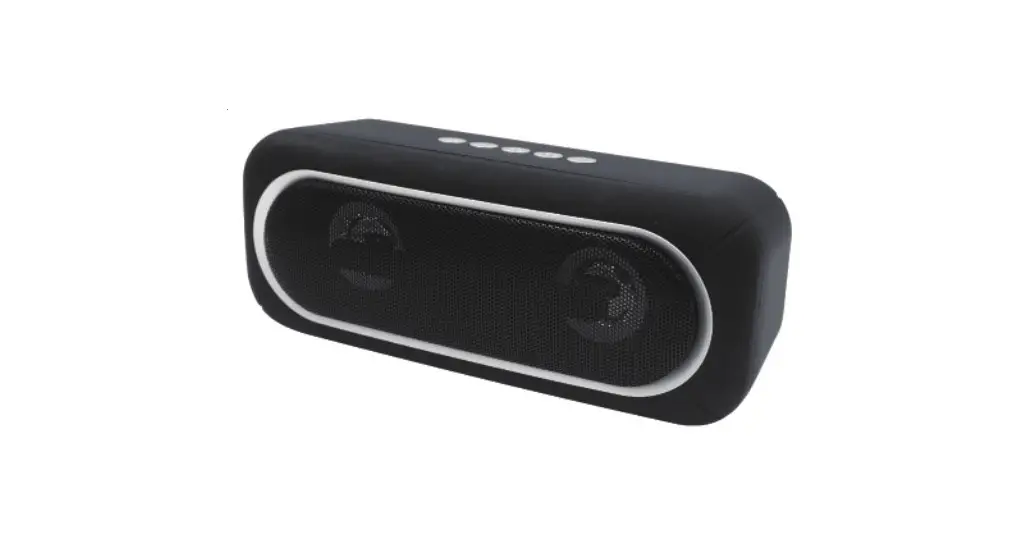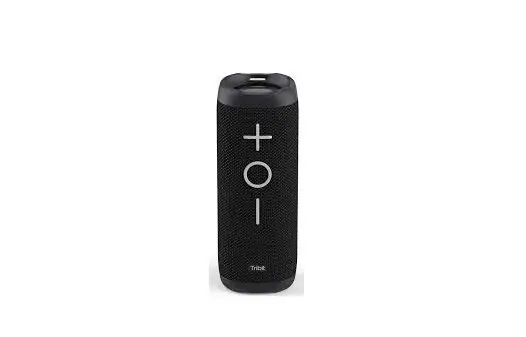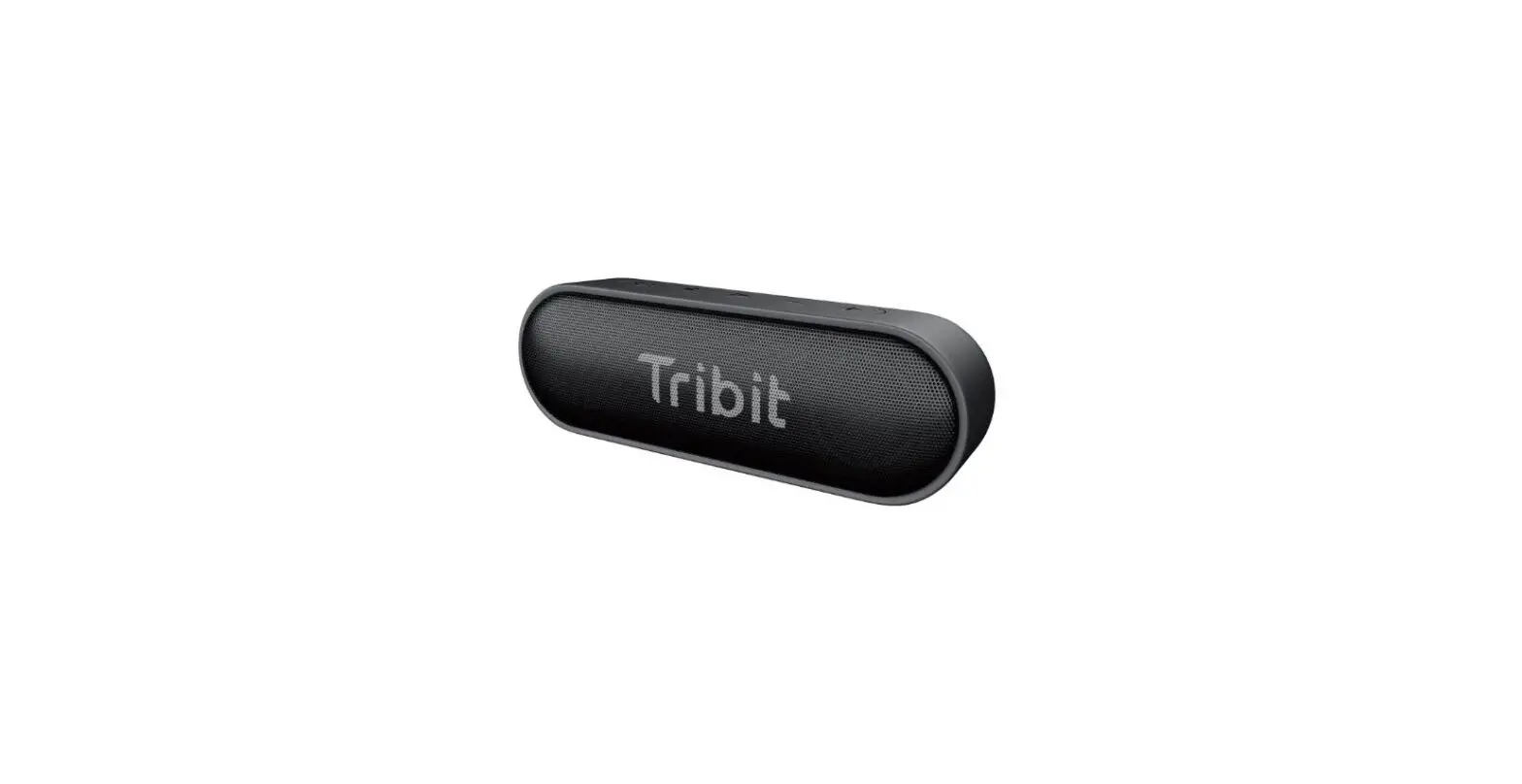

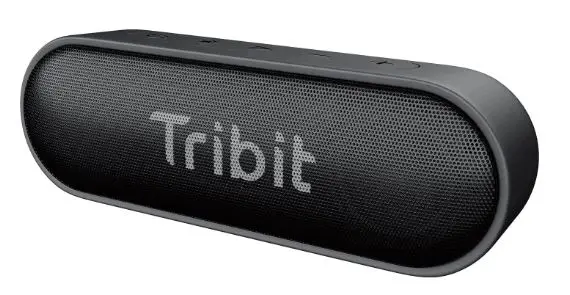
Tribit BTS20C Portable Wireless Speaker 
Safety instructions
- Avoid dropping.
- Do not disassemble.
- Avoid extrame temperatures.
- Do not use the device outdoors during thunderstorms.
- Do not use any corrosive cleaner/oil to clean.
Specification
Bluetooth version: V5.0
Support: A2DR /WRCP, HFP, HSP Output power: 2 x 8W
Battery: 3.7V 4400mAh
Battery charge time: 5 hour Input: DC5V/1A
Dimension: 175 x 59×56 (mm)
Weight: 380g
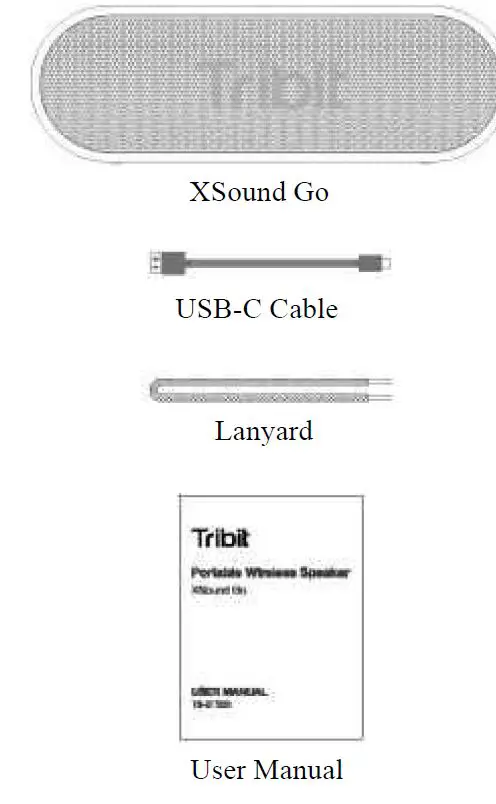
What’s in the box
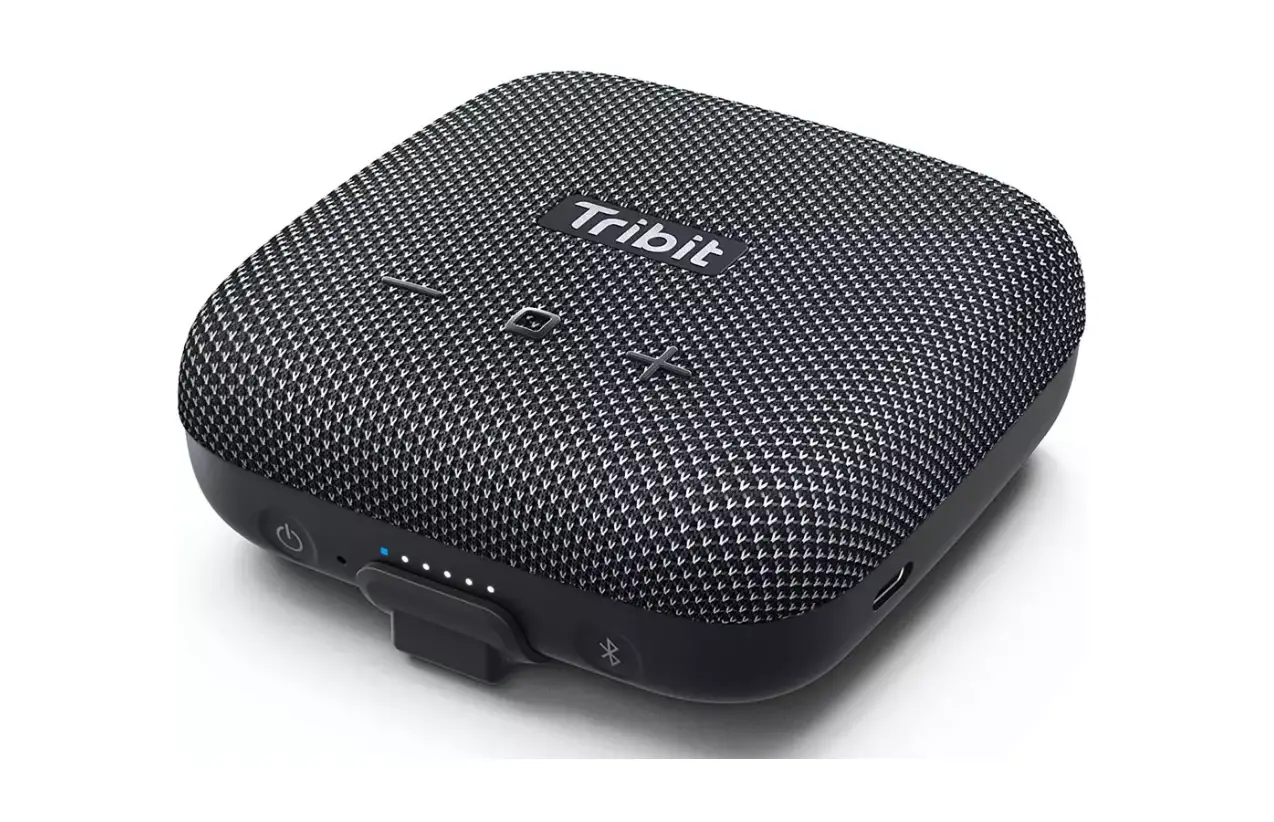
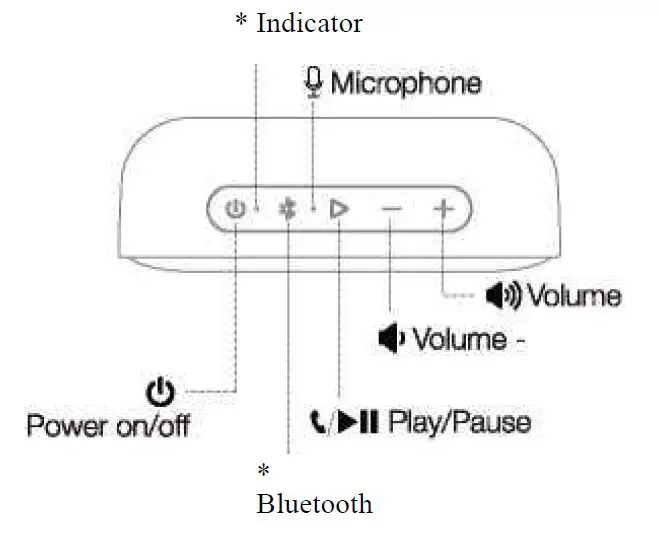
Overview buttons & Indicators
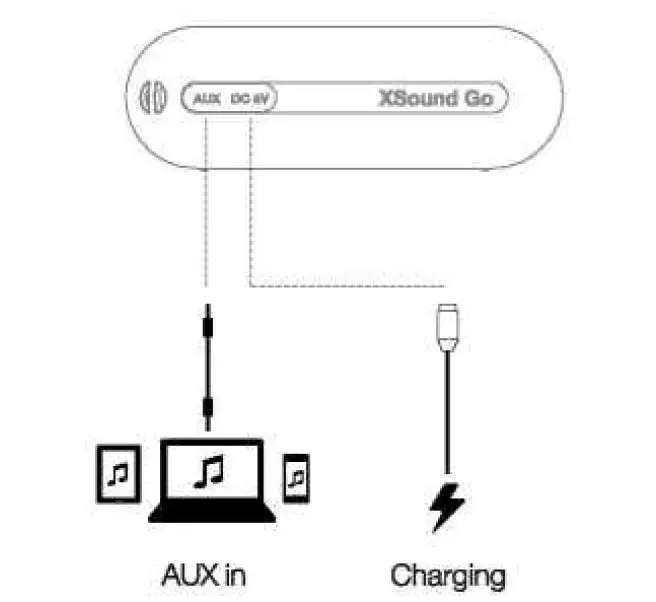
Connections 
Bluetooth connection 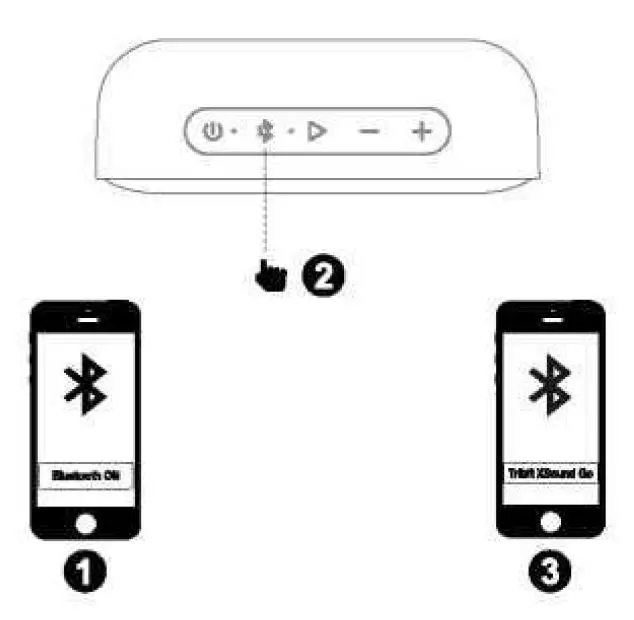
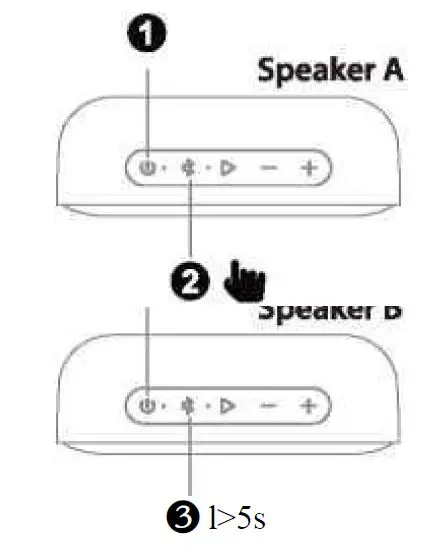
Stereo Mode
- Make sure both speakers are on.

- Press * on one of the speakers to enter pairing state.
- Press * on the other speaker for 5s, then release the button to enter Stereo pairing when you hear the “Stere。mode”. When you hear “Left chanel” on the left speaker and “Right chanel” on the right speaker, the “Stereo mode” is on.
| Button | Operation & Function |
| Power on/off | Press to turn on/off |
| Bluetooth | Press to enter pairing mode |
| \folume + | Press to increase the volume level |
| \folume – | Press to decrease the volume level |
| Play/Pause | • Press to play/pause Music and answer/end call • Long press to reject a call • Press twice to skip to next track • Press triple to skip to Previous track |
Indicator
| Indicator | Status |
| Blue indicator flashes slowly | Reconnection mode |
| Blue indicator flashes quickly | Bluetooth pairing mode |
| Blue indicator keeps on | Pairing has been successful |
| Red indicator flashes slowty | Low battery power (<15%), charge the speaker as required |
Reset
If this speaker has some problem, you car try to press and hold %lume +” and “Vblume – button simultaneously for 5 seconds to reset/ and then pairing again (delete the old pairing in your device).
FCC Statement
Changes or modifications not expressly approved by the party responsible for compliance could void the user’s authority to operate the equipmentThis equipment has been tested and found to comply with the limits for a Class B digital device, pursuant to Part 15 of the FCC Rules. These limits are designed to provide reasonable protection against harmful interference in a residential installation.
This equipment generates uses and can radiate radio frequency energy and, if not installed and used in accordance with the instructions, may cause harmful interference to radio communications. However, there is no guarantee that interference will not occur in a particular installation.lf this equipment does cause harmful interference to radio or television reception, which can be determined by turning the equipment off and on, the user is encouraged to try to correct the interference by one or more of the following measures:
- Reorient or relocate the receiving antenna.
- Increase the separation between the equipment and receiver.
- Connect the equipment into an outlet on a circuit different from that to which the receiver is connected.
- Consult the dealer or an experienced radio/TV technician for help
This device complies with part 15 of the FCC rules. Operation is subject to the following two conditions (1) this device may not cause harmful interference, and (2) this device must accept any interference received, including interference that may cause undesired operation.
RF warning for Mobile device:
This equipment complies with FCC radiation exposure limits set forth for an uncontrolled environment. This equipment should be installed and operated with minimum distance 20cm between the radiator & your body.
Customer service
18-month limited warranty
- For FAQS and more information, please
- Email to:
[email protected]