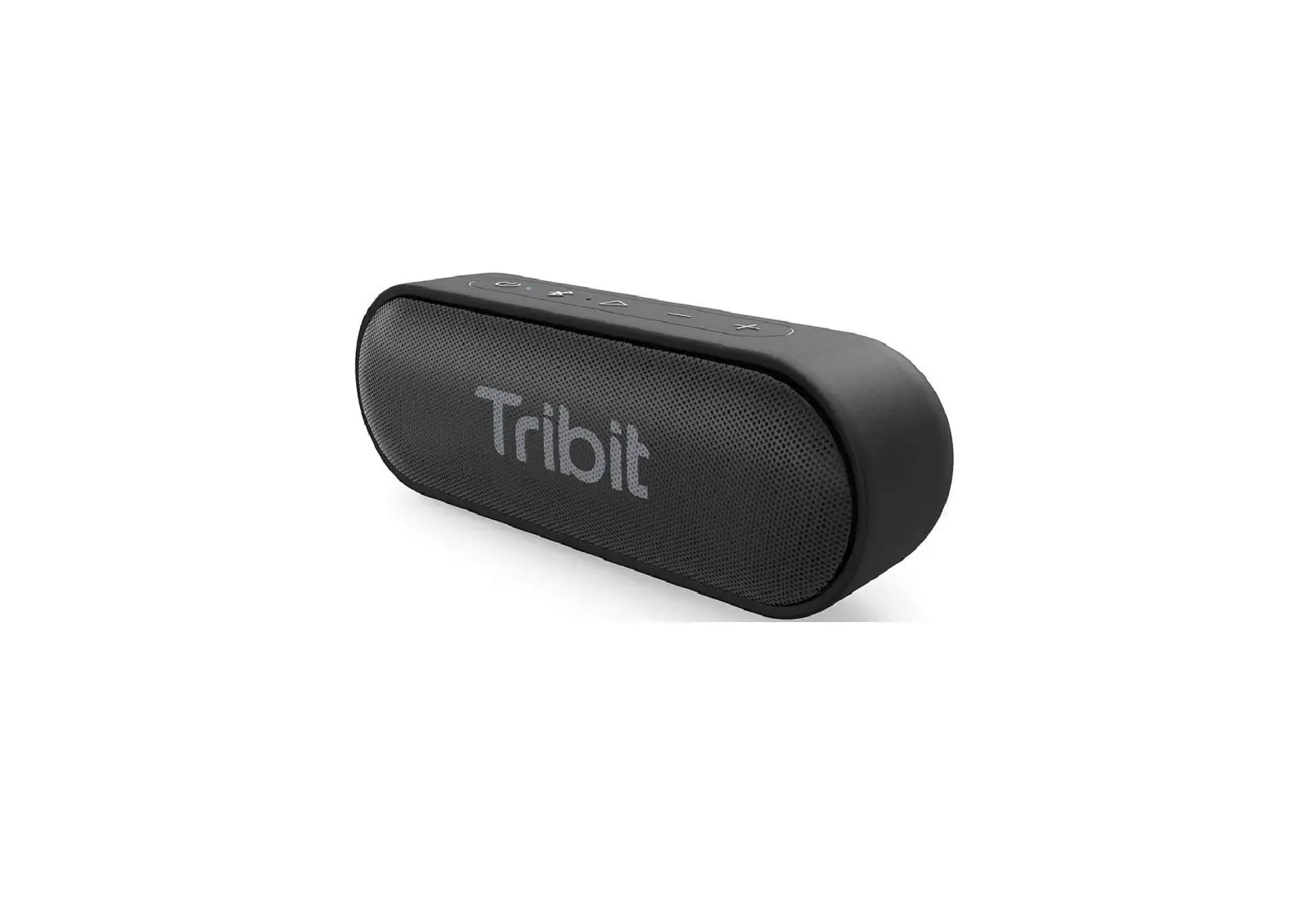

Tribit BTS11 Aquaease Portable Wireless Speaker
Package Contents
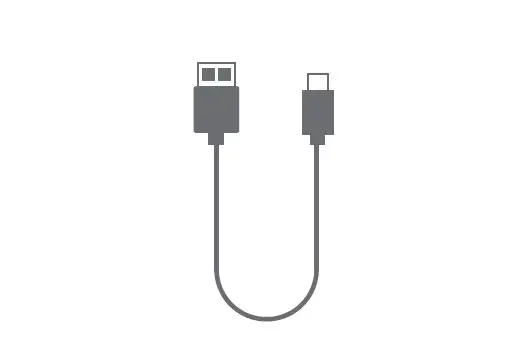
USB-C Cable
User Manual
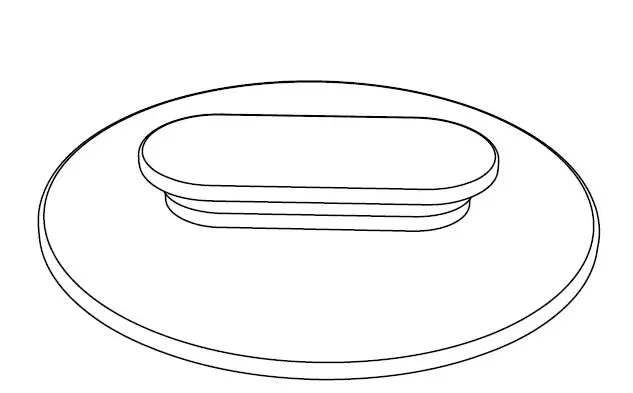
Wall Mount
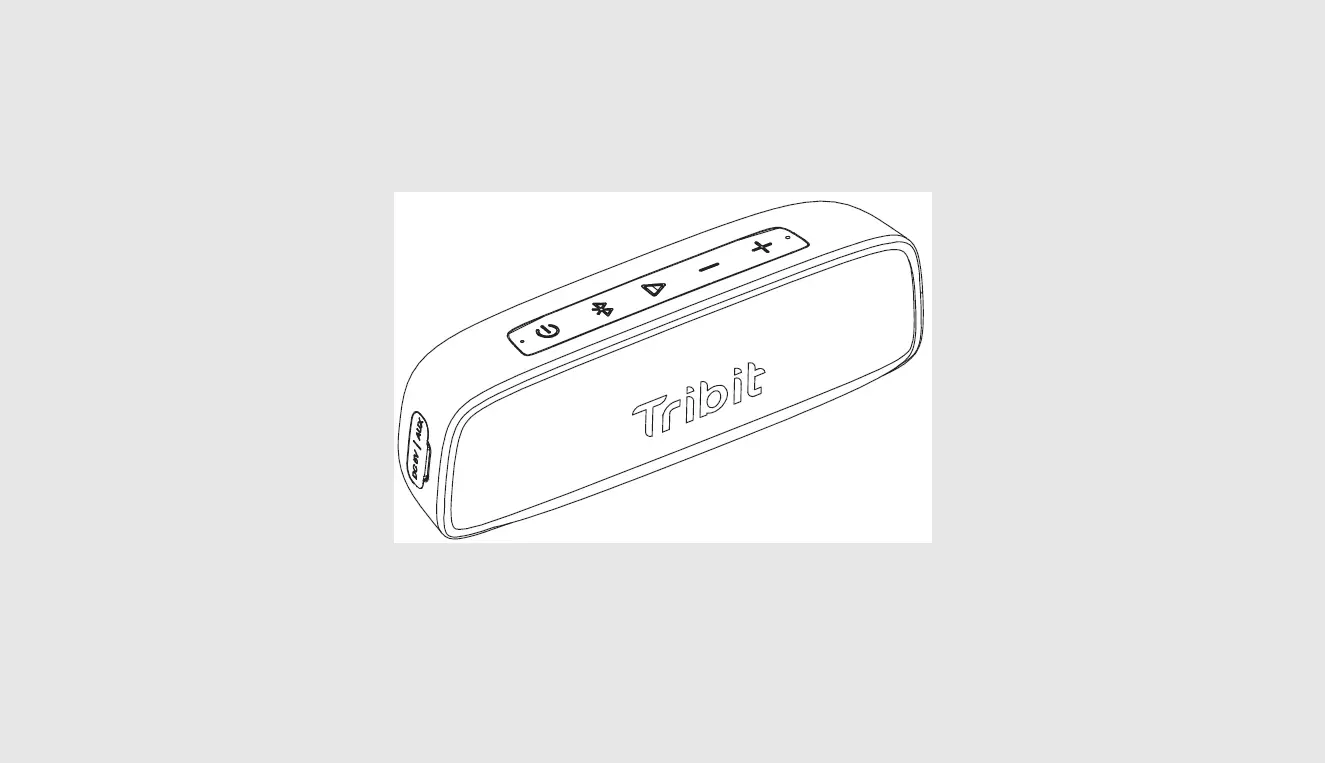
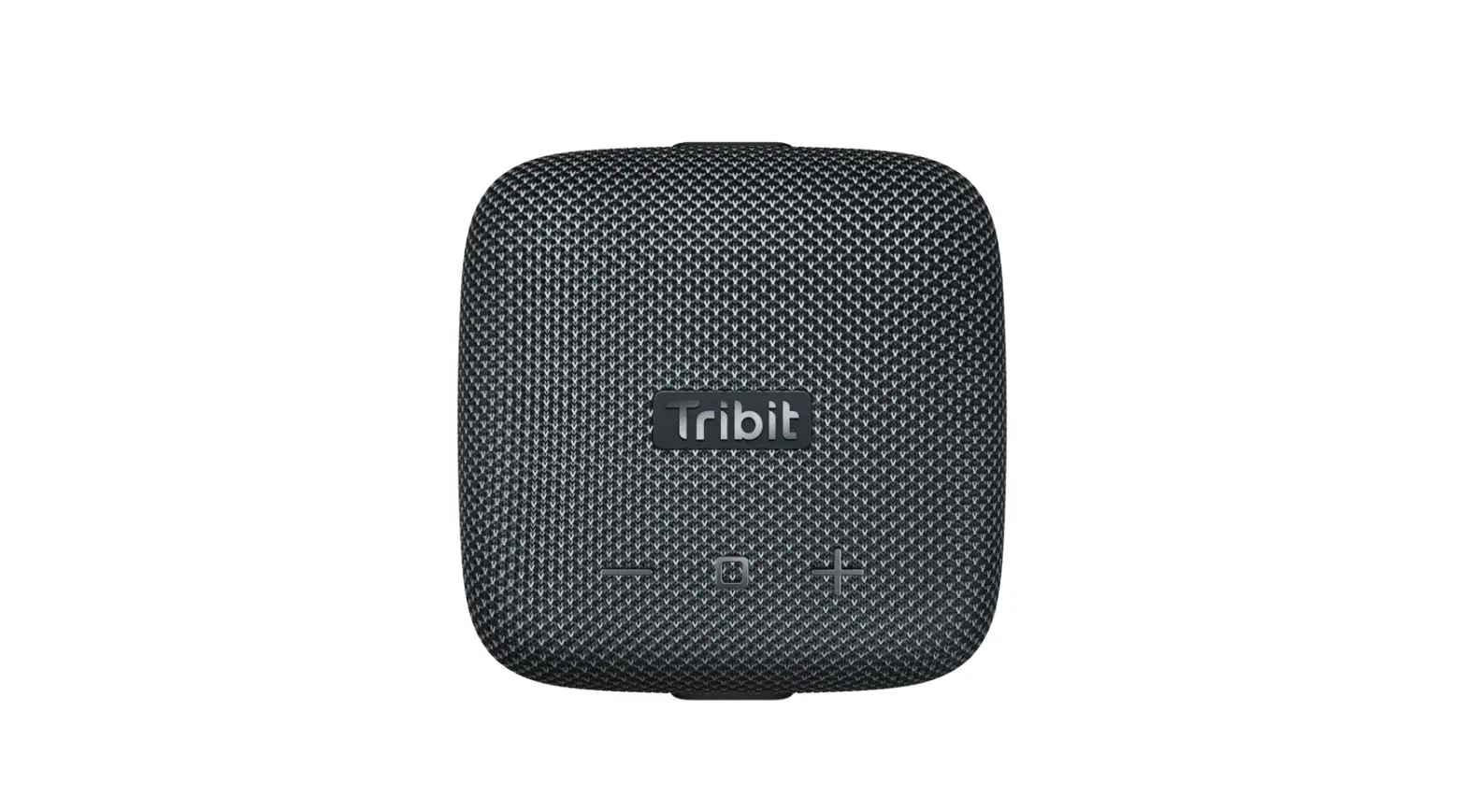
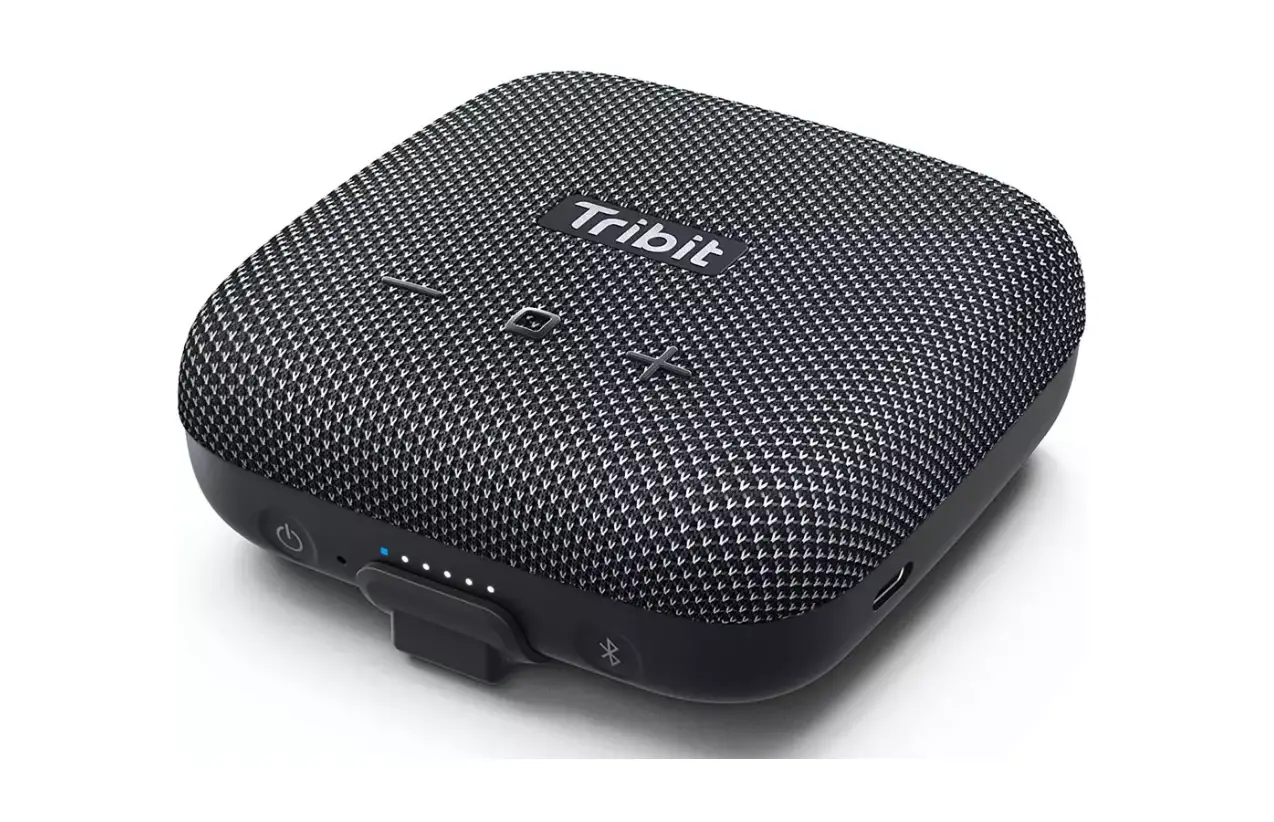
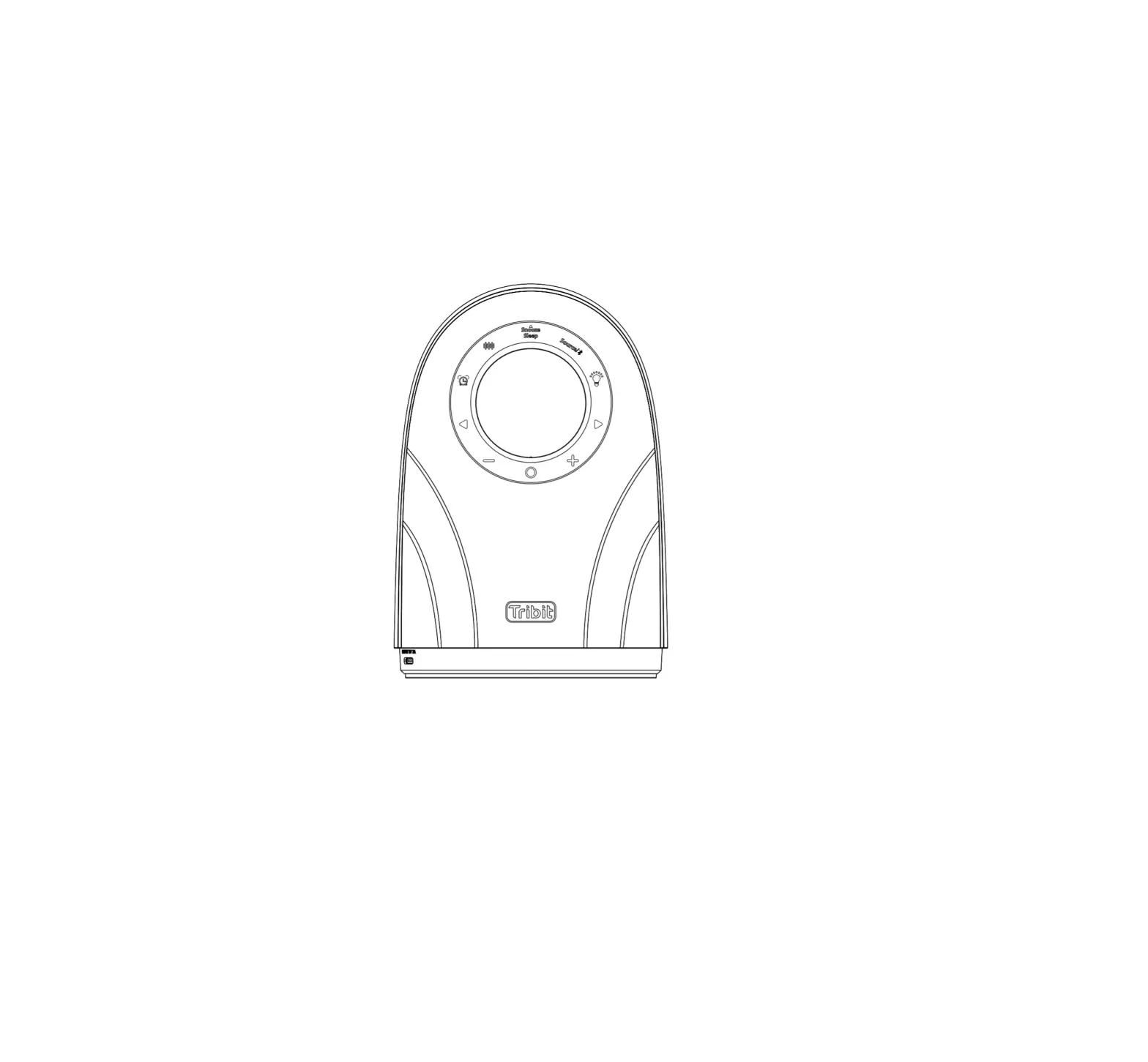
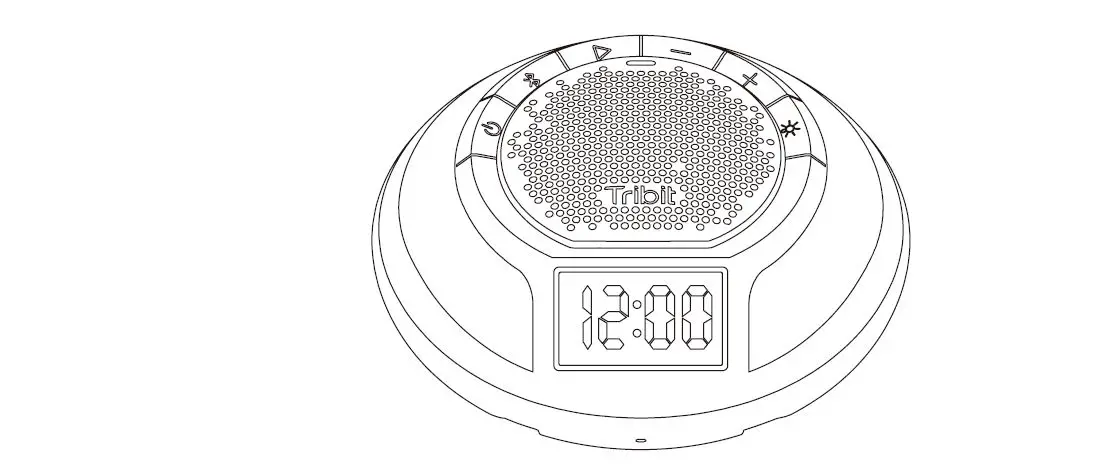
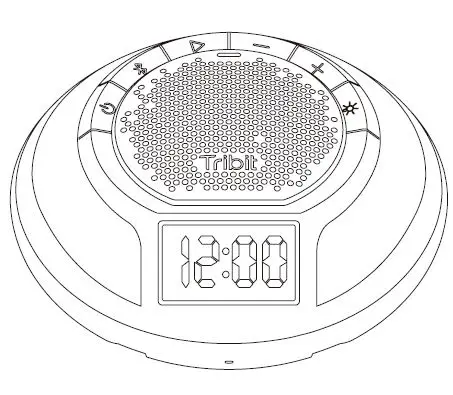
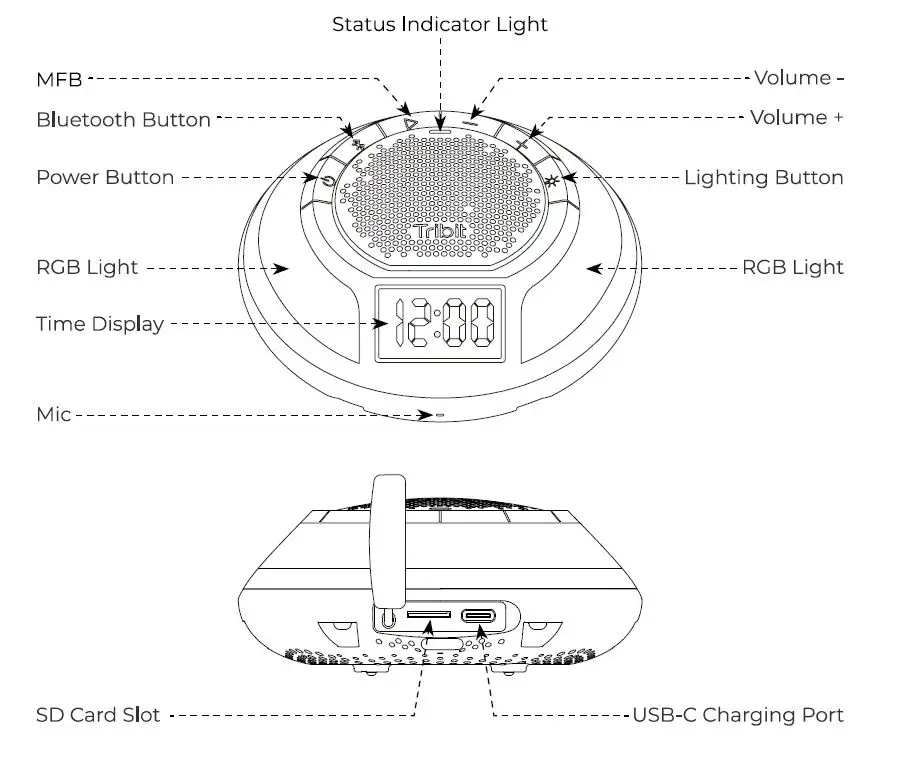
Product Illustration
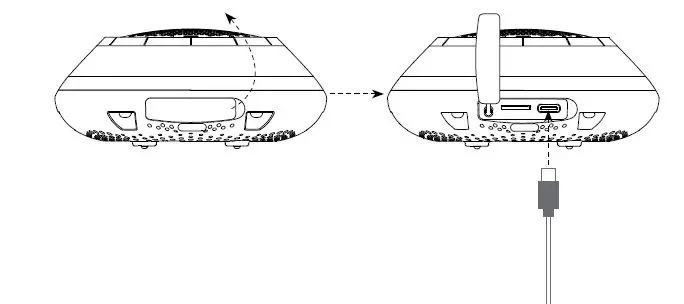
How to Charge the Speaker
Connect the other end of charging cable to a charging adapter and connect the charging cable to the USB-C charging port on the Bluetooth speaker.
 Note
Note
During charging, the indicator light is always on in red. When the speaker is fully charged, the red indicator light goes off.
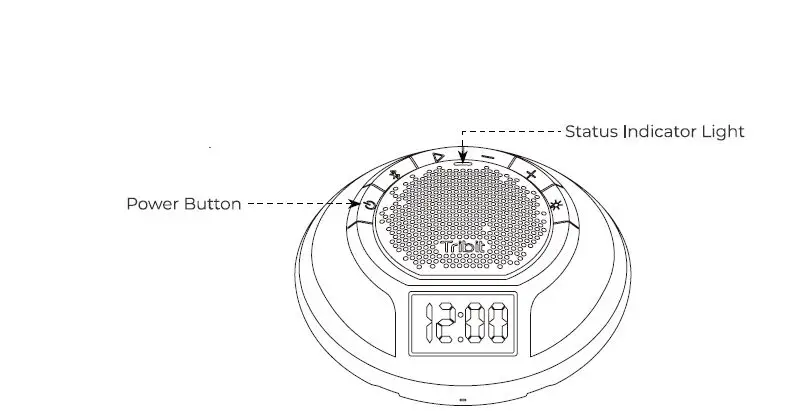
On/Off
Note
If the Tribit Aqua Ease Speaker is unable to be powered off due to unknown reasons, you can forcibly turn it off by pressing and holding the power button for 8 seconds and then the speaker will re-start automatically.
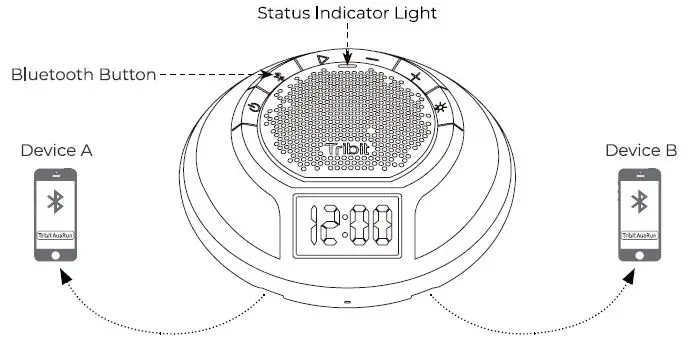
Bluetooth Connection
Tribit Aqua Ease
- Automatically re-connects to the last paired device.
- Connects 2 bluetooth devices at the same time.
- Memories 8 bluetooth devices.
Note
When 2 devices are connected to the Tri bit Aqua Ease speaker, device A and device B cannot play simultaneously only one speaker at a time.
Multifunctional Button (MFB)
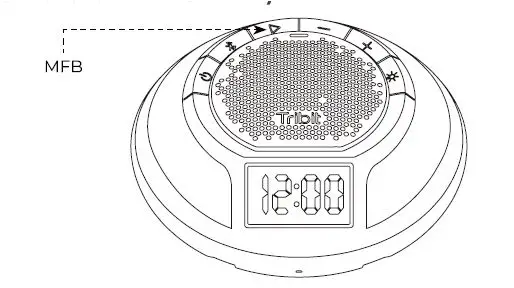
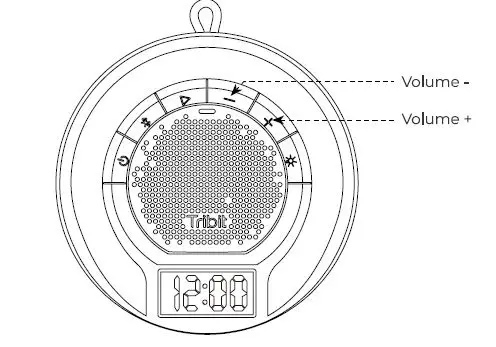
Volume
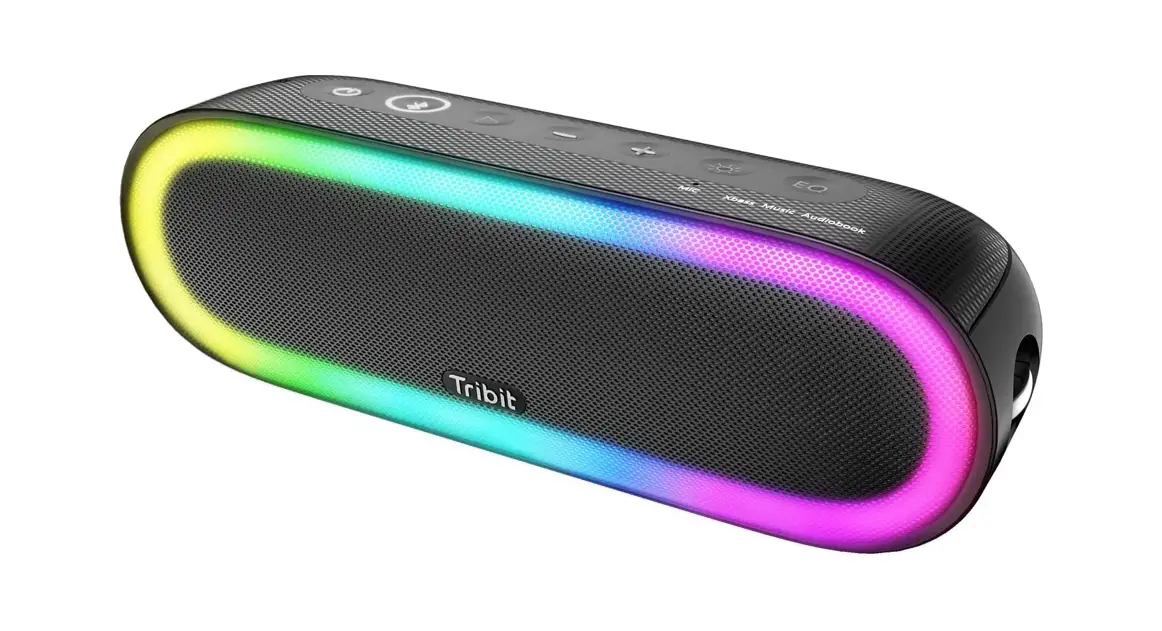
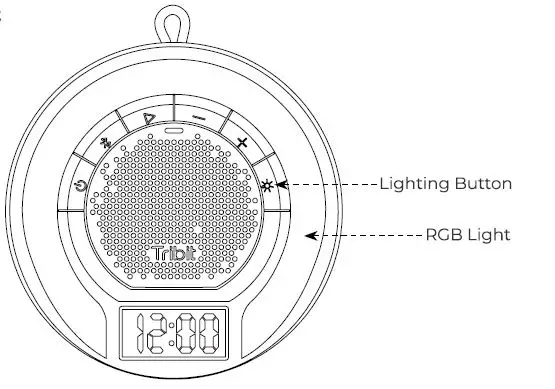
Ambient Light
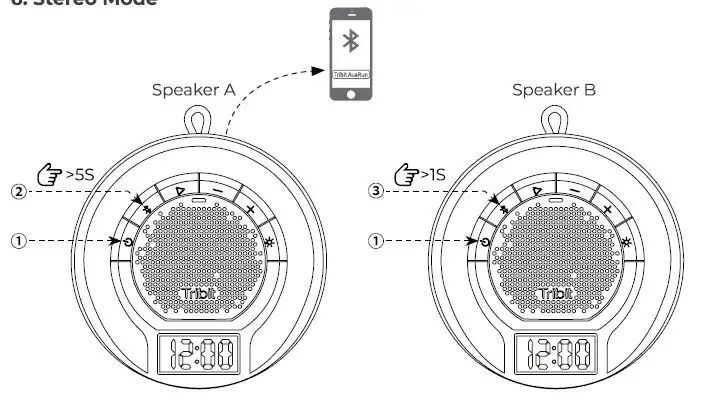
Stereo Mode
 Make sure speaker A and speaker B are both are turned on.
- Press and hold the Bluetooth button on speaker A for 5 seconds to enter the stereo pairing mode.
- Speaker A is the primary speaker.
- Press and hold the Bluetooth button on speaker B for l seconds to enter the stereo pairing mode.
- Speaker Bis the secondary speaker.
- When you hear the prompt, Stereo Mode the stereo pairing is successful.
- When entering the Stereo Mode, the primary speaker reads, left Channel and the secondary speaker reads, Right Channel.
 Make sure speaker A and speaker B are both are turned on.
Note
- Stereo mode is only available when there are 2 Tri bit Aqua Ease speakers.
Reset
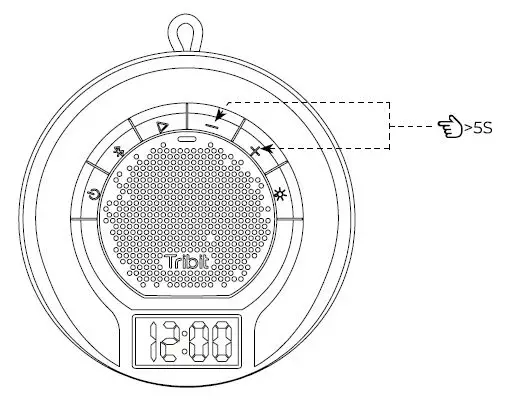
If malfunction occurs, you can try to reset the speaker ( press and hold the volume+ button and volume – button at the same time for 5 seconds) to remedy issues. Once reset, all the old data has been wiped, and you need to pair the speaker to your Bluetooth device anew.
How to Install the Wall Mount
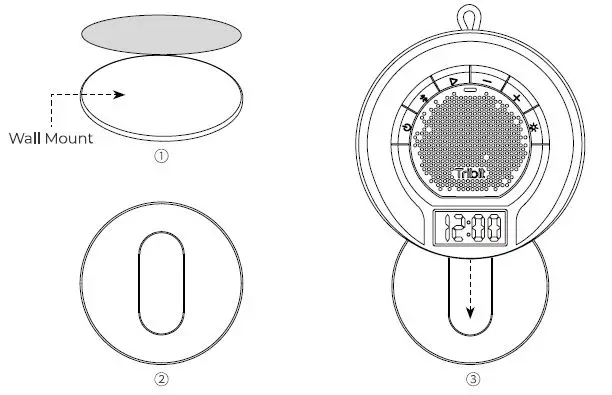
- Remove the release paper on the wall mount.
- Select a flat and smooth wall ceramic tile or glass wall is recommended stick the wall mount on the wall and gently press it.
- Make sure the hanger on the wall mount is in vertical direction.
- Gently buckle the speaker on the wall mount with the time display facing downwards.
Note
Once the wall mount is stuck on the wall, it’s hard and inconvenient to take it off. Please carefully choose the place where you desire to install the wall mount.
Specifications
| Bluetooth Version | VS.3 |
| Bluetooth Protocol | A2DP, AVRCP, HFP, HSP |
| Output Power | 7W |
| Frequency Response | 700~76KHz |
| Frequency Band | 2402-2480M Hz |
| Maximum Transmission Power | 6dBm |
| Battery | 3.7v 2200mAh/8.74Wh |
| Charging Time | 3 hours 5V/7A |
| Waterproof Rating | IPX7 |
| Size | 709.6 709.6 48.2mm |
| Weight | 260g |
Customer Service
An 18 month Warranty for more services and information, please Email to [email protected]
Safety Precautions
- Do not place the speaker in a place where it is easy to fall.
- Do not disassemble, repair or modify this product by yourself.
- Keep the speaker away from extreme temperatures.
- Do not use the speaker in an outdoor thunderstorm environment.
- Do not use any corrosive cleaners or other chemical solutions to clean the speaker.
FCC Statement
Changes or modifications not expressly approved by the party responsible for compliance could void the user’s authority to operate the equipment.
This equipment has been tested and found to comply with the limits for a Class B digital device, pursuant to Part 15 of the FCC Rules. These limits are designed to provide reasonable protection against harmful interference in a residential installation. This equipment generates uses and can radiate radio frequency energy and, if not installed and used in accordance with the instructions, may cause harmful interference to radio communications. However, there is no guarantee that interference will not occur in a particular installation. If this equipment does cause harmful interference to radio or television reception, which can be determined by turning the equipment off and on, the user is encouraged to try to correct the interference by one or more of the following measures
- Reorient or relocate the receiving antenna.
- Increase the separation between the equipment and receiver.
- Connect the equipment into an outlet on a circuit different from that to which the receiver is connected.
- Consult the dealer or an experienced radio/1V technician for help.
- This device complies with part 15 of the FCC rules.
- Operation is subject to the following two conditions l this device may not cause harmful interference, and 2 this device must accept any interference received, including interference that may cause undesired operation.
IC Caution
This device complies with Industry Canada licence exempt RSS standard. Operation is subject to the following two conditions
- This device may not cause interference.
- This device must accept any interference, including interference that may cause undesired operation of the device.