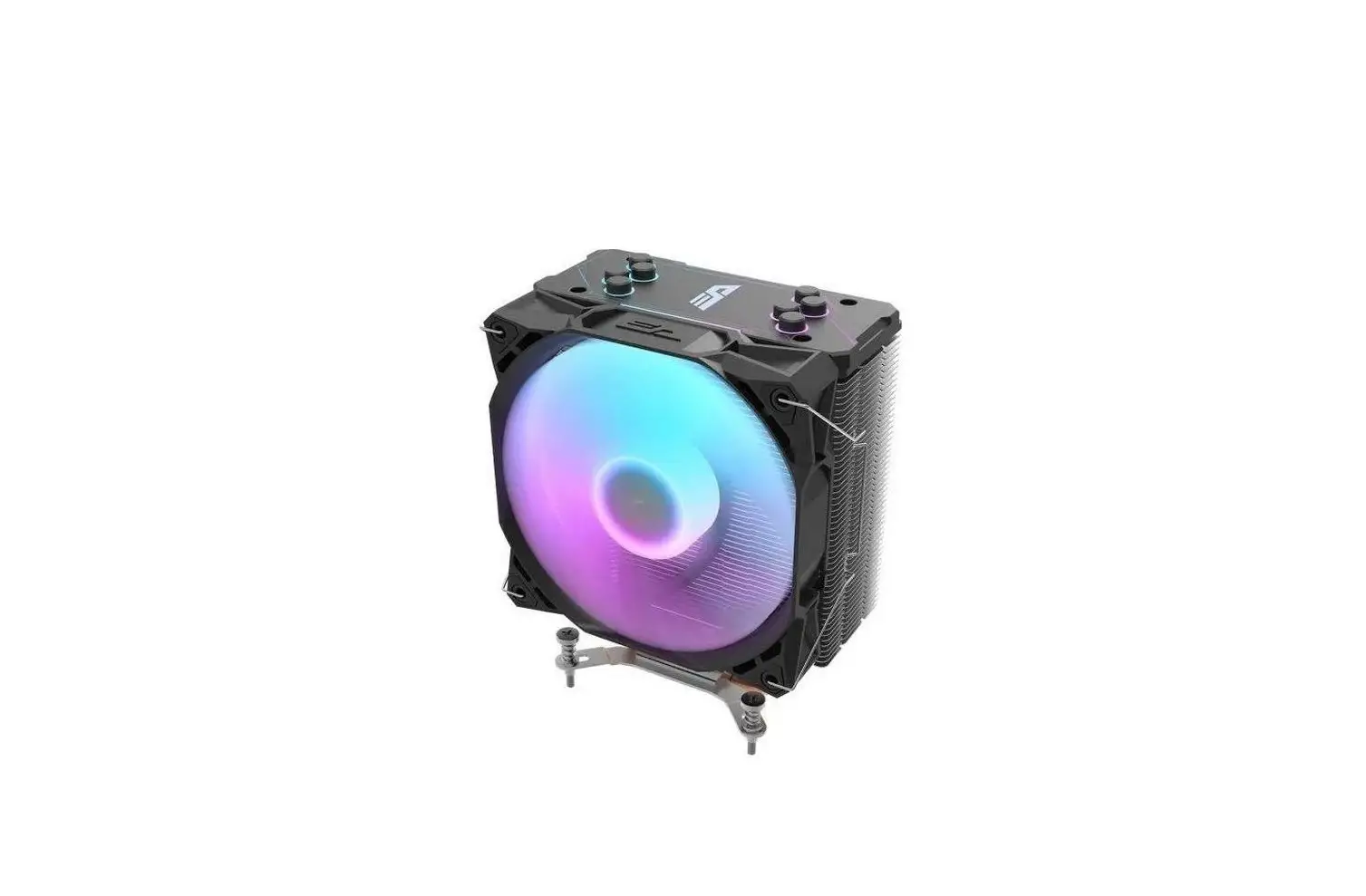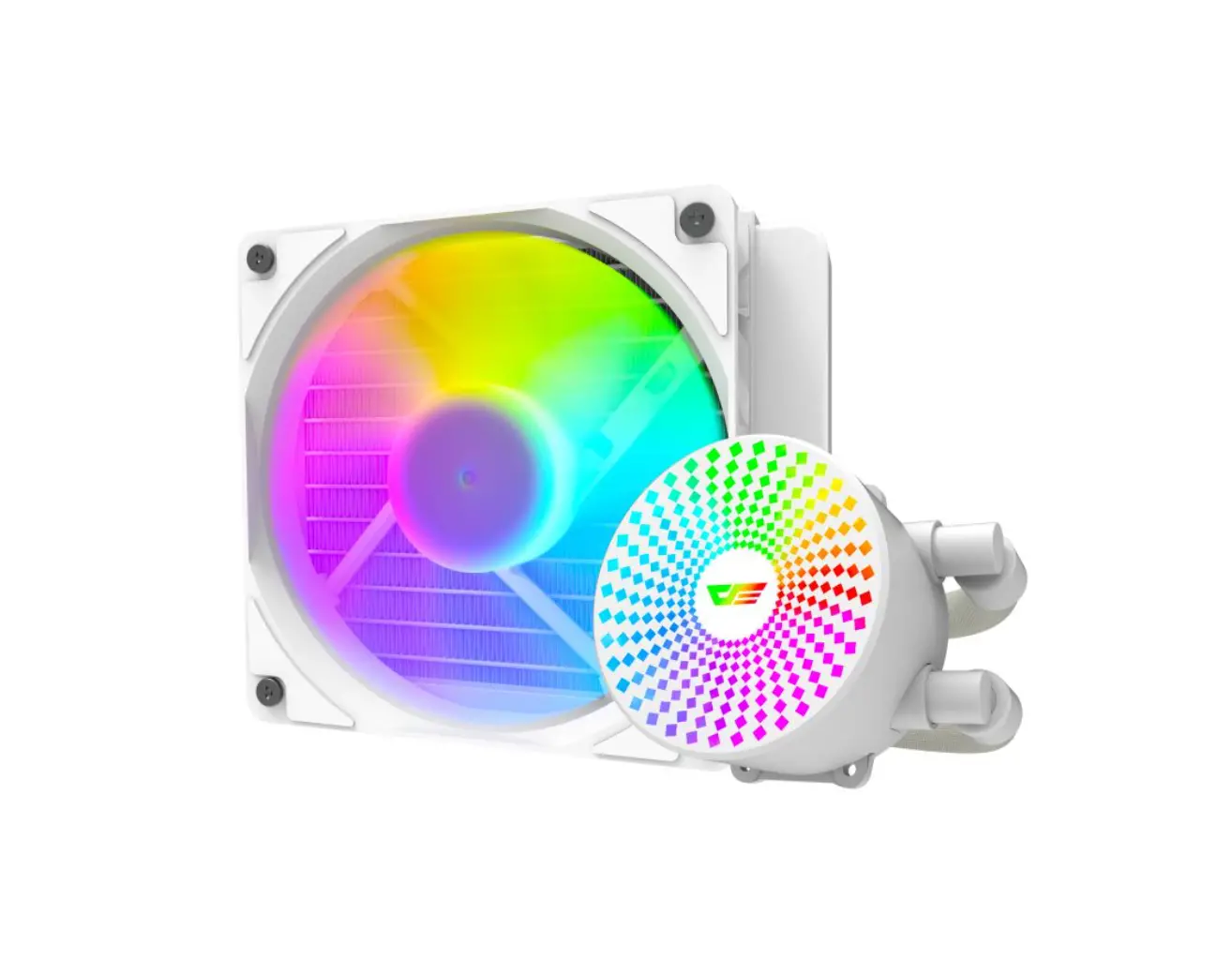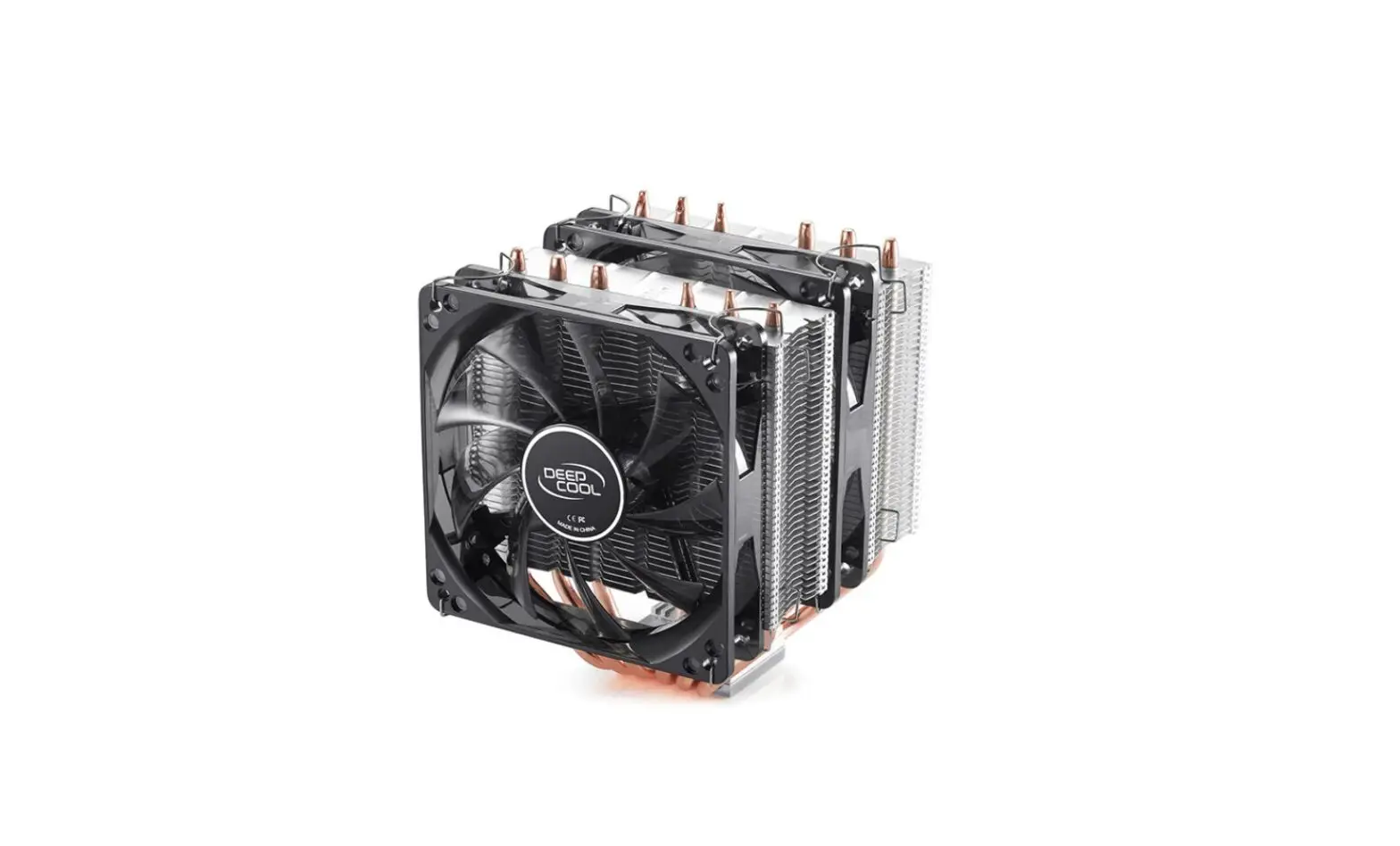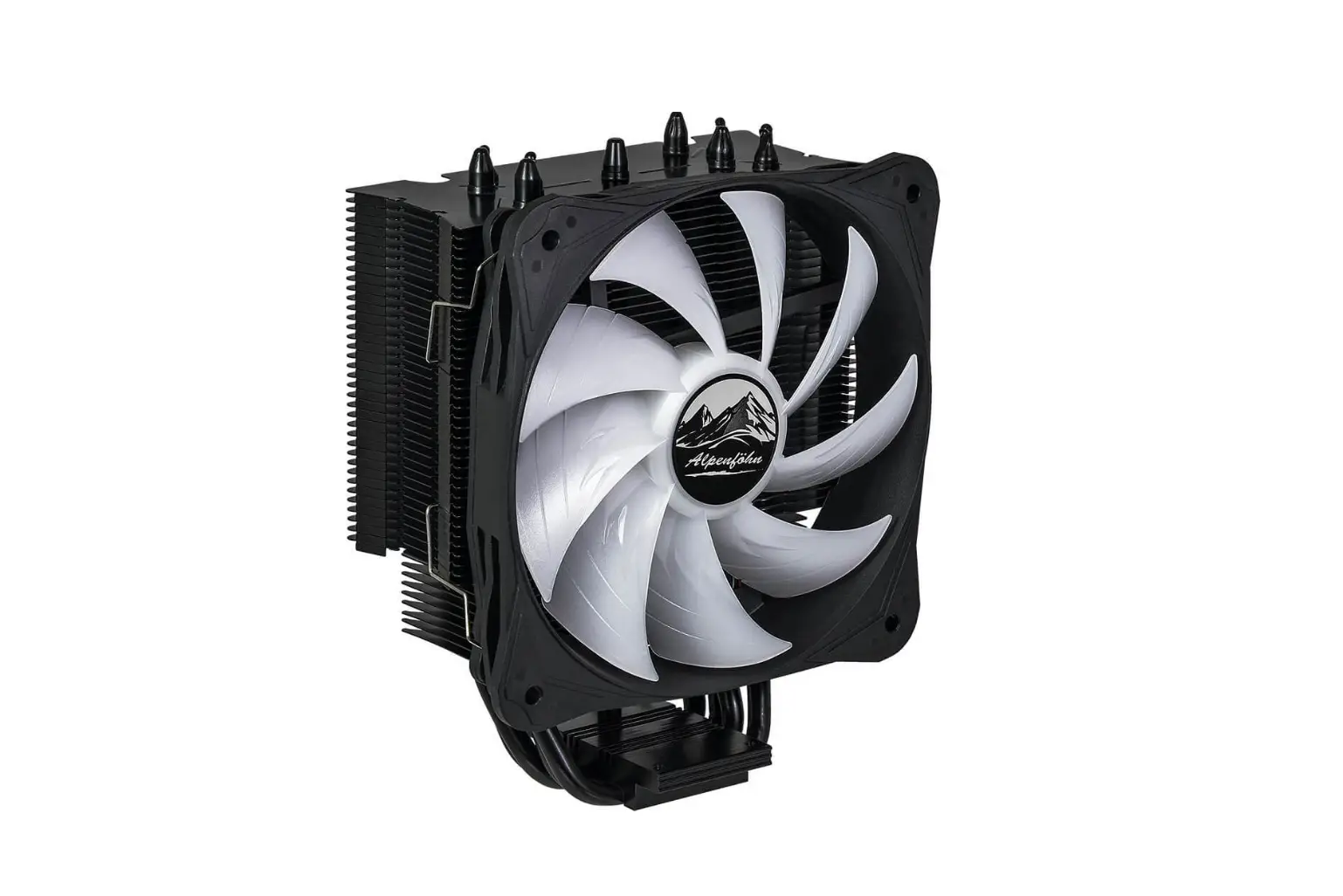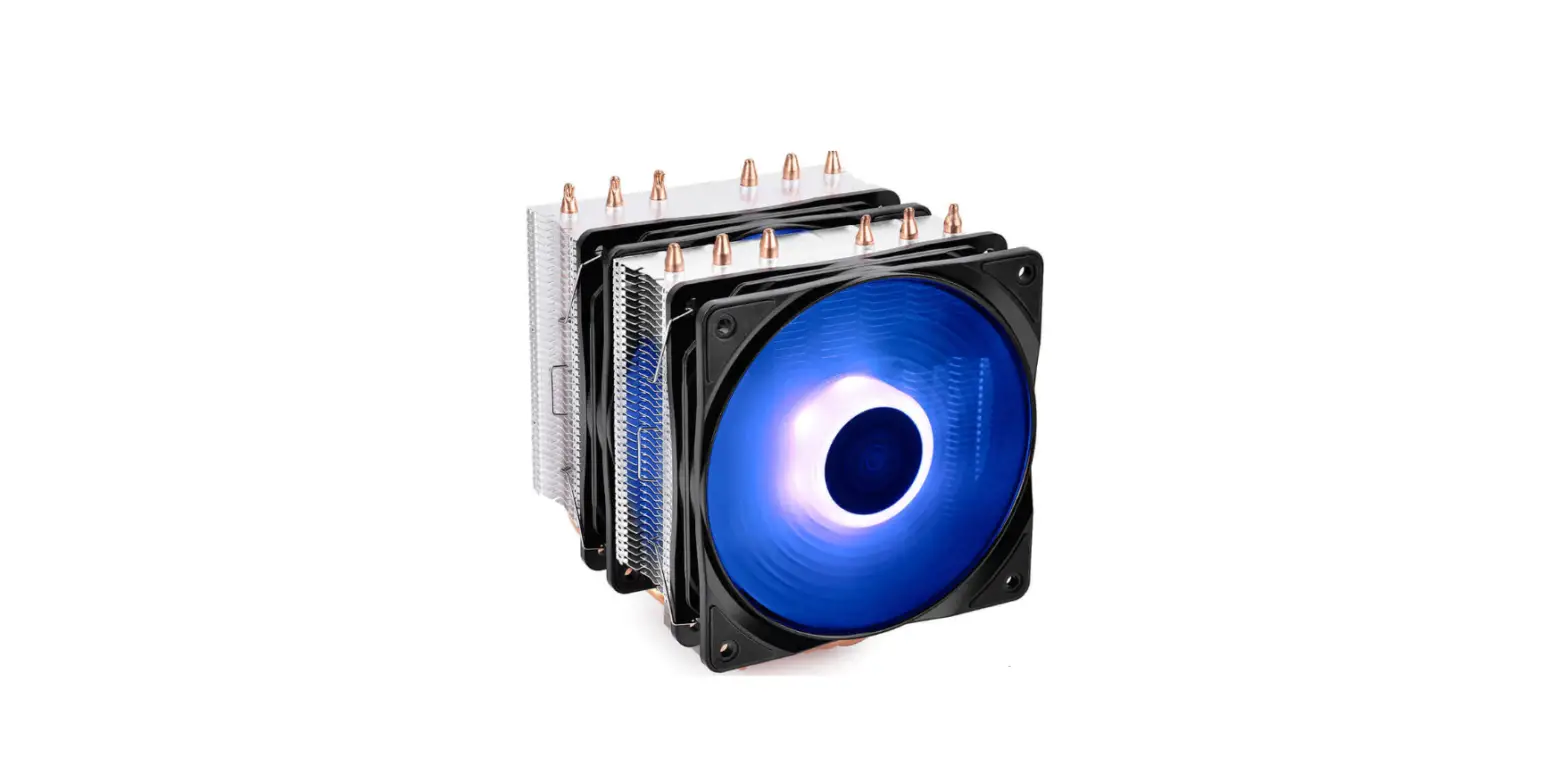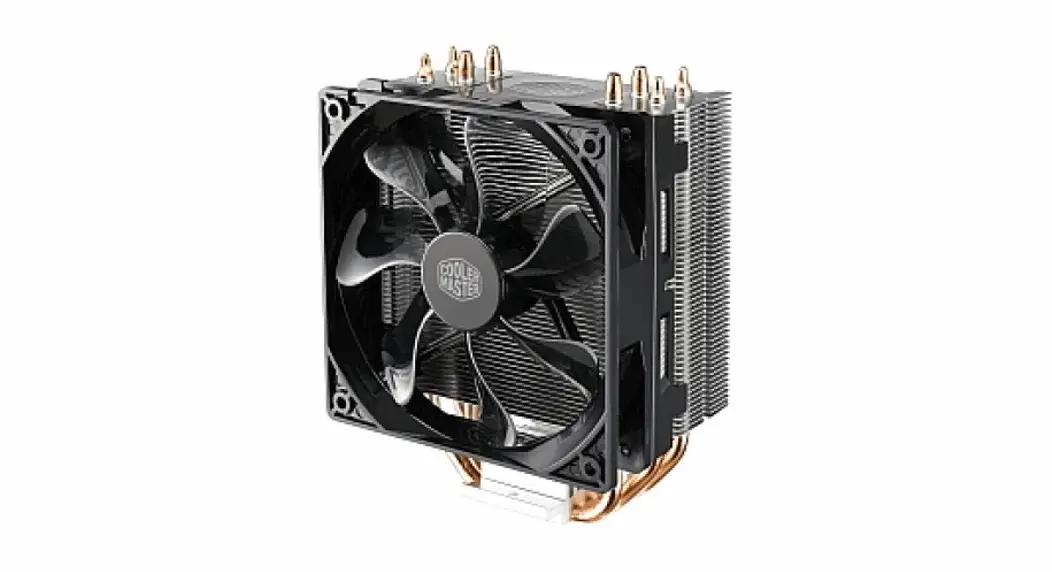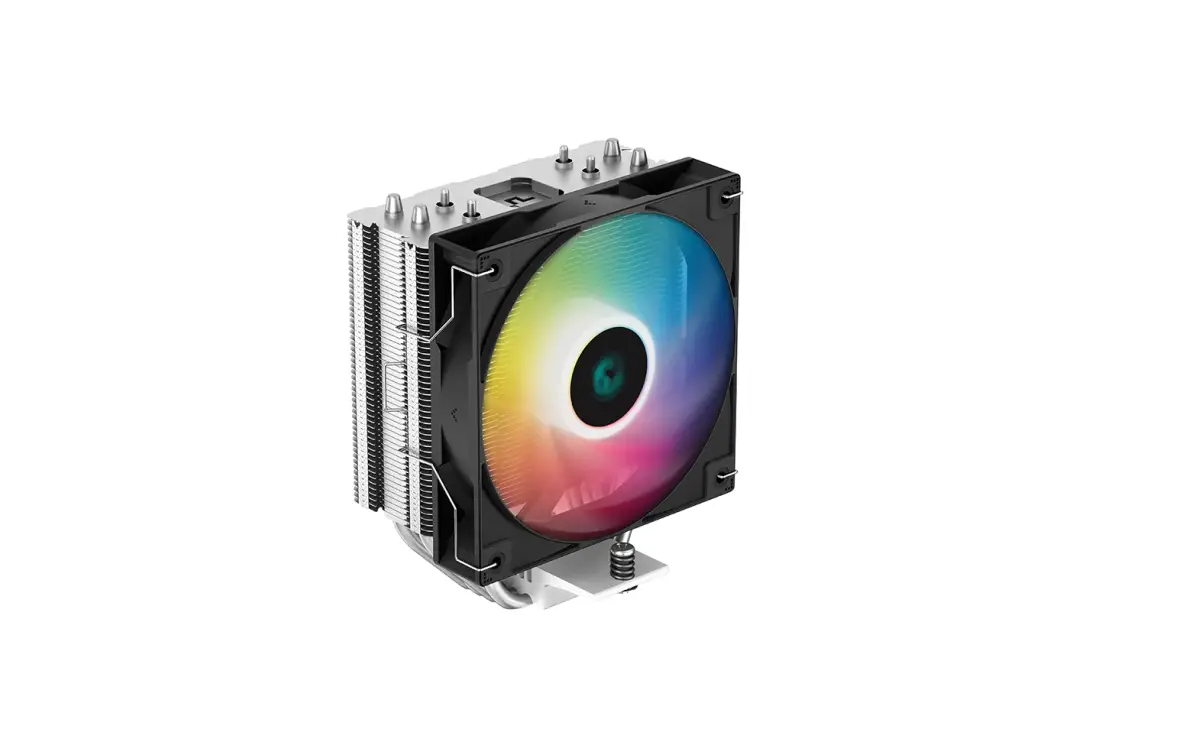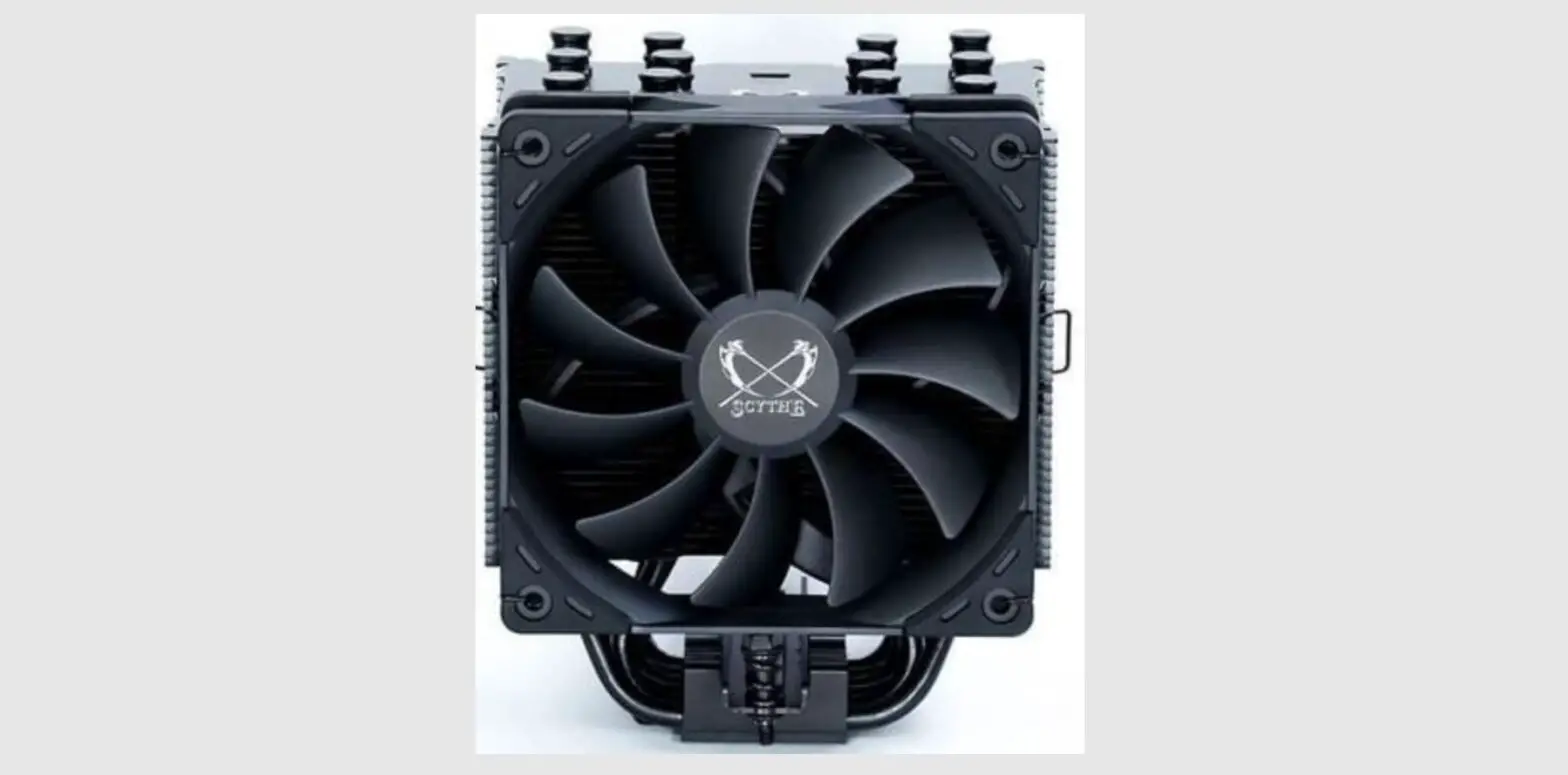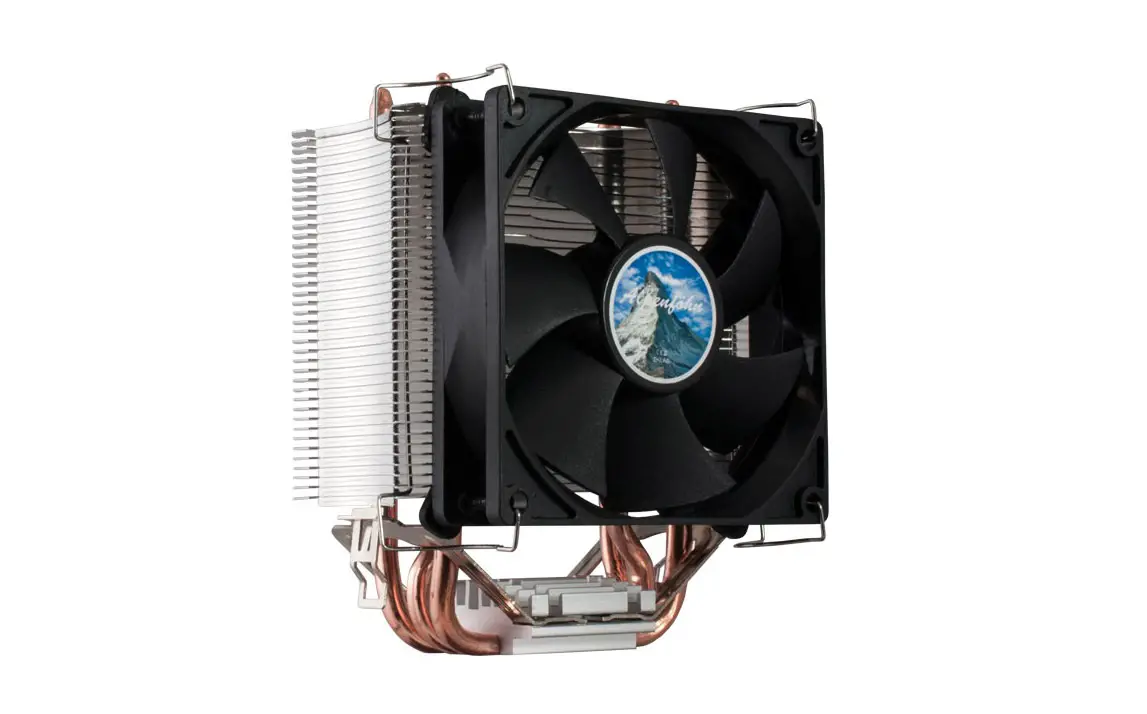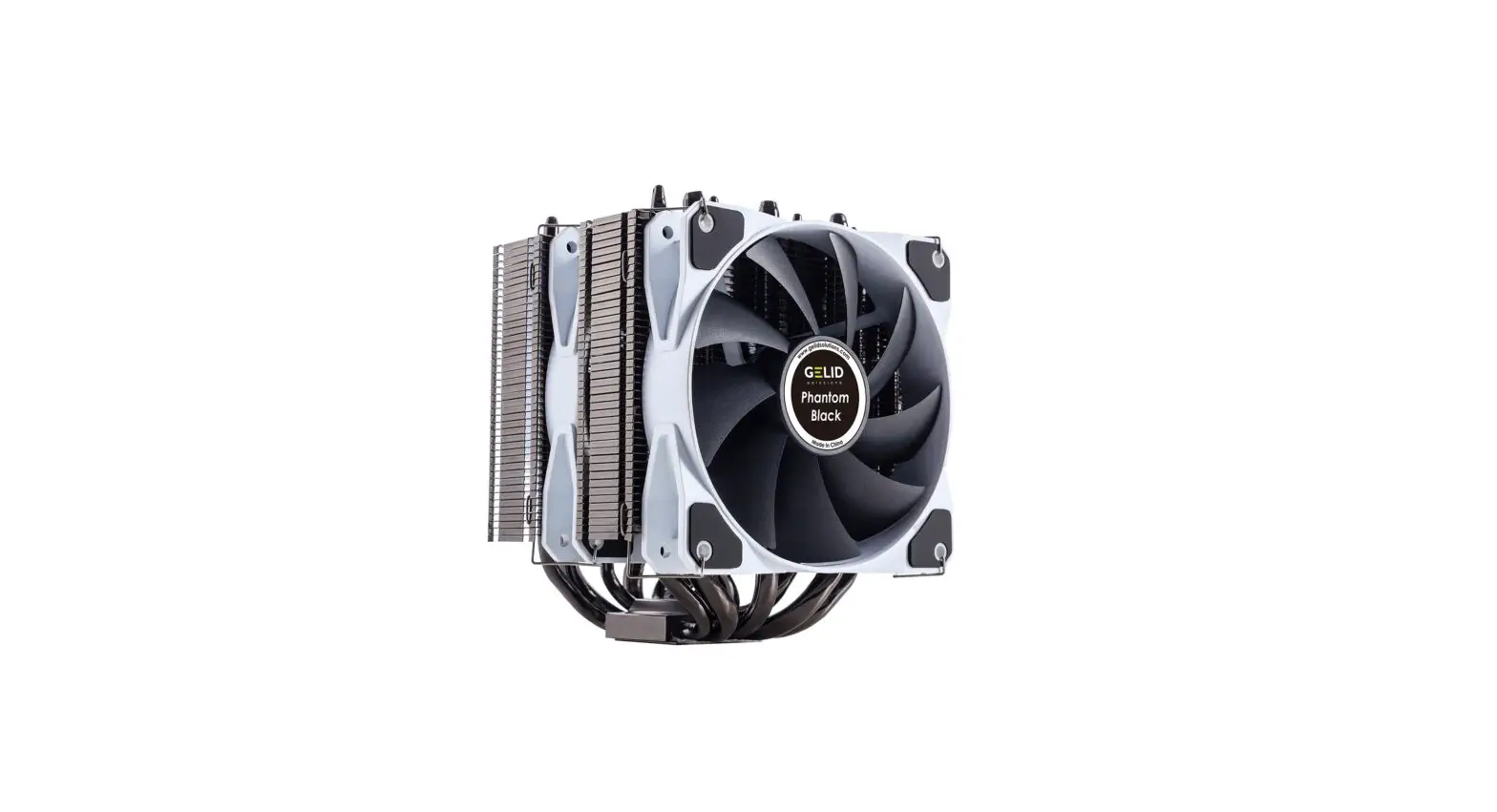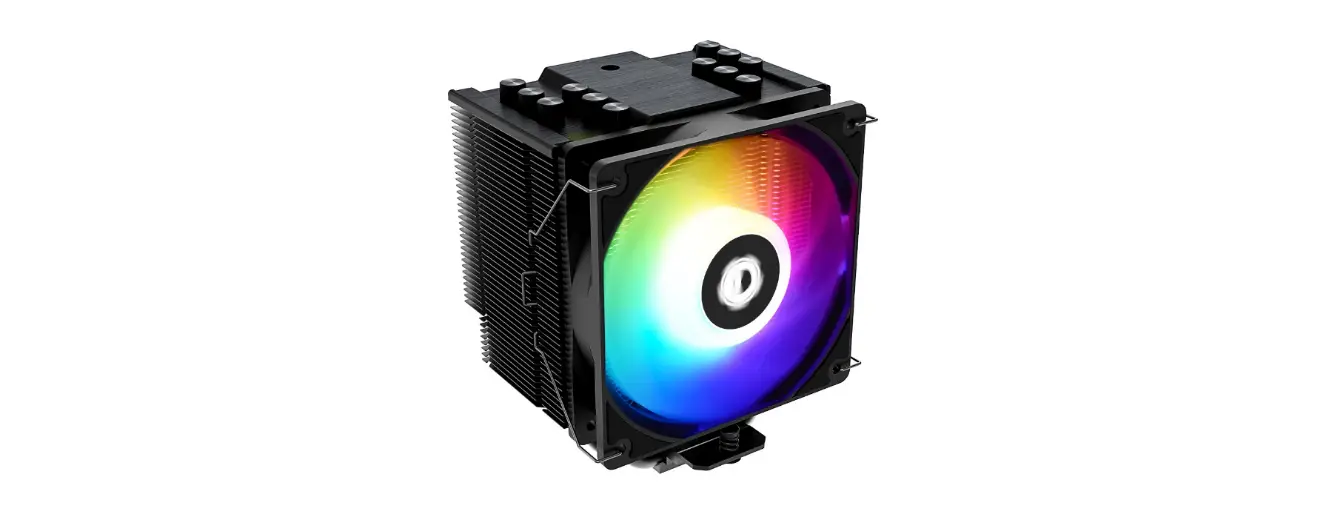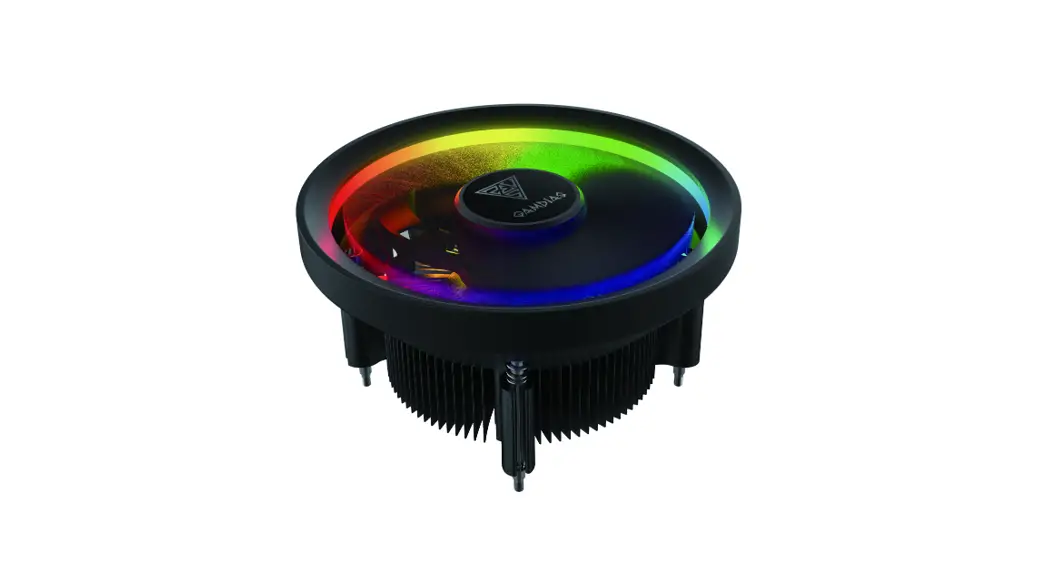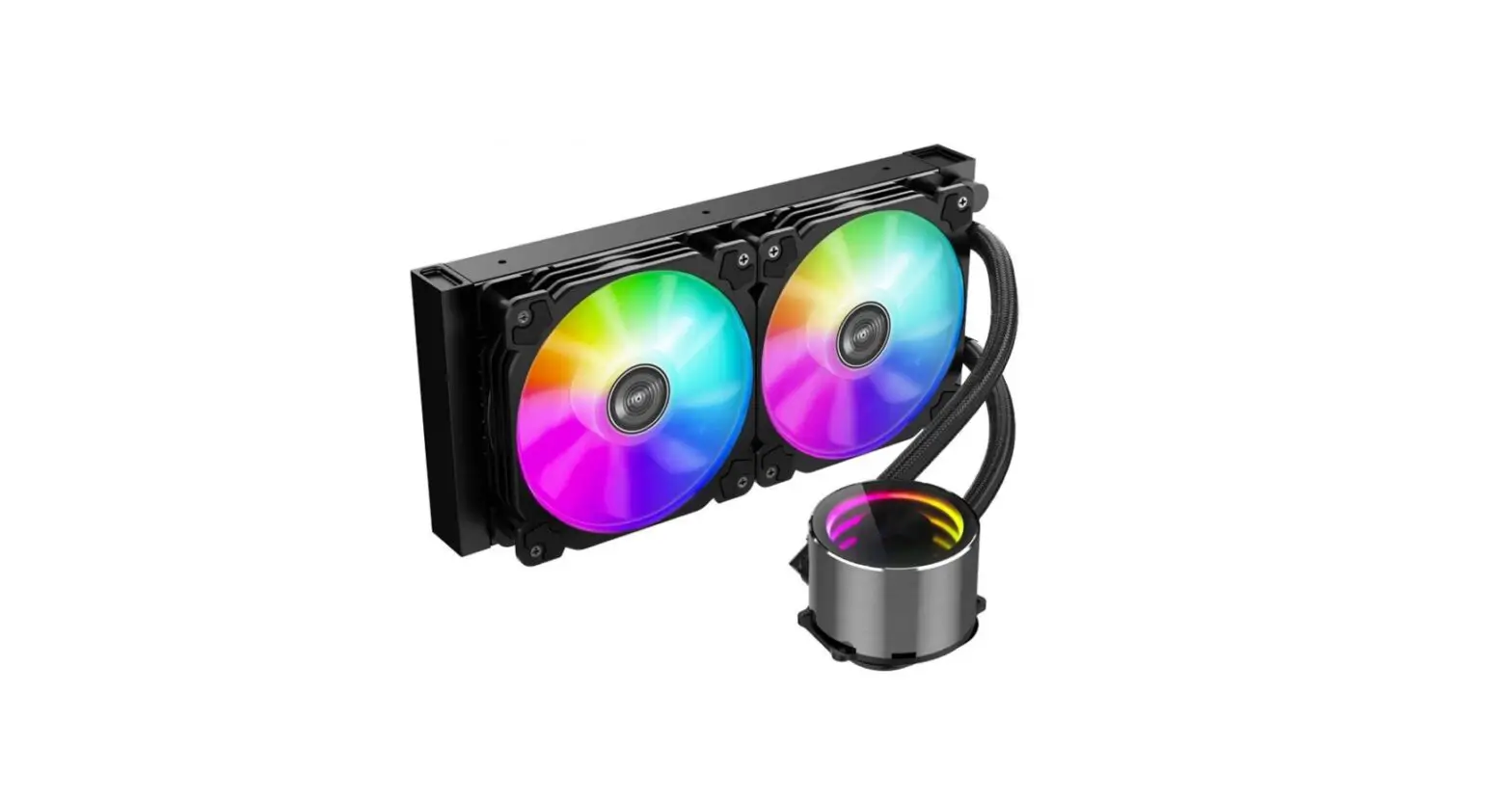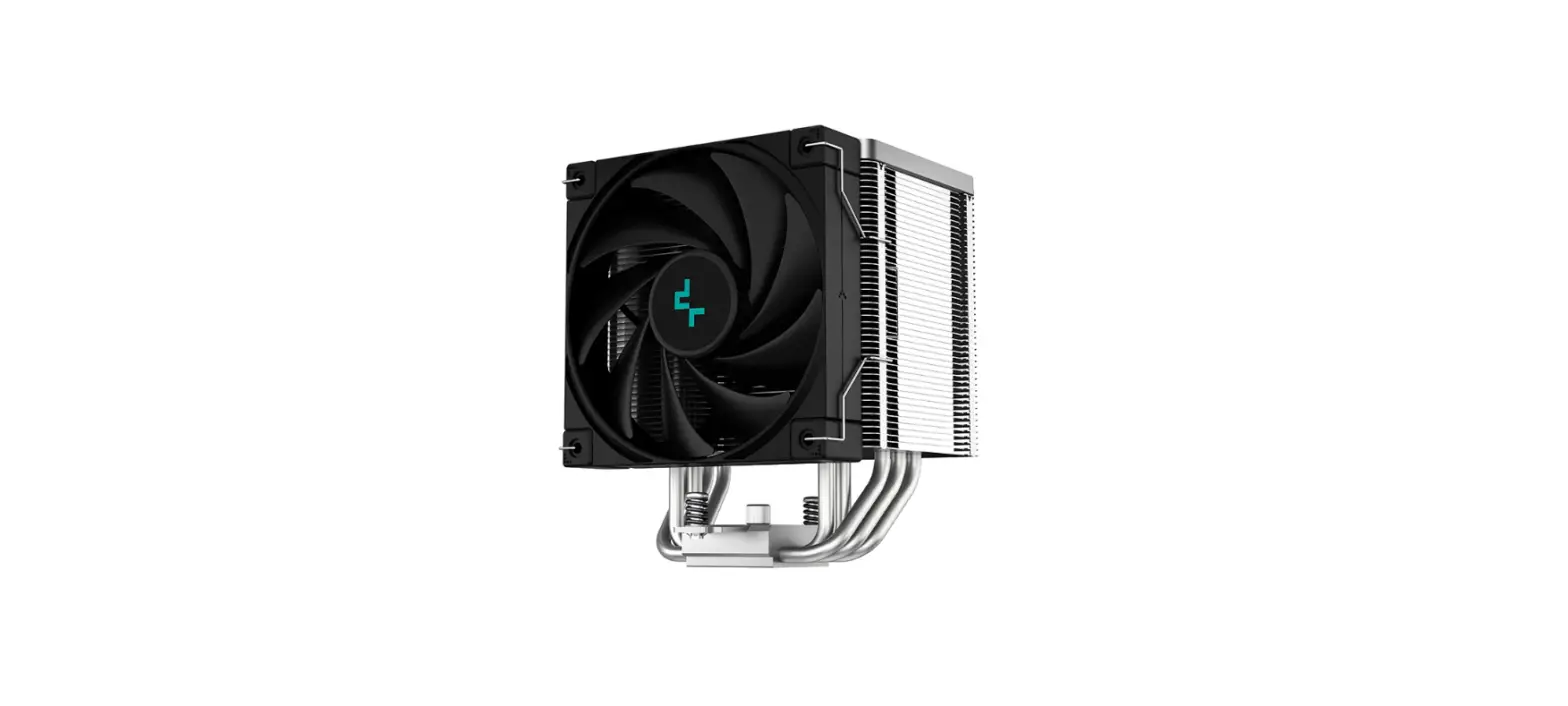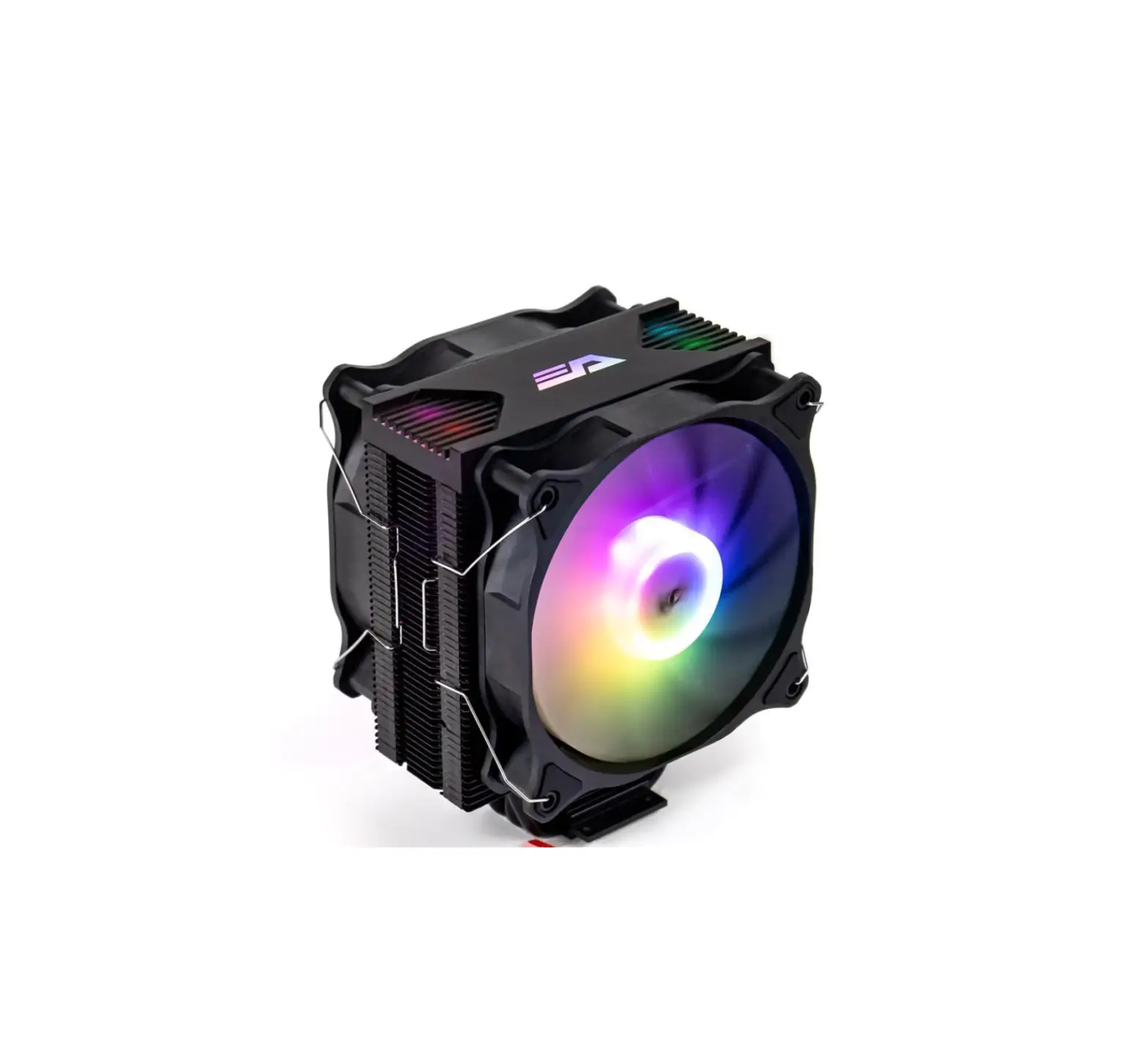
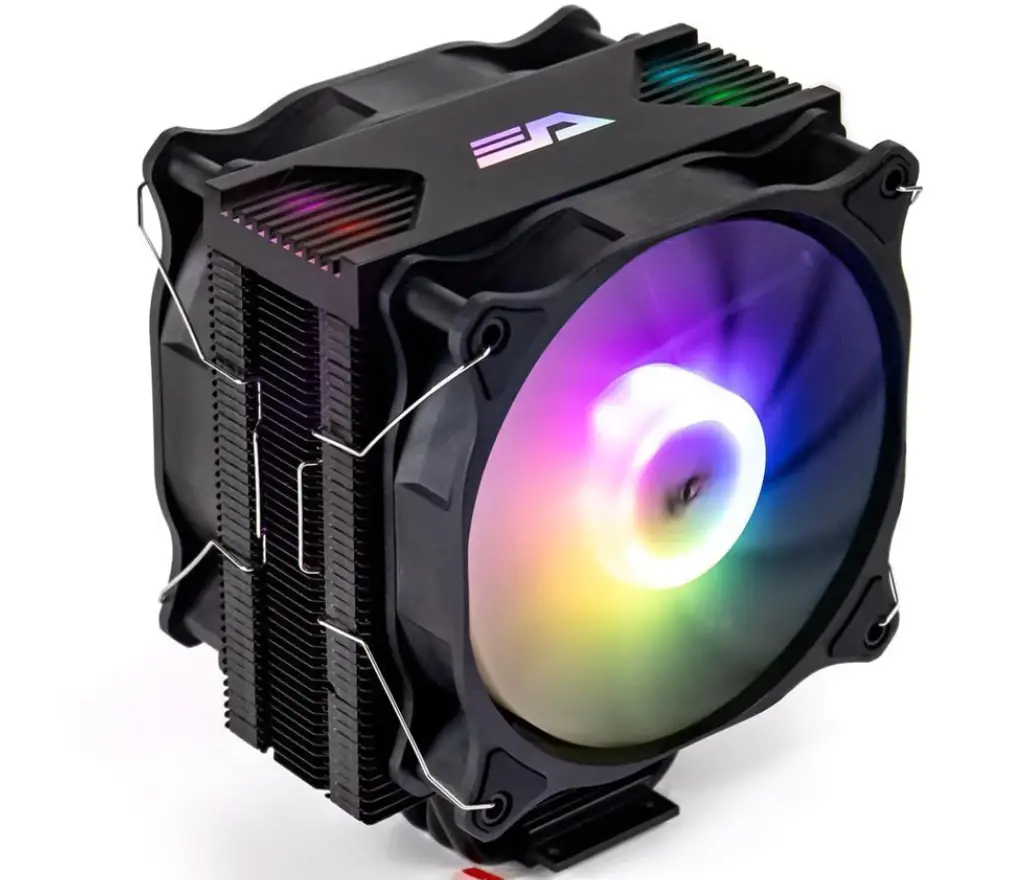
darkFlash Darkair Plus CPU Cooler
BIOS Configuration
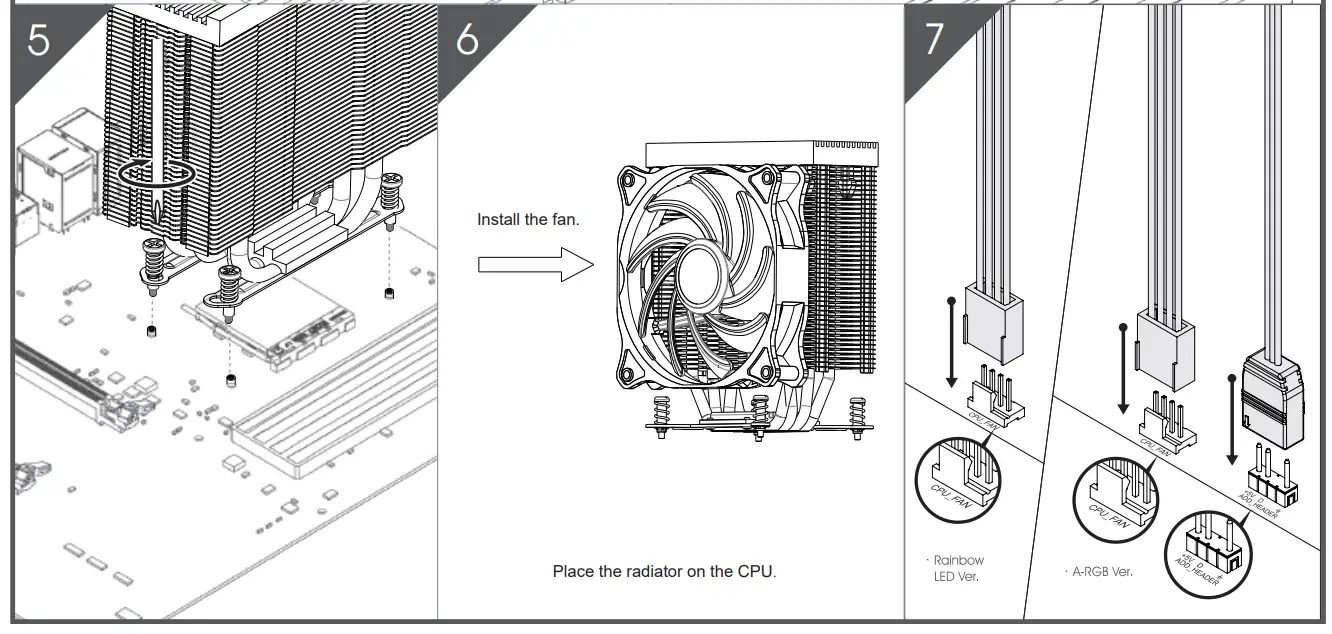
- In case that the “CPU FAN ERROR” message is displayed by the UEFI (BIOS), please adjust the UEFI fan speed settings (“CPU Fan Speed Low Limit” – Option).
- Settir,gs will vary according to your type of motherboard. Please consult your motherboard instructions.
Before Installation & Caution during Installation
- It is recommended to reserve enough space for installing this product as well as to wear gloves to prevent any injuries during the installation.
- Please keep this product and accessories away from children.
- To prevent injuries, please be careful as the edges of the devices installed in your system can be sharp.
PART LIST
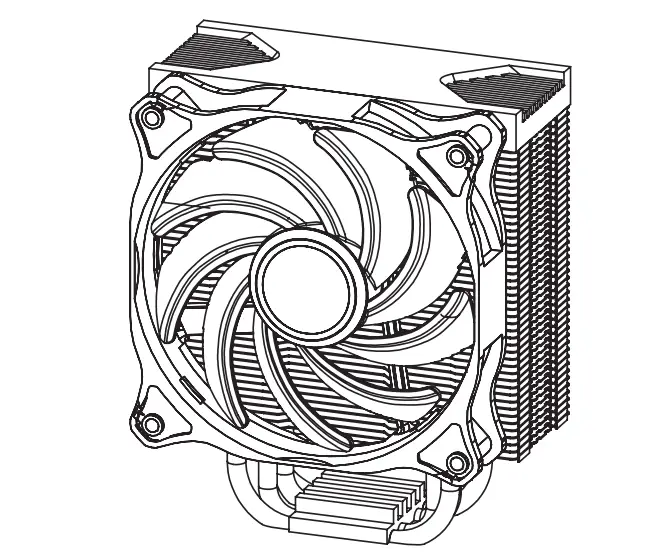
- CPU Cooler* l

- Backplate* l

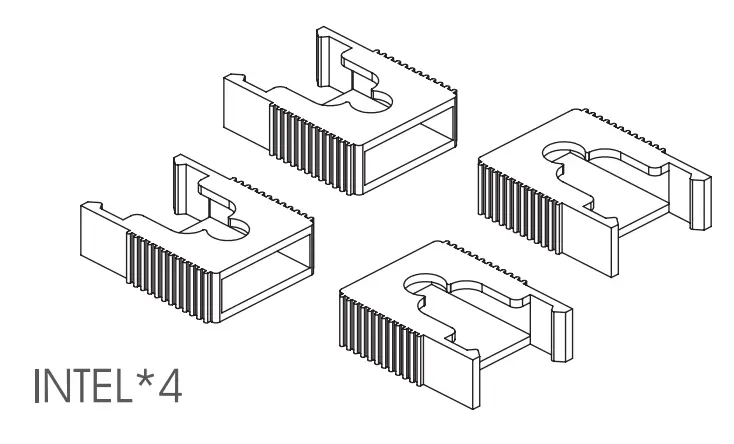
- Plastic Clip*4 ( INTEL*4)

- Spacer*4

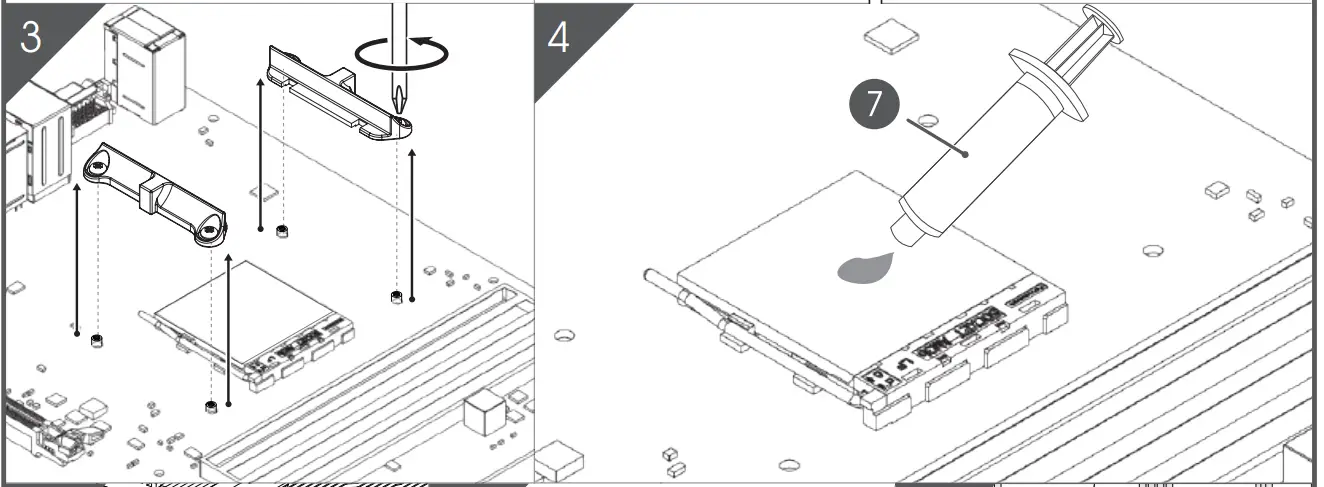
- Mounting Kit* 4 ( INTEL *2 / AMD*2)

- Mounting Kit Screws* 4

- Thermal Paste* l

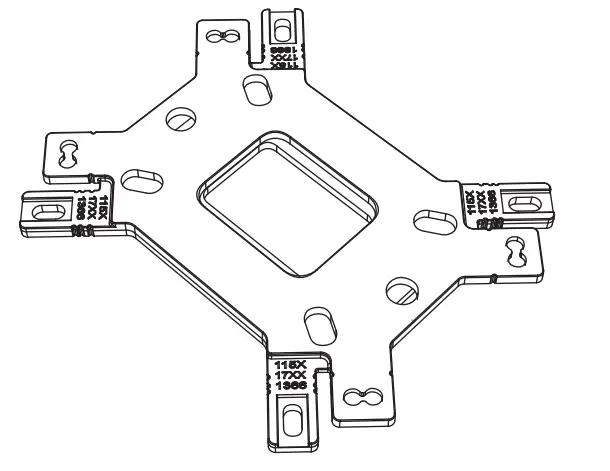
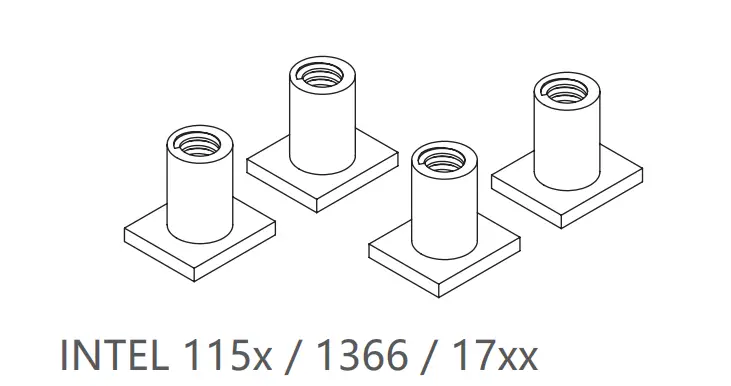
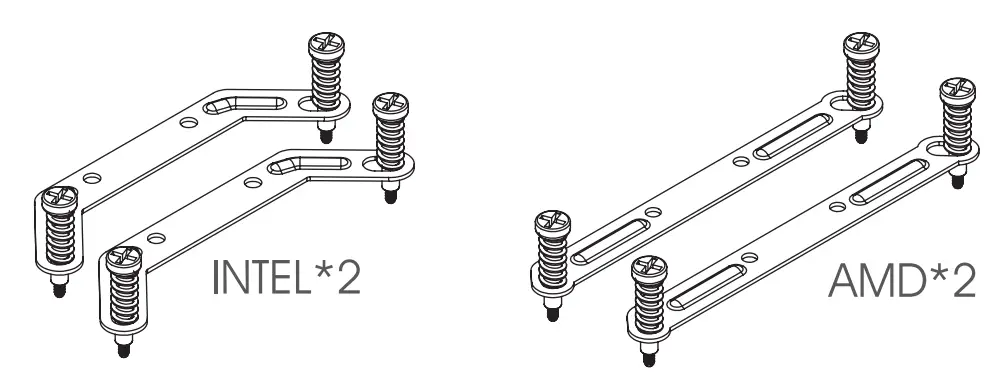
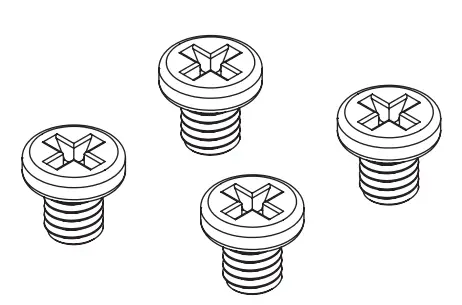
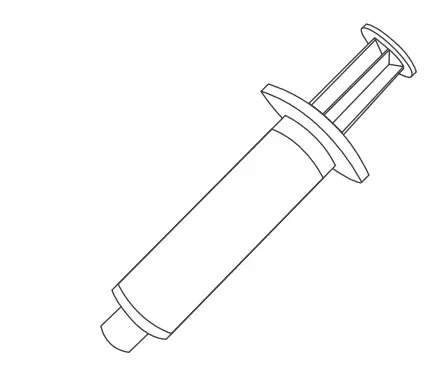
INTELLGA 115x / 1366 / 17xx
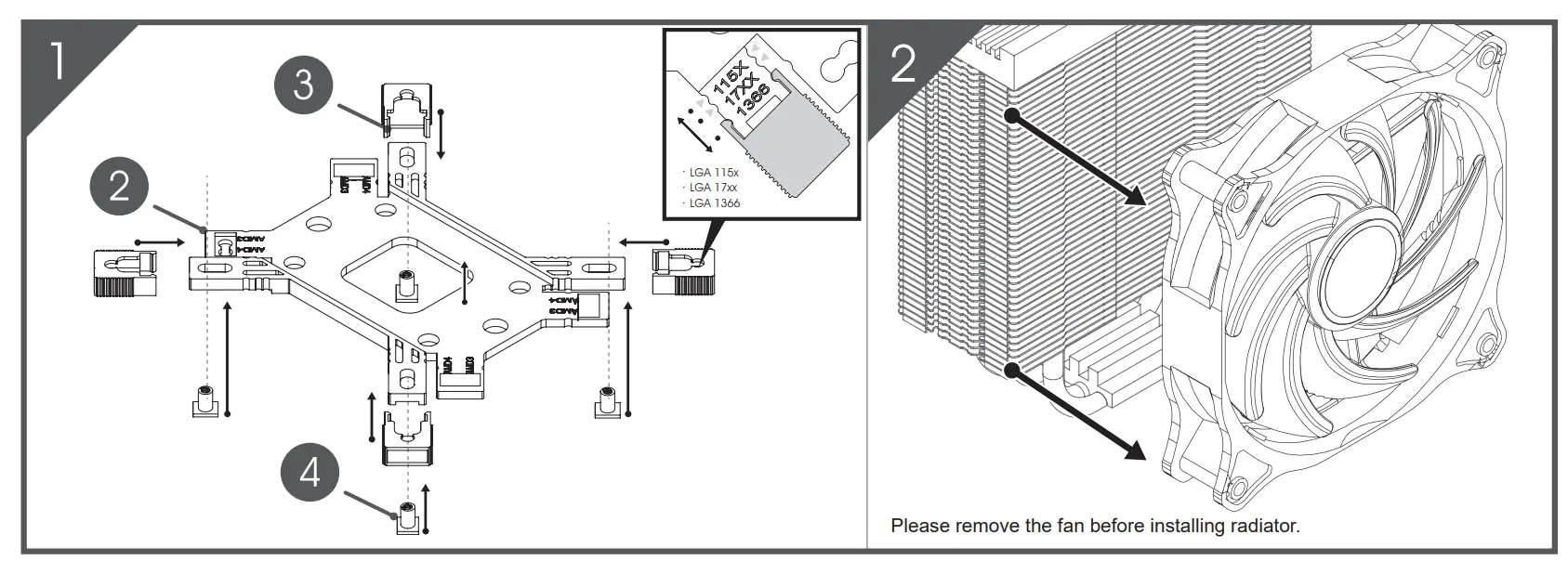
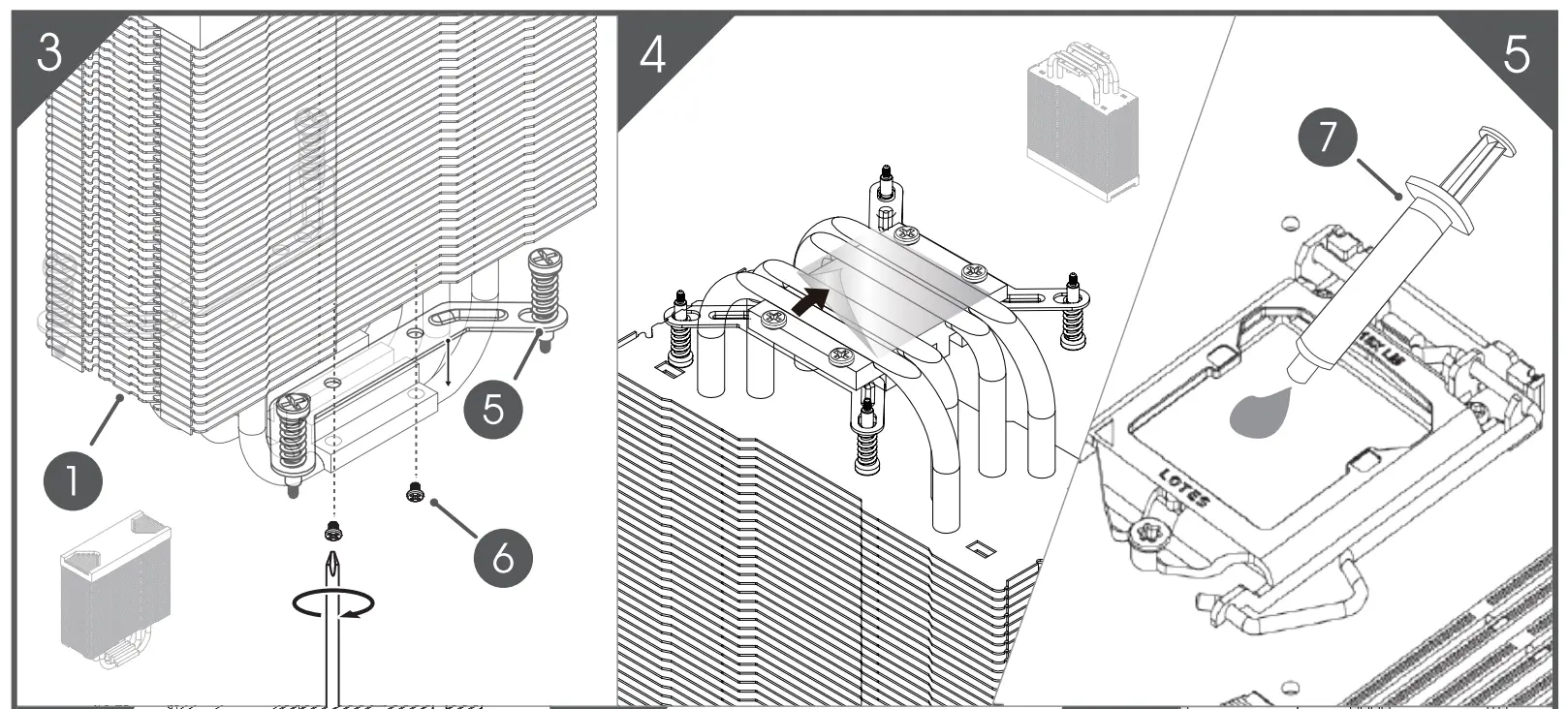
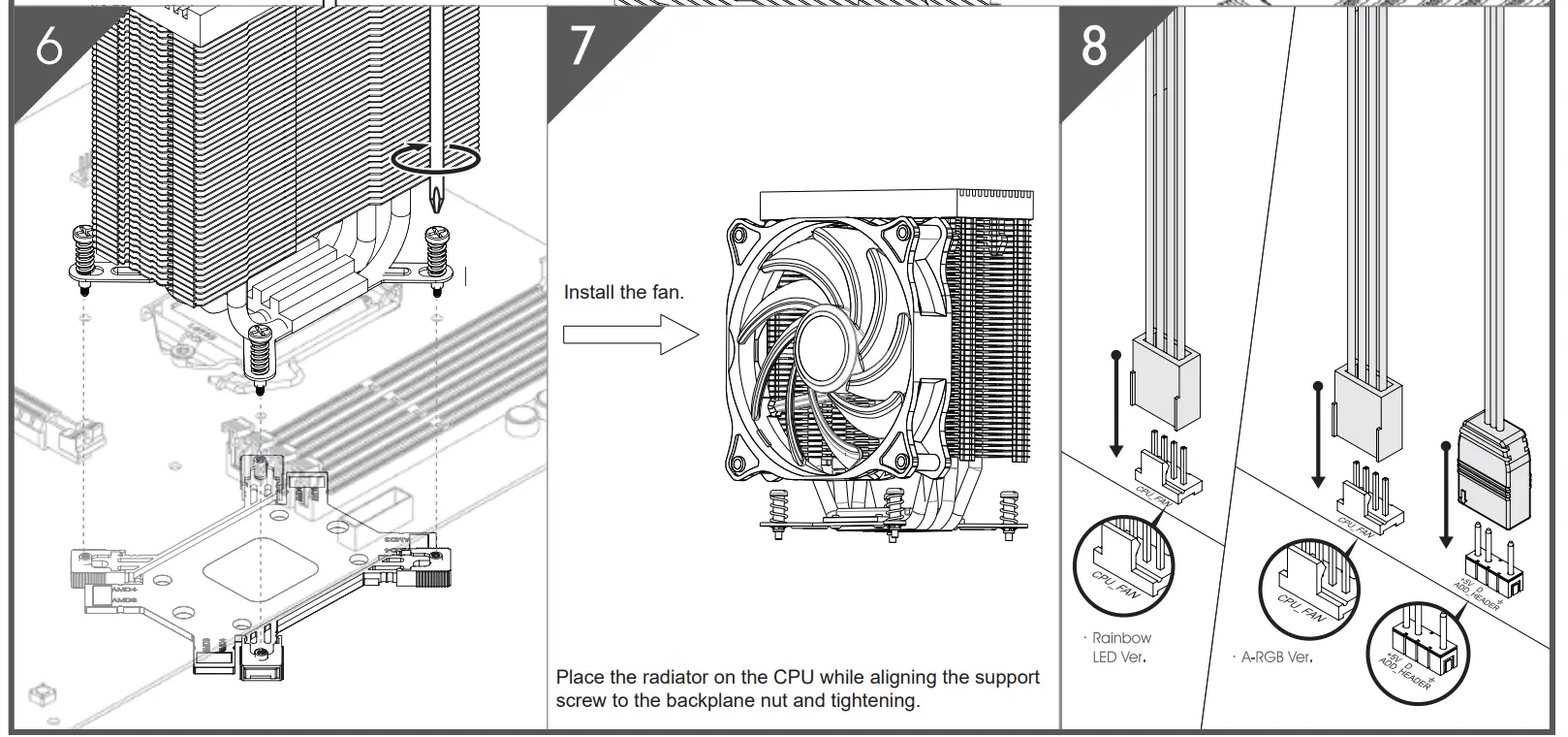
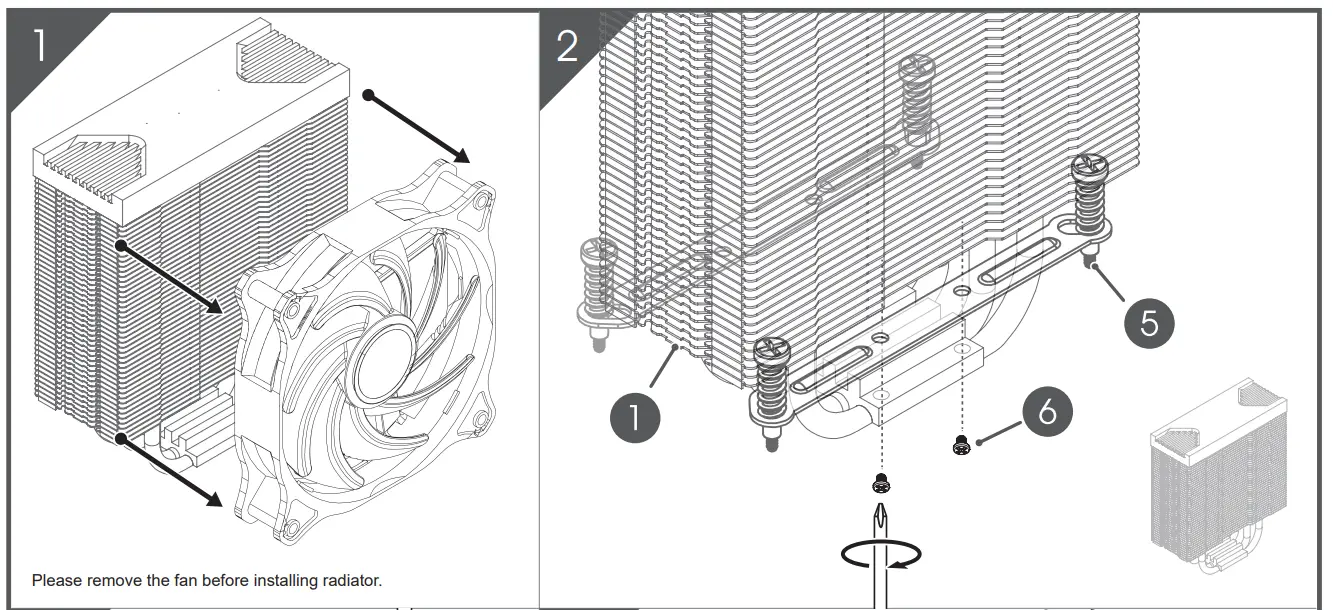
AMO AM4/ AM3( + )/ AM2( +)
CUSTOMER SUPPORT