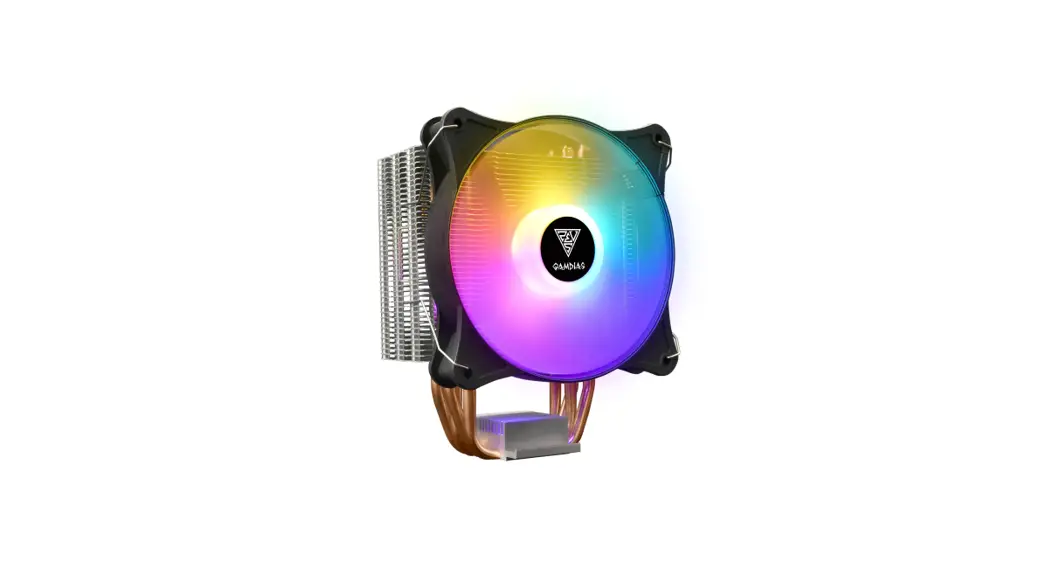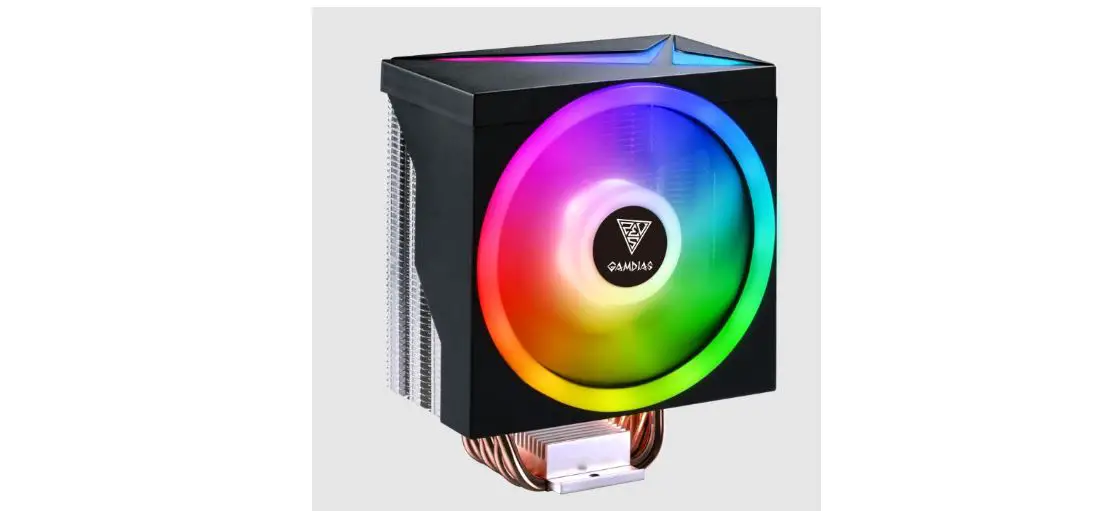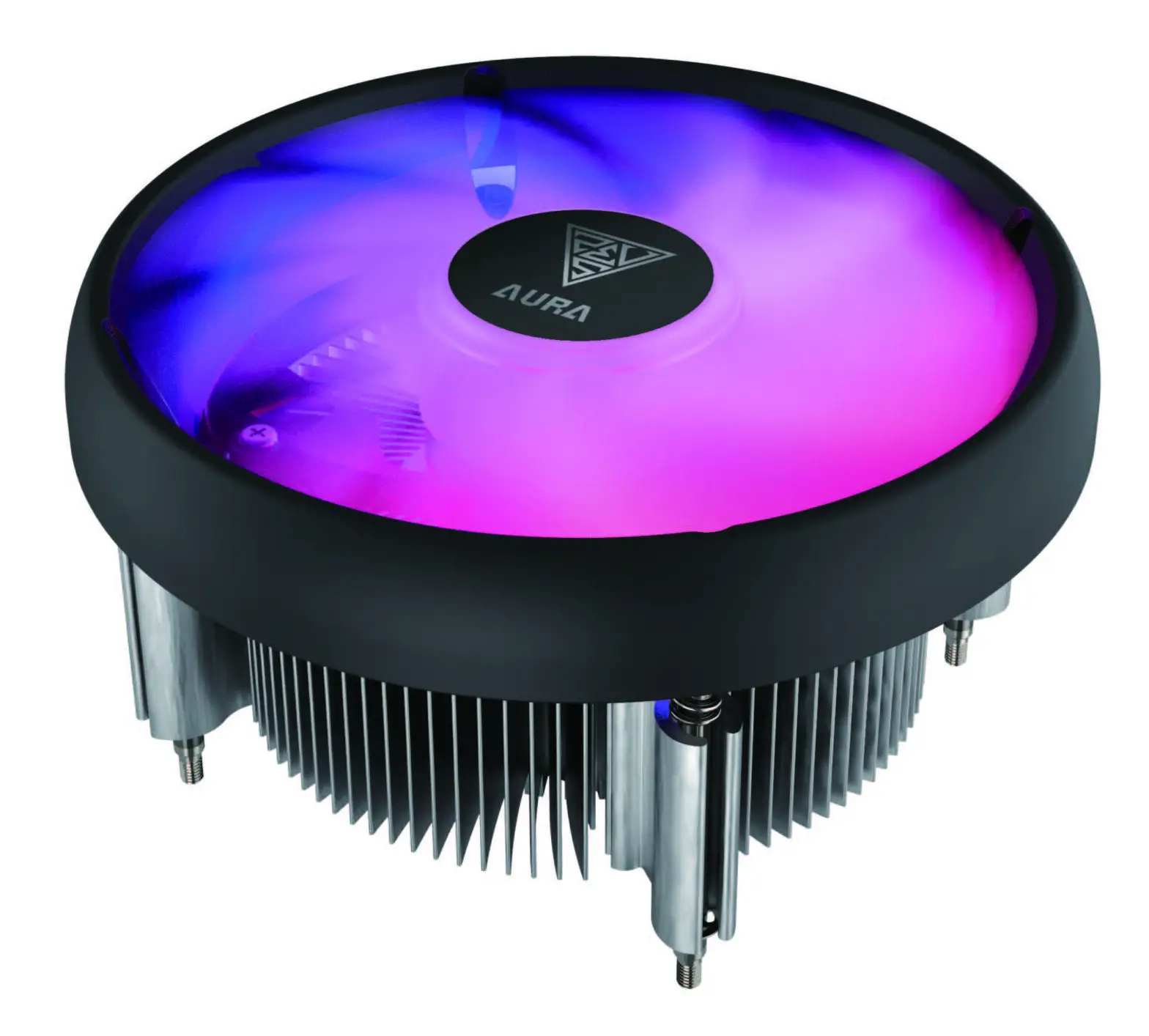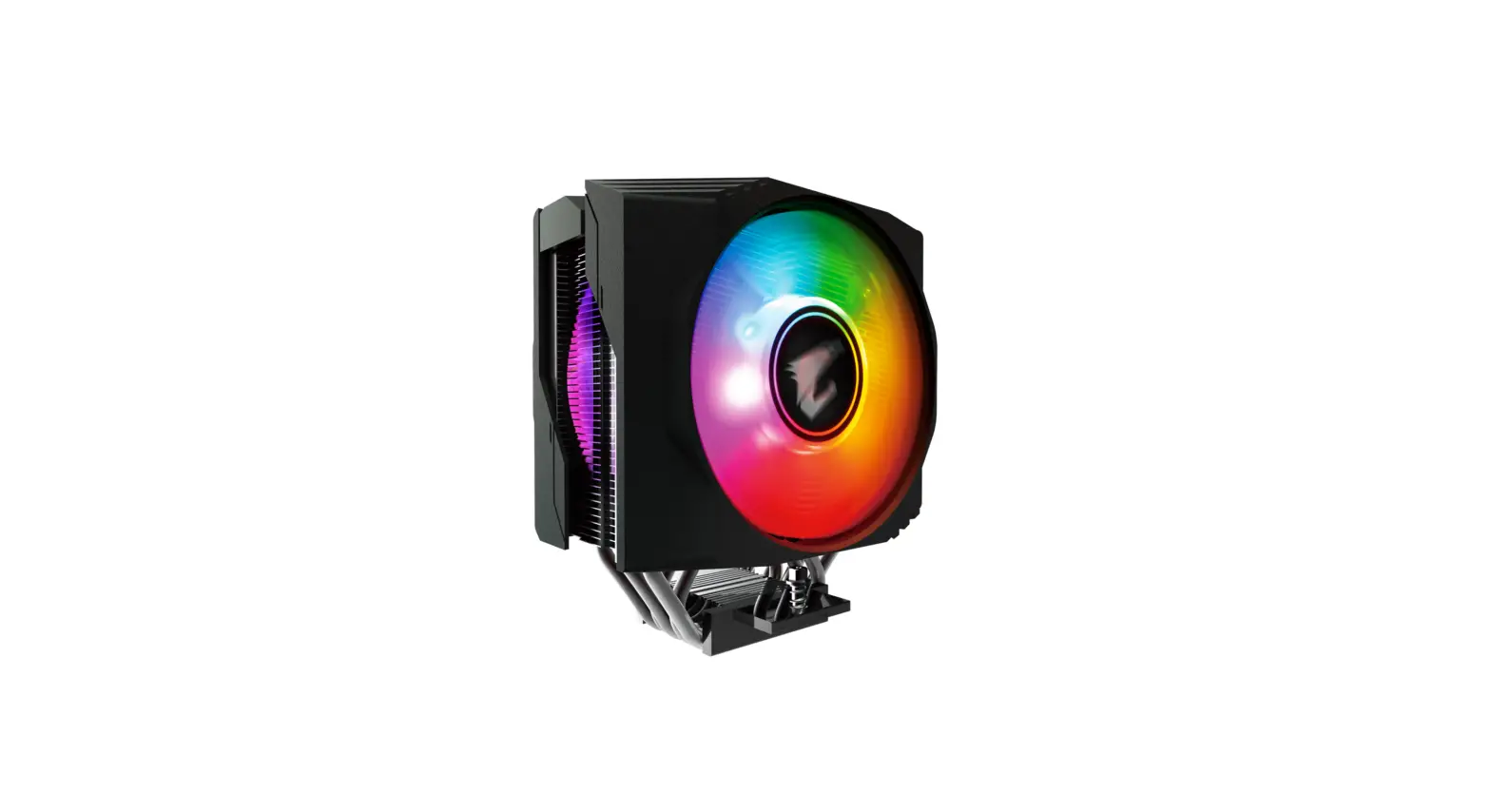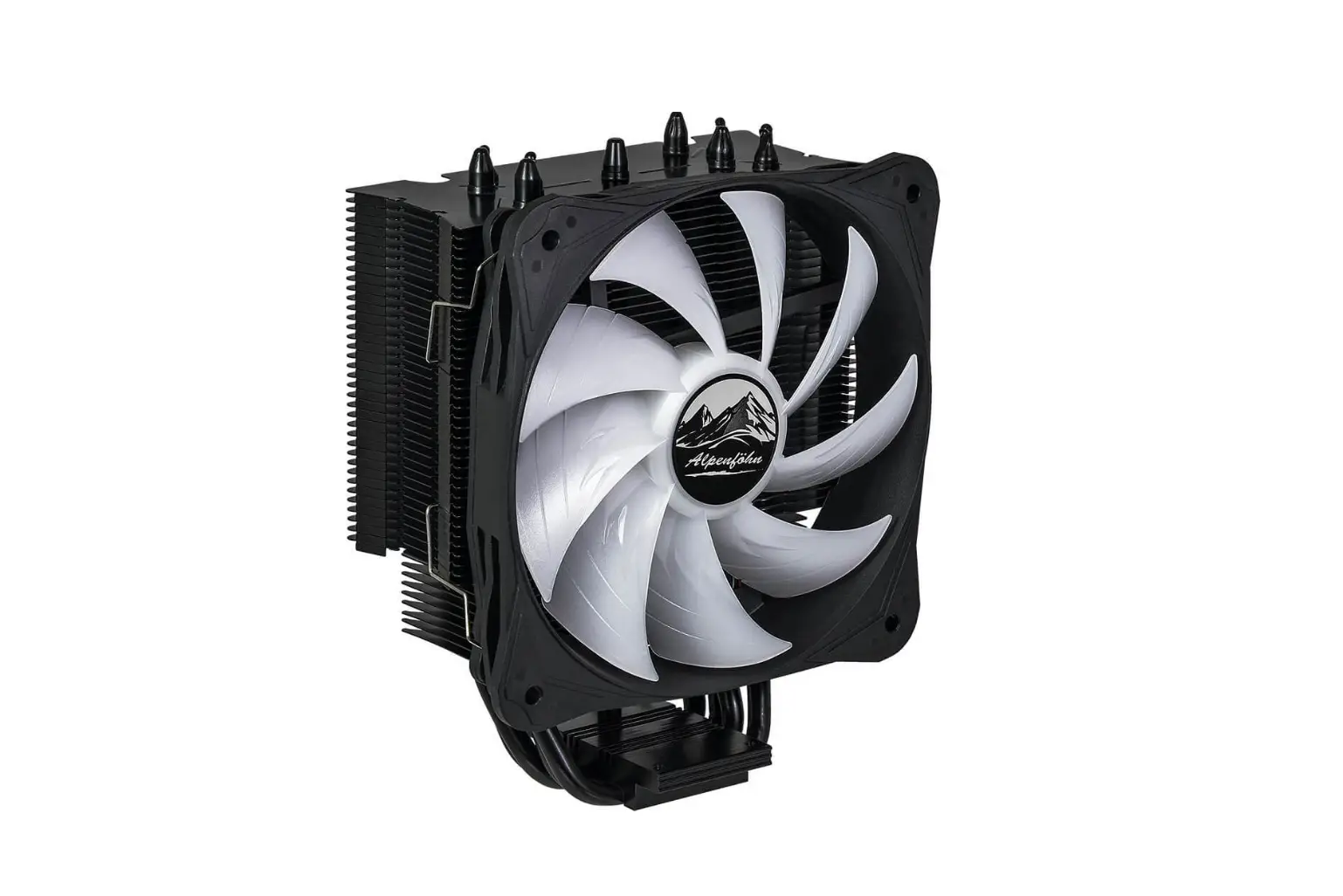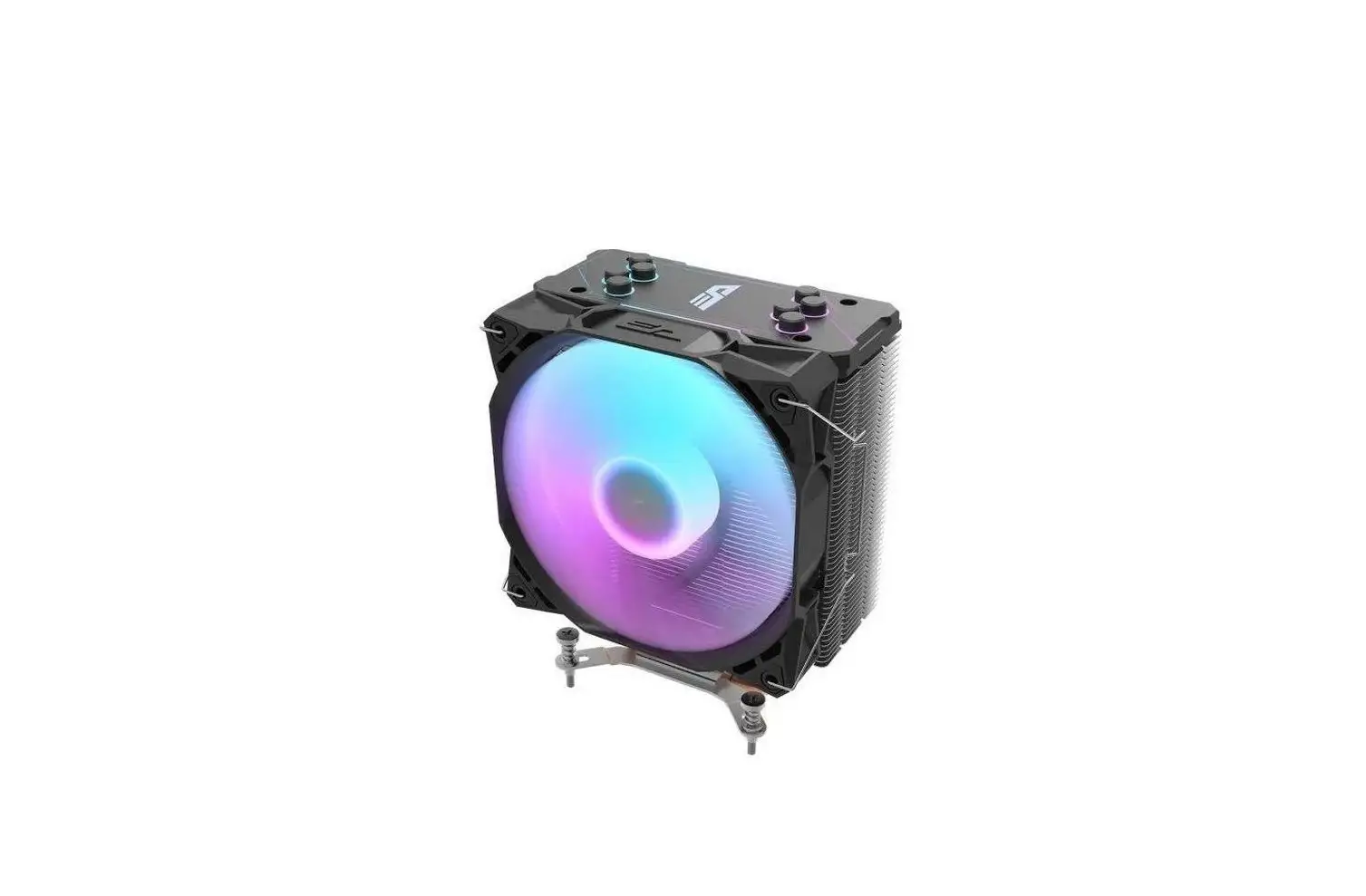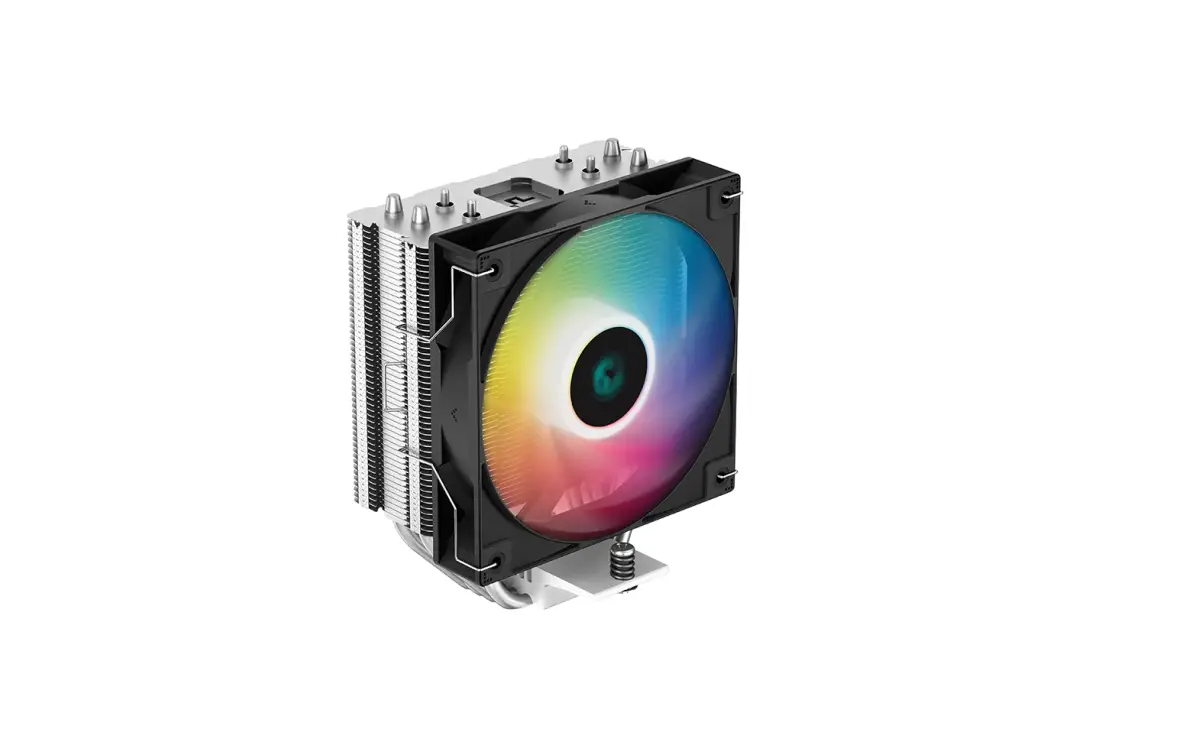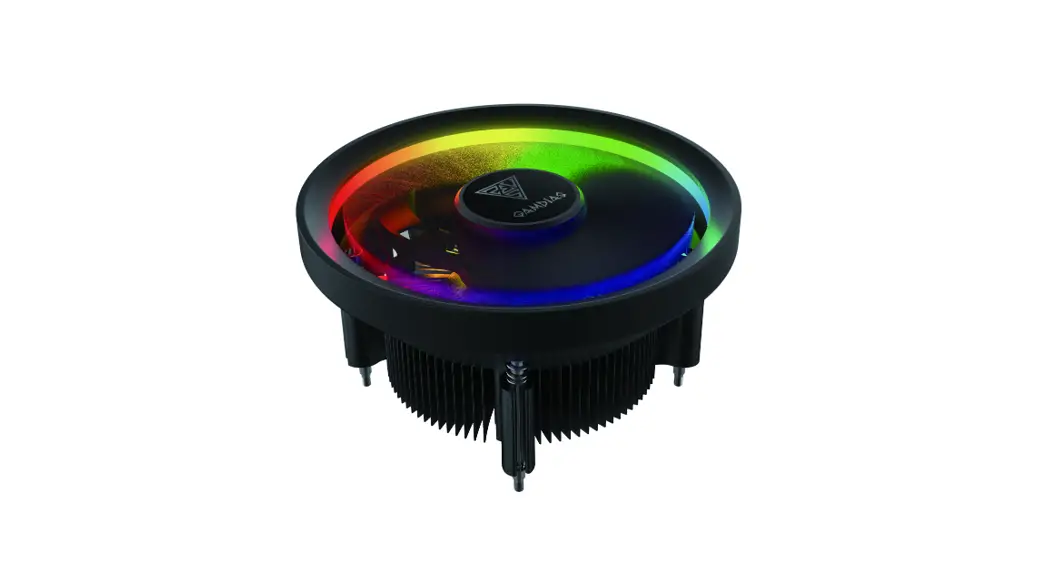

Gamdias E1l-010 Cpu Cooler Installation Guide

Gamdias E1l-010 Cpu Cooler Installation Guide

GAMDIAS logo

STEP by STEP
INSTALLATION
GUIDE
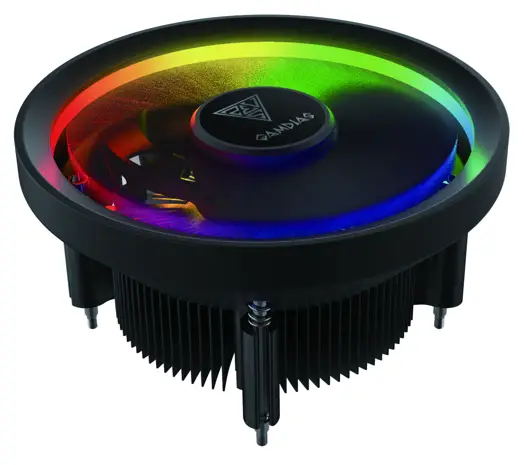
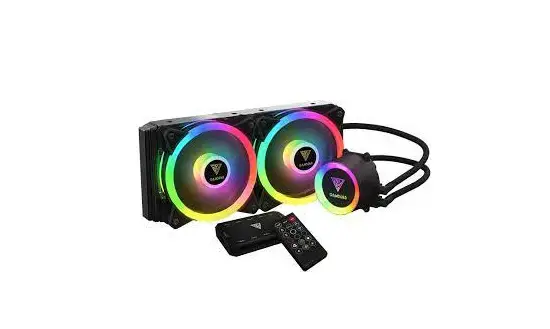
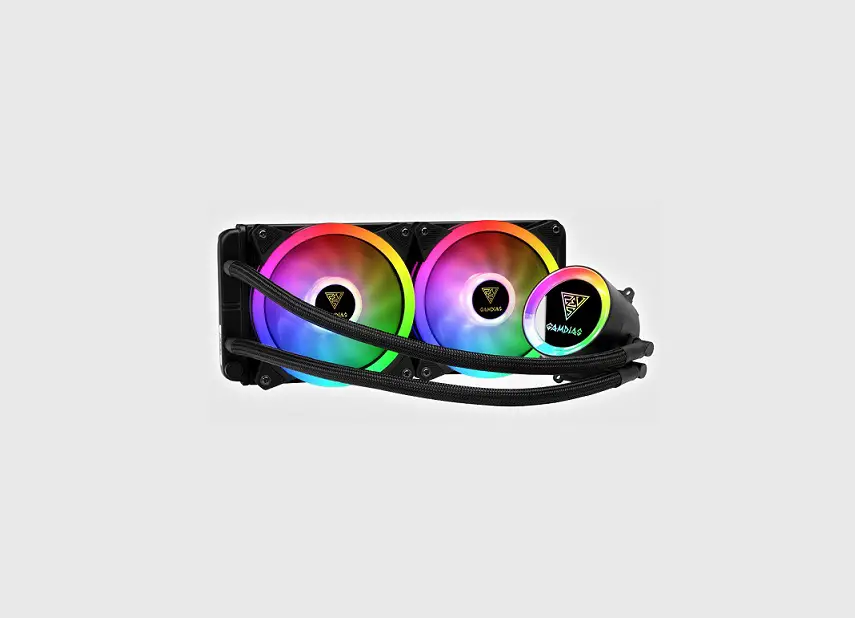
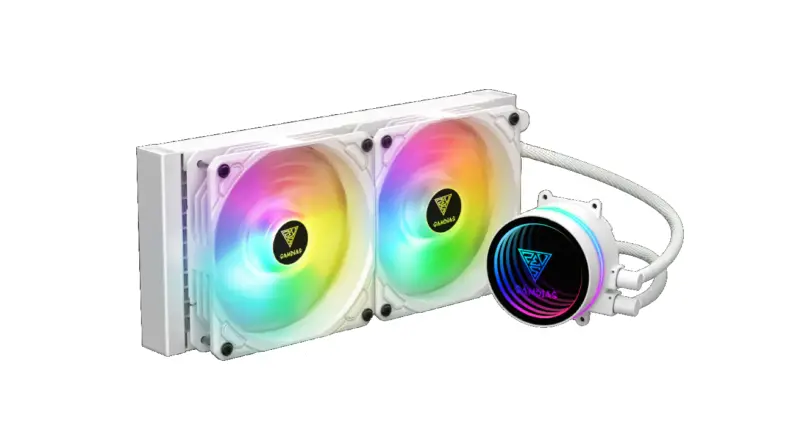
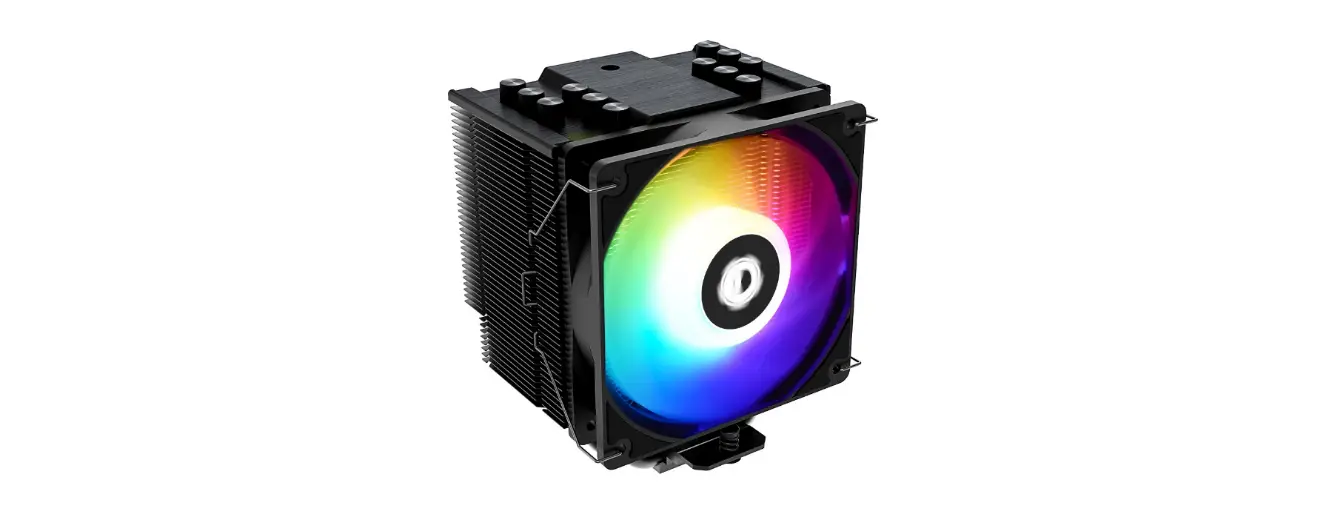
GAMDIAS E1L-010 CPU Cooler

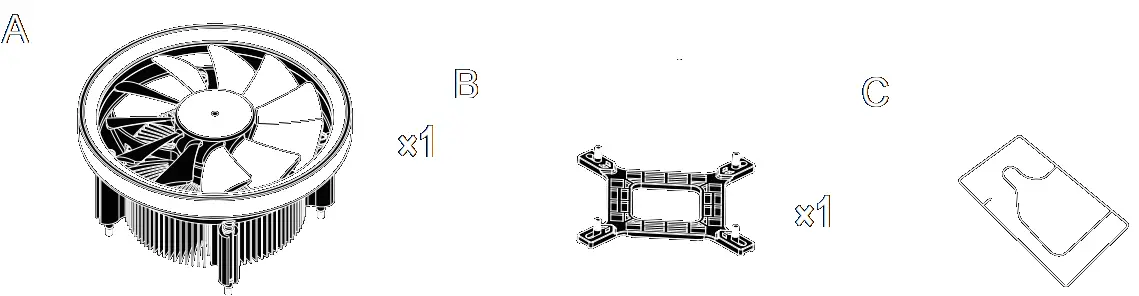
Package Contents

GAMDIAS E1L-010 CPU Cooler - Fig 1

Intel

Turn off the computer before installing
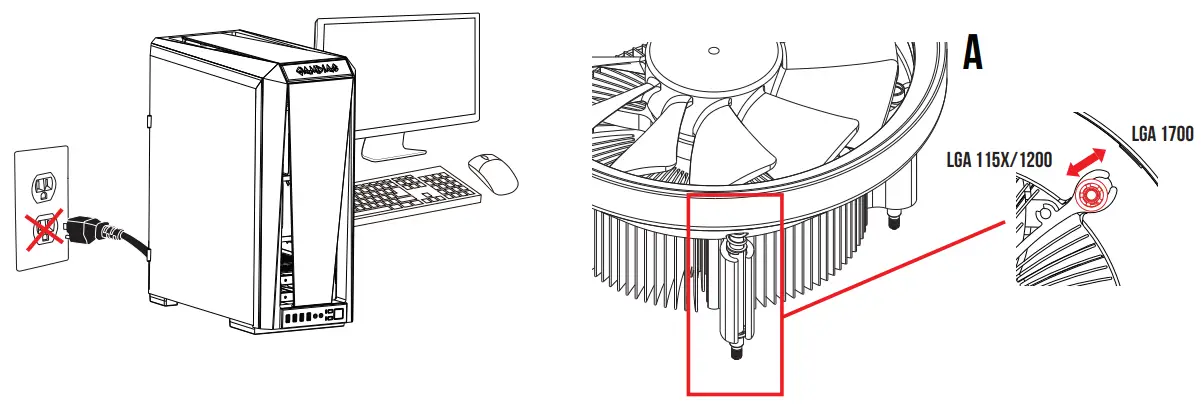
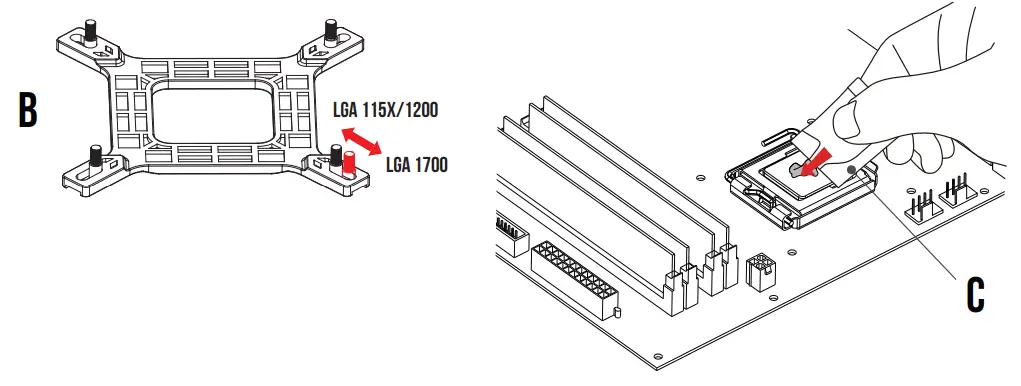
GAMDIAS E1L-010 CPU Cooler - Fig 2

GAMDIAS E1L-010 CPU Cooler - Fig 3

INTEL ( LGA1366 / 1700 / 1200 / 115X )
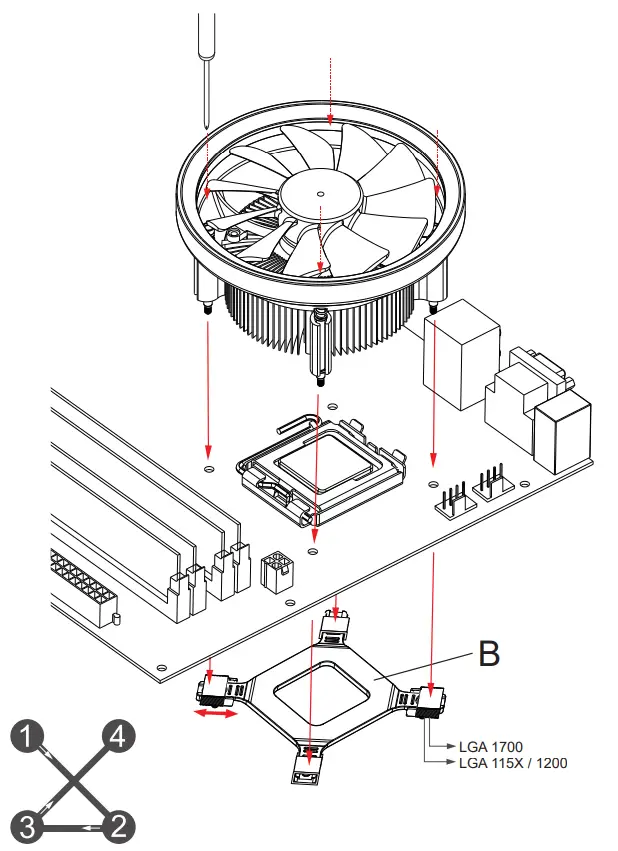
GAMDIAS E1L-010 CPU Cooler - Fig4Tigo TS4 A F Rapid Shutdown Device - icon2Please tighten the screws in a diagonal sequence to spread the tension properly.
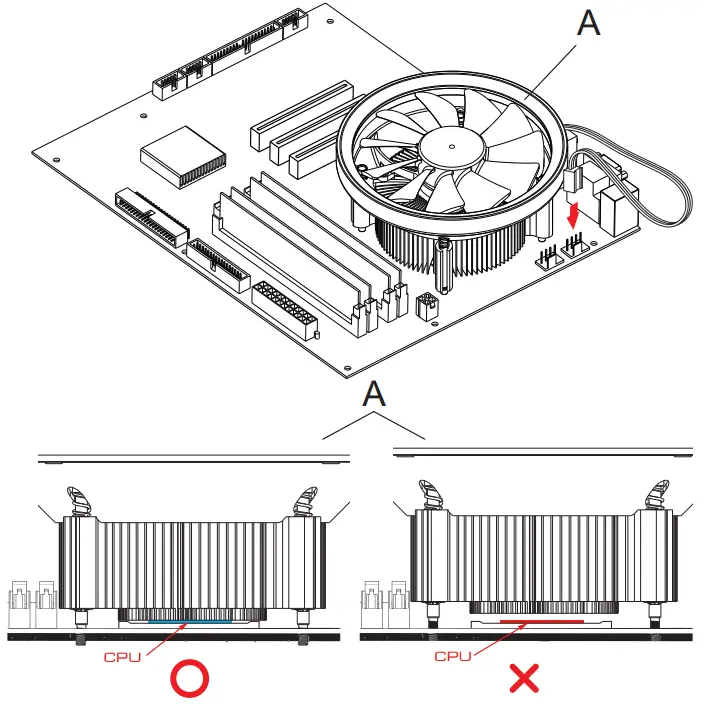
GAMDIAS E1L-010 CPU Cooler - Fig5

Tigo TS4 A F Rapid Shutdown Device - icon2Make sure cooler firmly touch CPU

If your motherboard has 5V 3-Pin addressable (digital) RGB header, you can customize RGB lighting via motherboard manufacture sync software
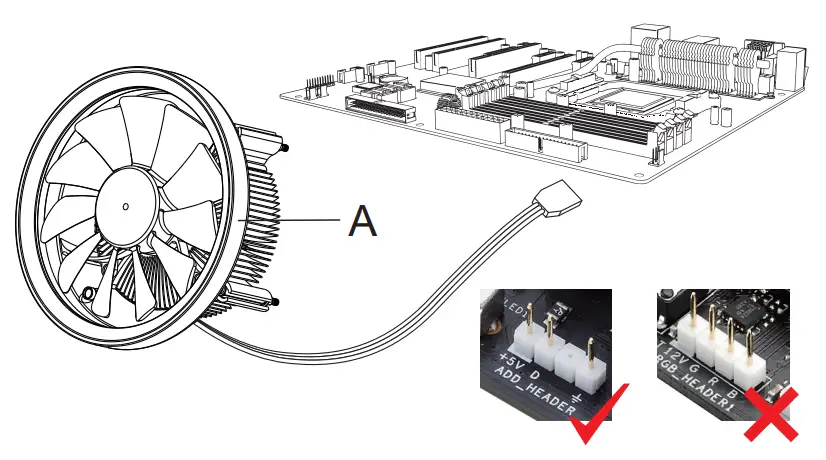
GAMDIAS E1L-010 CPU Cooler - Fig6

Tigo TS4 A F Rapid Shutdown Device - icon2BOREAS E1L-010 only support 5V addressable (digital) RGB header
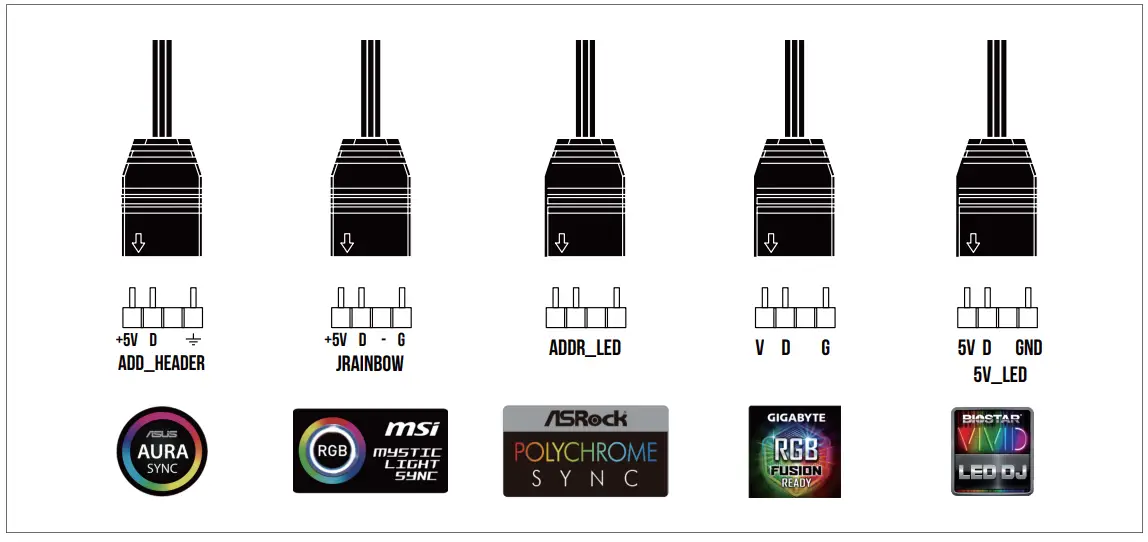
GAMDIAS E1L-010 CPU Cooler - Fig7

Turn on the computer after installing
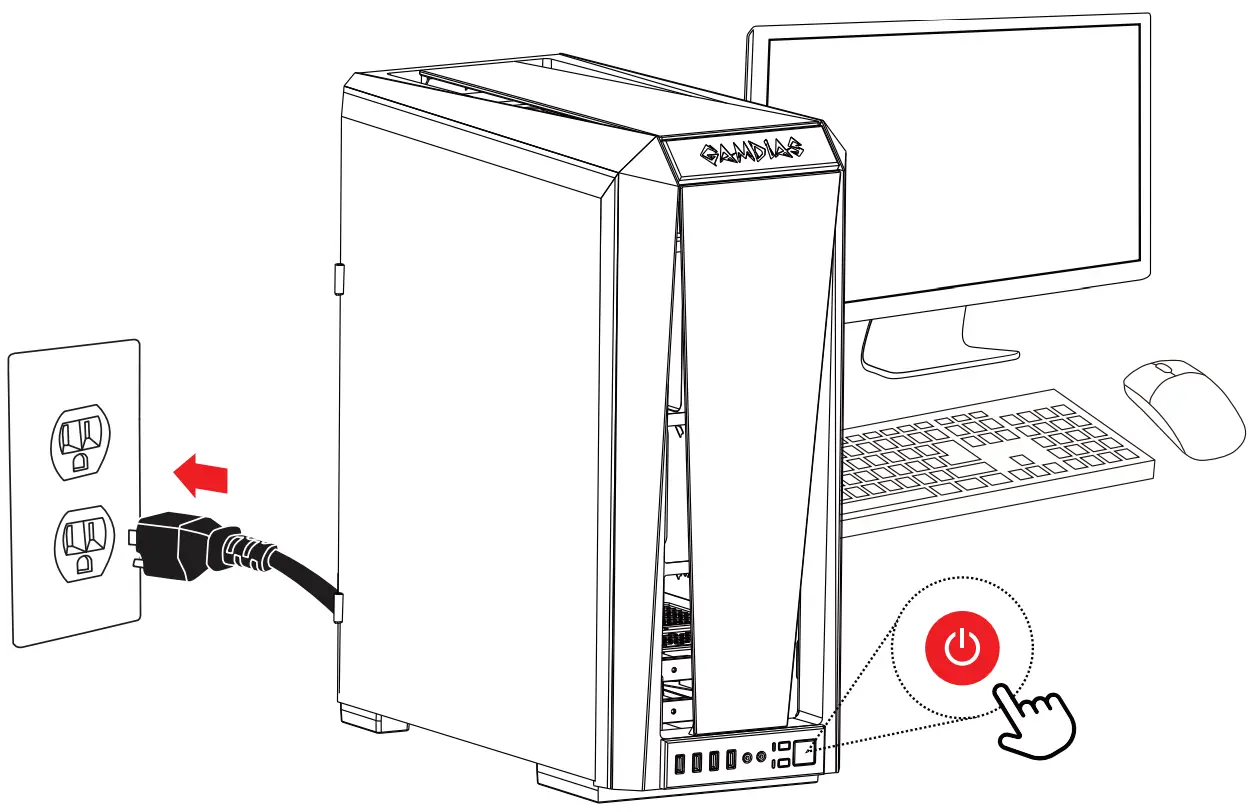
GAMDIAS E1L-010 CPU Cooler - Fig8

GAMDIAS logo

Documents / Resouces

Download manual
Here you can download full pdf version of manual, it may contain additional safety instructions, warranty information, FCC rules, etc.


Related Manuals