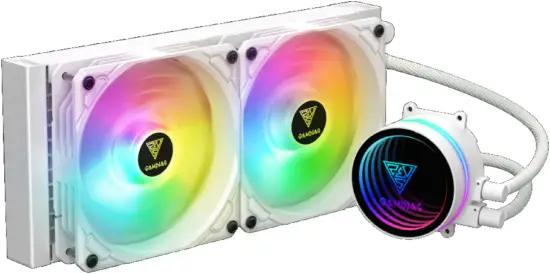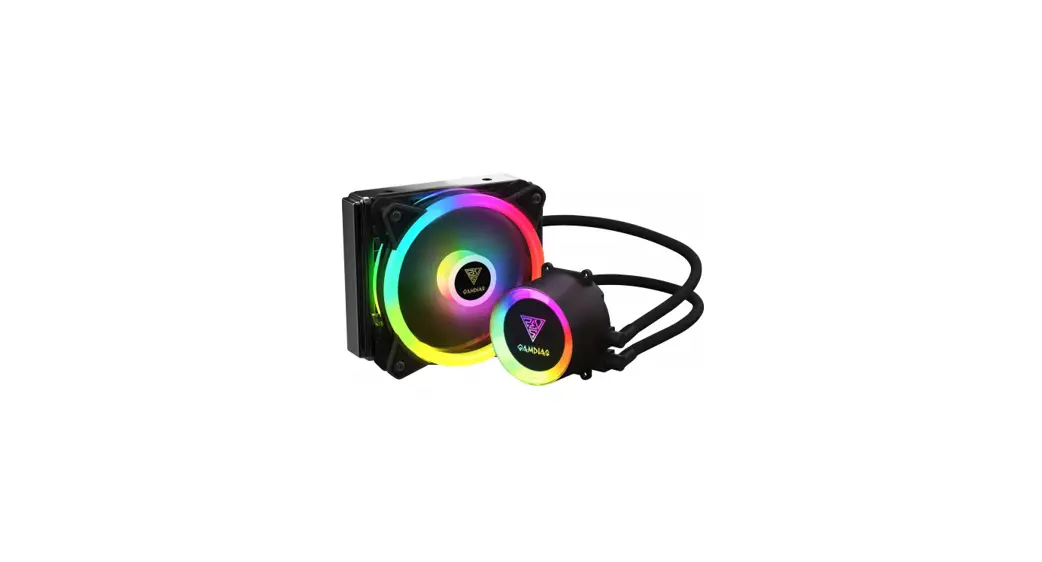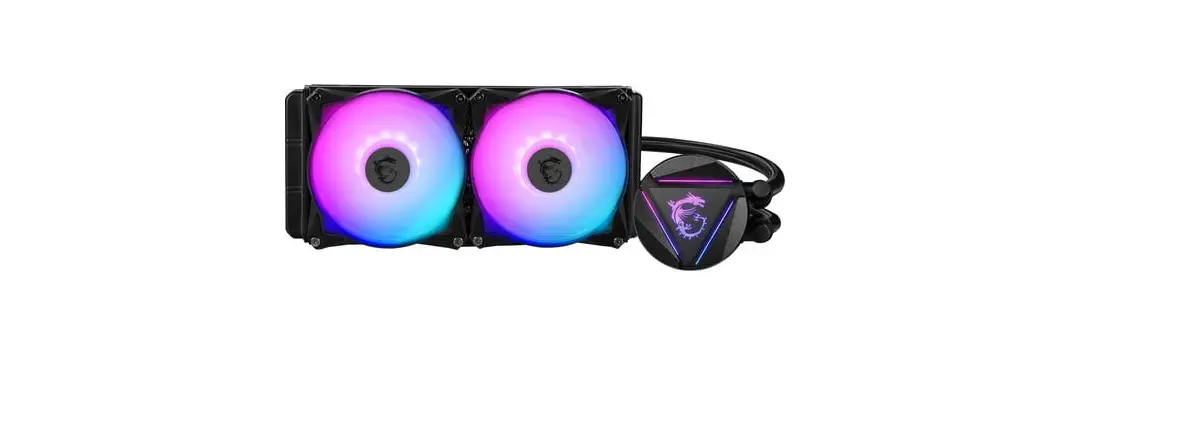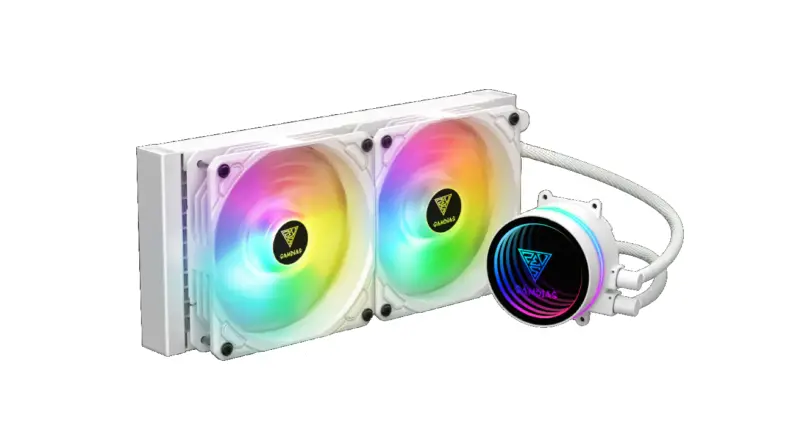
Gamdias Chione M3 240w Cpu Liquid Cooler Installation Guide

Gamdias Chione M3 240w Cpu Liquid Cooler Installation Guide

GAMDIAS CHIONE logo b1STEP by STEP INSTALLATION GUIDE


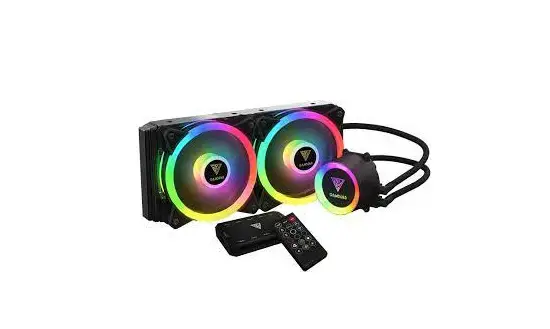
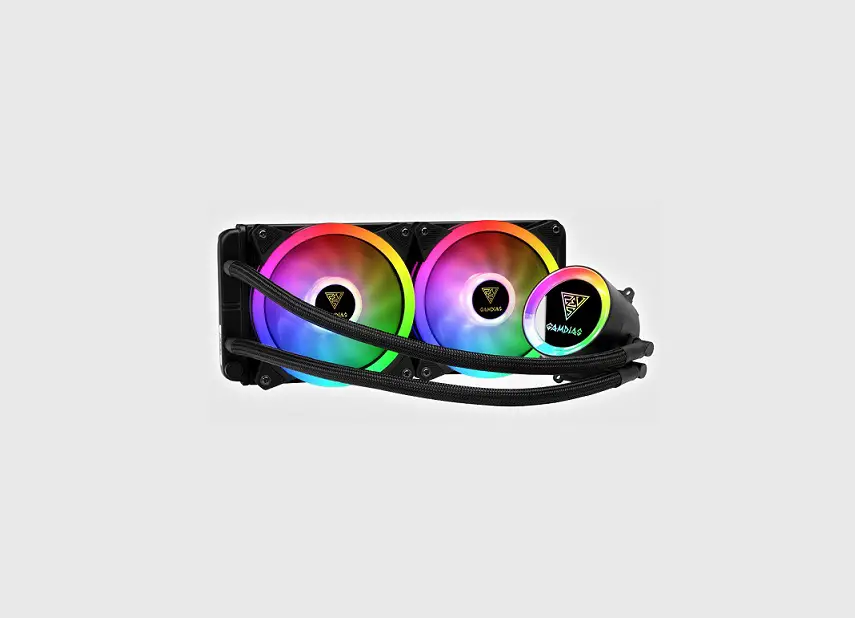
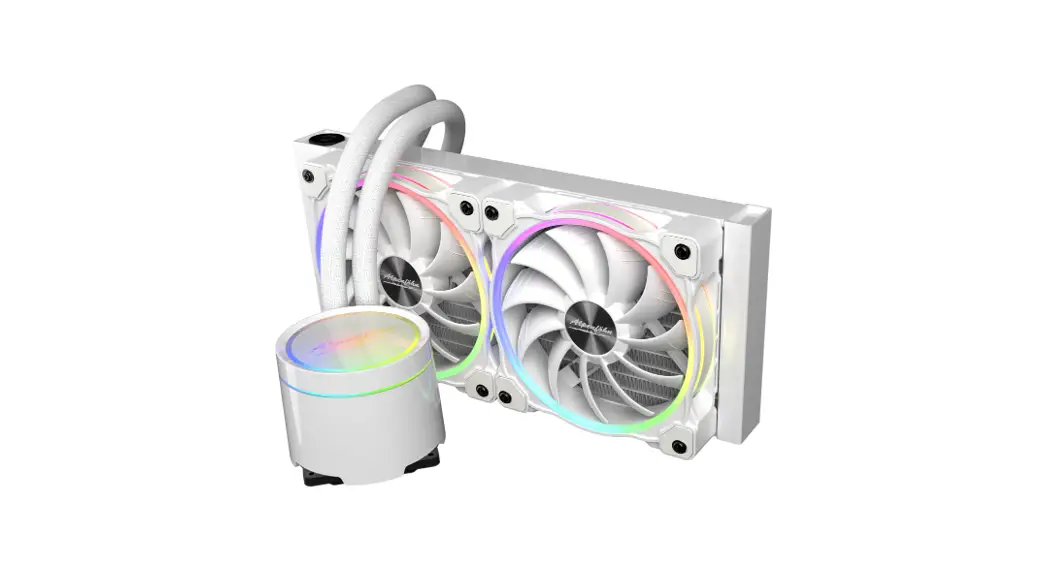
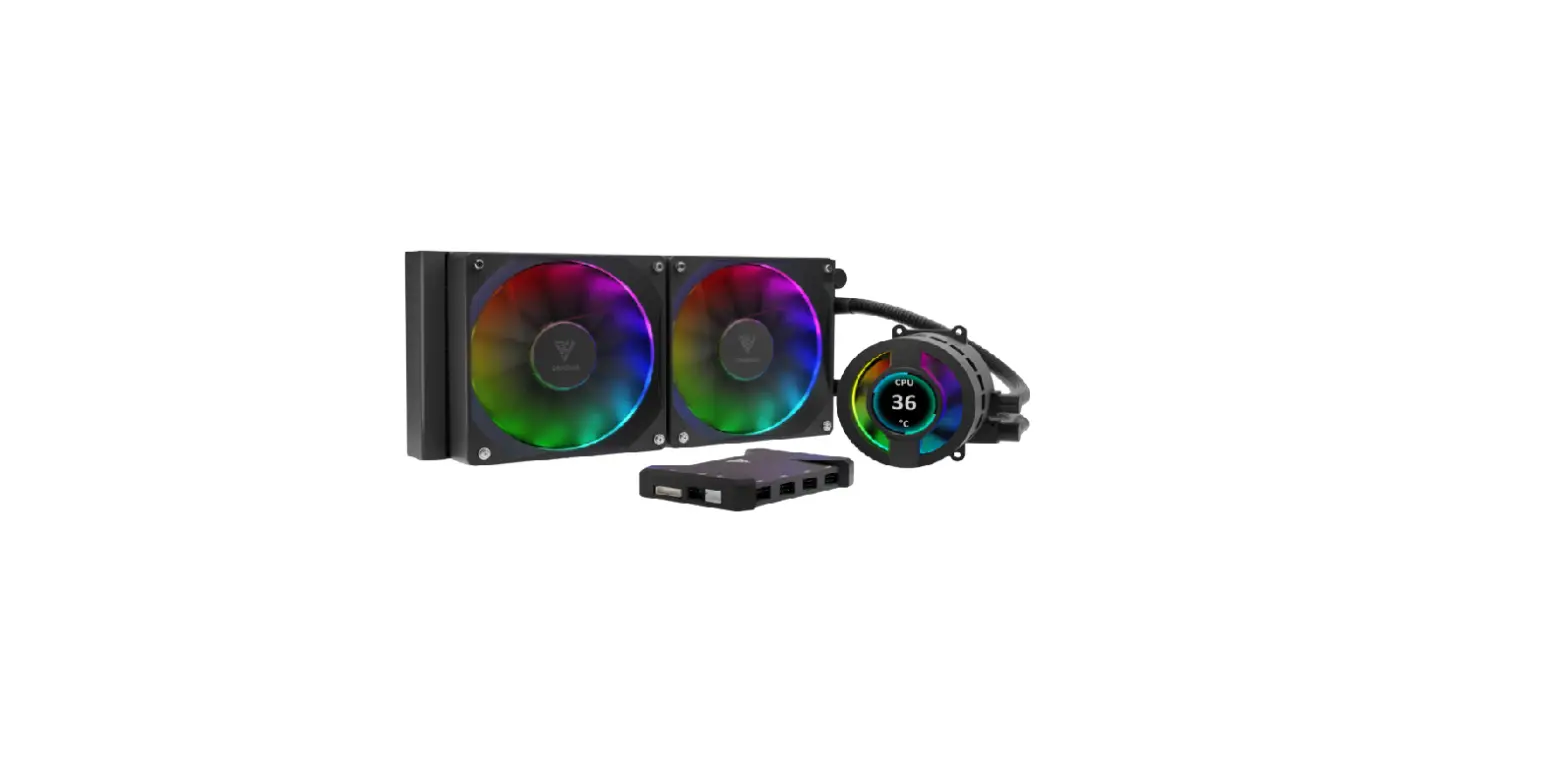
GAMDIAS CHIONE M3 240W CPU Liquid Cooler

GAMDIAS CHIONE M3


Package Contents

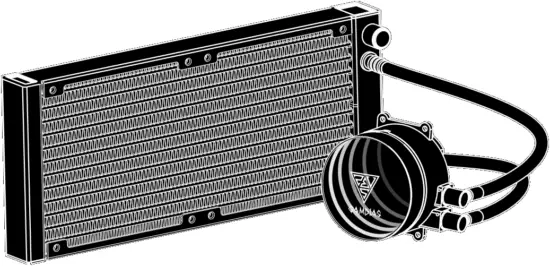
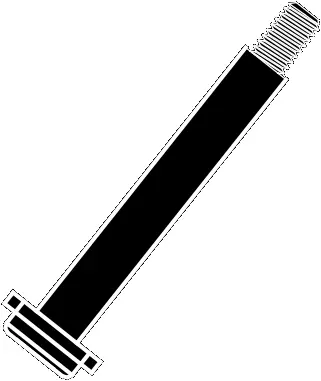
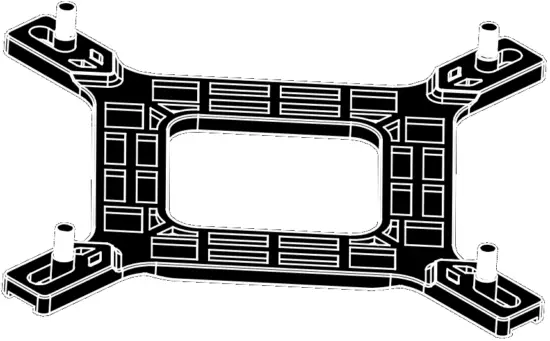
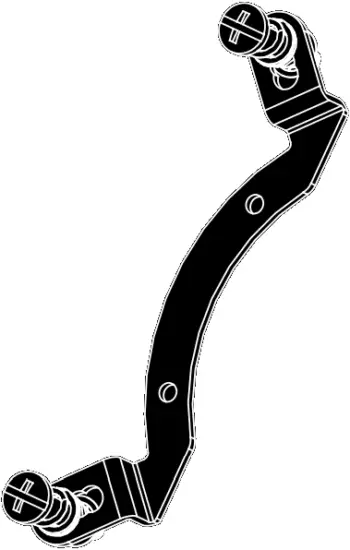
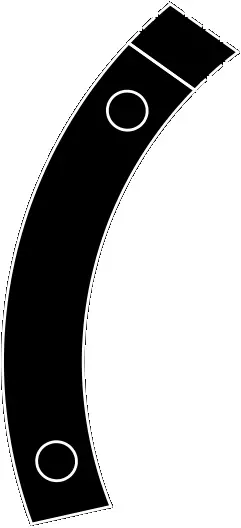
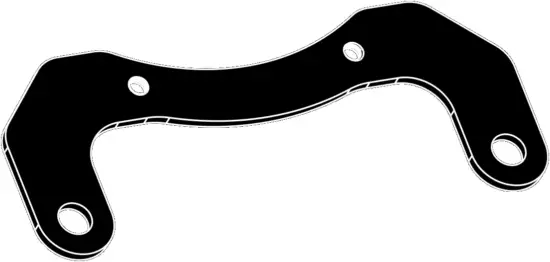
A M3 240W CPU - Package Contents A X2

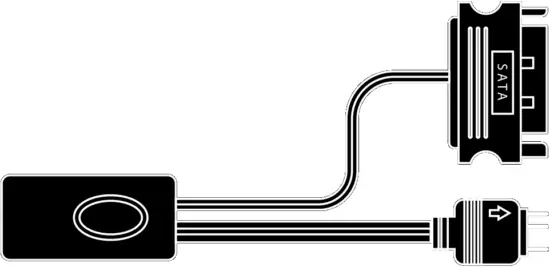
B M3 240W CPU - Package Contents B  X1

C M3 240W CPU - Package Contents C X1

D M3 240W CPU - Package Contents D X1

E M3 240W CPU - Package Contents E X1

F                     G                       H                  I                   J

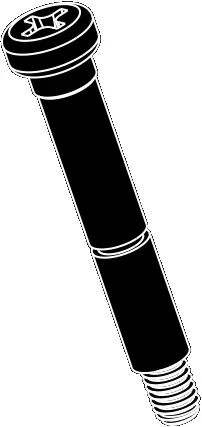
M3 240W CPU - Package Contents F X1  M3 240W CPU - Package Contents G X4  M3 240W CPU - Package Contents H X8  M3 240W CPU - Package Contents I X4  M3 240W CPU - Package Contents J X4

K                     L               M                 N

M3 240W CPU - Package Contents K X8 M3 240W CPU - Package Contents L X1 M3 240W CPU - Package Contents M X1 M3 240W CPU - Package Contents N

O                    P                Q              R                 S

M3 240W CPU - Package Contents O X2 M3 240W CPU - Package Contents P X1 M3 240W CPU - Package Contents Q X2 M3 240W CPU - Package Contents R X4 M3 240W CPU - Package Contents S X4

T                                          U

M3 240W CPU - Package Contents T X1 M3 240W CPU - Package Contents U X1

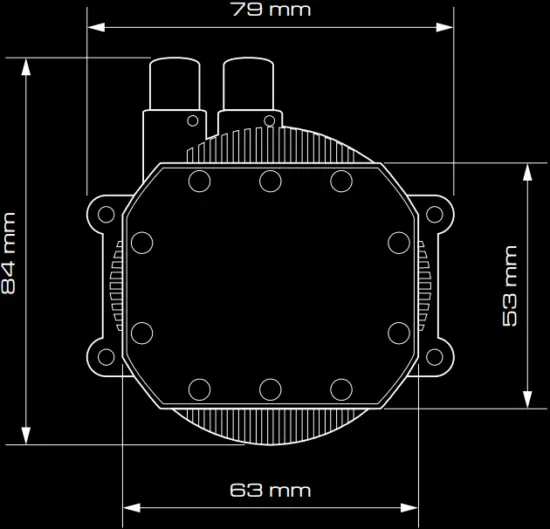
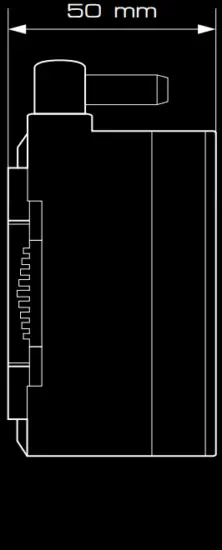
Pump Dimensions

M3 240W CPU - Pump Dimensions 1M3 240W CPU - Pump Dimensions 2A

Intel ( LGA1366/115X/1200 )

1

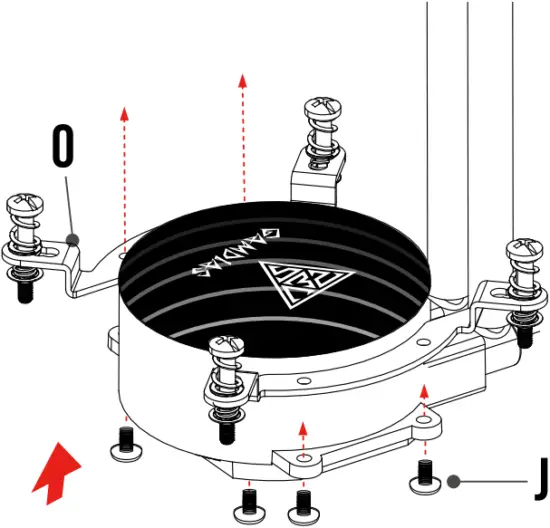
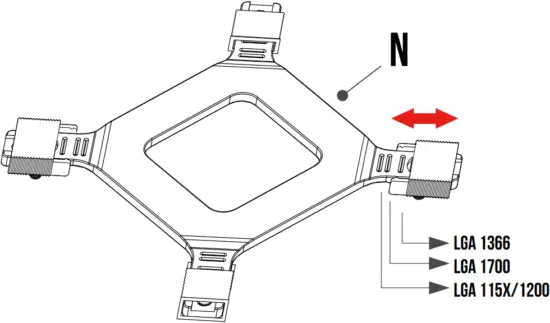
Intel LGA1366 115X 1200 - Step 1 - 1       Intel LGA1366 115X 1200 - Step 1 - 2

2

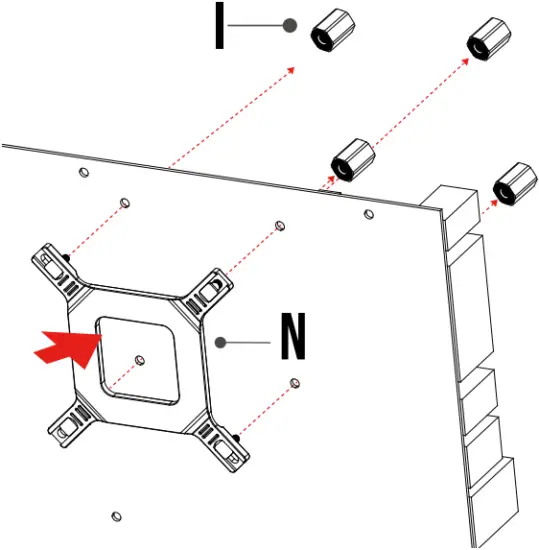
Intel LGA1366 115X 1200 - Step 2

3

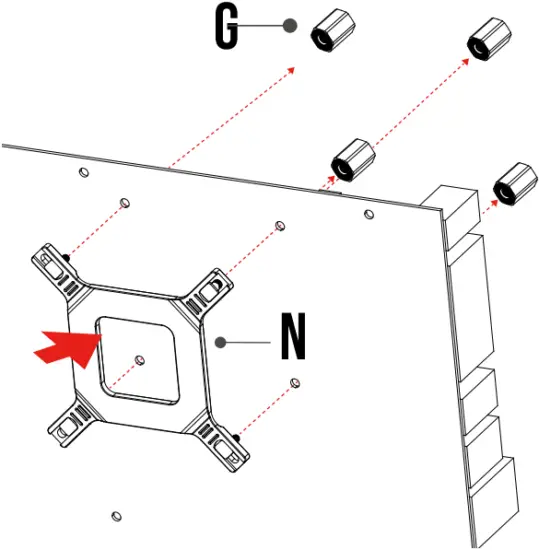
Intel LGA1366 115X 1200 - Step 3 - 1Intel LGA1366 115X 1200 - Step 3 - 2

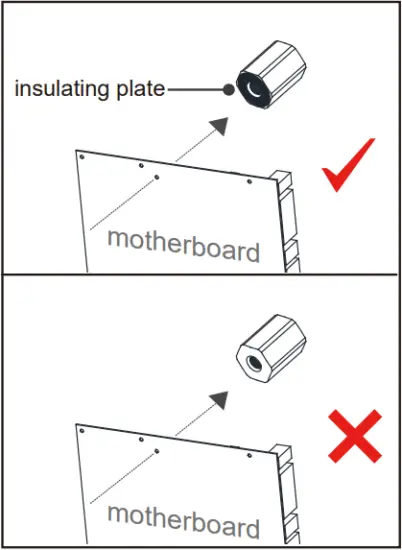
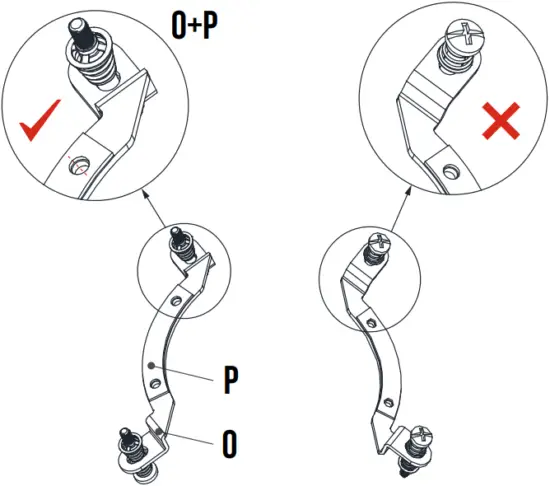
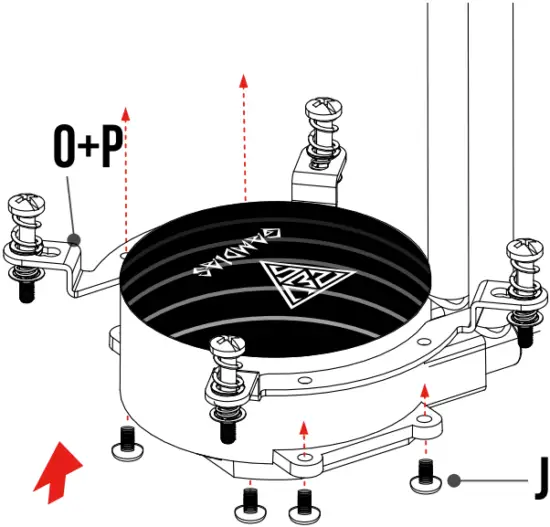
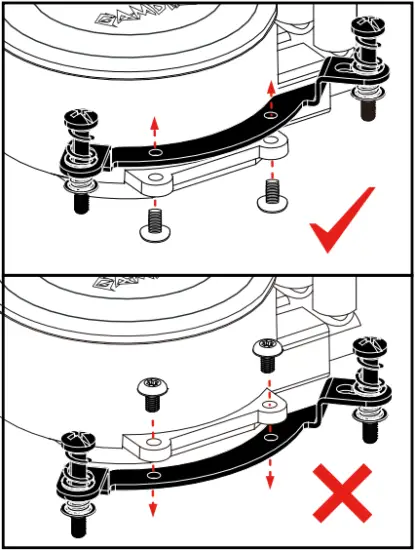
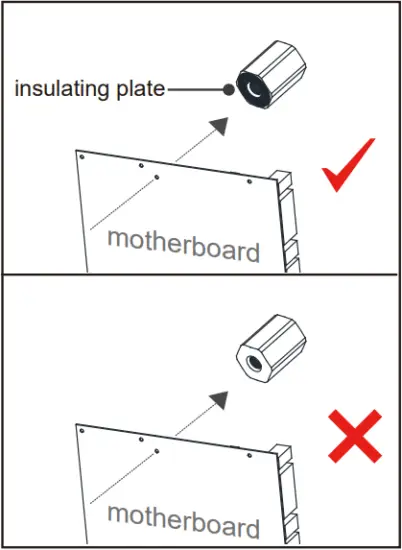
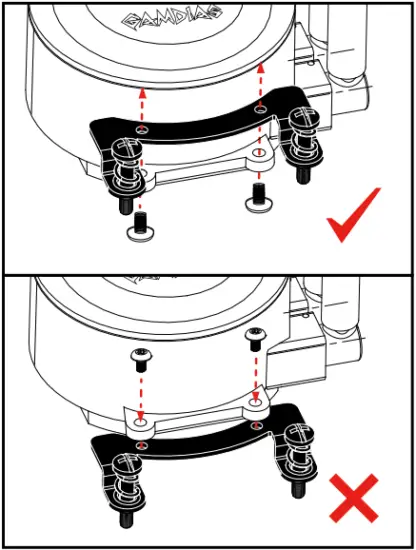
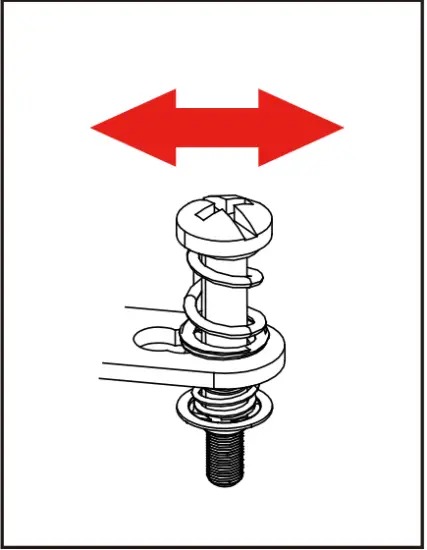
Intel LGA1366 115X 1200 - Step 3 - 3The insulating plate should face with motherboard

4
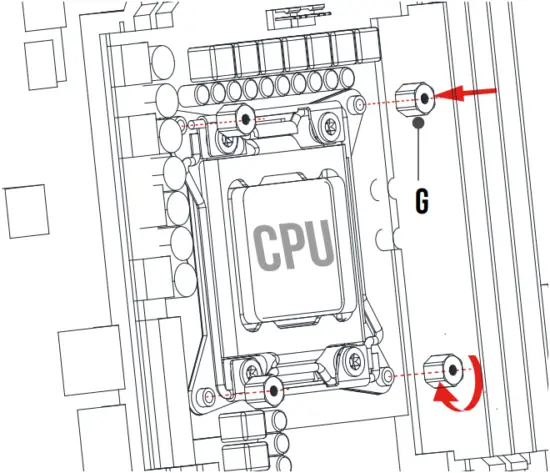
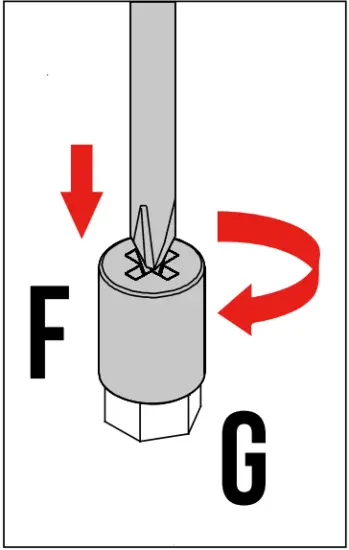
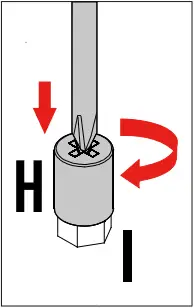
Intel LGA1366 115X 1200 - Step 4 - 1   Intel LGA1366 115X 1200 - Step 4 - 2

5

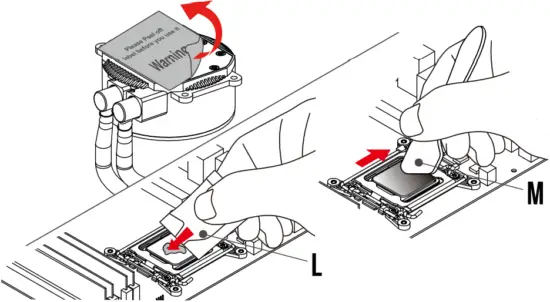
Intel LGA1366 115X 1200 - Step 5 - 1

Intel LGA1366 115X 1200 - Step 5 - 2Intel LGA1366 115X 1200 - Step 5 - 3

Intel LGA1366 115X 1200 - Step 5 - 4

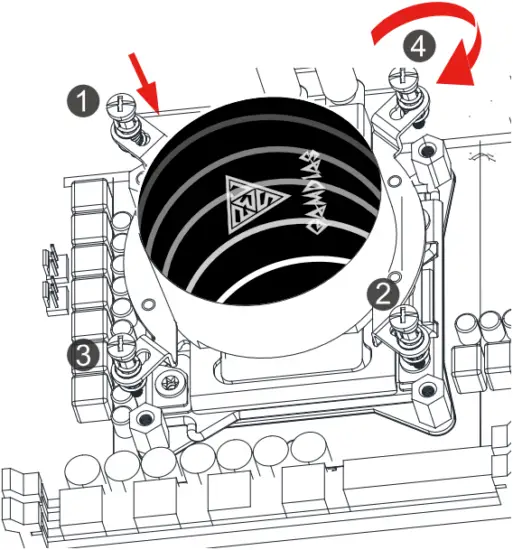
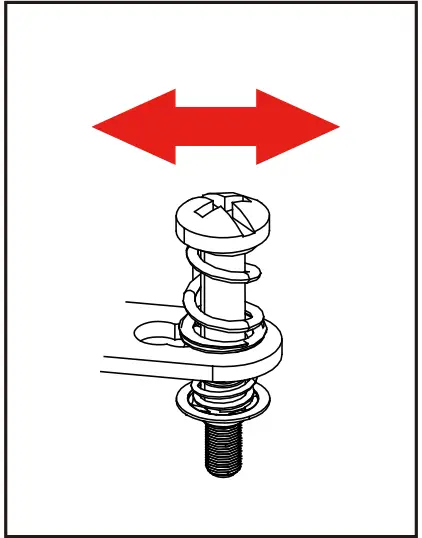
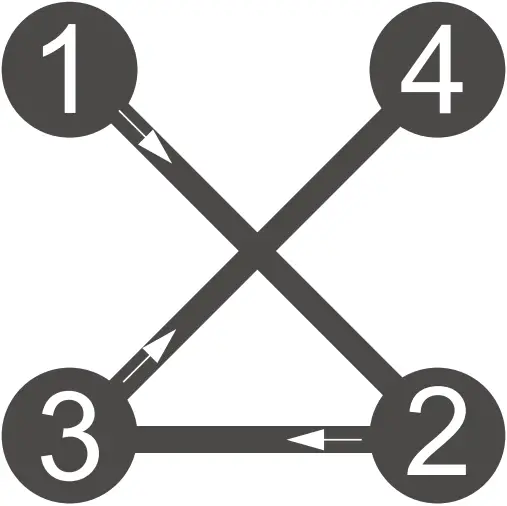
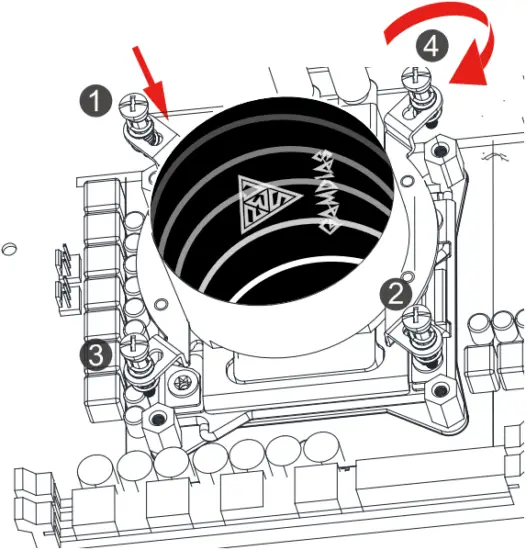
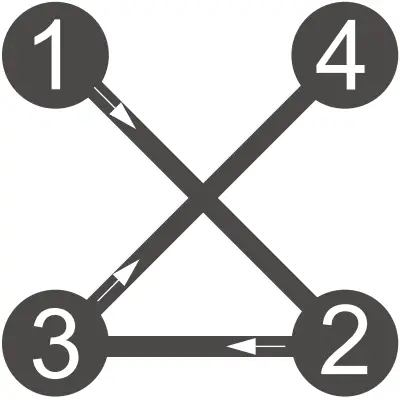
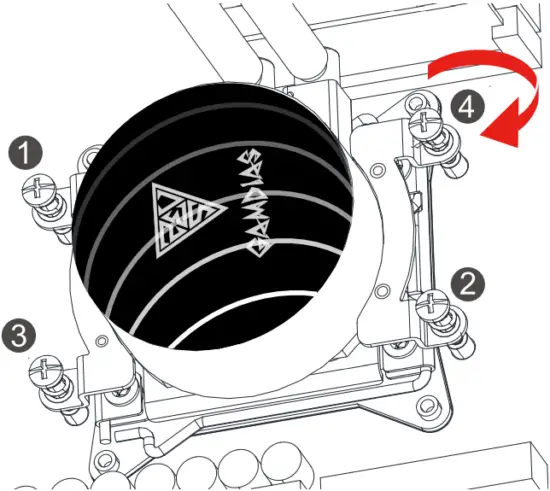
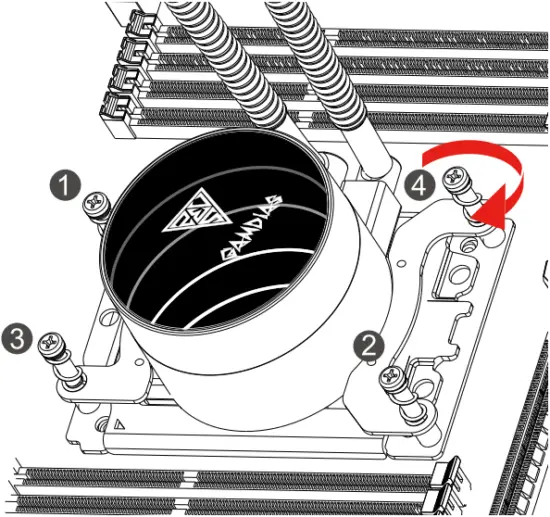
Intel LGA1366 115X 1200 - Step 3 - 3Please tighten the screws in a diagonal sequence to spread the tension properly.

Intel ( LGA1700 )

1
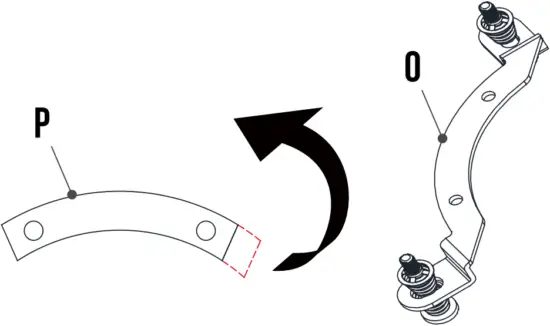
Intel LGA1700 - Step 1

2

Intel LGA1700 - Step 2

3

Intel LGA1700 - Step 3 - 1   Intel LGA1700 - Step 3 - 2

4

Intel LGA1700 - Step 4

5

Intel LGA1700 - Step 5 - 1  Intel LGA1700 - Step 5 - 2

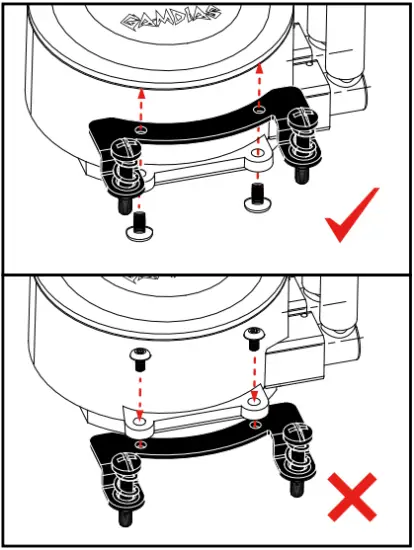
Intel LGA1366 115X 1200 - Step 3 - 3The insulating plate should face with motherboard

6
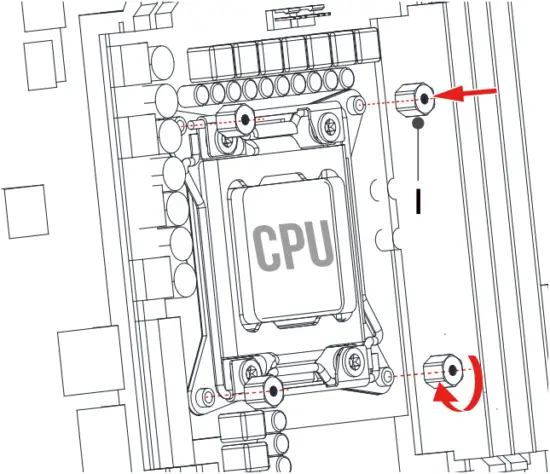
Intel LGA1700 - Step 6 - 1   Intel LGA1700 - Step 6 - 2

7

Intel LGA1700 - Step 7 - 1

Intel LGA1700 - Step 7 - 2Intel LGA1700 - Step 7 - 3

Intel LGA1700 - Step 7 - 4

Intel LGA1366 115X 1200 - Step 3 - 3Please tighten the screws in a diagonal sequence to spread the tension properly.

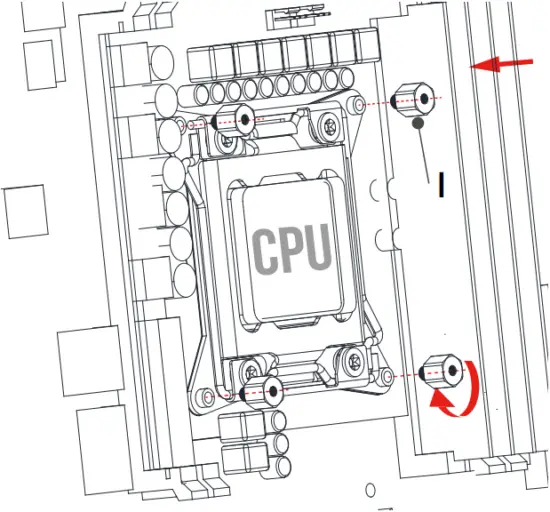
Intel ( LGA2066/2011/2011-3 )

1
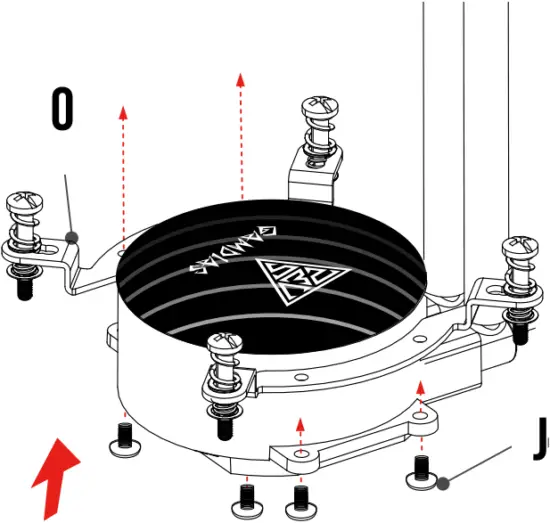
Intel LGA2066 2011 2011-3 - Step 1 - 1   Intel LGA2066 2011 2011-3 - Step 1 - 2

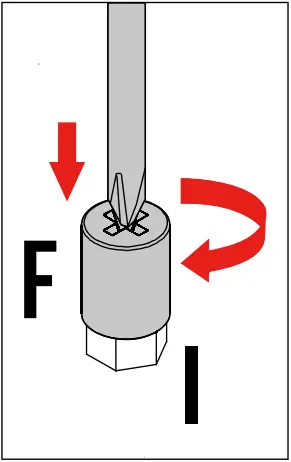
2

Intel LGA2066 2011 2011-3 - Step 2 - 1   Intel LGA2066 2011 2011-3 - Step 2 - 2

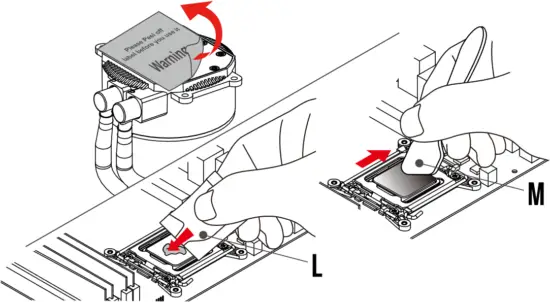
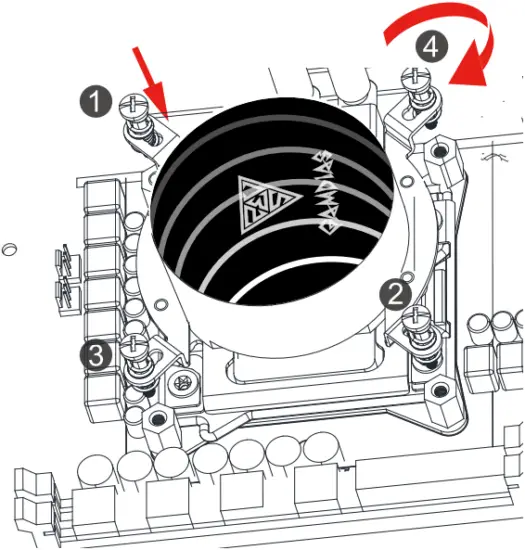
3

Intel LGA2066 2011 2011-3 - Step 3 - 1

Intel LGA2066 2011 2011-3 - Step 3 - 2Intel LGA2066 2011 2011-3 - Step 3 - 3

Intel LGA2066 2011 2011-3 - Step 3 - 4

Intel LGA1366 115X 1200 - Step 3 - 3Please tighten the screws in a diagonal sequence to spread the tension properly.

AMD(AM4/AM3+/AM3/AM2+/AM2/FM2+/FM2/FM1)

1
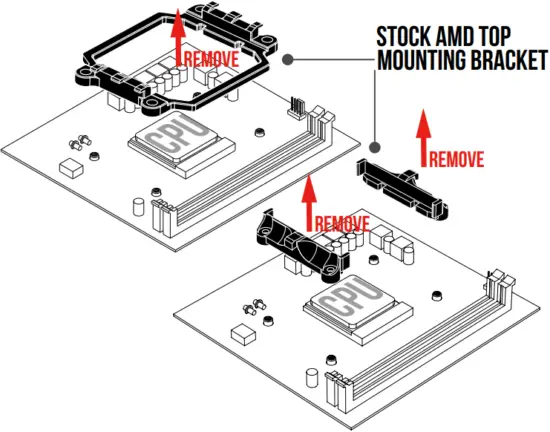
AMD AM4 AM3+AM3 - Step 1 - 1

2

AMD AM4 AM3+AM3 - Step 2 - 1   AMD AM4 AM3+AM3 - Step 2 - 2

3

AMD AM4 AM3+AM3 - Step 3 - 1

AMD AM4 AM3+AM3 - Step 3 - 2AMD AM4 AM3+AM3 - Step 3 - 3

Intel LGA2066 2011 2011-3 - Step 3 - 4

Intel LGA1366 115X 1200 - Step 3 - 3Please tighten the screws in a diagonal sequence to spread the tension properly.

AMD(TR4)

1
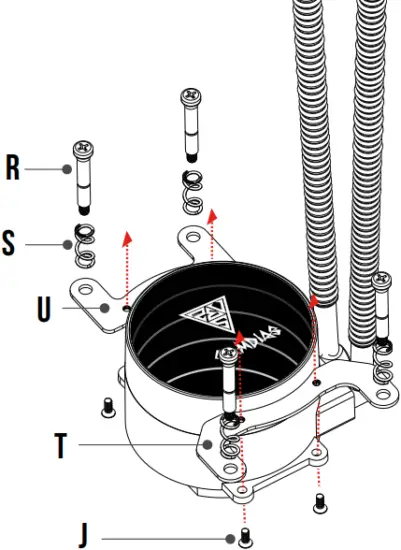
AMD TR4 - Step 1   AMD TR4 - Step 1 - 2

2

AMD TR4 - Step 2 - 1

AMD TR4 - Step 2 - 2   Intel LGA2066 2011 2011-3 - Step 3 - 4

Intel LGA1366 115X 1200 - Step 3 - 3Please tighten the screws in a diagonal sequence to spread the tension properly.

Intel / AMD

1 Turn off the computer before installing
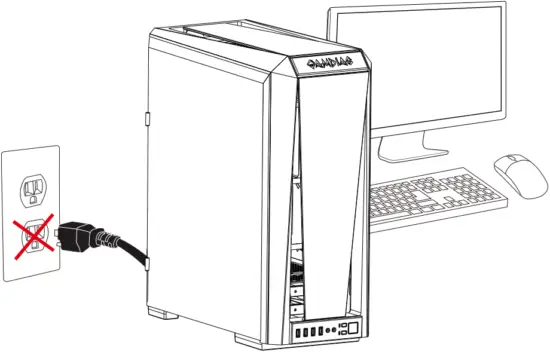
Intel - AMD - Step 1

2

Intel - AMD - Step 2 - 1A Intel - AMD - Step 2 - 2

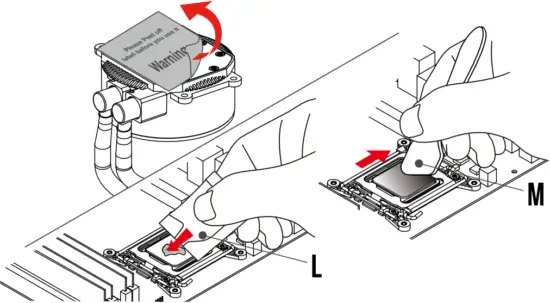
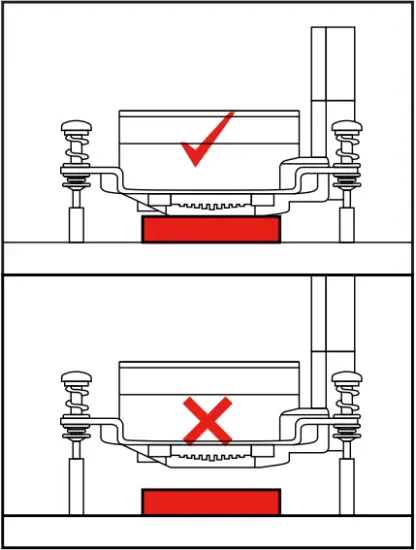
Intel LGA1366 115X 1200 - Step 3 - 3Make sure pump firmly touch CPU

3

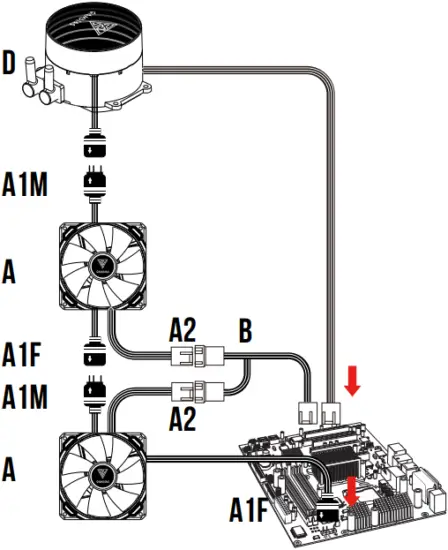
Intel - AMD - Step 3

4

Intel - AMD - Step 4

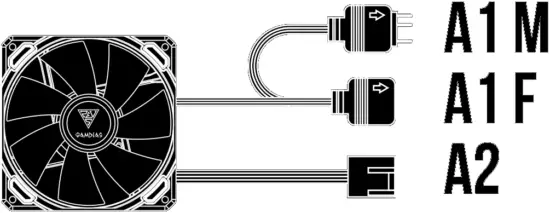
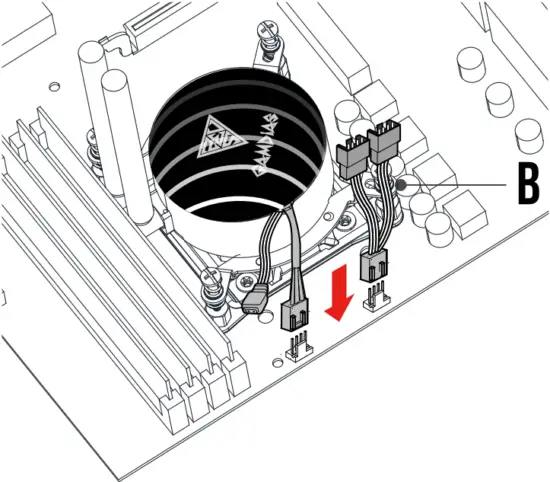
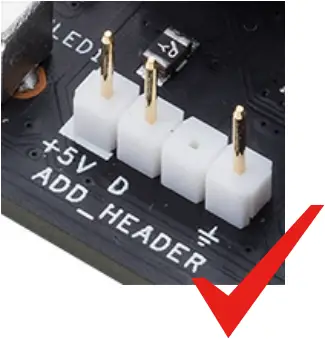
5 If your motherboard has 5V 3-Pin addressable (digital) RGB header, you can customize RGB lighting via motherboard manufacture sync software
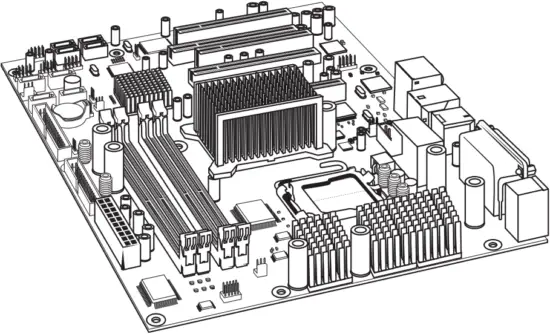
Intel - AMD - Step 5 - 1

OR

Option:
Wired lighting controller (30 different lighting effects)
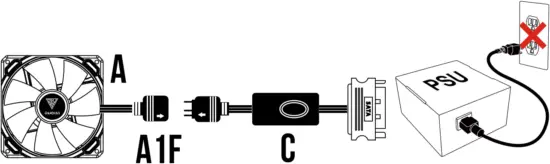
Intel - AMD - Step 5 - 2

OR

Option:
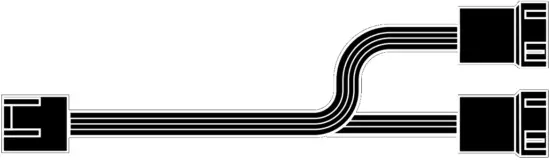
Adapter Cable to GAMDIAS AEOLUS BOX
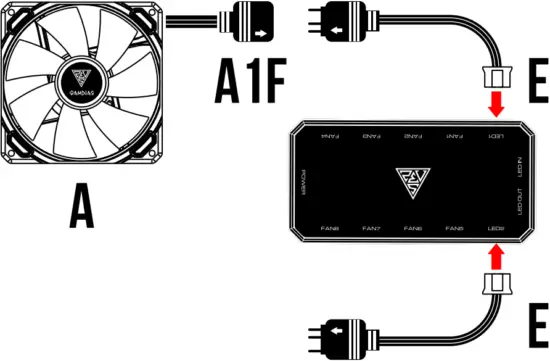
Intel - AMD - Step 5 - 3Intel - AMD - Step 5 - 4

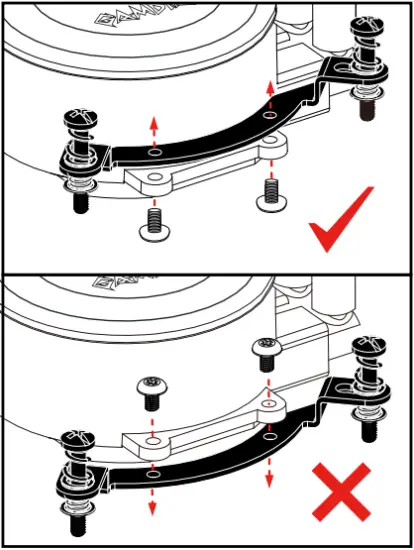
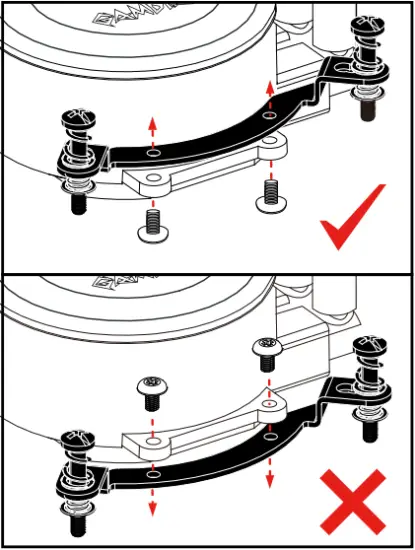
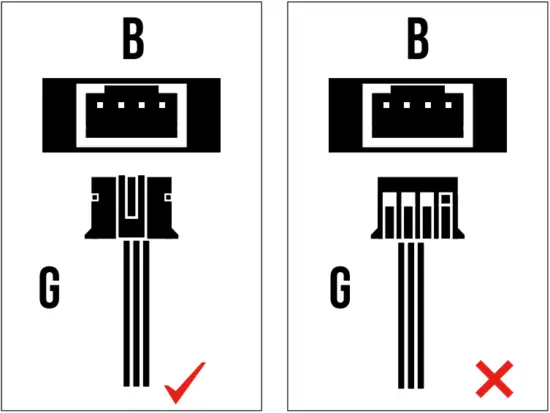
Intel LGA1366 115X 1200 - Step 3 - 3Foolproof design

GAMDIAS AEOLUS BOX is a part of the following product:
AEOLUS M2-1204R
AEOLUS M2-1205R
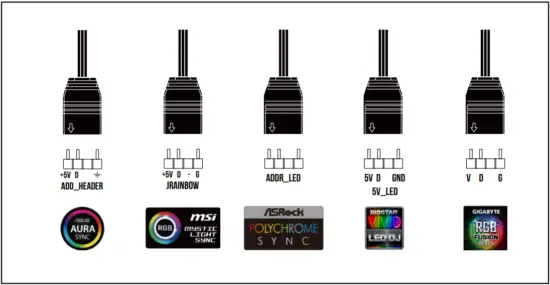
Intel - AMD - Step 5 - 5

Intel - AMD - Step 5 - 6Intel - AMD - Step 5 - 7Intel - AMD - Step 5 - 8Intel - AMD - Step 5 - 9

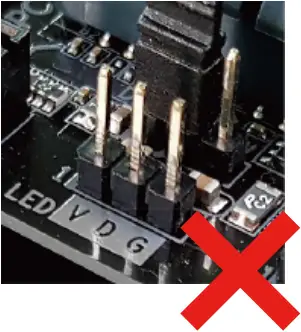
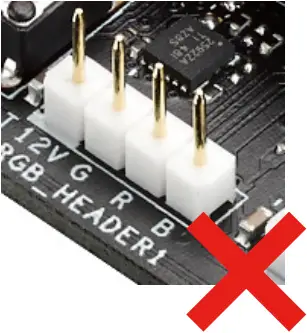
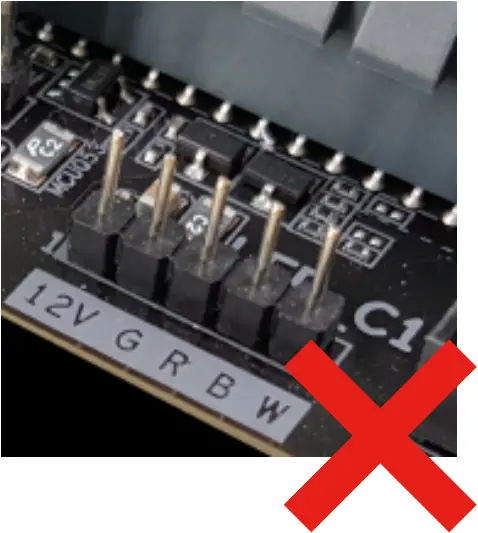
Intel LGA1366 115X 1200 - Step 3 - 3CHIONE M3-240RW only support 5V addressable (digital) RGB header

6 Turn on the computer after installing
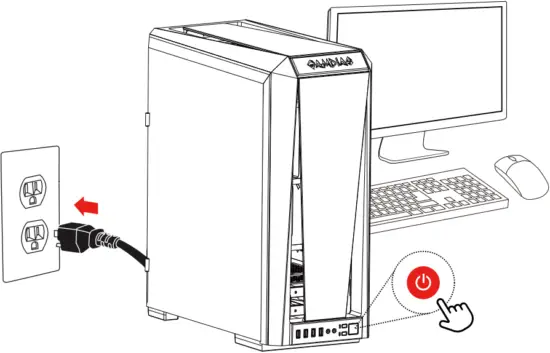
Intel - AMD - Step 6

GAMDIAS CHIONE logo b23

Documents / Resouces

Download manual
Here you can download full pdf version of manual, it may contain additional safety instructions, warranty information, FCC rules, etc.


Related Manuals