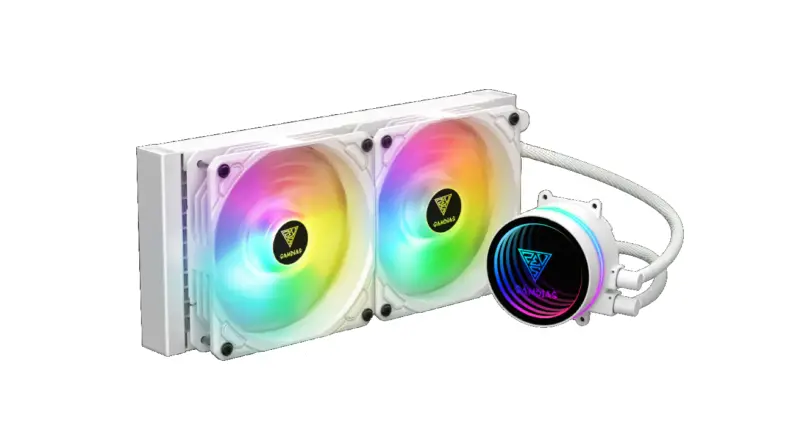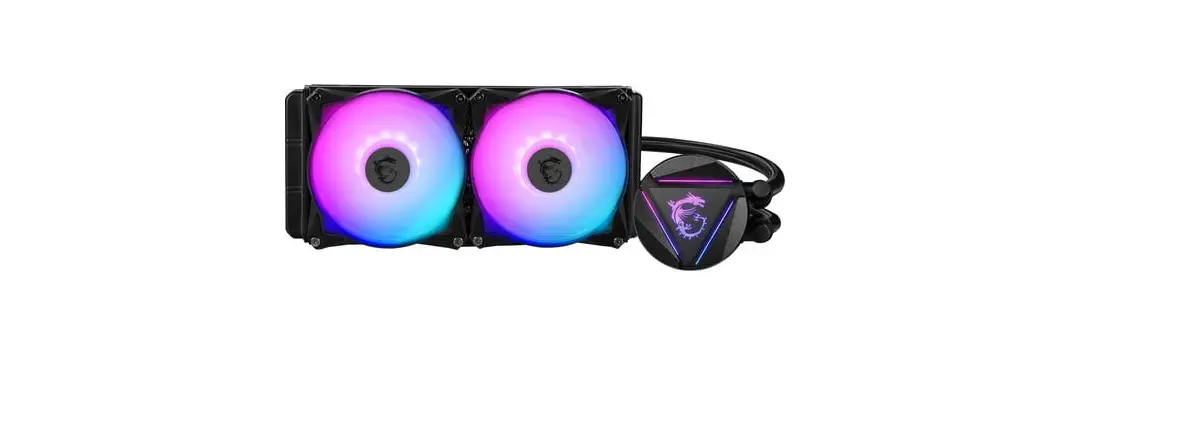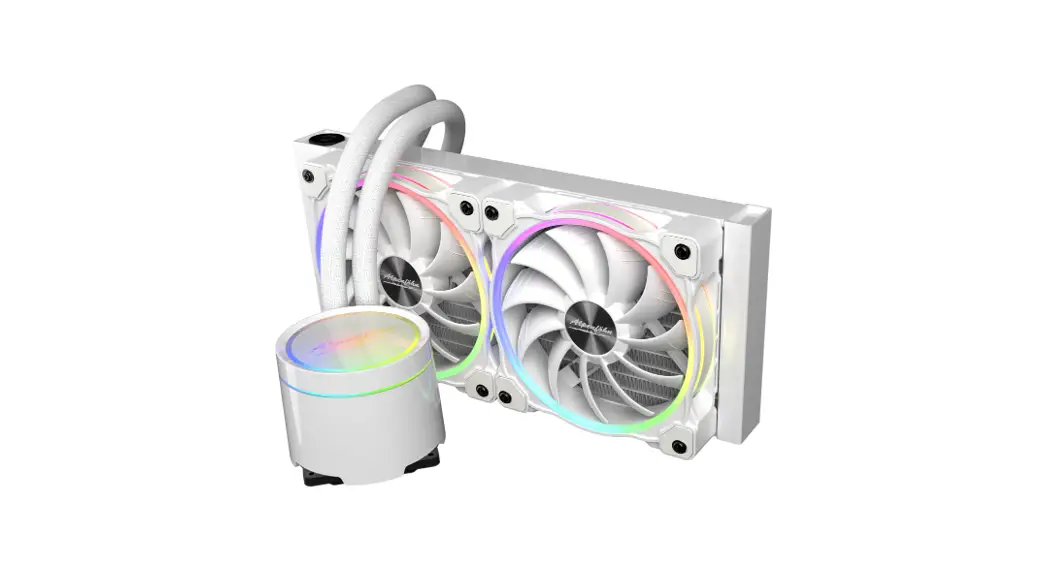
Gamdias Chione M2 240r Cpu Liquid Cooler Installation Guide

Gamdias Chione M2 240r Cpu Liquid Cooler Installation Guide

GAMDIAS Chione M2 240R CPU Liquid Cooler Installation Guide

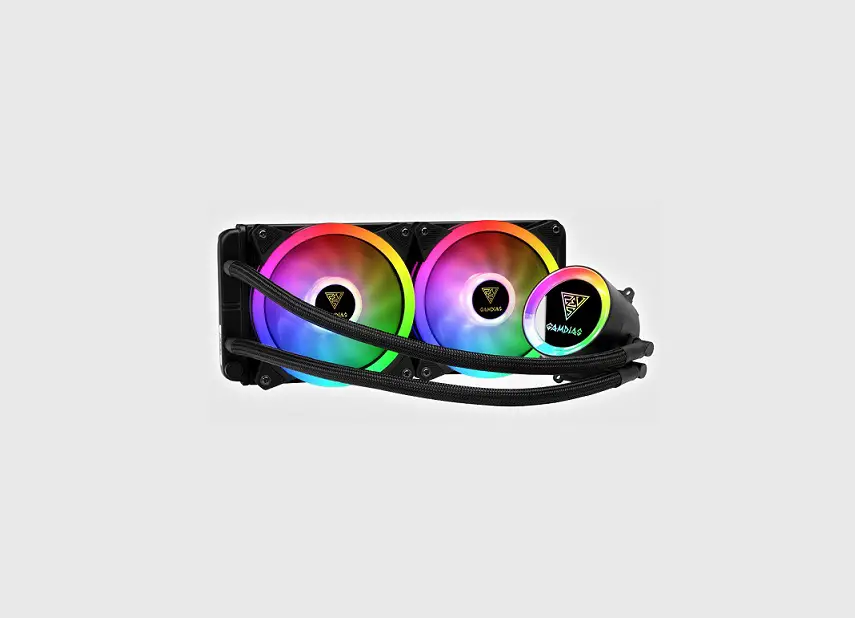
GAMDIAS Chione M2 240R CPU Liquid Cooler

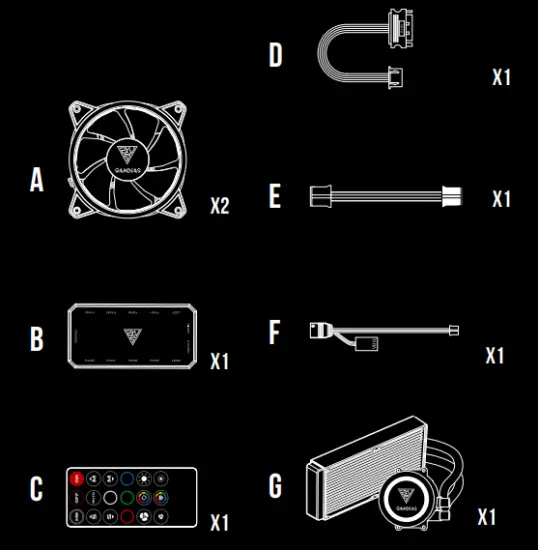
Package Contents

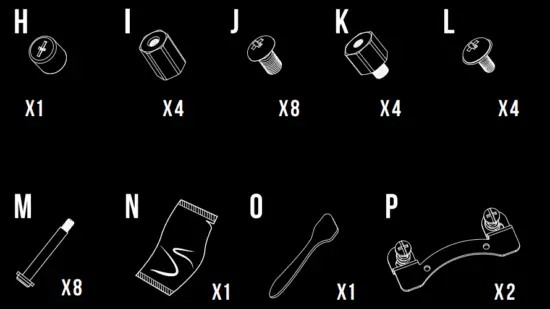
Package Contents
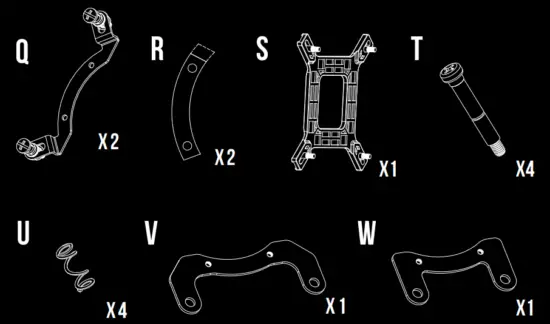
Package Contents
Package Contents

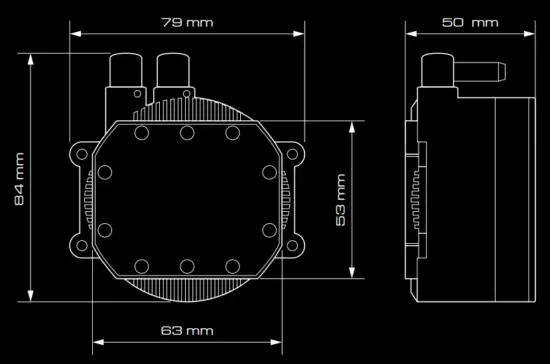
Pump Dimensions

Pump Dimensions

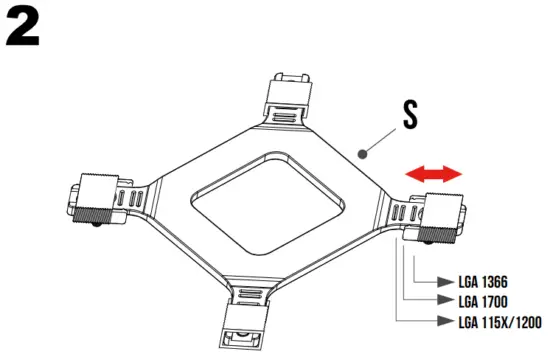
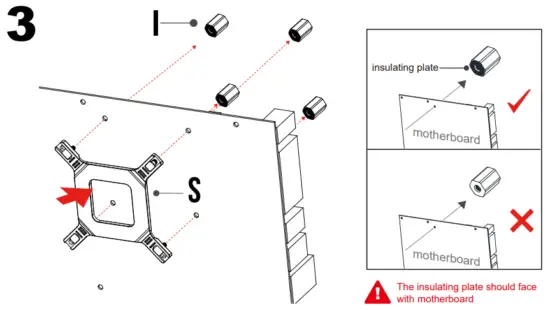
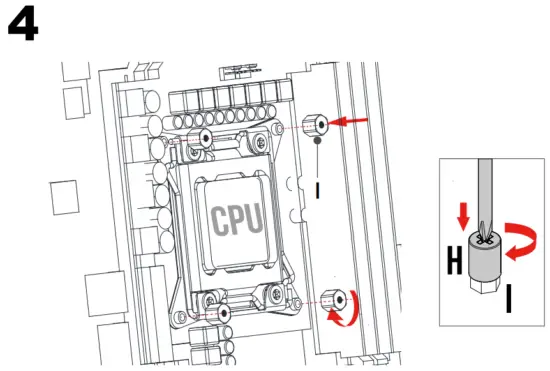
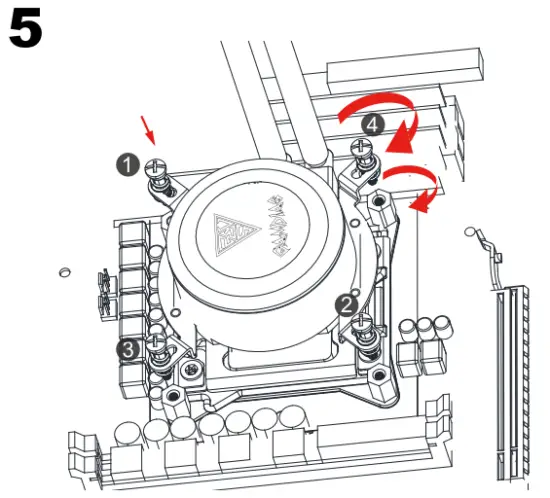
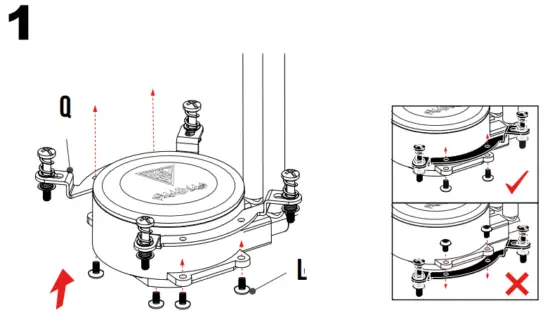
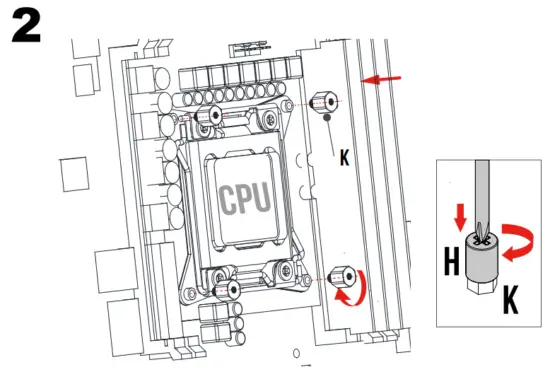
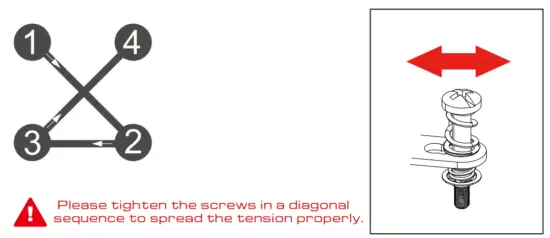
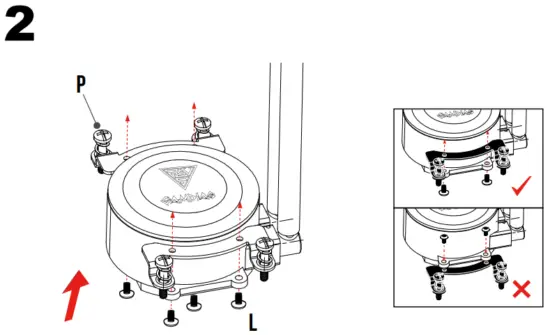
Installation Instruction

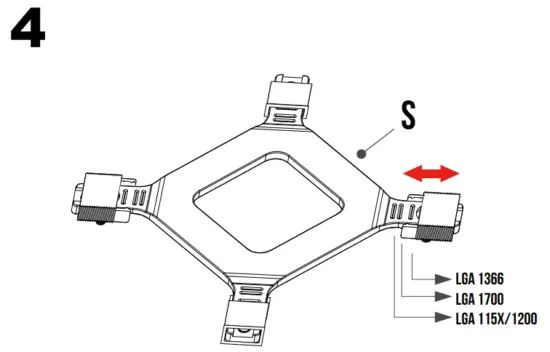
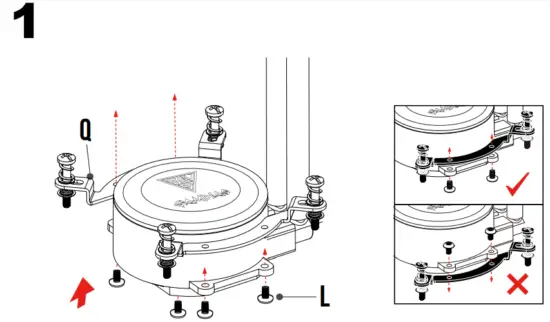
Intel ( LGA1366/115X/1200 ) 
Installation Instruction

Intel ( LGA1700 ) 

Installation Instruction

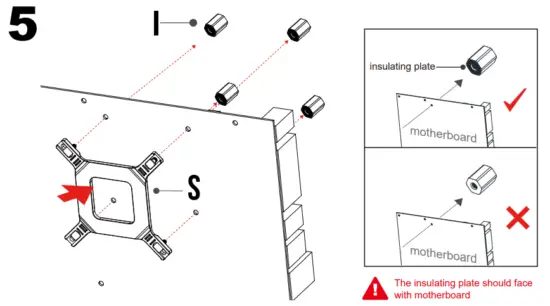
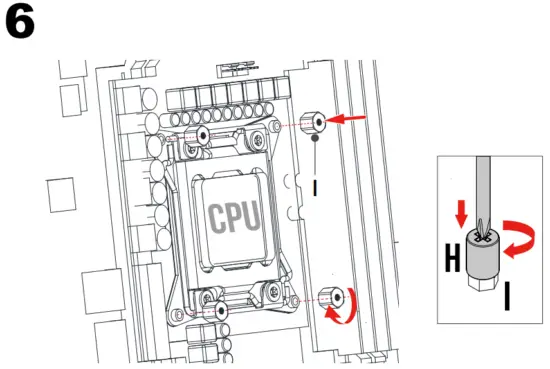
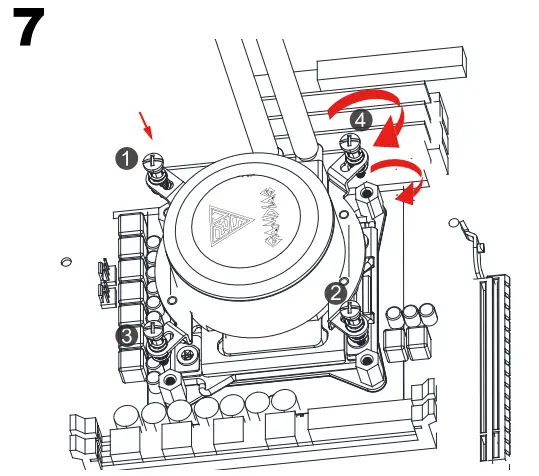
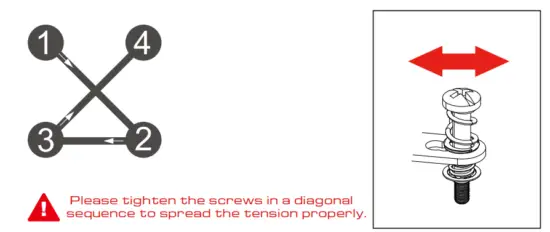
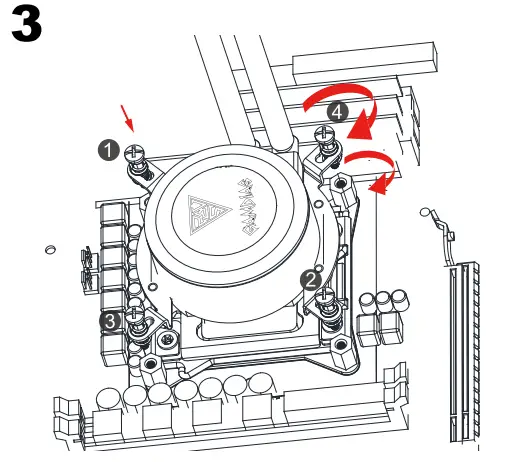
Intel ( LGA2066/2011/2011-3 ) 
Installation Instruction

AMD(AM4/AM3+/AM3/AM2+/AM2/FM2+/FM2/FM1) 
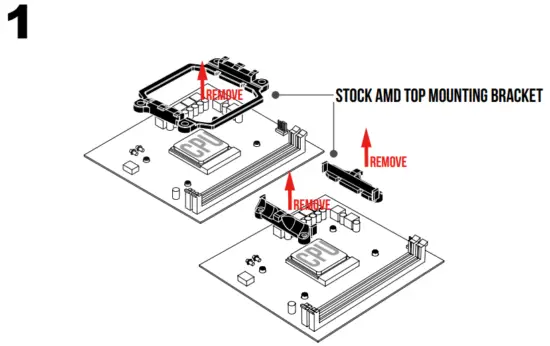
Installation Instruction

AMD(TR4) 

Installation Instruction

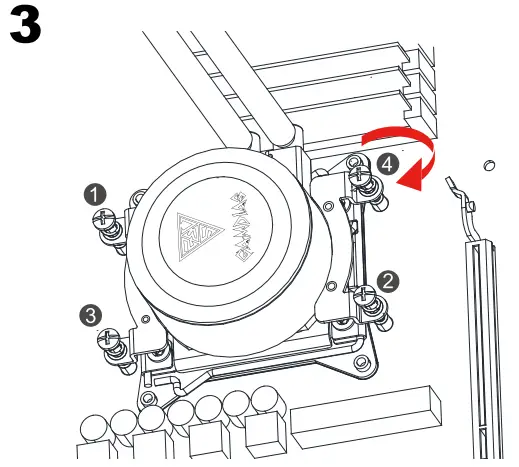
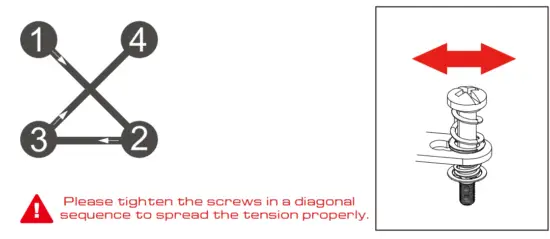
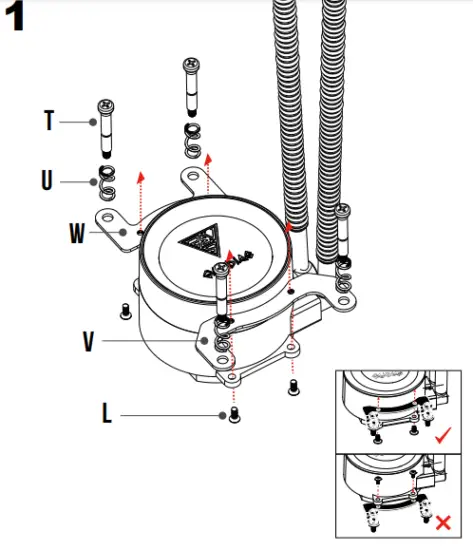
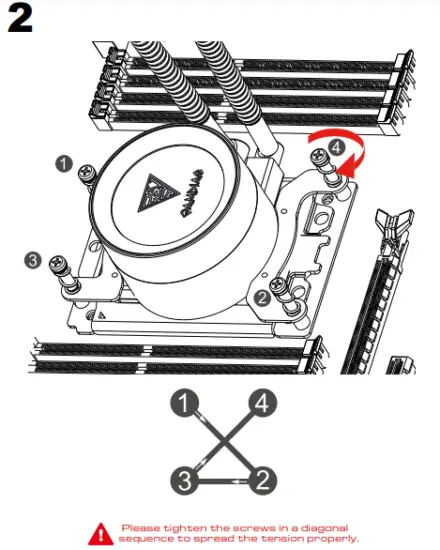
Intel / AMD 

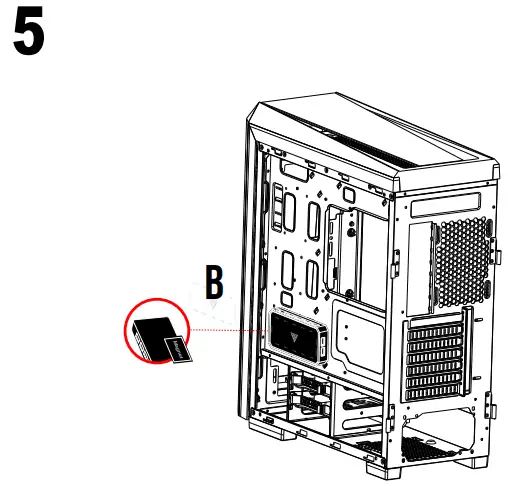
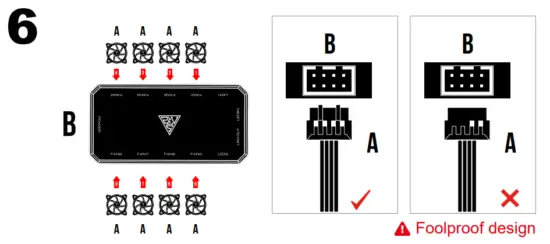
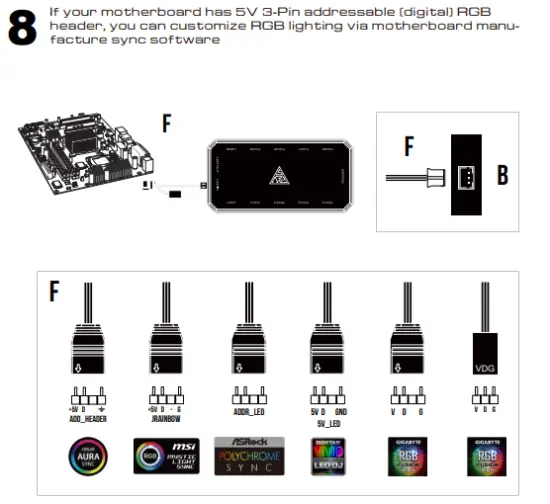
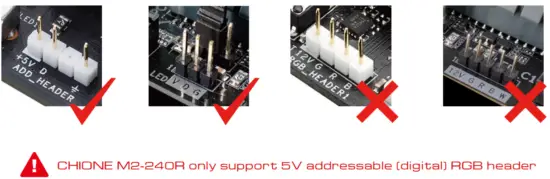
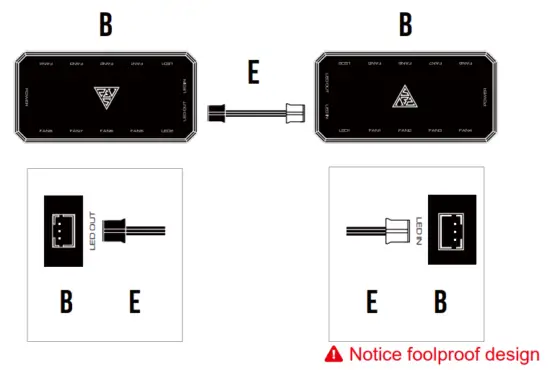
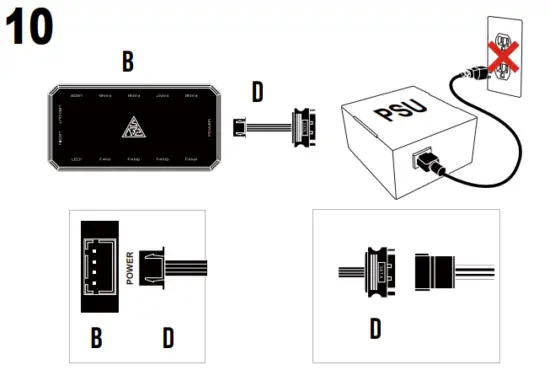
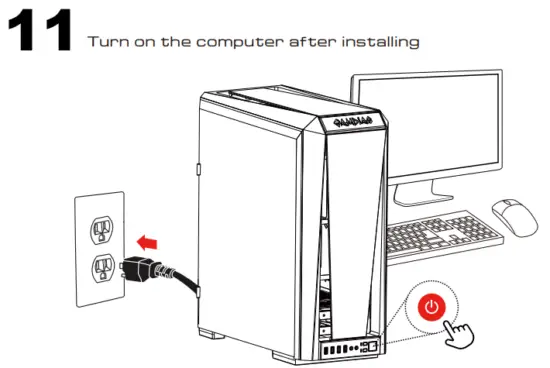
Installation Instruction

  • Fans must start at “1” and continue in series. FAN1 → FAN2 → FAN3 → FAN4 → FAN5 → FAN6 → FAN7 → FAN8
  • Any fan not connected in series will break communication and the RGB lighting function will not work.
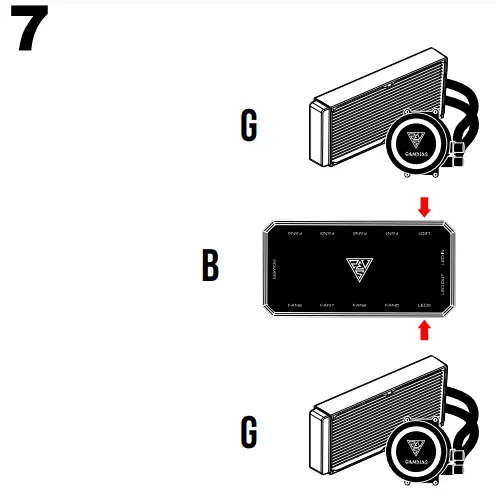
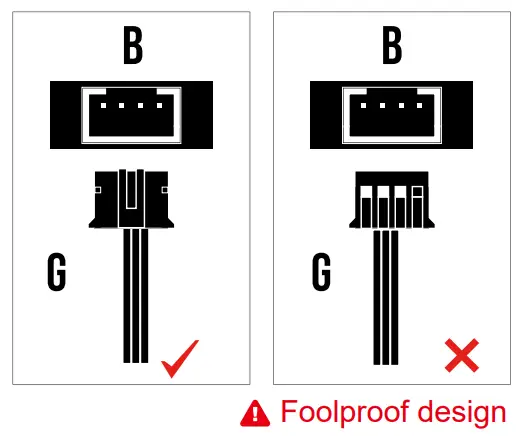
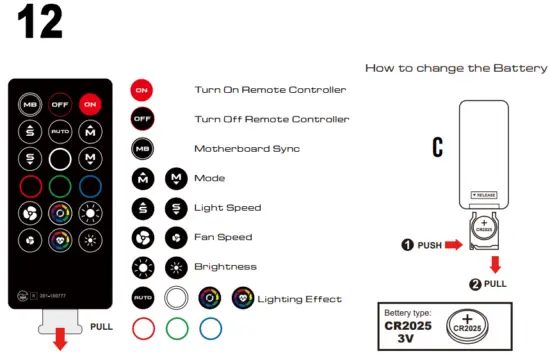
Installation Instruction

  • When press “OFF” button, the remote controller will be automatically disabled. Please press “ON” button to activate.
  • Press “MB” button to switch to motherboard sync mode.
Documents / Resouces

Download manual
Here you can download full pdf version of manual, it may contain additional safety instructions, warranty information, FCC rules, etc.


Related Manuals