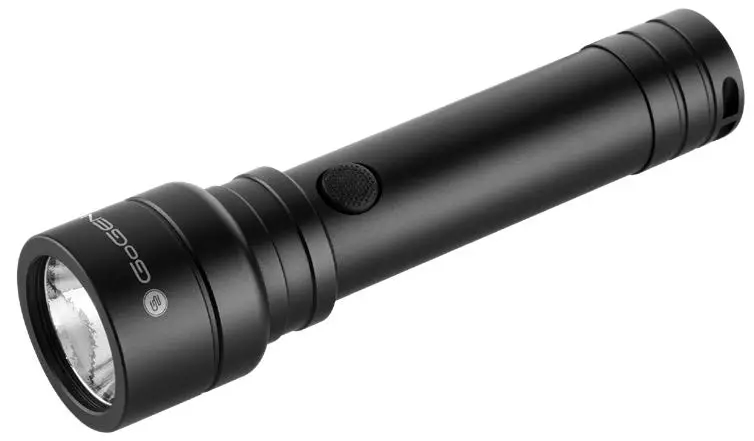
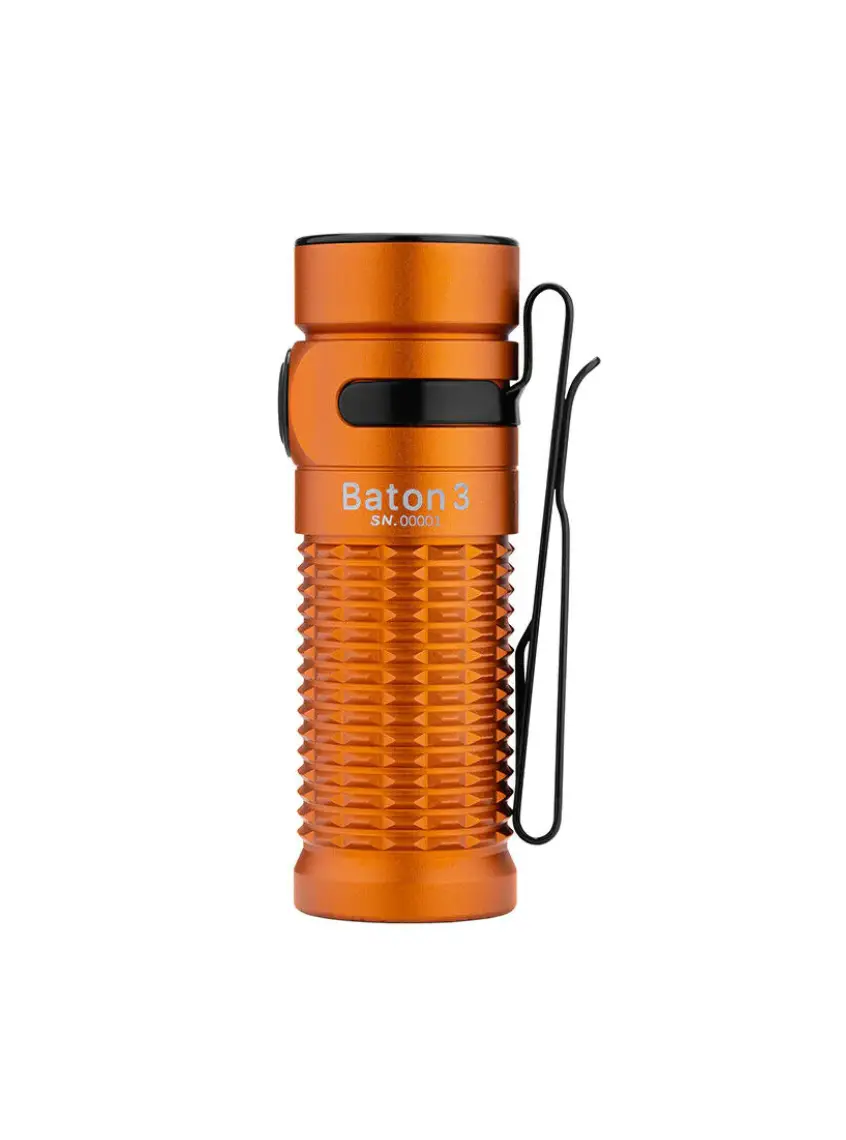
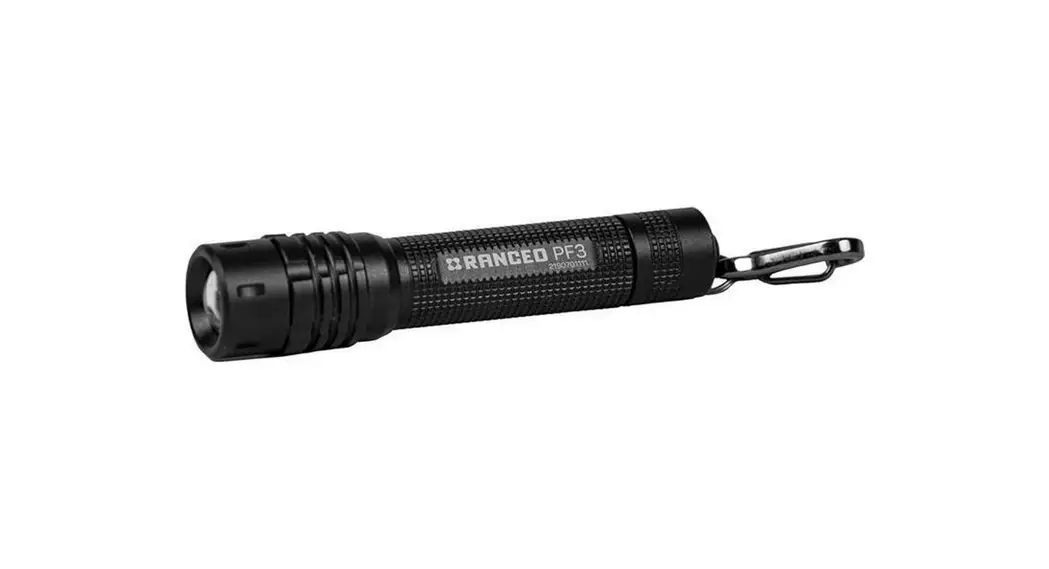
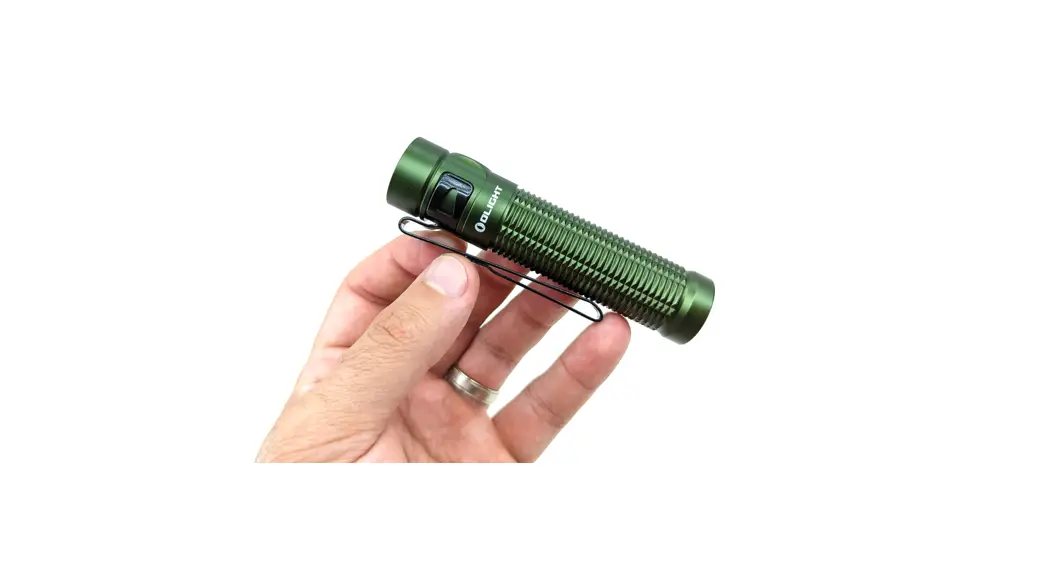
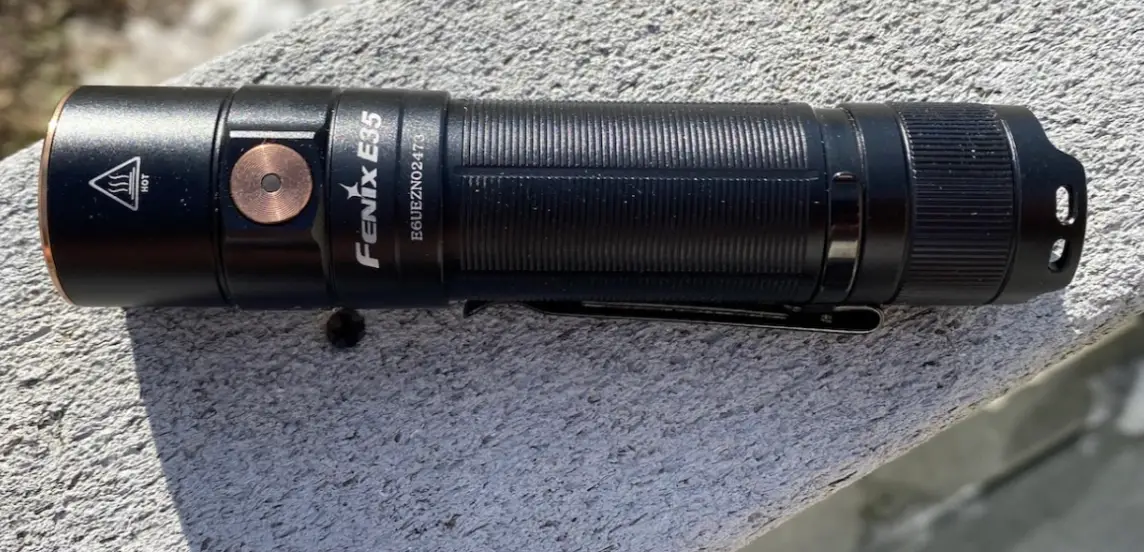
F3-XPE ZOOM Flashlight
Product Information:
The product is a zoom flashlight available in different models,
including F3-XPE, F3-L2, F11-XPE, F11-T, and F5. The flashlight has
an aluminum alloy body, LED, focusing system, battery compartments,
and tail switch. It uses 18650 batteries for power supply, and some
models can also use 3 AAA batteries with dry battery racks and
18650 battery sleeves. The flashlight has different light modes,
brightness, and capacity depending on the model.
Product Usage Instructions:
- Battery Installation: To install the battery,
make sure to follow the correct direction (+ means positive and –
means negative). Reverse installation of the battery is not
allowed. - Zoom Function: The flashlight performs a
focusing function by stretching the head of the flashlight. This
allows the user to switch between a fix focus spot and a focusing
spot. - Light Modes: The flashlight has 5 gears
(except for F3-XPE), and they can be cycled in sequence by lightly
touching the tail switch button. The gears include
Strong-Medium-Weak-Strobe-SOS. F3-XPE has 3 gears – strong, weak,
and flash. - Battery Charging: To charge the battery, take
it out of the battery compartment and charge it with the battery
holder using a USB cable. The red indicator light will always be on
during charging, and the blue or green indicator light will be on
when it is fully charged. Make sure to follow the correct direction
when charging (+ means positive and – means negative). - Hidden Charging Port (F5 model only): The F5
model is equipped with a hidden charging port that can be displayed
by stretching the head of the flashlight.
Warning: Please make sure to follow the
instructions carefully to avoid any accidents or damage to the
product. It is strictly forbidden to install the battery in
reverse.
Flashlight manual Contents WARNING—————————————————1 F3-XPE F3-L2 F11-XPE F11-T ————————————-2 F5 ————————- ————3 F15 F15-T ———————————4 M1 M2 X5 ———————————5 X11 ———————————6 ——————————————————————————————————————————–Dear customer, thank you very much for purchasing this product! Please Properly read and understand this manual before using this product.
WARNING 1. Some flashlight use 18650 batteries for power supply. Please install the batteries in the correct direction (“+” means positive and “-” means negative). 2. The product with indicator light. When charging, the indicator light is red, and when it is fully charged, the indicator light is green/blue. When the battery is low, the indicator light will flash red.
1.1 Battery installation instructions
1.2 USB charging instruction chart
Do not shine directly in the eyes. Powerful LED light can damage eyes immediately. Only use provided battery charger for charging. If the battery isn’t used for a very long time, please recharge and discharge it every 3 months to keep the battery in good condition. It’s normal that the flashlight will get a little hot when it is used for a long time. Please recharge the battery as soon as possible when the indicator light shows low power Please keep the battery away from water, moisture and drop, etc. To avoid any damage to the flashlight’s surface, please don’t constantly expose the flashlight to sunlight, water, chemicals, corrosive gases or any other oxidizing environments. All product parameters provided in this manual are our laboratory data, for reference only, and there is no actual way to use it. ———————————————————————————————————————————
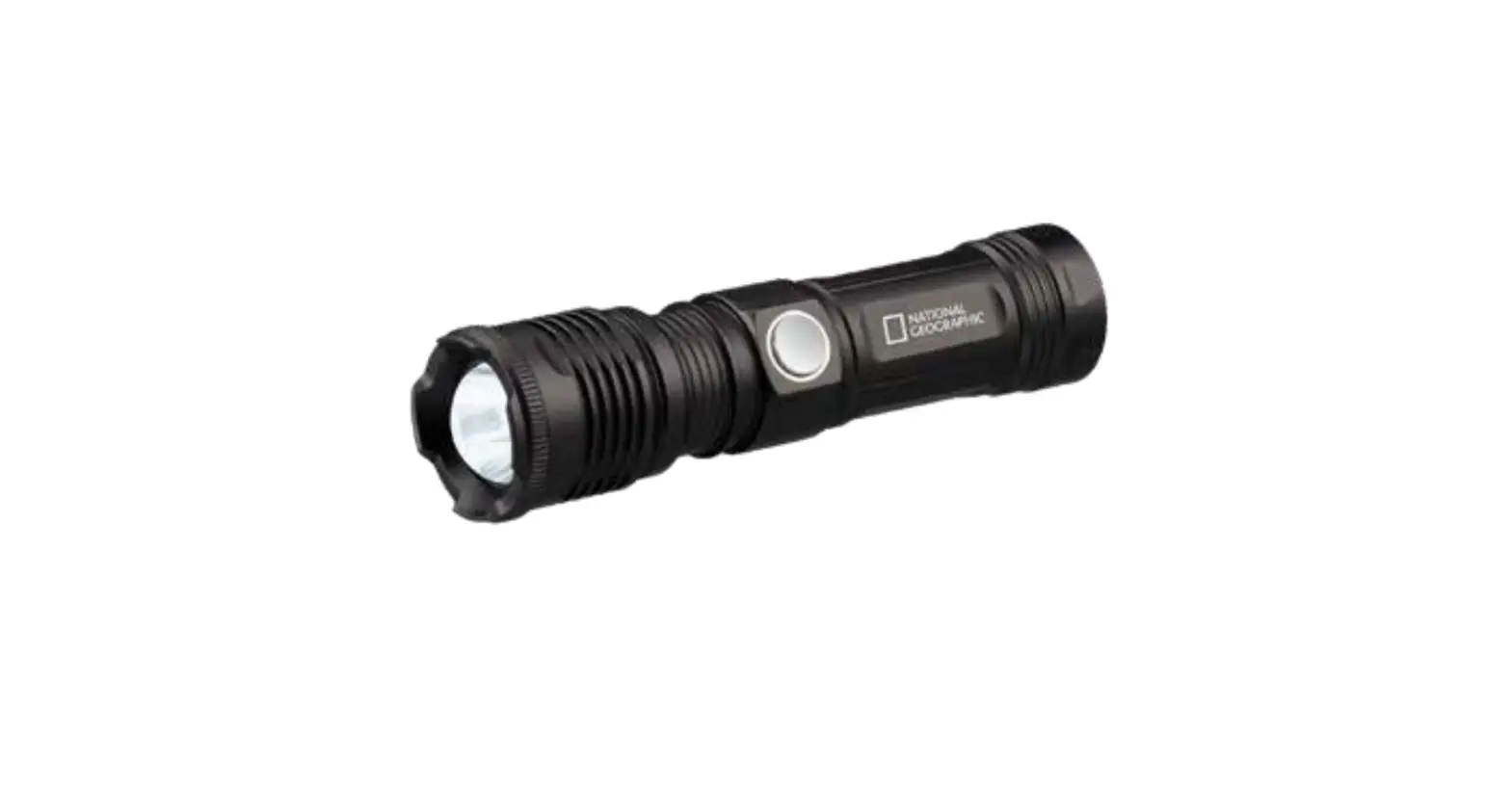
INSTRUCTION FOR zoom flashlights F3-XPE /F3-L2/F11-XPE/F11-T series
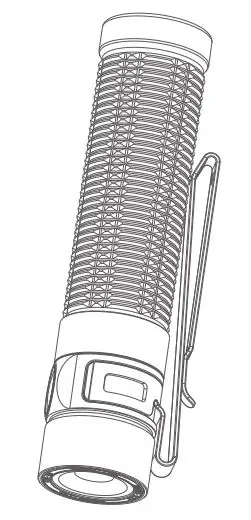
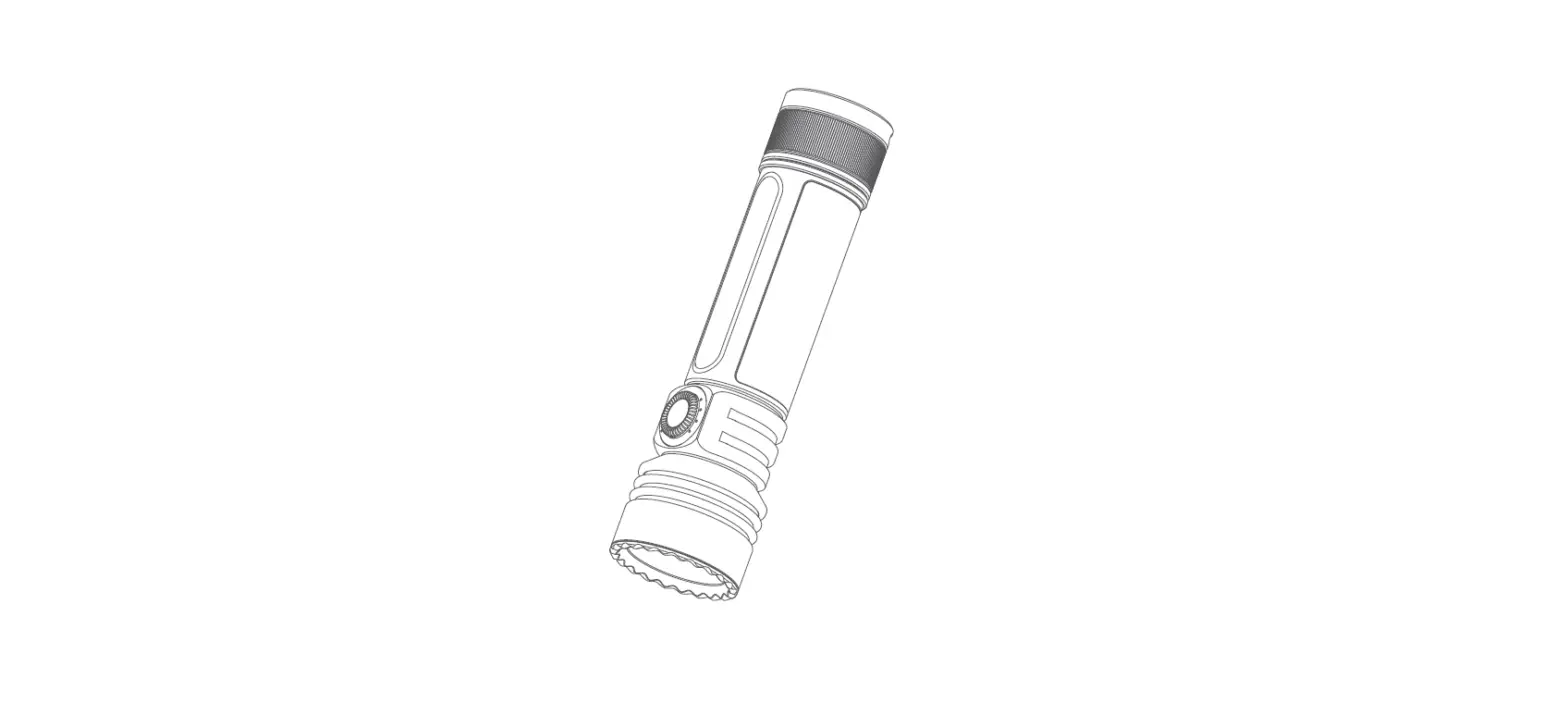
Analysis of the text in the picture Aluminum Alloy Body LED Focusing system Battery compartments Tail Switch
Instructions
1. The product uses 18650 batteries (F3-L2 / F3-XPE can use 3 * AAA batteries, equipped with dry battery racks and 18650
battery sleeves), please install in the correct direction (“+” means positive, “-” means negative ) Install the battery, and
eliminate the reverse installation of the battery.
2. The product performs focusing function by stretching the head of the flashlight.
3. The flashlight has 5 gears (except F3-XPE), equipped with a tail switch button, single press the tail button to turn on/off the
light source, light touch to shift (Strong-Medium-Weak-Strobe-SOS ) The 5 gears are cycled in sequence.
4. F3-XPE flashlight has 3 gears, equipped with a tail switch button, you can turn on/off the light source by pressing the tail
button, and touch the 3 gears (strong-weak-flash) to cycle in sequence.
5. The product needs to take out the battery and charge it with the battery holder. The red indicator light is always on when
charging, and the blue (or green) indicator light is always on when it is full. Please follow the correct direction when charging
(“+” means positive”- “Means negative) Insert the battery, cancel the reverse installation of the battery.
Items
Theoretical
Battery TypeBattery Charging way
Light Modes
Brightness
Capacity
F3-XPE
300Lumens
1*18650 or 3*AAA USB cable
5modes(High>Middle>Low>Strobe>SOS)
battery
F3-L2
1100Lumens
1*18650 or 3*AAA USB cable
5modes(High>Middle>Low>Strobe>SOS
battery
F11-XPE
1100Lumens
1*18650
USB cable
5modes(High>Middle>Low>Strobe>SOS
battery(2300mAh)
F11-T
300Lumens
1*18650
USB cable
5modes(High>Middle>Low>Strobe>SOS
rechargeable Li-ion
battery
——————————————————————————————————————————–INSTRUCTION FOR zoom flashlight F5
Analysis of the text in the picture Aluminum Alloy Body LED Clip Hole for hang rope Tail switch Focusing system/Hidden charging Cooling ring Fix Focus Spot Focusing Spot
Instructions
1. The product uses 18650 battery. Please install the battery in the correct direction (“+” means positive and “-” means
negative). It is strictly forbidden to install the battery in reverse.
2. The product performs focusing function by stretching the head of the flashlight.
3. The flashlight has 5 gears, equipped with a tail switch button, you can turn on/off the light source by pressing the tail
button, and lightly touch the shift (strong-medium-weak-strobe-SOS) to cycle through the 5 gears in sequence .
4. The product is equipped with a hidden charging port. The charging port is displayed by stretching the head of the flashlight,
and the charging port is diversified. It is equipped with a Type-C charging port. You can use chargers, power banks, computers
and other devices to charge the flashlight; red when charging The indicator light flashes, and the blue (or green) indicator light
is always on when it is full.
Items
Theoretical
Battery
Type Charging way
Light Modes
Brightness
Battery Capacity
F5
1100Lumens
1*18650
USB cable
5modes(High>Middle>Low>Strobe>SOS
——————————————————————————————————————————–INSTRUCTION FOR High power flashlights with power bank function F15/F15-T series
Analysis of the text in the picture Electric quantity display Switch Battery compartment LED Focusing system Charging port Hole for hang rope
Instructions
1. The product uses 26650 battery. Please install the battery in the correct direction (“+” means positive and “-” means
negative). It is strictly forbidden to install the battery in reverse.
2. F15-T has telescopic focusing function.
3. The product has 6 gear positions. Press the center switch button to turn on the light source. Continue to press the three
gears (weak-medium-strong) to cycle in sequence. Double-click the switch button in any gear to turn on the extremely strong
light gear. Continuation (extremely strong light-strobe flash-SOS-return to regular gear cycle), press and hold any gear for 1
second to shut down.
4. Diversified charging, the product is equipped with Type-C charging interface and the number of display frequency of power,
the blue indicator light flashes when charging and there is a digital percentage display, when it is full, the blue indicator light is
always on and the number displays 100%.
5. The product has an output interface, which can be used as a power bank, and can charge mobile phones, power banks and
other devices.
Items
Theoretical Brightness Battery TypeBattery Charging way
Light Modes
Capacity
F15
2000Lumens
26650
USB and Type-C cable Stepless adjustable
battery(3700mAh)
F15-T
2000Lumens
26650
USB and Type-C cable Stepless adjustable
battery(3700mAh)
——————————————————————————————————————————–INSTRUCTION FOR Tactical flashlights M1/M2/X5 series
Analysis of the text in the picture Electric quantity display Tail Switch Battery compartment LED Cooling ring Charging port Hole for hang rope
Instructions
1. The product uses 18650 batteries (M1 can also use 3*AAA dry batteries, equipped with dry battery racks and 18650 battery
sleeves). Please install the batteries in the correct direction (“+” means positive and “-” means negative). It is strictly forbidden
to install the battery in reverse.
2. The flashlight has 5 positions, equipped with a tail switch button, single press the tail button to turn on/off the light source,
light touch to shift (strong-medium-weak-strobe-SOS) 5 gears cycle in sequence .
3. M1/X5 needs to take out the battery to charge it with the battery holder. The red indicator light is always on when charging,
and the blue (or green) indicator light is always on when it is fully charged. Please follow the correct direction when charging
(“+” means positive “-” means negative) Insert the battery, and it is strictly prohibited to install the battery reversely.
4. M2 is equipped with a hidden charging port. The Type-C charging port will be displayed by rotating the flashlight head 3
times clockwise, diversified charging, you can use chargers, power banks, computers and other devices to charge the
flashlight; red indicator when charging The light flashes, and the blue (or green) indicator light is always on when it is full.
5. The product has a lotus head design, which has self-defense and window-breaking performance, and can break the glass to
escape in an emergency.
Items
Theoretical
Battery
Type Charging way
Light Modes
Brightness
Battery Capacity
M1
300Lumens
1*18650
Single-slot
5modes(High>Middle>Low>Strobe>SOS
rechargeable or
charger
3*AAA battery
M2
300Lumens
1*18650
USB cable
5modes(High>Middle>Low>Strobe>SOS
rechargeable or
3*AAA battery
X5
690Lumens
1*18650
/
5modes(High>Middle>Low>Strobe>SOS
rechargeable
battery
——————————————————————————————————————————–INSTRUCTION FOR Tactical flashlight X11
Analysis of the text in the picture Aluminum Alloy Body Switch Lotus head Battery compartment LED Cooling ring Safety hammer Hole for hang rope
Instructions
1. The product uses 18650 batteries (3*AAA dry batteries can also be used, equipped with dry battery holders and 18650
battery sleeves). Please install the batteries in the correct direction (“+” means positive and “-” means negative) when
installing. Reverse installation is strictly prohibited.
2. Center switch, 5 gears (strong-medium-weak-strobe flash-SOS) gears sequence cycle 1 long press for 2 seconds to shut
down;
3. The product needs to take out the battery and charge it with the battery holder. The red indicator light is always on when
charging, and the blue (or green) indicator light is always on when it is full. Please follow the correct direction when charging
(“+” means positive “-” “Means negative) Insert the battery into the battery. It is strictly forbidden to install the battery
reversely.
4. The product is equipped with a low-voltage reminder. When the battery is discharged to 3V, the flashlight flashes 6 times to
remind the low battery.
5. The product is equipped with a tail safety hammer design, which has strong attack performance, anti-wolf, self-defense,
broken windows, and can break glass to escape in an emergency.
Items
Theoretical
Battery TypeBattery Charging way
Light Modes
Brightness
Capacity
X11
500Lumens
1*18650
AAA battery
5modes(High>Middle>Low>Strobe>SOS
rechargeable or
holder
3*AAA
battery(1700mAh)