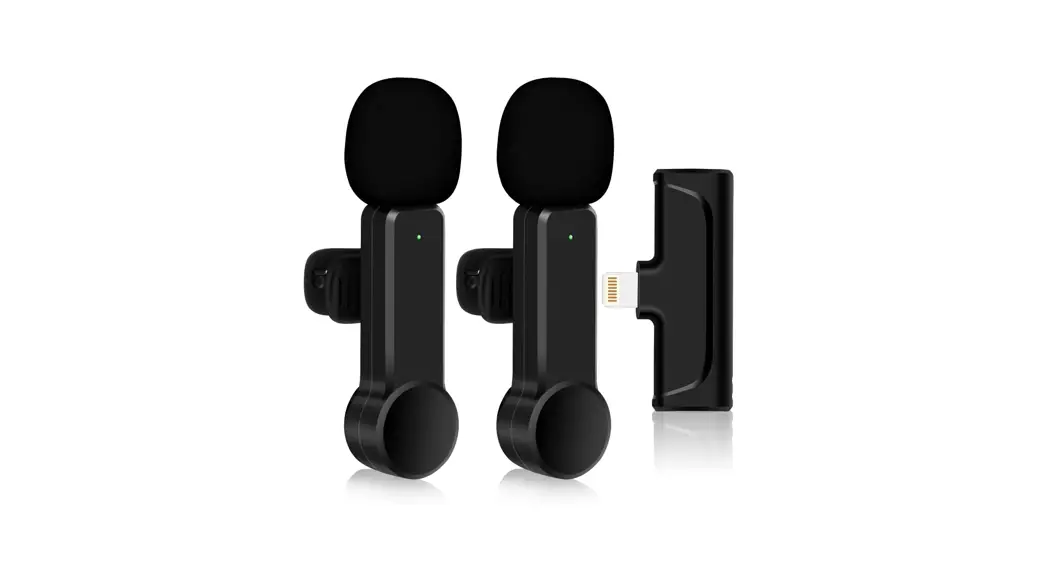

Wireless Microphone
User Manual
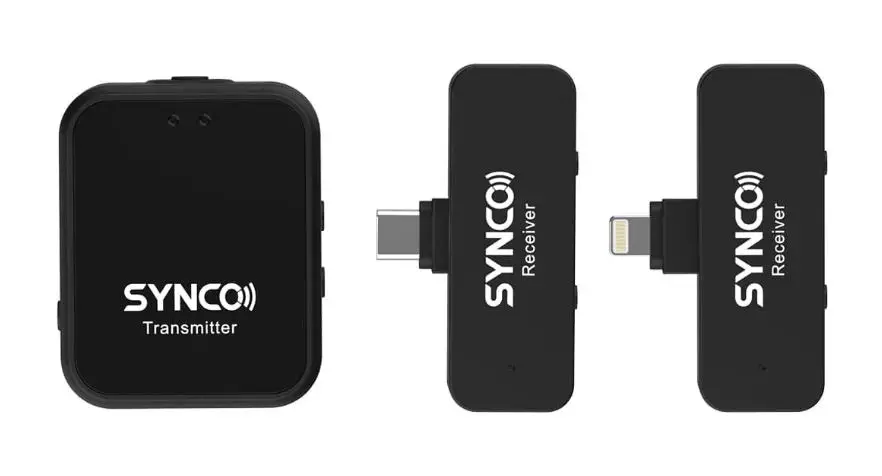
Packing List
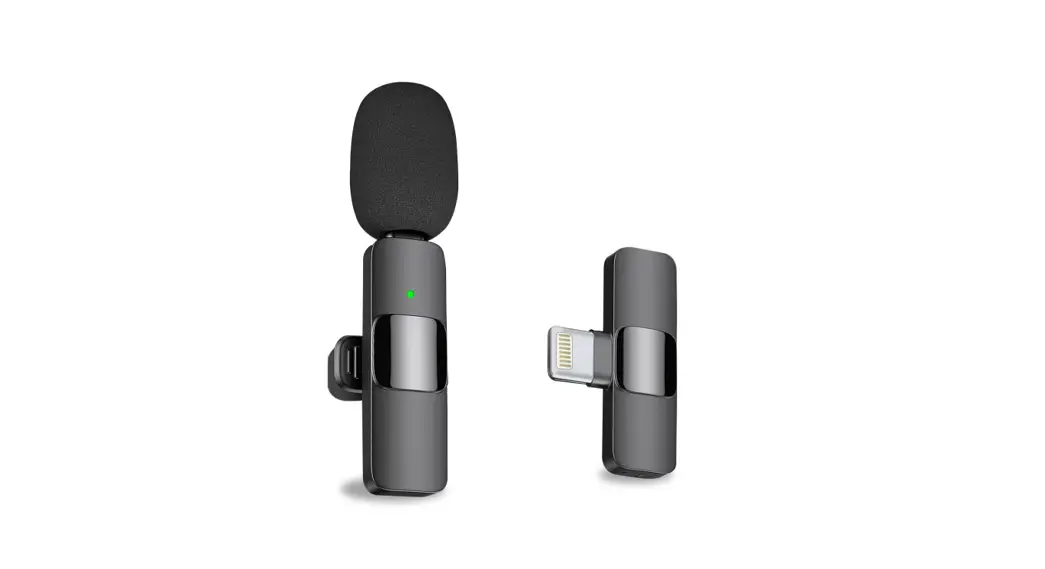
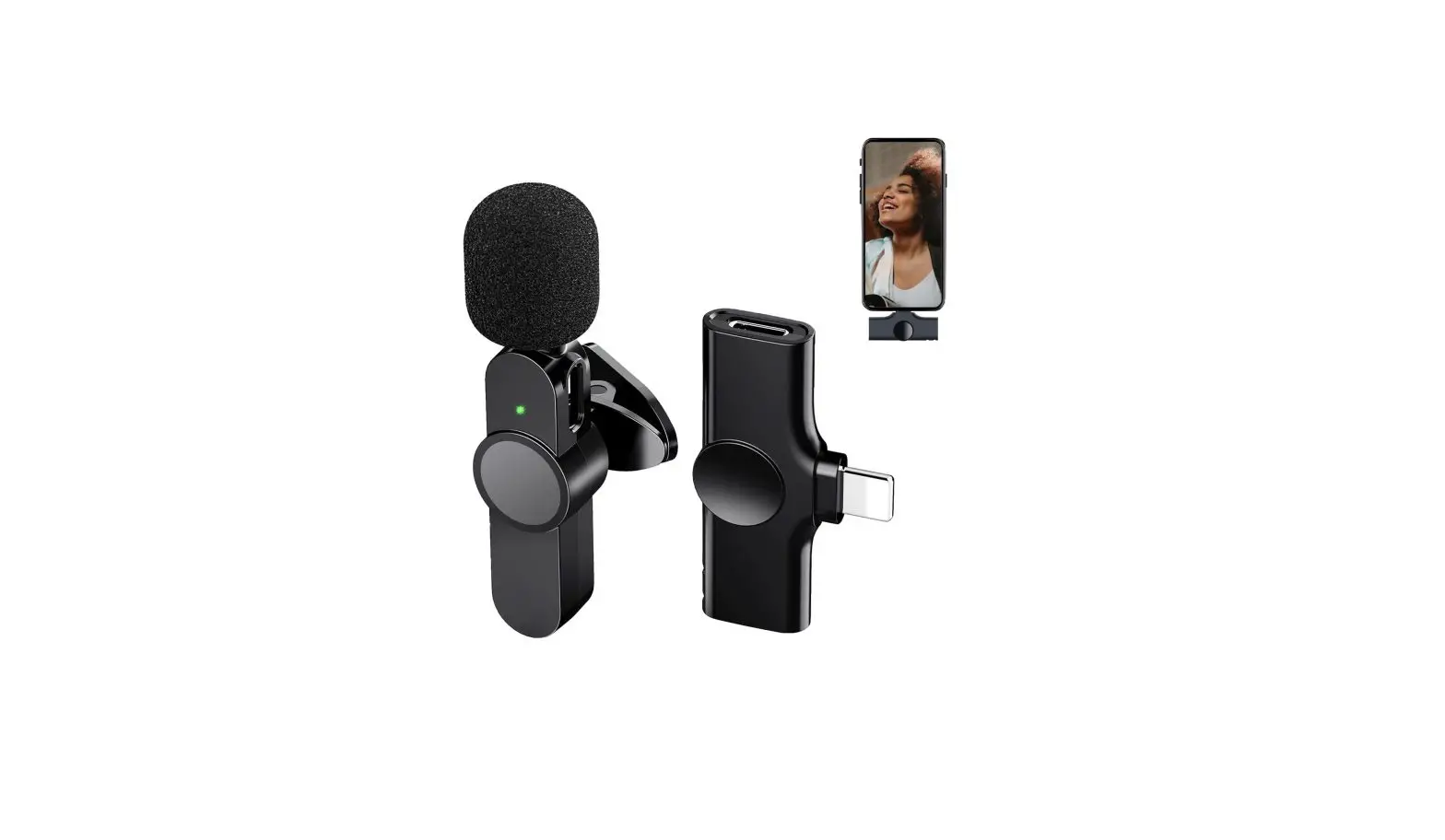
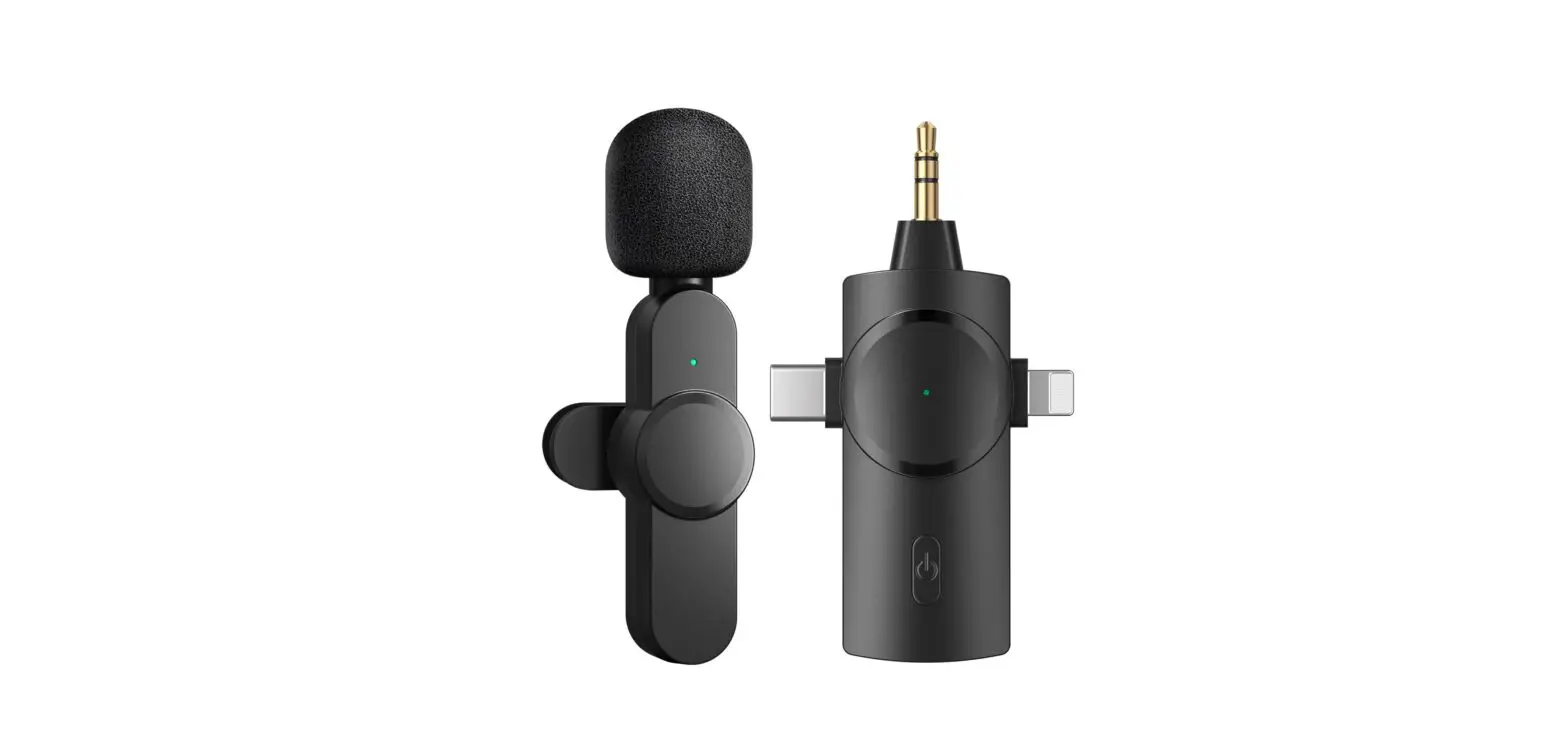
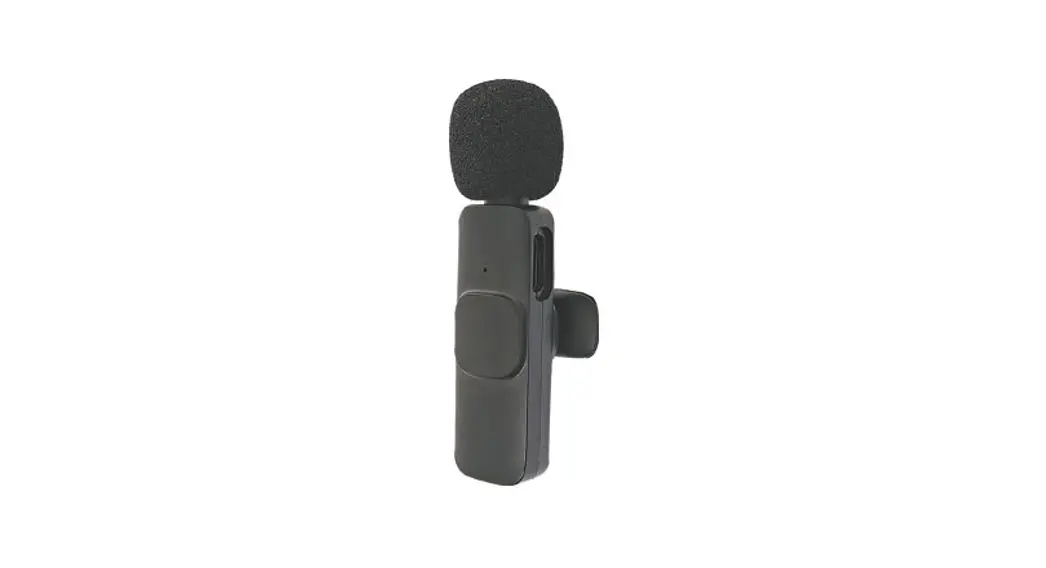
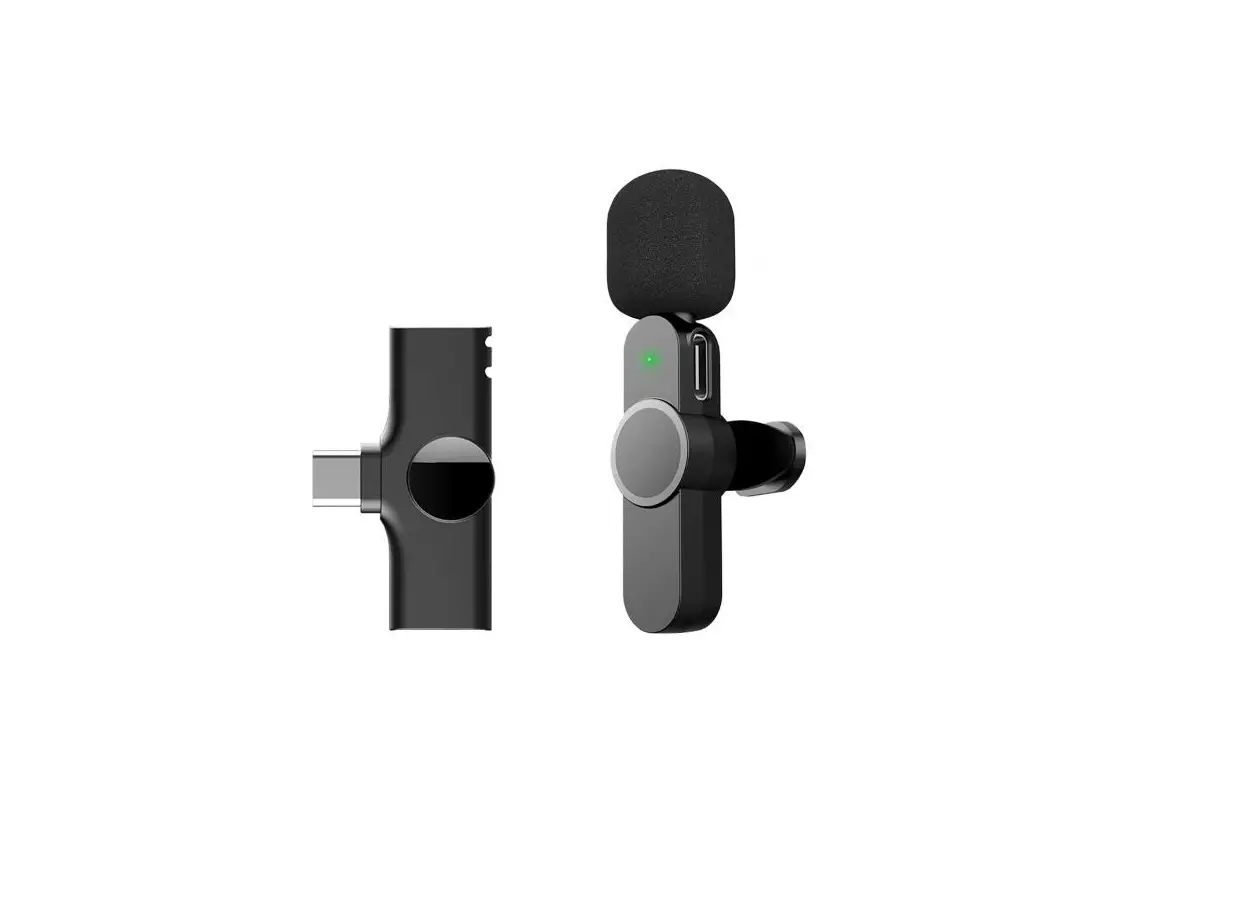
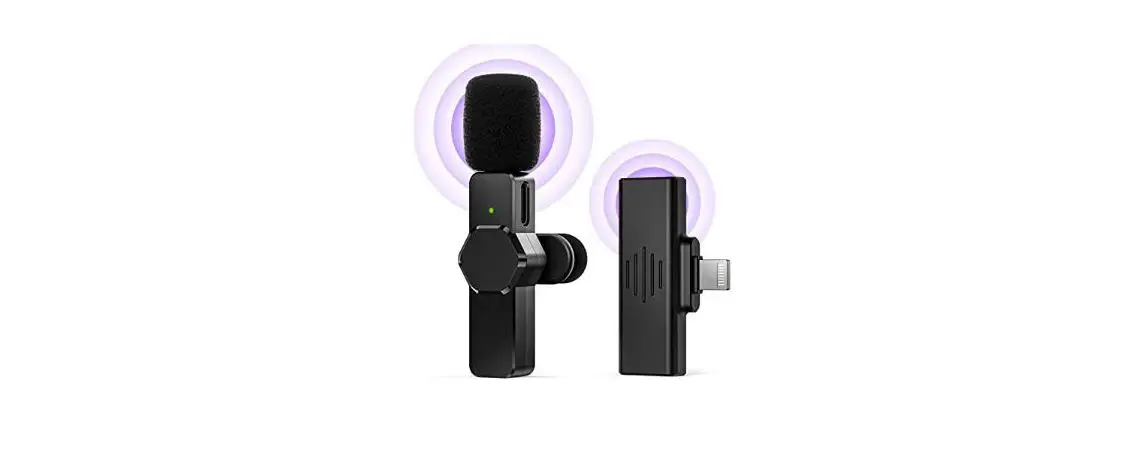
- Microphone transmitter
- Type-C/ Lightning receiver
- Type-C charging cable
- User manual
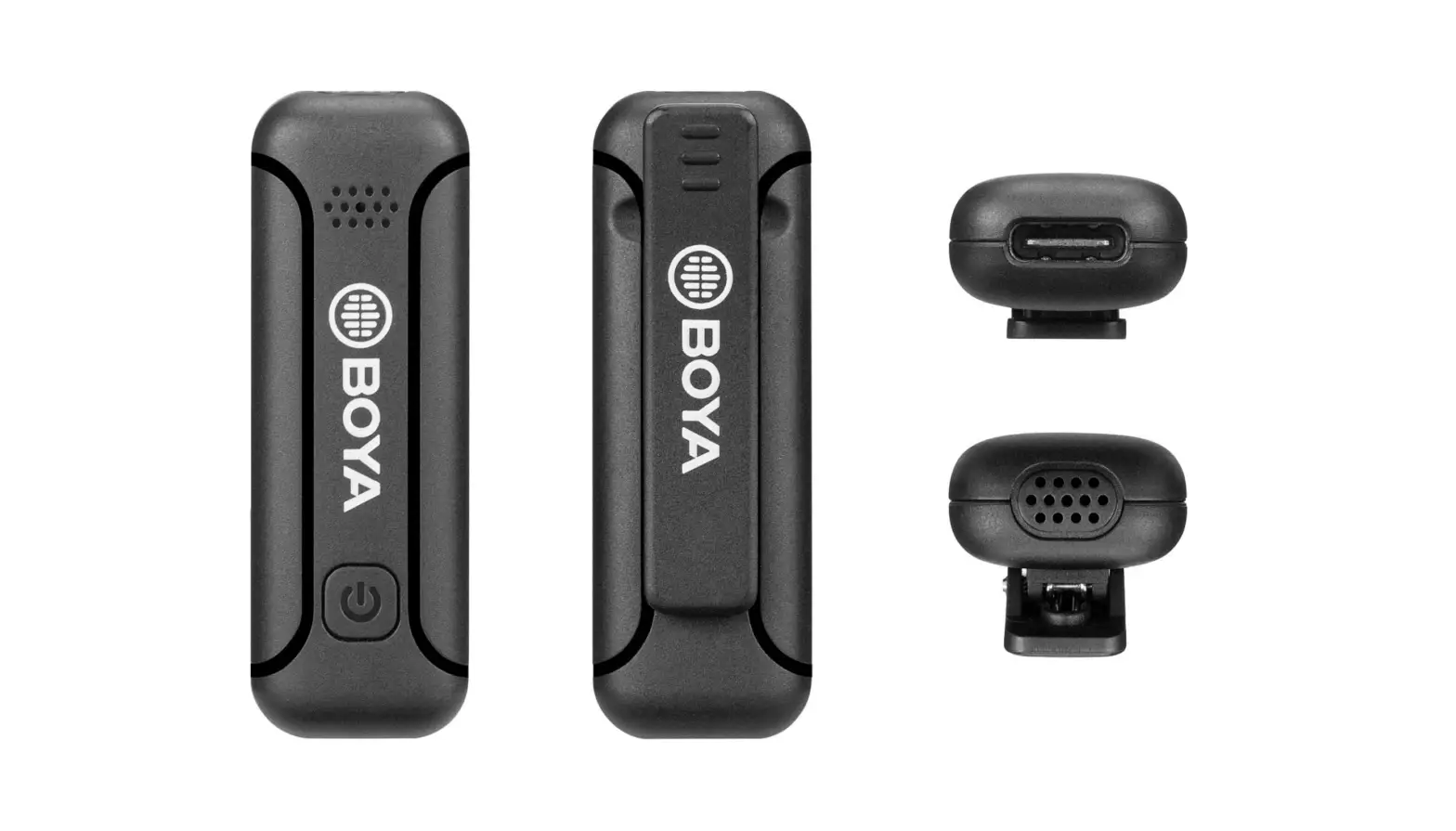
ID Diagram
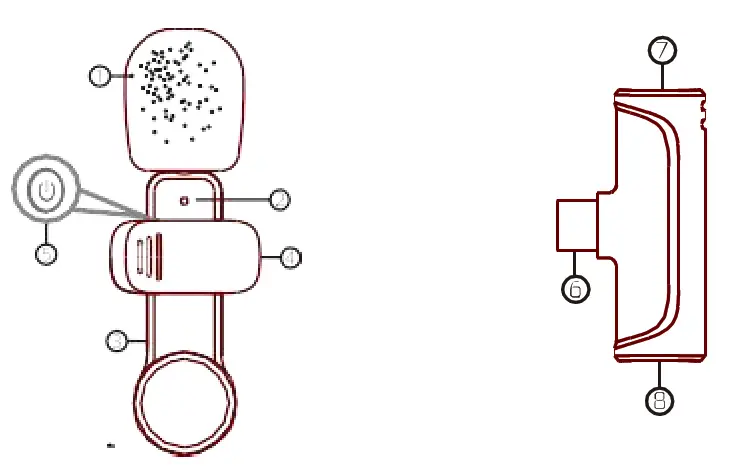
- Windproof net
- Microphone indicator
- Microphone Type-C charging port
- Microphone clip
- Turn on/Off/ Pause
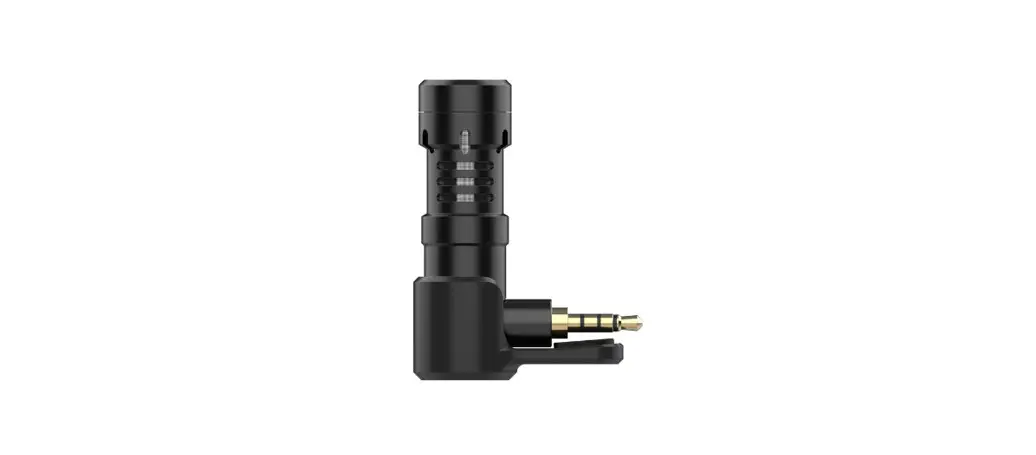
- Type-C/lightning port
- Receiver indicator
- Type-C/lightning port of receiver
Same phones may have incompatibility problems due to system please consult your clealre for details ***
How to use
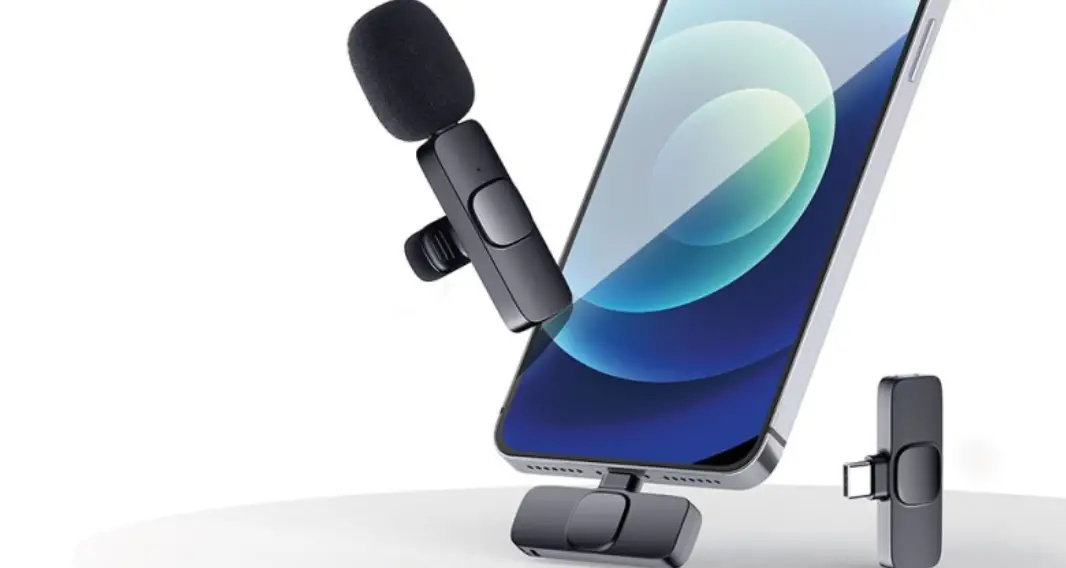
Step1 Plug the microphone receiver into the phoneAfter the plug-in, the receiver’s indicator turns red.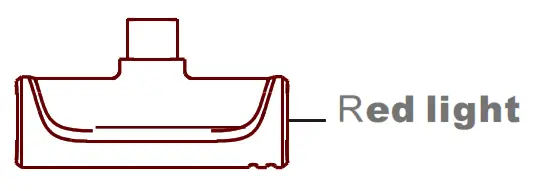 If the receiver’s indicator doesn’t turn red after plug-in, you need to (search “OTG” – turn on OTG power supply)
Step 2 Press the Turn on/Off/Pause button of the microphone. The indicator of microphone turns green.
Note, if it is the first time you use the microphone, it will search the receiver first for pairing. During searching, the indicator of the microphone turns between red and green. After successfully connected, the indicator turns green.
Now the microphone is ready to work.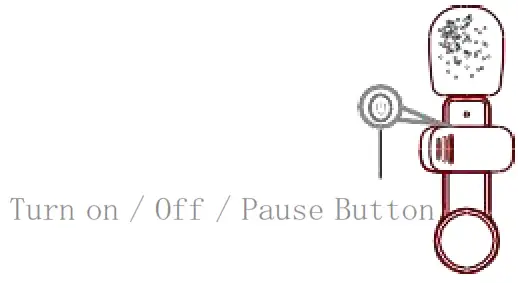
Note, to stop microphone from working, you can press the Turn on/Off/Pause button. The indicator of microphone flashes slowly.
When your phone is low battery, you can charge it through the type-c /lightning port of the receiver.
For phones with type-c port, charge it with the type-c cable. For phones with lightning port, charge it with the lightning cable.
Note, some models may not have this function. The actual product shall govern.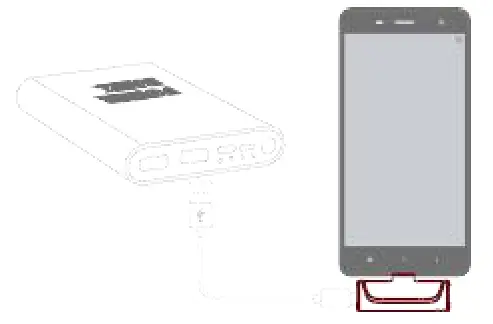
When the microphone is low battery, the indicator of the microphone flashes red light. Charge the microphone with the type-c cable.
Microphone Transmitter
| Function | How to use | Light |
| Power on | Press button | Red and green light flashing |
| Power off | Press button: for 3 seconds | Light off |
| Pairing | Red and green light flashing | |
| Paired | Green light | |
| Pause(Mute) | Press button | Green light flashing |
| Lowbat tery | Red light flashing | |
| Charging | Charging with Type-c cable | Charging – red light Fully Charged – light off |
Receiver
| Function | How to use | Light |
| Power on | Plug in the device | Red light |
| Power off | Plug off the device | Light off |
| Pairing | Red light flashing | |
| Paired | Red light |