
Antye 42144279 Wireless Microphone Lightning Receiver
Introduction
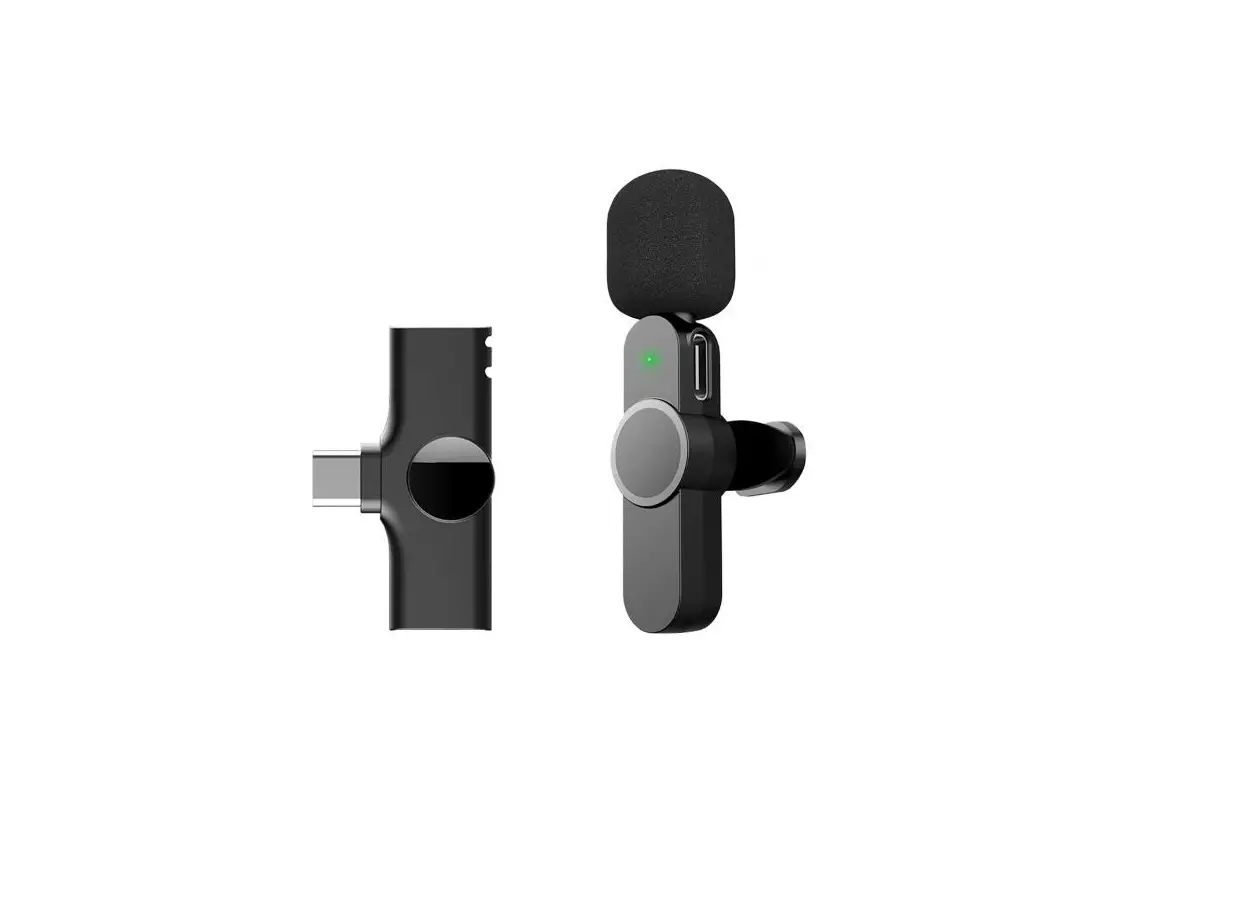
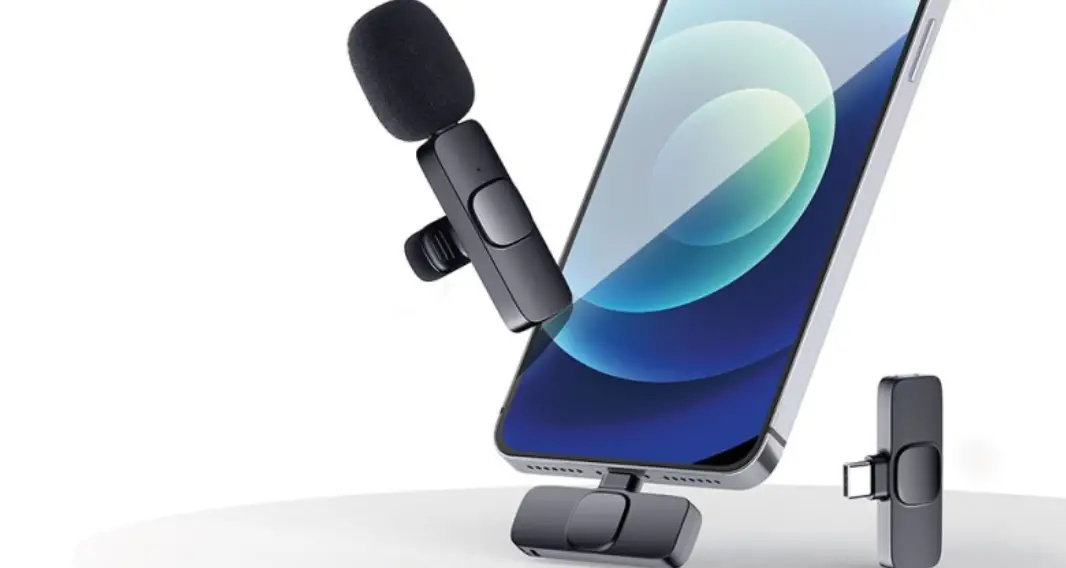
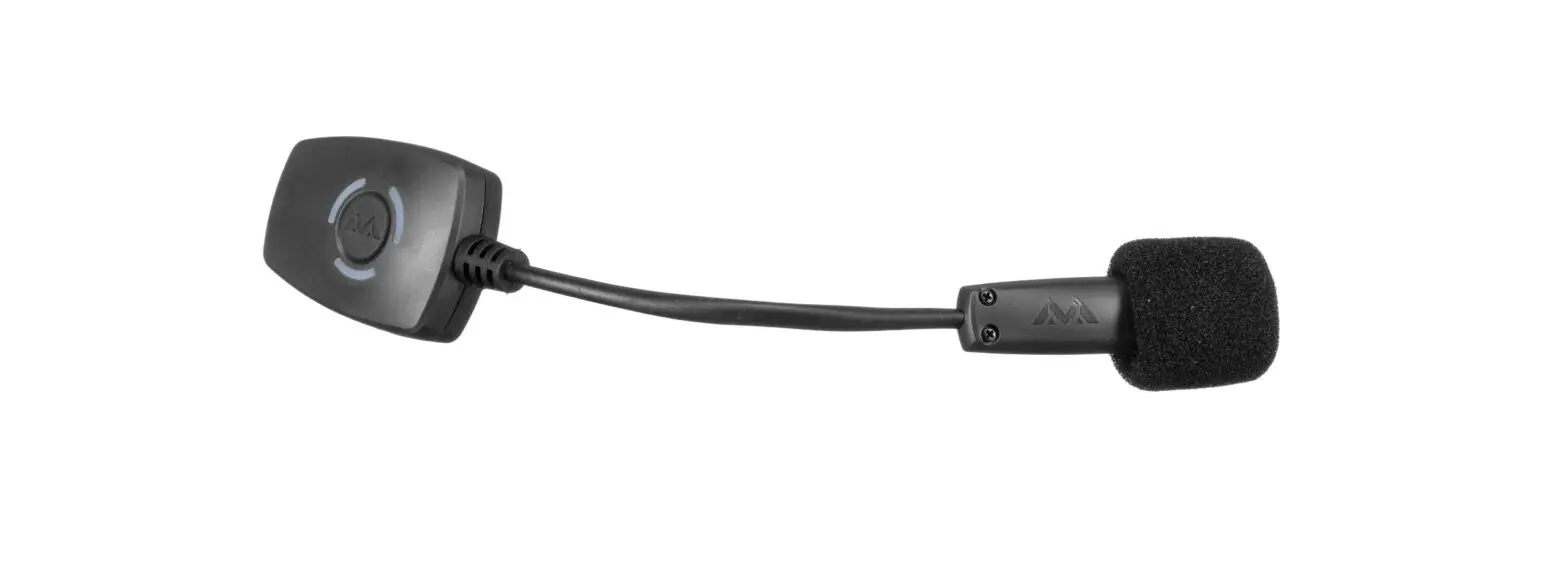
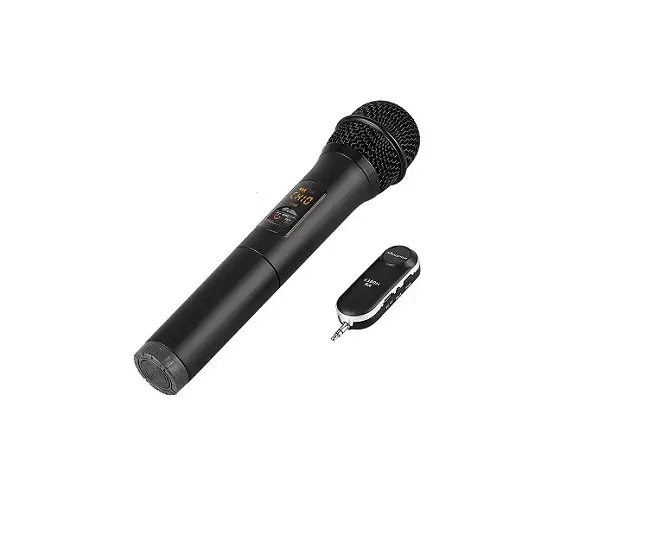
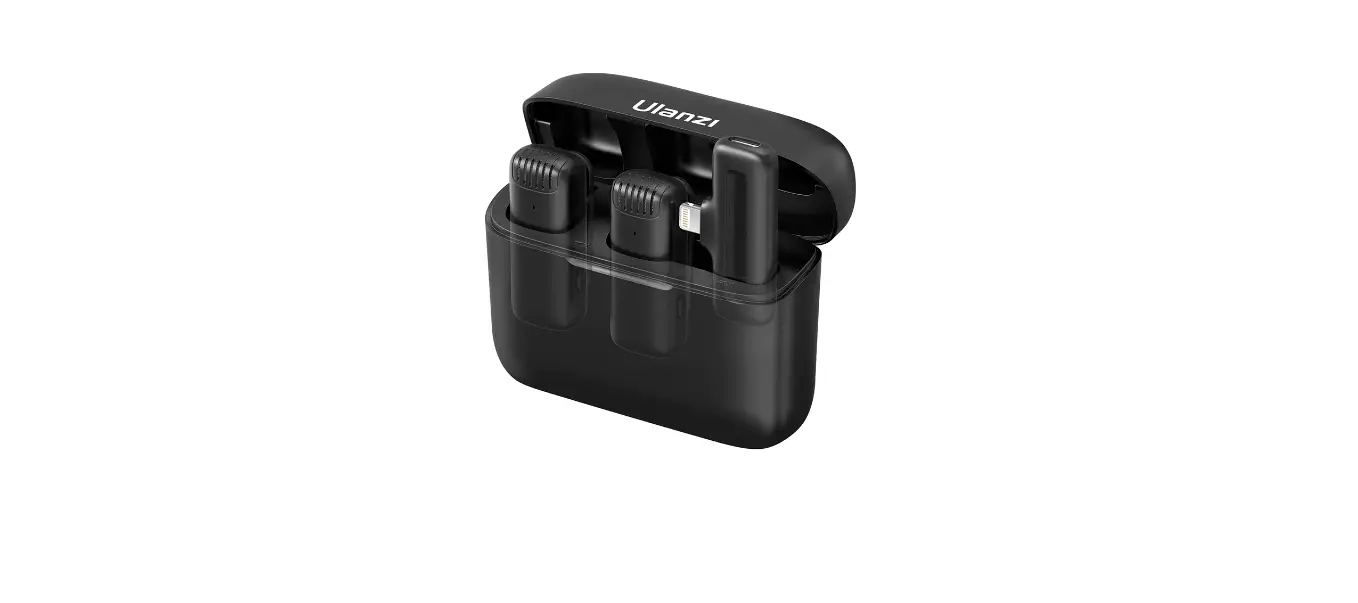
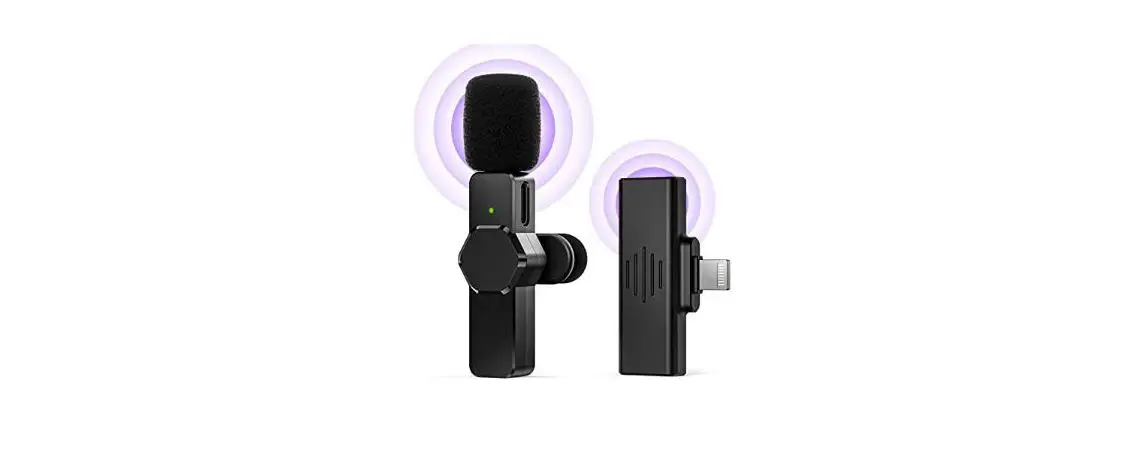
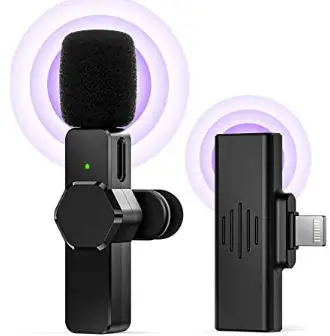
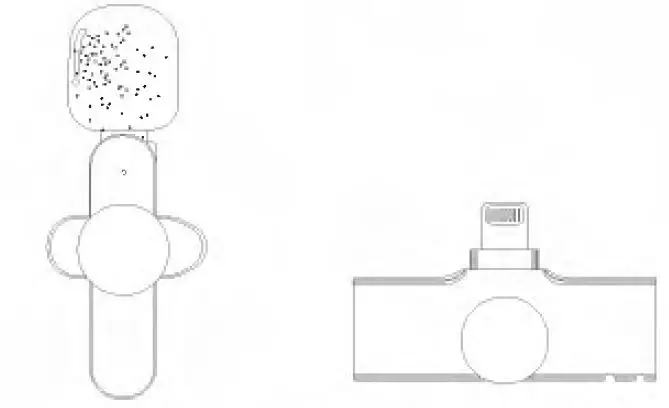
Thanks for choosing our product This product is a smart wireless microphone that provides professional-grade recording output. Plug and play, no app required. Multiple uses; It can be used in on line liv broadcast, video Vlog shooting, program intenview, recording, video teaching and other occasions. The wireless Microphone consists of two parts, one is Microphone transmitter , the other one is lightning receiver. (See as below picture)
- (Microphone transmitter)
- (Ughtning receiver)
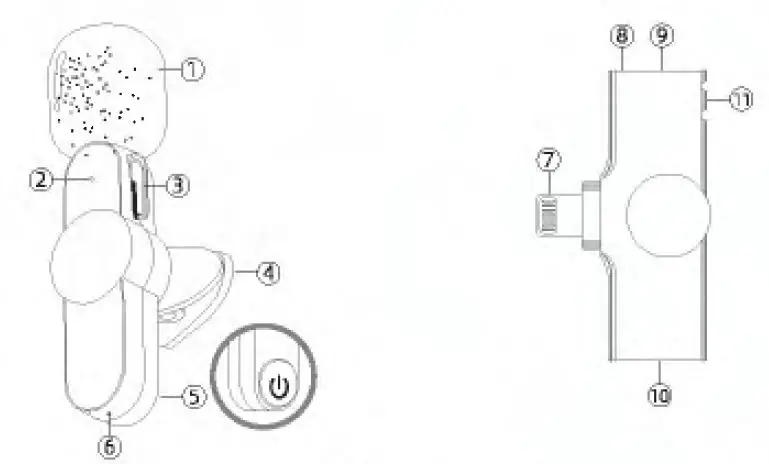
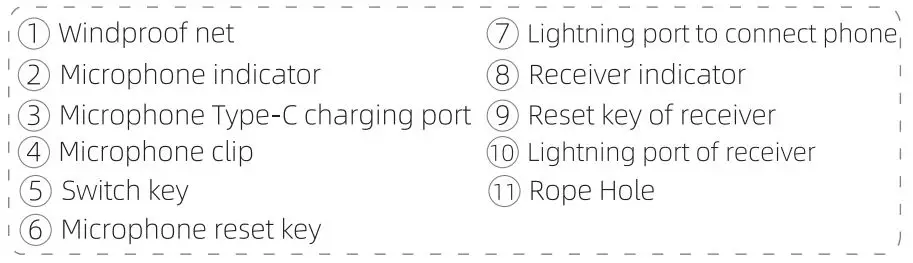
ID Diagram
~ The microphone is equipped with a t: Juitt:-in battery, which can be used only after being c1a·.;ied. The power of Type- supoUed by phone C®> ‘type-C port is for phone charging )
How to use
Step 1: Connect the lightning receiverto phone with lightning port. The connecuon is successful if the phone displays a small icon.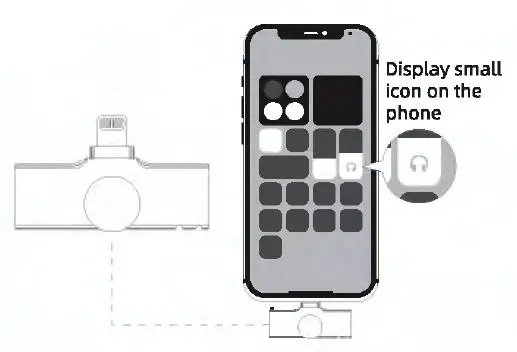
Step 2: Press switch key of microphone, the indicator light turns green, and then power is turned on.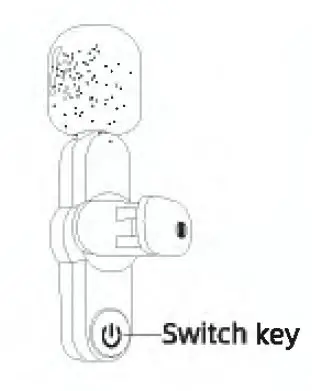
Step 3: The indicator red Light of receiver keeps always on, then open the phone camera, live App or other Apps, and then to use the microphone to receive sound.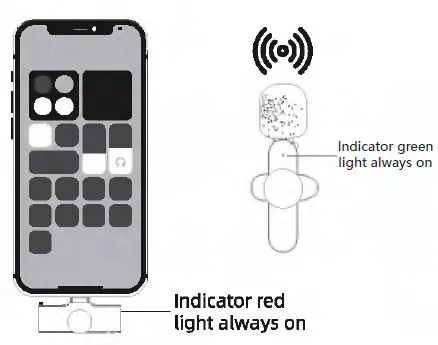
Special Note:
For the use of@)Lightning port; there is no battery in Lightning receiver , and no need to recharge during live. ~ the phone is low power during Live, it can be recharged directly through @I Lightning port.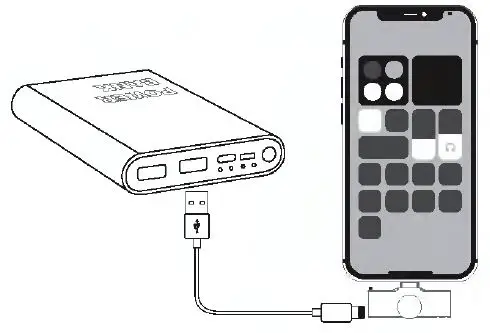
| t-unction Poweron | H ow to use Press switch key twice | Liglx Green light flashes |
| . Power off Charging | Press ,w ild, key abw:2seconds | Green light off |
| CharQlngwfth Type-<:cable | Blue light keeps on when charging and light off when fully charged | |
| PaiMng Paired | Green lightflaW!sslowly Green Ught keepso n | |
| LOWbaueryalarm Reset | B.lttery below lOlb | Bluelight$10Wly |
| Pressresetkey Oflce | ||
Lightning Receiver
| Function | How touse | Llglit |
| Power on | Plui;i in the device | Red l,ghto n |
| -off | l’tugoff the devia, | Light off |
| Pairing | Red l,ght fldshesSlOWlL_, Red light keeps on | |
| Pai1ed |
Packing List
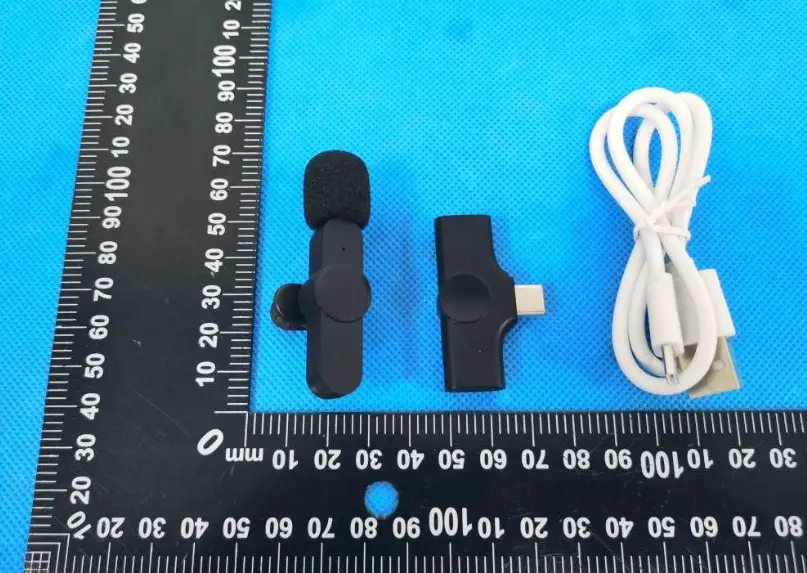
- Microphone transmitter
- Lightning receiver
- Type-c charging cable
- Lightning receiver lanyard
- Mic clip
- Windproof net
After-sales guarantee
·Warranty period: 3 months from the date of purchase;
- For defects that can be used normally, such as initial defects and natural failures We can guarantee.
- If there is an emergency or do not understand the operation and other problems, you can contact the email address ([email protected]). We will solve the problem for you as soon as possible.