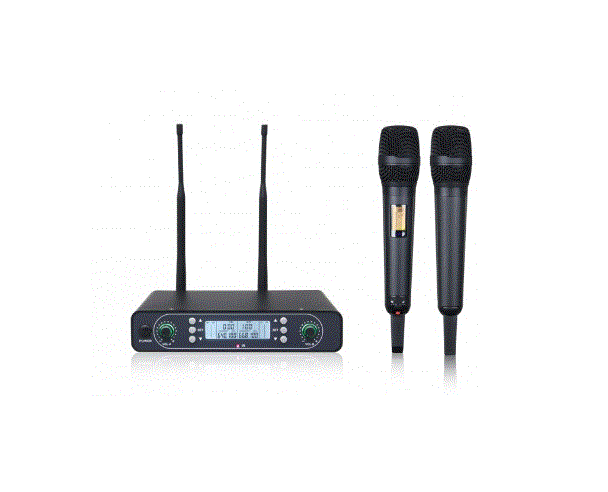
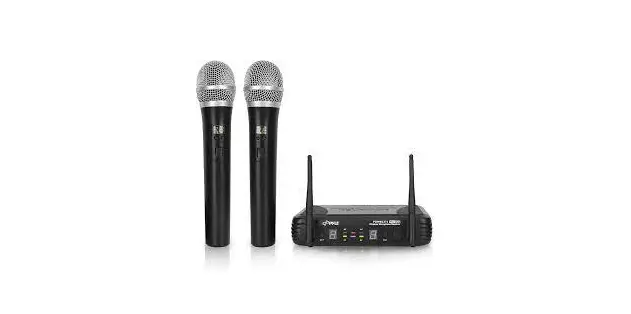
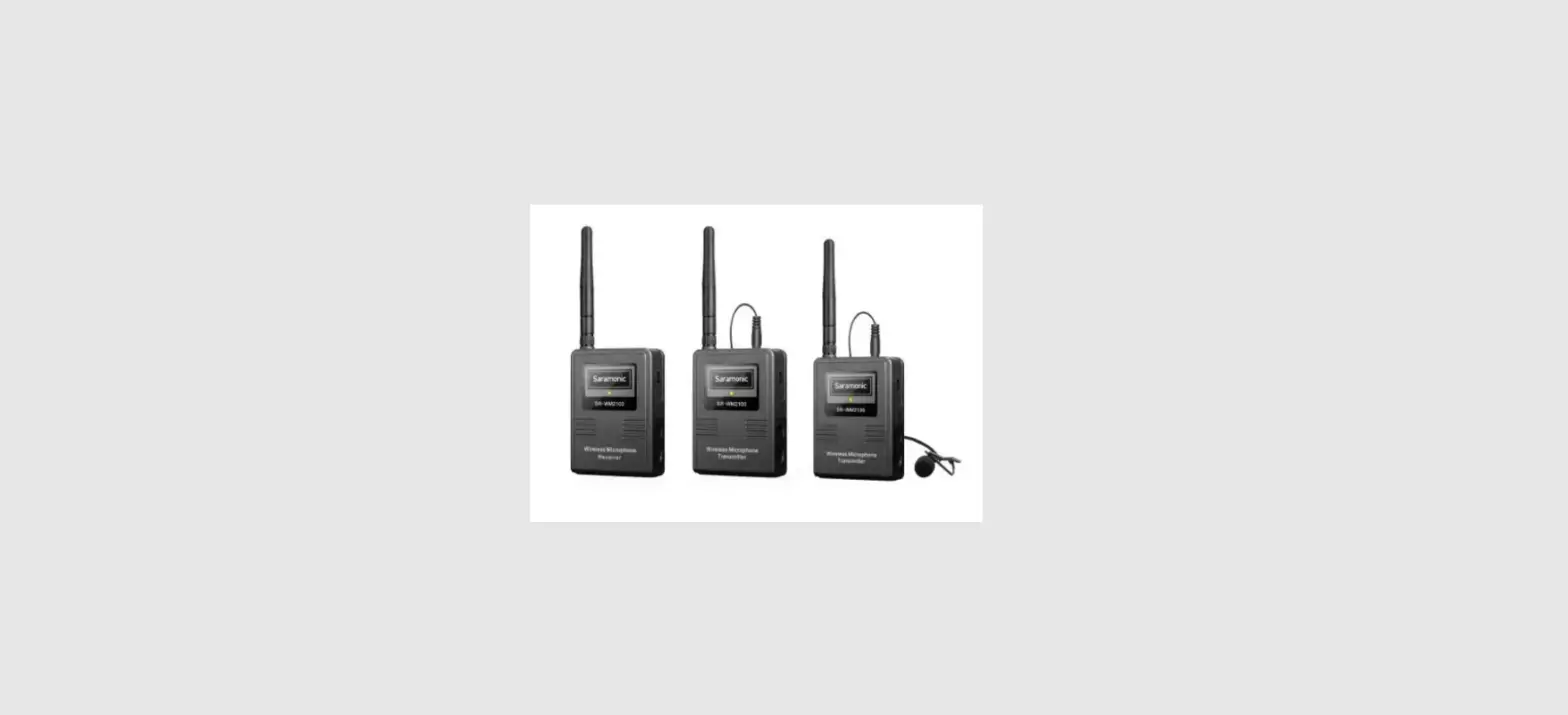
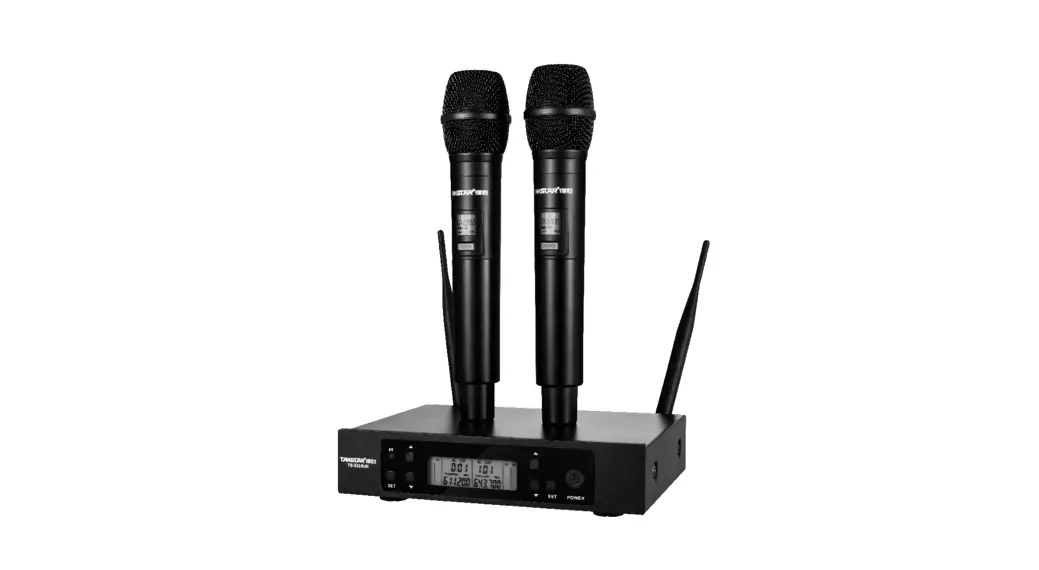
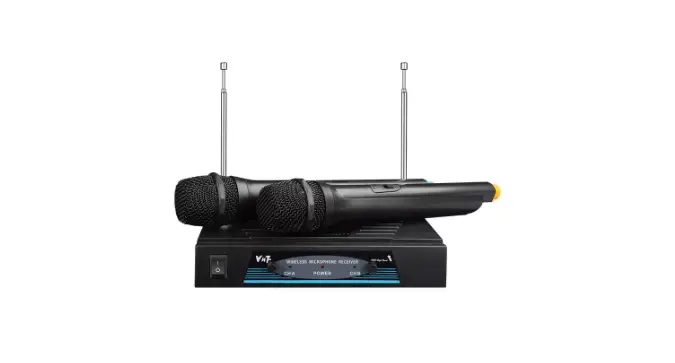
WH-210 Wireless Microphone System
Product Information
Product Name: WH-210
Frequency Range: UHF
Frequency Response: 50Hz-15KHz
Impedance: 50 ohms
Product Usage Instructions
- Connect the WH-210 wireless headset to the compatible
device. - Ensure that the headset is powered on and in pairing mode.
- On the compatible device, enable Bluetooth or wireless
connectivity. - Search for available devices and select WH-210 from the
list. - If prompted, enter the pairing code provided in the user
manual. - Once paired, the WH-210 headset is ready for use.
- Adjust the volume level using the controls on the headset or
the connected device. - To charge the headset, connect it to a power source using the
provided charging cable. - When not in use, store the WH-210 in a cool and dry place to
prolong its lifespan.
Note: For more detailed instructions on pairing and usage,
please refer to the complete user manual provided with the
product.
WH-210
×1 ×2 USB×1 ×2 ×2 AA×4 ×1 ×1
/
UHF
50Hz-15KHz 50
<1% 640-690MHz 748-758MHz 902-928MHz
PLL
30ppm
DC5V1A 6.35mm 100g
150×32×26mm
PLL
30ppm -54dB LED
2×AA 255g
245×36×54mm
WH-210
Receiver×1 WirelessTransmitter×2 USBCable×1 FoamCover×2 Anti-slipRings×2 AABatteries×4 UserRegistrationCard×1 UserManual×1
SYSTEMSPECIFICATIONS
RECEIVER
TRANSMITTER
Type
FrequencyResponse WorkingDistance Thd+n NormalFrequencyRange THA/TWNFrequencyRange USFrequencyRange
UHF
50Hz-15KHz 50mLOS <1%
640-690MHz 748-758MHz 902-928MHz
OscillationFrequency
ChannelSelection FrequencyStability Display PowerSupply AudioOutputInterface Weight Size
PLLDigitalFrequency
Automatic 30ppm
IndicatorLamp DC5V1A 6.35mm 100g
150×32×26mm
OscillationFrequency
ChannelSelection FrequencyStability Core Sensitivity Display PowerSupply Weight Size
PLLDigitalFrequency
Automatic 30ppm
Dynamic -54dB LED
2×AABatteries 255g
245×36×54mm
WH-210
FREQUANCY
BMB International Japan
MODEL: WM-10 Design & Engineering in Japan Made in China
Serial No. XXXXXXXX
A
+
–
6.35mm
Type-C
LED
()
15
Receiver positive
WH-210
Transmitter
Receiver side
FREQUANCY
BMB International Japan
MODEL: WM-10 Design & Engineering in Japan Made in China
Serial No. XXXXXXXX
A
Volume+Button
Pressthisbutton,increasethevolume.
Volume-Button
Pressthisbutton,reducethevolume.
PowerLight
Bootstate,thegreenlightnormallyon;Lowpower state,theredlightflashing;Charging,theredlight normallyon(Charge,agreenlightnormallyon).
WorkingIndicatorLight
Slow receiver not connected, the green light flash; Receiver is connected, the greenlightnormallyon;,normalreceive audiosignals,thegreenflash.
6.35mmAudioPort
Insertthedevicebootcanbeused.
Type-CInterface
Charginginterface.
PowerButton
Pressthisbuttontheindicatorlightonandreadyforuse.
BatteryPack
Unscrewthetailpipe,thetwobatteries intothebatterycard.
PowerButton
Push down this button information displaywilllightup,canbecarriedout afteroperationanduse.
LEDDisplay
Aninformationdisplay,displayinformation suchasfrequency,batteryconsumption. (Frequencyshownareforreferenceonly)
FrequancyButton
Upto15frequencybandchannel
switchingcanbeachieved.
Channel
Identifythechanneltowhichthetransmitter.
WH-210
1 2s/ 2 ” +” ” -” //
1 2s/ 2 FREQUANCY
1. 2. 3.(FREQUENCY) 4.5 5.
1.FREQUANCY 2. ()
BMBInternationalJapan www.bmb.com
:
This device complies with Part 15 of the FCC Rules. Operation is subject to the following two conditions: (1) this device may not cause harmful interference, and (2) this device must accept any interference received, including interference that may cause undesired operation
NOTE: This equipment has been tested and found to comply with the limits for a Class B digital device, pursuant to Part 15 of the FCC Rules. These limits are designed to provide reasonable protection against harmful interference in a residential installation. This equipment generates, uses and can radiate radio frequency energy and, if not installed and used in accordance with the instructions, may cause harmful interference to radio communications. However, there is no guarantee that interference will not occur in a particular installation. If this equipment does cause harmful interference to radio or television reception, which can be determined by turning the equipment off and on, the user is encouraged to try to correct the interference by one or more of the following measures: — Reorient or relocate the receiving antenna. — Increase the separation between the equipment and receiver. — Connect the equipment into an outlet on a circuit different from that to which the receiver is connected. — Consult the dealer or an experienced radio/TV technician for help.
Warning: changes or modifications not expressly approved by the party responsible for compliance could void the user’s authority to operate the equipment
The devices has been evaluated to meet general RF exposure requirement the device can be used in portable exposure condition without restriction
WH-210
RECEIVERUSETHEOPERATINGSTEPS
1PowerOn Pressthepower-onbuttonfor2stoturnon/offthereceiver. 2Volume adjustment Underthereceiveron,clickonthe”volume+”Button,thevolumeincrease,Simultaneouslyworkingindicatorlightflash;Clickonthe”volume-” Button, the volume decrease, at the same time working indicator light flash., after the adjustment to the maximum/minimum volume, click again according to the volume buttons, work lights flash three times. The working lights flashes three times to indicate that the volume has reachedthemaximum/minimumvalue.
TRANSMITTERUSETHEOPERATINGSTEPS
1PowerOn Longpresspowerbutton2s,realizethetransmitteron/offthepower.
2Built-in FM Press”FREQUANCY”buttons,canchoosetherequiredfrequency.
SPECIALSTATEMENT
This product before delivery, the default matching, as a result, the user without additional matching operation before use. Such as individual matchingfailurecondition,thepairingstepsbelowforreference. 1.Please close the transmitter and receiver. 2.Unscrew transmitterthetailpipe,installthebatteryintothebatterycompartmentsoftransmitter. 3.PushthetransmitterFMlongshutdownstate,don’tletgo,pressthepowerbuttonatthesametime,untilthefastscintillationscreen,andthen synchronizationloosenthebutton.(“FREQUENCY”Buttonandpowerbuttonsynchronousrelease). 4.Longpressonthereceiverpowerbutton,after5seconds,agreenlightflashing,presslaunchFMkeypad.Ifreceivermatchinglightisnormallyon afterflashing,matchingsuccess. 5.Closethetransmitter,thentightentheemissiontailpipe,pairingiscomplete.
MULTIPLESETSOFEQUIPMENTDEVELOPMENT,ROUNDINGOPERATION
Productssupportmultiplesetsofequipmentusedatthesametime,pleaserefertothefollowingoperationinstructions.
1.Whenthepowerison,unscrewthetransmittertailpipeandclickthe”FREQUANCY”buttontoswitchthefrequency. 2.When the switching frequency to set all the transmitter respectivelyto different frequencies, in conditions allow, as far as possible frequency
intervals,toensurethetransmitternoninterferenceatwork(atthemultiplesetsofequipmentusedatthesametime,ifthetwosetsoftransmitter
infrequencyatthesametime,thetransmitterwillnotwork).
BMBInternationalJapan www.bmb.com
Receivershaftparts,worryaboutcliphand;
WARNING: Thereceiveroutputplugandsharp.