TEFIRE B09FDC5QKJ Calf-1 Wireless Microphone for Iphone User Manual
Introduction
Thanks for choosing our product. This product is a smart wireless microphone that provides professional-grade recording output. Plug and play, no app required. Multiple uses: It can be used in online live broadcast, video Vlog shooting, program interview, recording, video teaching and other occasions.
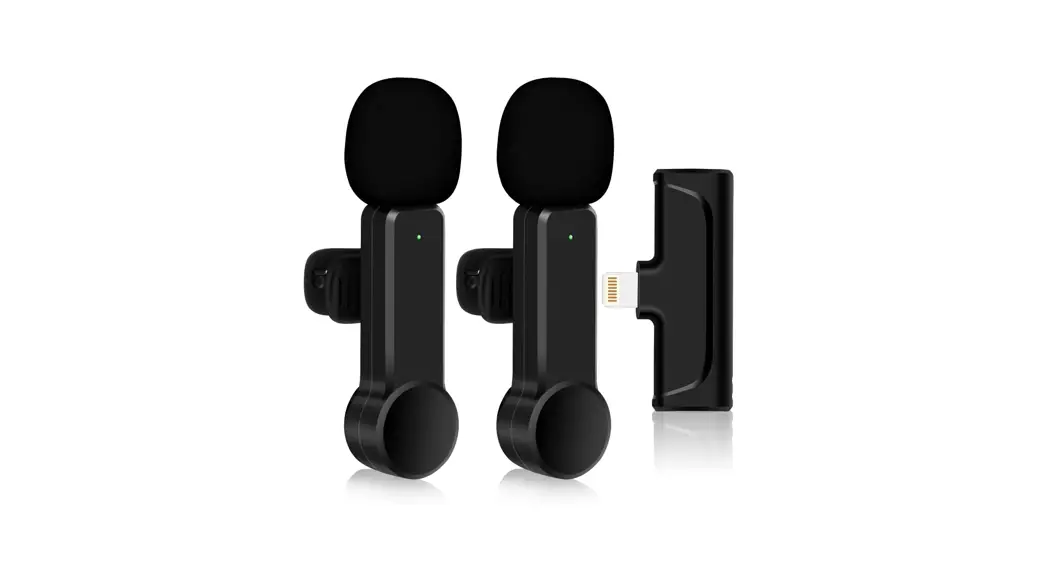
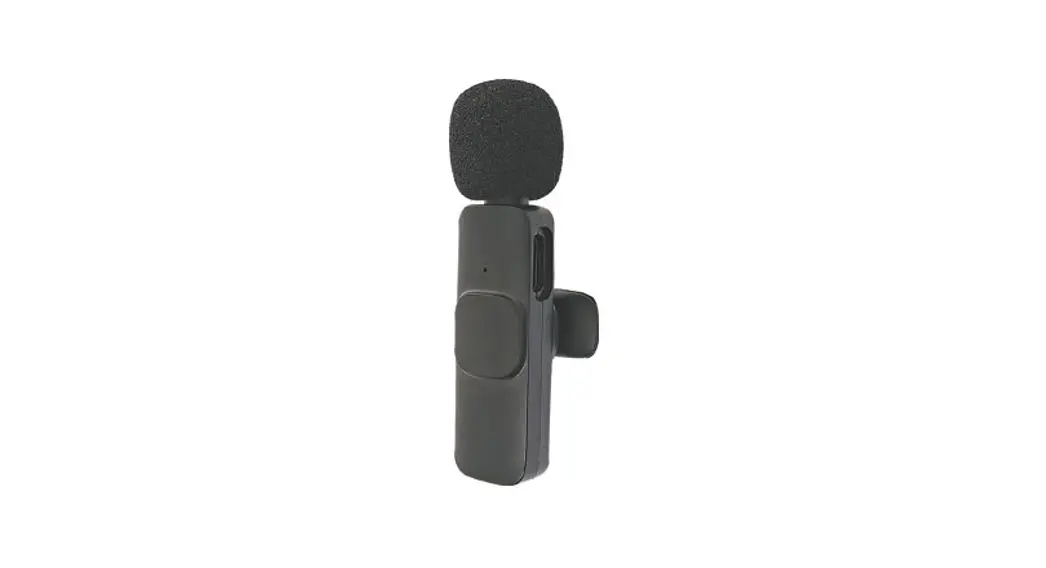
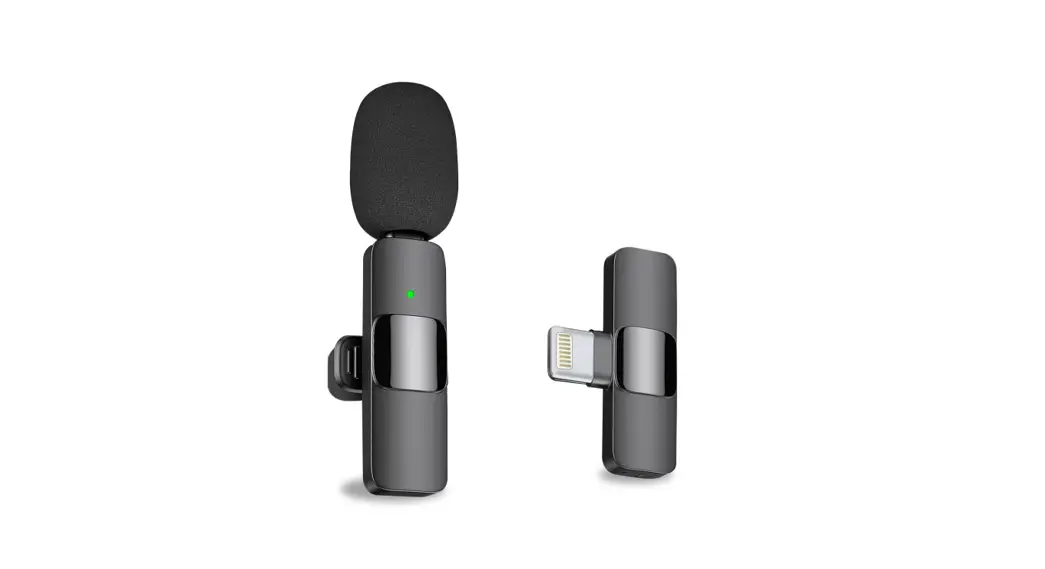
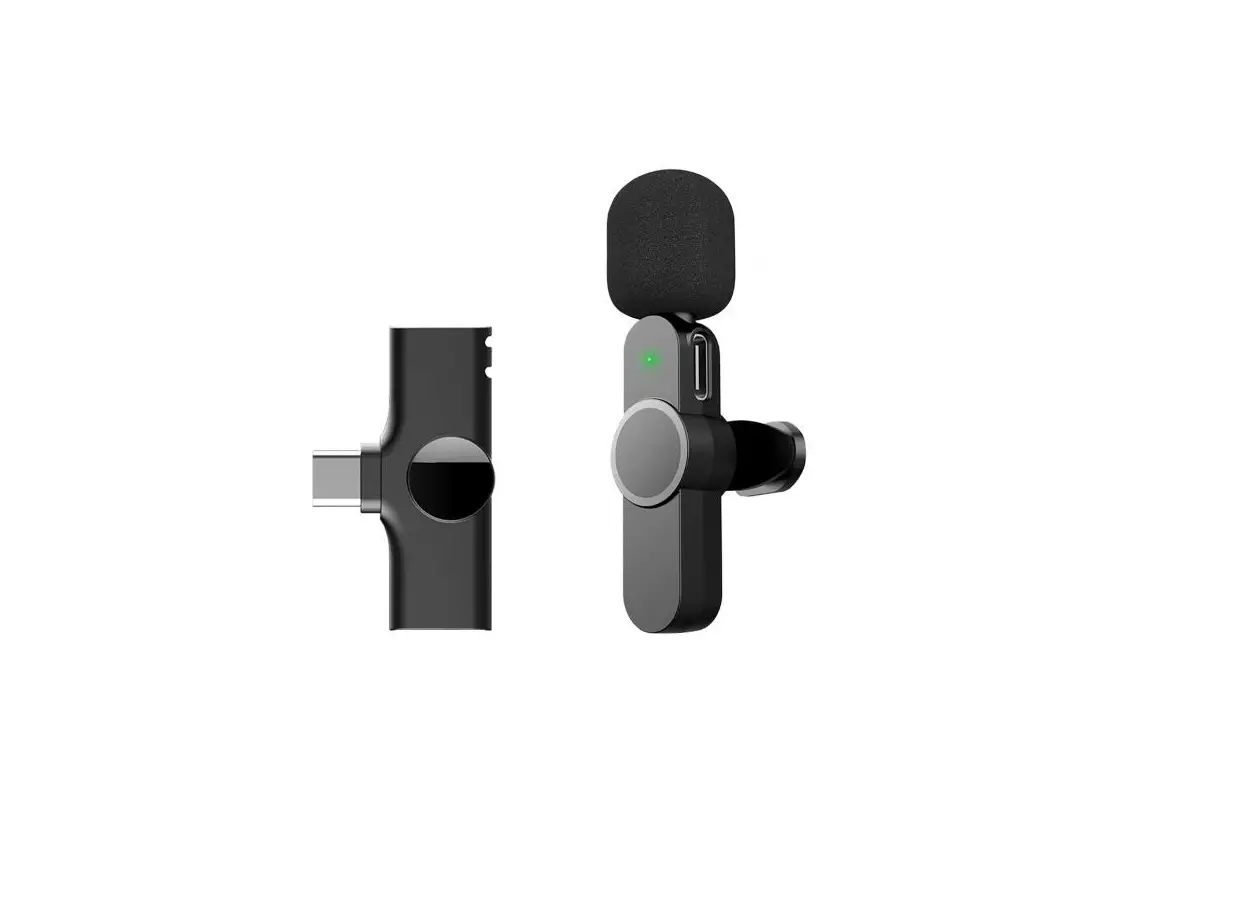
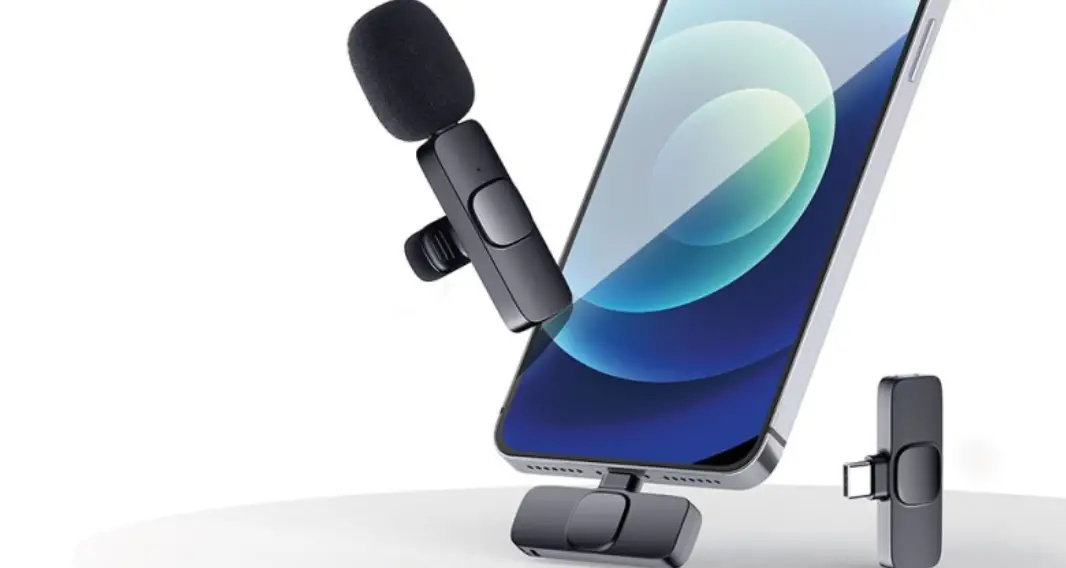
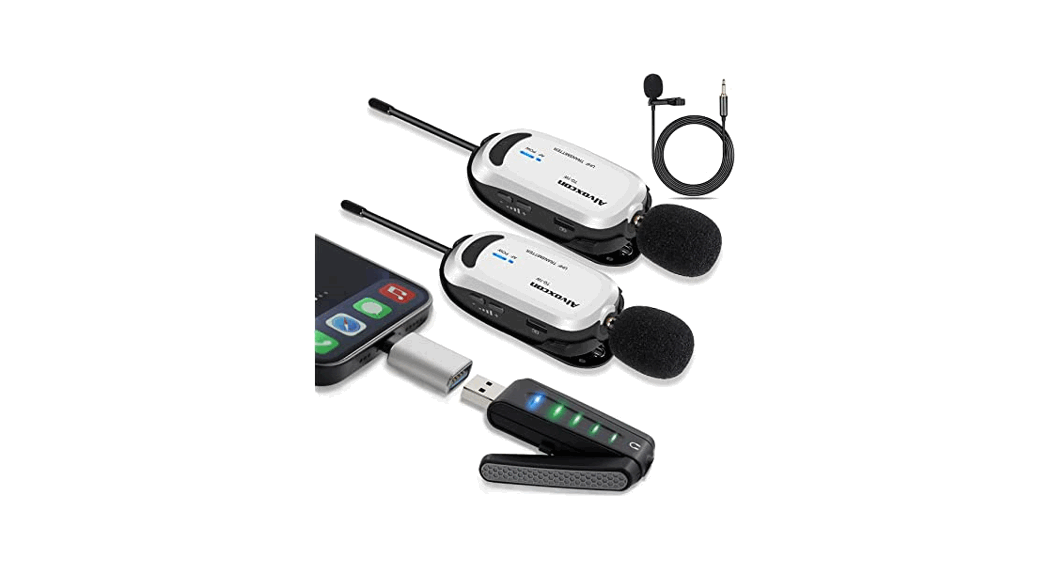
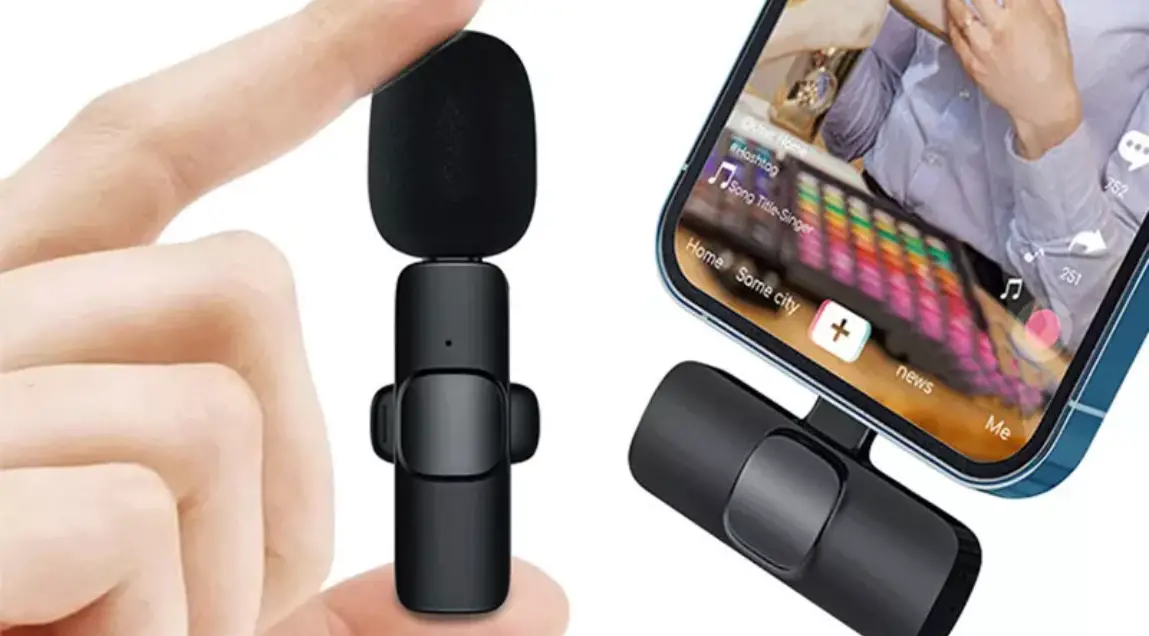
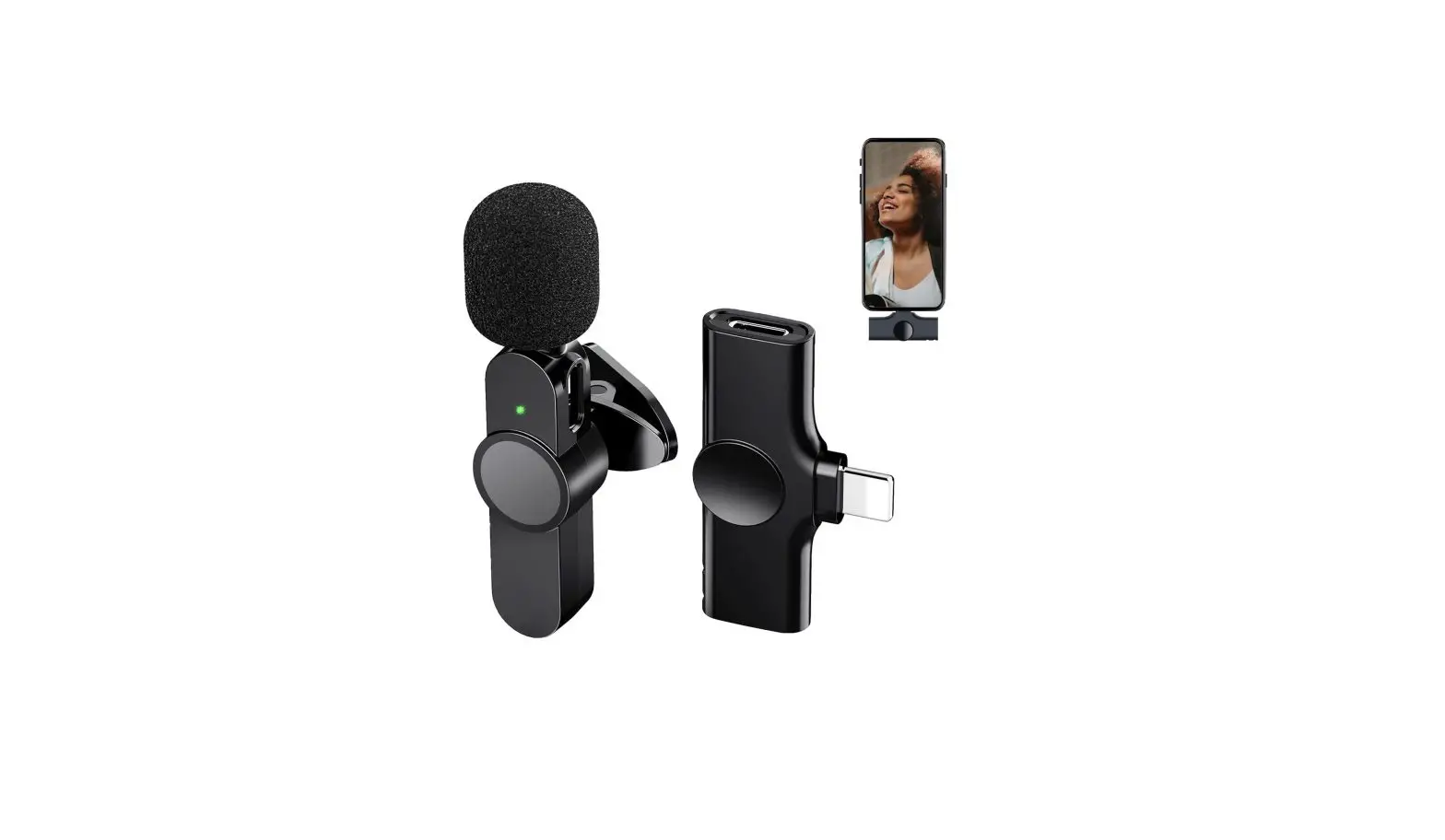
The wireless Microphone consists of two parts, one is Microphone transmitter, the other one is lightning receiver. (See as below picture)
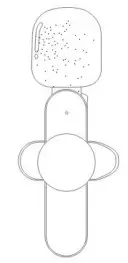
(Microphone transmitter)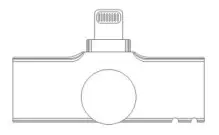
(Lightning receiver)
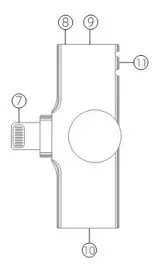
ID Diagram
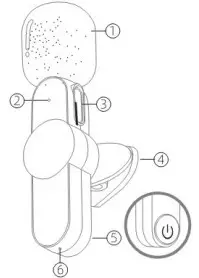
- Windproof net
- Microphone indicator
- Microphone Type-C charging port ,
- Microphone clip
- Switch key
- Microphone reset key
- Lightning port to connect phone
- Receiver indicator
- Reset key of receiver to lightning port of receiver
- Rope Hole
The microphone is equipped with a built-in battery, which can be used only after being charged. The power of Type-C receiver is supplied by phone (al)Type-C port is for phone charging )
How to use
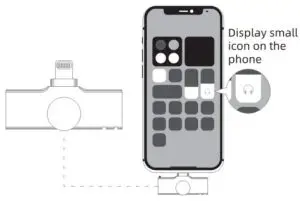
Step 1: Connect the lightning receiver to phone with lightning port. The connection is successful if the phone displays a small icon.
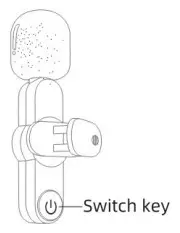
Step 2: Press switch key of microphone, the indicator light turns green, and then power is turned on.
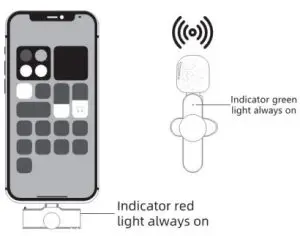
Step 3: The indicator red light of receiver keeps always on, then open the phone camera, live App or other Apps , and then to use the microphone to receive sound.
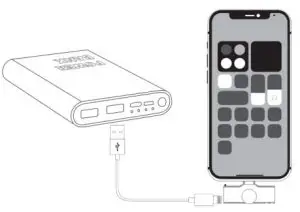
Special Note: For the use of (10) Lightning port : there is no battery in Lightning receiver , and no need to recharge during live. If the phone is low power during Live, it can be recharged directly through (10) Lightning port.
About UI
MicroPhone Transmitter
| Function | How to use | Light |
| Power on | Press switch key twice | Green light flashes |
| Power off | Press switch key about 2 seconds | Green light off |
| Charging | Charging with Type-C cable | Blue light keeps on when charging and light off when fully charged |
| Pairing | Green light flashes slowly | |
| Paired | Green light keeps on | |
| Low battery alarm | Battery is below 20% | Blue light flashes slowly |
| Reset | Press reset key once |
Lightning Receiver
| Function | How to use | Light |
| Power on | Plug in the device | Red tight on |
| Power off | Plug off the device | Light off |
| Pairing | Red light flashes slowly | |
| Paired | Red light keeps on |
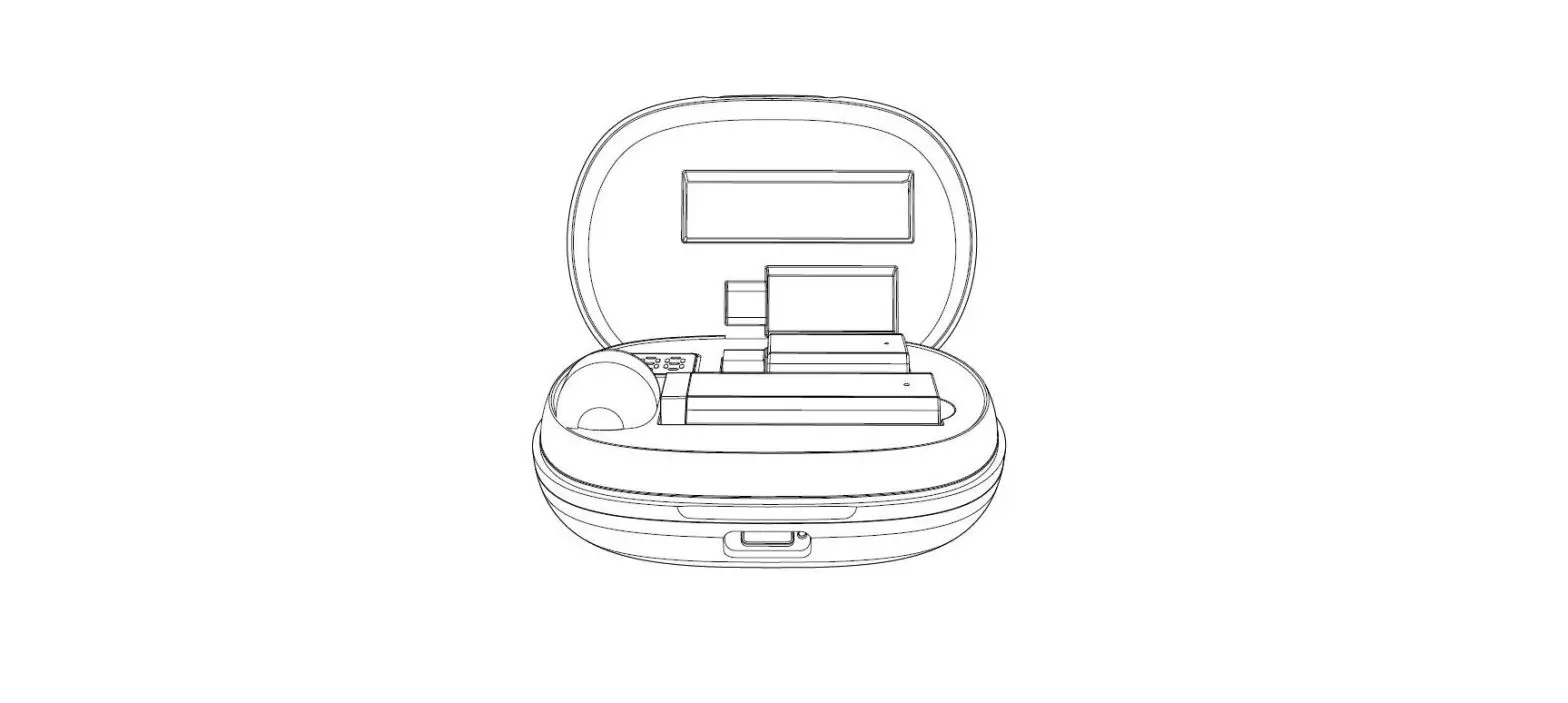
Packing List
Content of packing
- Microphone transmitter
- Lightning receiver
- Type-C charging cable
- User manual
- Lightning receiver lanyard
In case of special circumstances where pairing is not possible: Please find the equipment(microphone transmitter OR receiver) with the slower blinking frequency and insert it into the reset hole of this equipment using the card pin and press it twice quickly to make a successful pairing.
After-sales guarantee
Warranty period: 3 months from the date of purchase;
- For defects that can be used normally, such as initial defects and natural failures We can guarantee.
- if there is an emergency or do not understand the operation and other problems, you can contact the email address ([email protected]). We will solve the problem for you as soon as possible.