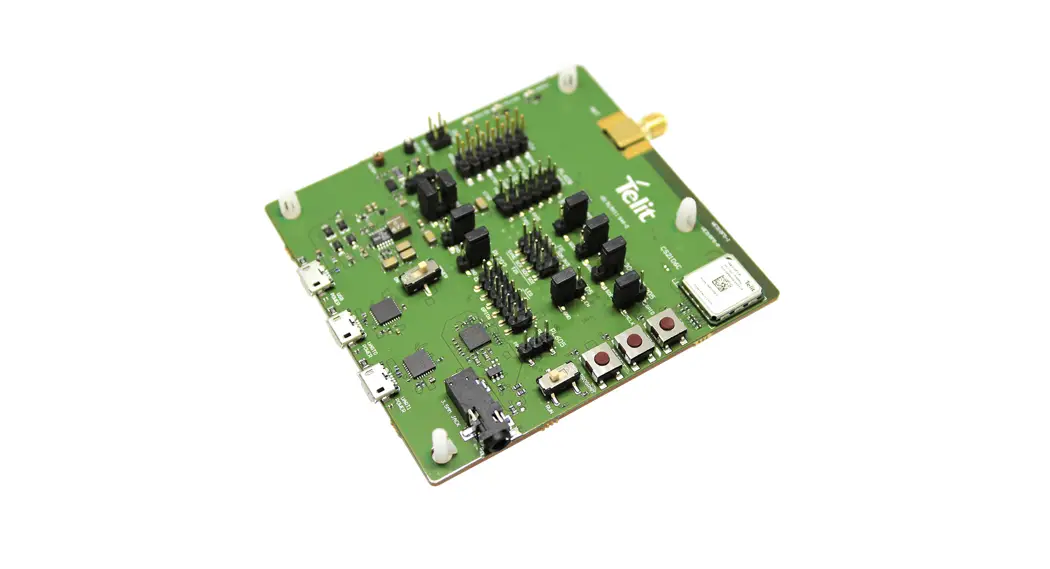


WE310F5-I/P
Quick Setup Guide
1VV0301671 Rev. 7 2021-07-16
Telit Technical Documentation
Program the WE310F5 Module
- Connect the micro-USB UART1 port to your system.
- Change the toggle switch position to Program.
- Download and unzip the Telit_Wifi_Image_Tool.
For download information, see Resource Links. - Open the Telit_Wifi_Image_Tool folder.
- Open the Telit_Wifi_Image_Tool application.
- Click Browse.
- Navigate to the Telit_Wifi_Image_Tool and select s2w.bin file.
- To initiate the flash, click Program.
- After the flash process is complete, click OK.
- Close the Telit_Wifi_Image_Tool.
The WE310F5 EVB is ready to configure.
Configure the WE310F5 Module
- Connect the micro-USB cable to the UART0 port.
- Change the toggle switch position to Run.
- Open Tera Term > Setup > Serial Port.
- Set the BAUD rate. The WE310F5 EVB is ready to use.
Prerequisites:
- Ensure to connect the module and the node to the same WPA2 Secured Wi-Fi network.
- Insert the SIM card in the appropriate SIM card slot.
Wireless Mode- Station Mode
- To set the module in Station Mode: AT+WNI=0.
- To connect the network to L3:
- AT+WNCN=1,”Telit_WiFi”,”Password123″,11
Wireless Mode- AP Mode
- To set the module in AP Mode: AT+WNI=1.
- To configure the IP:
AT+WNIPC=0,1,192.168.5.1,255.255.255.0,192.168.5.1 - To configure the node in AP Mode:
AT+WNAPIPC=0,192.168.5.3,192.168.5.20,86400000
Bluetooth Mode- Station Mode
- To scan the available Bluetooth devices: AT+BI=1.
- For DUT peripheral connection:
Device 1
AT&W0
AT+YSR
AT+BI=1
AT+BICAP=0
AT+BADVINTMIN=60
AT+BADVINTMAX=60
AT+BADVE=1
AT+BATTRIB=”pserv”,”uuid=1234″
AT+BATTRIB=”char”,”prop=0x0c”,”uuid=5678″
AT+BATTRIB=”charval”,”perm=0011″,”len=1″,”val=0x30″
AT+BATTRIB=”complete”
AT+BOAD
AT+BI=1
AT+BCONINTMAX=1000
AT+BCONINTMIN=1000
AT+BCONNECT=”00217E368’22”,”t2″
WE310F5 Products
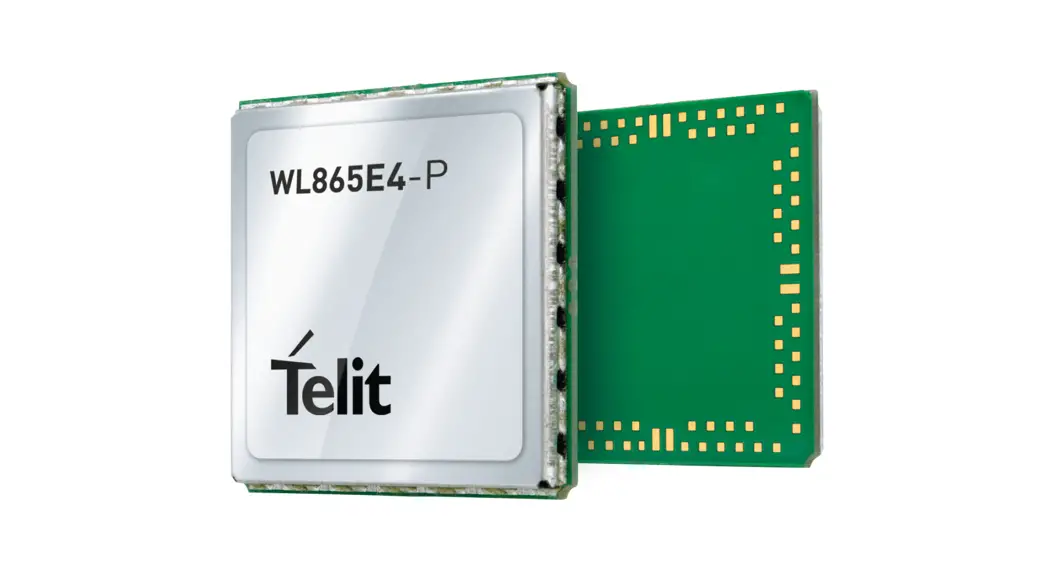
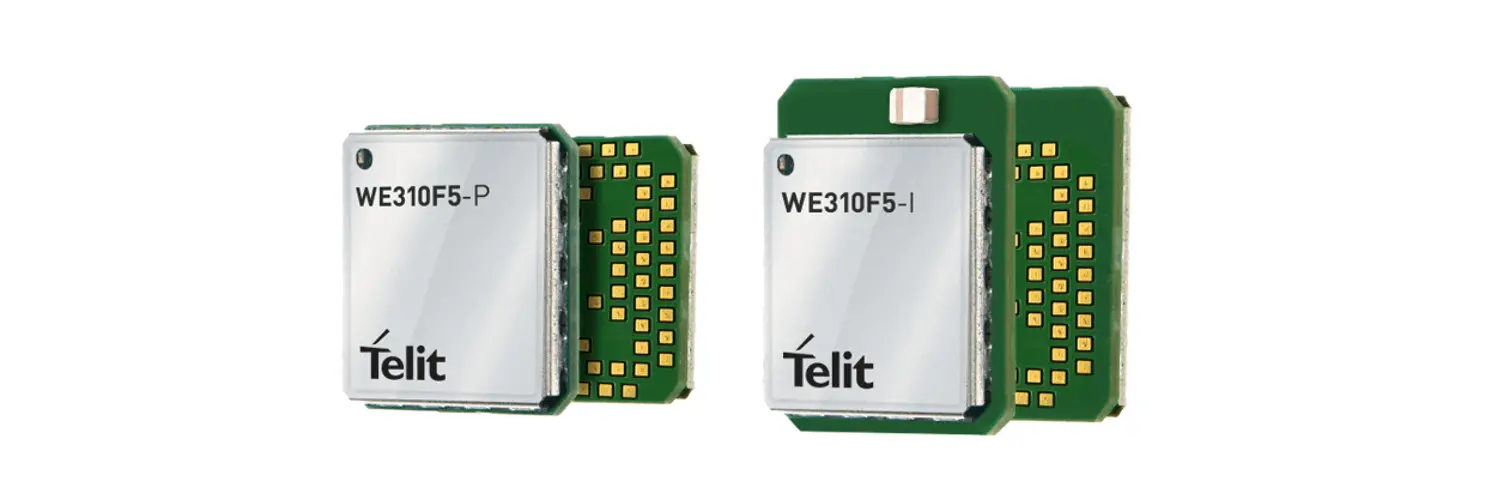
WE310F5-I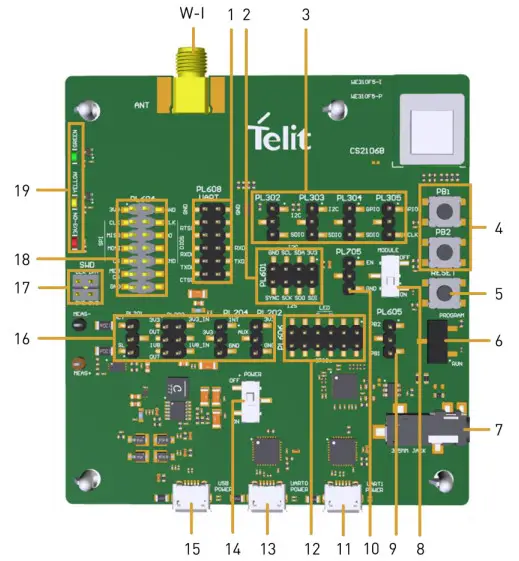 WE310F5-P
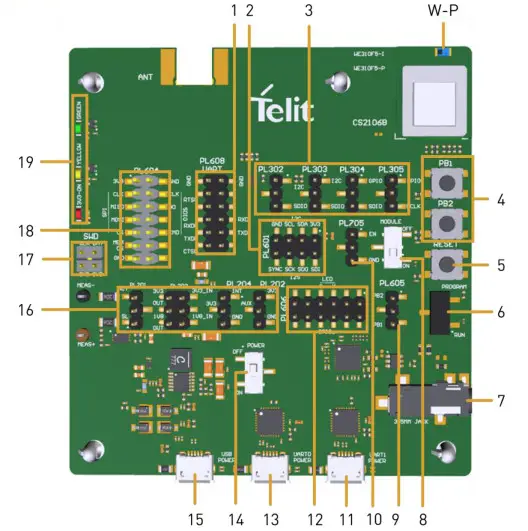 WE310F5 Callouts
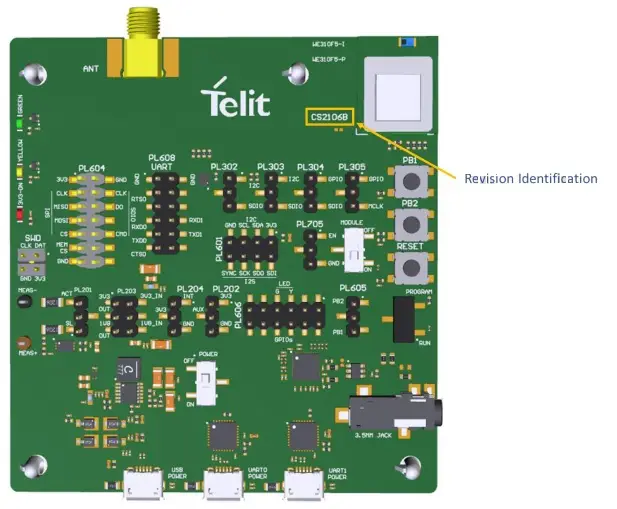
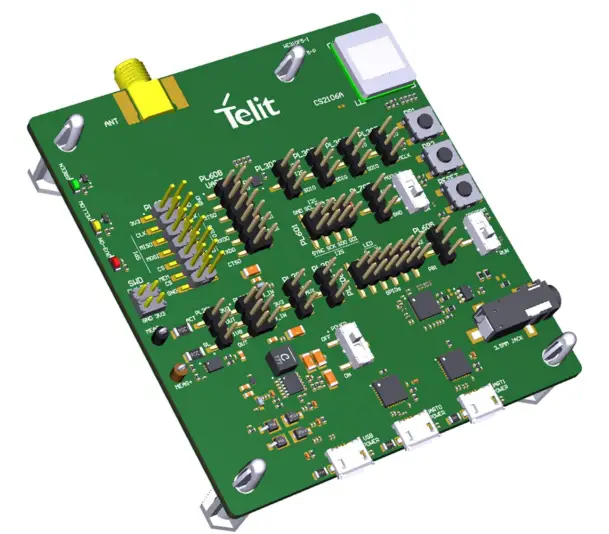
| W-I WE310F5-I Antenna Connector W-P WE310F5-P RF Pad 1 UART (PL608) 2 I2S-I2C (PL601) 3 GPIO – Alternate Function (PL302 – PL305) 4 General Purpose Button (PB1-PB2) 5 Reset Button 6 RUN/ PROGRAM Toggle Switch 7 Audio Jack 8 Power Switch- Module 9 PB1-PB2 (PL605) | 10 ARDUINO Enable (PL705) 11 UART1 12 GPIO- LED (PL606) 13 UART0 14 Power Switch- EVB 15 Power connector USB 2.0 16 Power Config (PL201-P204) 17 SWD 18 SPI-SDIO (PL604) 19 LED |
Resource Links:
- Telit_Wifi_Image_Tool
https://www.telit.com/wpcontent/uploads/2021/06/Telit_WE310F5_39.00.001-1.zip
For latest Firmware version, visit https://www.telit.com/support-training/download-zone/
For more information, visit https://www.telit.com/products/wifi-and-bluetooth/#wifi - For technical support, email us at [email protected]
- For a video demonstration, see https://www.telit.com/developerzone/we310f5-i-p-evb/?
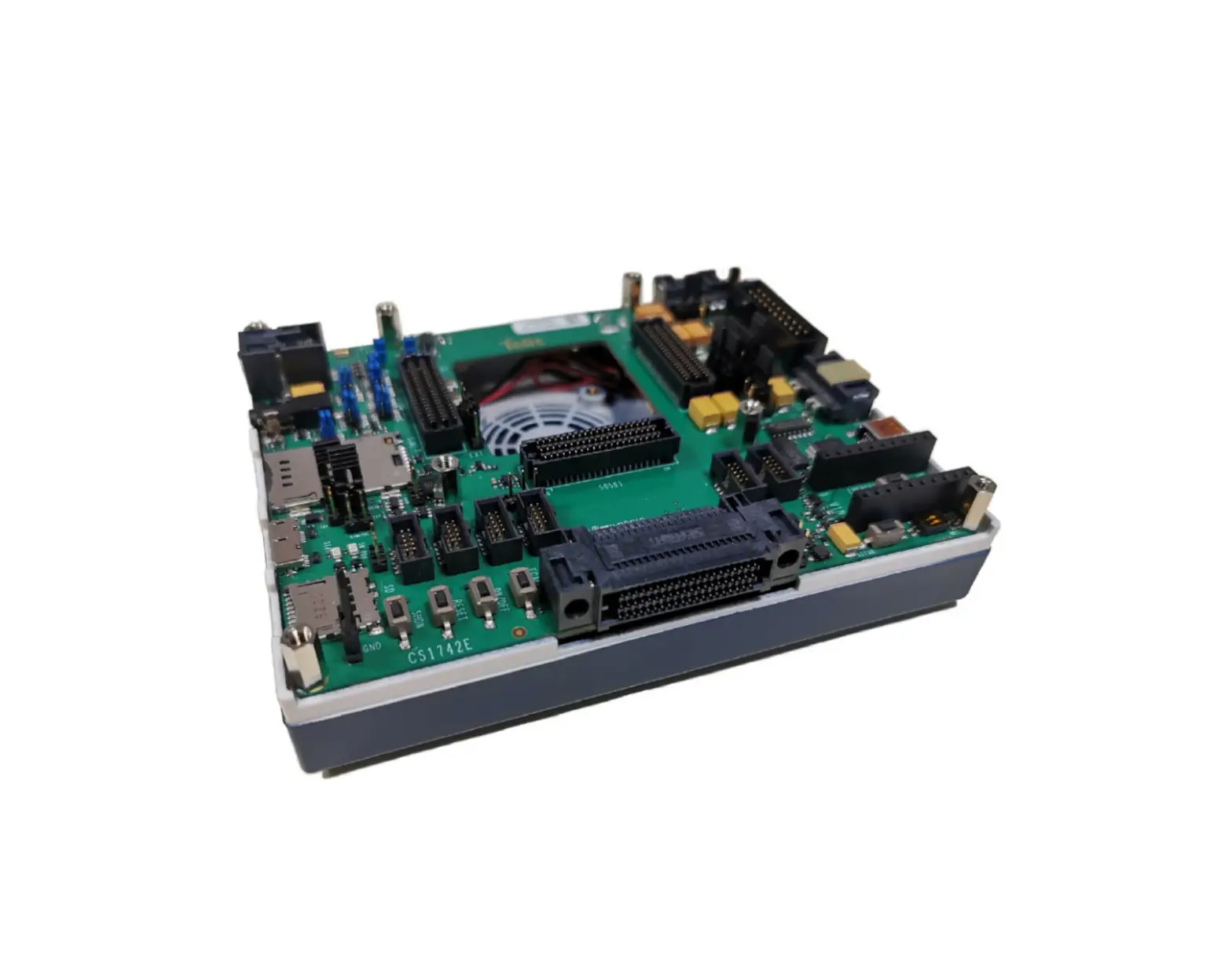
The Telit EVB is a rapid loT development kit that reduces the duration of loT prototyping cycles from a matter of weeks or months to mere hours, all by capitalizing on the combination of embedded lot software and hardware.
The system was designed to provide a complete development environment to the user and intended for use with the Telit WE310F5-I/P module and
Arduino Uno Rev3 board.
Copyright © 2021 Telit. All rights reserved.