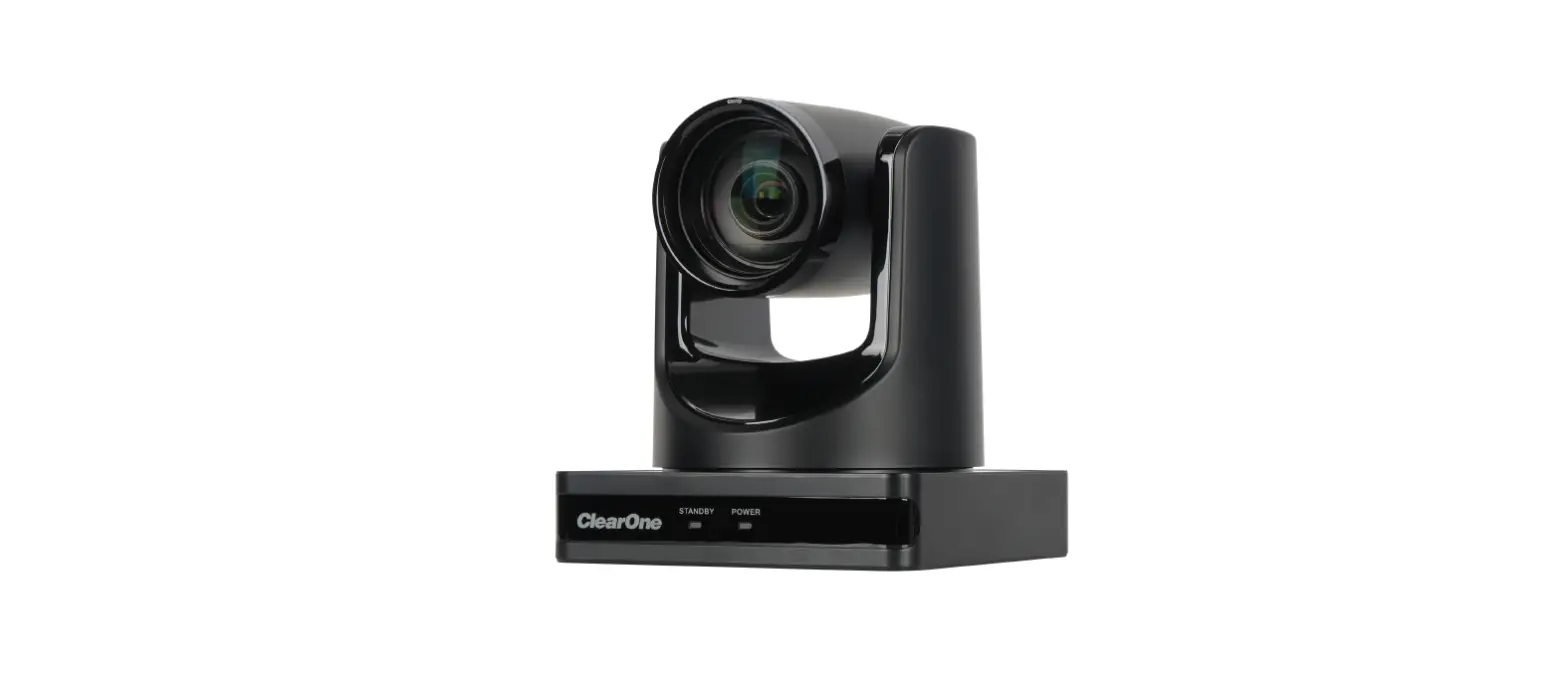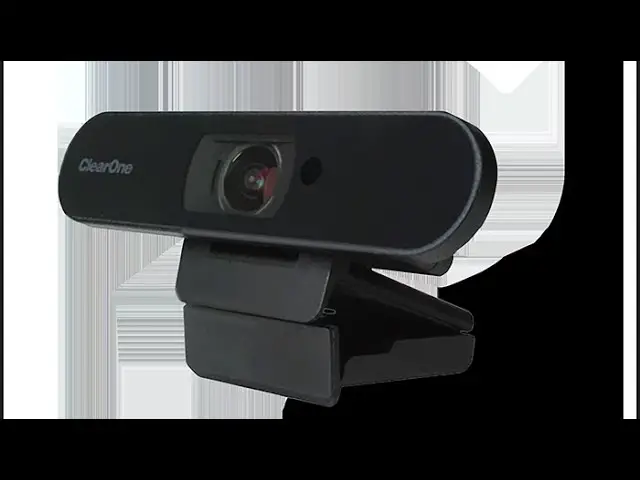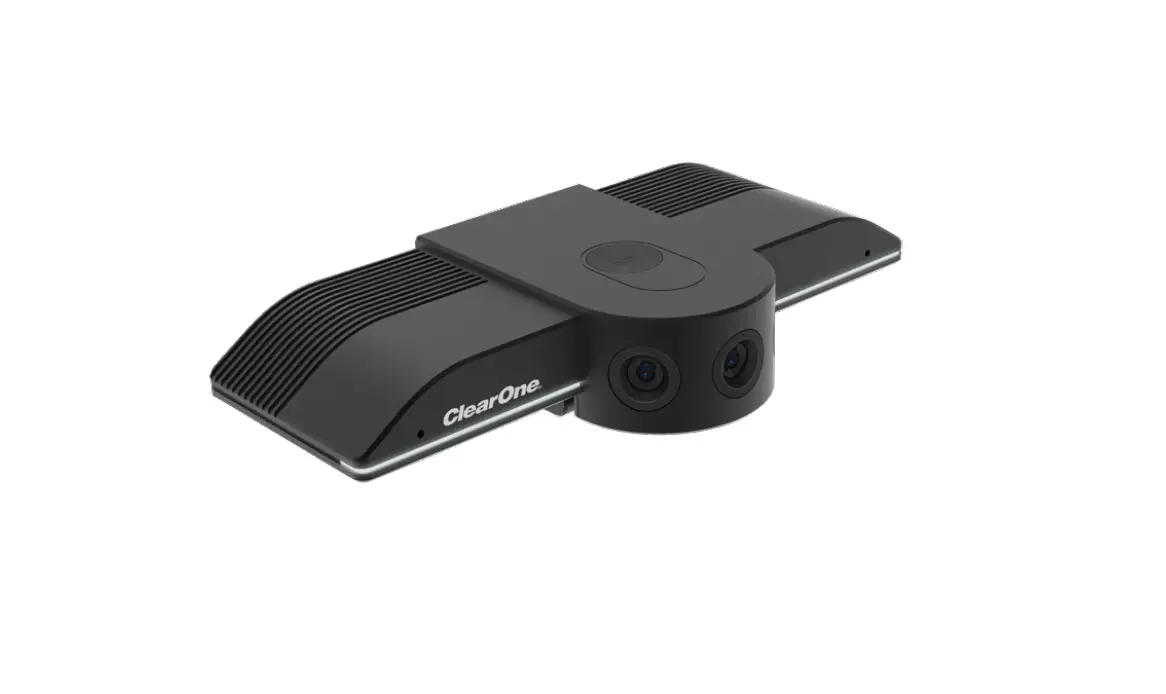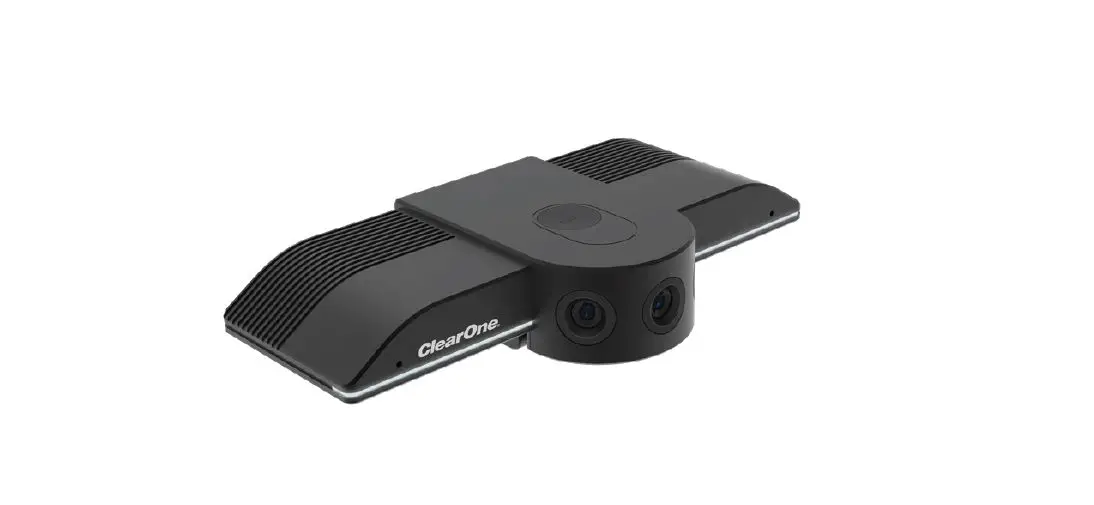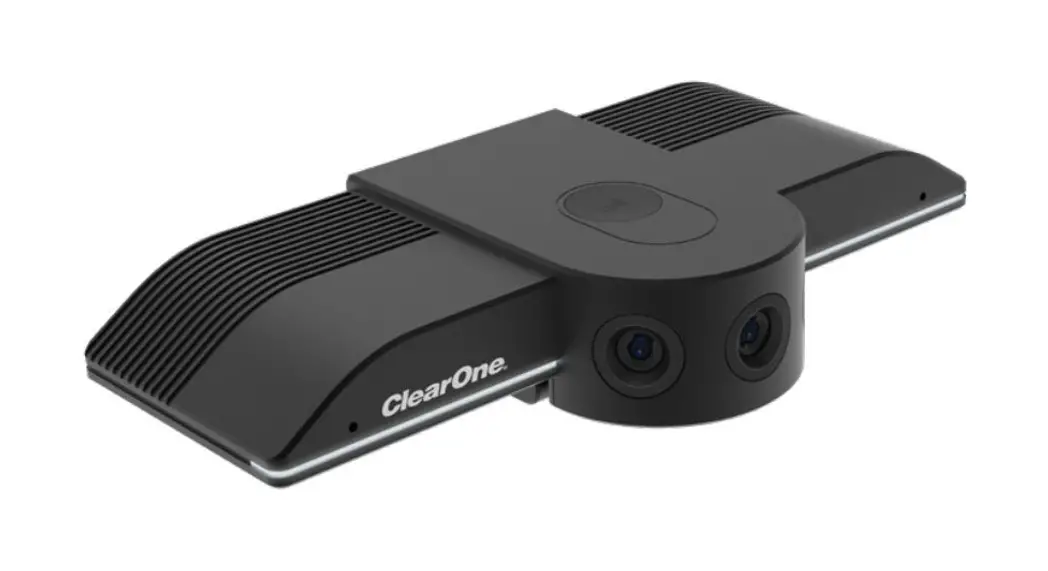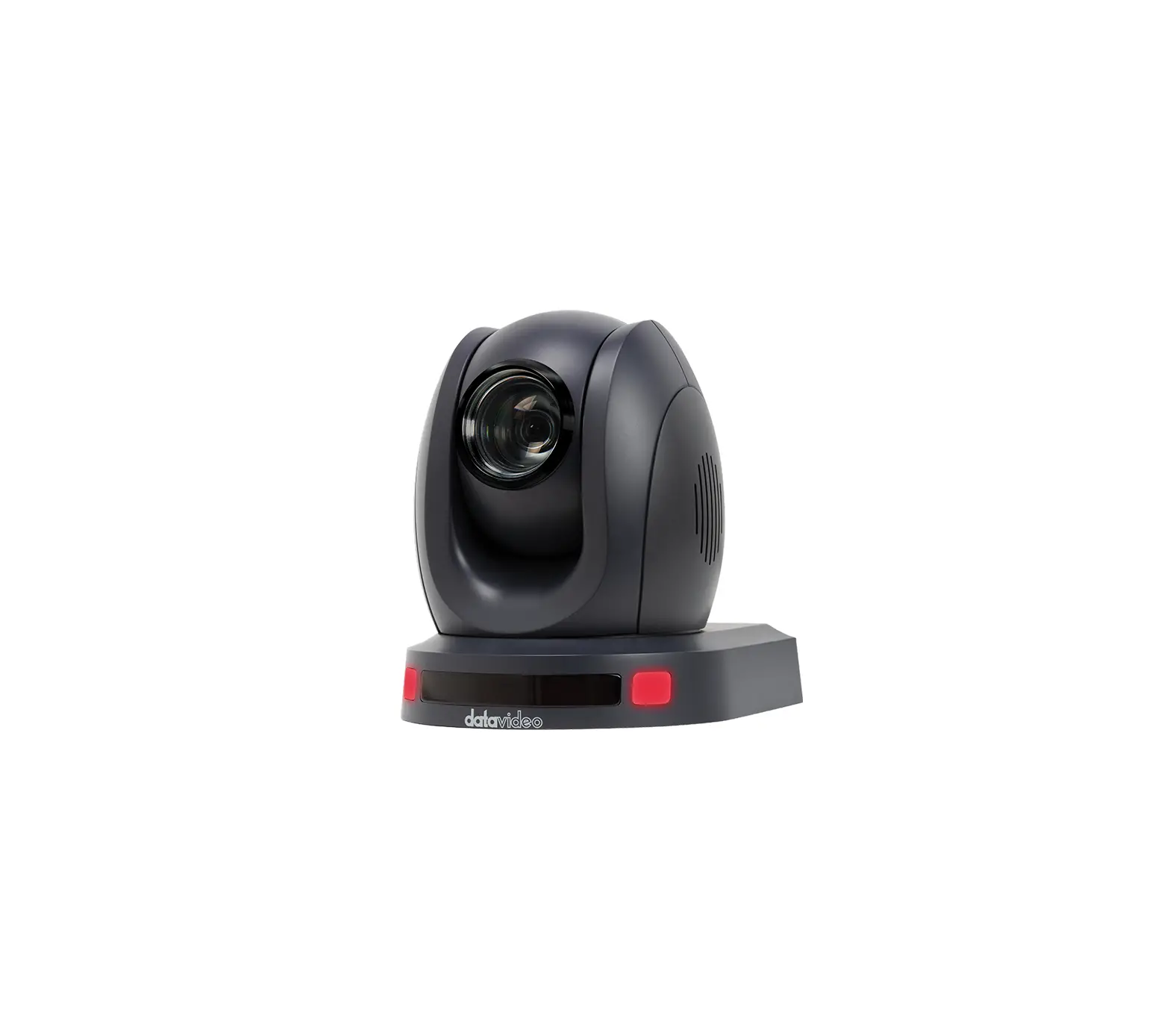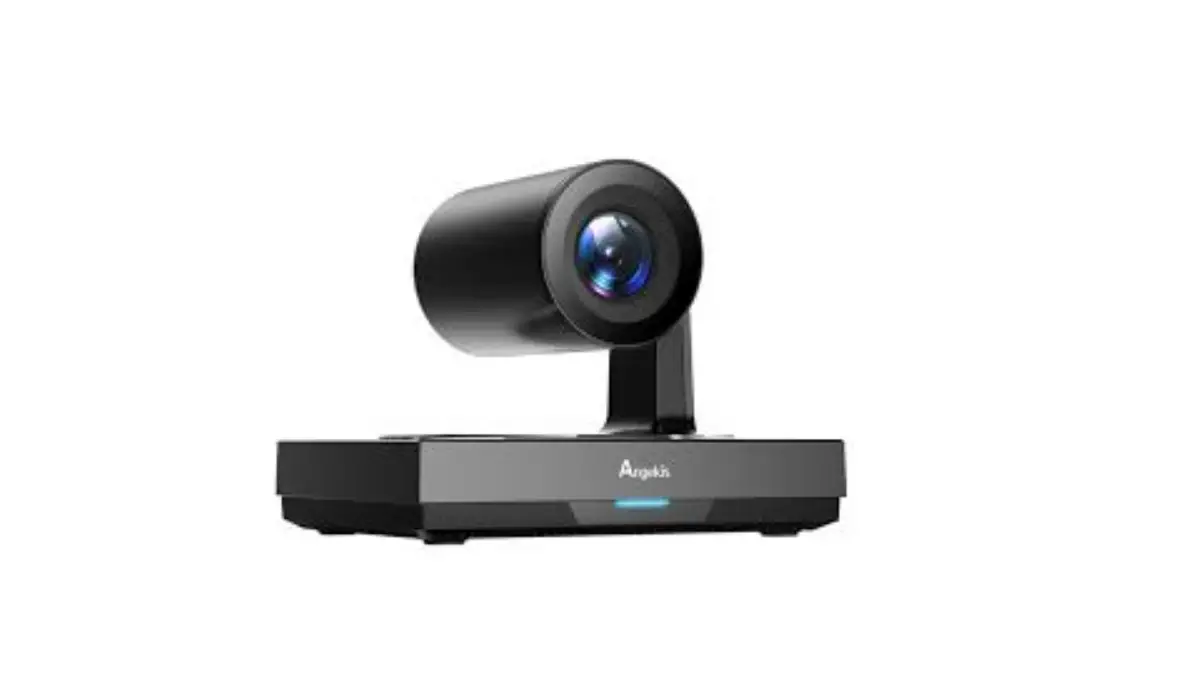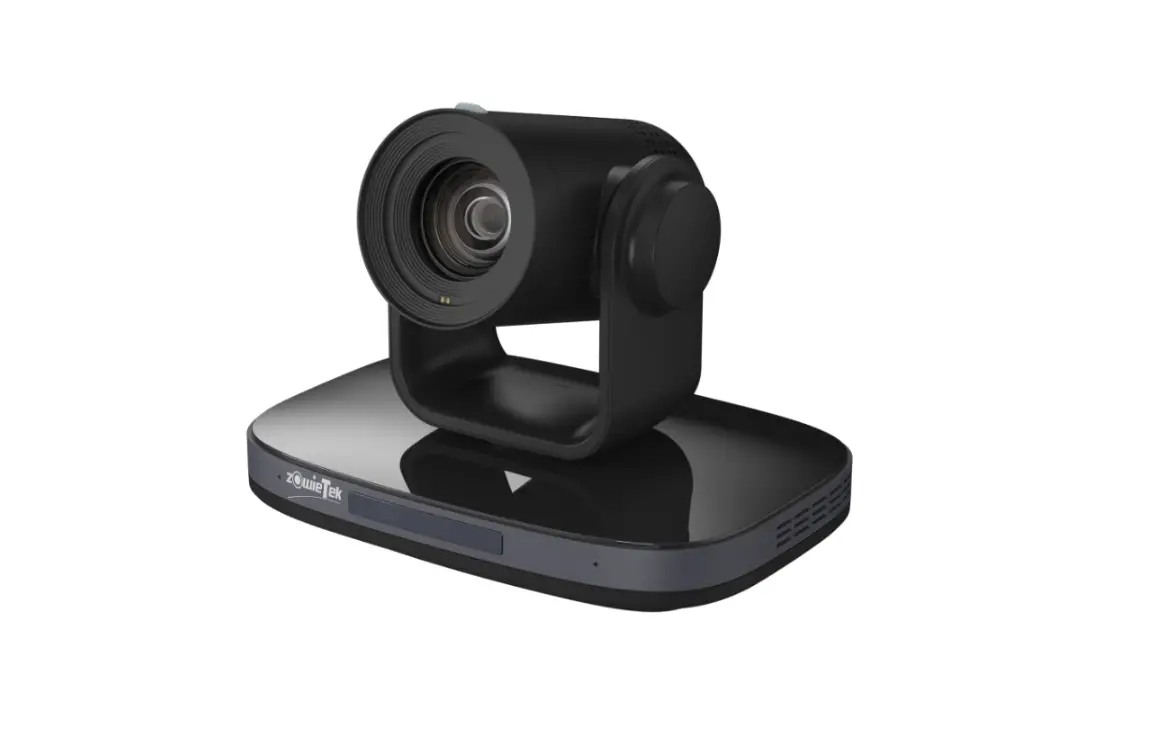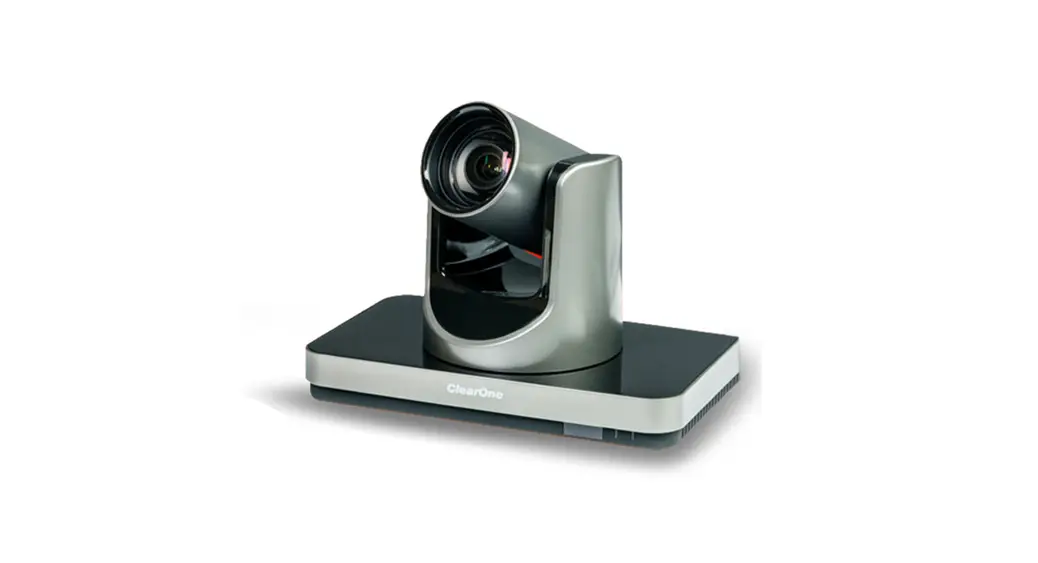


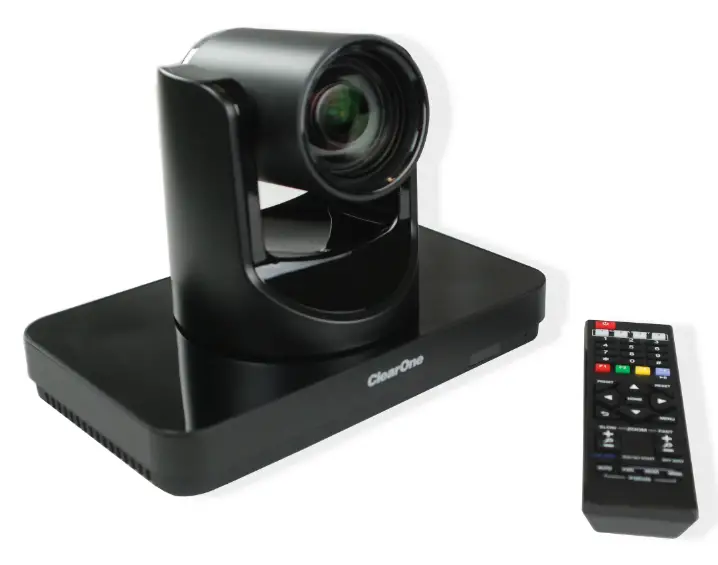
Unite 200 PTZ HD Camera
User Guide
 Important Safety Information
Before you set up the camera, read this manual carefully. Follow the setup instructions indicated in this manual. Keep this manual for future use. To prevent electric shock, do not remove screws or the camera housing. No self-serviceable parts are inside the housing.
Installation
Place product on a smooth flat surface, or bracket mount. Avoid contact with any liquid, gas or solid material that may cause corrosion.
Do Not Disassemble
This product has no user-repairable parts. Damage caused by unauthorized disassembly is not covered by warranty. Electromagnetic fields at specific frequencies may affect image quality.
WARNING: TO PREVENT FIRE OR ELECTRICAL SHOCK HAZARDS, DO NOT EXPOSE YOUR PRODUCT TO RAIN OR MOISTURE. THE LIGHTING FLASH AND ARROWHEAD WITHIN THE TRIANGLE IS A WARNING SIGN ALERTING YOU OF DANGEROUS VOLTAGE INSIDE THE PRODUCT.
CAUTION
THE RISK OF ELECTRIC SHOCK DOES NOT OPEN
AVIS RISQUE DU CHOC ELECTRIQUE – NE PAS OUVRIR CAUTION: TO REDUCE THE RISK OF ELECTRIC SHOCK, DO NOT REMOVE COVER (OR ACK) NO USER SERVICEABLE PARTS INSIDE. REFER SERVICING TO QUALIFIED SERVICE PERSONNEL. THE EXCLAMATION POINT WITHIN THE TRIANGLE IS A WARNING SIGN ALERTING YOU OF IMPORTANT INSTRUCTIONS ACCOMPANYING IT. SEE MARKING ON BOTTOM/BACK OF PRODUCT
THE PRODUCT. Use only in non-tropical locations.
 Use only at altitudes of 2000 meters or less.
Packing List
Verify that you have received all parts associated with each of the components. Inspect your shipment carefully. If the shipment shows obvious signs of damage, retain original boxes and packing material for inspection by the carrier, and contact them immediately. ClearOne is not responsible for product damage incurred during shipment.
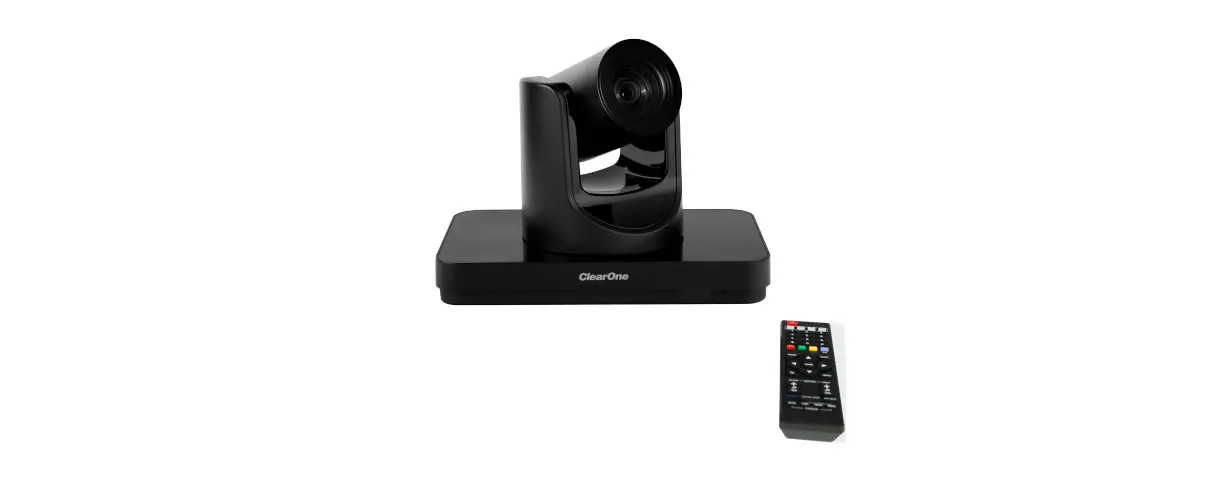
 | • UNITE 200 Camera • Remote Control |
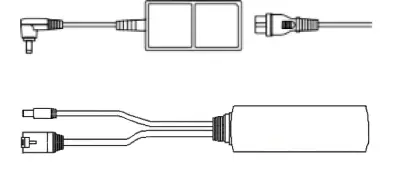 | • AC Power Adapter with Power Cord • PoE Splitter |
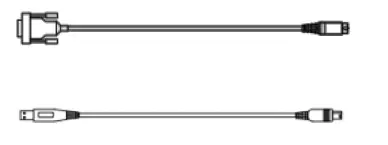 | • RS-232 cable • USB 3.0 cable, Type A and Type B connectors |
Introduction to the UNITE 200 PTZ HD Camera
Front View
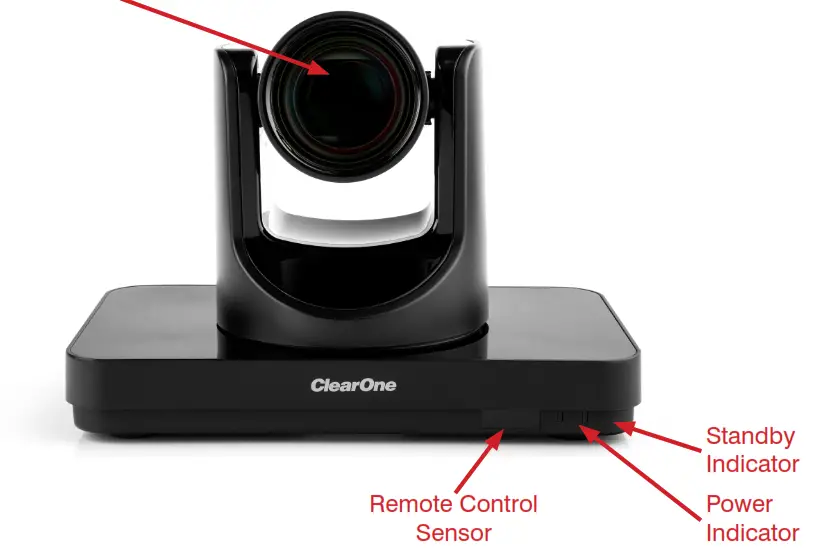
Back View

| a. System Select Switch b. RS-232 Out Port c. RS-232 In Port d. RJ45 Port e. Reserved Port f. Line In Port | g. Reserved Port h. HDMI Port i. USB 3.0 Port j. Reserved Port k. DC In 12 V Port l. Power Switch |
Bottom View
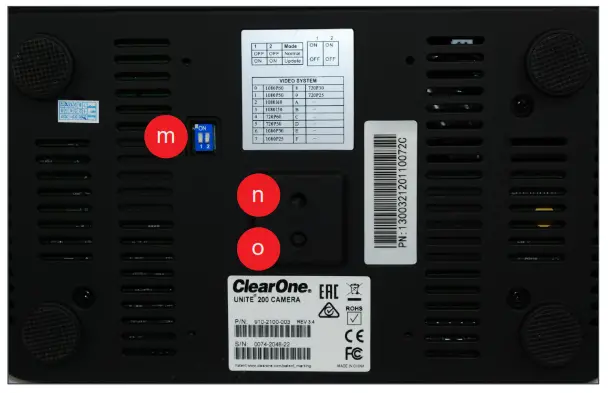
m. Bottom Switches
n. Tripod Screw Hole
o. Fixing Screw Hole
Connect
Make connections as shown in the following diagram:
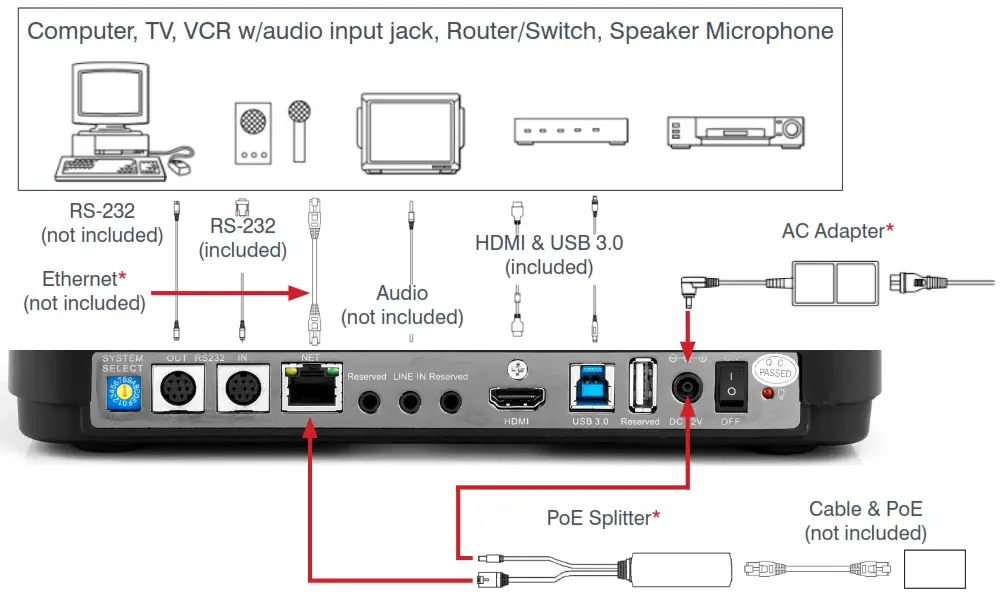
 Caution: Do not apply power until after you set the switches.
Power options
- Use the PoE splitter to connect to power and ethernet, or
- Use the AC adapter, and an ethernet cable to connect the RJ-45 port to an external device.
Set Switches
DIP Switches
On the bottom of the unit, set both switch 1 and switch 2 to Off.
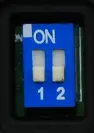
| SW – 1 | Mode | |
| 1 | Off | Normal Working Mode |
| 2 | On | – |
| 3 | Off | – |
| 4 | On | – |
Video System Switch
On the backplane of the unit, set the switch to the desired settings. Video format options:
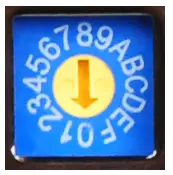
| VIDEO SYSTEM | |||
| 0 | 1080p60 | 8 | 720p30 |
| 1 | 1080p50 | 9 | 720p25 |
| 2 | 1080I60 | A | – |
| 3 | 1080I50 | B | – |
| 4 | 720p60 | C | – |
| 5 | 720p50 | D | – |
| 6 | 1080p30 | E | – |
| 7 | 1080p25 | F | – |
 Note: After you change the switch, for the change to take effect, you must restart the camera.
Start-Up
- If you are not using the PoE Splitter, connect the AC power adapter to a power source.
- On the back panel of the UNITE 200, set the Power Switch to On. When the camera starts, Pan-Tilt rotates to the maximum position of top right, then returns to the center position. This completes the initialization process.
Note: If the position preset 0 has been stored, then after initialization, the position preset 0 is called up.
If you want to restore the factory default settings:
a. Press the Menu button to display the On-screen Display (OSD) menu.
b. Select Menu >Restore Default > Restore.
c. Set the value Yes, then press the HOME button.
IR Remote Control
Note: Power consumption in standby mode is approximately half of the normal mode
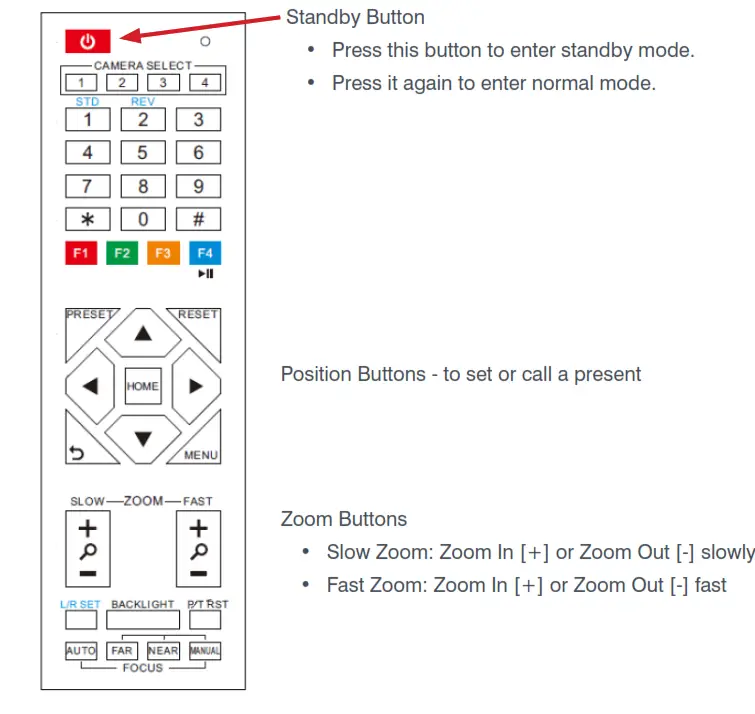
More detailed information about using the UNITE 200 PTZ HD Camera is provided in the UNITE 200 User Manual, available in the ClearOne Resource Libary.
CONTACT INFORMATION
| Headquarters 5225 Wiley Post Way Suite 500 Salt Lake City, UT 84116 US: +1.801.975.7200 International: +1.801.975.7200 | Aura Sales US: +1.888.HEY.AURA International: +1.801.975.7200 [email protected] Aura Tech Support US: +1.888.HEY.AURA International: +1.801.975.7200 [email protected] |
Notices
© 2021 ClearOne, Inc. All rights reserved.
Information in this document is subject to change without notice.
Document: QSG-0128-002v1.2, September 2021