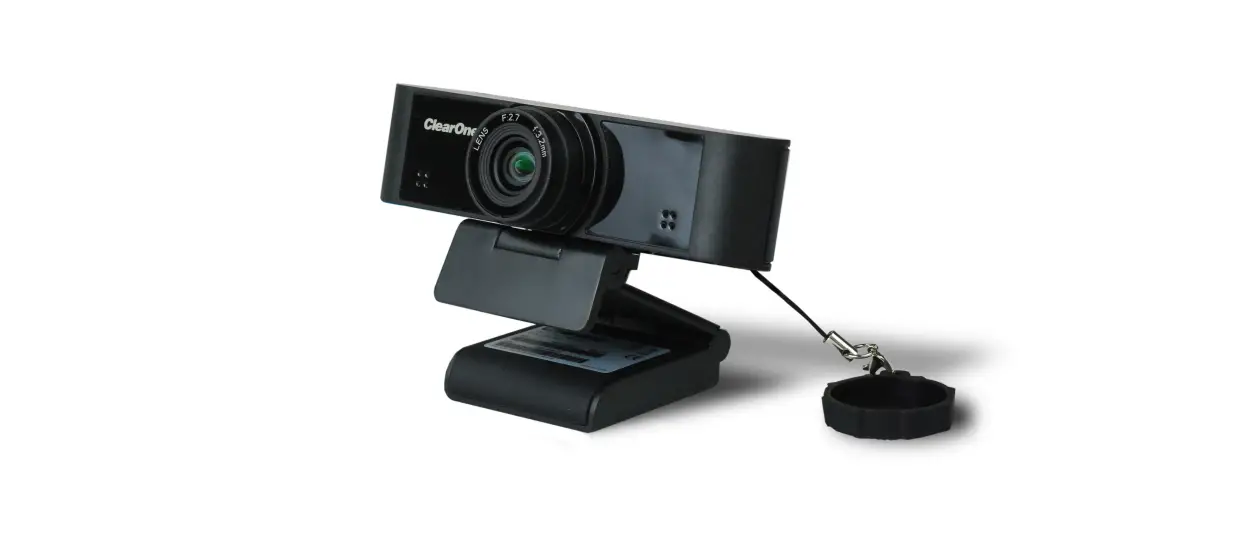

Quick-Start Guide
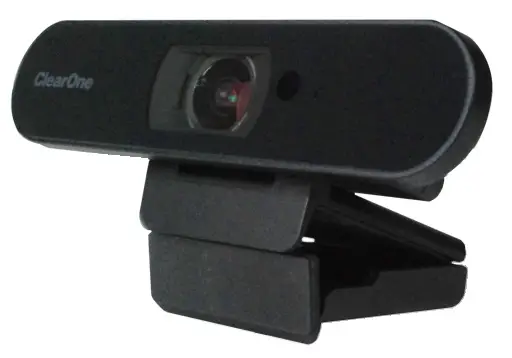
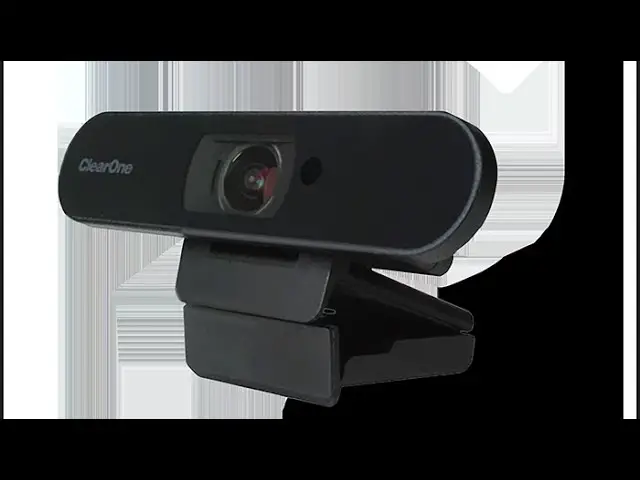
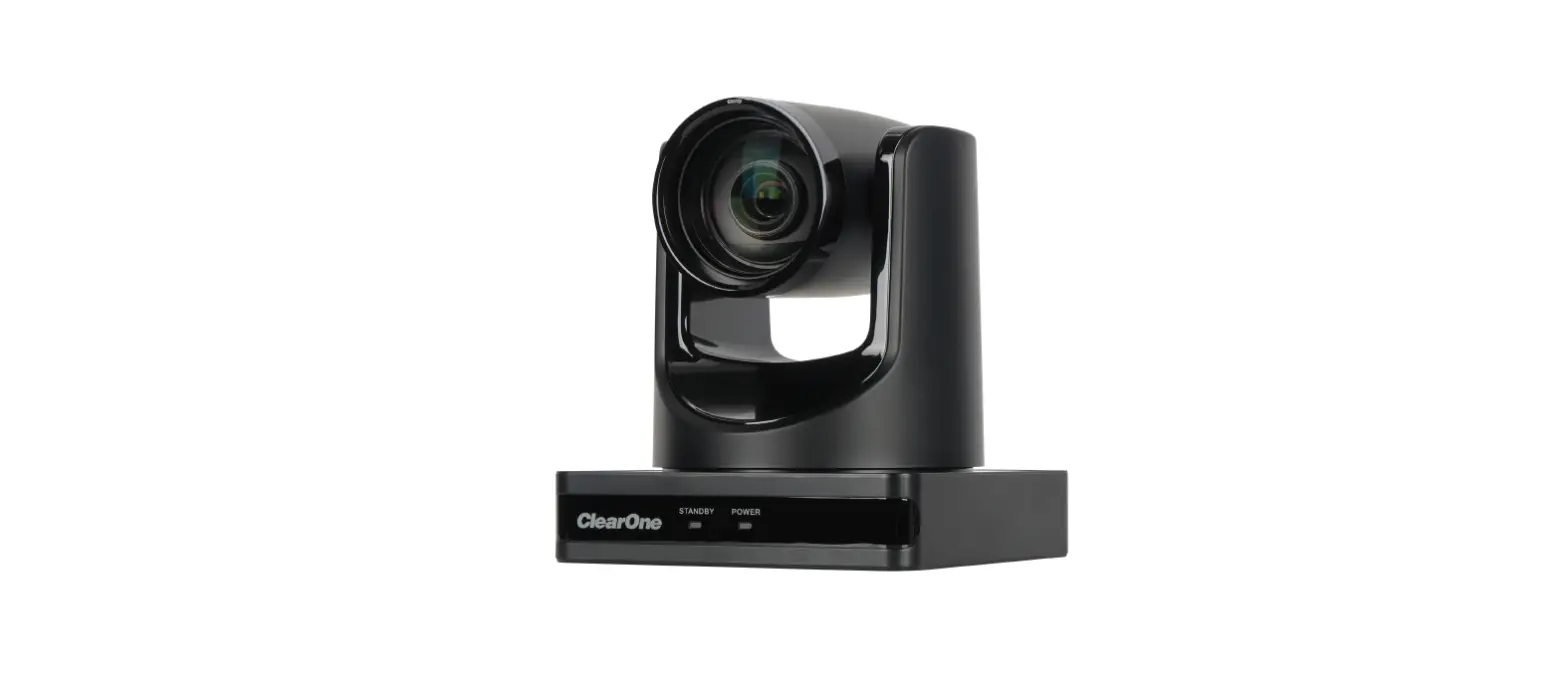
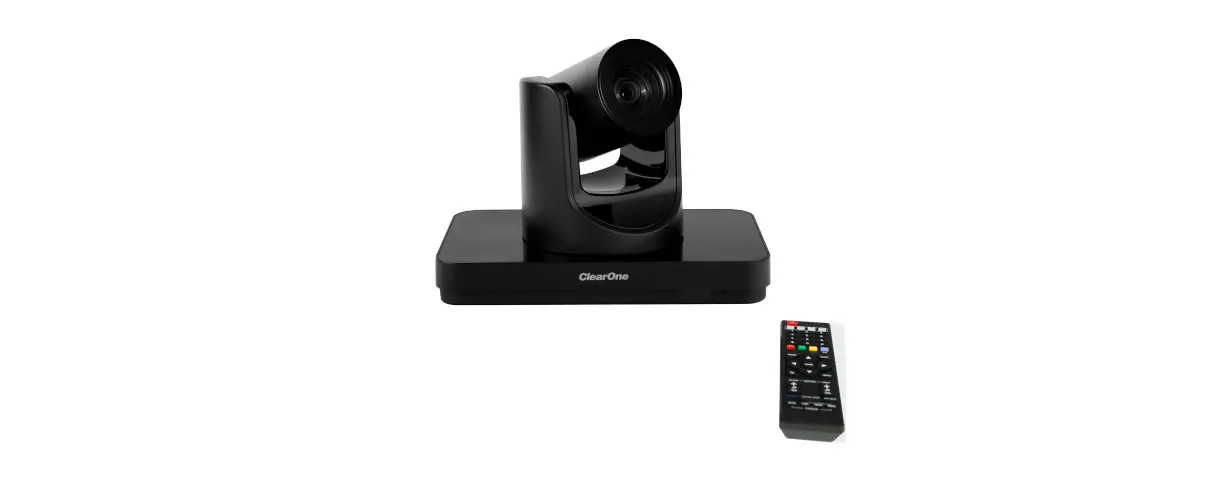
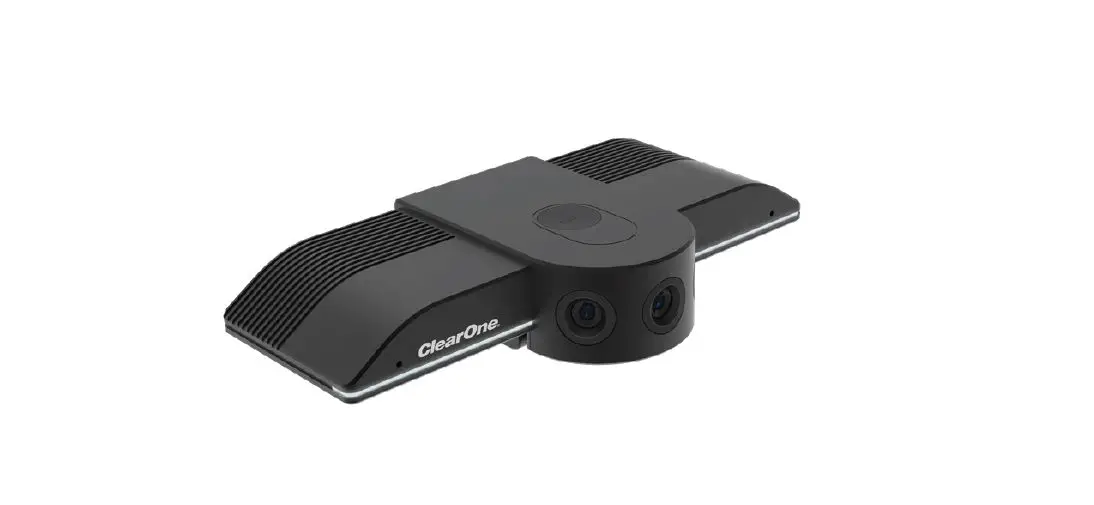
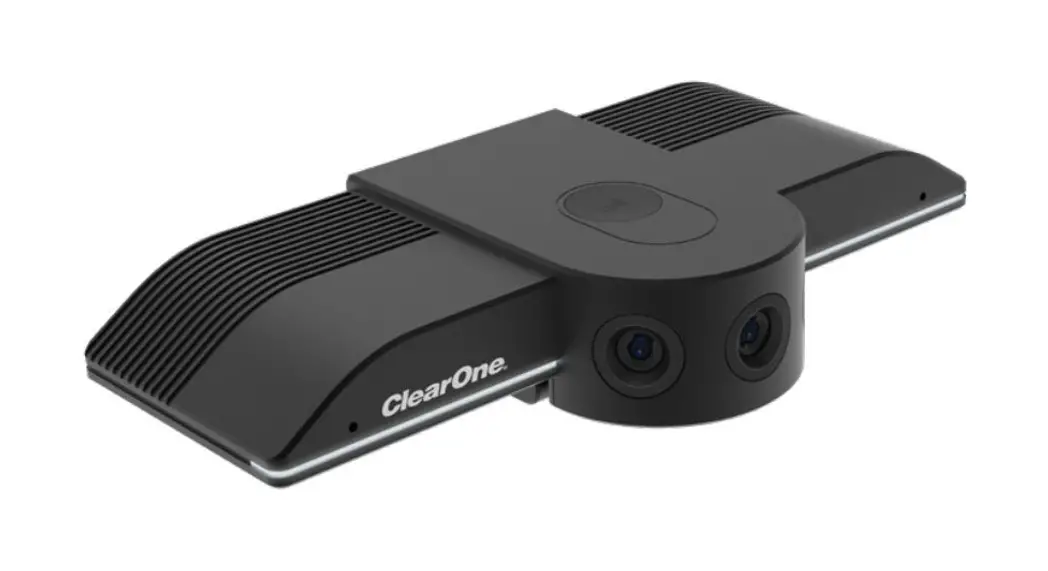
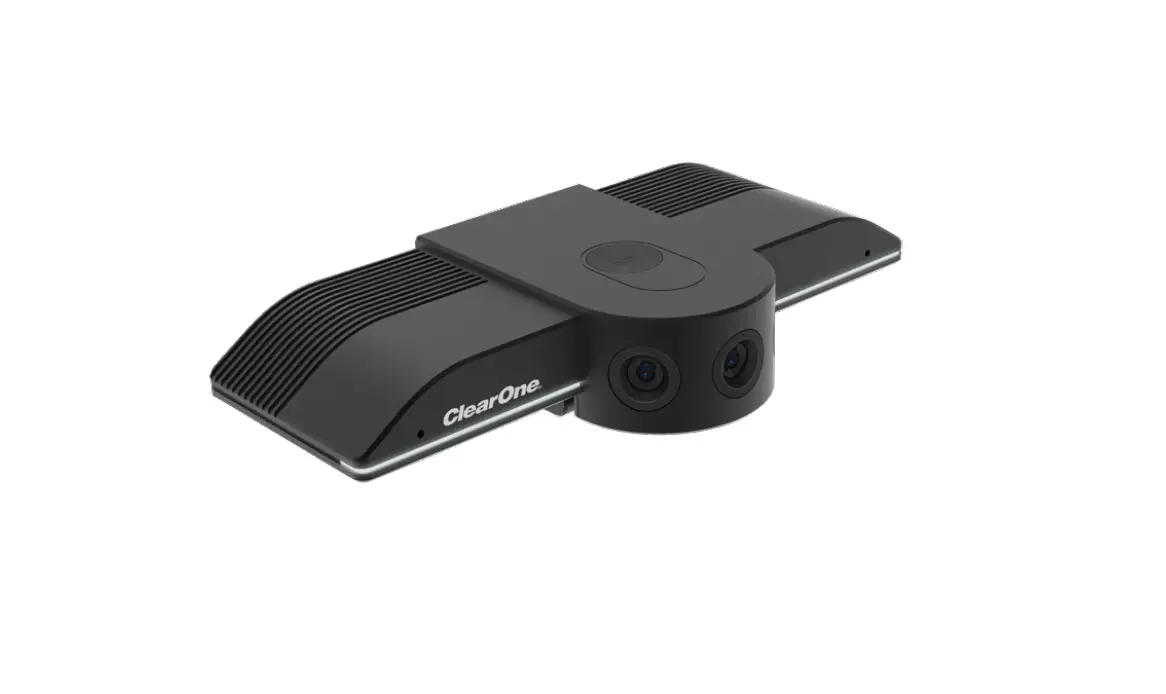
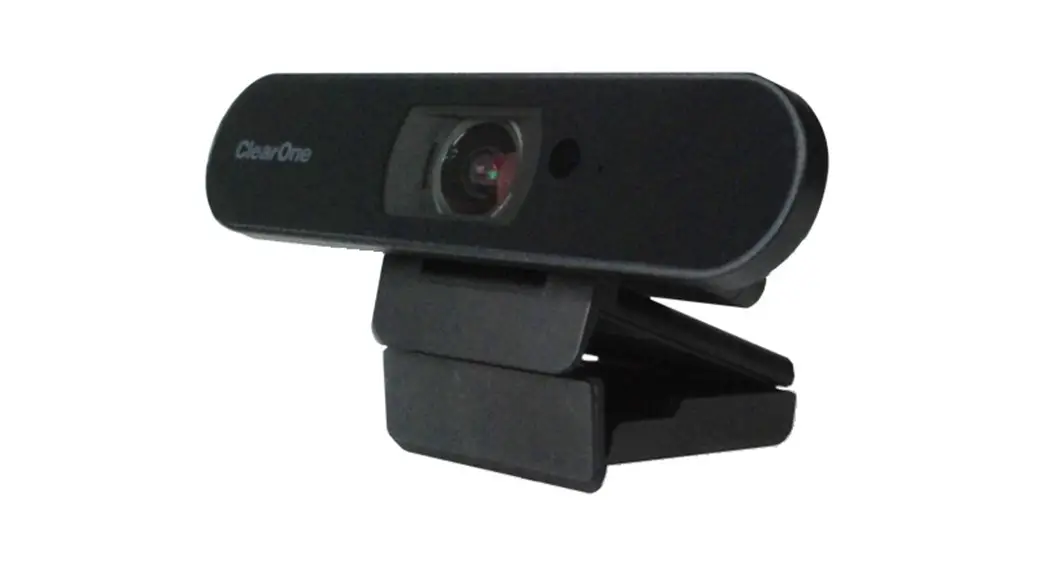
UNITE® 50 4K AF Camera
CONTACT INFORMATION
| Headquarters 5225 Wiley Post Way Suite 500 Salt Lake City, UT 84116 US: +1.801.975.7200 International: +1.801.975.7200 | Aura Sales Aura Tech Support |
Notices
© 2021 ClearOne, Inc. All rights reserved.
Information in this document is subject to change without notice.
Document: QSG-0114-002 v1.2, September 2021
Compliance
Details about compliance for the UNITE® 50 4K AF Camera are available online on ClearOne’s website (www.clearone.com) in the Resource Library.
Important Safety Information
Before you set up the camera, read this manual carefully. Follow the setup instructions indicated in this manual.
Keep this manual for future use.
To prevent electric shock, do not remove screws or the camera housing. No self-serviceable parts are inside the housing.
WARNING: TO PREVENT FIRE OR ELECTRICAL SHOCK HAZARD, DO NOT EXPOSE THIS PRODUCT TO RAIN OR MOISTURE
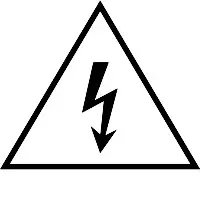 | CAUTION |  |
| THE LIGHTING FLASH AND ARROWHEAD WITHIN THE TRIANGE IS A WARNING SIGN ALERTING YOU OF DANGEROUS VOLTAGE INSIDE THE PRODUCT. | RISK OF ELECTRIC SHOCK DO NOT OPEN AVIS RISQUE DU CHOC ELECTRIQUE – NE PAS OUVRIR CAUTION: TO REDUCE THE RISK OF ELECTRIC SHOCK, DO NOT REMOVE COVER (OR BACK) NO USER SERVICEABLE PARTS INSIDE. REFER SERVICING TO QUALIFIED SERVICE PERSONNEL. | THE EXCLAMATION POINT WITHIN THE TRIANGLE IS A WARNING SIGN ALERTING YOU OF IMPORTANT INSTRUCTIONS ACCOMPANYING THE PRODUCT. |
SEE MARKING ON BOTTOM/BACK OF PRODUCT
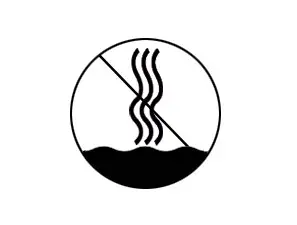 Use only in non-tropical locations.
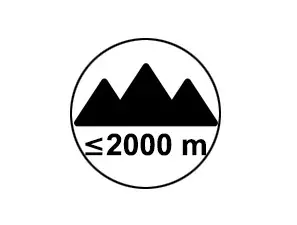 Use only at altitudes of 2000 meters or less.
Product Details
Experience full 4K resolution and an ultra-wide angle field-of-view for professional quality visual collaboration in huddle spaces at an affordable price. Combine with your own choice of mic and speaker for an exceptional collaboration experience.
- 4K video, auto-focus, auto framing, and 3x digital zoom
 Note: Auto framing is not available in 4K mode.
 - 110° Field of View
- Wide dynamic range support for optimal image capture
- Super-high SNR with advanced 2D and 3D noise reduction
- Full-function USB 3.0 interface for video and power
- Control the camera’s functions via IR remote or UVC protocol
- Easily mounted on monitors using standard damping rotary-shaft support
- Perfect for popular cloud-based applications such as ClearOne’s COLLABORATE® Space, Microsoft Teams and Skype for Business, Zoom, WebEx, GoToMeeting, and others
 Note: Auto framing is not available in 4K mode.
System Requirements
Windows 7, 8, 8.1, 10, MacOS, Linux
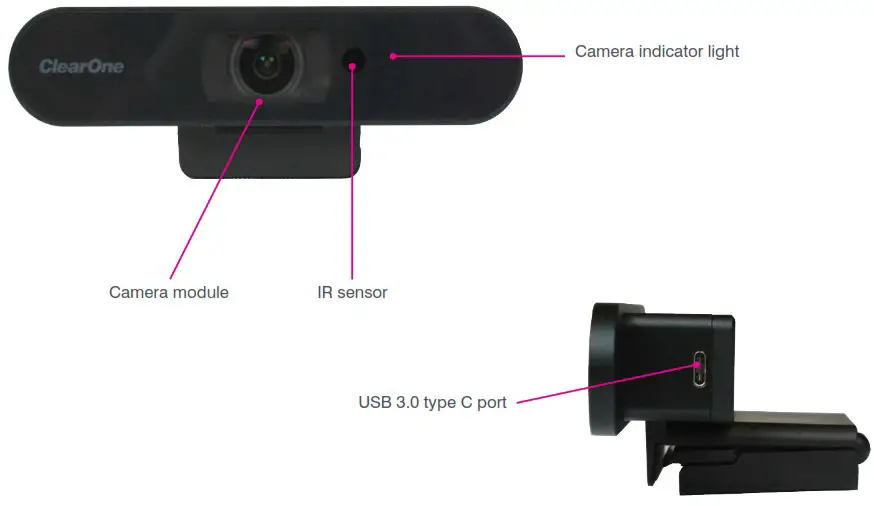
Main Parts of Camera
Care and Maintenance
- Never aim the lens of the camera at extremely bright objects.
- Use a soft cloth to clean the camera. If needed, moisten the cloth with a weak solution of water and a neutral kitchen detergent.
- When you carry the camera, do not hold the camera head.
- Make sure the camera is far away from any area where radiation, X-rays, strong electric waves, or magnetism exist.
- Do not use the camera outdoors.
- Do not operate the camera outside of 32 ºF (0 ºC) – 104 ºF (40 ºC).
Packing List
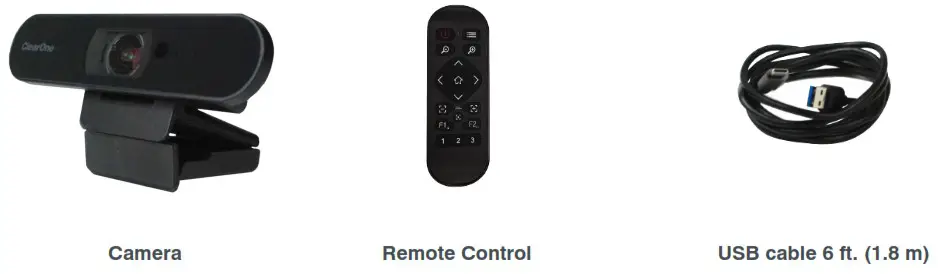
Carefully inspect the shipment. If the shipment shows obvious signs of damage, retain the box and packing material for inspection by the carrier. Contact the carrier immediately.
ClearOne is not responsible for product damage incurred during shipment.
Setup
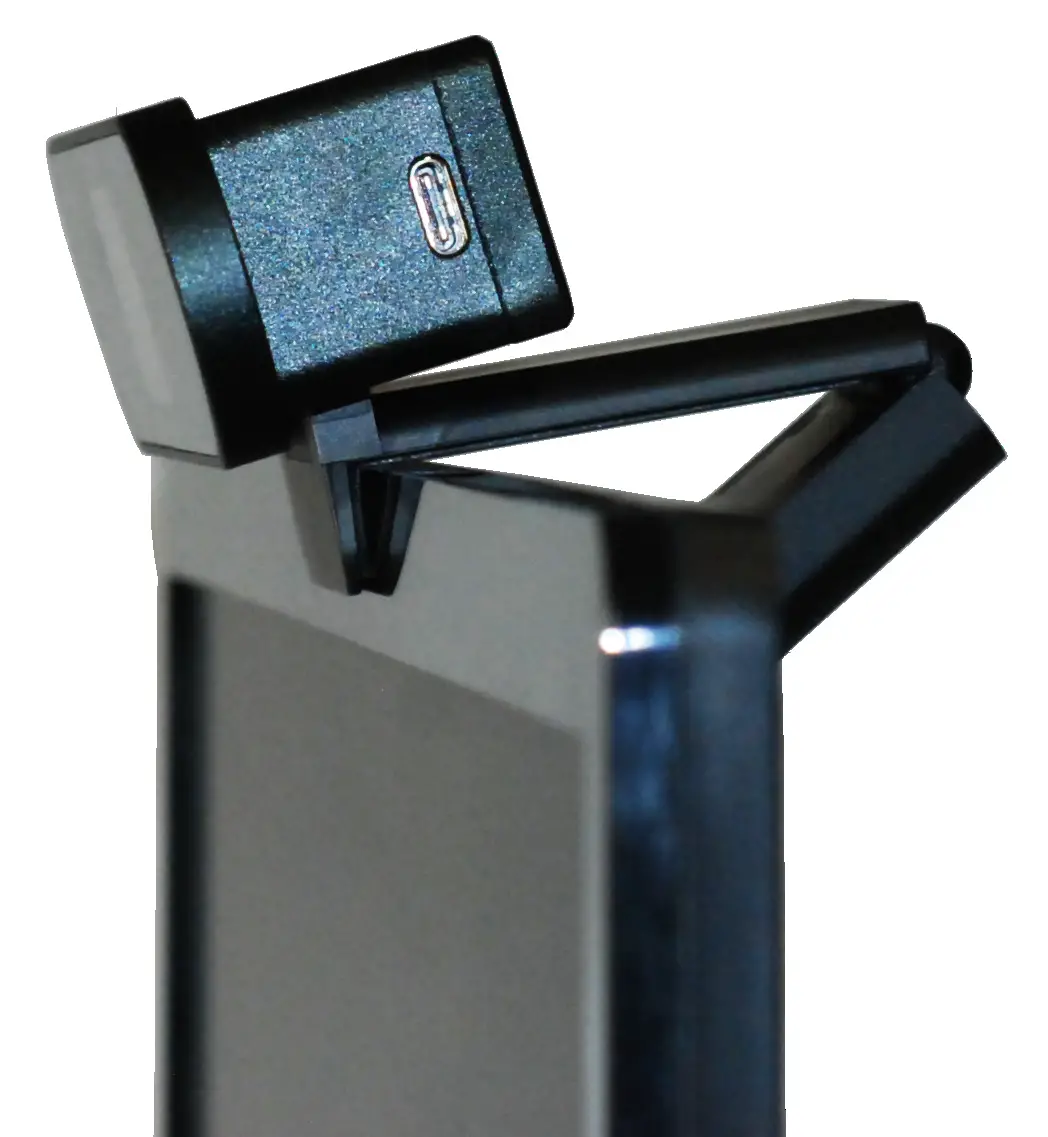
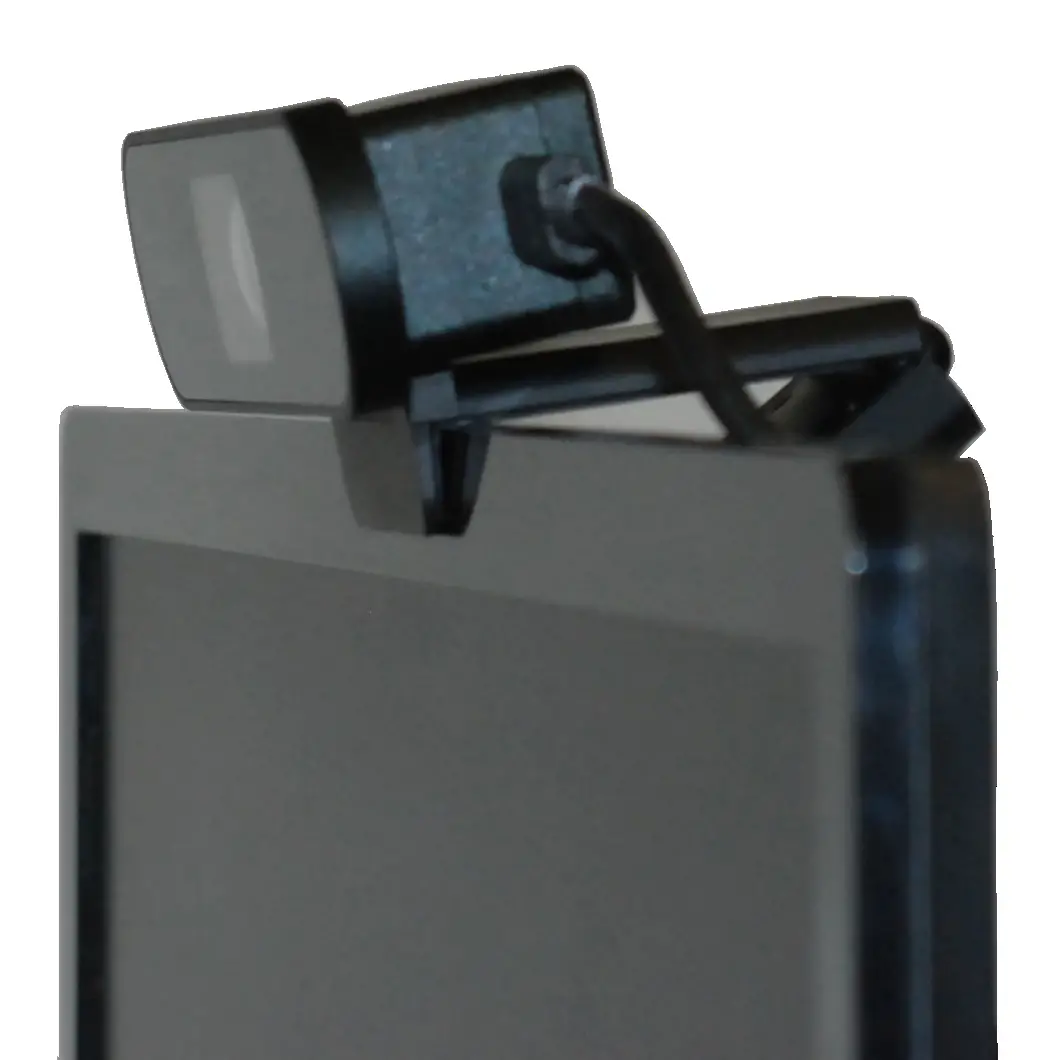
- Place the camera and bracket on the monitor and adjust the bracket hinge to accommodate your preference for the angle of the camera.

- Connect the USB cable to the USB 3.0 Type C connector on the camera and the other end to a USB 3.0 port on your computer.

-
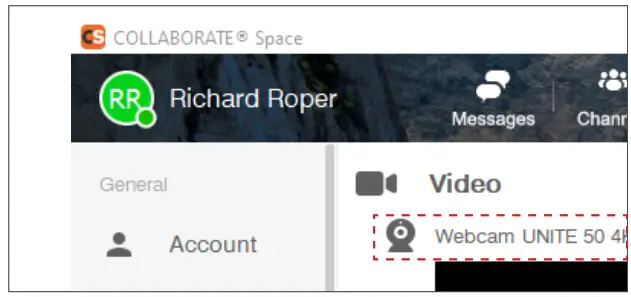
Launch your preferred video collaboration application.
The application activates the camera.
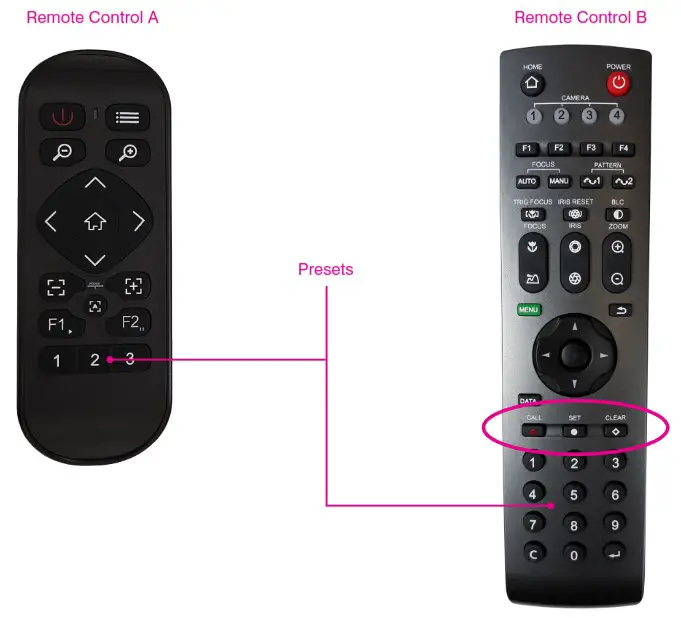
- For Remote Control A (newer models), to assign and call a preset:
a. Use the remote control to adjust the camera view to the preferred position.
b. Press preset number 1, 2 or 3 for three to five seconds, until the system displays “Saved 1 OK” in the upper-right of your screen.
c. To call a preset, press the preset number button. - For Remote Control B (older models), to assign, call and delete a preset:
a. Use the remote control to adjust the camera view to the preferred position.
b. On the numeric keypad, press 1, 2 or 3.
c. Press SET.
d. To call a preset, on the numeric keypad, press the preset number, then press CALL.
e. To delete a preset, on the numeric keypad, press the preset number button, then press CLEAR.
Troubleshooting
| Problem | Resolution |
| Image is jittery when the camera lens is at max zoom | Ensure that the camera is installed in a stable position. Remove vibrating objects/machinery from the proximity of the camera. |
| Remote control not operating | Check/replace batteries in the remote control unit. Ensure the camera working mode is correct. On the remote control, press the correct camera number button (1, 2, 3, or 4). |
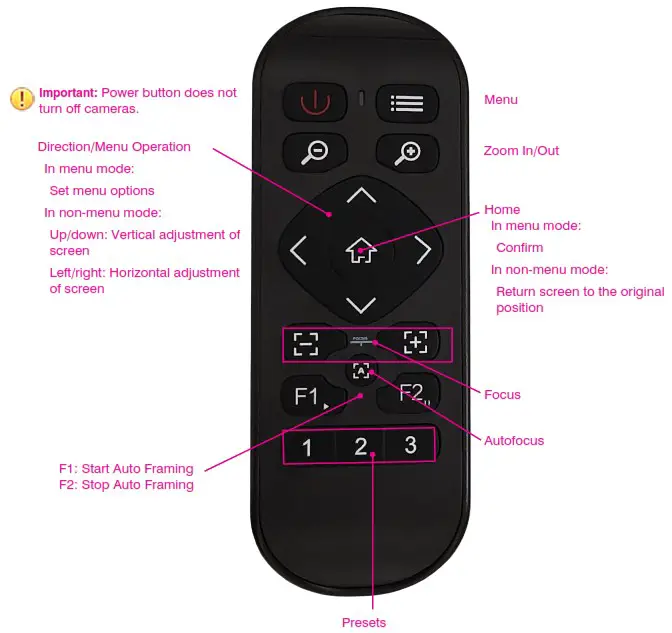
Remote Control
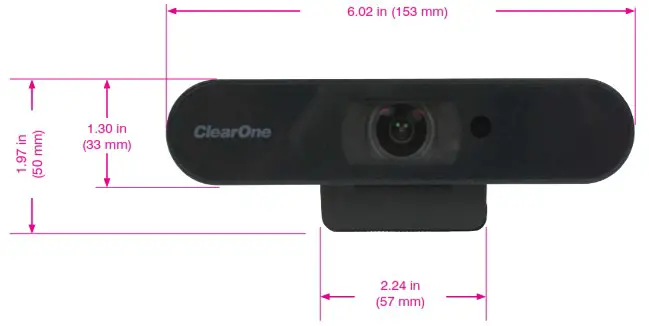
Dimensions
QSG-0114-002 v1.2