
PMP40
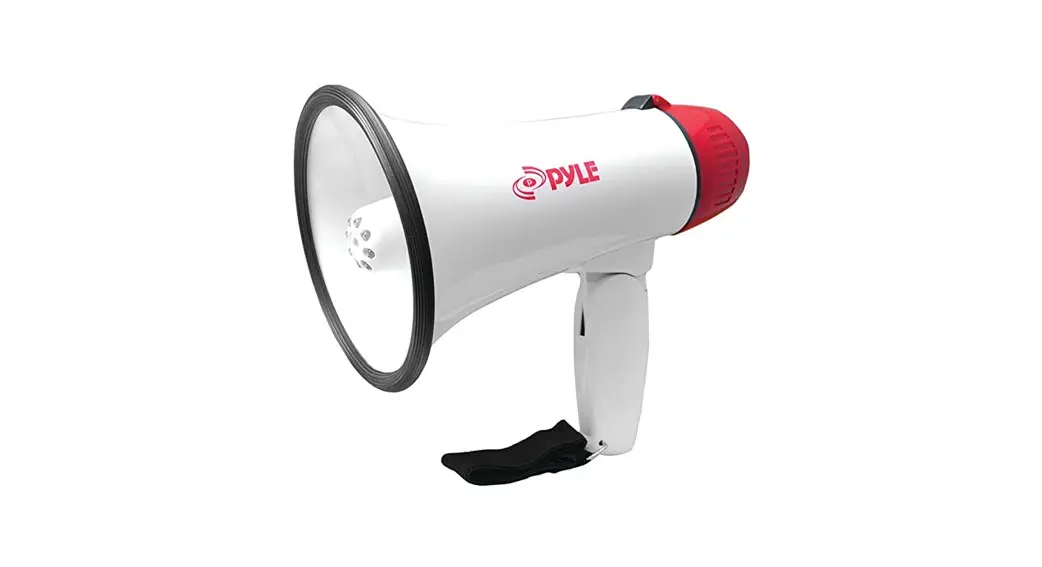
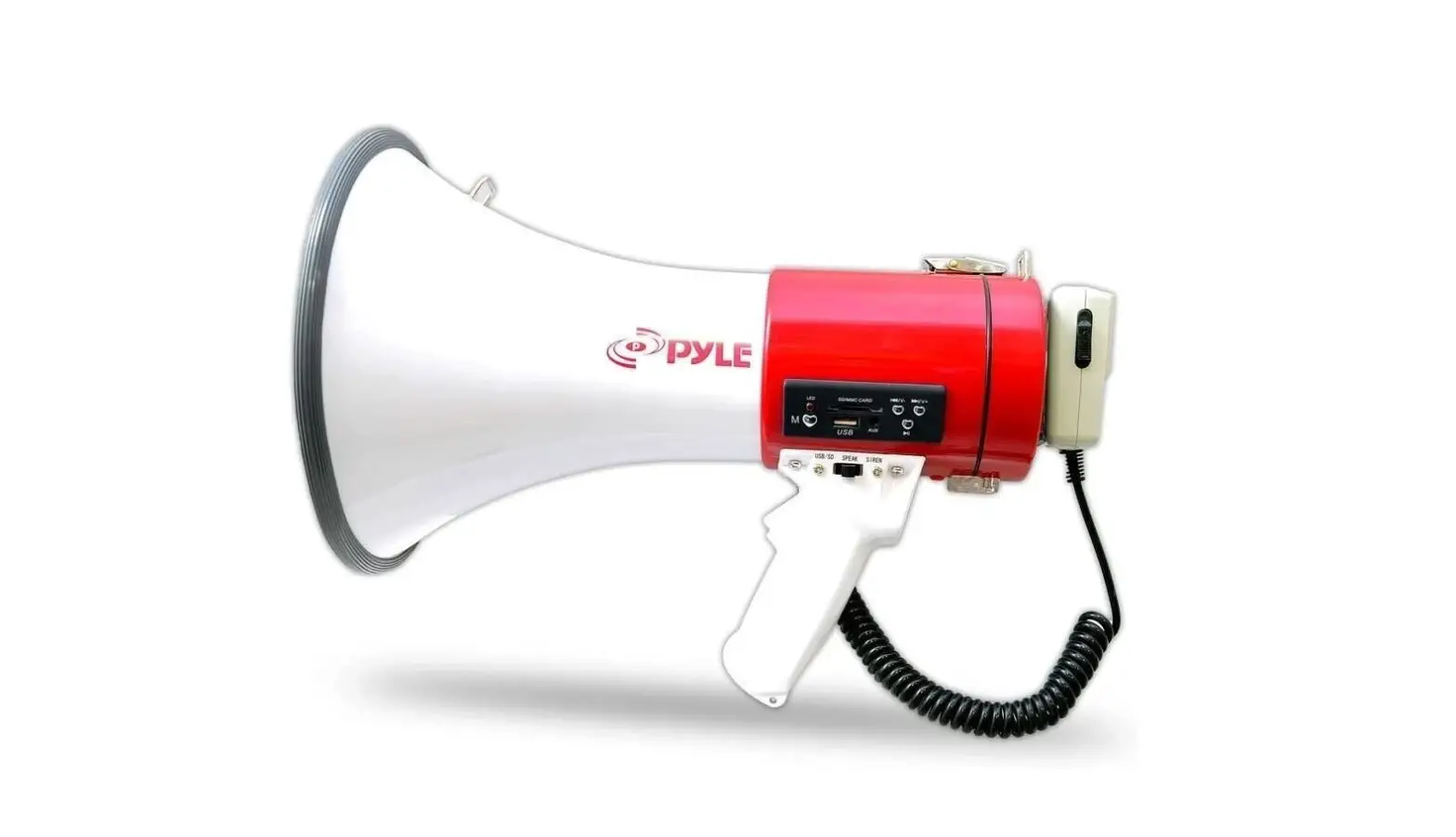
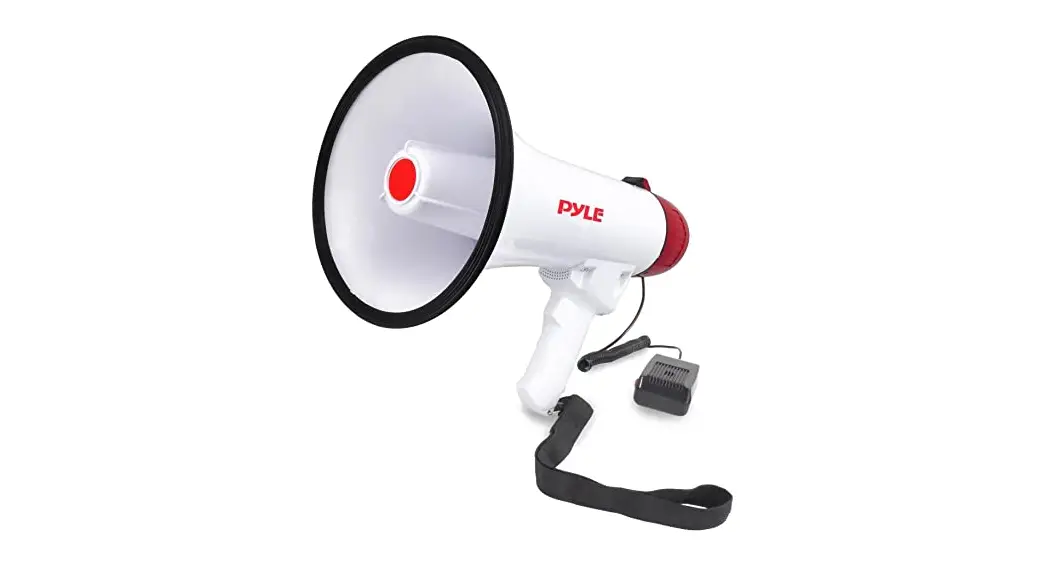
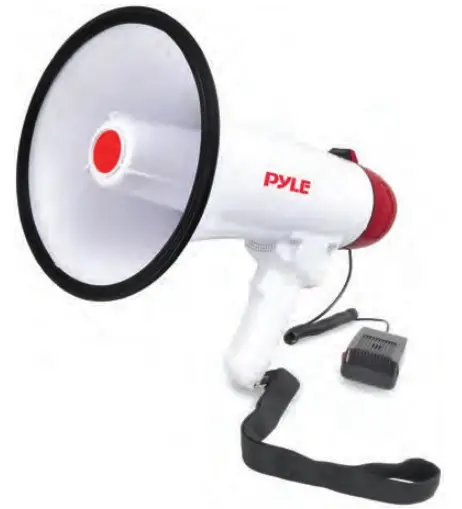
Megaphone Speaker
Audio PA System with Wired Microphone, Siren Alarm,
Adjustable Volume

OPERATING INSTRUCTIONS
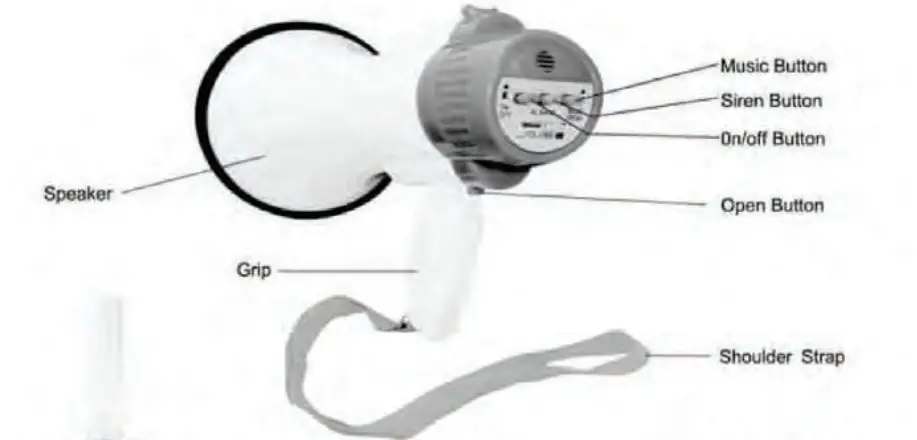
- Open the back cover by pressing down on the ‘Open’ Button
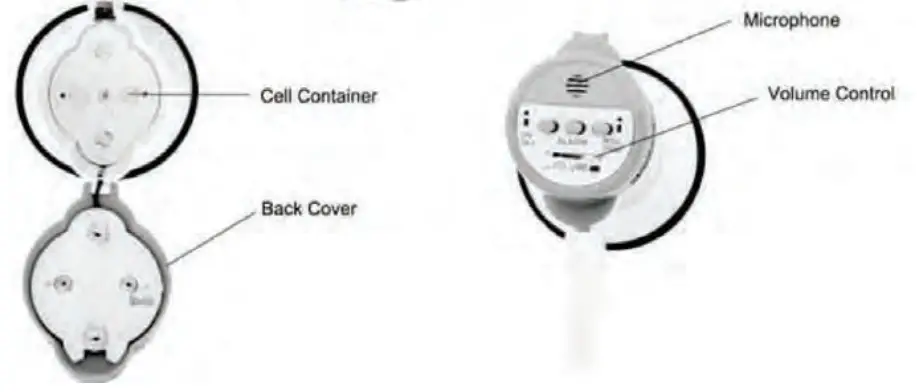
- Insert 4 x UM-1 Cells then close the back cover until locks into position. Now, your megaphone is ready for operation.
- To activate the megaphone, press the ‘ON/OFF button on the back cover.
- When using the megaphone, place your lips as close as possible to the megaphone when speaking. Adjust the ‘Volume Control’ to the desired level without causing any howling or feedback.
- Press the ‘Music’ button to activate soft music.
Press the ‘Siren’ button to activate the emergency siren/alarm.
To switch off the alarm, press the same button again, or press the ‘ON/OFF button.
PRECAUTIONS
Ensure correct polarity of cells used. Insert the batteries in the correct direction by aligning the (-) marks on the batteries with the spring in the back cover.
Use new batteries/cells whenever possible.
When the megaphone is not in use for a long period of time, remove the dry cells and replace them. Drained cells or rechargeable batteries will not give sufficient sound volume.
Features:
- Compact, Portable, and Durable
- Includes Wired Plug-in Handheld Microphone
- Built-in Automatic Siren Function
- Adjustable Volume Control
- Ergonomic Pistol Grip and Light-Weight Chassis
- Trusted & Used by U.S. Armed Forces
- For Indoor/Outdoor Use
What’s in the Box:
- Megaphone Speaker
Technical Specs:
- Power Output: 40 Watt MAX
- Audio Projection Range: 1,000’+ ft.
- Battery Operated, Requires: (6) x ‘D’ Batteries, Not Included
- Megaphone Size (Diameter x Length): 8.0” x 13.1” -inches

Questions? Issues?
We are here to help!
Phone: (1) 718-535-1800
Email: [email protected]
 Pyle USA Electronics | Home Audio | Car Audio & More