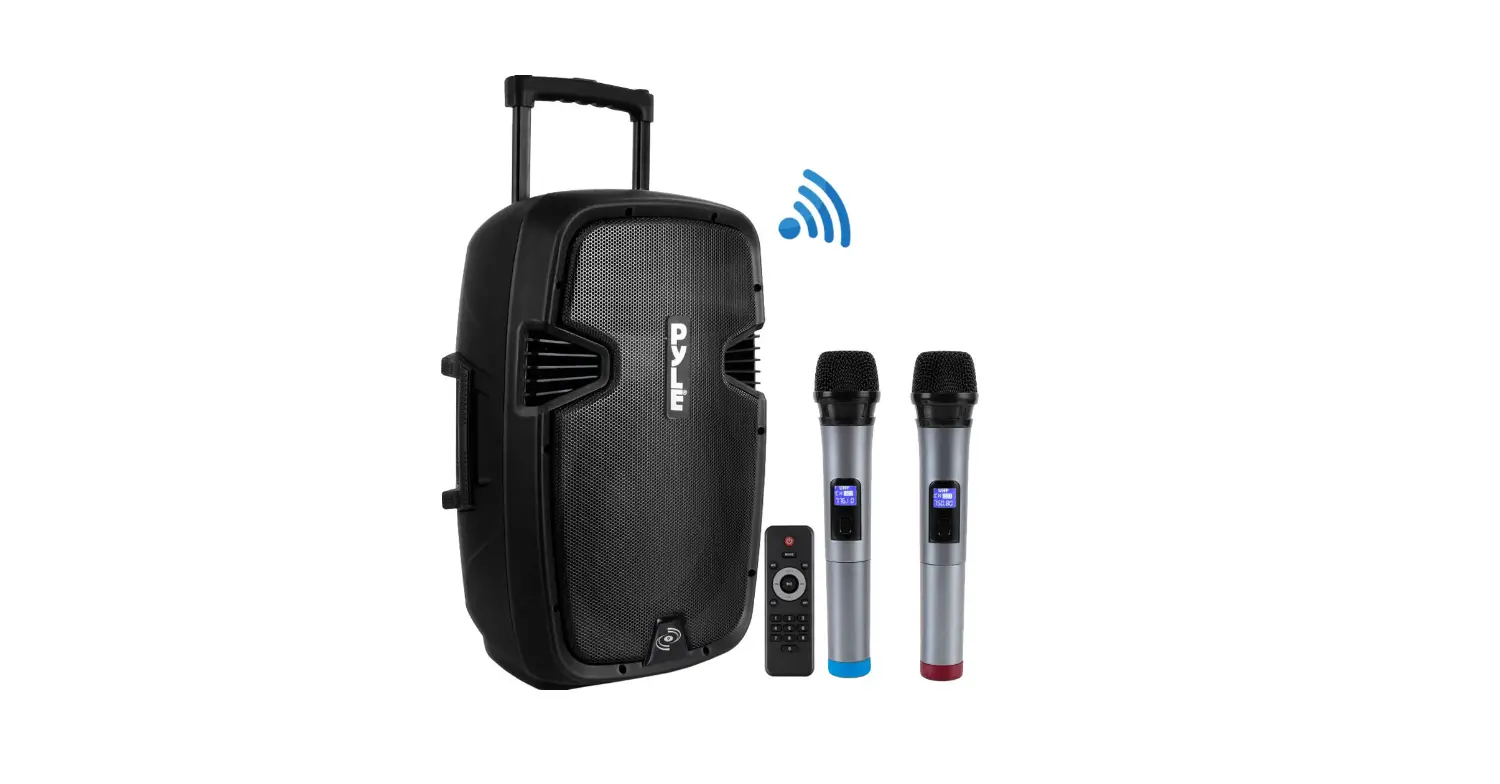
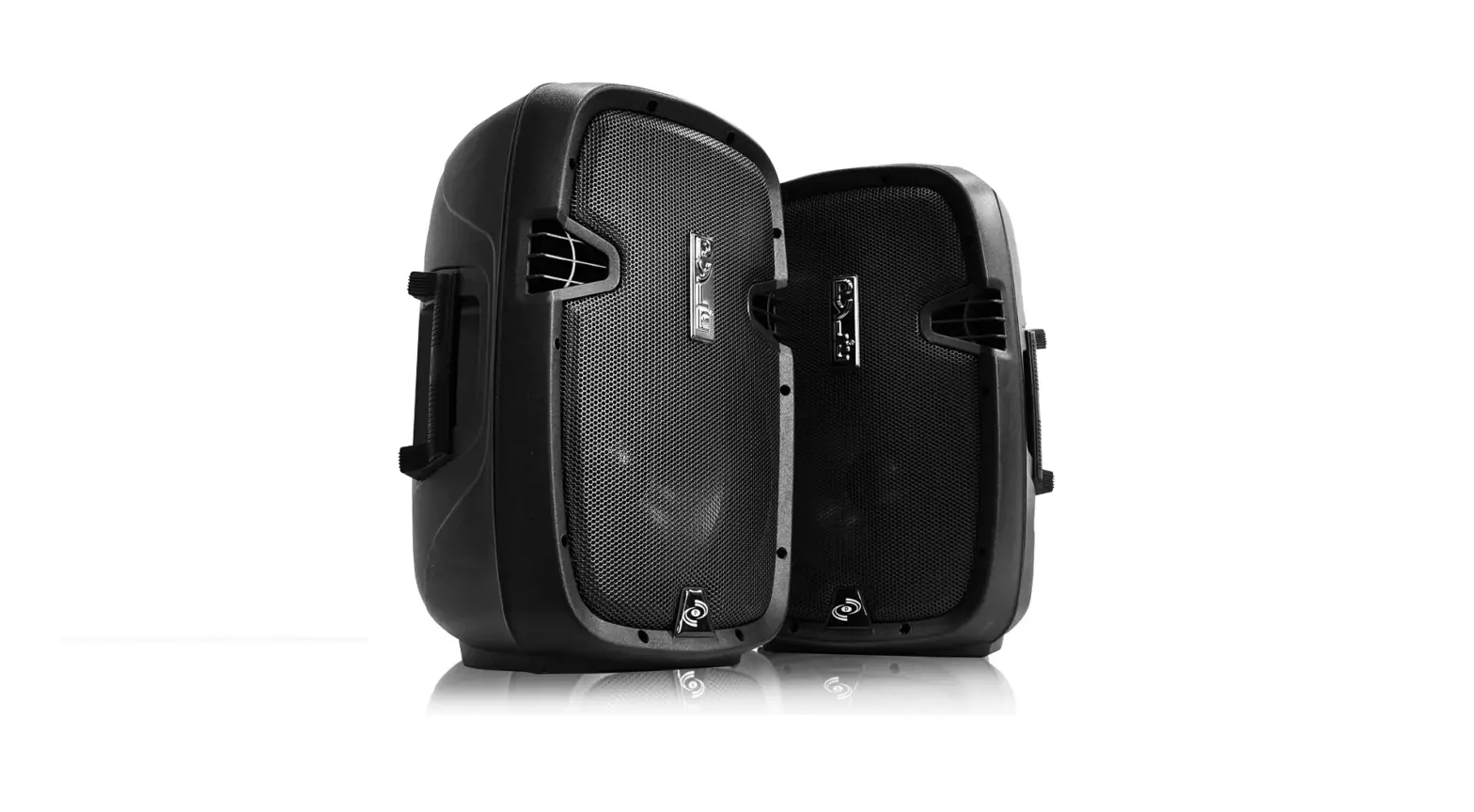
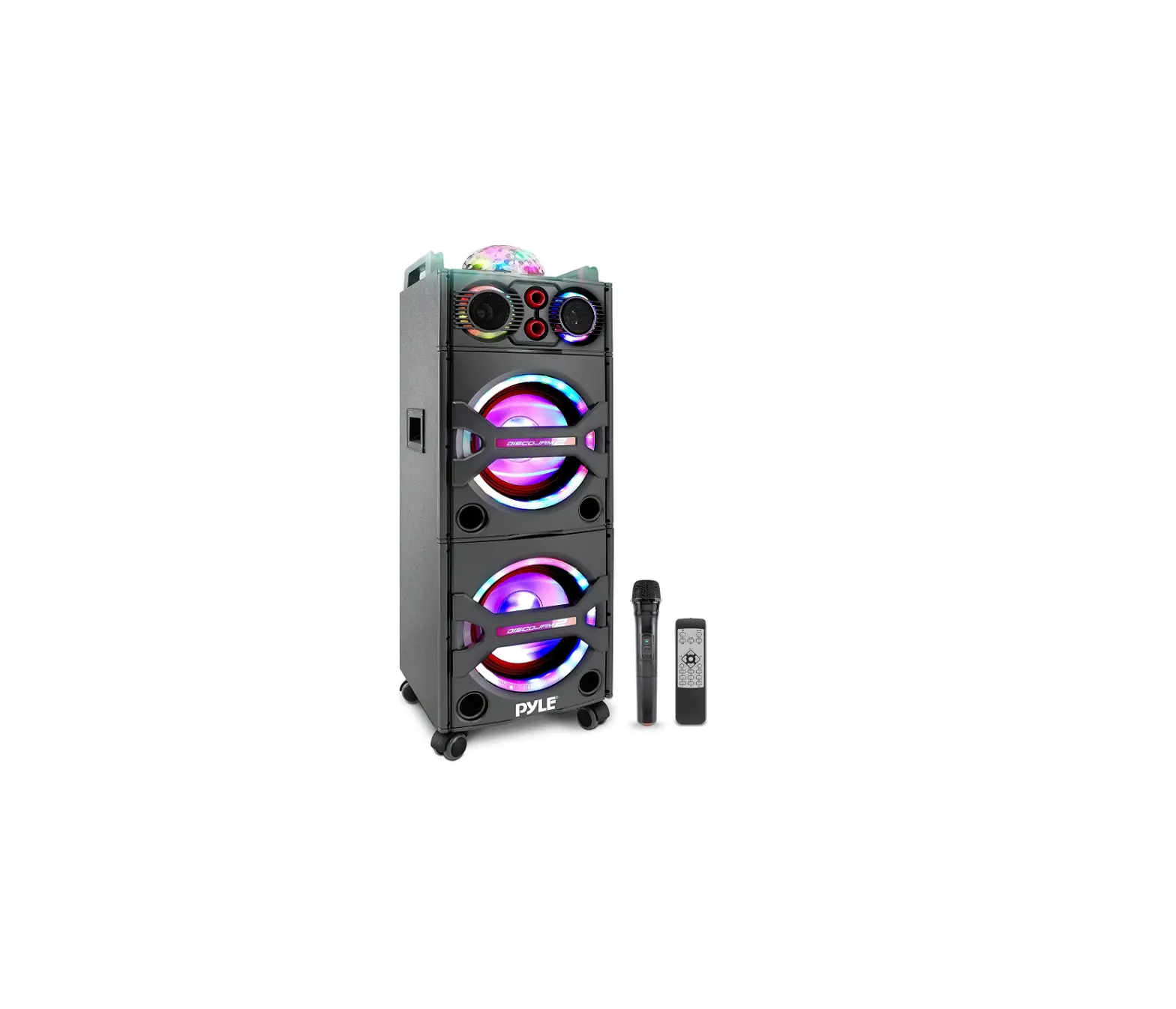
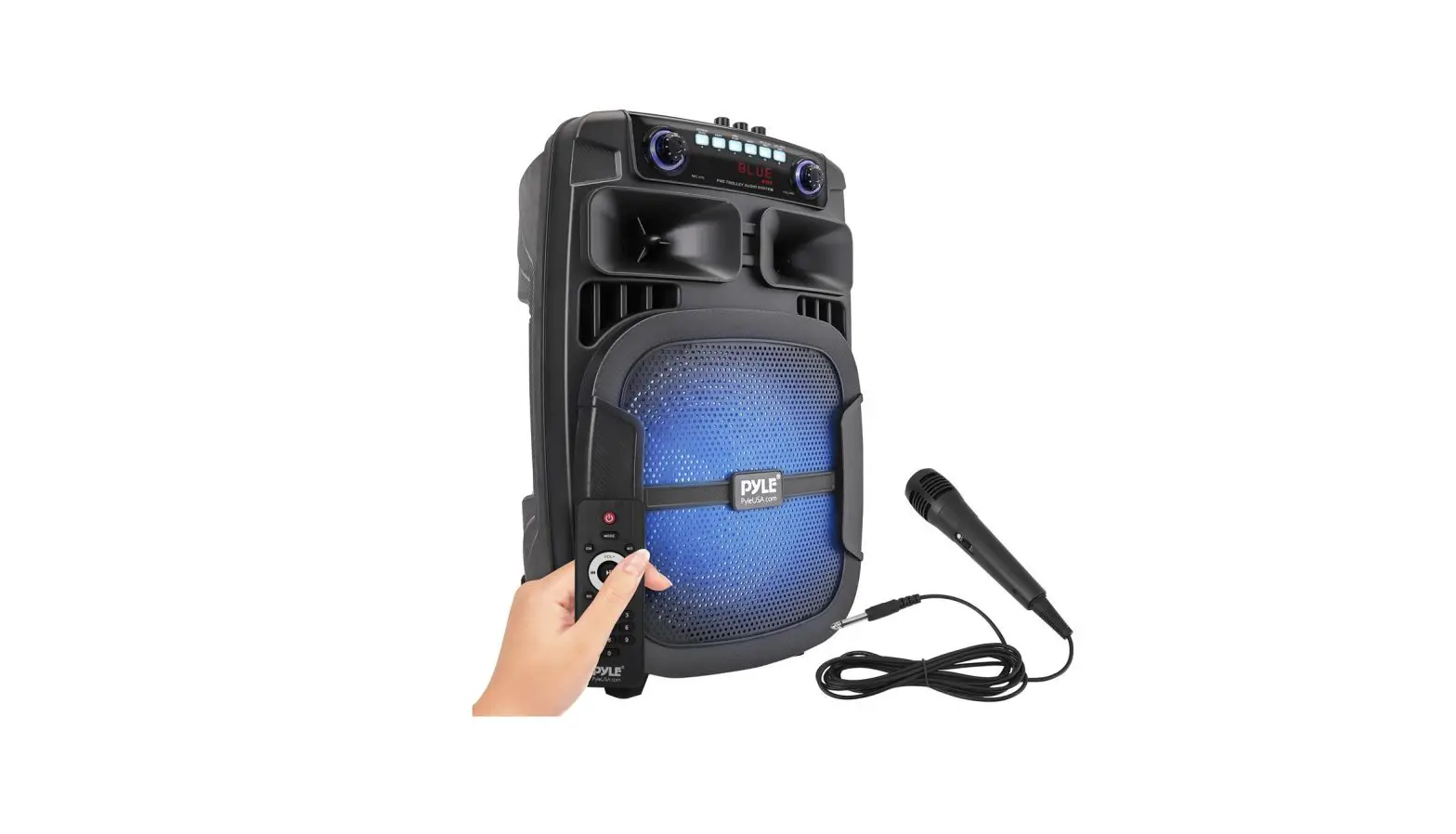
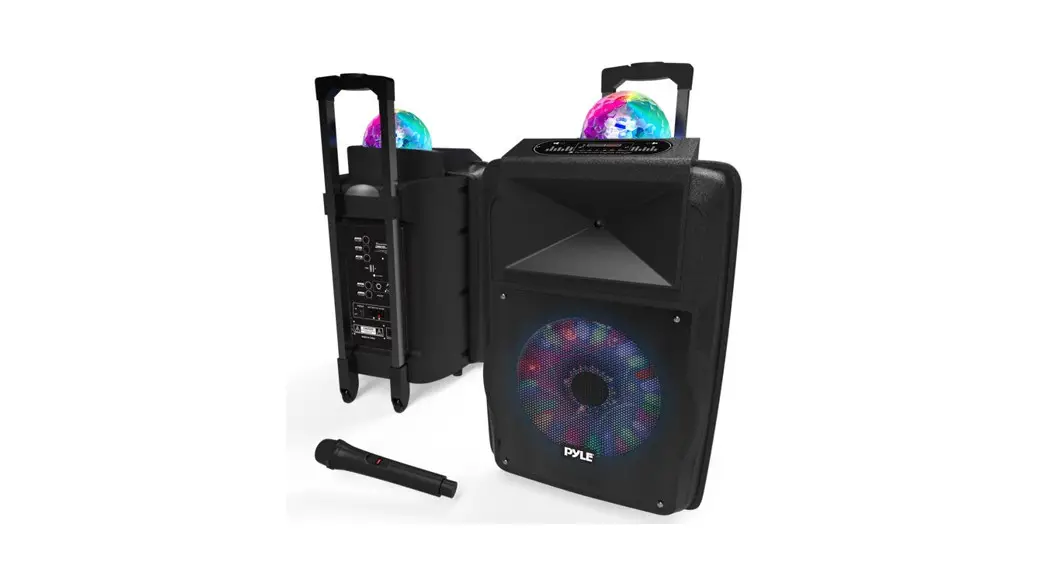
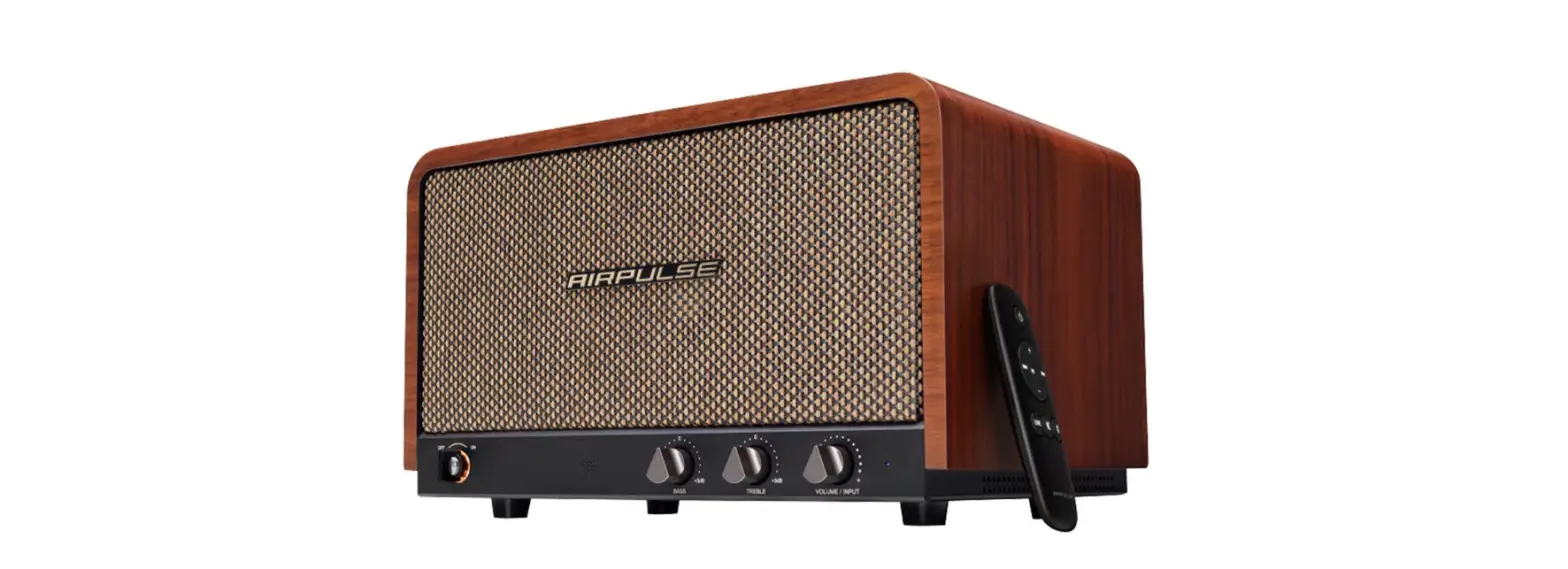
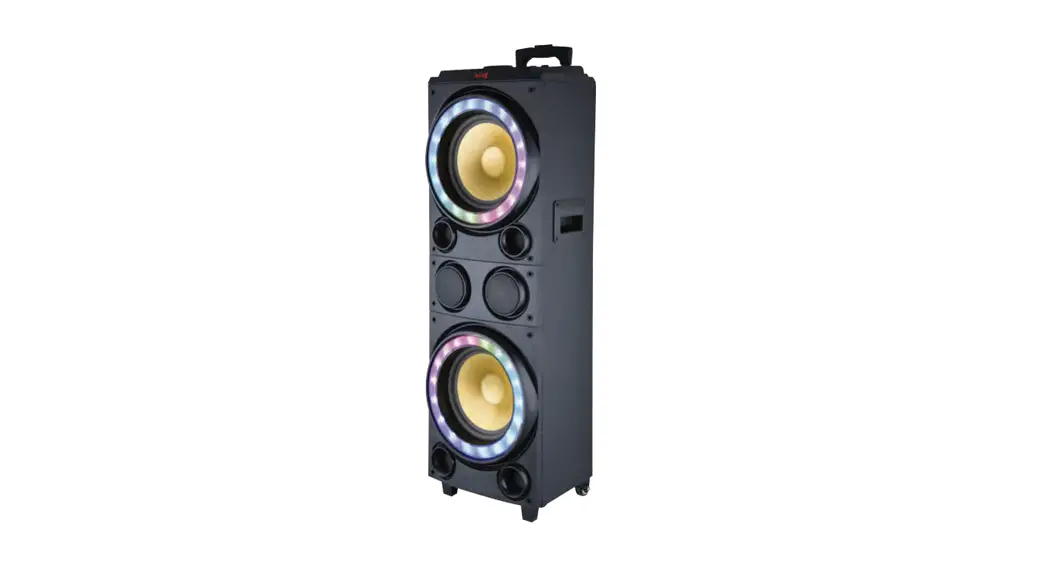
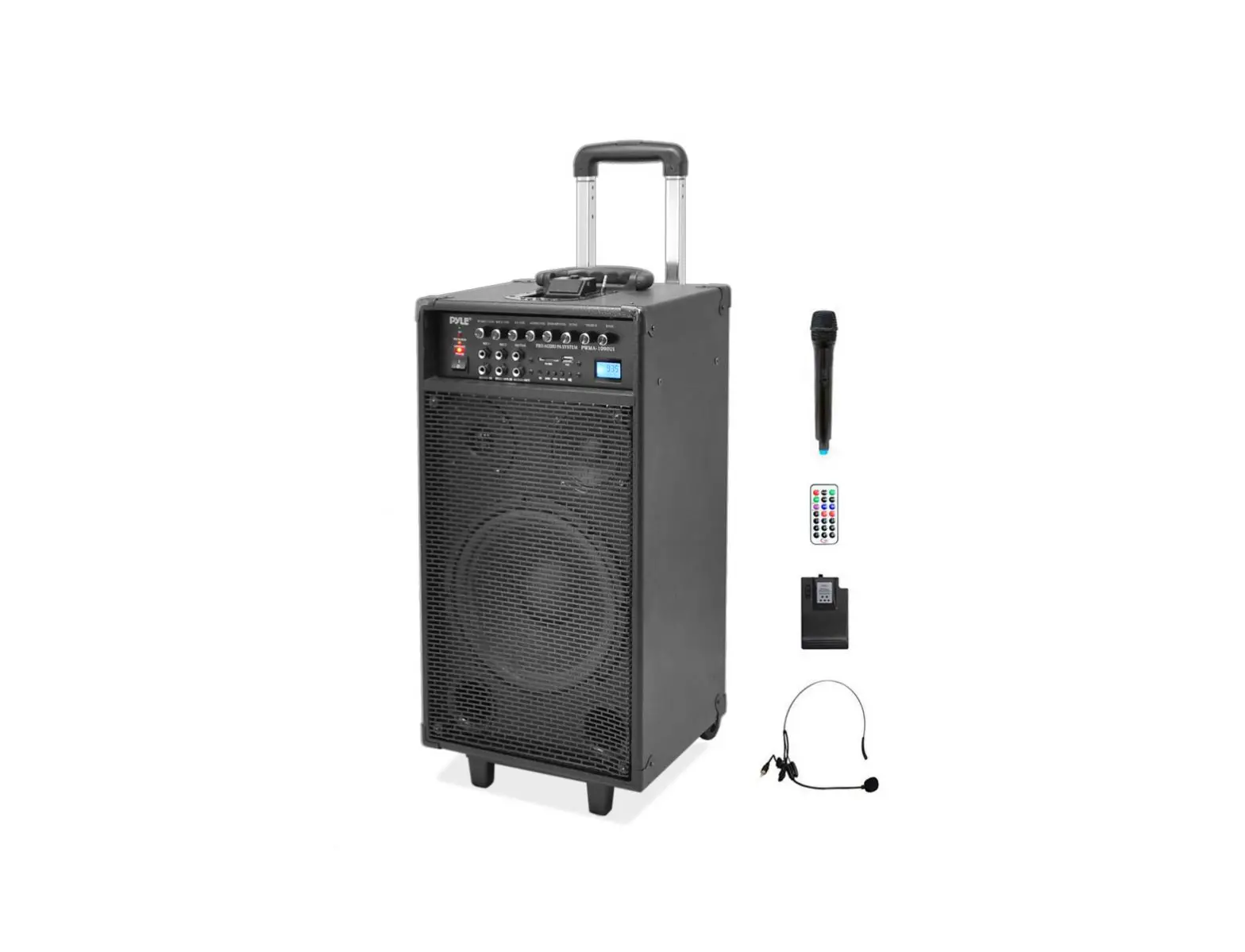
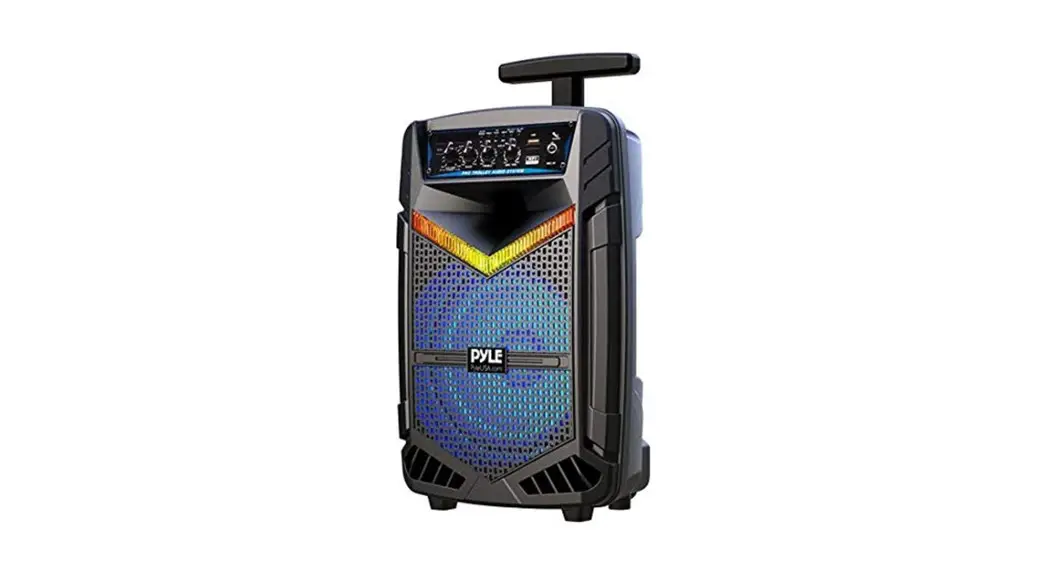
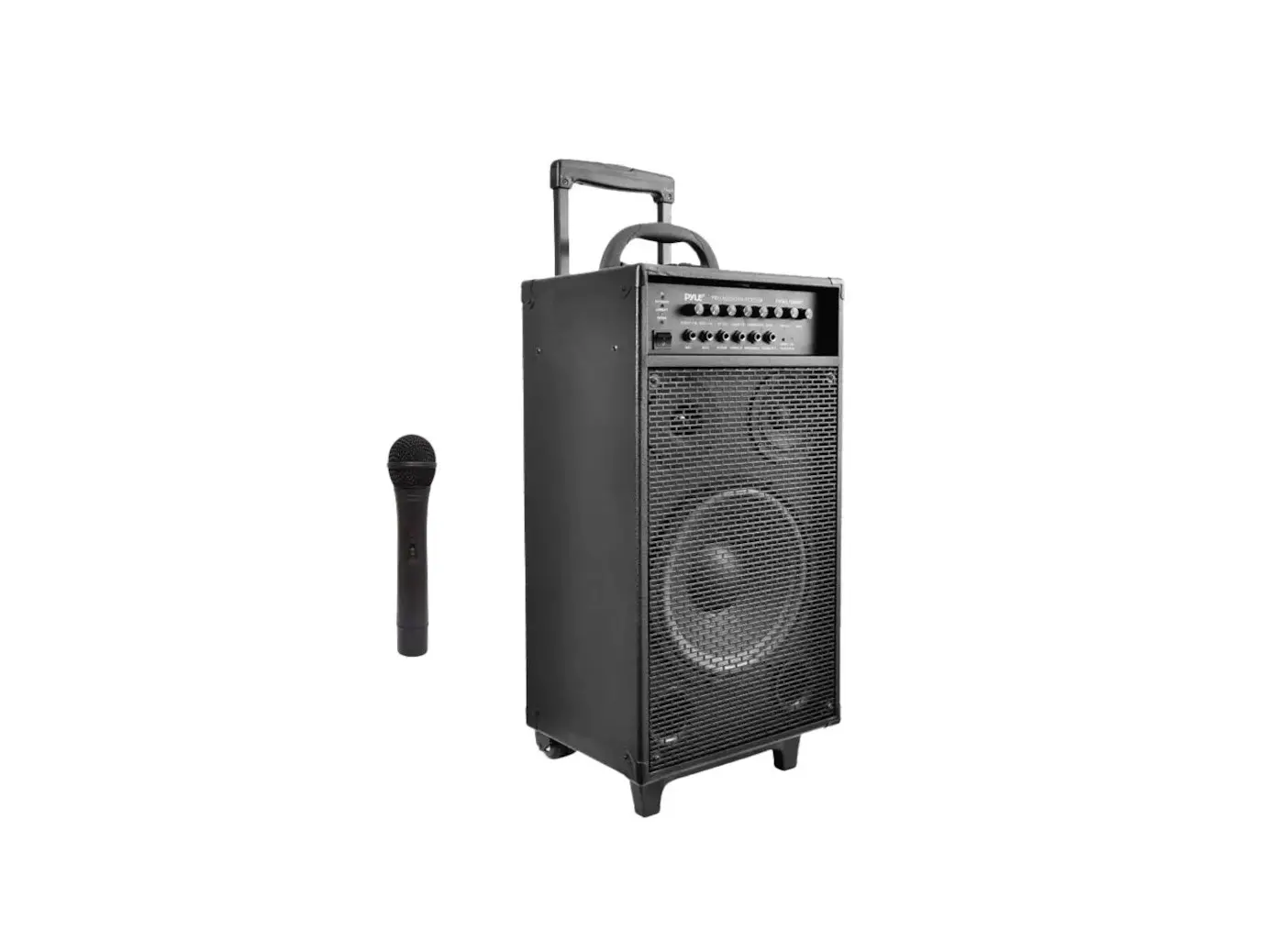
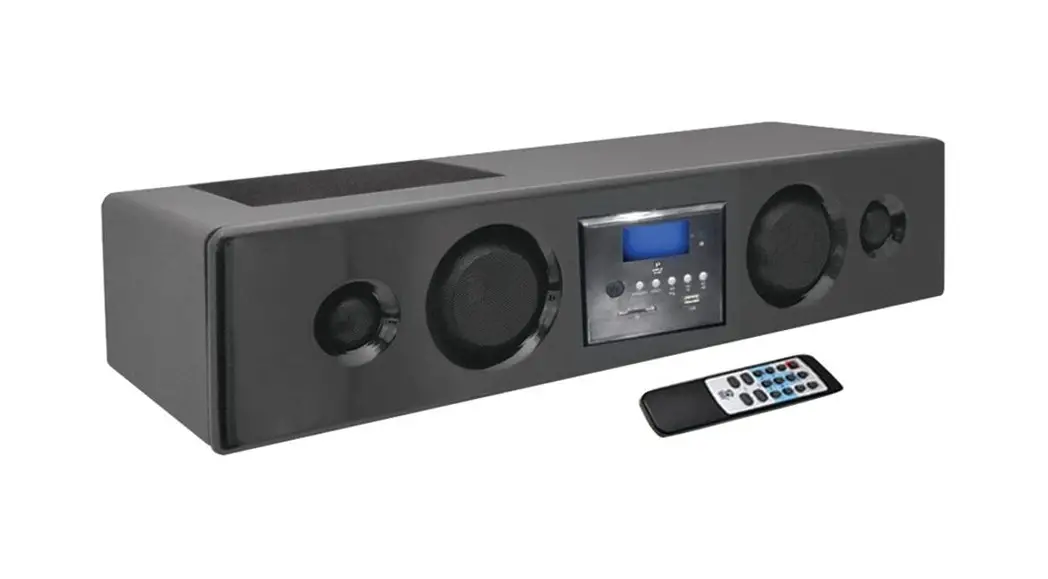
PSUFM1043BT Active Speaker
Product Information
This product is a speaker system that can be connected to an
audio source such as a TV, computer, or smartphone. It has a
function light that indicates if the speaker is turned on and
working properly. The speaker also comes with a remote control that
can be used to control the volume and other settings.
The product complies with part 15 of the FCC Rules, which means
it meets the standards for electromagnetic interference. The device
should be operated at a minimum distance of 20cm between the
radiator and the user’s body.
Product Usage Instructions
If you encounter any issues with the speaker system, refer to
the following troubleshooting guide:
No function light & No sound
- Check if the plug is well connected to the electrical outlet.
If not, insert the plug properly. - Check if the speaker power button is turned on. If not, turn on
the button.
Function light on but no sound
- Check if the cable is misconnected. If so, turn off the power
and check the input jack to ensure proper audio signal is connected
to relevant input jack. - Check if the speakers are not connected or misconnected. If so,
power off and check and confirm the cable connection again. - Check if there is an audio signal output from all the
speakers.
Remote control does not work
- Before you press any function button, first select the correct
source with the remote control instead of the main unit. - Reduce the distance between the remote control and the
unit. - Insert the battery with its polarities (+/- signs) aligned as
indicated. - Replace the battery if necessary.
- Aim the remote control directly at the sensor on the front of
the unit.
If the problem persists after following the above steps, please
refer to the appointed service agent or professional technician to
fix it. Do not attempt to open the cover, otherwise, we assume no
responsibility.
Symptom Possible problem
Solution
No function light & No sound
1.Plug is not well connected Insert the plug into electrical outlet
2.Speaker power button is not turned on
Turn on the button
Function light on but no sound
1.Cable misconnected
2.Speaker are not connected or misconnected
Turn off the power,check the input jack to ensure proper audio signal is connected to relevant input jack
Power off ,then check and confim the cable connection again
3.Audio signal is not transmitted to speaker
Check all the speaker if there is audio signal output
Remote control does not work
1.Before you press any function button,first select the correct source with the remote control instead of the main unit
2.Reduce the distance between the remote control and the unit
3.Insert the battery with its polarities(+/-signs) aligned as indicated
4.Replace the battery
5.Aim the remote control directly at the sensor on the front of the unit
If the problem exists after checking related procedures above , please refer to the appointed service agent or professional technician to fix it.Do not attempt to open the cover, otherwise we assumes no responsibility.
FCC Warning
This device complies with part 15 of the FCC Rules. Operation is subject to the following two conditions: (1) This device may not cause harmful interference, and (2) this device must accept any interference received, including interference that may cause undesired operation.
Any Changes or modifications not expressly approved by the party responsible for compliance could void the user’s authority to operate the equipment.
Note: This equipment has been tested and found to comply with the limits for a Class B digital device, pursuant to part 15 of the FCC Rules. These limits are designed to provide reasonable protection against harmful interference in a residential installation. This equipment generates uses and can radiate radio frequency energy and, if not installed and used in accordance with the instructions, may cause harmful interference to radio communications. However, there is no guarantee that interference will not occur in a particular installation. If this equipment does cause harmful interference to radio or television reception, which can be determined by turning the equipment off and on, the user is encouraged to try to correct the interference by one or more of the following measures:
-Reorient or relocate the receiving antenna. -Increase the separation between the equipment and receiver. -Connect the equipment into an outlet on a circuit different from that to which the receiver is connected. -Consult the dealer or an experienced radio/TV technician for help.
This equipment complies with FCC radiation exposure limits set forth for an uncontrolled environment. This equipment should be installed and operated with minimum distance 20cm between the radiator & your body.