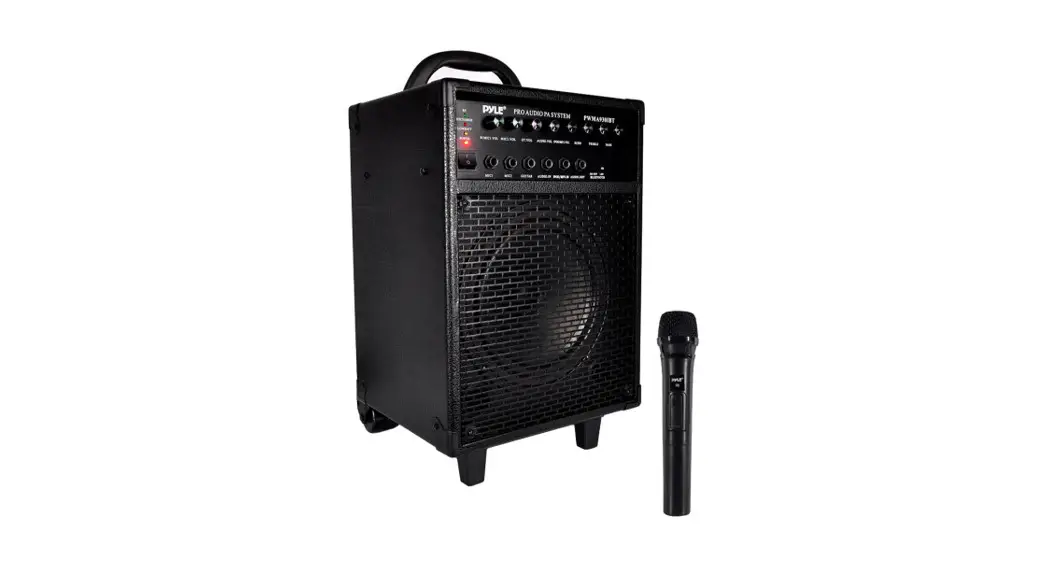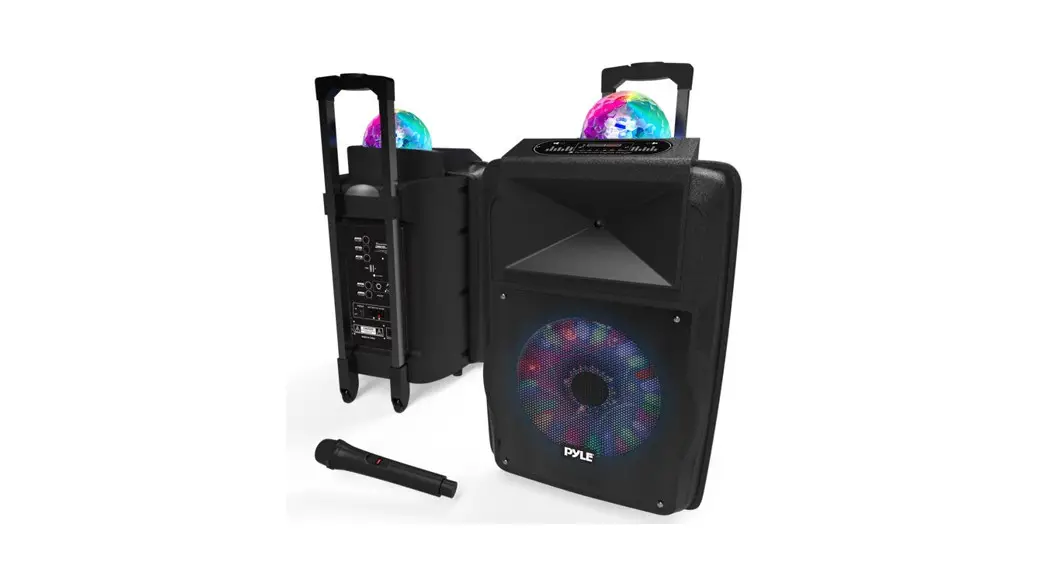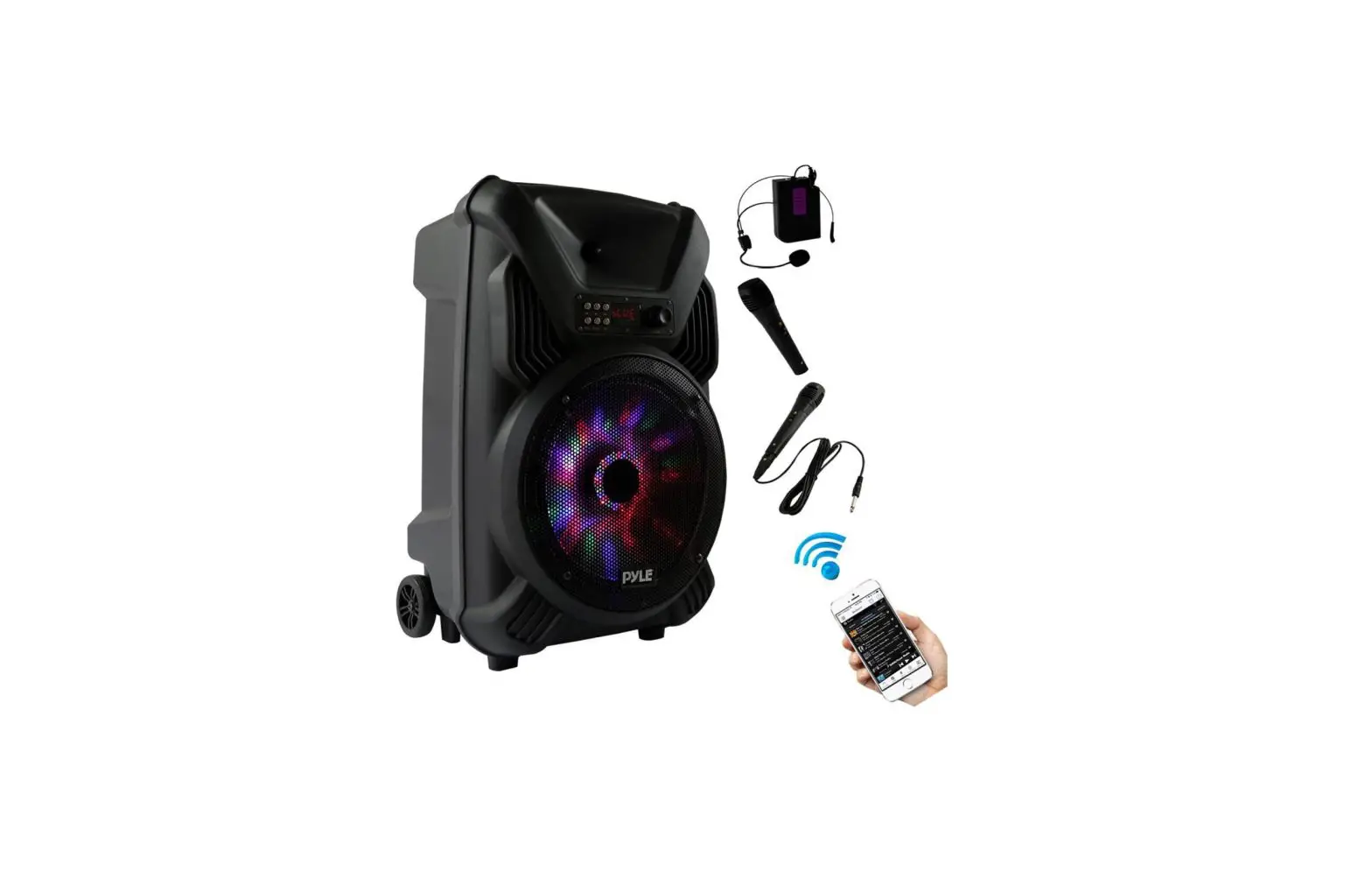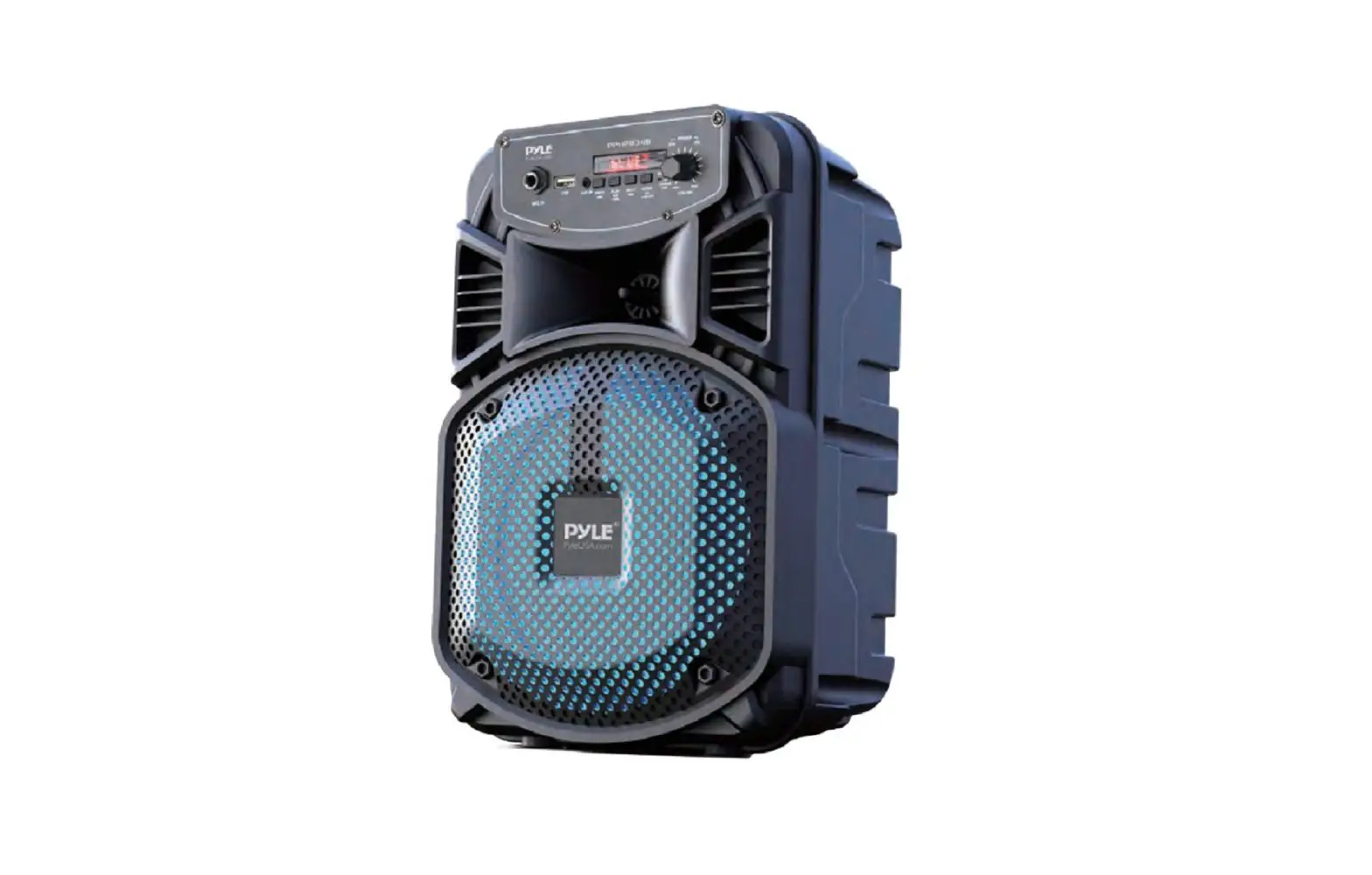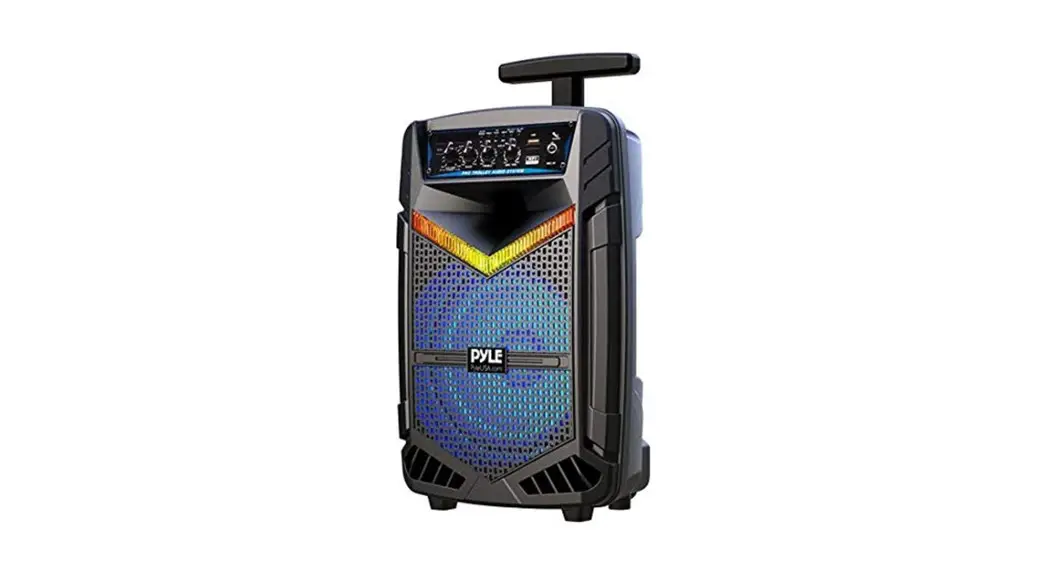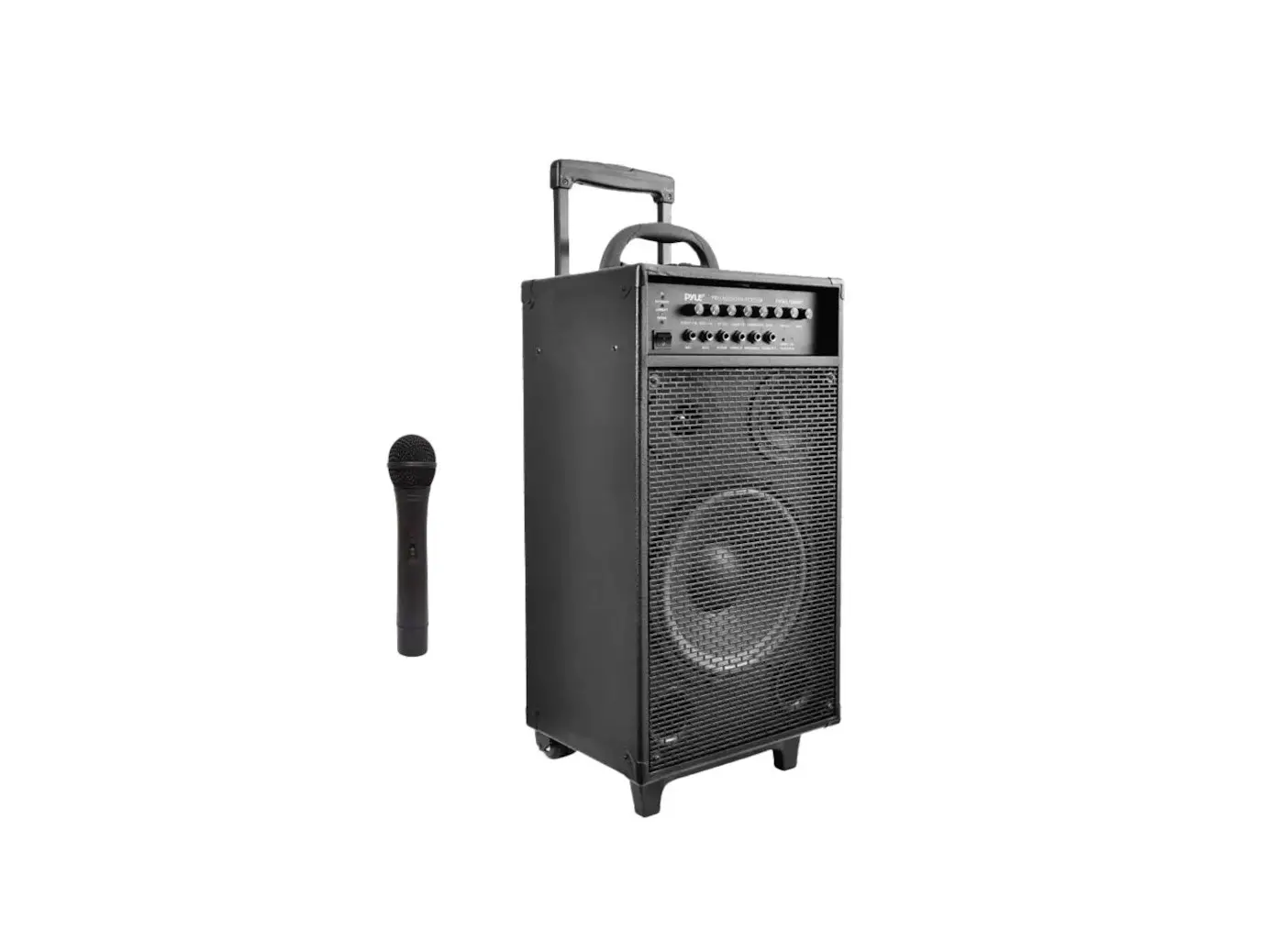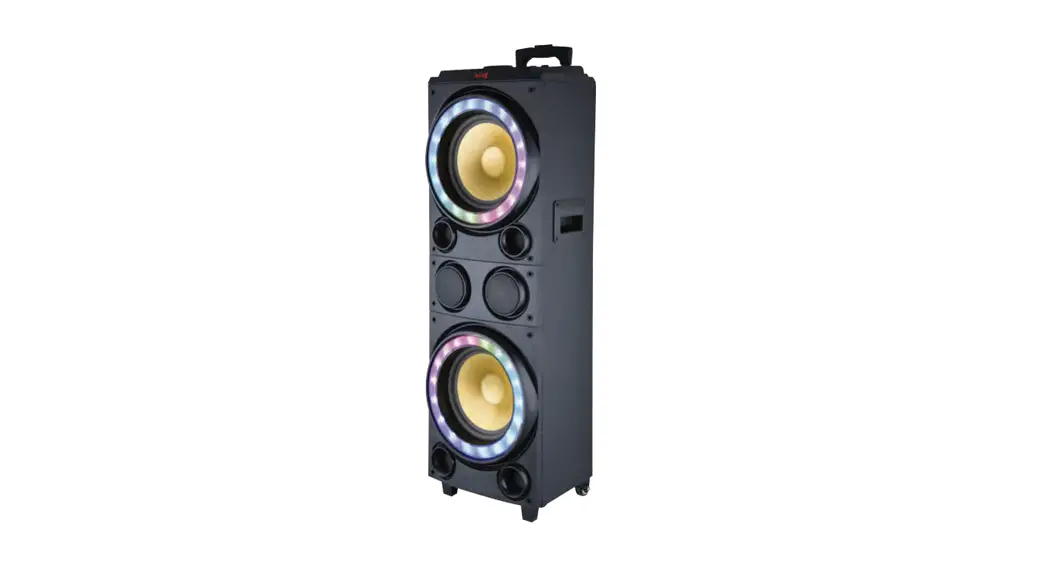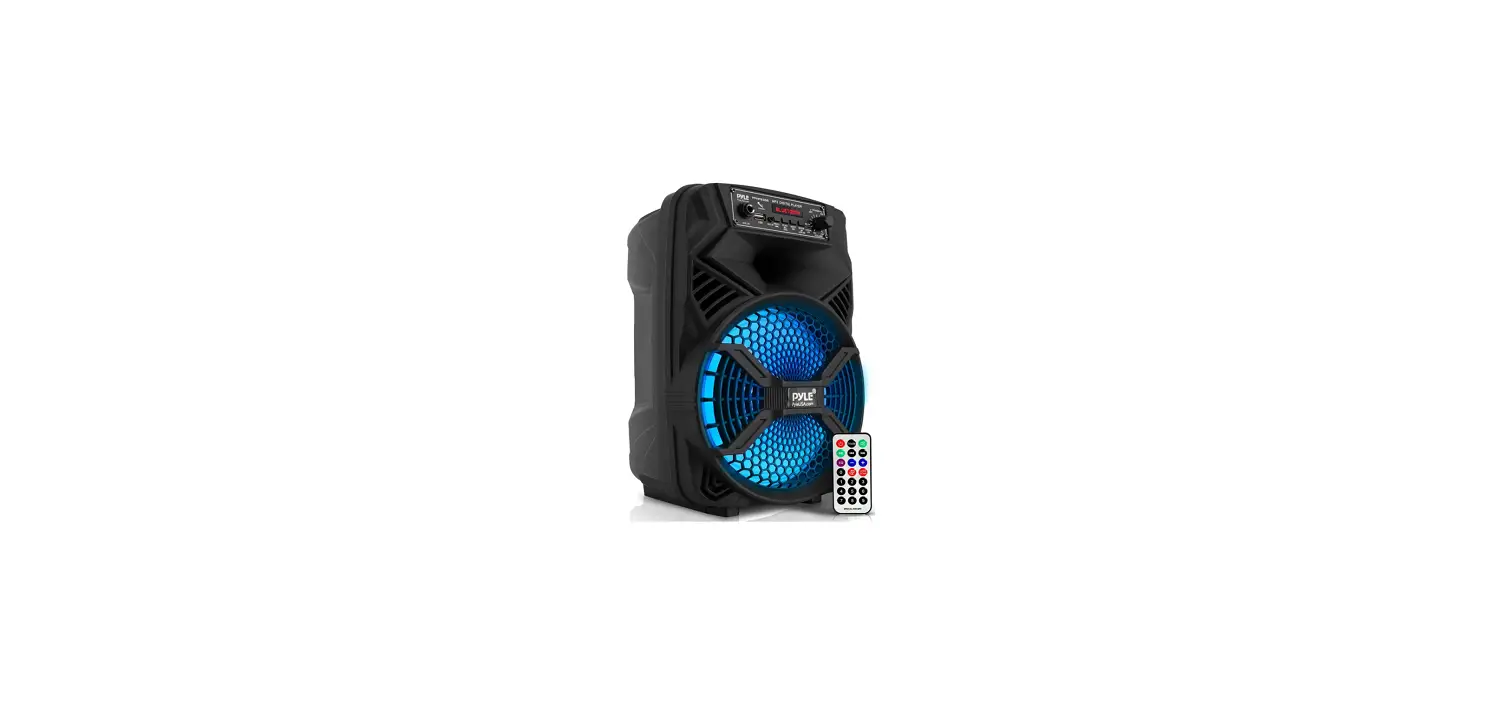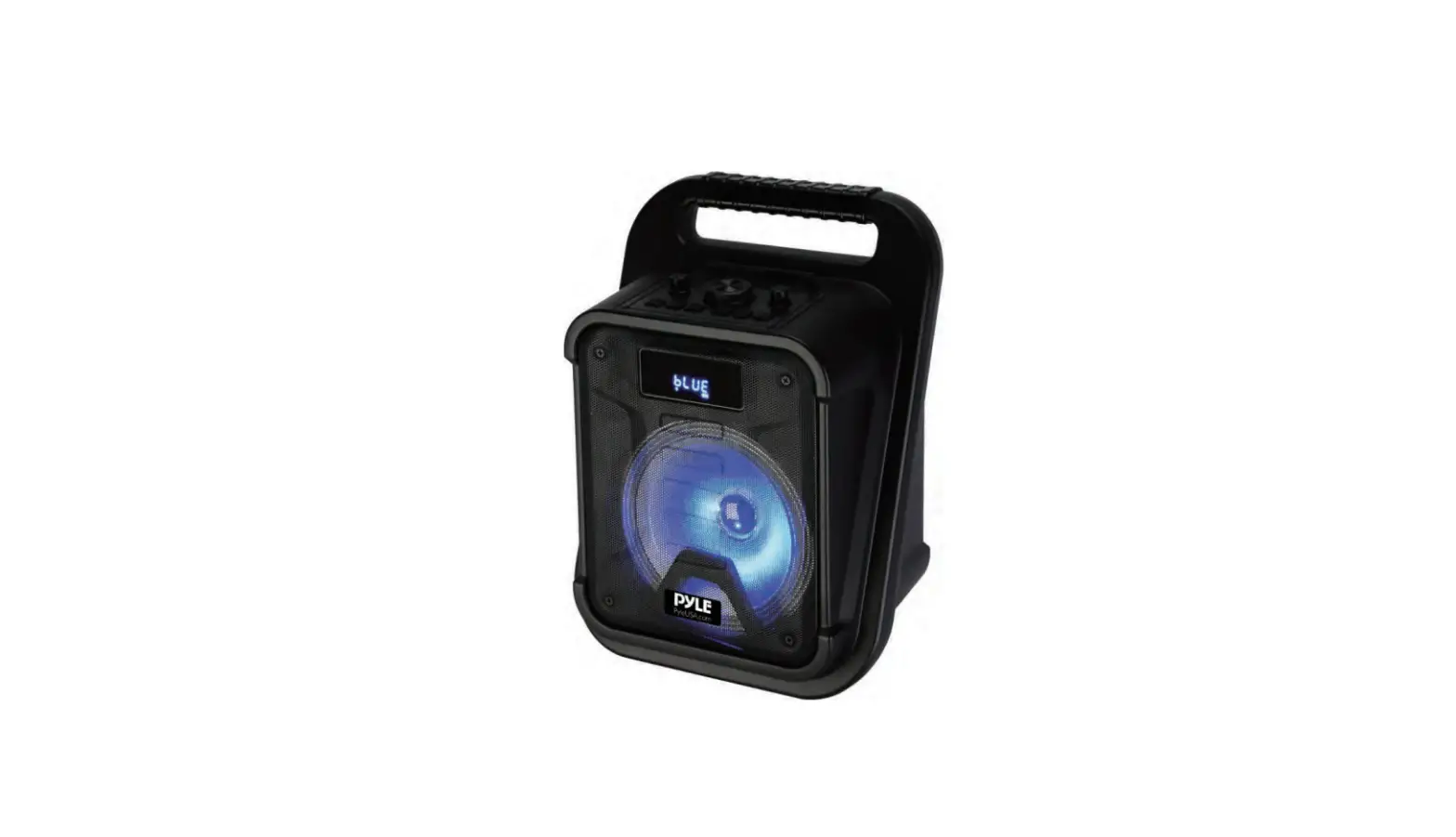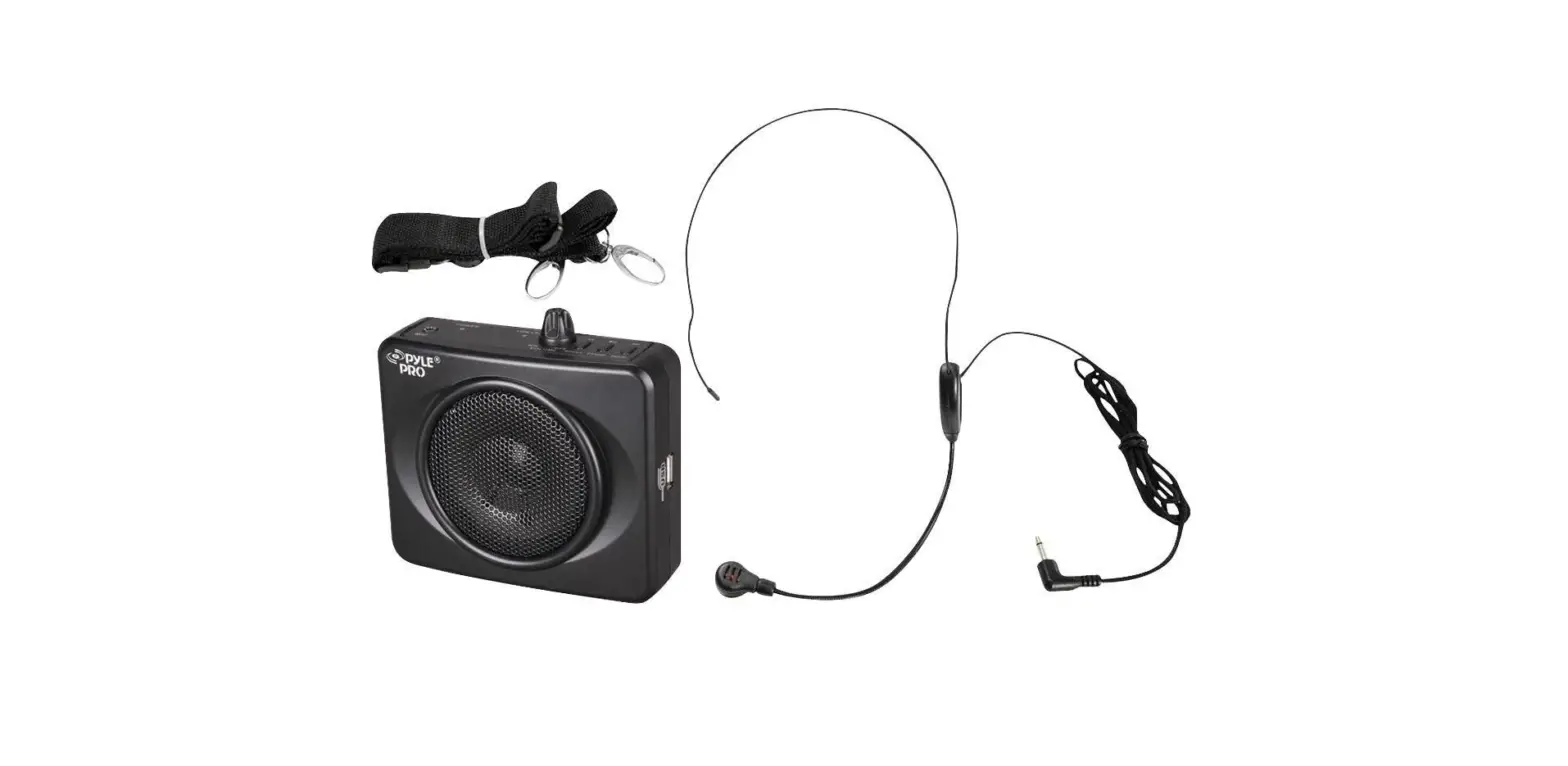

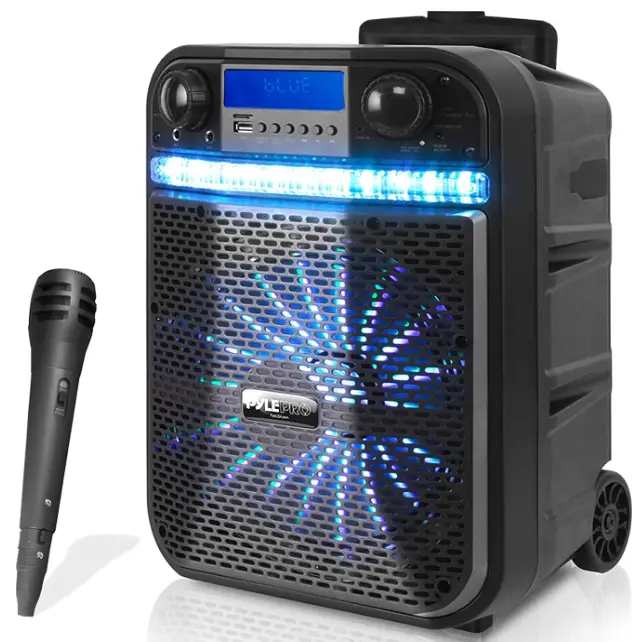
Pyle PWMA337BT Portable PA Speaker System
WARNING!
CAUTION: TO REDUCE THE RISK OF ELECTRIC SHOCK, DO NOT REMOVE THE COVER OF THIS UNIT. THERE ARE NO USER-SERVICEABLE PARTS INSIDE. REFER ALL SERVICING TO A QUALIFIED TECHNICIAN.
Danger: The lightning flash with the arrowhead symbol within an equilateral triangle is intended to alert the user to the presence of “Dangerous” voltage within the product’s enclosure that may be of sufficient magnitude to constitute a risk of Electric shock to humans. Users should exhibit extra safety when this symbol appears in this instruction manual and follow all precautions as they are stated.
Warning: The exclamation point within an equilateral triangle is intended to alert the user to the presence of important operating and maintenance (servicing) instructions in this manual.
SAFETY INSTRUCTION
- Please read the user manual carefully before use and retain for future reference.
- The power supply must match the demand of the device with reliable ground wire.
- All covering signal should comply with the demand of device.
- The device should be located far away from high temperature, moisture and powerful electromagnetic field.
- Max operating temperature is 113°F.
- No naked flame sources, such as lighted candles, shall be placed on the product.
- Clean only with dry cloth – The appliance should be cleaned only as recommended by the manufacturer.
- When not in use, unplug the unit from the mains.
- To establish a safe level:
- Start your volume control at a low setting.
- Slowly increase the sound until you can hear it comfortably and clearly, and without distortion.
- Only use suitable means of transportation if you want to move the speaker.
CONTROL PANELS
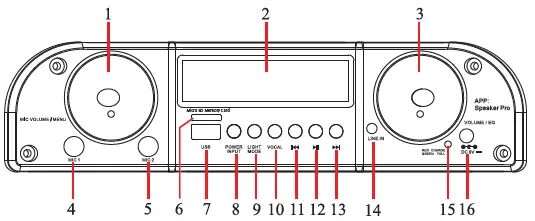
- MIC VOLUME/MENU: Mic volume adjust. Push knob to enter menu to adjust microphone bass (1b) & treble (1t)
- LED Display
- VOLUME/EQ PUSH: Music volume adjust. Push knob enter to adjust music EQ
- MIC1: Microphone input
- MIC2: Microphone input
- Micro SD Memory Card input
- USB: USB Player/Power Bank 5V 1A output
- POWER/INPUT Press button power ON/INPUT Press and hold to power OFF
- LIGHT/MODE (Light flash mode selection & Light witch ON/OFF button)
- VOCAL Voice Cancel
- Previous song
- Play/Pause/FM: Click change Play and pause. Press and hold for 3 seconds to enter FM scan
- Next song
- LINE IKnput
- LED CHARGE STATUS: RED = Charging GREEN = Fully charged
- DC 9V input
BASIC OPERATION
- POWER/INPUT: Press and hold (2 seconds) to turn ON the machine; during working state, short press to select mode: BT/LINE/FM (circulating); during working status. Press and hold (2 seconds) to turn OFF the machine.
- PLAY/PAUSE: during playing status, short press to pause/mute; during FM mode. Press and hold to automatically scan radio station.
- MIC VOLUME-/+ & MENU PUSH: Adjust volume; PUSH knob to enter menu.
- PREVIOUS/NEXT: During playing status, press to play back previous or next song.
- VOLUME-/+ & EQ PUSH: Adjust volume: PUSH knob to enter menu: BA/tb/EQ mode/JAZZ/ROCK etc (circulating).
- USB: USB Player/Power Bank 5V 1A output.
FM Operation
- Lightly press Power/Input button to switch to FM mode, press and hold PLAY/PAUSE button to automatically scan radio station, by pressing PREVIOUS or NEXT to select previous or next song.
- When scanning radio programs, adjust the antenna to obtain the best reception.
Bluetooth
Press the POWER/INPUT button on the panel control to select Bluetooth mode. Simultaneously open the Bluetooth setting on your phone, tablet or any other Bluetooth-enabled audio device and select “PyleUSA”. The unit and device will connect via Bluetooth to control the device via your phone, tablet etc please download the App “Speaker Pro”. Once the unit and device are connected via Bluetooth, open the “Speaker Pro” App on your phone. You can now control Music, Light, USB Card, Bluetooth and Equalizer etc.
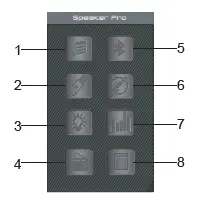
To control the device via your phone, please find and install the app Speaker Pro. Open the App “Speaker Pro” on your phone, there are 7 function icons on the main page:
- Bluetooth Music play
- USB card play
- Light control color, brightness and light flash mode
- FM Radio
- Control Bluetooth connect
- Line In input – mute
- Equalizer, volume adjustment for music, Microphone and quitar input.
- Micro SD Memory Card Player
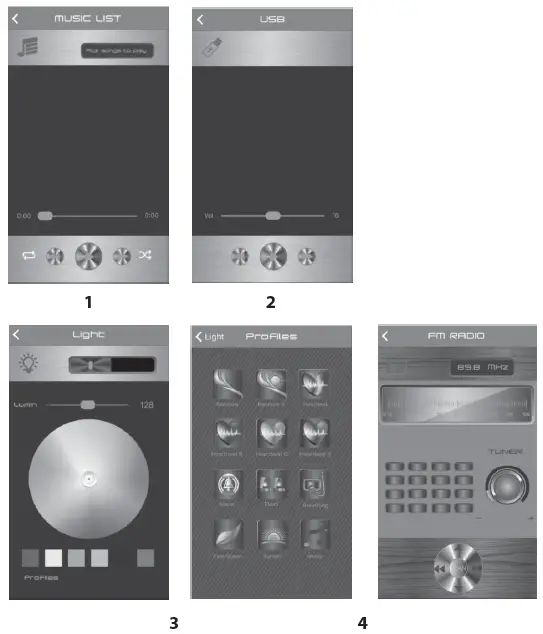
Bluetooth Music Play

Press to enter into the Bluetooth Music play page. Press “Pick songs to play” to Pick Song page to choose the song you want to play, press “Done” to return to Bluetooth Music play page, also you can operate pause, play, backward, forward & volume adjustment, repeat, random play. Press “Back” to return to the main page.
USB Card Play
When inserting the USB into the speaker, press to enter the USB Card play page. To choose a song and play music on the USB card, press “Play” to enter into the play control page ,where you can operate pause, play, backward, forward & volume adjustment. Press “List” to return to USB list page, press “Back” to return to the main page.
Light control colors, brightness and color change mode
Press to enter into Light Control page, you can select any colour to show the light colour on the speaker, as well as adjust the brightness of the light. To go back to main page, press “<” in the left corner. Press “Profiles” to enter into Light Effect mode page, you can choose from a total of 12 pre-set light effect modes. To return to Light Control page, press “Light” in the left corner.
FM Radio
Press to enter into FM radio mode, press SCAN to enter into radio program automatic scan. Press for radio program manual scan. Top and bottom trimming. Turn the TUNER button radio station to adjust. Slide around to adjust radio frequency between 87.5MHz~108.0MHz.
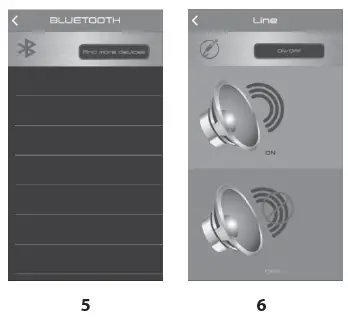
Bluetooth Connection
Press to enter into Bluetooth Control connection page, then click “Speaker Pro BLE” to connect to the speaker.
Line In Input – Mute
Press to enter into Line IN input page, press to mute music, press insert a line continue play. Press “Back” to main page.
Equalizer, volume adjustment for Microphone and Music
Press to enter into Sound Set page to adjust the volume for Music and Microphone. Press Microphone button, and then turn Volume or Bass or Treble button to adjust the volume; press Music button, and then turn ECHO or Micro phone Volume or Delay to adjust the volume. There are 4 pre-set EQ modes: Pop, Classical, Jazz and Rock. You can also press G-Eq to access the graphic equalier to set up your preferred equalize specification.
MIC DSP selection
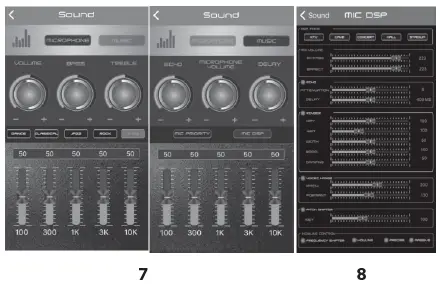
During Sound Field Mode: DSP MODE has 5 choices: KTV, HALL, CAVE, CONCERT, STADIUM; MIX VOLUME has 2 choices: BYPASS, EFFECT, swipe left and right to adjust the volume; press ECHO to adjust the volume of ATTENUATION or DELAY mode; press REVBER to adjust the volume of 5 choices: DRY WET WIDTH ROOM DAMPING; press VOICES CHANGE to adjust the volume of PITCH or FORMANT mode; press PITCH SHIFTER to adjust the volume of KEY mode; HOWLING CONTROL has 4 choices: FREQUENCY SHIFTER HOWLING PRECISE MASSIVE.
Features
- Karaoke & Music Streaming Speaker System
- Compact, Portable & Powerful
- Bluetooth Wireless Audio Streaming
- Built-in Rechargeable Battery
- Flashing DJ Party Lights
- FM Radio with Digital LCD Display
- USB Flash & Micro SD Memory Card Readers
- Aux (3.5mm) Input
- Microphone Input
- Connect & Stream From External Devices
- Full Range Stereo Sound Reproduction
- Impressive Bass Response
- Convenient Carry Handle & Rolling Wheels
- Rugged & Heavy Duty Design
- Front Panel Button Control Center
Bluetooth Connectivity
- Built-in Bluetooth for Wireless Streaming
- Works with All of Your Favorite Devices (Smartphone, Tablet, Laptop, Computer, etc.)
- Bluetooth Network Name: ‘PyleUSA’
- Bluetooth Wireless Range: 10M.
- Bluetooth Version: 4.2
What’s In the Box
- Portable PA Speaker
- Wired Handheld Microphone
- Power Adaptor
Technical Specs
- Rated Power: 300 W
- Sound System: 10” Subwoofer
- Wired Microphone Cable Length: 3M
- Battery: Lithium Battery, 7.4V 2000mAH
- Impedance: 4 Ohm
- Frequency Response: 55Hz-20kHz
- Sound Distortion:03%
- S/N Ratio: -92db
- Max USB/Micro SD Memory Card Support: 128G
- Power: 100/240V (DC 9V Power Adapter)
- Dimensions (L x W x H):4’’ x 10.2’’ x 16.7’’ –inches
Frequently Asked Questions
Connect this amplifier system to the power supply by inserting the power cord into the socket. Turn the amplifier on. Red appears on the Power Indicator. When the battery is charging, the RECHARGE indication glows red, flashes when it is almost full, and turns off when it is fully charged.
Once the charger and battery are in balance, the device will cut off the charging circuit.
The built-in lithium ion battery is fully charged if the CHARGE indication remains off when the speaker power is off and connected to an AC outlet. Even if the speaker is kept plugged into an AC outlet, the battery will stop being charged after it has reached full capacity.
8–10 Hours The system has a battery life of about 8 hours. 8 to 10 hours on average for charging.
Without endangering the battery, you can use your Bluetooth speaker while it is charging. When using the speaker for the first time, you should fully charge it while it is off so that you may check the battery life.
The Bluetooth® speaker’s internal battery needs three (3) hours to fully recharge from a dead battery.
Both devices’ volumes should be turned up. Ensure that the music is playing on your source device. Move the Bluetooth speaker as far away from metal objects and other potential interference-causing gadgets as you can. Make sure nothing is plugged into the wireless speaker’s AUDIO IN port.
The battery will be harmed even if you leave the Bluetooth speaker connected the entire day. Even when the battery is fully charged, continuing to charge the speaker could cause the battery to overheat and perhaps explode.
The Bluetooth speaker’s battery life varies based on the model and the company who made it. A speaker should typically operate for ten to twenty hours after a full charge.
Your best options are a portable battery pack and quick charging capabilities. A shorter battery life can be compensated for by quick charging. This capability, which not all speakers have but is quite helpful nonetheless, may take a dead battery and resuscitate it for a sufficient length in a half-hour or less.
To prevent overcharging, lithium batteries include a built-in auto-off feature that activates when a full charge is attained.
The majority of wireless speakers connect to standard power outlets or power strips using AC adapters. To become “truly wireless,” some systems employ rechargeable batteries, although this feature necessitates repositioning and charging as routine tasks in order to use this type of surround sound system.
Next, in the Device Manager box, select Properties by right-clicking on your Bluetooth device. 3. Allow the computer to turn off this device to save power is a checkbox that can be unchecked in the Properties window’s Power Management tab. Select OK.
• When the power switch is turned to “ON,” the LED light turns blue, blinks twice, and beeps quickly.
• Turn on Bluetooth on your phone, look for the “BT speaker” device, and attach it. …
• Play some music on your phone and take it all in.
The [MODE] button while holding it down. The speaker’s LED light will blink blue. 3. I am unable to get the Bluetooth speaker into pairing mode even though it is now in pairing mode.