Penclic Mini Keyboard C3 Office v2 User Guide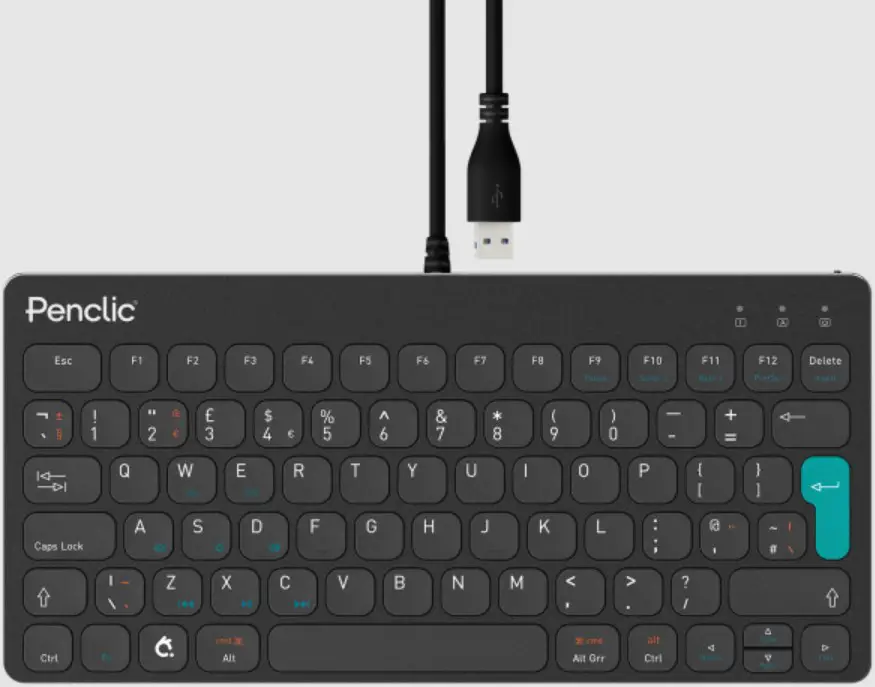
Welcome to the quick guide.
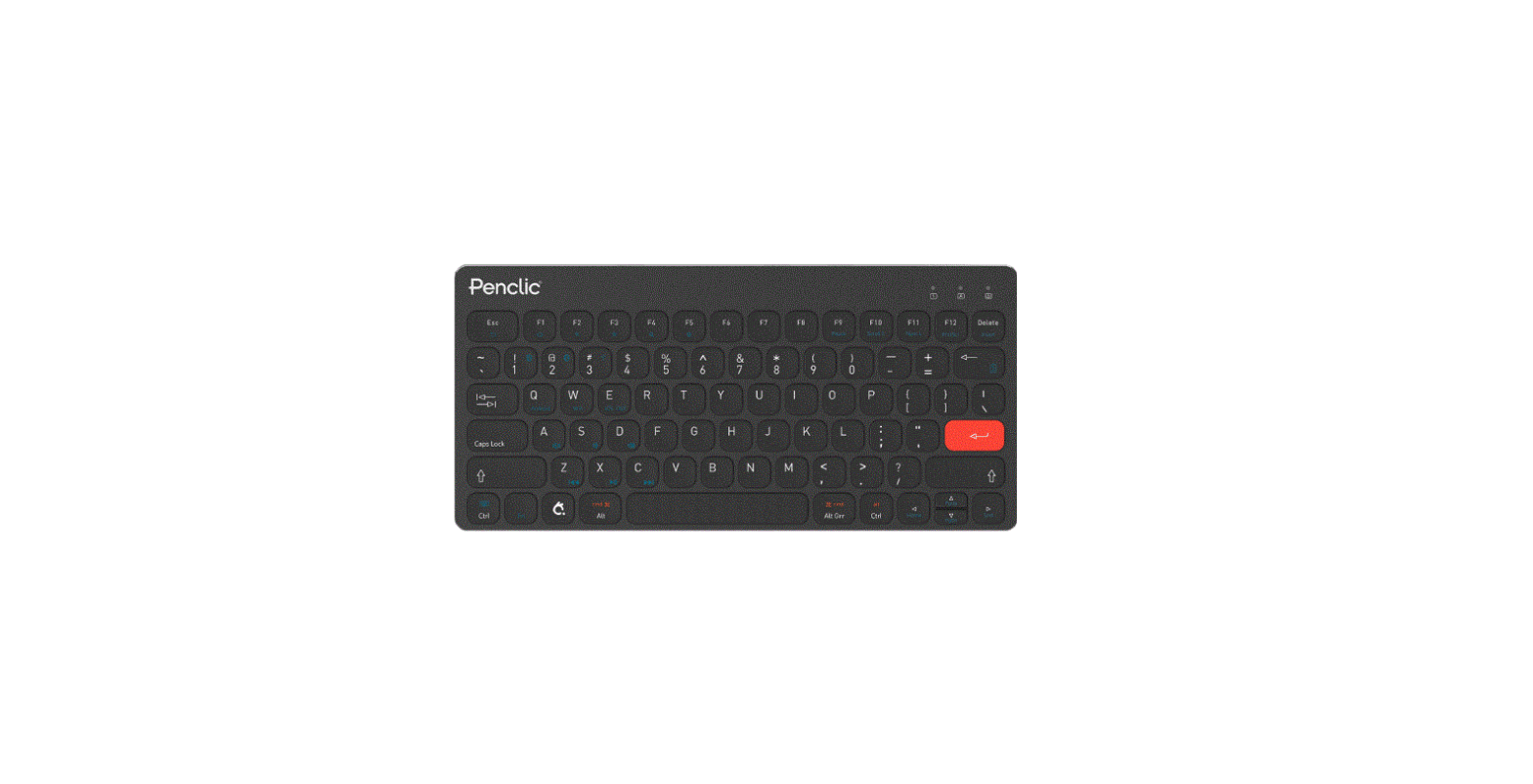
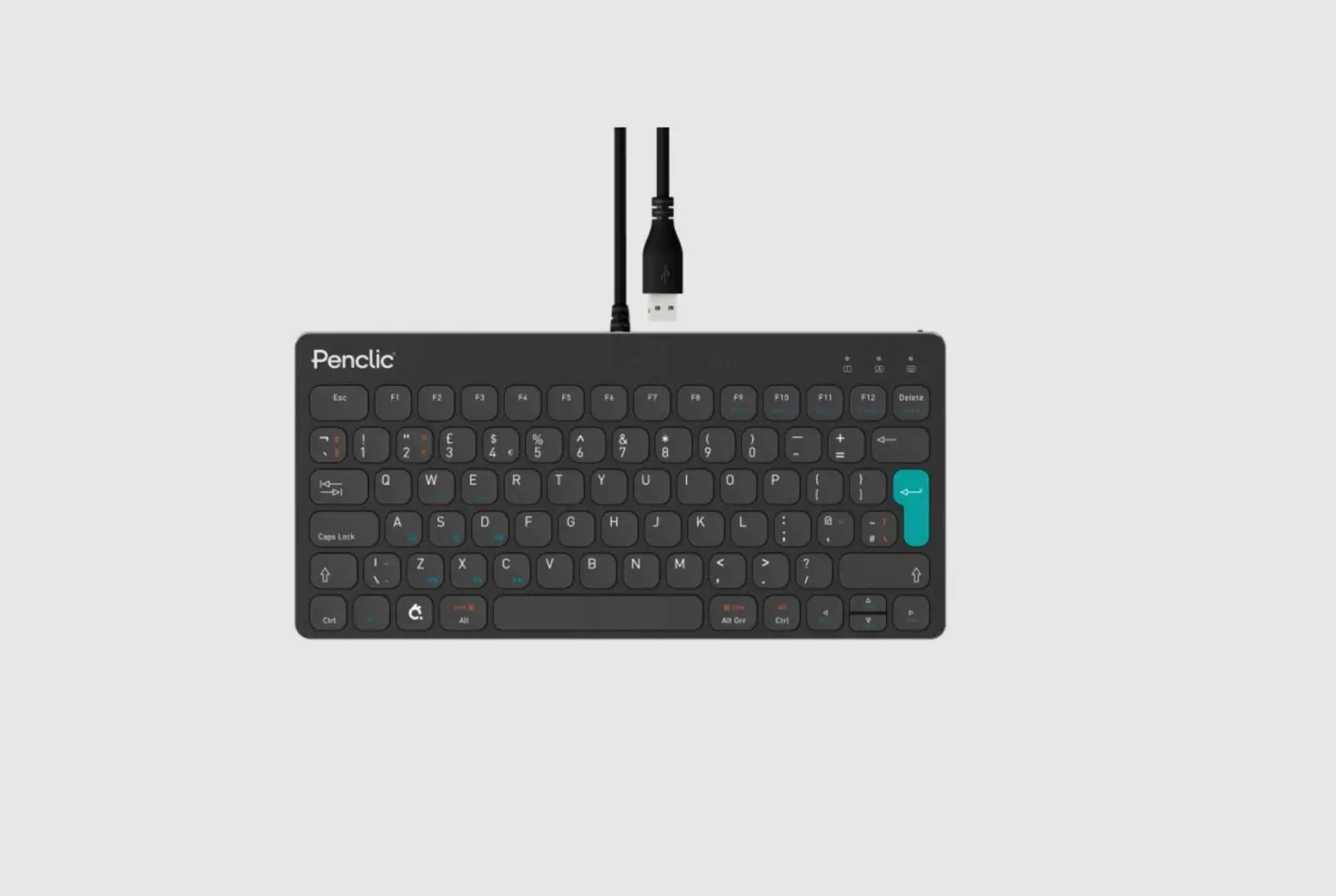
Penclic Mini Keyboard combines ergonomically sound design with modern keyboard technology to bring you comfort and efficiency
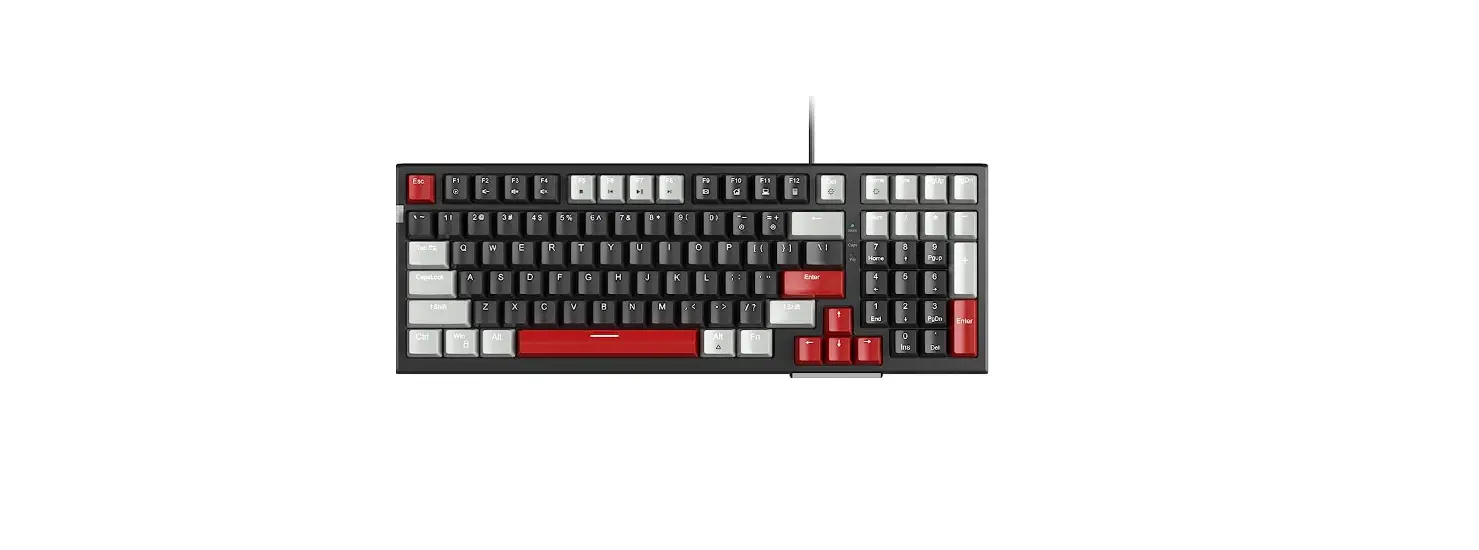
Keys and functions
Select your operating system after connecting to device.
Fn: + Win PC
Fn: + OSX iO Soch OSX
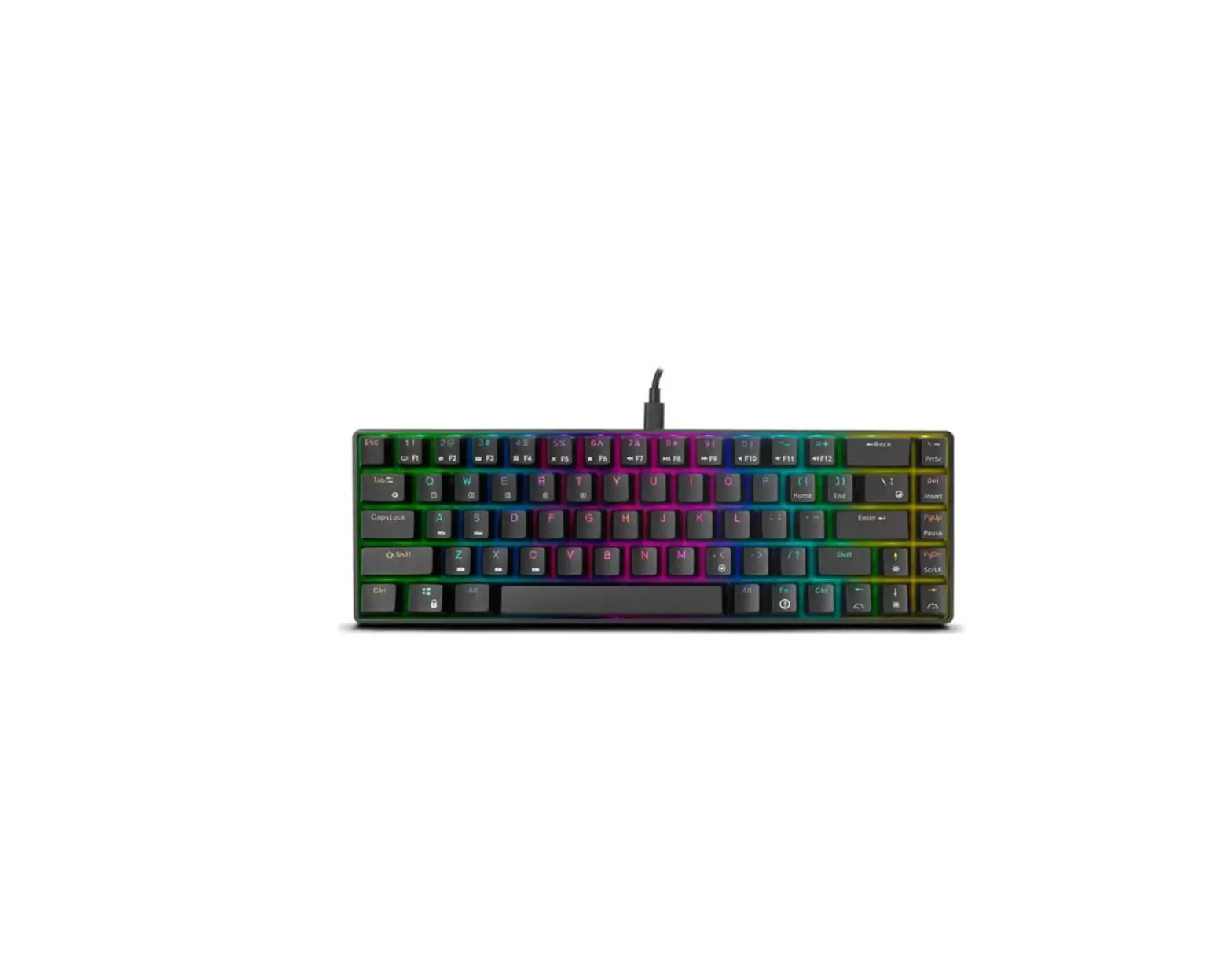
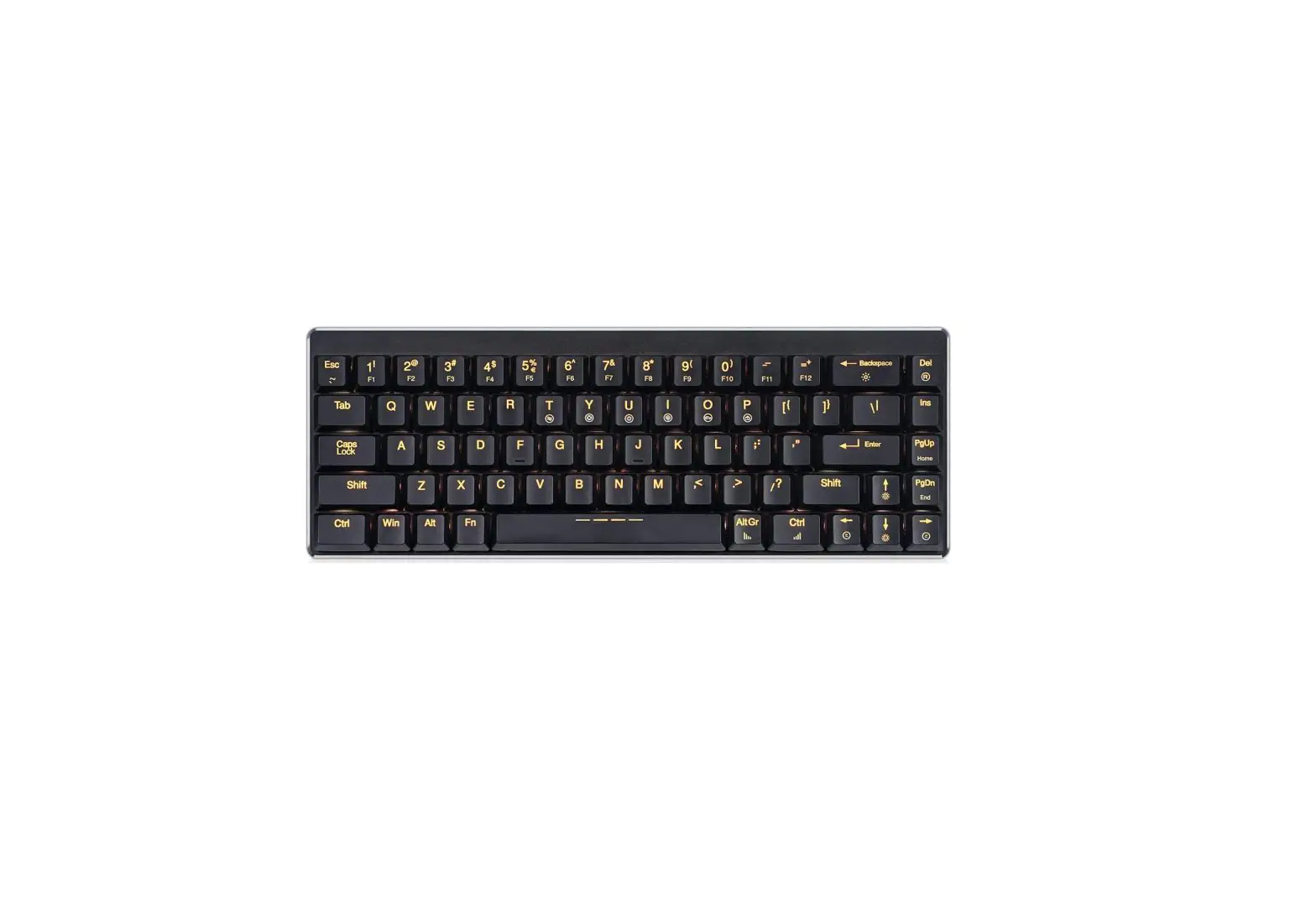
Special functions (blue text) are activated by holding the Fn key and then pressing.
| Fn + | Function |
 | Mute |
 | Lower volume |
| Higher volume |
 | Previous Track |
 | pLayipause |
 | Next Track |
| F9 | Pause/Breal |
| F10 | Scroll Lock |
| F11 | Num Lock |
| F12 | Print Screen |
| Delete | Insert |
| Up arrow | Page Up |
| Left arrow | Home |
| Down Arrow | Page Down |
| Right Arrow | End |
Penclic Mini Keyboard setup
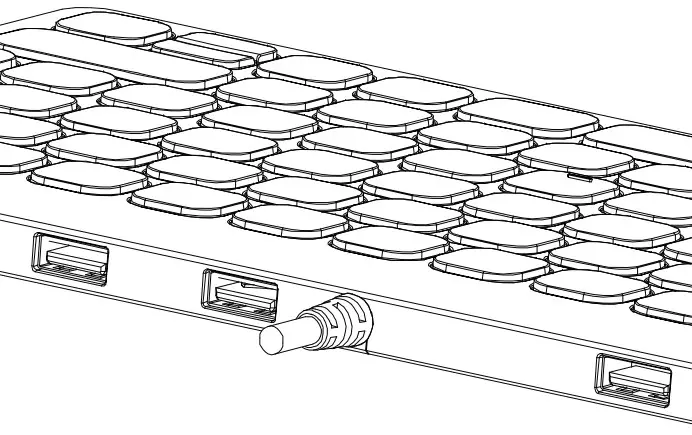
Connect to the USB port.
Driver installation starts automatically.
https://penclic.se/downloads
How to use your Penclic Mini Keyboard
Penclic Mini Keyboard C3 Office (corded) has 3 LEDs.
| Left LED | Num Lock |
| Middle LED | Middle LED |
| Right LED | Scroll Lock, Legacy function used by very few programs. |
Troubleshooting
- Make sure the Penclic Mini Keyboard USB connector is firmly attached to the computer’s USB port.
- Connect to another USB port.
- Connect to another computer.
Technical specifications
- The supported platforms for Penclic Mini Keyboard are all operating systems that support HID 1.1. These include Windows XP or later, Mac OSX version 10.1 or later and most Linux/BSD flavours. No extra software/driver installation is needed.
- USB Connection.
Measurements - Height: 10,25 mm.
- Base: 280 x 135 mm.
- Weight: 361 g including 1.5 m cable
Technical support
Should you require additional technical support with your Penclic®, please use our Web site (www.penclic.se) for further information or contact our support group through e-mail. Call Technical Support during business hours, Central European time (CET).
Contact: [email protected]
Cell:+46 70 580 2140
 Bluetooth & Wireless keyboards | Scandinavian designed products
 Bluetooth & Wireless keyboards | Scandinavian designed products