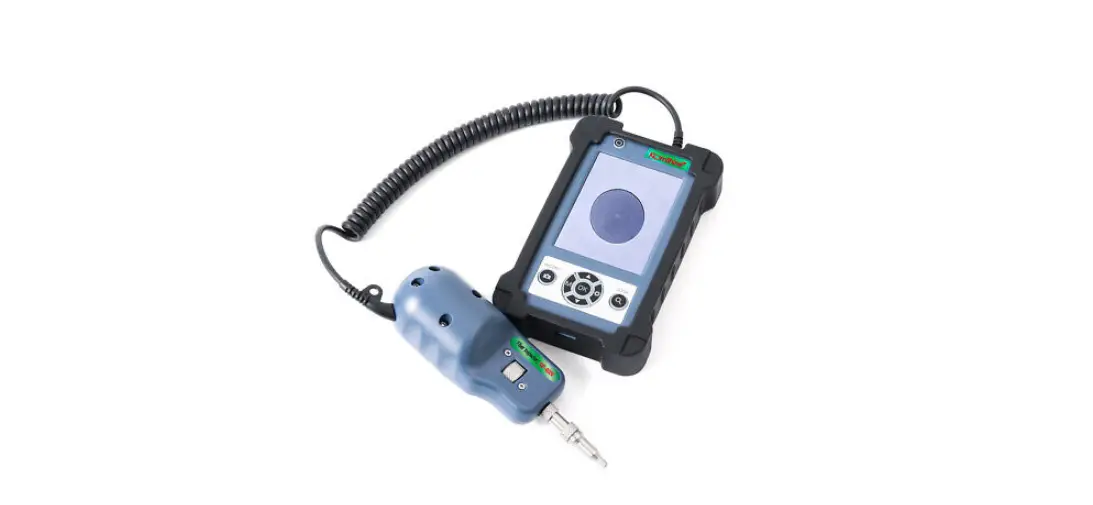

Komshine KIP-600V Fiber Inspection Probe
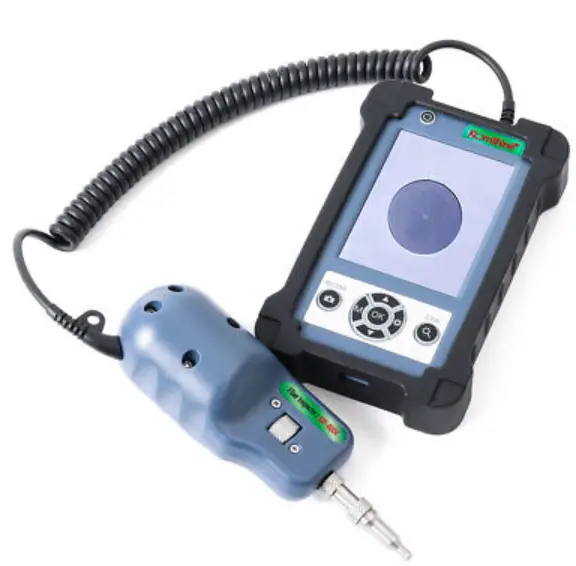
Description of external and function keys
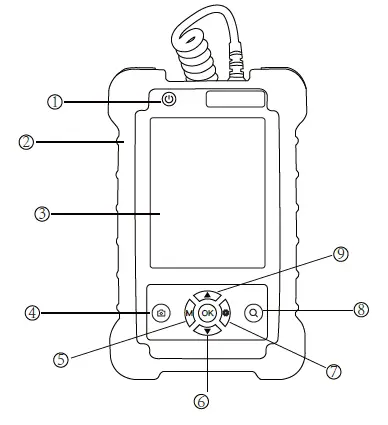
- Switch: Turn the device on or off
- Silicone case: shock-proof, drop-proof, dust-proof
- Display: display the cleaning state of the end face
- Record key: record measurement information, support information playback.
- M key: select different modes for testing.
- ▽key: Switch to the next page 7 Setting key
- Zoom in and out.
- △key: Switch to previous page
Switch machine and LCD display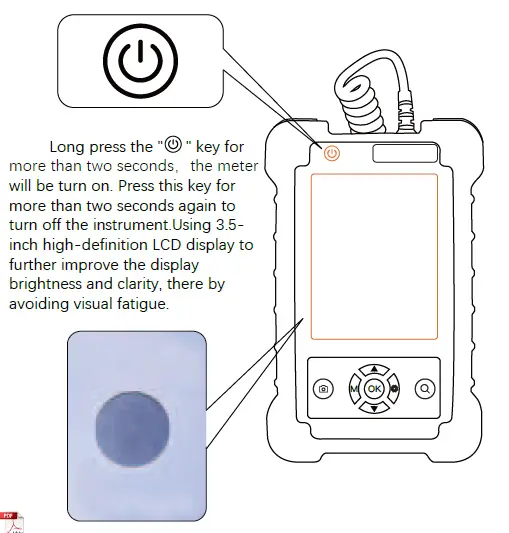
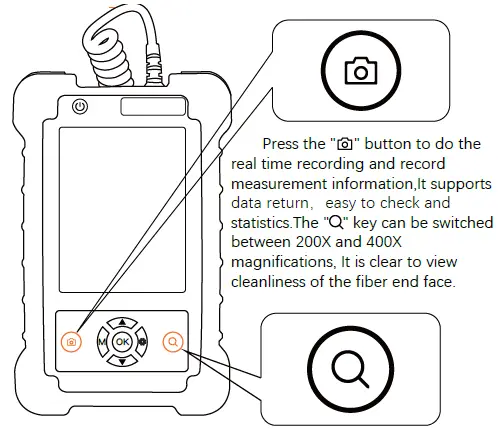
Record, zoom in and out
Modes and settings
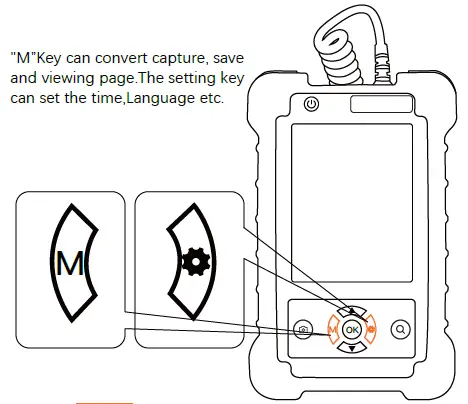
Up and down key switch
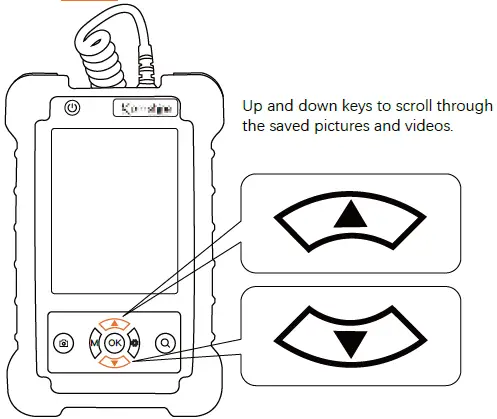
Product characteristics and use
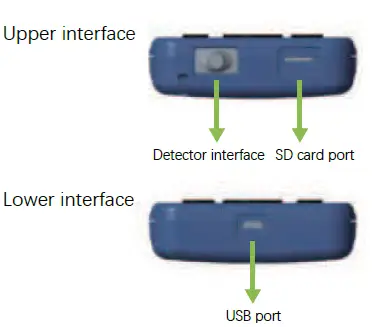
USB interface can be read and charged
- Detect fiber end face
- Screw a connector on the fiber inspection probe to match the port you wanna test.To install a new connector, first to unscrew the installed connector, and then screw on the new connector.
- Press the power button for 4 seconds to boot.
- Turn the focus wheel until the picture on the monitor is clear.
Product specification
| KIP-600V | Magnification | 400X | |
| Resolution(µm) | surpass 1.0 | ||
| Visual range(μm) | 0.316*0.285 | ||
| Size(μm) | 235(W)*95(D)*30(H) | ||
| Image sensor | 1/3 480 | ||
| Storage temperature | -18℃~35℃ | ||
| Weight(kg) | 0.11 | ||
| 3.5 -inch LCD display | Image | Image size(mm) | 22 |
| Pixel | 307200 | ||
| Video | Frequency | 25FPS | |
| LCD screen | 960*240 LCD | ||
| Video output mode | NTSC/PAL | ||
| Playback mode | AVI | ||
| Hard drive format | Compatible memory card | TF | |
| Capacity | 8GB | ||
| USB | 1.1/2.0 | ||
| Hard drive format | FAT32 | ||
| Power supply | AC adapter | DC 5V/2A | |
| Internal battery | 4000mAh lithium battery | ||
| Media Player | ≥7 | ||
| Weight and size (kg)/W*D*H(mm) | 0.085/78*22*56 | ||
Products features
- 400 times magnification, stains are clearly visible.
- Support SC/FC/ST/LC/SC female/LC female.
- 4000mAH large capacity lithium battery,
- 20 hours standby.
- 3.5-inch high-definition LCD display.
- 1/3 inch sensor, 300,000 effective pixels.
- Support TF card, record and replay video, convenient for testing data archiving.
- Small size, can be held with one hand,
- convenient and fast.
- Rotatable metal bracket, stable and convenient.
Fiber inspection probe list
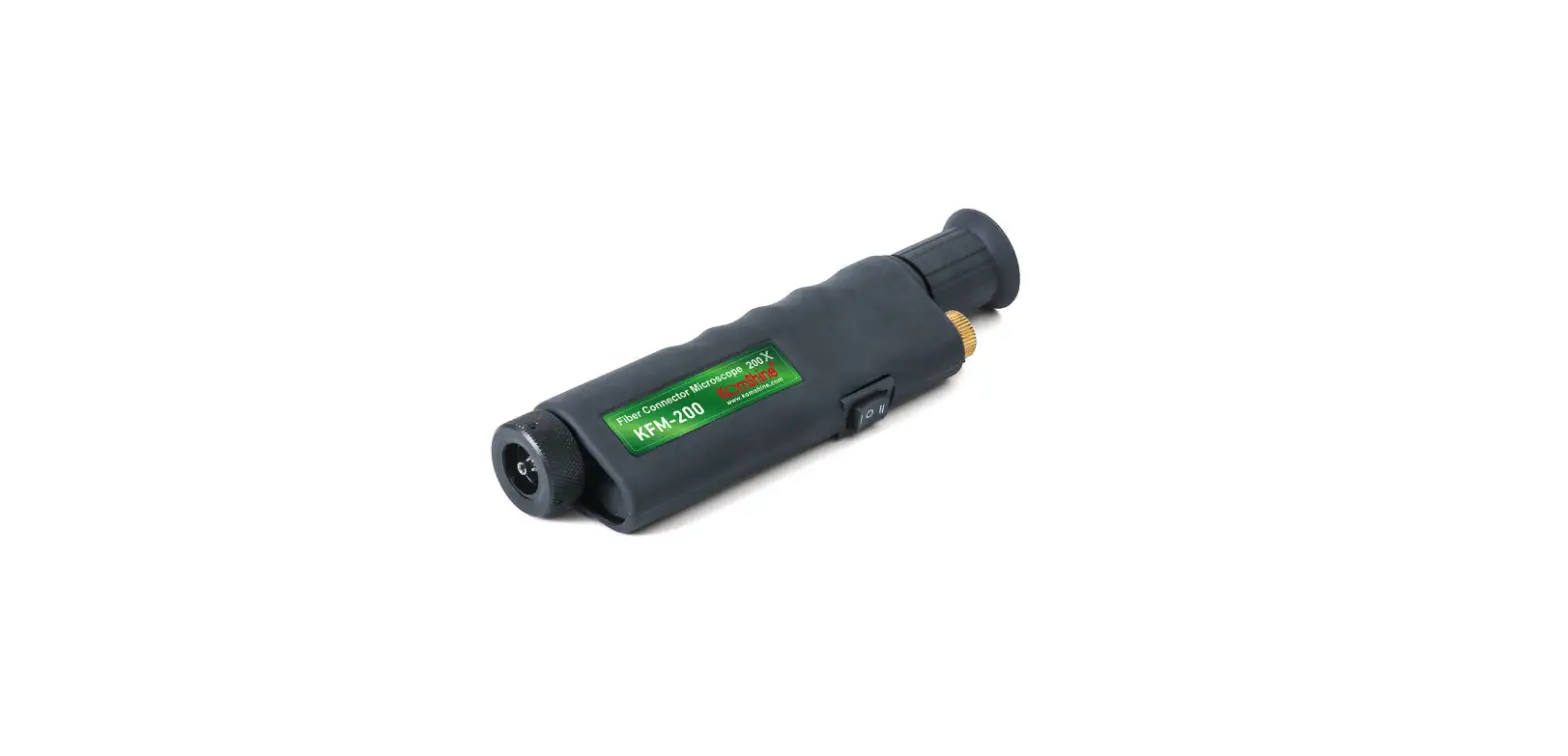
- Fiber inspection probe
- Standard connector: LC/PC; SC/PC; 1.25mm connector; 2.5mm connector
- SD card and card reader
- USB data cable
Safety warning
Warning! To avoid eyes damage, please do not look directly at the probe during use, unless you understand and take relevant measures. To avoid possible fire, electric shock, personal injury or damage to the optical fiber detection probe,
Please :
- Do not disassemble the machine, there are no user-usable parts inside the machine.
- Use the charger dedicated for the machine to charge the battery.
Charge
Charge it for about 4 hours before the first use. Use the USB data cable to charge the machine. After the fully charged,it can be used continuously for 7 hours.
Contact us:
KOMSHINE TECHNOLOGIES LIMITED
Tel : +86 25 66047688
Email : [email protected]
ADD : 2F Bldg. D Qinheng Tech. Pk.
Nanjing, Jiangsu, 210001, China
Website :www.KomShine.com

 Fusion Splicer,OTDR,Fiber Splicing,Fiber Splicer,KomShine