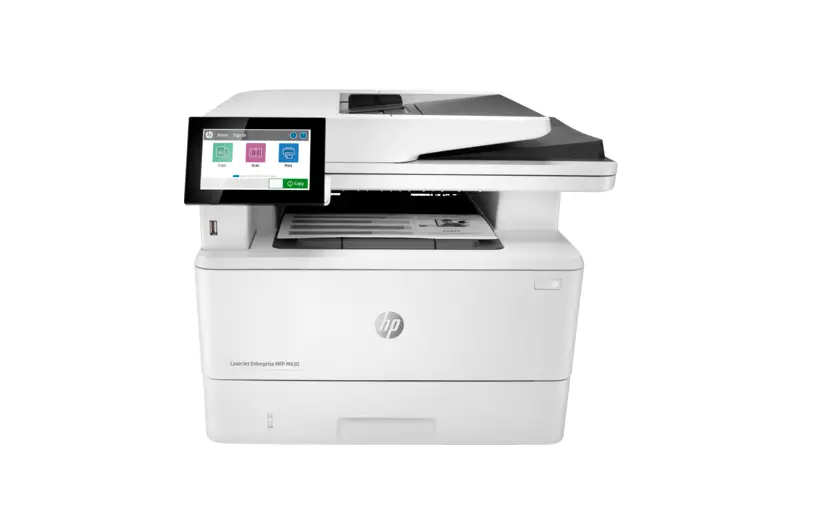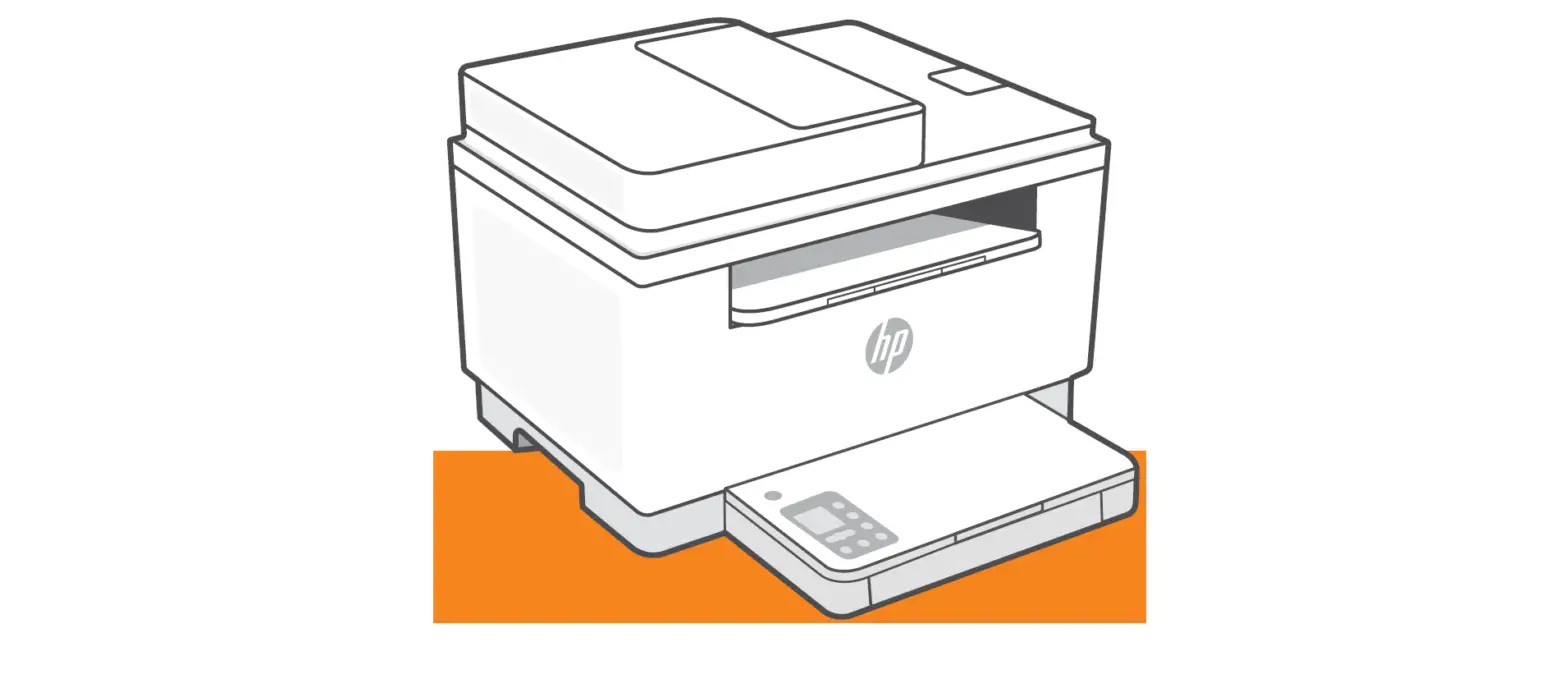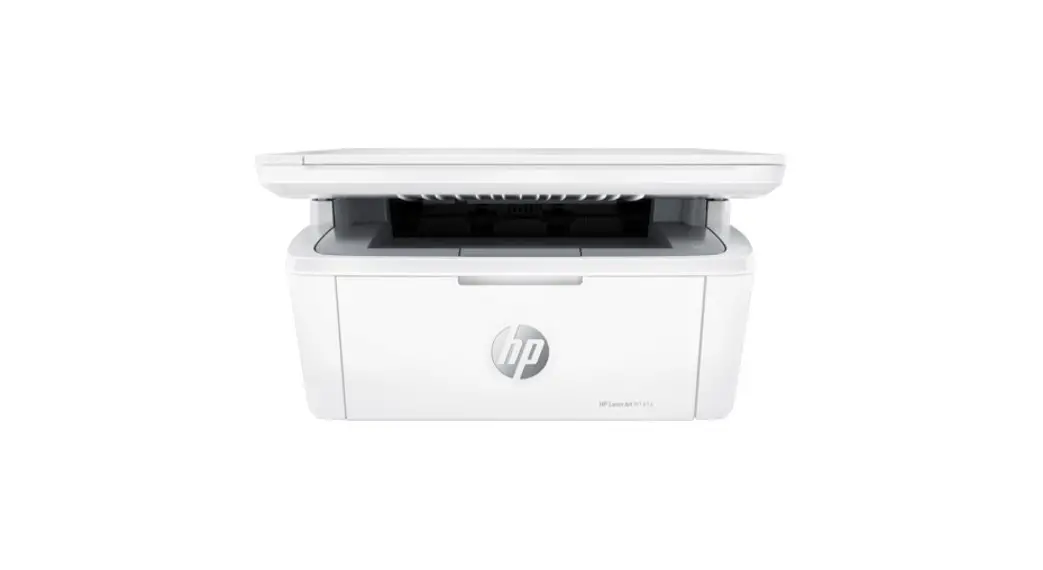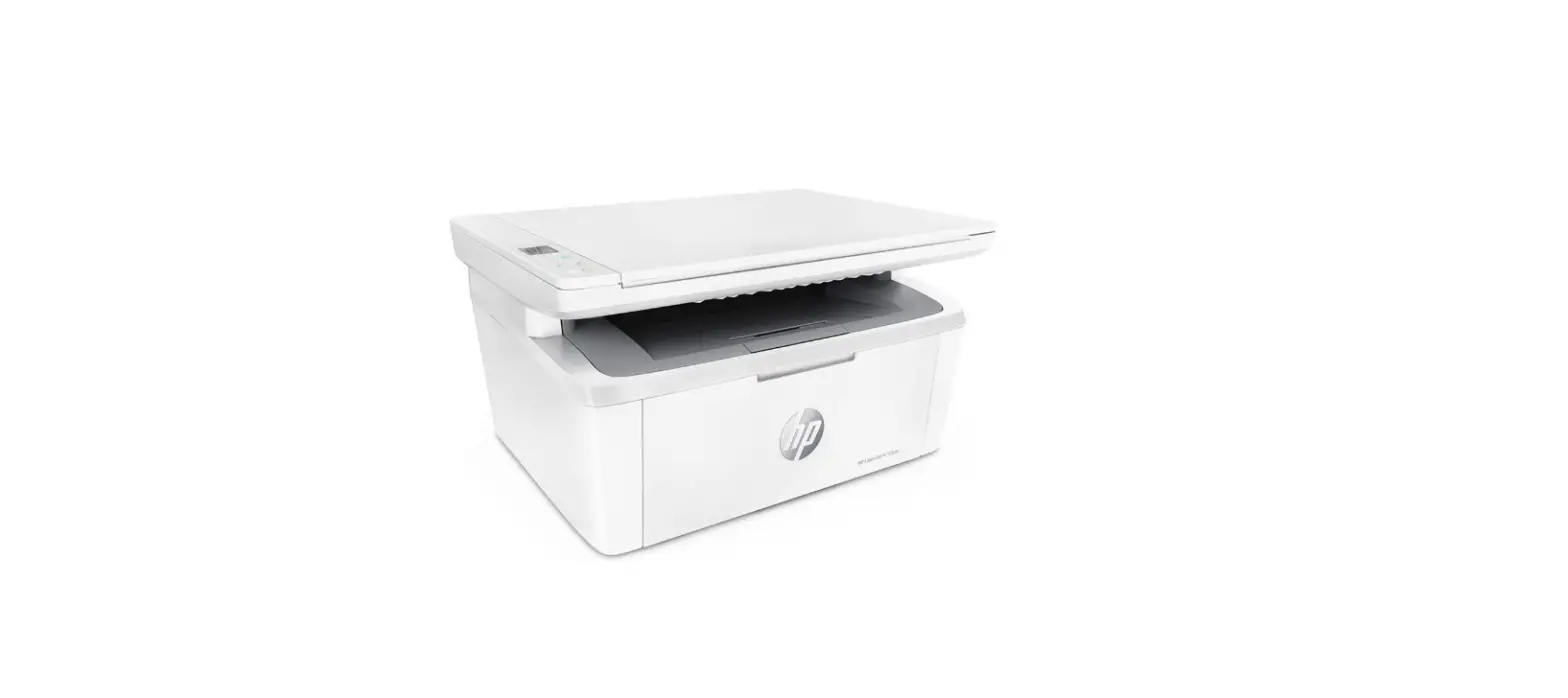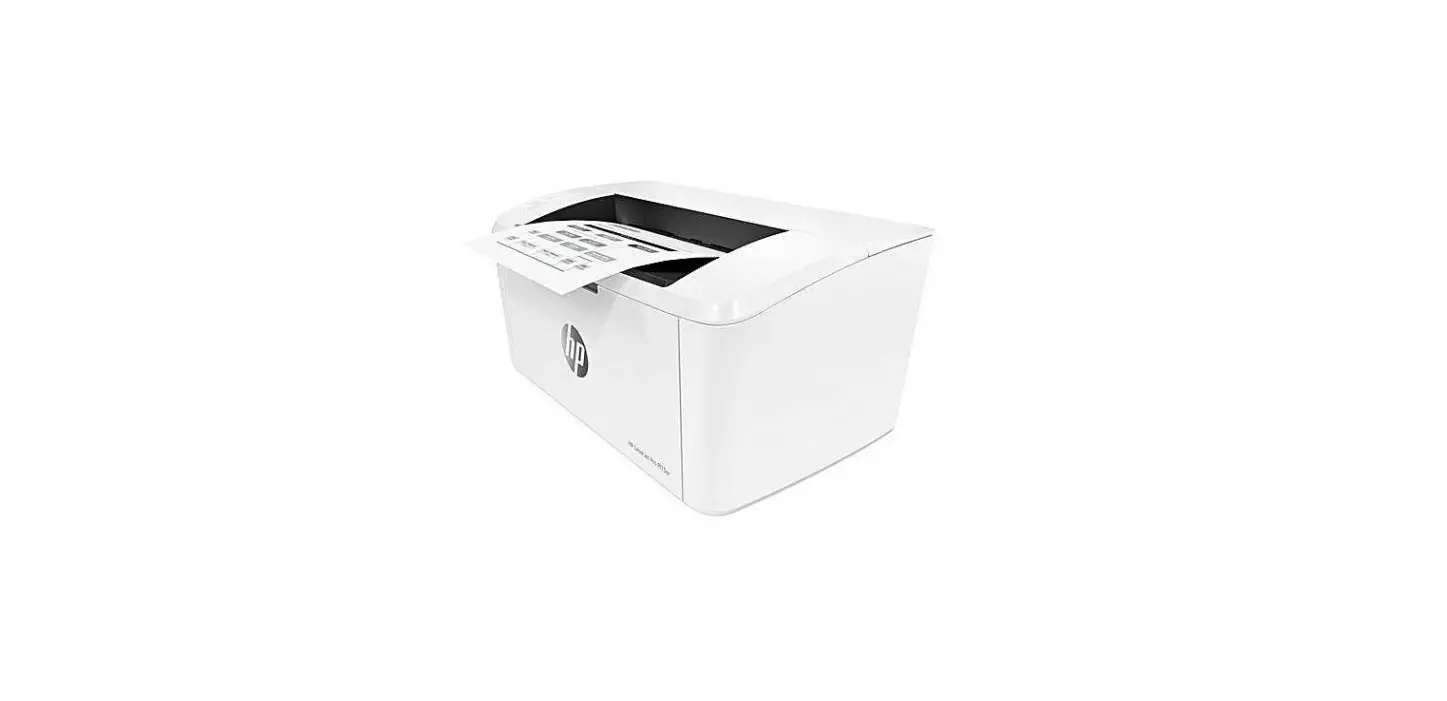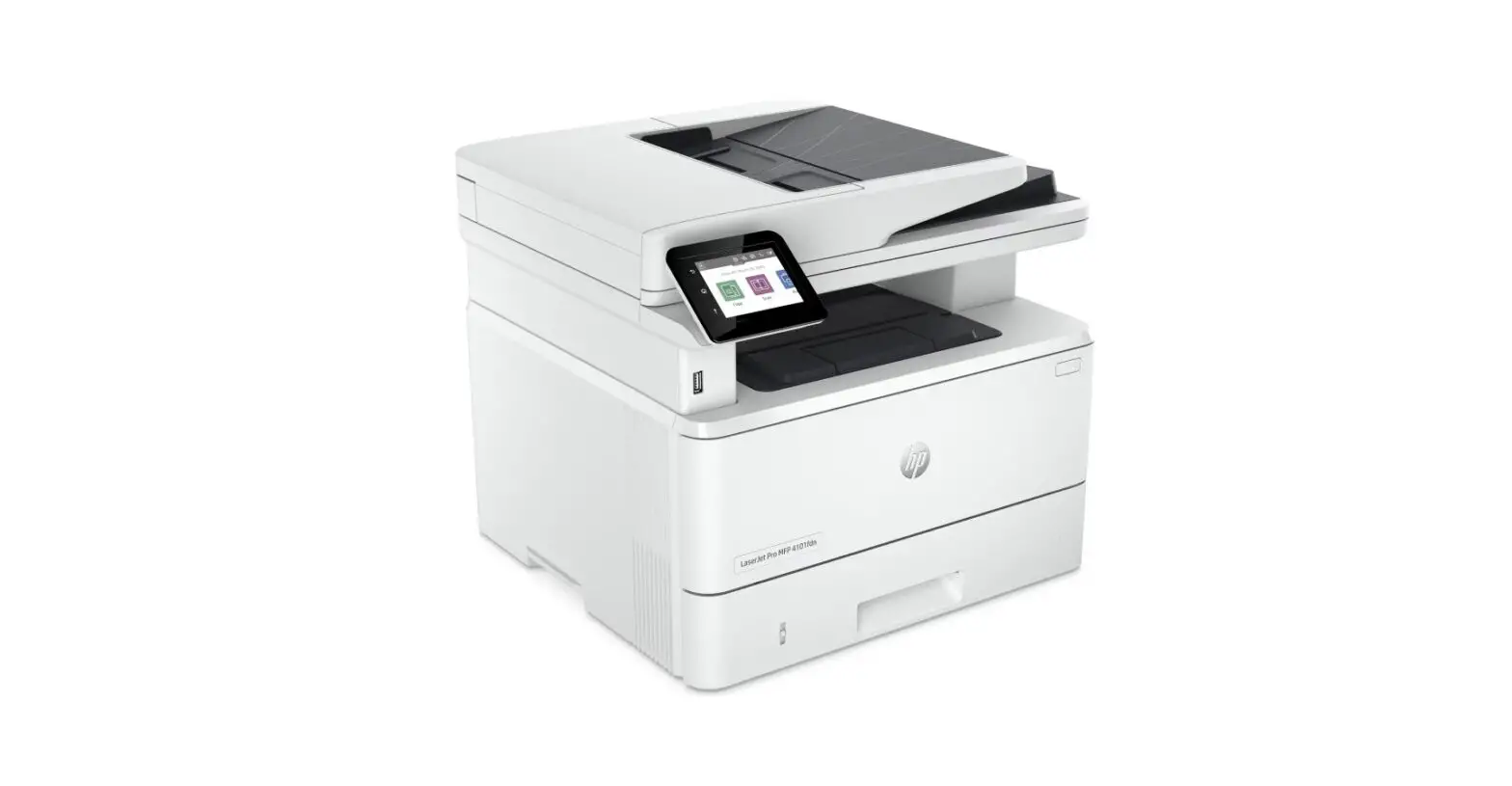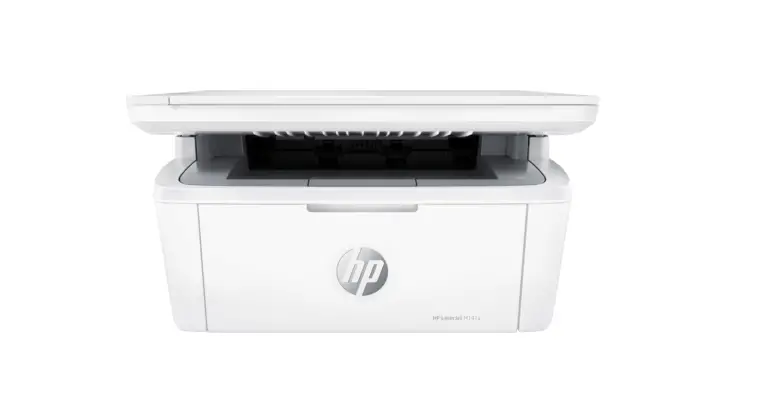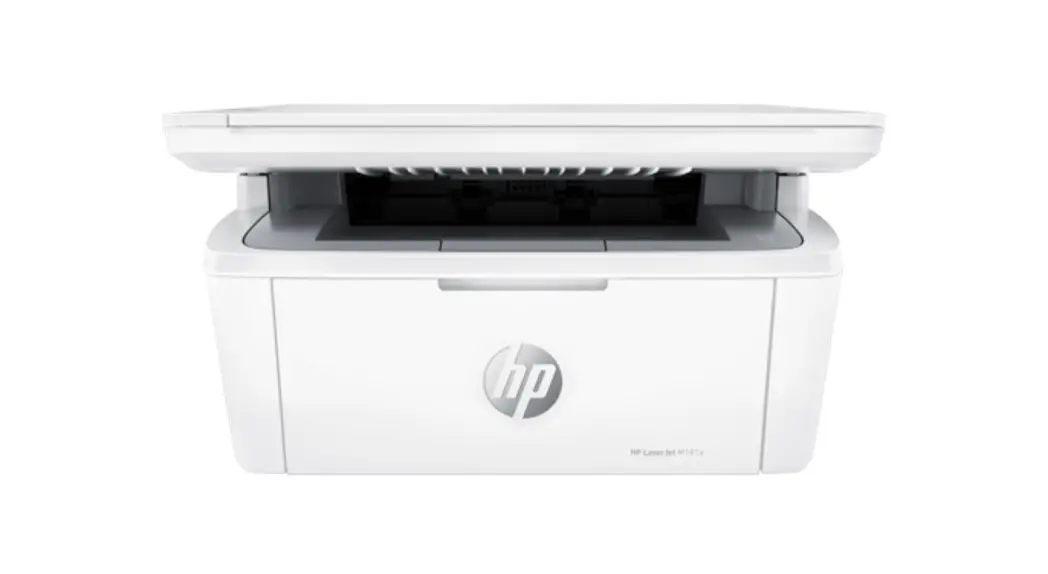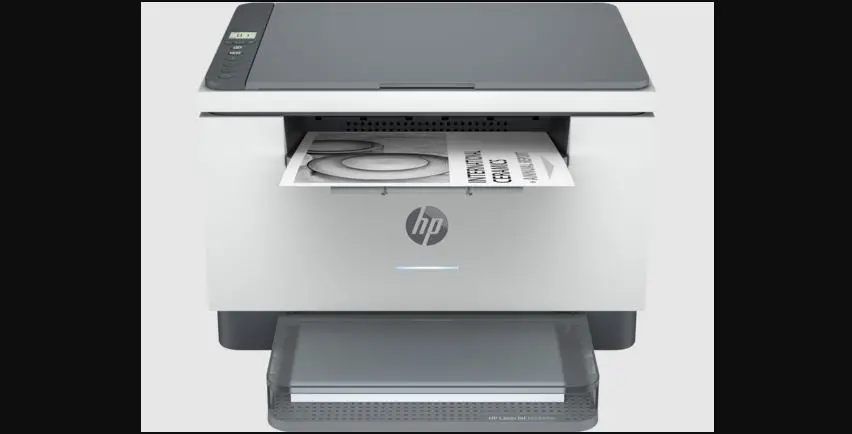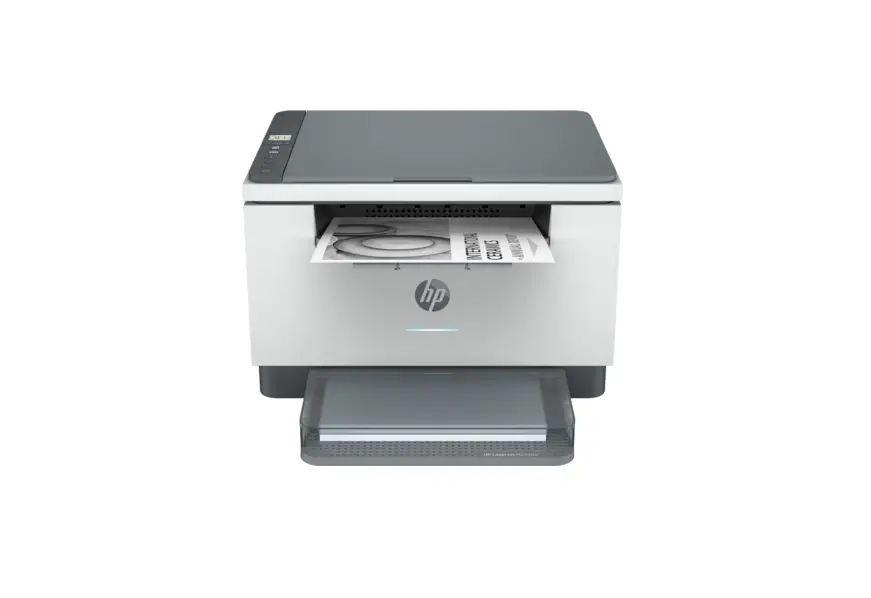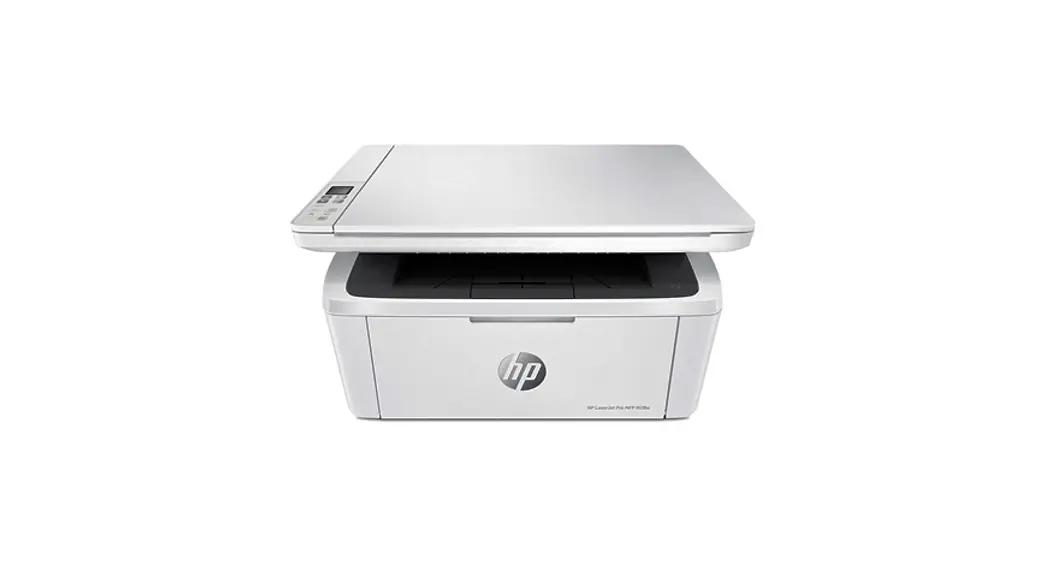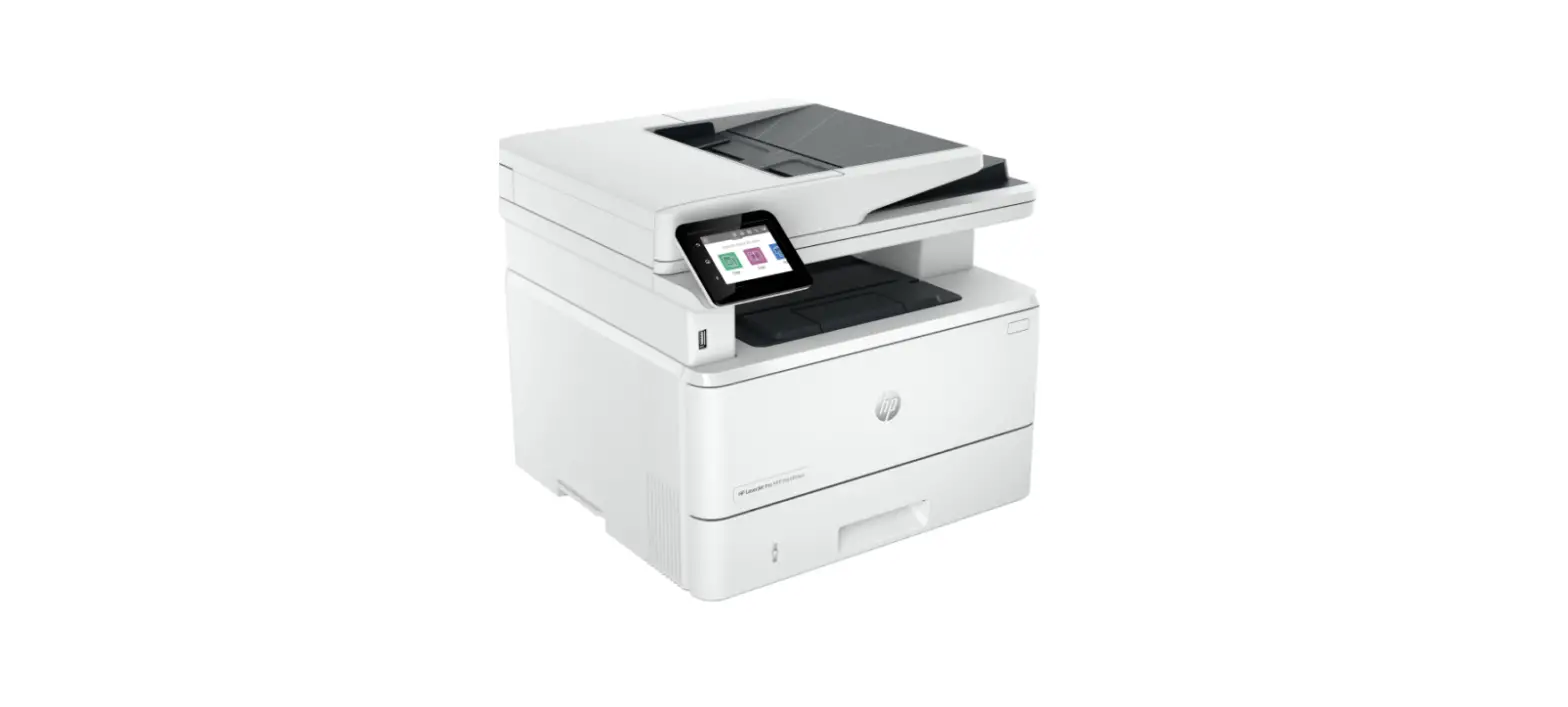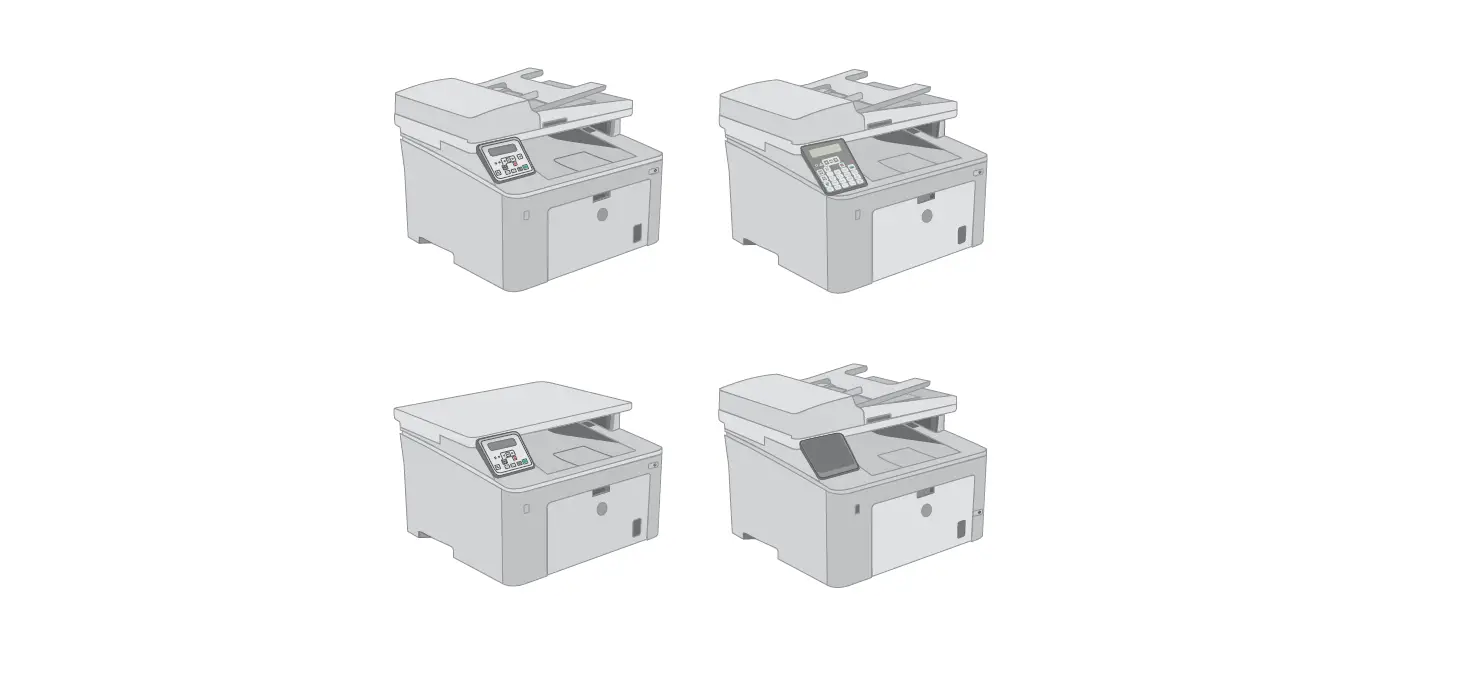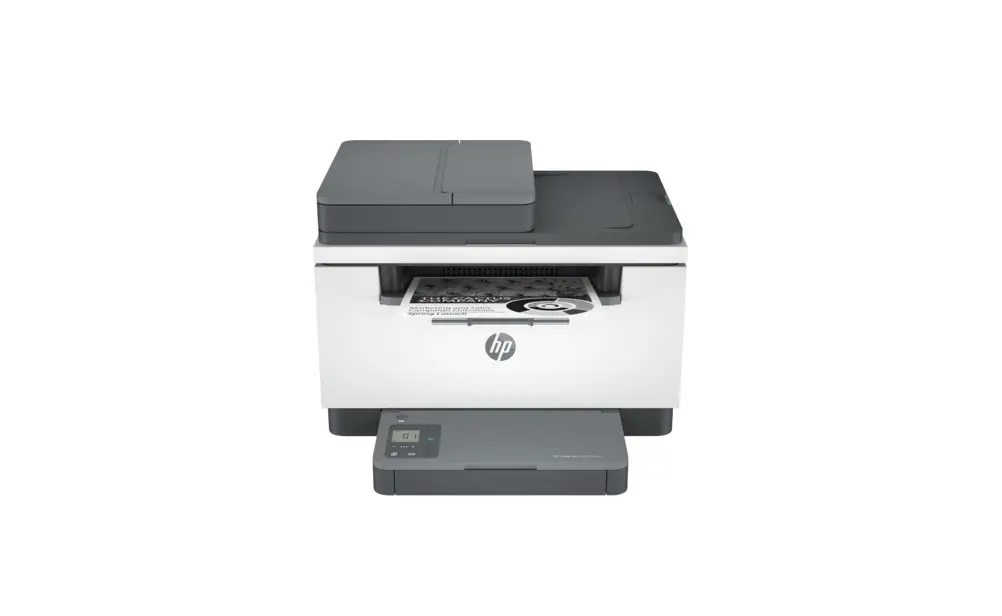
HP M234sdwe LaserJet MFP Printer User Guide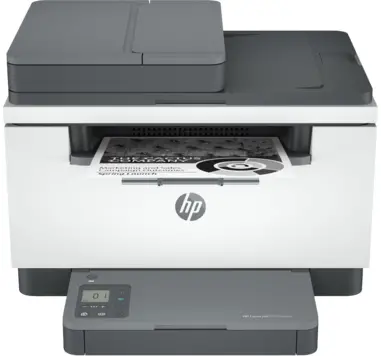
Inductions
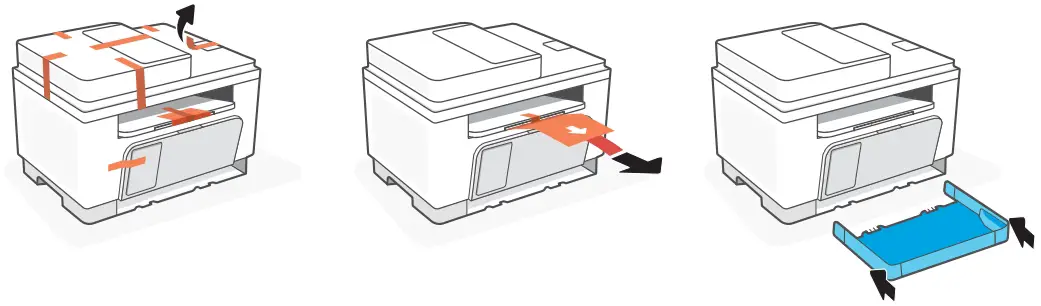
- Remove all tape and pull the paper sheet from the printer. Slide the tray into place.

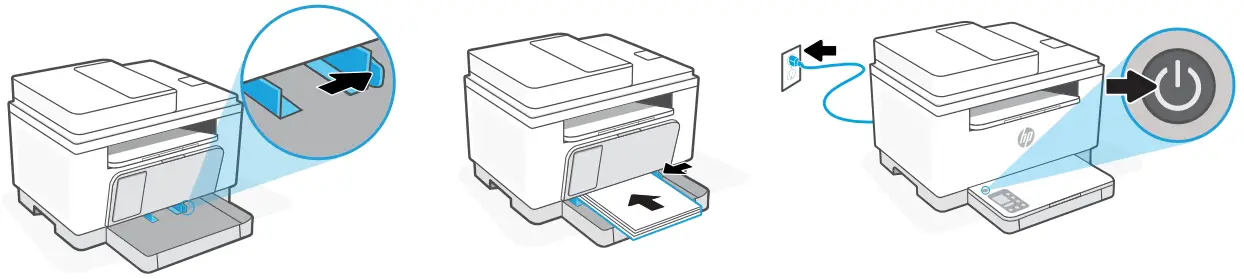
- Open the guides, Load Letter or A4 paper, and adjust the guides. Plug in and turn on the printer.

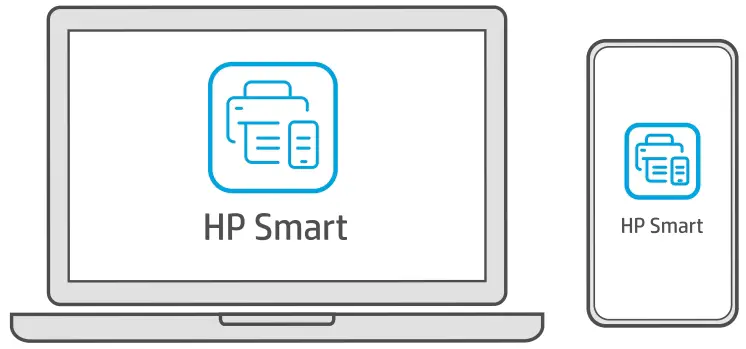
- Install the required HP Smart software from 123.hp.com or your app store on a computer or mobile device.


- Follow instructions in HP Smart to connect the printer to a network and activate HP+ features.
 If connecting the printer to Wi-Fi, your computer or mobile device must be near the printer during setup. See Reference Guide for Wi-Fi troubleshooting and tips.



 If connecting the printer to Wi-Fi, your computer or mobile device must be near the printer during setup. See Reference Guide for Wi-Fi troubleshooting and tips.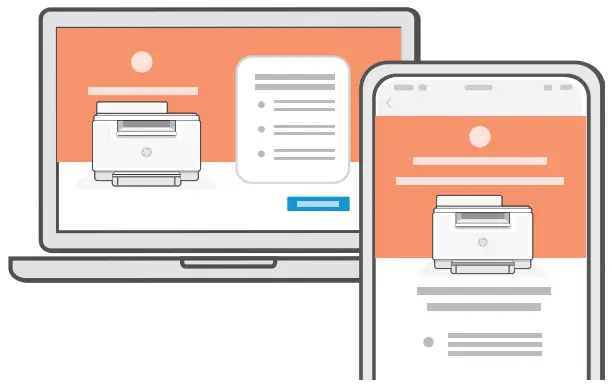
Exclusive HP+ Support
 Get complimentary support by contacting our experts. Visit this website to find a local phone number for live support.

© Copyright 2021 HP Development Company, L.P.
The Apple logo is a trademark of Apple Inc., registered in the U.S. and other countries.
App Store is a service mark of Apple Inc.
Android, Google Play, and the Google Play logo are trademarks of Google Inc.

 123.hp.com - HP Smart
 HP Customer Support - HP+