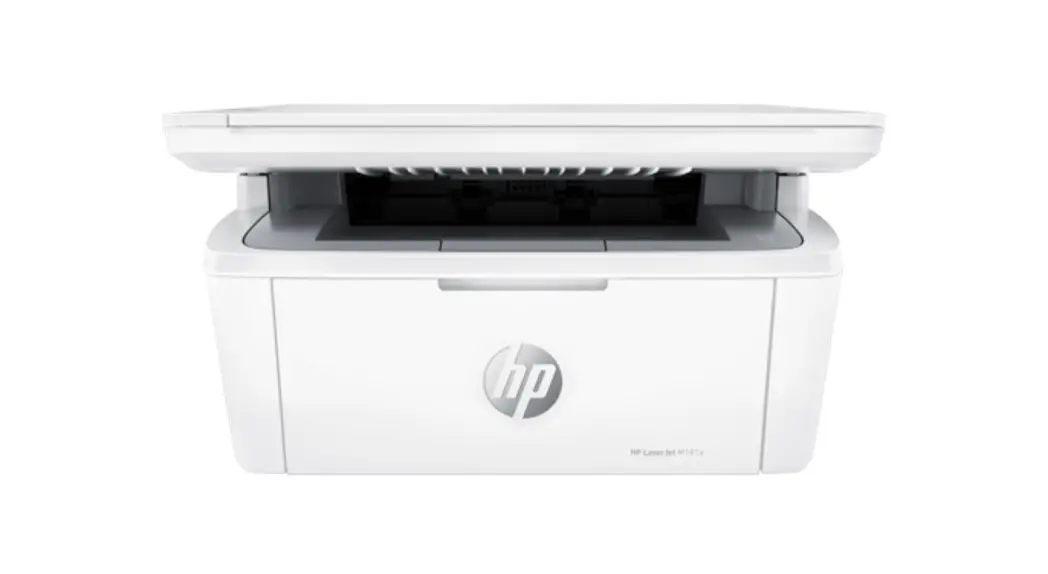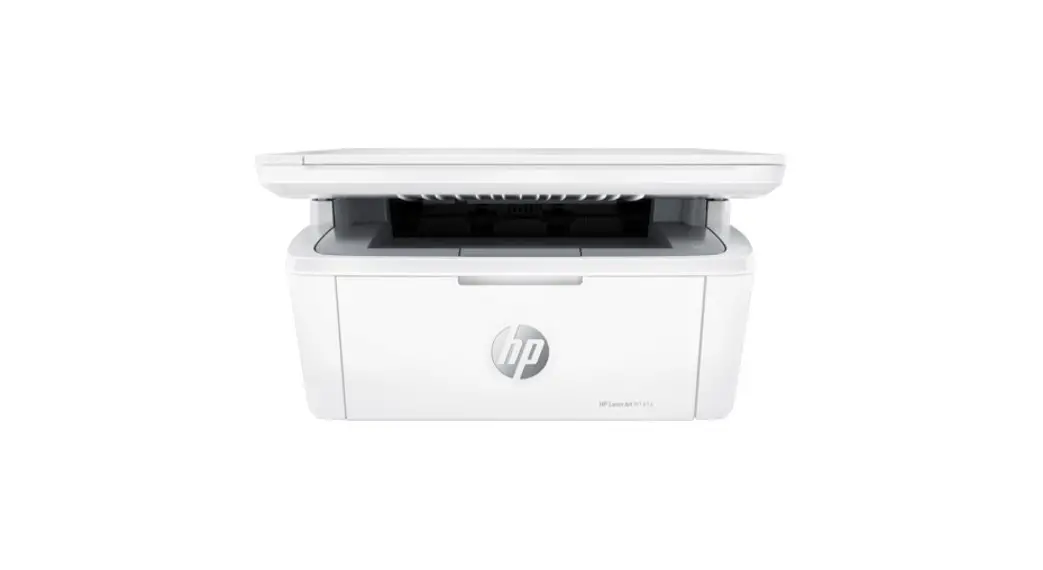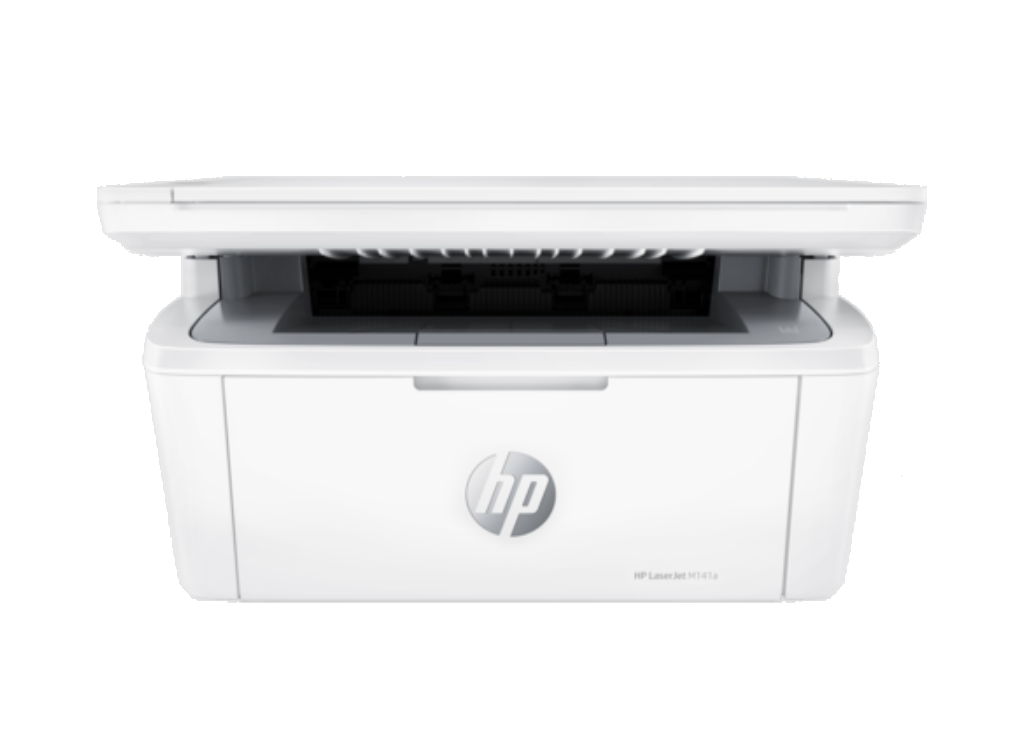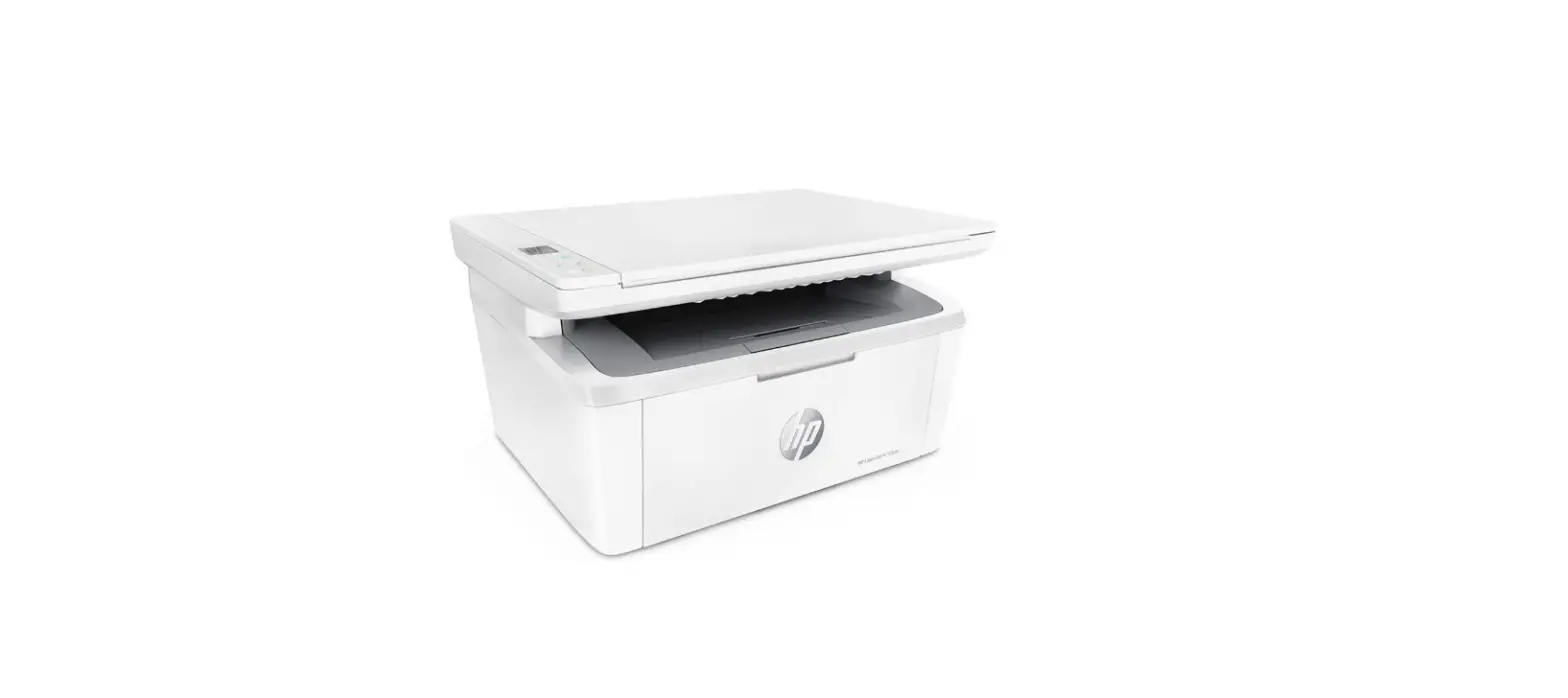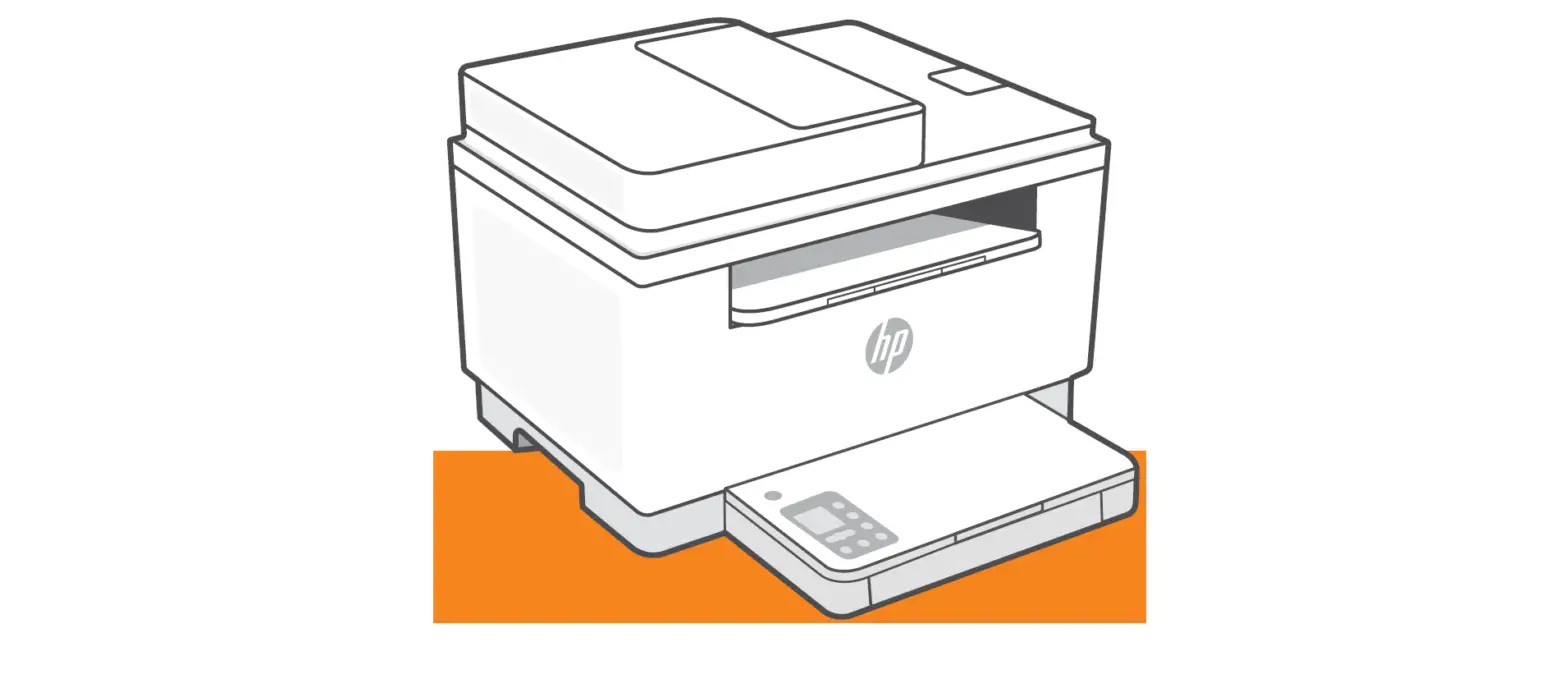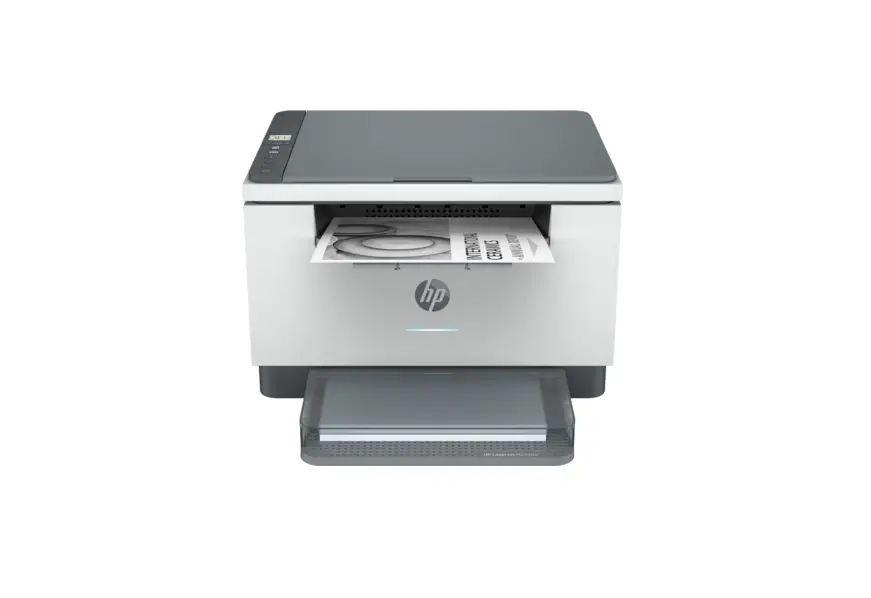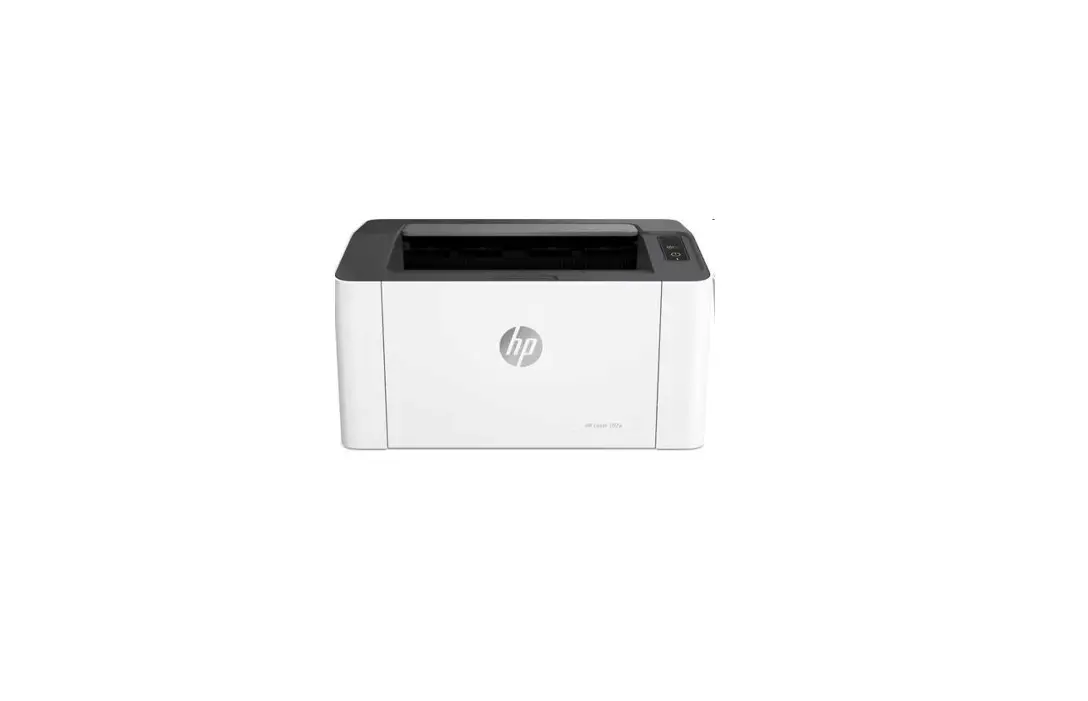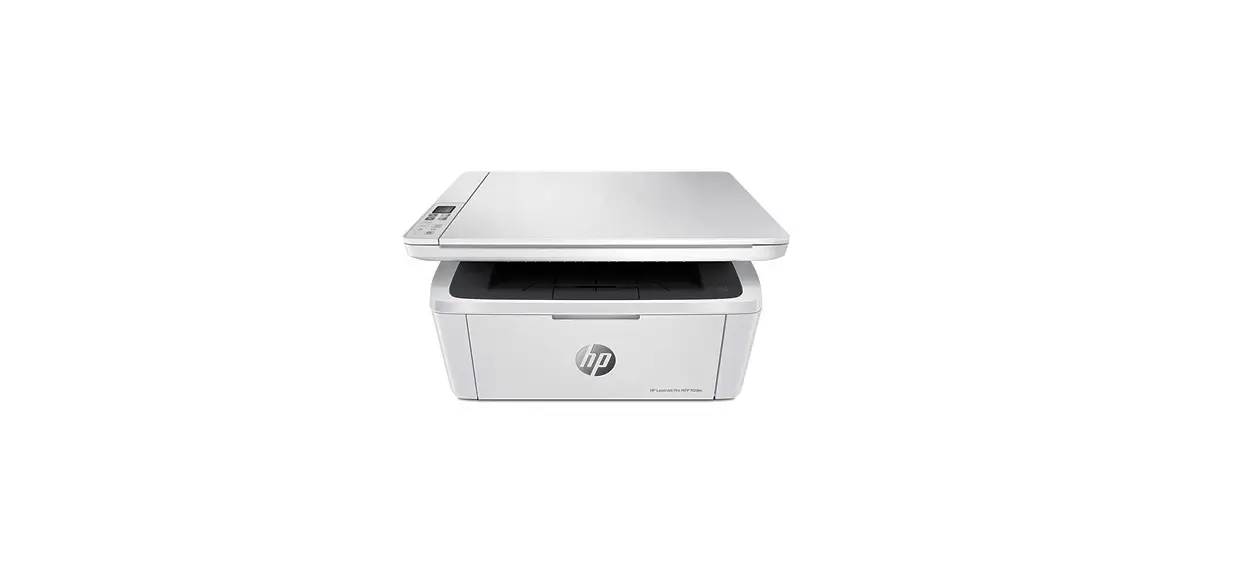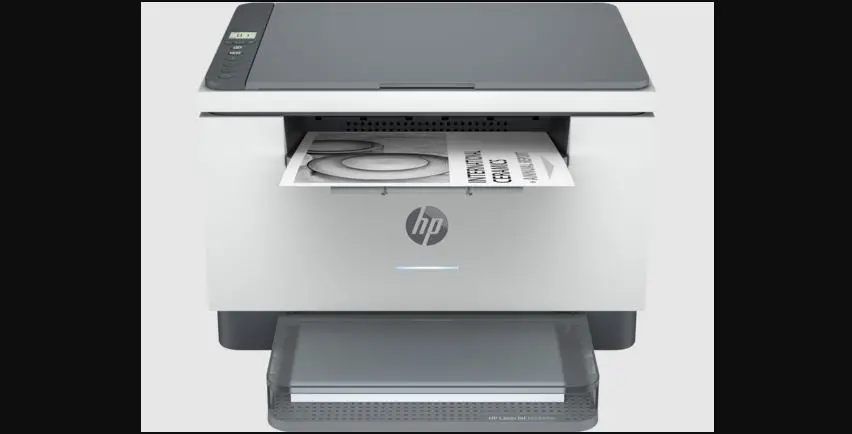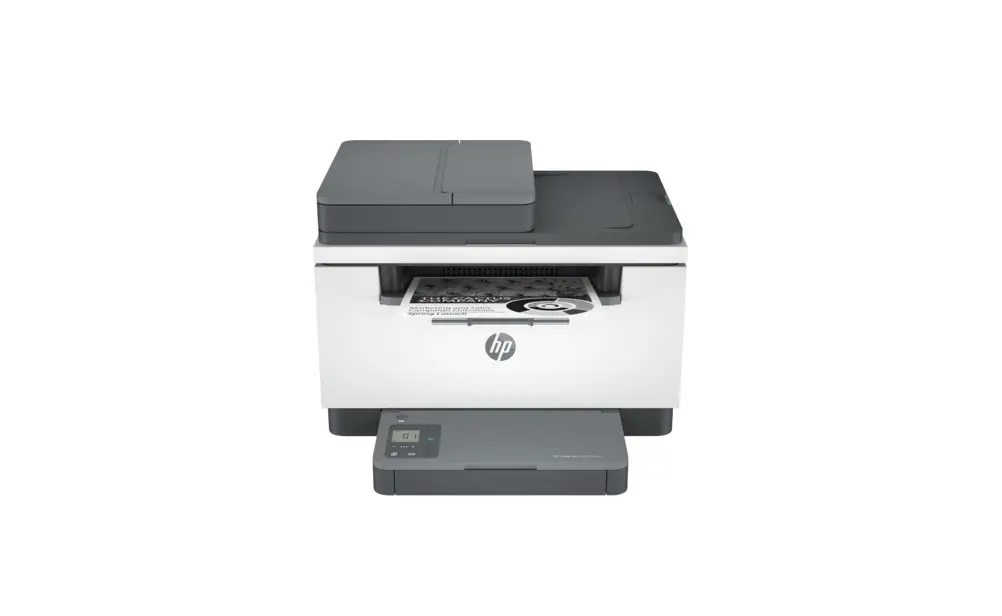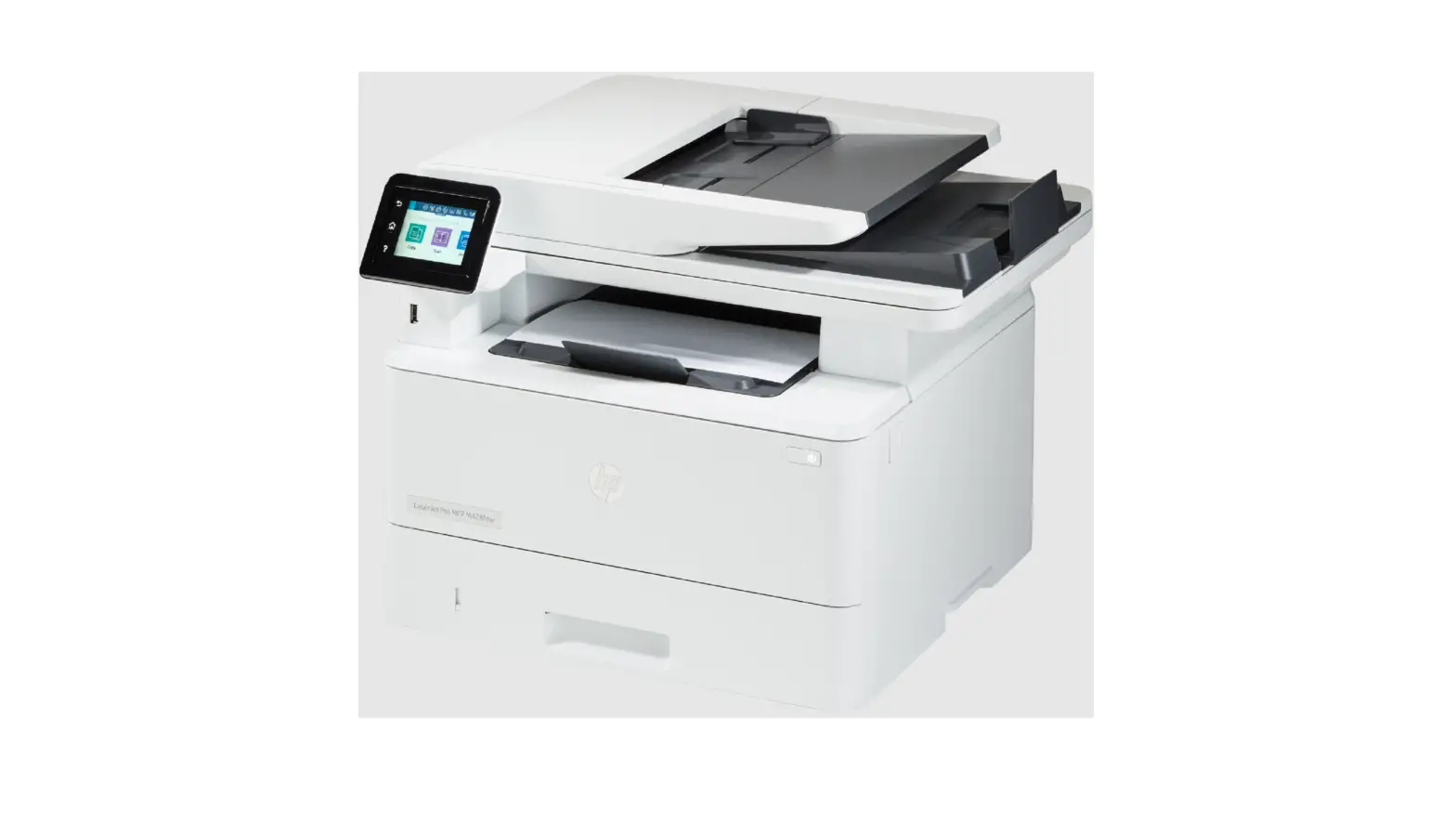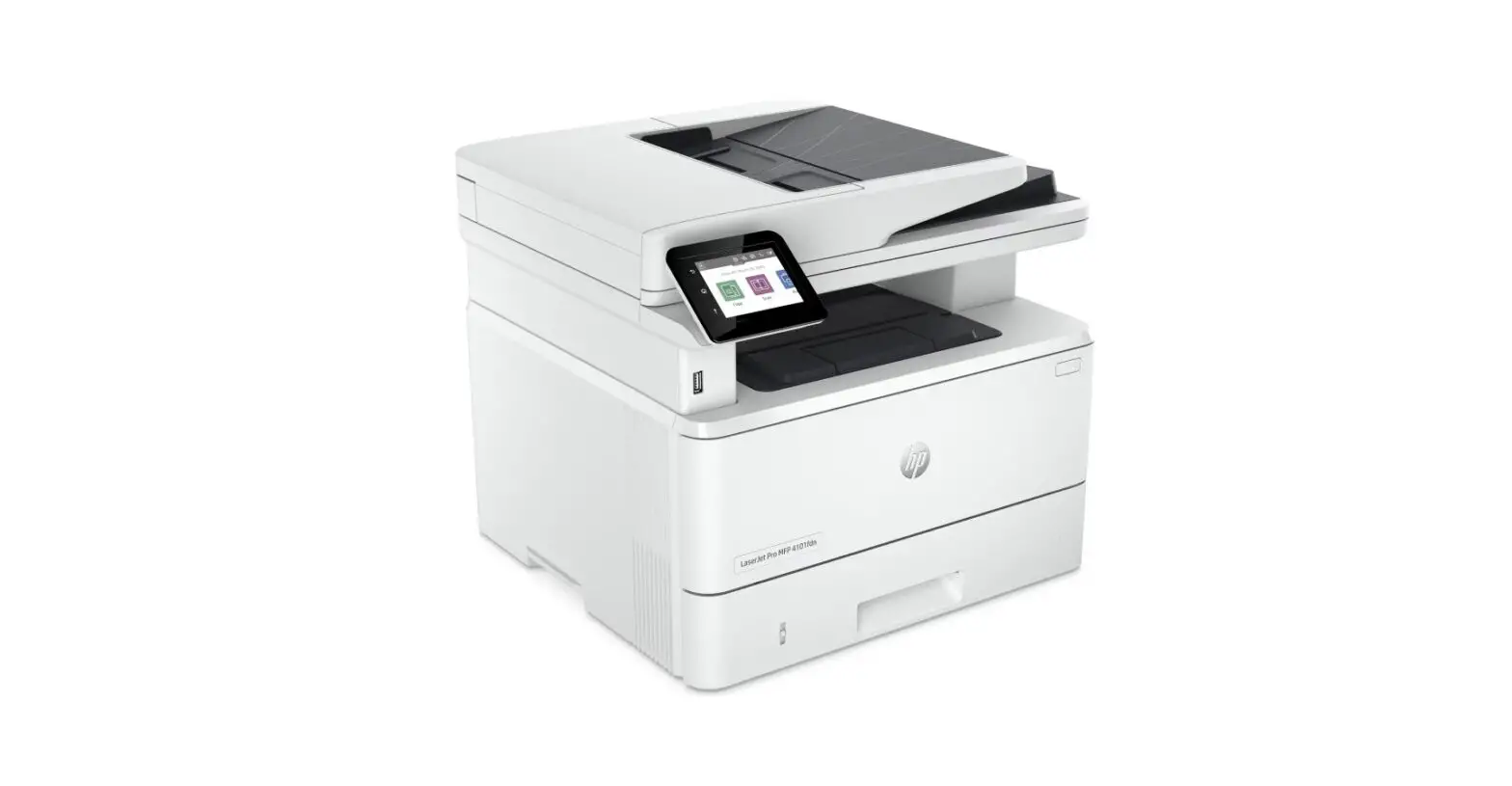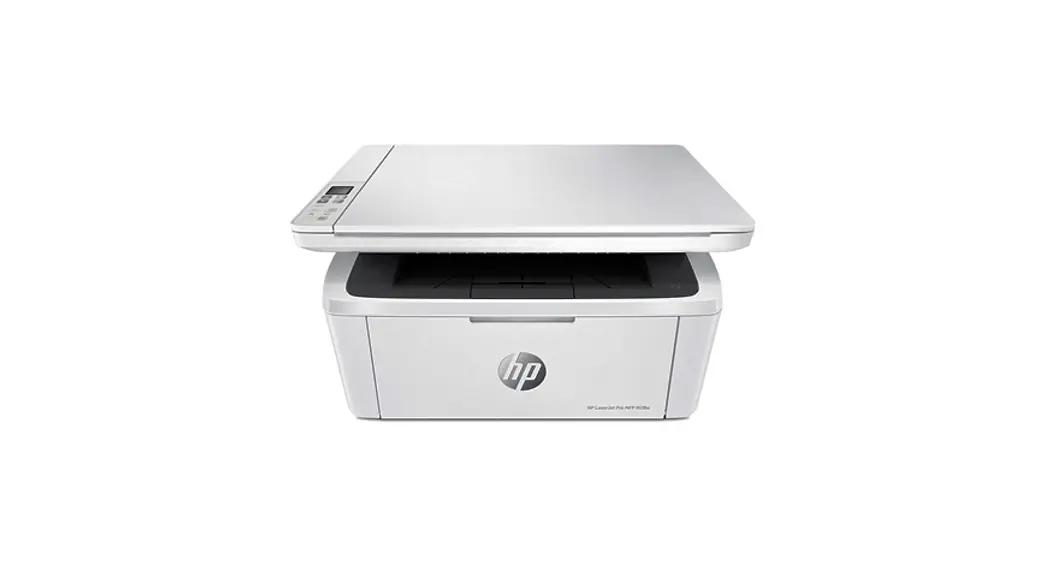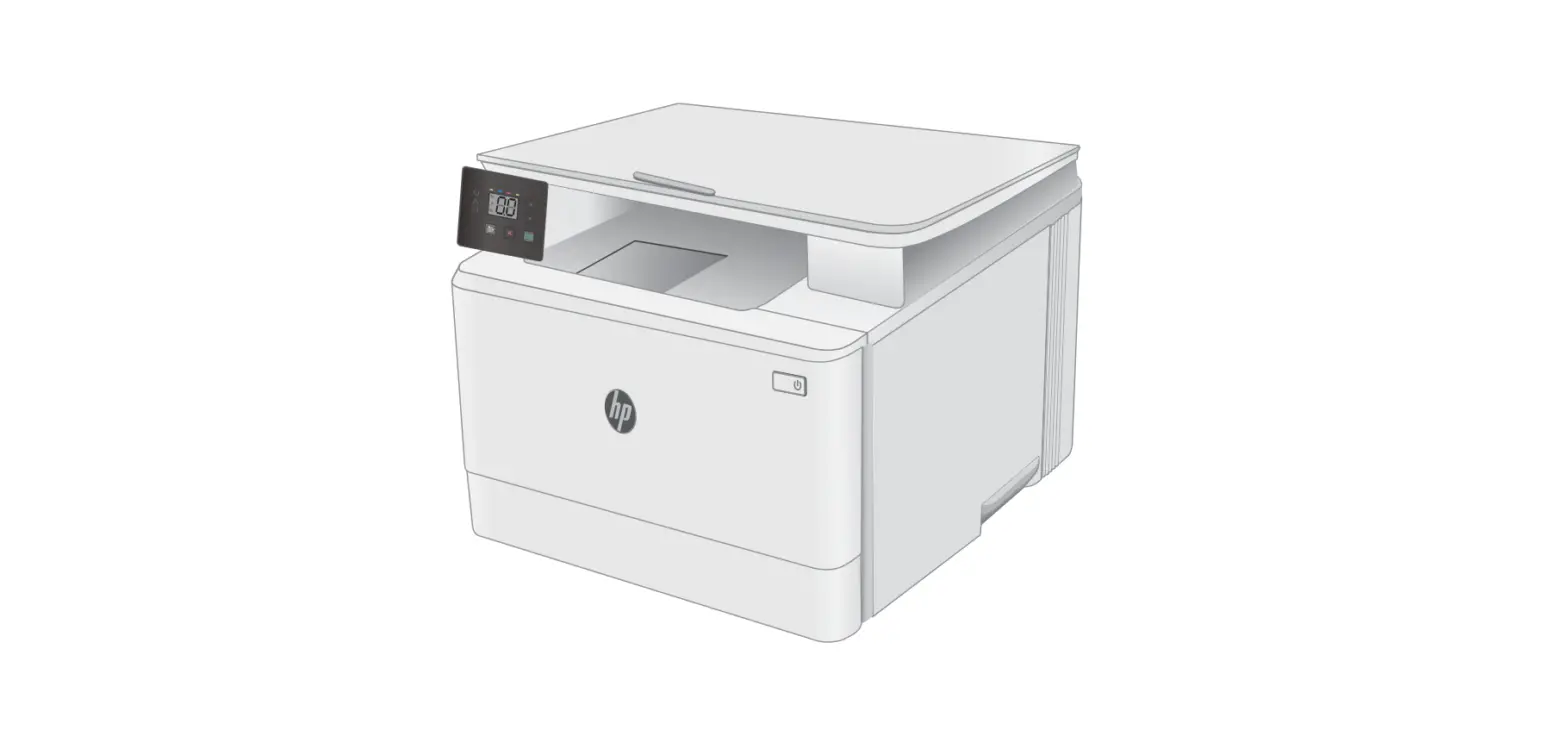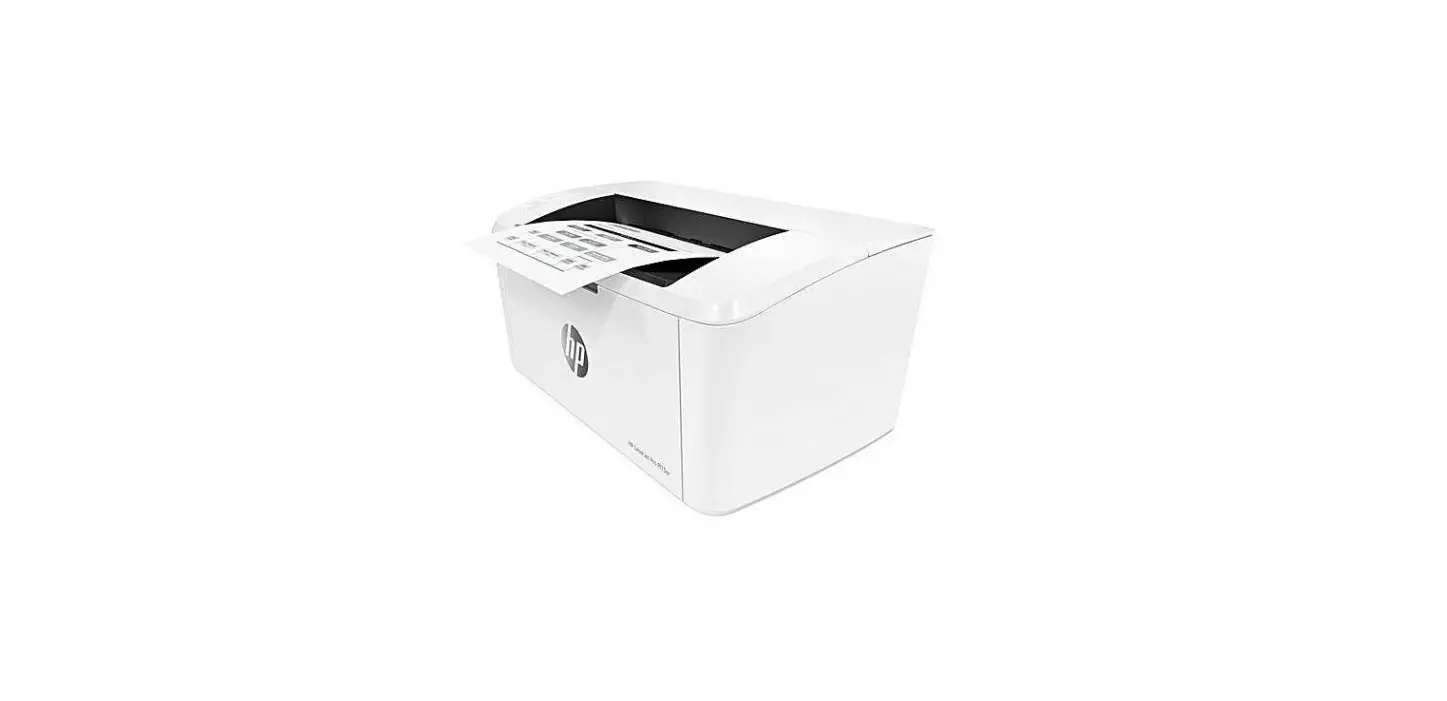

hp LaserJet MFP M139-M142 Series Printer
INSTALLATION INSTRUCTIONS
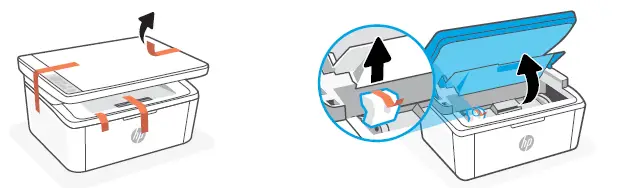
- Remove all tapes and foam

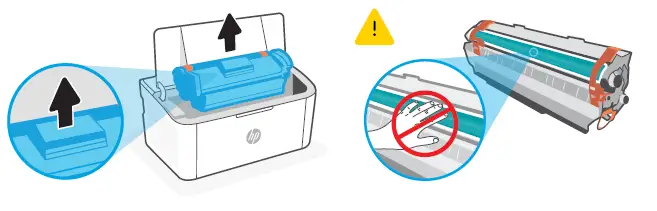
- Remove the cartridge from the printer. Do not touch the roller surface

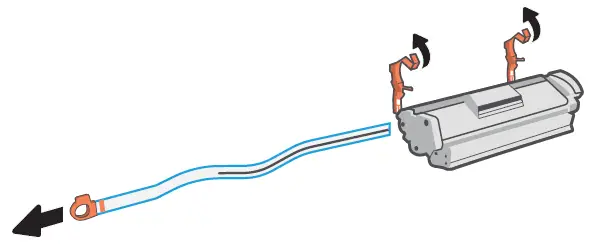
- Remove the orange guides, tape, and pull the tab to remove the protective film.

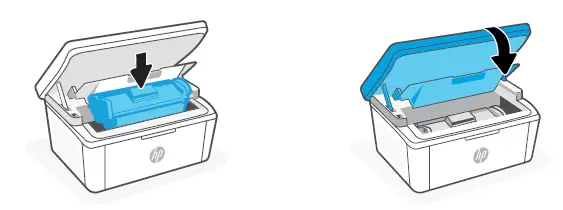
- Reinsert the cartridge and close the door.

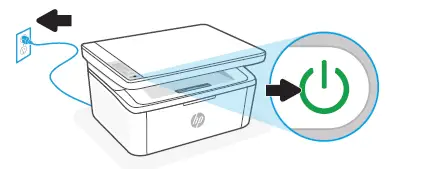
Plug in and turn on the printer.
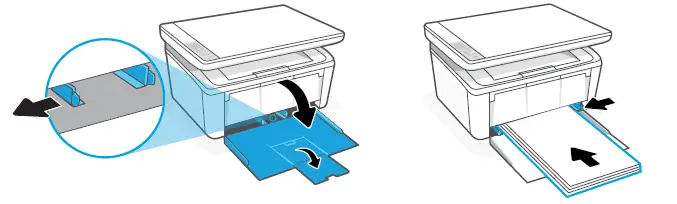
- Open the input tray and slide out the guides. Load Letter or A4 paper and adjust the guides.

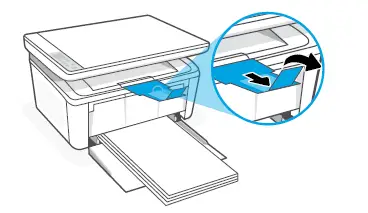
Pull open the tray extender
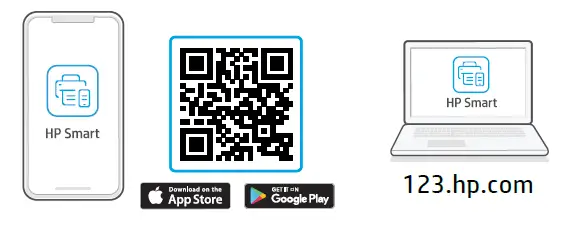
- Install the required HP Smart software from 123.hp.com or your app store on a computer or mobile device.

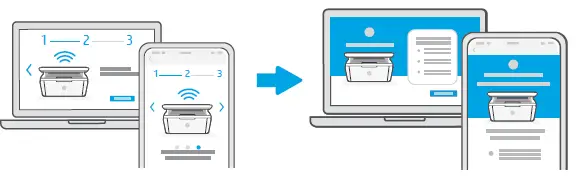
Follow instructions in HP Smart to connect the printer to a network and finish setup
CAUTION
Follow instructions in HP Smart to connect the printer to a network and finish setup
Trouble getting started? Find setup information and videos online. hp.com/support/printer-setup

App Store is a service mark of Apple Inc. Google Play and the Google Play logo are trademarks of Google Inc. The Apple logo is a trademark of Apple Inc., registered in the U.S. and other countries ® Copyright 2021 HP Development Company, L.P.
References
 123.hp.com - HP Smart
-
dtsc.ca.gov/hazardouswaste/perchlorate
 Laptop Computers, Desktops, Printers, Ink & Toner | HP® Official Site
-
hp.com/support
-
hp.com/support/printer-setup
-
HP® | Official Site
-
Australian Competition and Consumer Commission
 Anatel — Agência Nacional de Telecomunicações
-
Home | Consumer Law
-
dtsc.ca.gov/
-
EPEAT Registry
-
Laptop Computers, Desktops, Printers, Ink & Toner | HP® Australia
-
Reciclagem dos suprimentos HP | HP® Brasil
-
The HP Parts Store | HP Computer Parts | HP Printer Parts
-
HP anti-counterfeit | HP® Official Site
-
Care Pack Central
-
Regulations Certificates | HP® United Kingdom
-
HP Sustainable Impact & Documents & Reports | HP® Official Site
-
Climate Action and Planet | HP® Official Site
-
Consumer Legal Guarantee (United Kingdom) | HP® Customer Support
-
HP printer setup (HP Smart app) | HP® Customer Support
-
HP
-
123.hp.com - HP Smart
-
HP Sustainable Impact & Documents & Reports | HP® Official Site
-
HP Privacy Central | HP® Official Site
-
hp.com/go/reach
-
hp.com/go/support
-
HP® Printer Ink, Toner, & Cartridges
-
HP printer setup (Wi-Fi Direct) | HP® Customer Support
-
HP supplies recycling | HP® Official Site
-
HP Printers - Dynamic Security Enabled Printers | HP® Customer Support
-
Product Return and Recycling | HP® Official Site
-
hp.com/support
-
HP LaserJet MFP M139-M142 Printer series | HP® Customer Support
-
Microsoft – Cloud, Computers, Apps & Gaming
 123.hp.com - HP Smart
 dtsc.ca.gov/hazardouswaste/perchlorate
 Laptop Computers, Desktops, Printers, Ink & Toner | HP® Official Site
 HP® | Official Site
 Australian Competition and Consumer Commission
 Anatel — Agência Nacional de Telecomunicações
 Home | Consumer Law
 dtsc.ca.gov/
 EPEAT Registry
 Laptop Computers, Desktops, Printers, Ink & Toner | HP® Australia
 Reciclagem dos suprimentos HP | HP® Brasil
 The HP Parts Store | HP Computer Parts | HP Printer Parts
 Microsoft – Cloud, Computers, Apps & Gaming