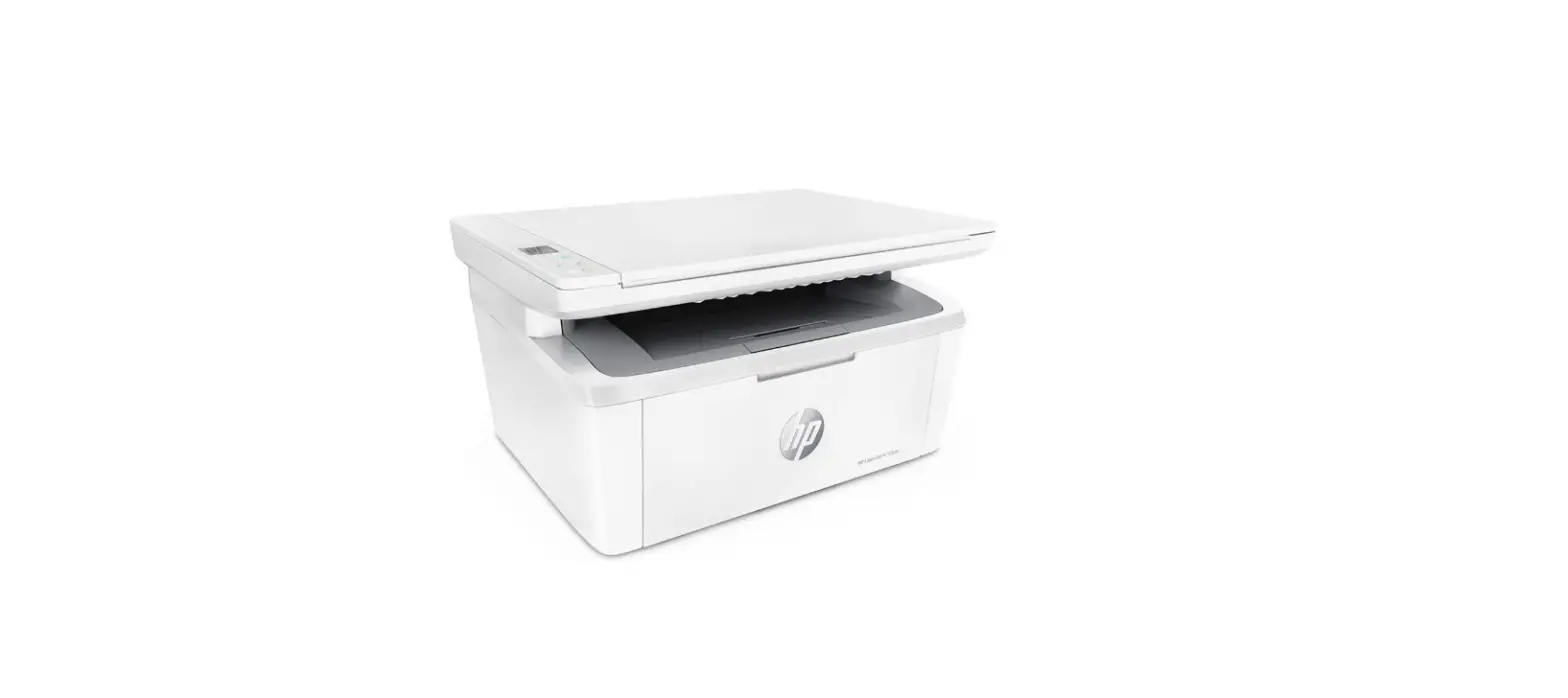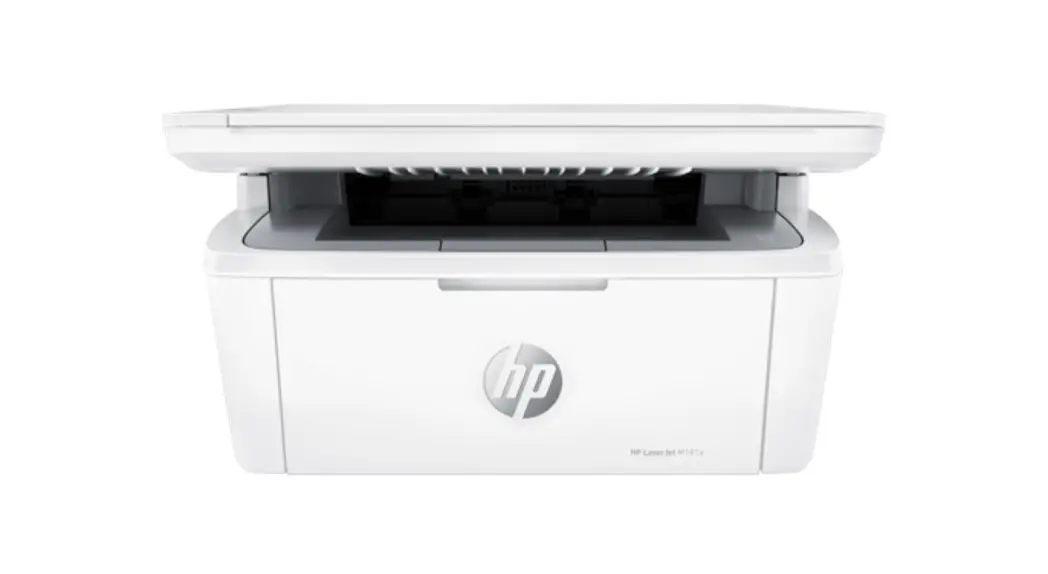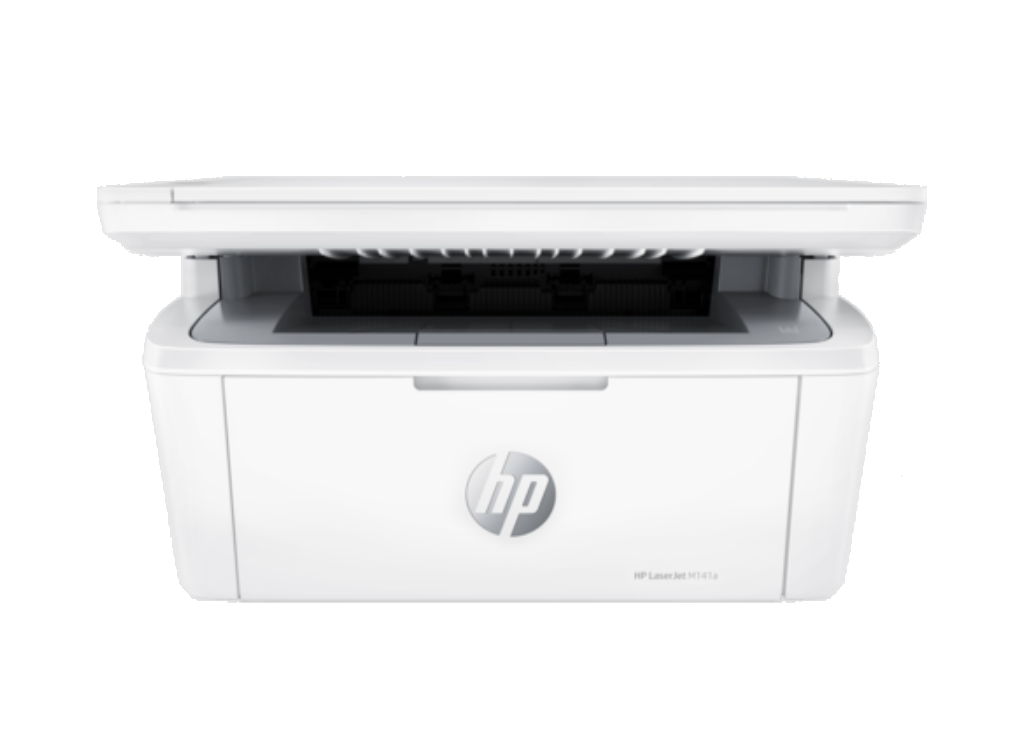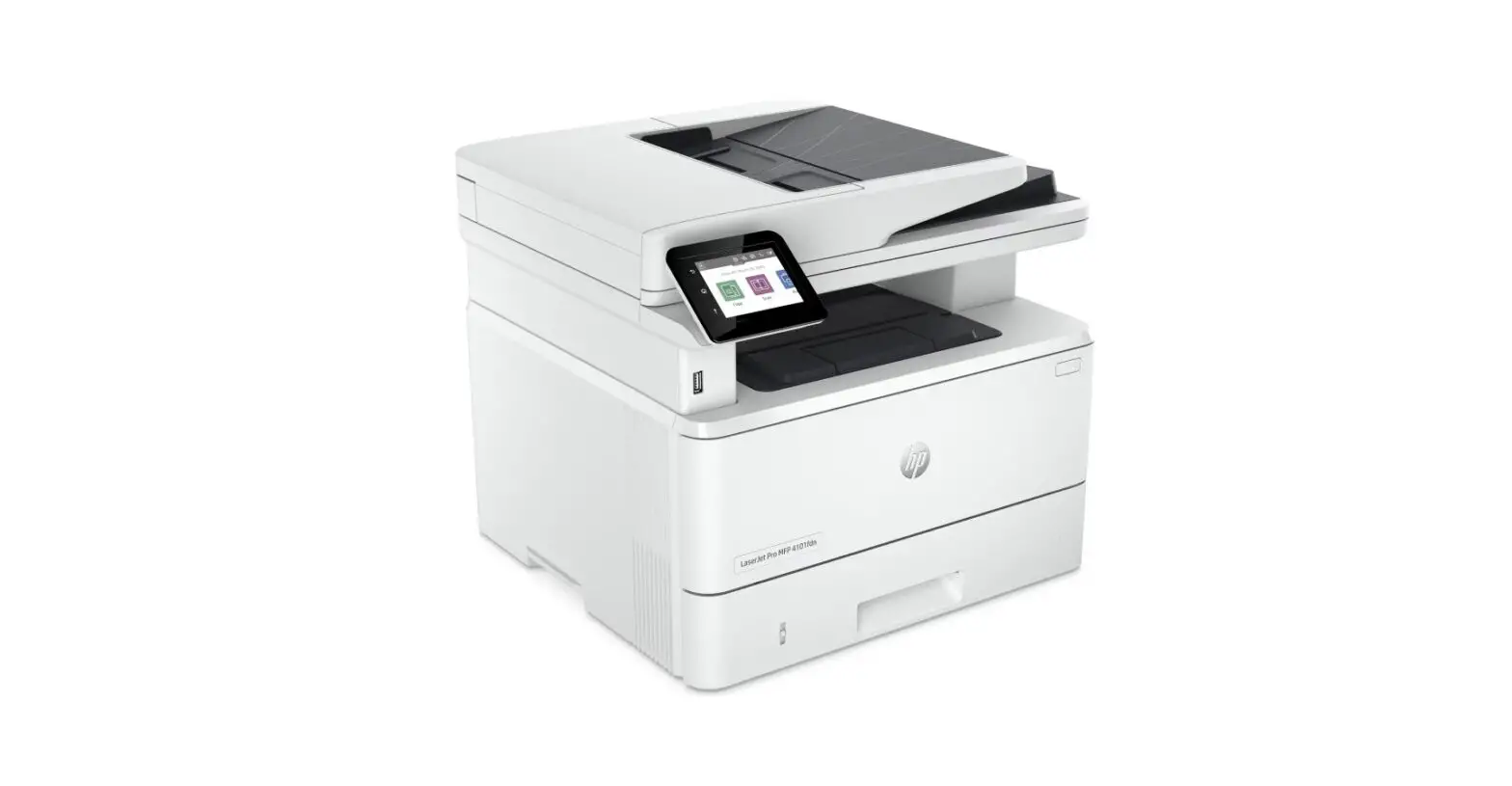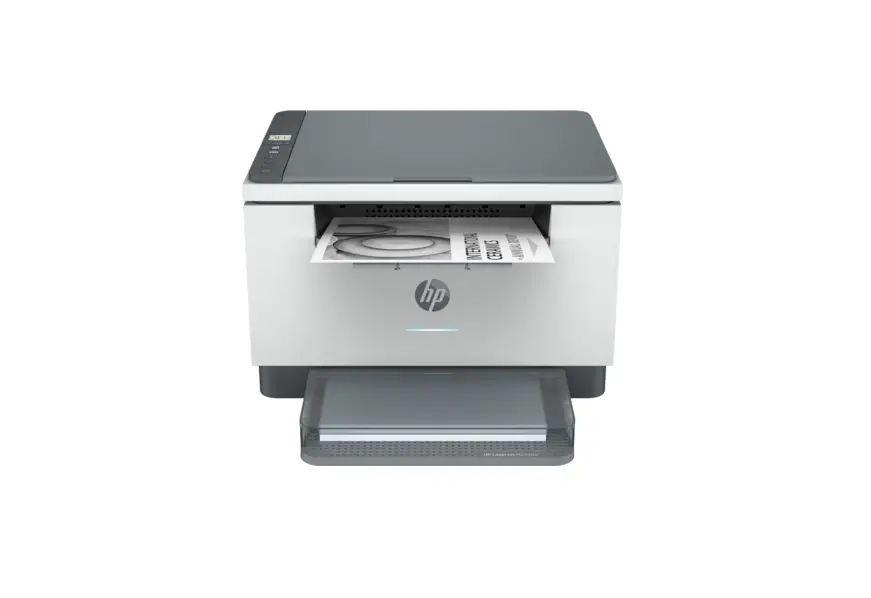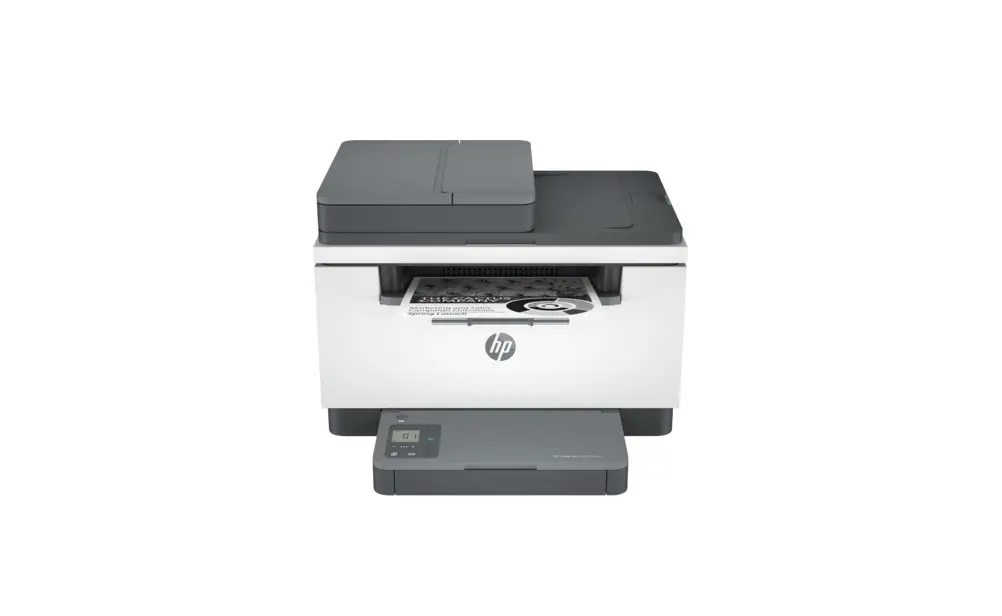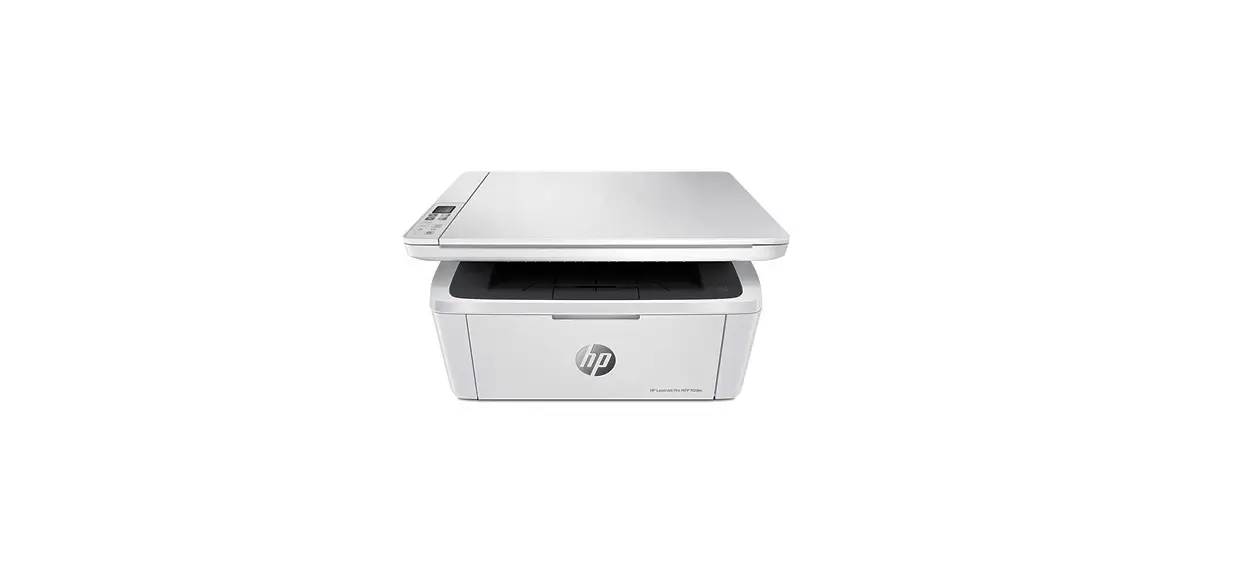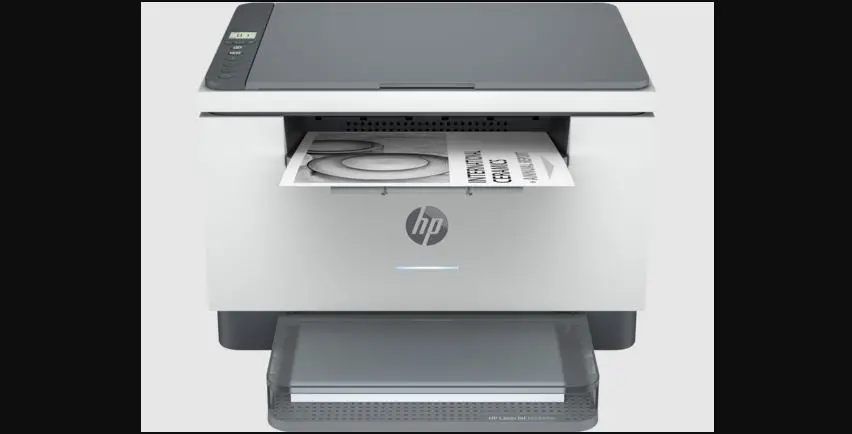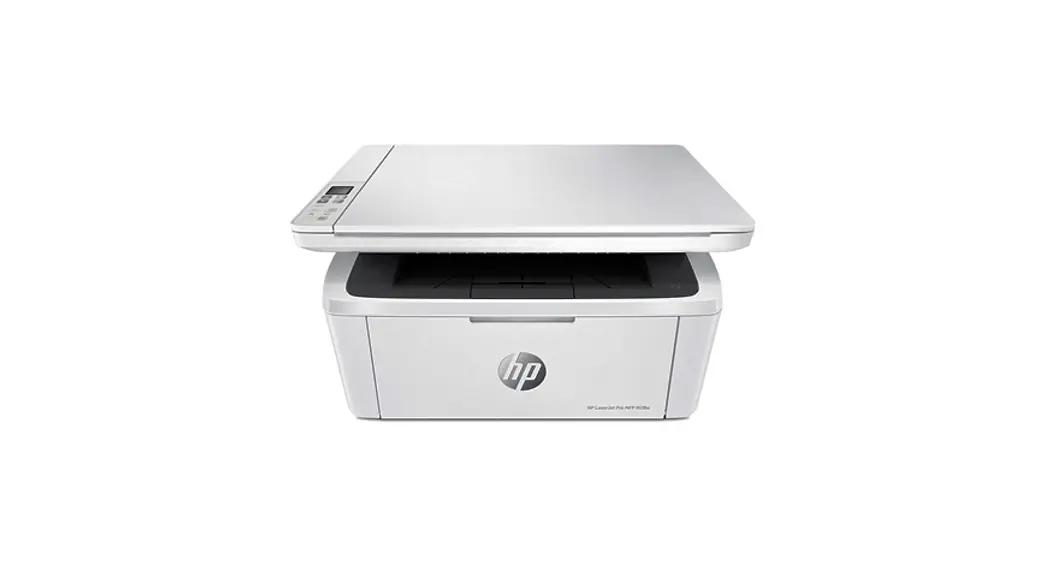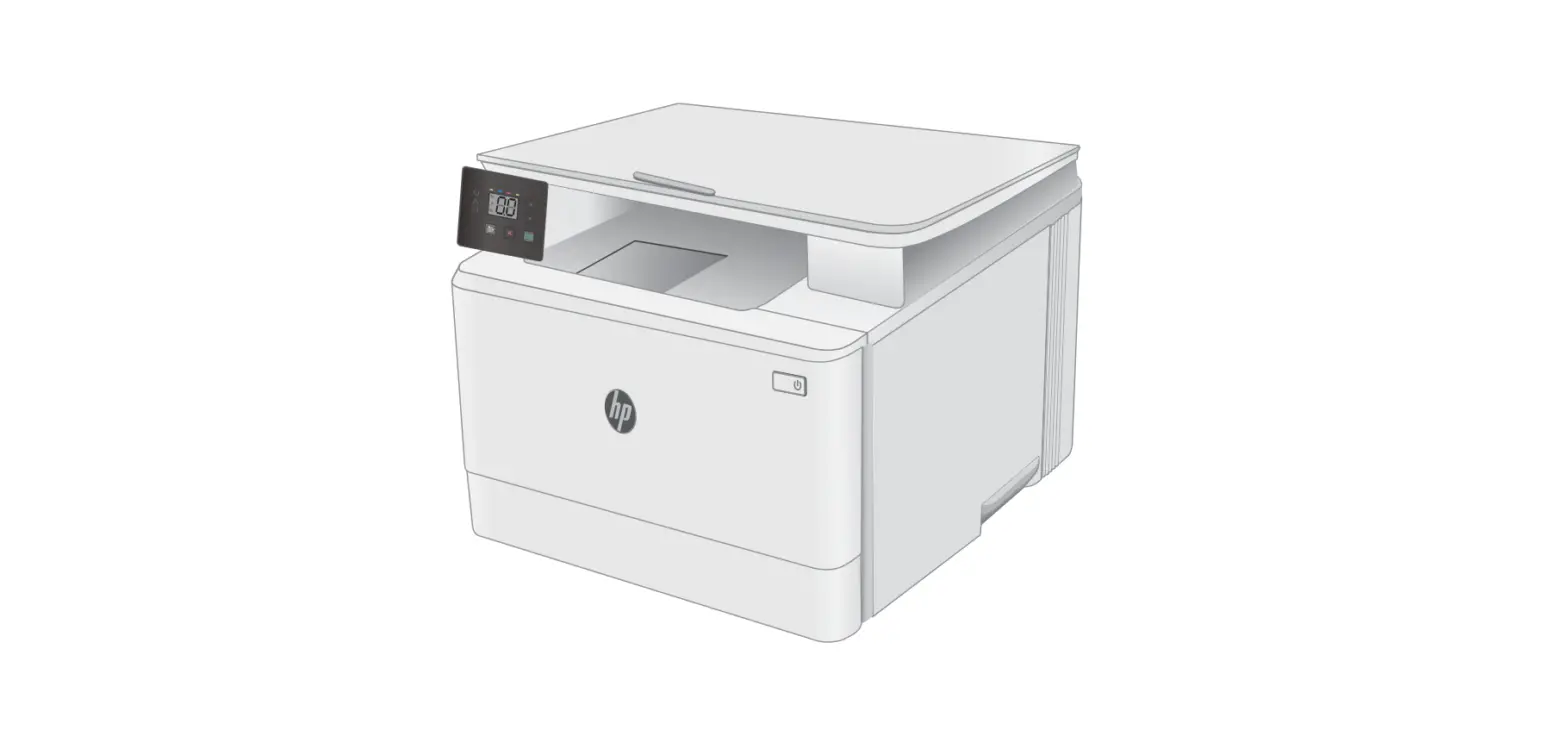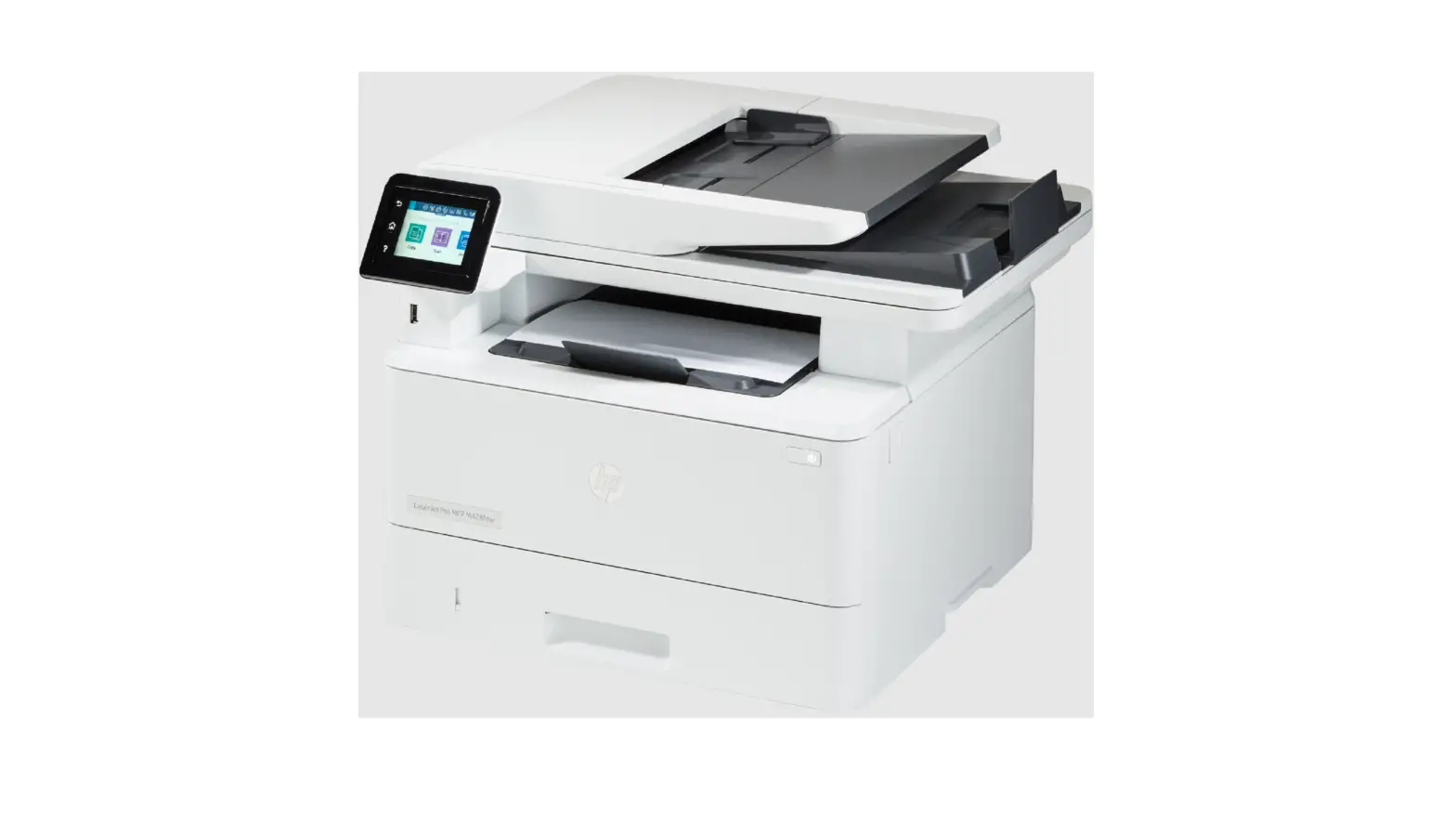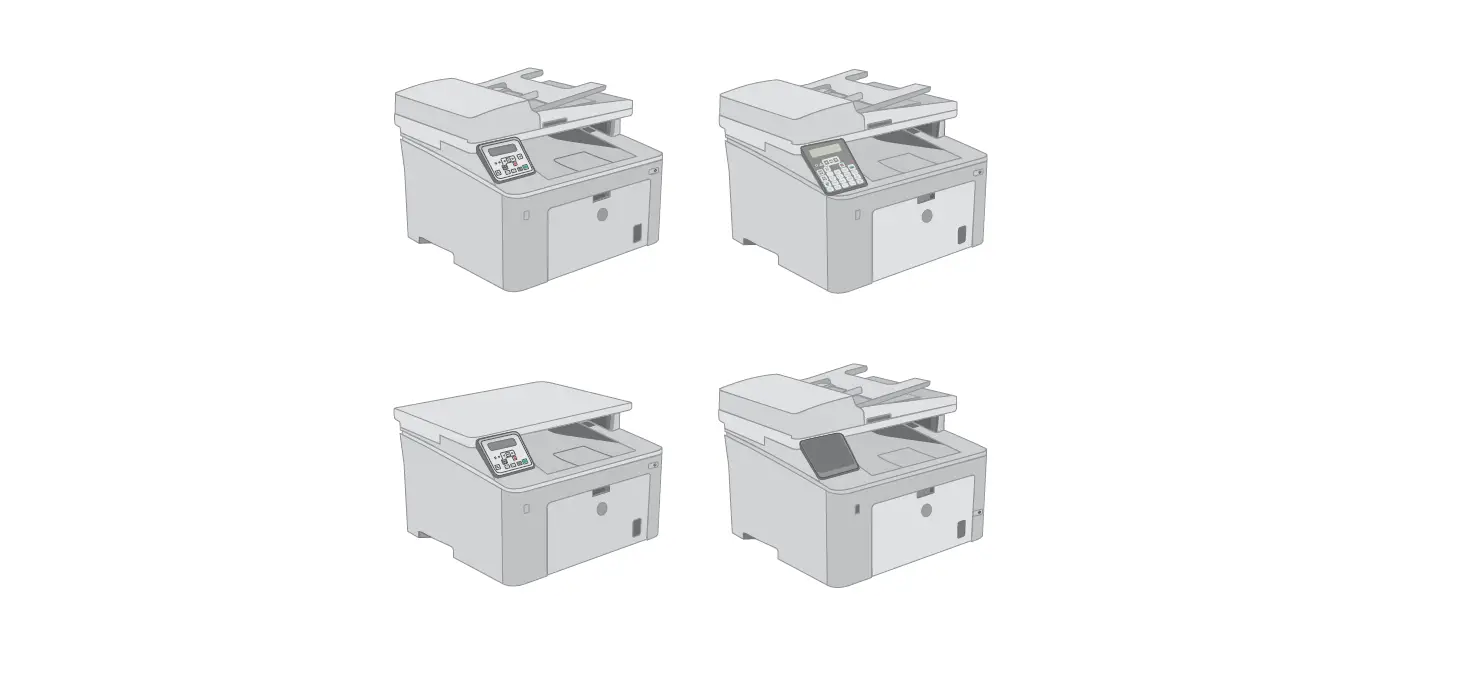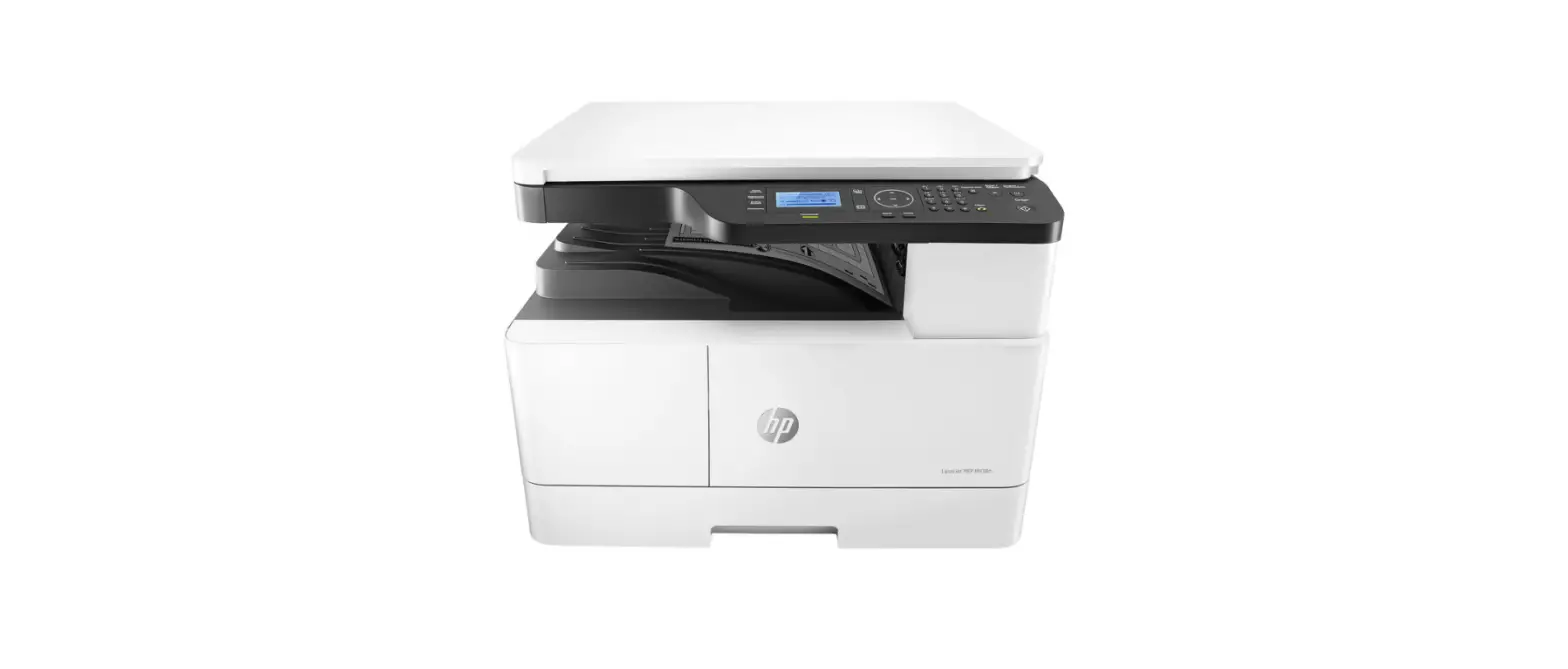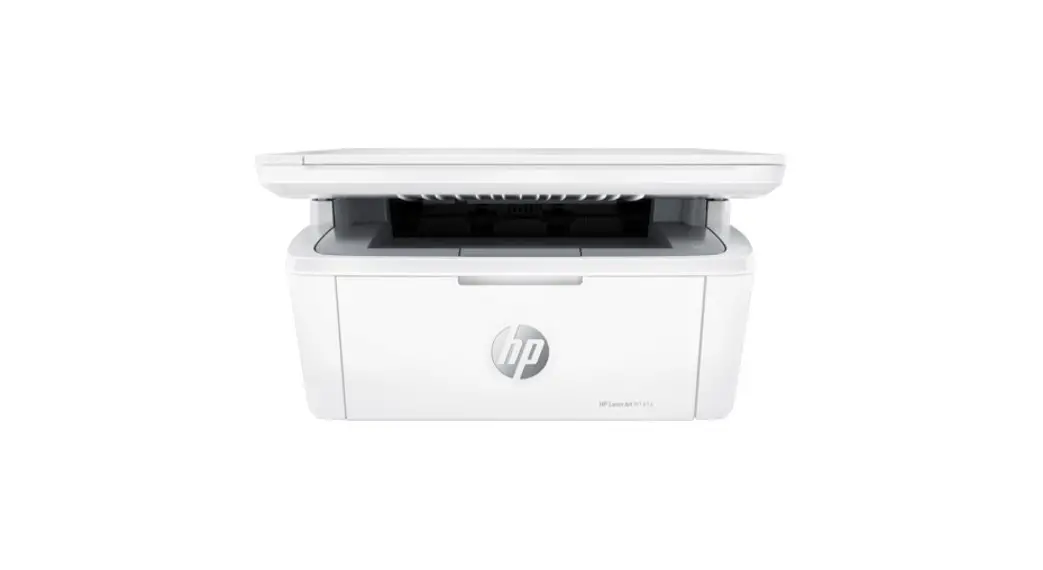
 M139-M142 Series LaserJet MFP Printer
User Guide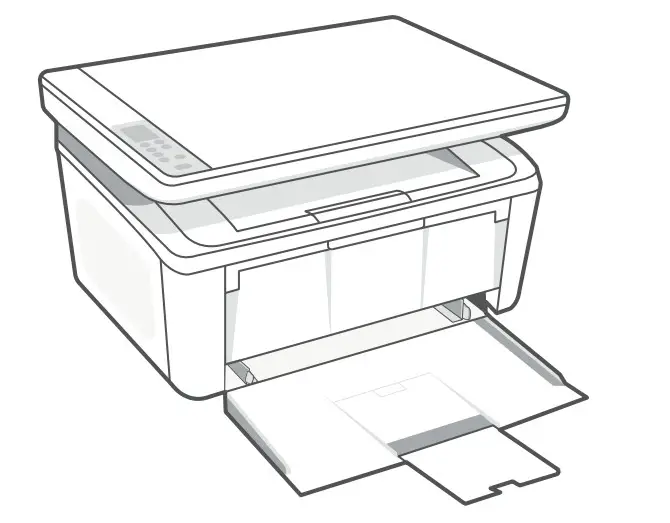
HP LaserJet MFP
M139-M142 series
M139-M142 Series LaserJet MFP Printer
- Remove all tapes and foam.

- Remove the cartridge from the printer.
 Do not touch the roller surface.
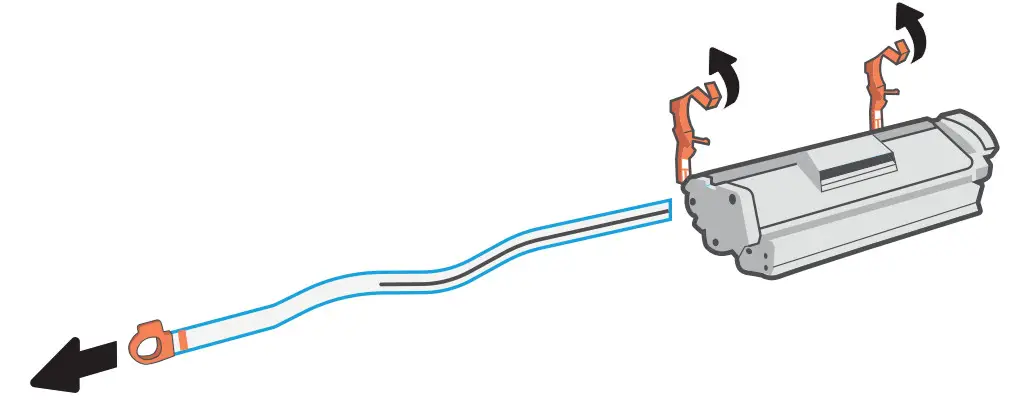
- Remove the orange guides, tape, and pull the tab to remove the protective film.

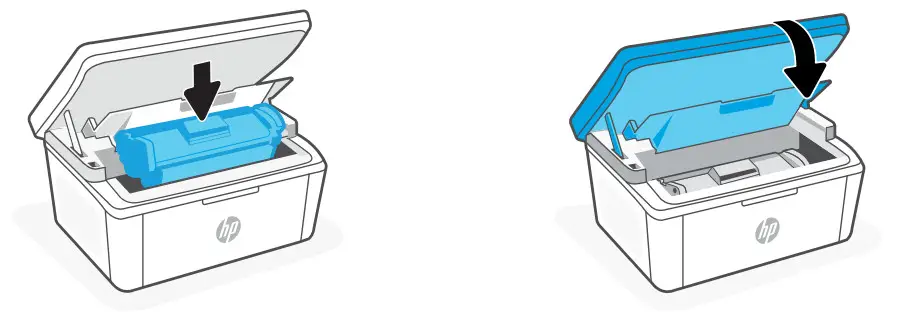
- Reinsert the cartridge and close the door.

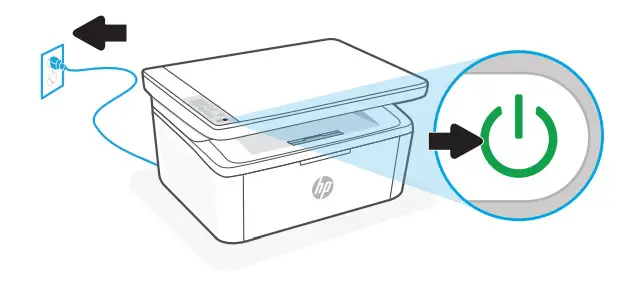
Plug in and turn on the printer.
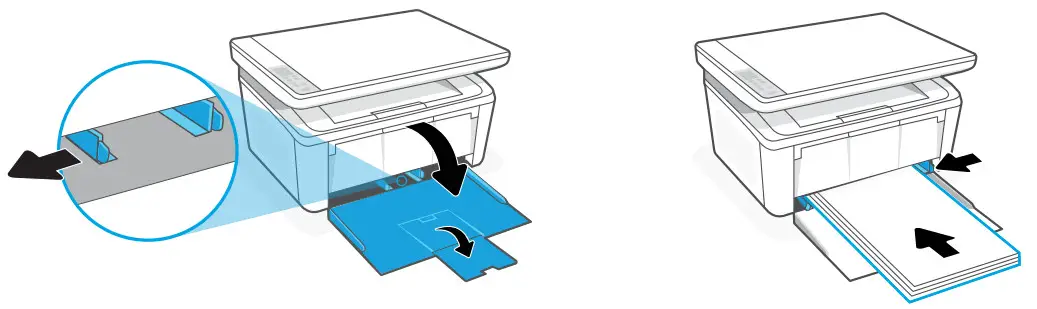
- Open the input tray and slide out the guides. Load Letter or A4 paper and adjust the guides.

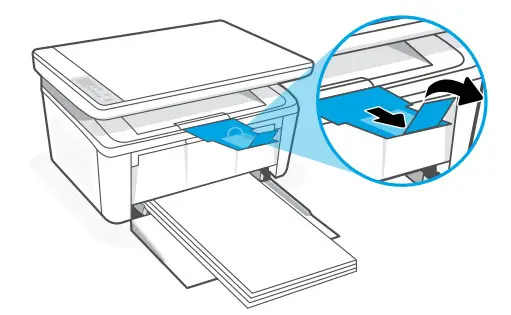
Pull open the tray extender.
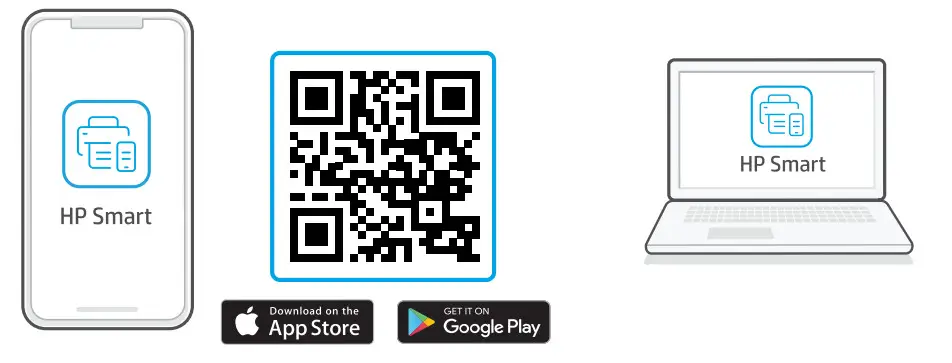
- Install the required HP Smart software from 123.hp.com or your app store on a computer or mobile device.
 Follow instructions in HP Smart to connect the printer to a network and finish setup.*
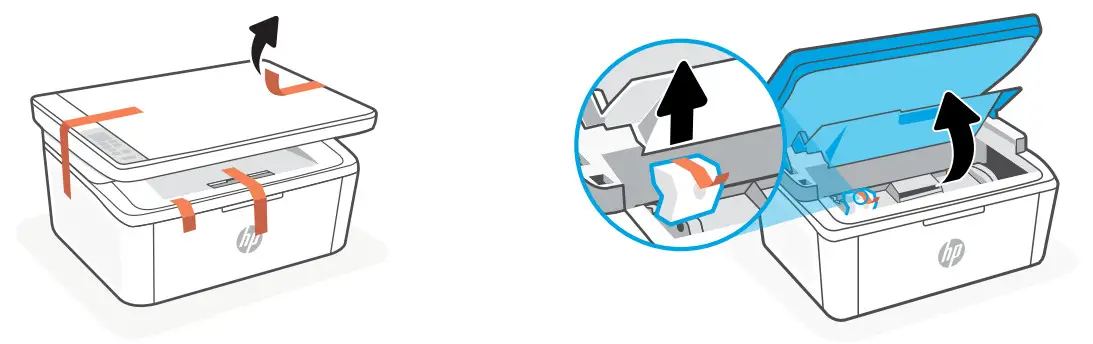
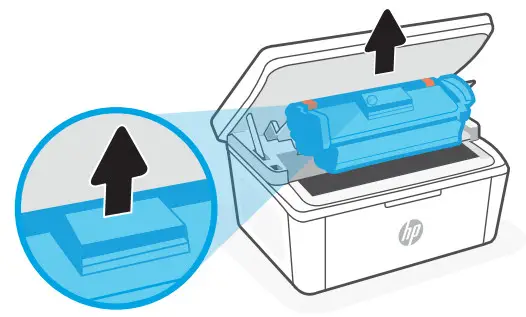 Do not touch the roller surface.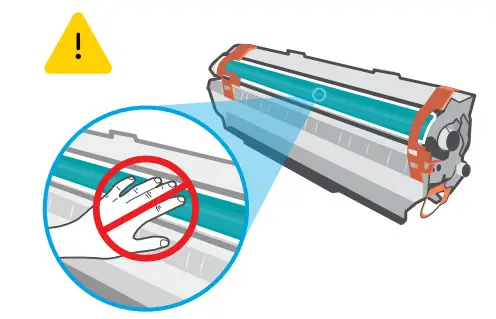
 Follow instructions in HP Smart to connect the printer to a network and finish setup.*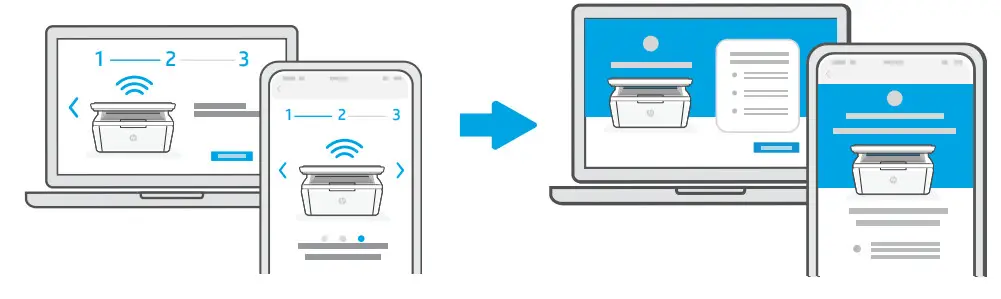
* See Reference Guide for Wi-Fi troubleshooting and tips.

Trouble getting started? Find setup information and videos online.
App Store is a service mark of Apple Inc.
Google Play and the Google Play logo are trademarks of Google Inc.
The Apple logo is a trademark of Apple Inc., registered in the U.S. and other countries.
® Copyright 2021 HP Development Company, L.P.
 123.hp.com - HP Smart
 hp.com/support/printer-setup