Contents hide
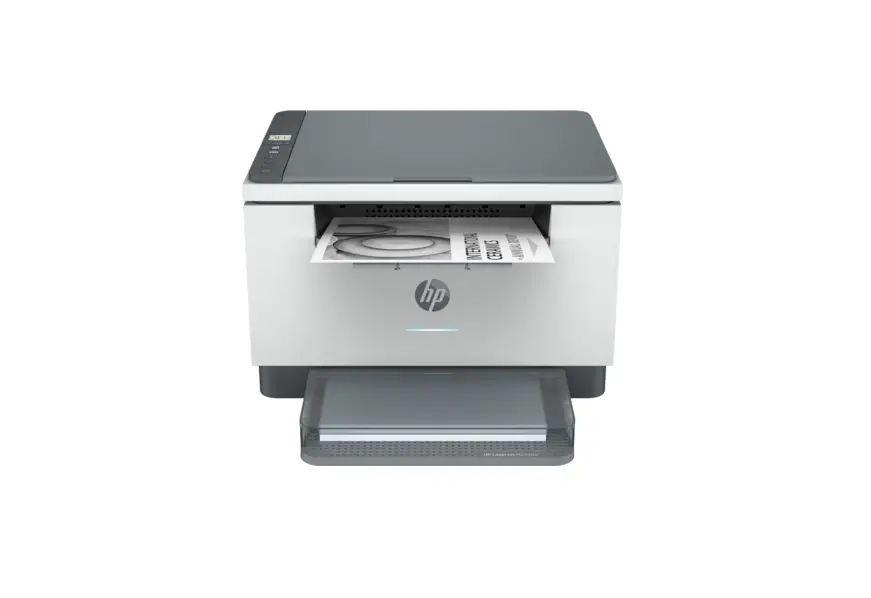
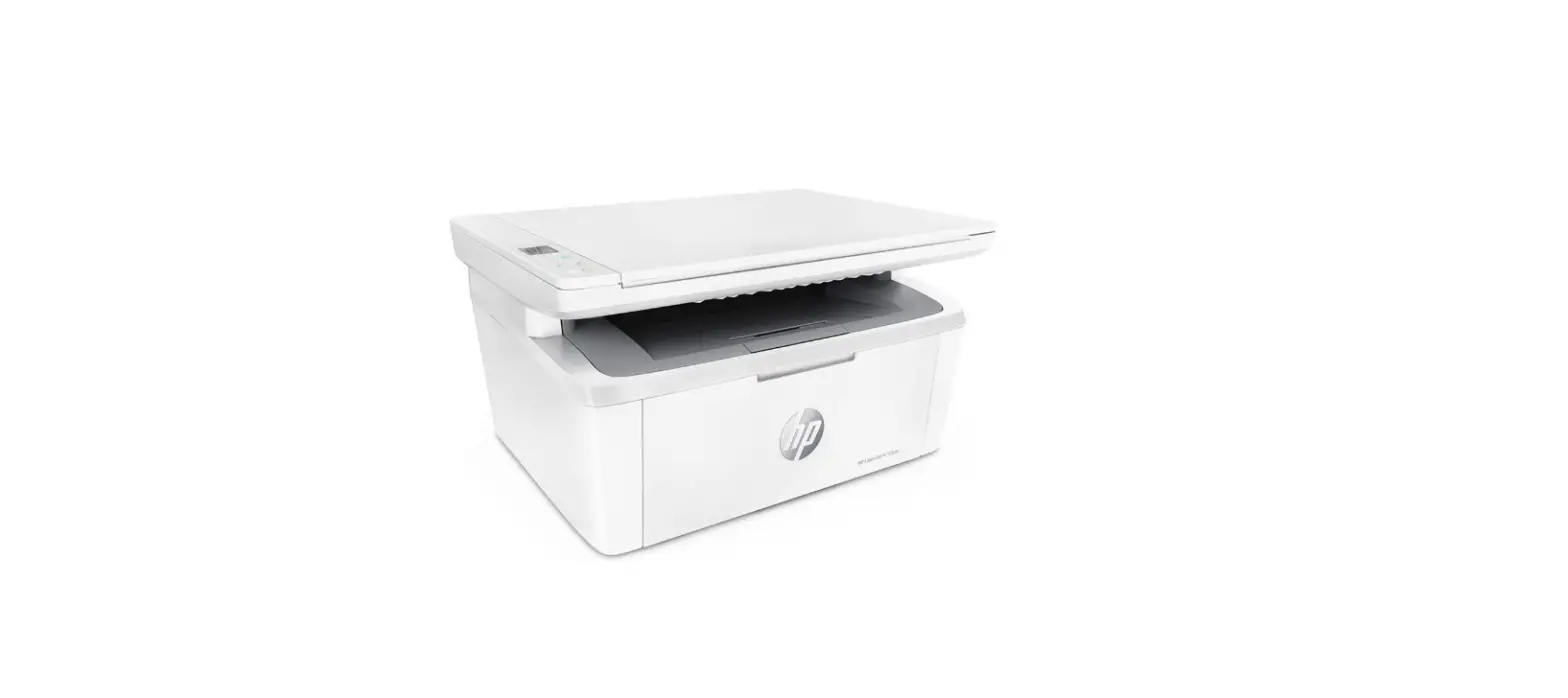
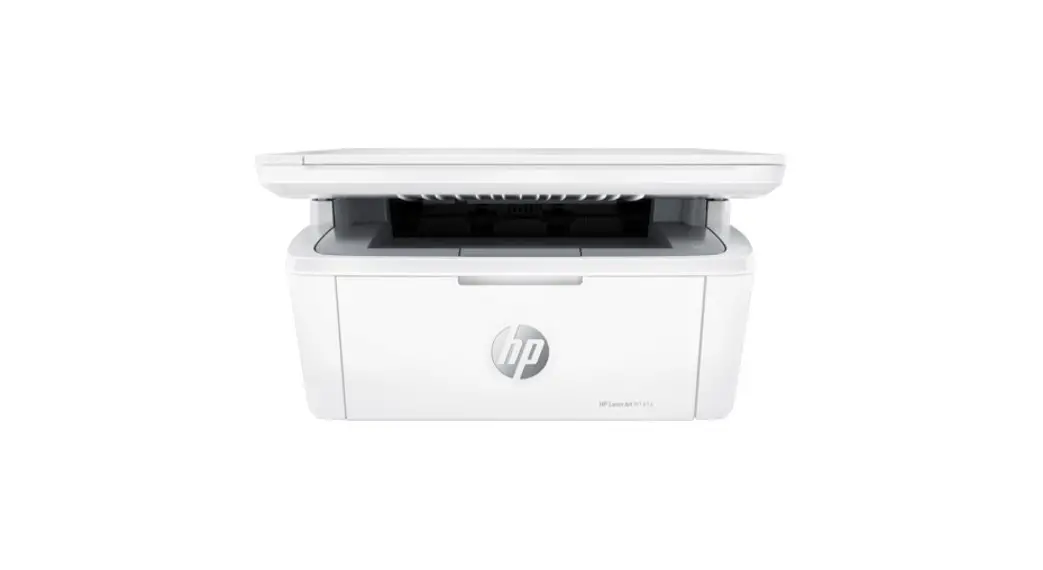
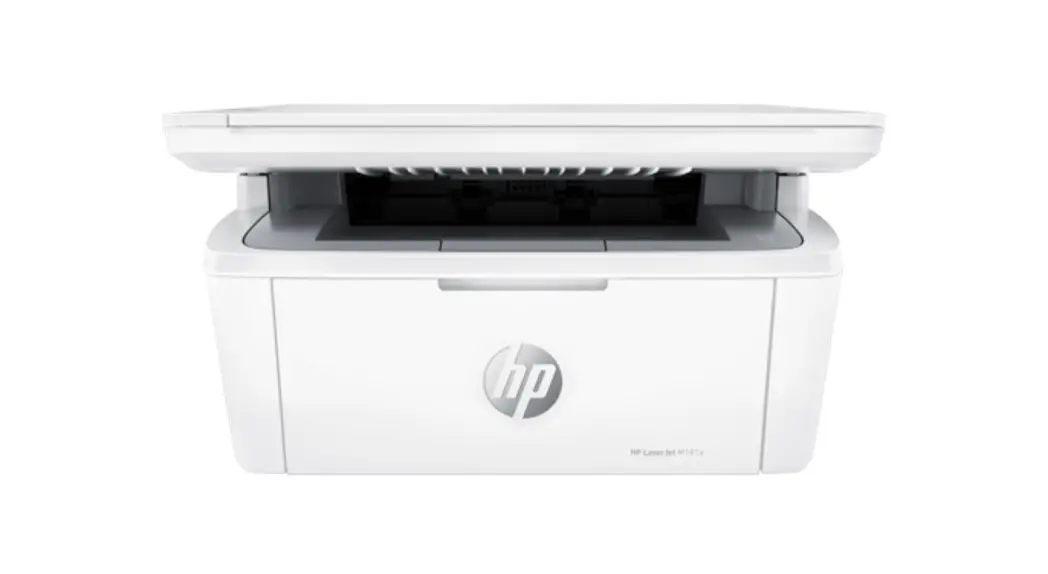
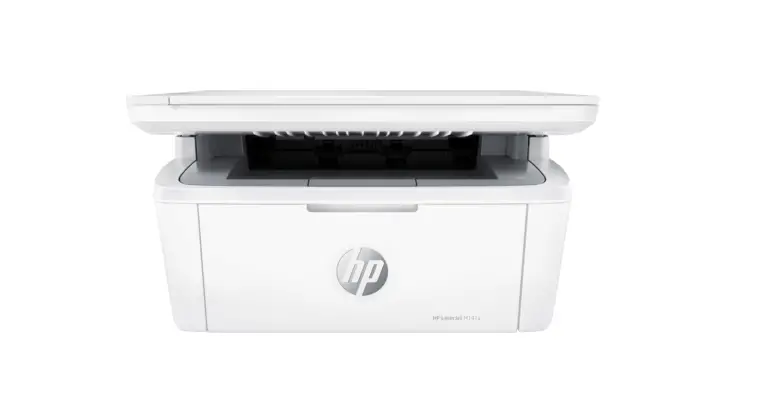
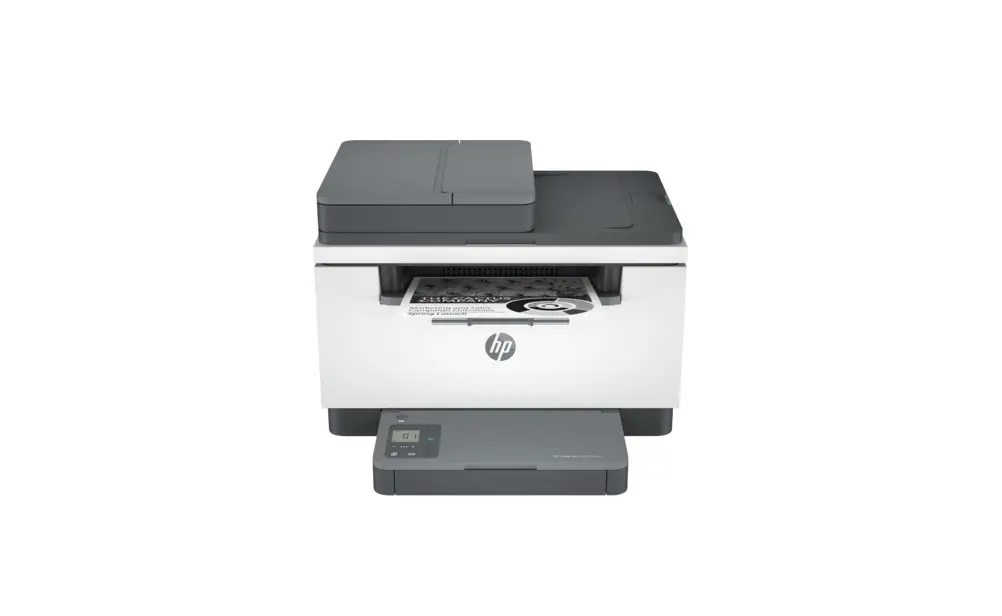
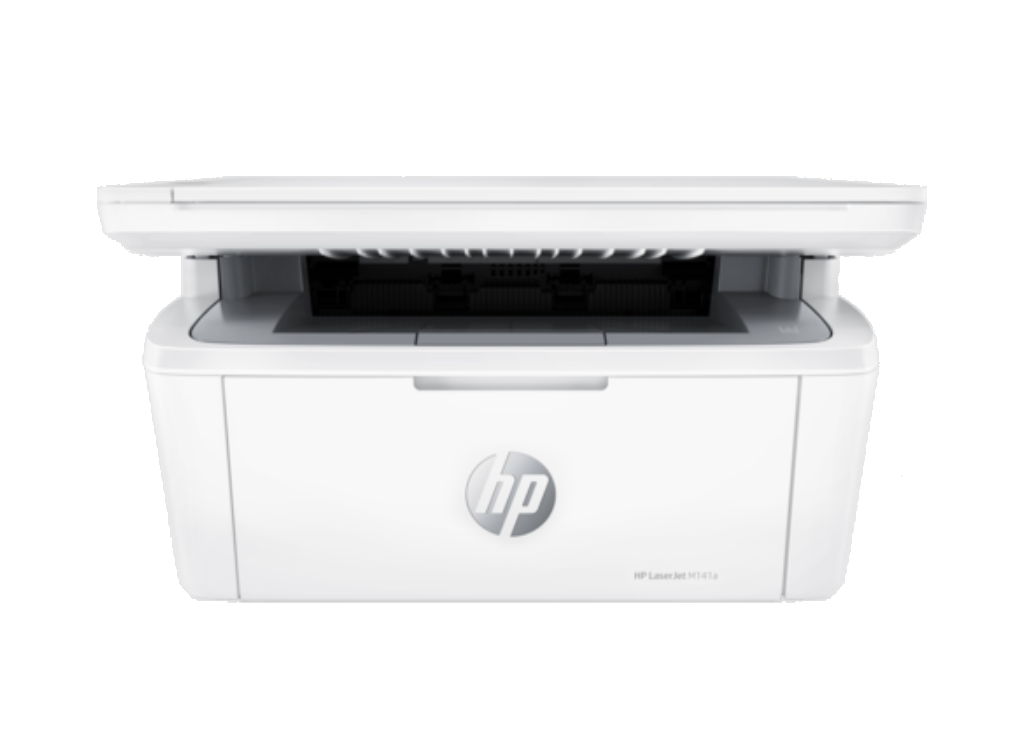
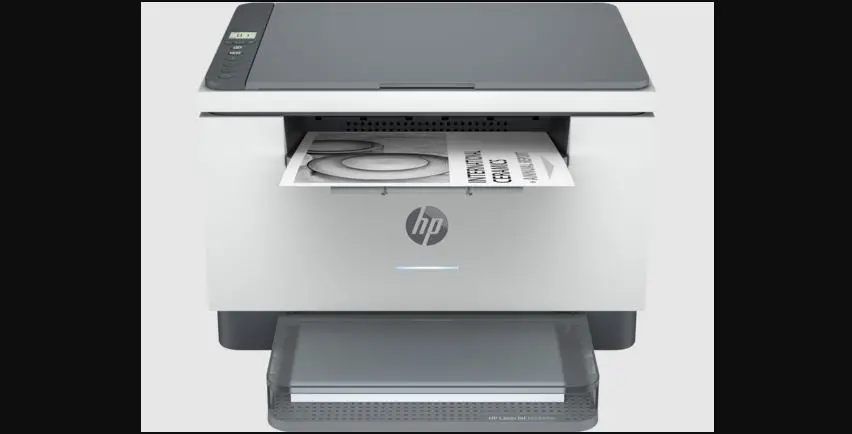
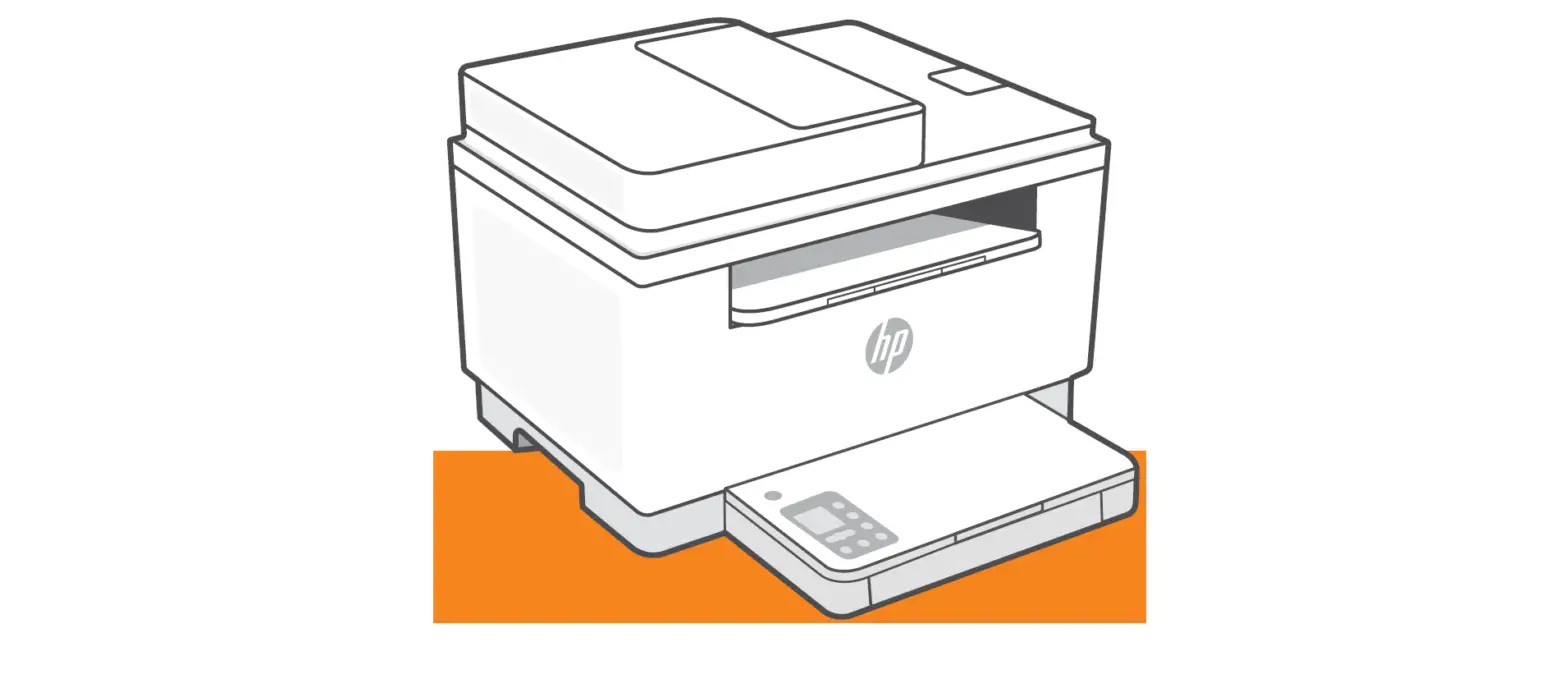
 hp M232e-M237e Series LaserJet MFP Printer
 hp M232e-M237e Series LaserJet MFP Printer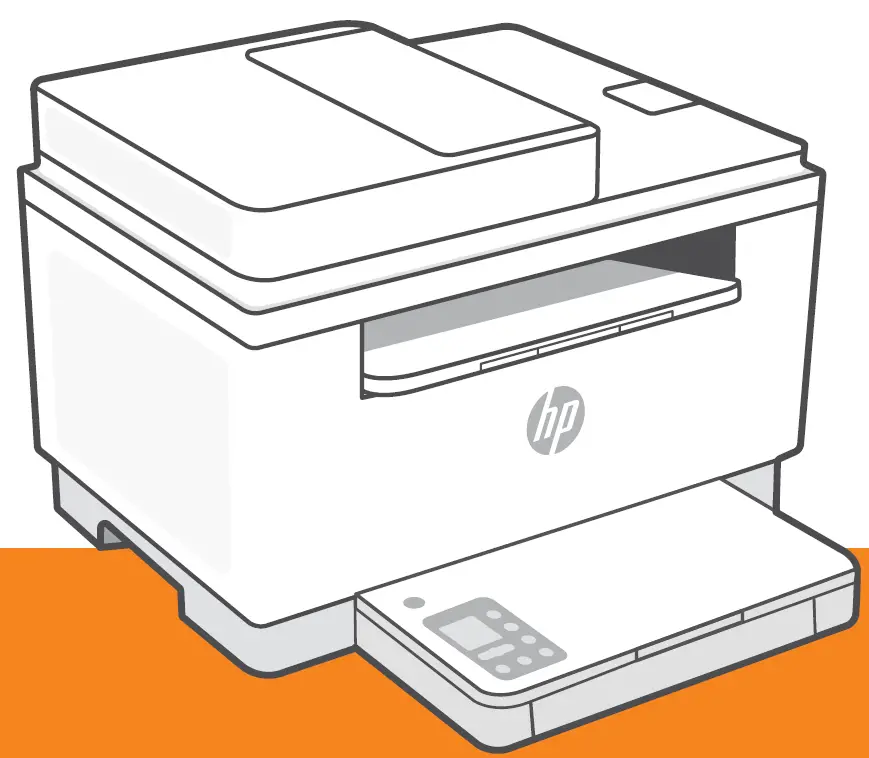
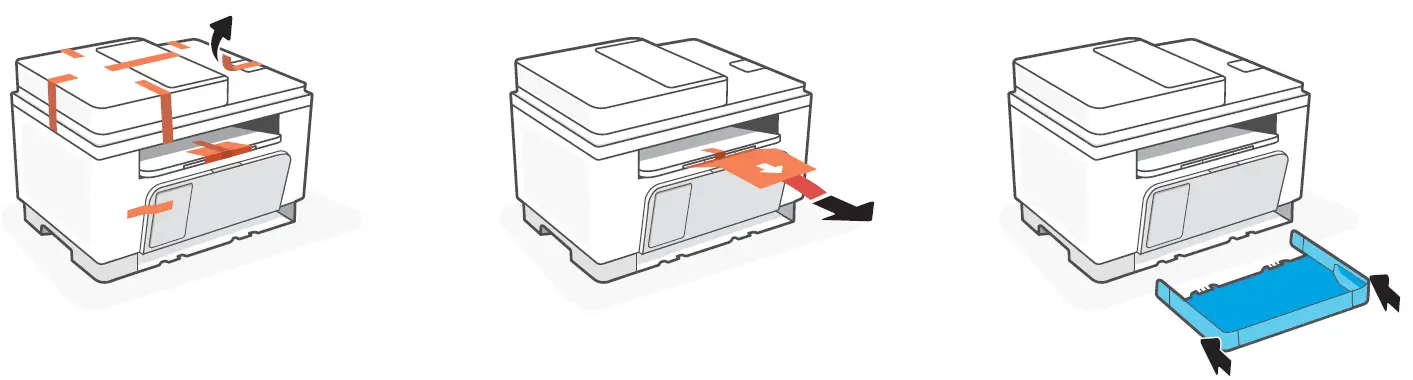
Remove all tape and pull the paper sheet from the printer. Slide the tray into place.
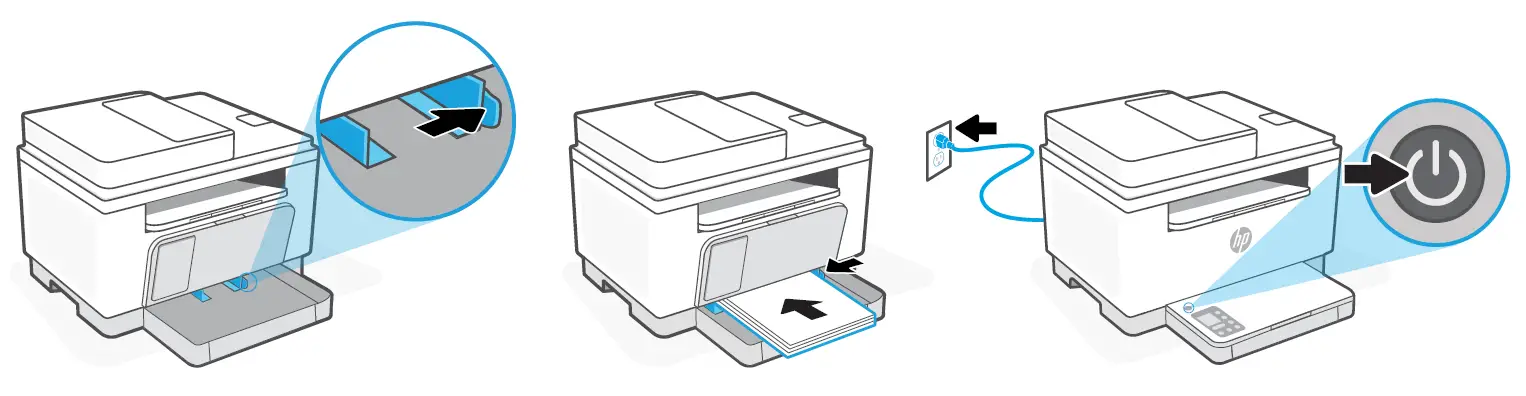
Open the guides, Load Letter or A4 paper, and adjust the guides. Plug in and turn on the printer
Install the required HP Smart software from 123.hp.com or your app store on a computer or mobile device.Ed mi, aceriatur, quae. Mus audis et ra consequ atquas pe entendi gendia
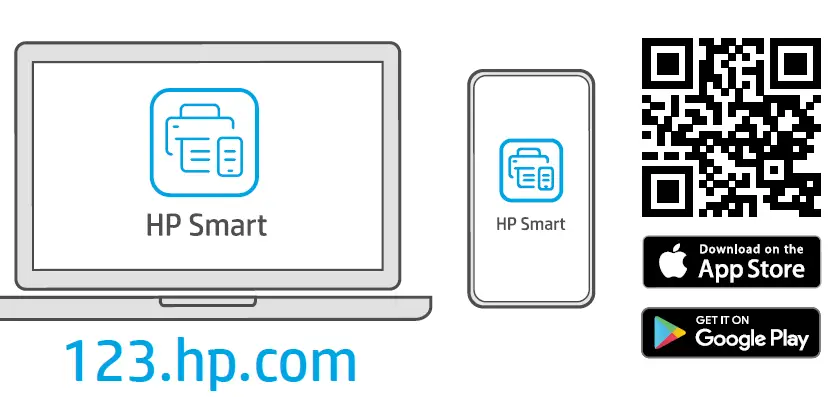
Follow instructions in HP Smart to connect the printer to a network and activate HP+ features.
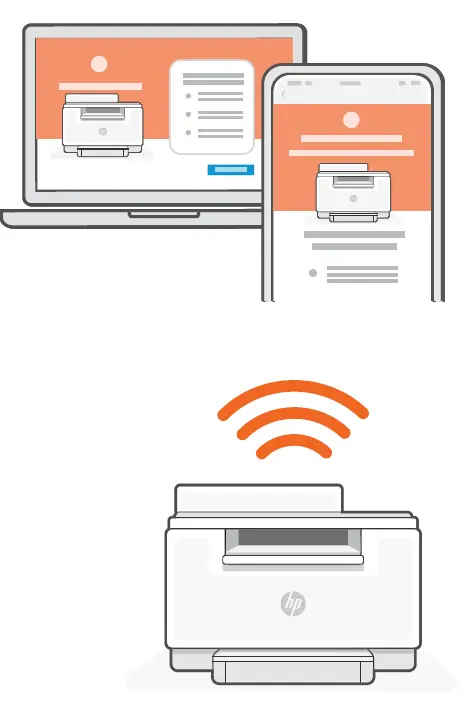
If connecting the printer to Wi-Fi, your computer or mobile device must be near the printer during setup. See Reference Guide for Wi-Fi troubleshooting and tips.
Exclusive HP+ Support
Get complimentary support by contacting our expert at this website. hp.com/plus-support
Support varies by country/region. Visit website for more information.
 123.hp.com - HP Smart
 HP Customer Support - HP+