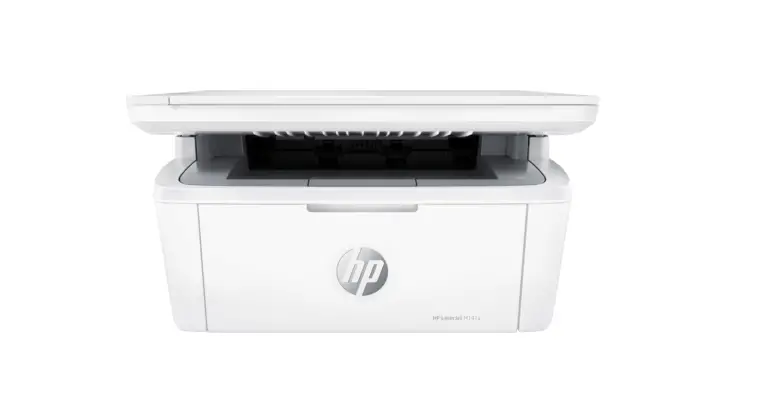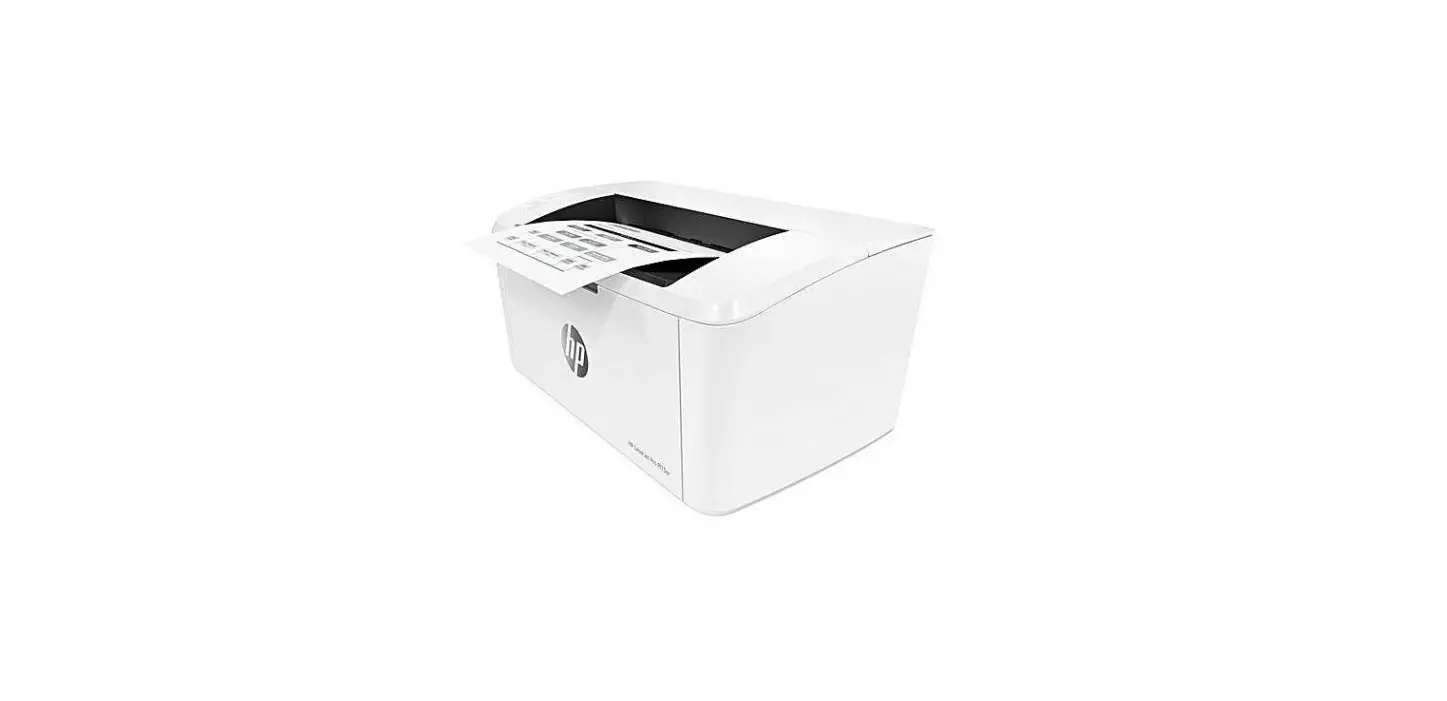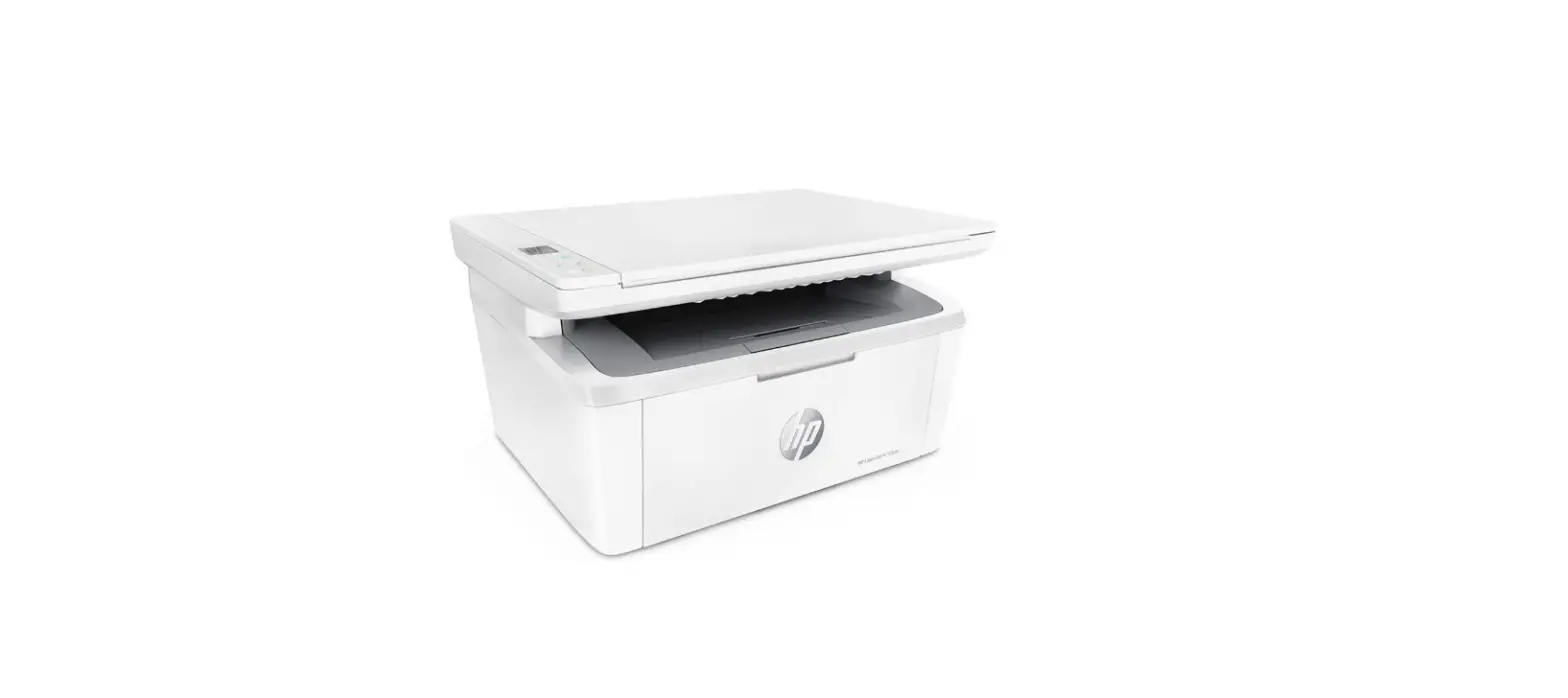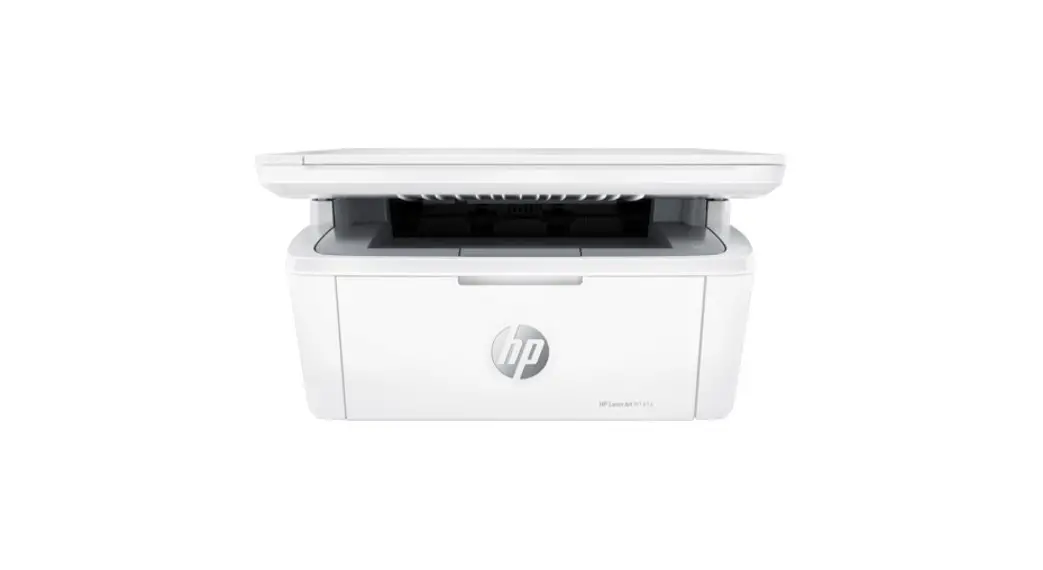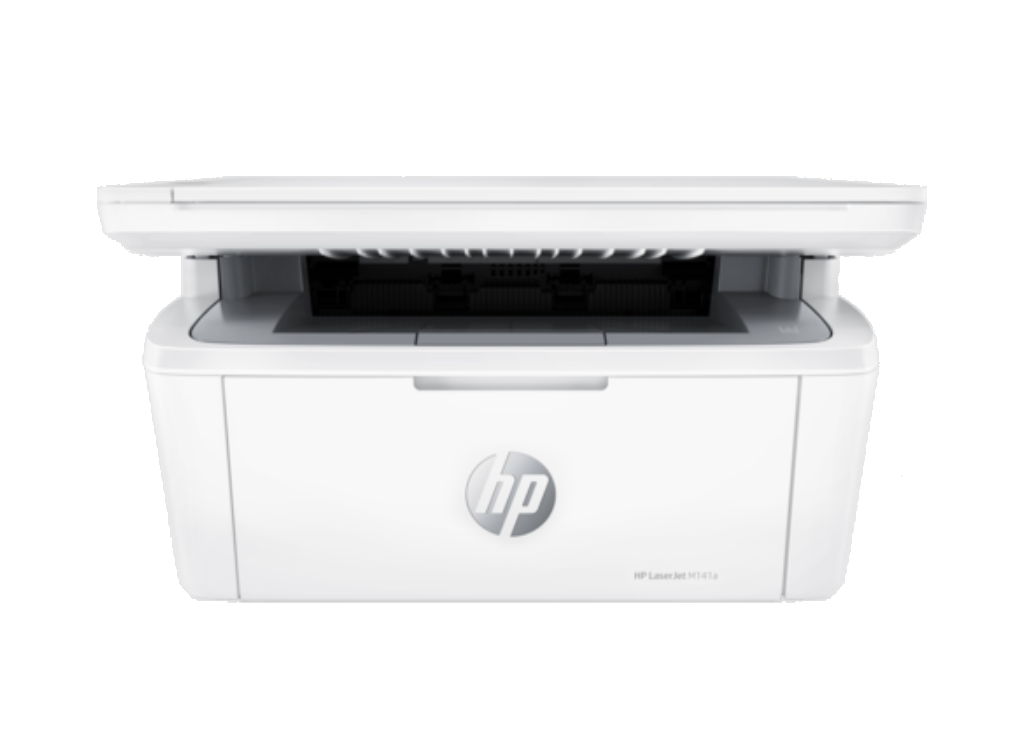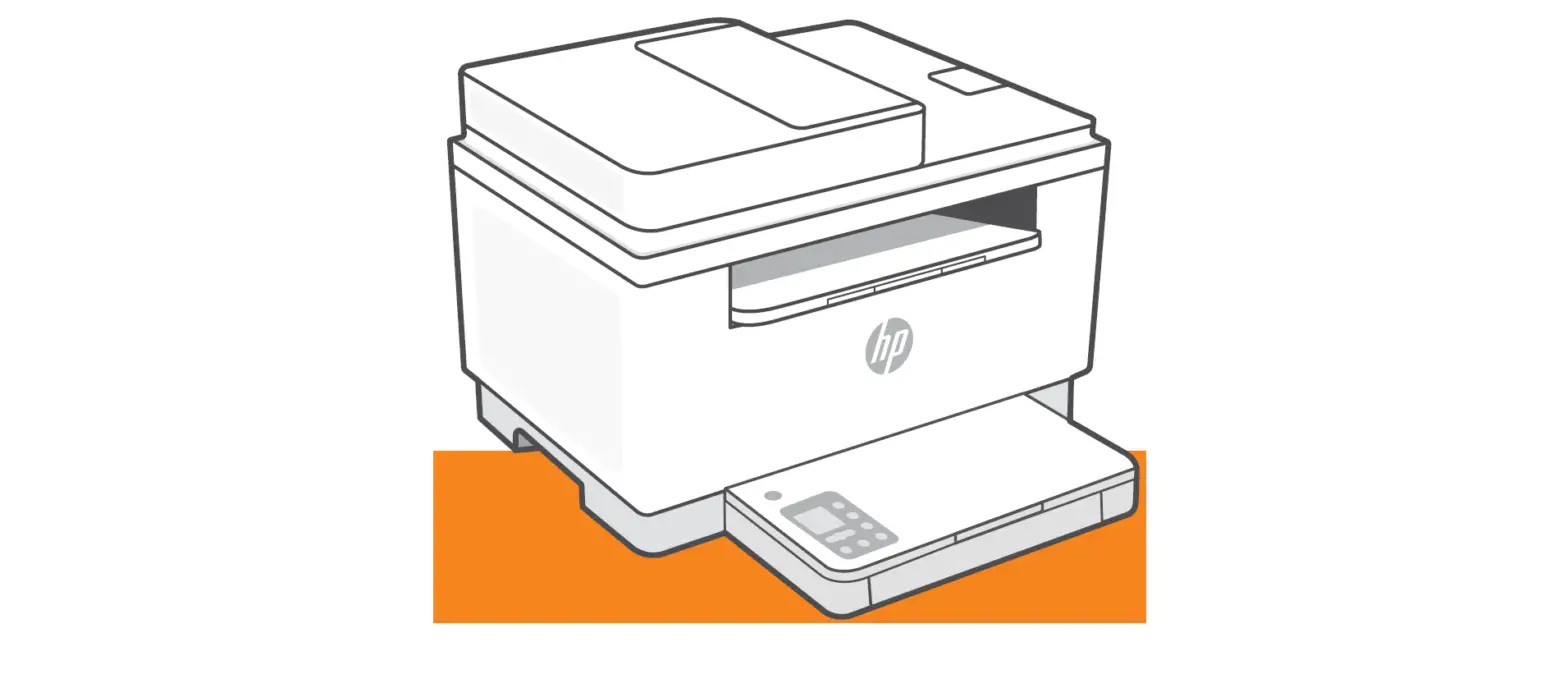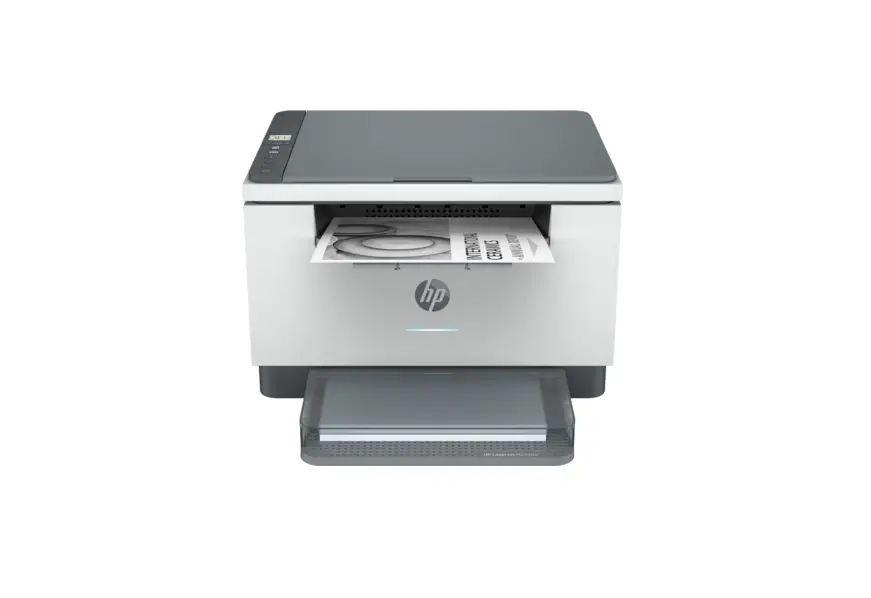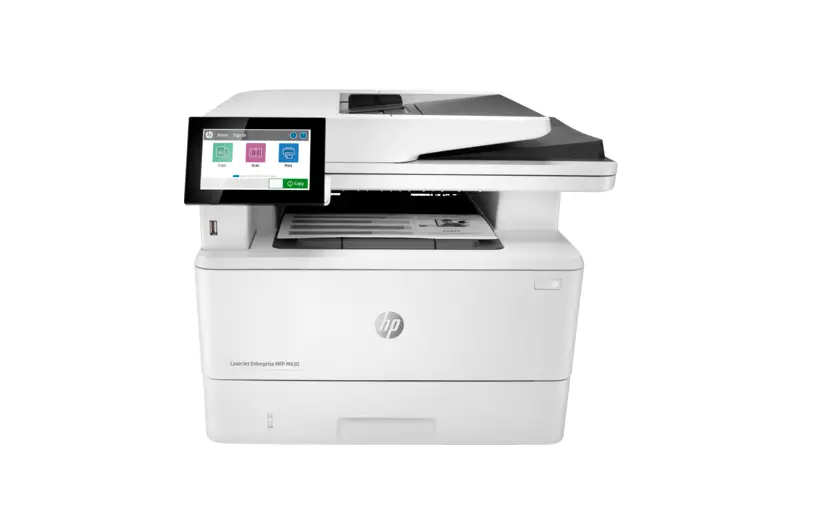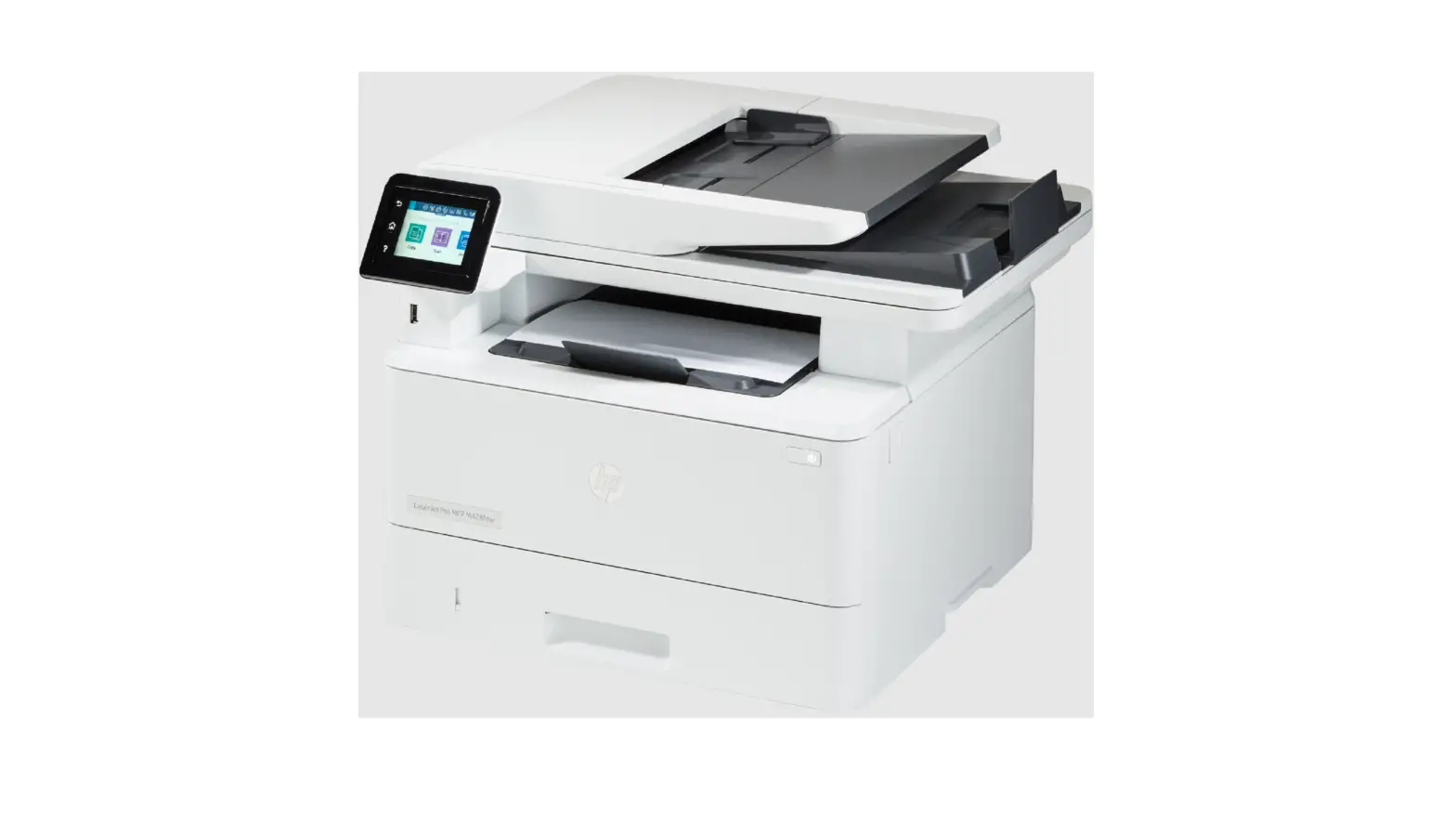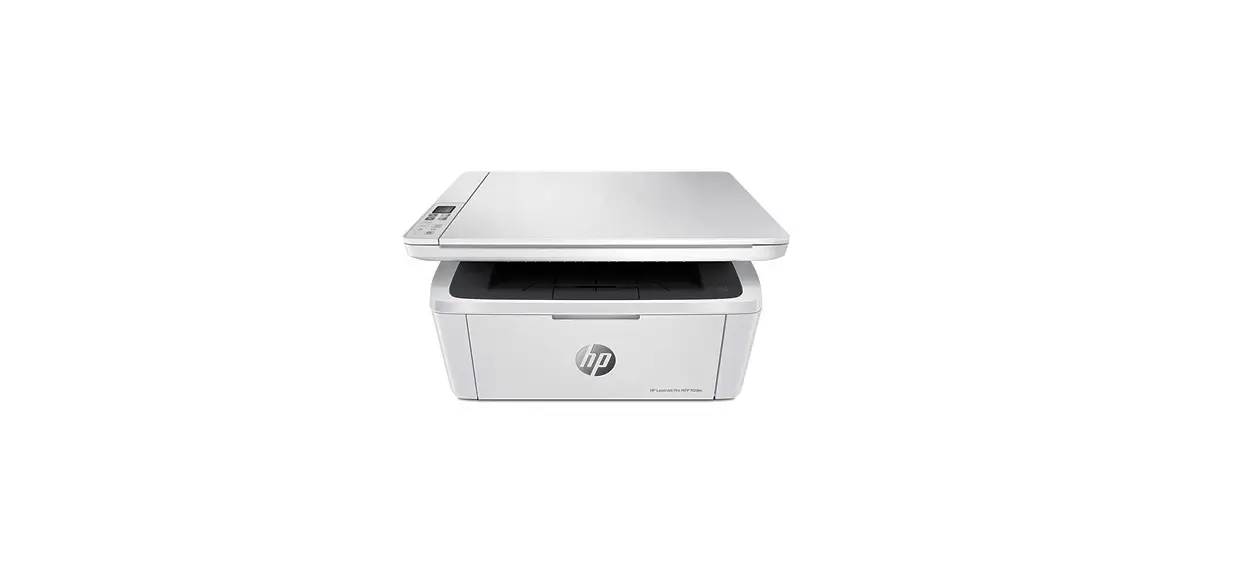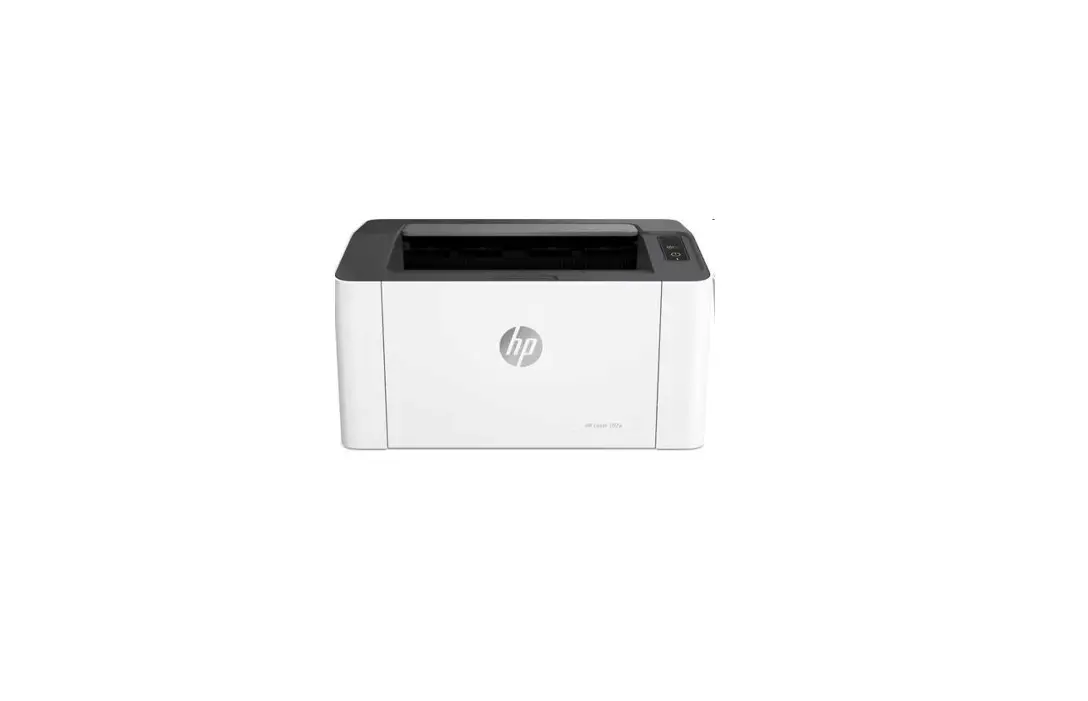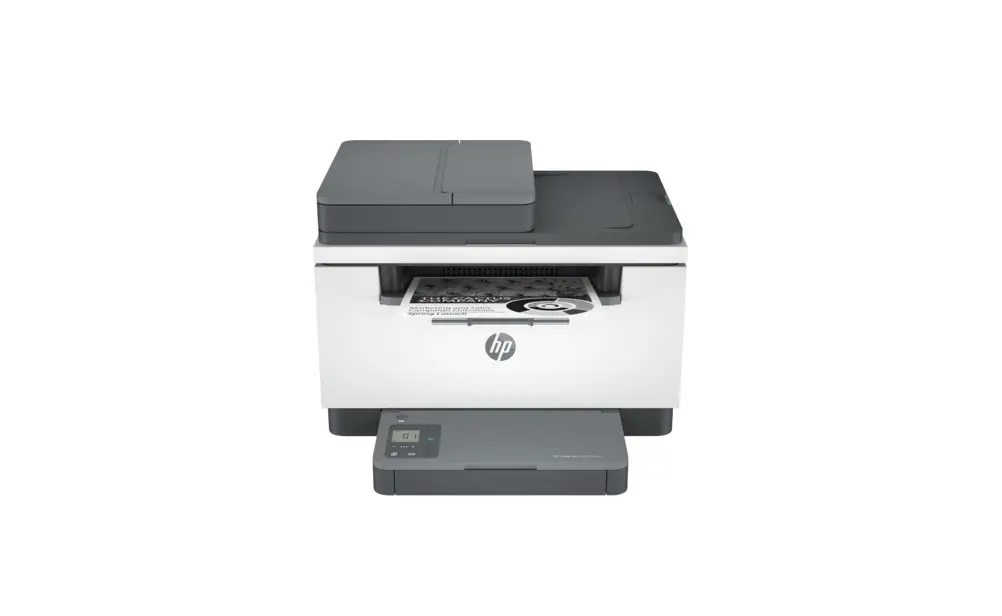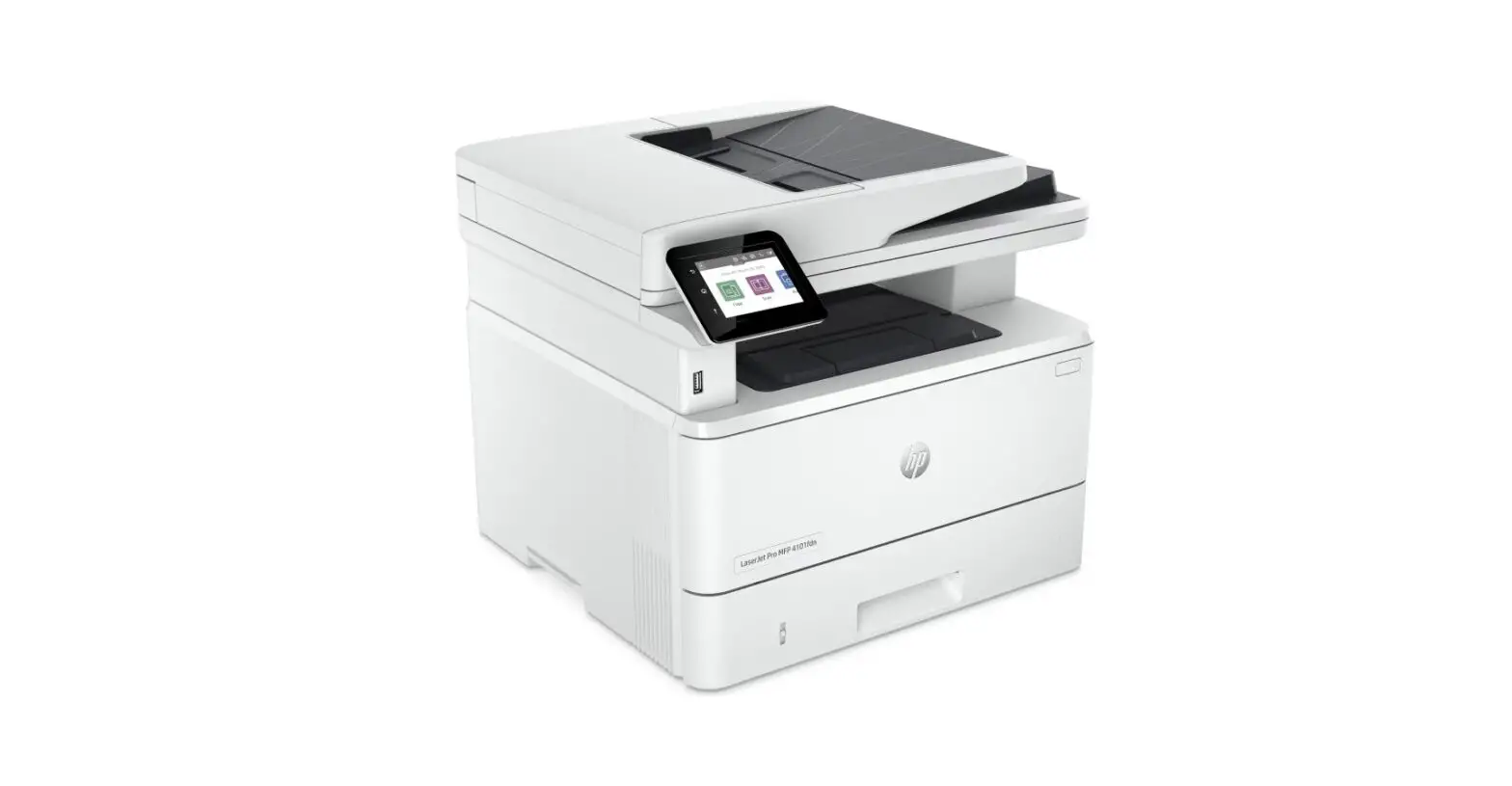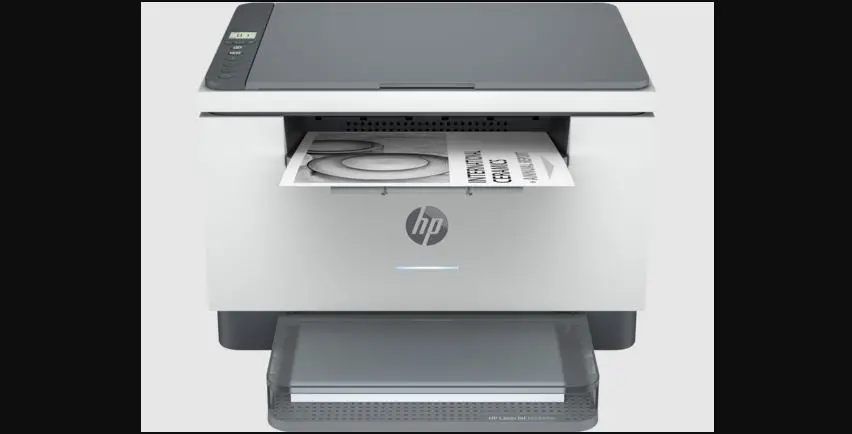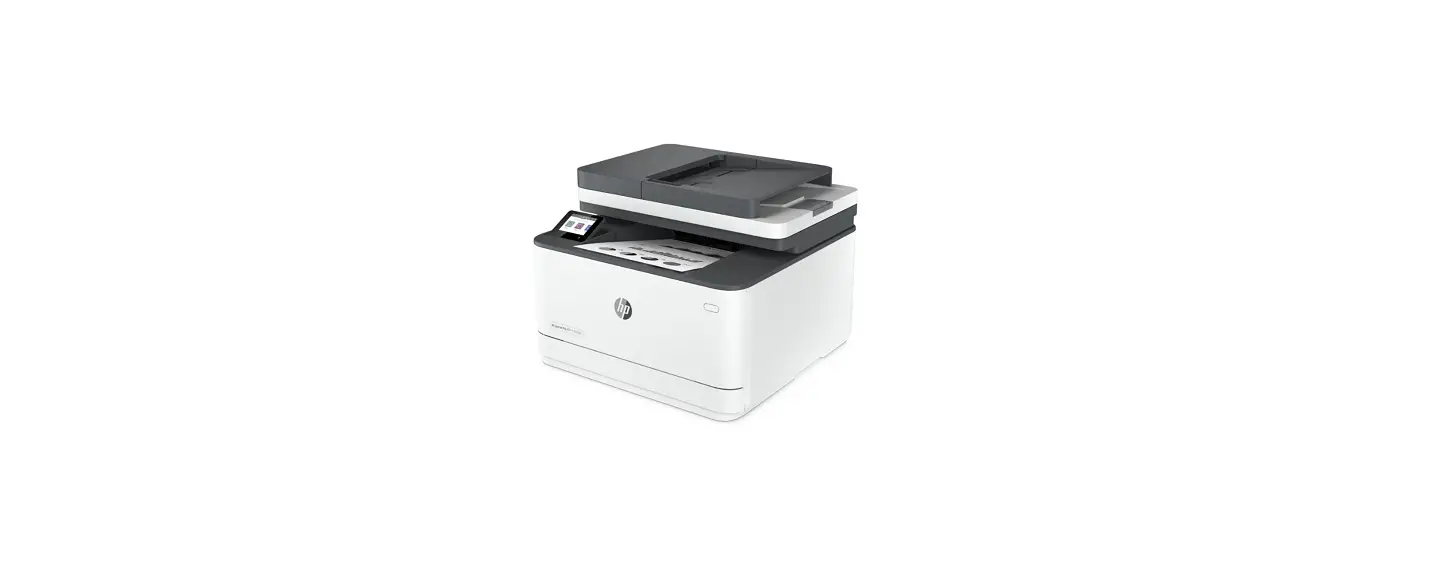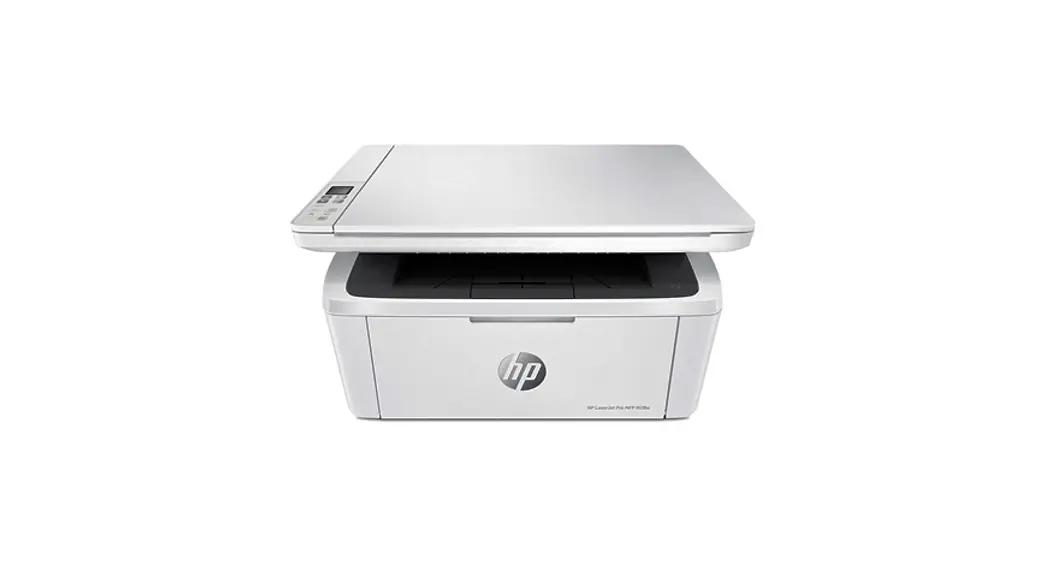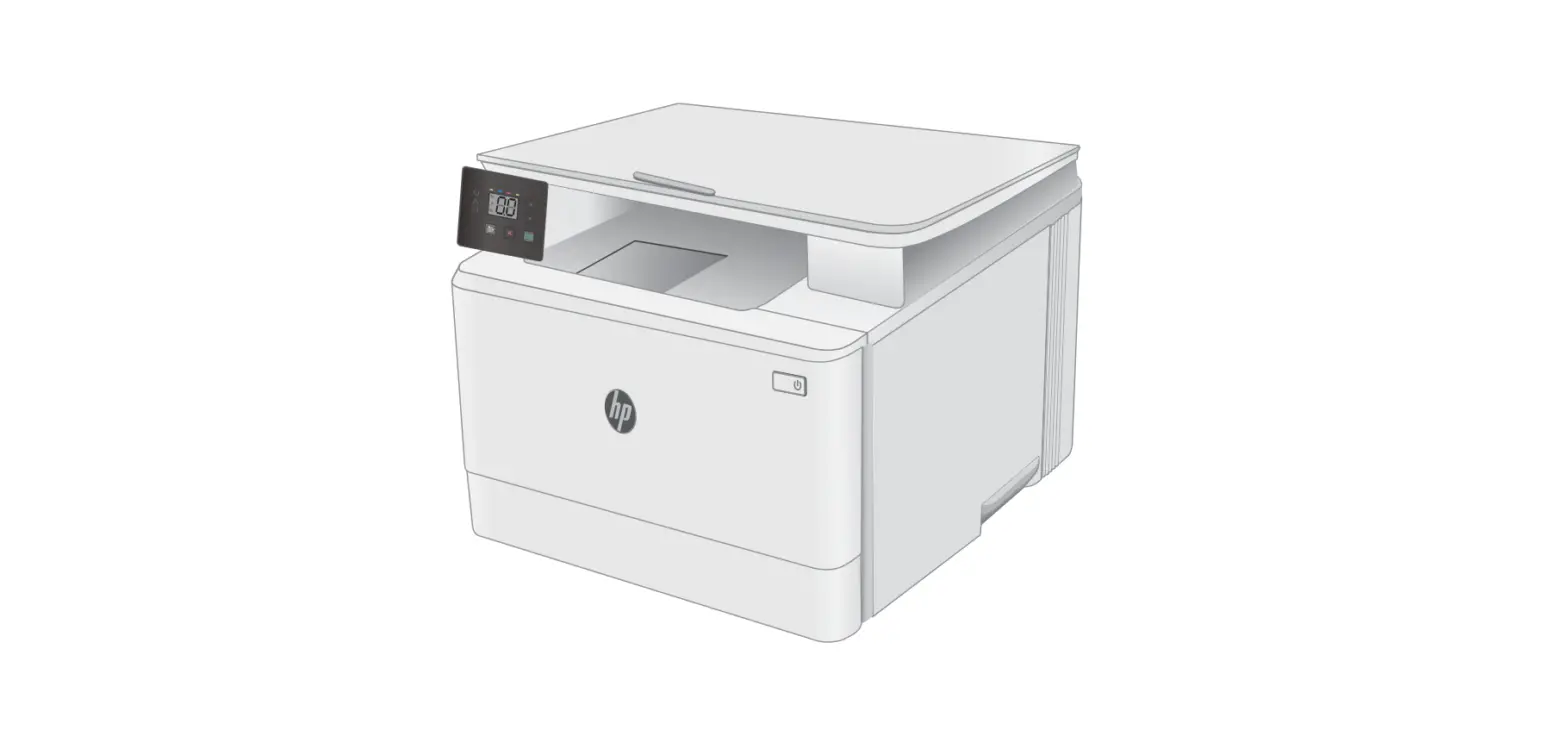

LaserJet MFP M139e-M142e Series Printer
User Guide 
Setup Guide
HP LaserJet MFP
M139e-M142e series
LaserJet MFP M139e-M142e Series Printer
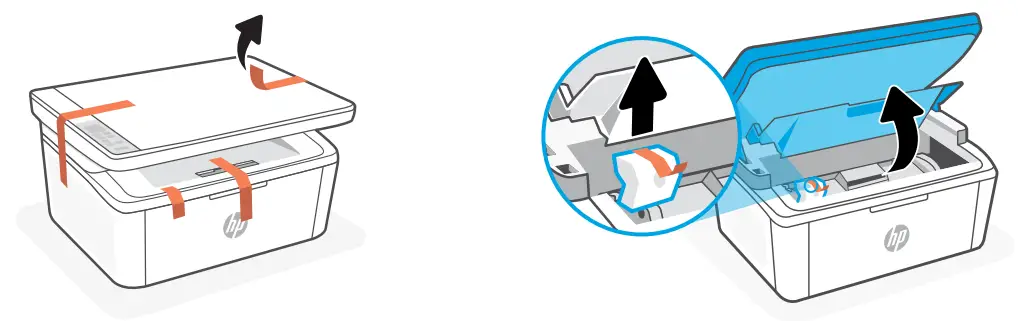
Remove all tapes and foam. 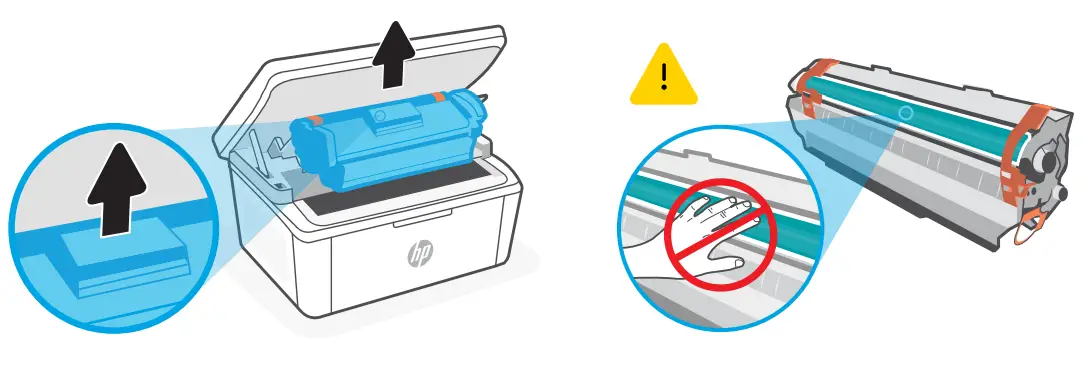
Remove the cartridge from the printer.
Do not touch the roller surface.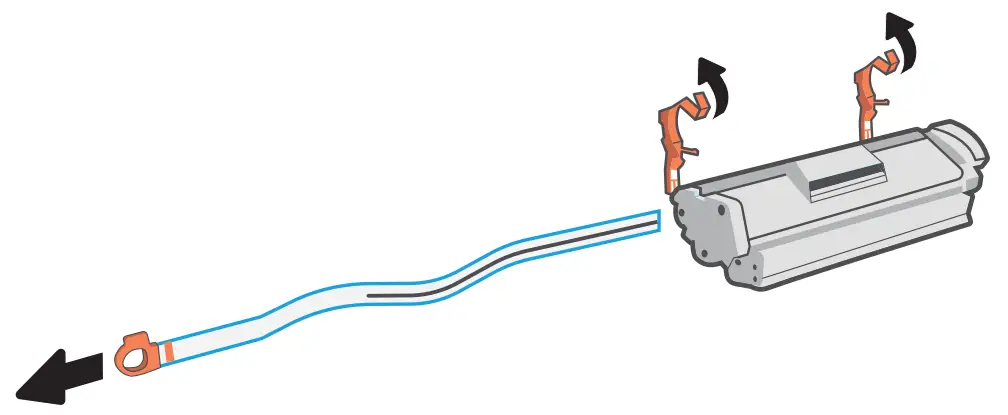
Remove the orange guides, tape, and pull the tab to remove the protective film.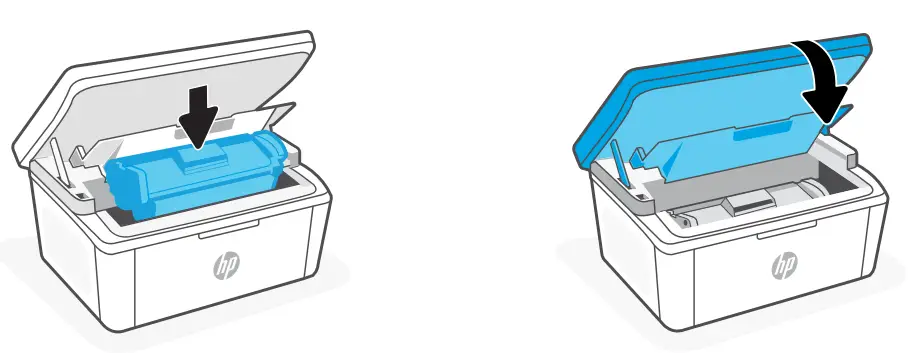
Reinsert the cartridge and close the door.
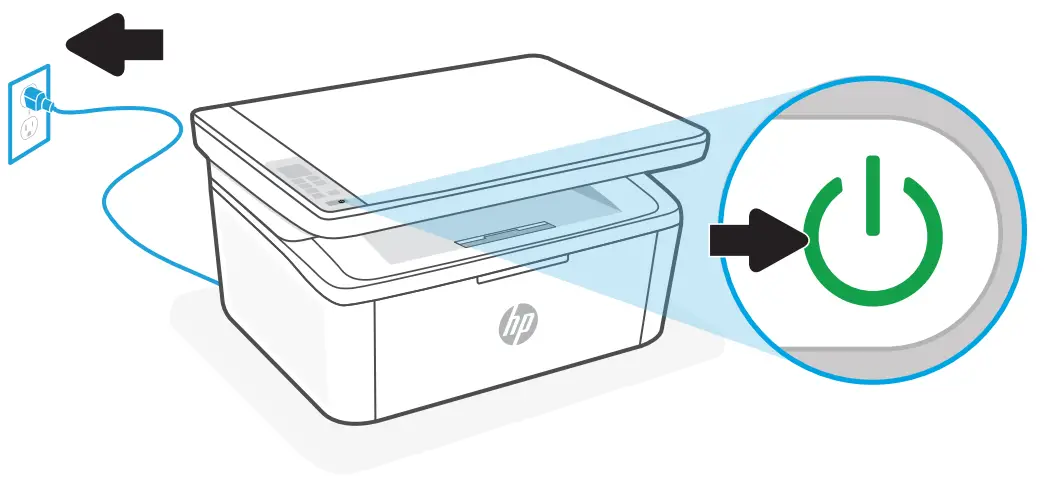
Plug in and turn on the printer. 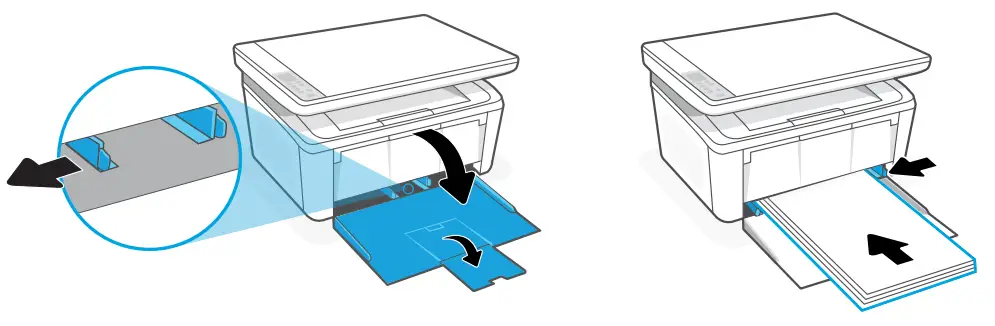
Open the input tray and slide out the guides. Load Letter or A4 paper and adjust the guides.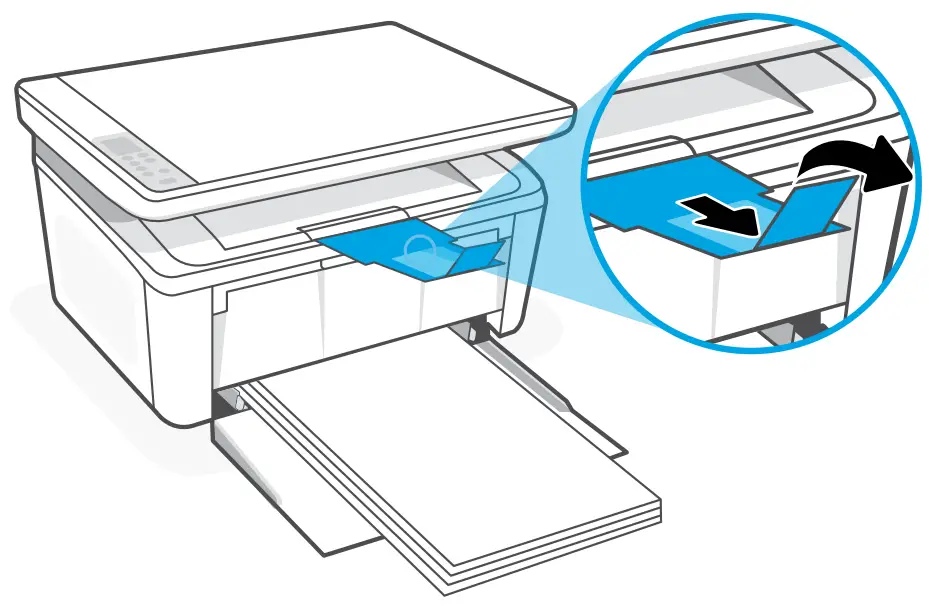
Pull open the tray extender.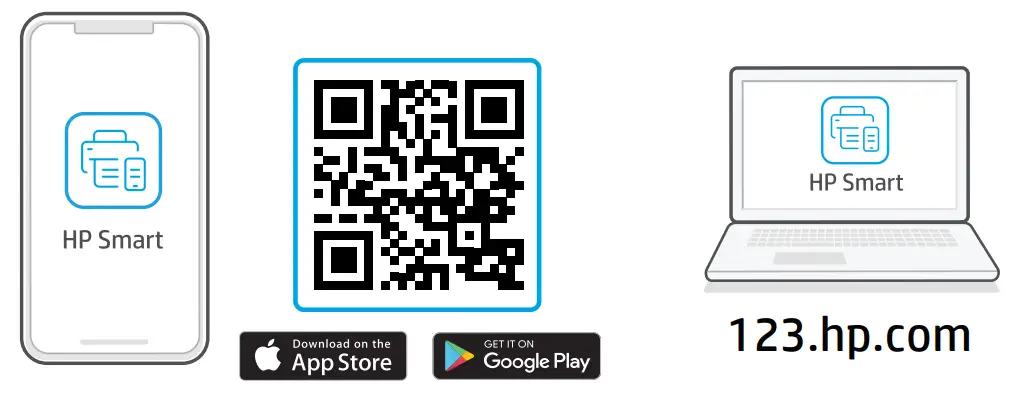 https://123.hp.com
Install the required HP Smart software from 123.hp.com or your app store on a computer or mobile device. 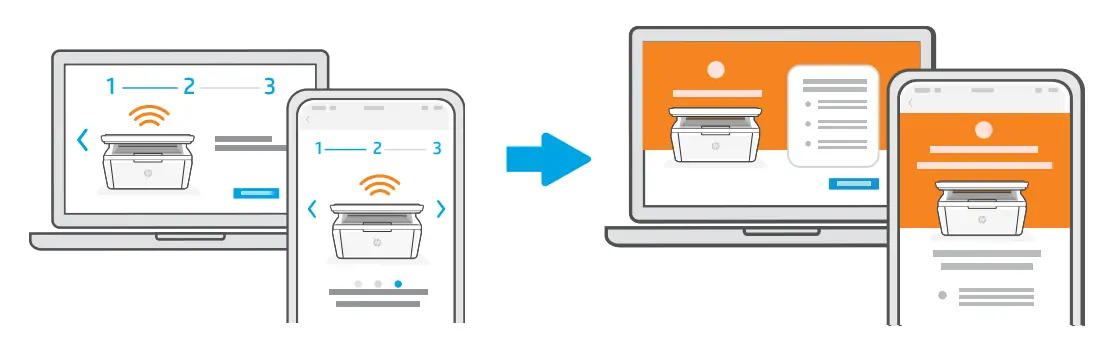
Follow instructions in HP Smart to connect the printer to a network and activate HP+ features.* * See Reference Guide for Wi-Fi troubleshooting and tips.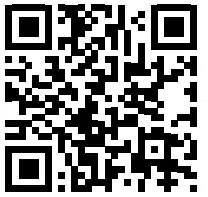

Exclusive HP+ Support
Get complimentary support by contacting our experts. Visit the website to find a local phone number for live support.
App Store is a service mark of Apple Inc.
Google Play and the Google Play logo are trademarks of Google Inc.
The Apple logo is a trademark of Apple Inc., registered in the U.S. and other countries.
Printed in Vietnam
® Copyright 2021 HP Development Company, L.P.
 123.hp.com - HP Smart
 HP Customer Support - HP+