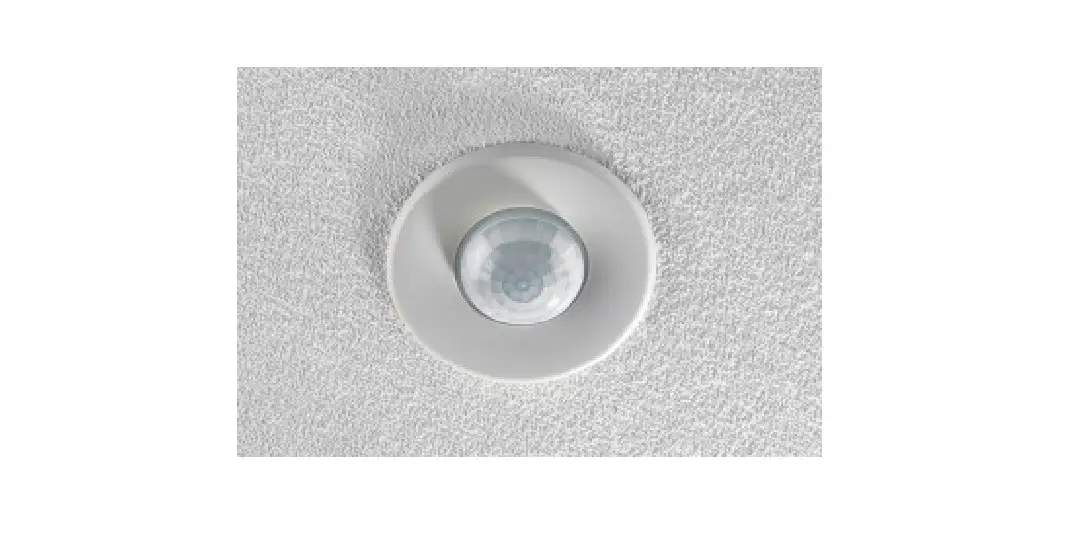
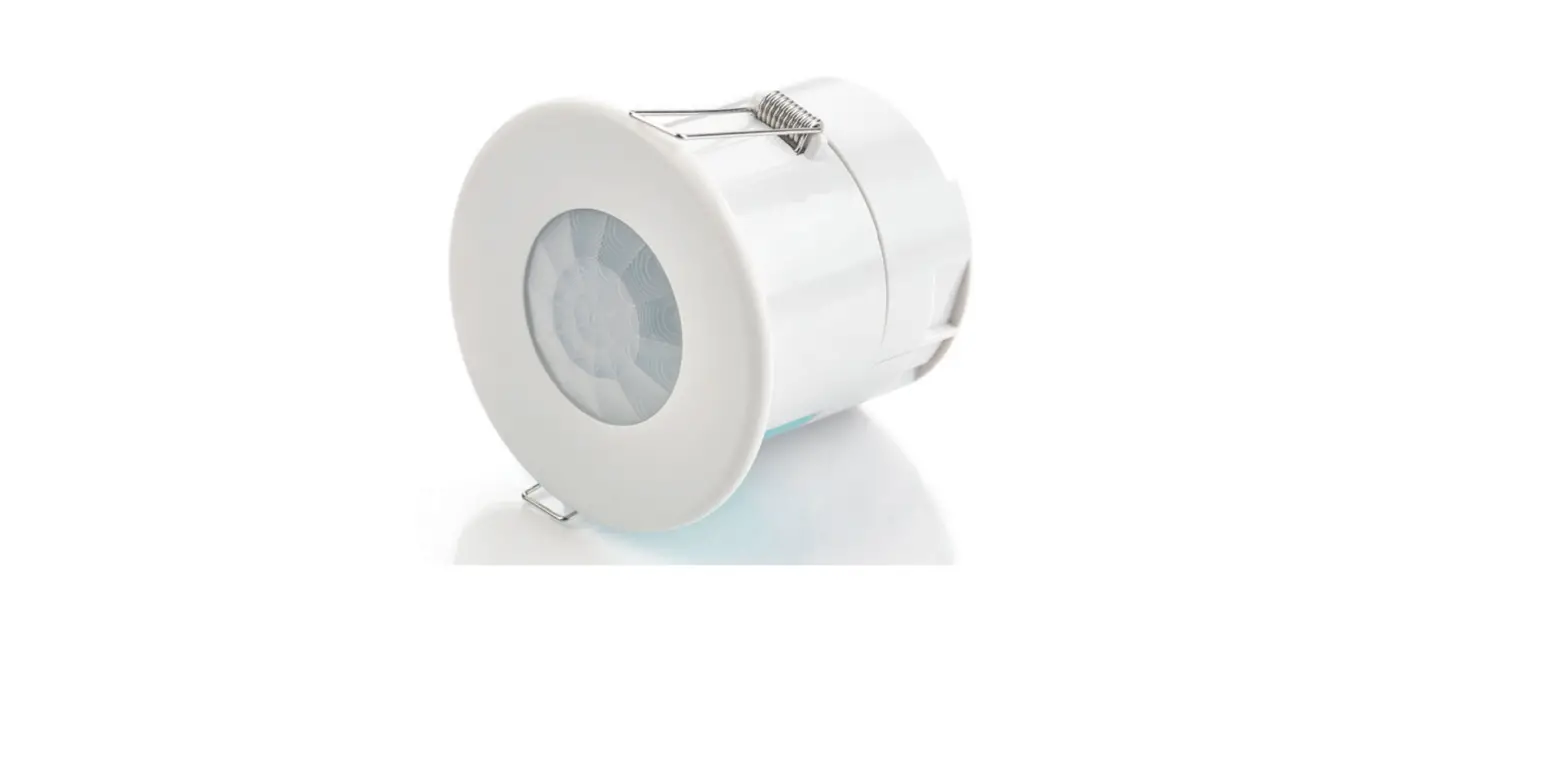
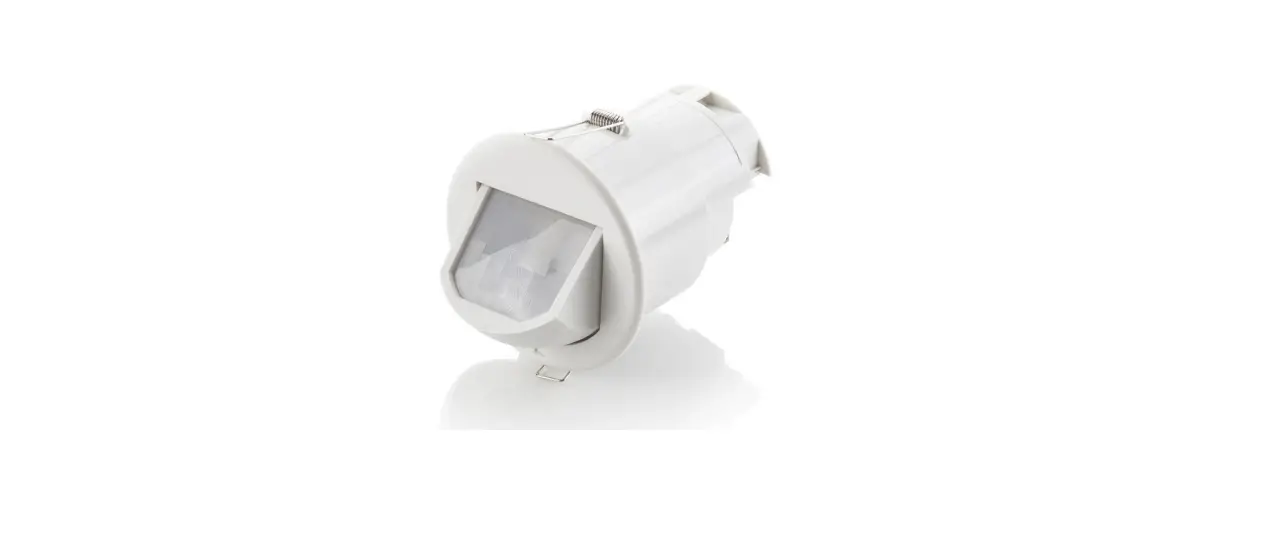
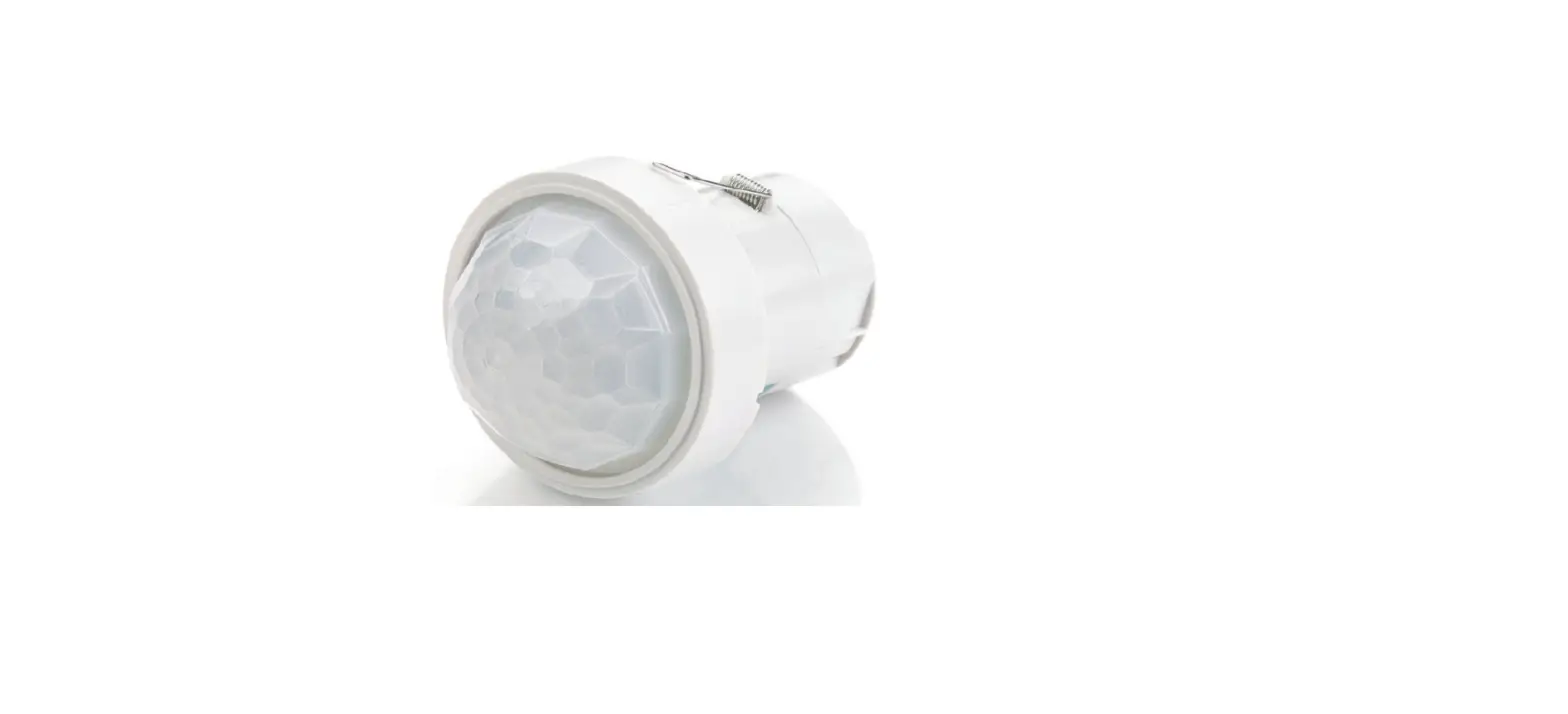
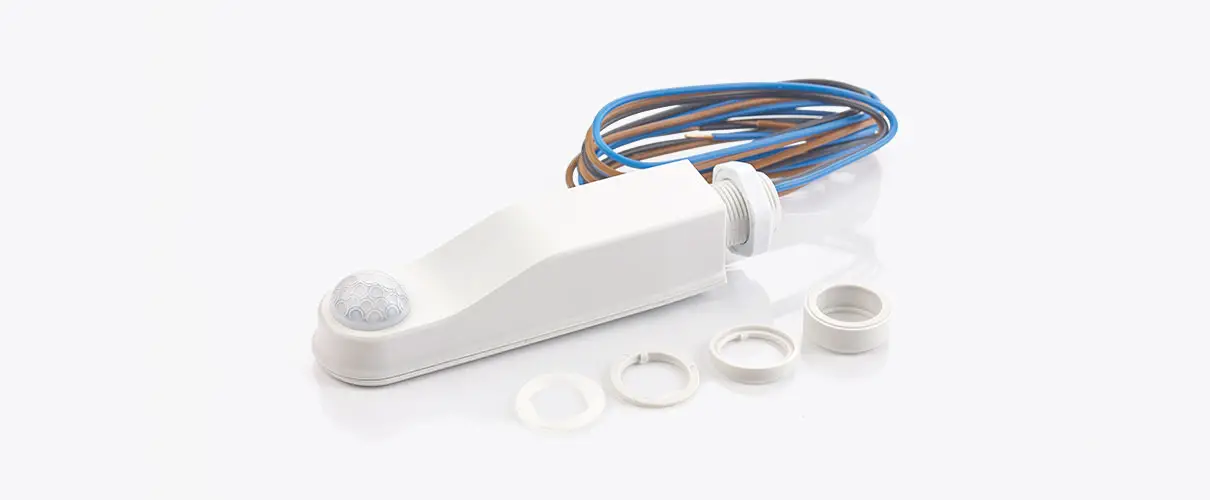
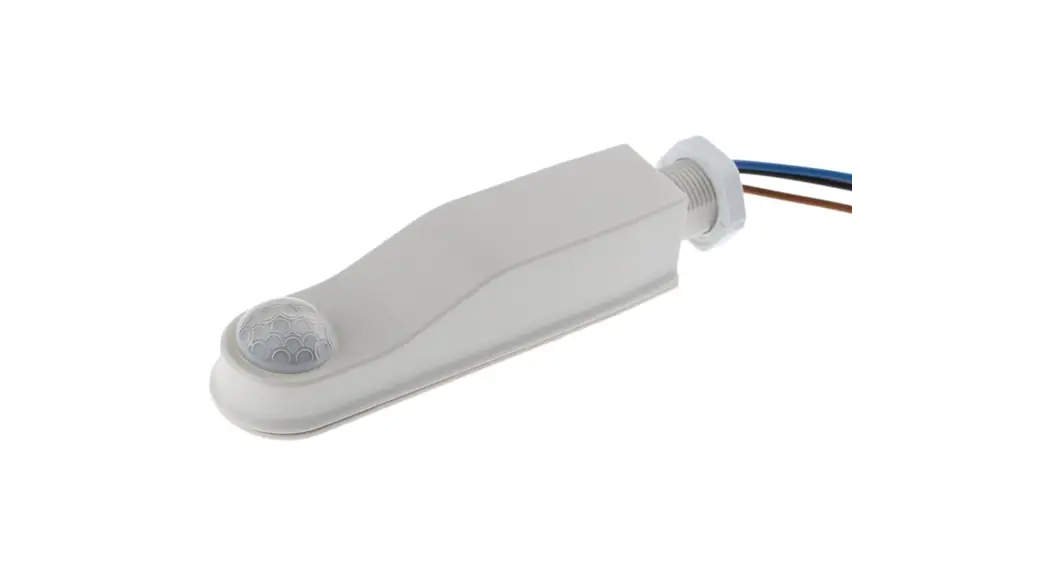
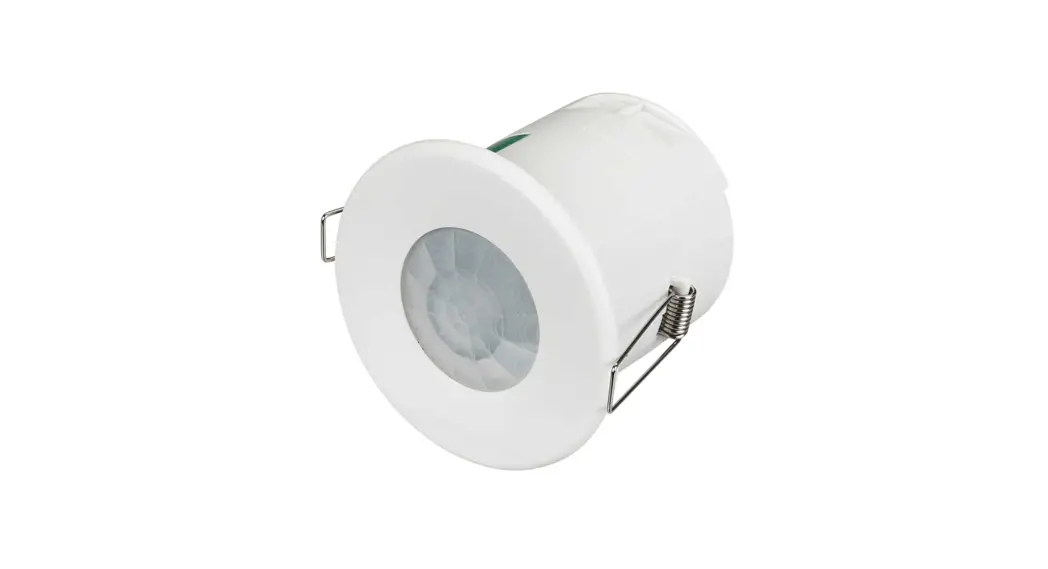
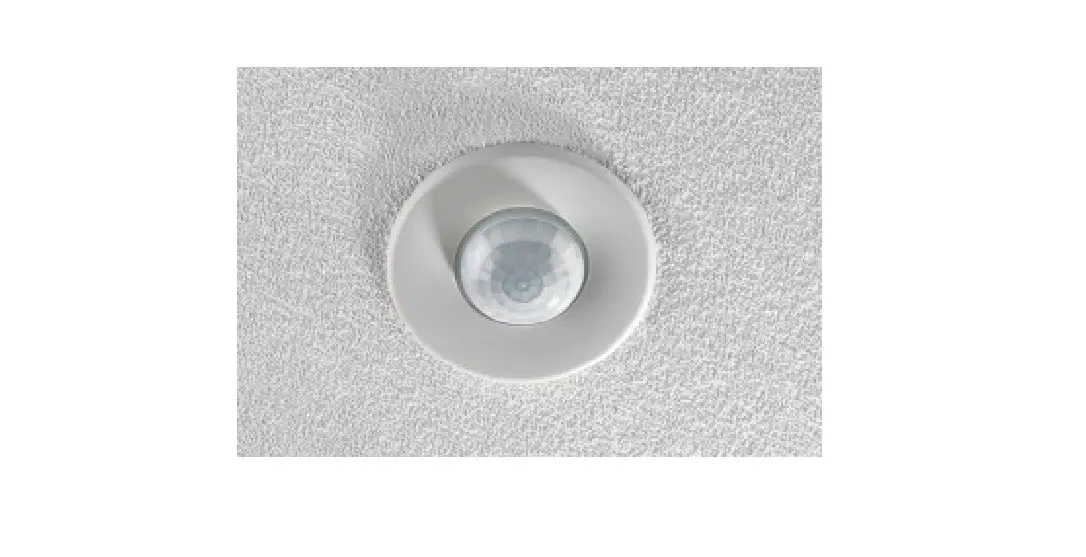
EBR-CPIR-DALI Network Ceiling PIR with Photocell
Product Information:
| Product Name | EBR-CPIR-DALI |
|---|---|
| Product Type | DALI network ceiling PIR with photocell |
| Features |
|
| Mounting Options | Flush fixing or Surface fixing using the optional Surface Mounting Box (part no. DBB). (Note: EBR-CPIR-DALI-IP – use the supplied gasket to ensure IP rating, not compatible with Surface Mounting Box part no. DBB) |
| Supply Voltage | 9.5VDC – 22.5VDC via DALI |
| Current Consumption | 8mA |
| Type | IP40 (EBR-CPIR-DALI), IP55 (EBR-CPIR-DALI-IP) |
| Compliance | EMC-2014/30/EU, LVD-2014/35/EU |
Product Usage Instructions:
Choosing a Suitable Location:
The EBR-CPIR-DALI is designed to be ceiling mounted and must
satisfy the following criteria:
- Avoid positioning the unit where direct sunlight may enter the
sensor element. - Do not site the sensor within 1m of any lighting, forced air
heating or ventilation. - Do not fix the sensor to an unstable or vibrating surface.
- Do not exceed maximum length of cable (200m) on data bus.
- Do not exceed maximum bus loading (200mA).
Installation:
Flush Fixing:
- Follow the wire stripping details provided in the manual.
- Mount the unit using the flush fixing method. Be careful when
bending springs during mounting.
Surface Fixing:
- Follow the wire stripping details provided in the manual.
- Mount the unit using the surface fixing method with 50mm or
60mm fixing centers.
Ensure that the cables are formed as shown before affixing the
cable clamp. The clamp MUST clamp the outer sheath(s) only. Bend
cores as shown.
System Wiring Example:
Refer to the provided diagram for a system wiring example.
Technical Data:
| Dimensions | See diagrams in the manual |
|---|---|
| Weight | 0.07kg |
| Terminal Capacity | 2.5mm2 |
| Temperature | 5 to 95% non-condensing |
| Humidity | Flame retardant ABS and PC/ABS |
Compliance:
EMC-2014/30/EU, LVD-2014/35/EU. For further compliance
information, visit www.cpelectronics.co.uk/compliance
Sensor Accessories:
| Part Number | Description |
|---|---|
| EBR-CPIR-DALI | DALI network ceiling PIR with photocell |
| EBR-CPIR-DALI-IP | DALI network ceiling PIR with photocell sealed to IP55 |
| DBB | Surface mounting box |
| UHS | User handset override on/off; lux up/lux down |
| UHS3 | User override remote handset on/off |
| UHS3 (2) | User override remote handset, off only |
| UNLCDHS | Universal LCD programming handset |
Product Guide
EBR-CPIR-DALI & EBR-CPIR-DALI-IP
DALI network ceiling PIR with photocell
Overview
The EBR-CPIR-DALI presence detector provides automatic control of lighting. It is connected to the RAPID DALI Gateway via a DALI network. Functioning as a presence detector, the unit can turn lights on when a room is occupied and off when the room is empty. An adjustable internal light sensor provides light level information to the RAPID system to allow lights to be kept off if sufficient daylight is present, and to enable maintained illuminance for dimming systems. An integral IR sensor in the unit allows the unit to be commissioned, and used in conjunction with a remote control handset (part no: UHS) to: Act as a conventional dimmer Override the unit on or off
Front features
Mounting Bezel
Back features
Pluggable screw terminals
DALI –
da
DALI +
da
Sensor Lens which covers…
PIR Sensor IR Receiver Light Level Sensor Status LED
Features
PIR Sensor Detects movement within the unit’s detection range, allowing load control in response to changes in occupancy.
IR Receiver Receives control and programming commands from an IR (infrared) handset.
Light Level Sensor Measures the overall light level in the detection area
Status LEDs The LED flashes Red or Green to indicate the following:
Walk Test LED active Valid setting received
when movement is detected
DALI connection Connection to the DALI bus via pluggable screw terminals. The DALI bus is polarity insensitive.
Installation
Choosing a Suitable Location
The EBR-CPIR-DALI is designed to be ceiling mounted and must satisfy the following criteria: Avoid positioning the unit where direct sunlight may enter the sensor element. Do not site the sensor within 1m of any lighting, forced air heating or ventilation. Do not fix the sensor to an unstable or vibrating surface. Do not exceed maximum length of cable (200m) on data bus. Do not exceed maximum bus loading (200mA).
Installation
System wiring example
RAPID DALI gateway
RAPID PIR
RAPID Area Controller
CAT 5 cable
3 core SELV
RAPID Scene plates
Standard light switches
EBR-BB-IN-DALI
EBR-CPIR-DALI
CAT 5 cable
DALI bus
RAPID Microwave
DALI light fitting with DALI emergency inverter
EBR-CPIR-DALI Mini PIR integrated into lighting run
DALI light fitting
2
Installation
The EBR-CPIR-DALI is designed to be mounted using either: Flush fixing, or Surface fixing, using the optional Surface Mounting Box (part no. DBB). Both methods are illustrated below.
Note: EBR-CPIR-DALI-IP – use the supplied gasket to ensure IP rating (not compatible with Surface Mounting Box part no. DBB).
Flush Fixing
1
Hole Ø64mm
2
3
4
Warning – be careful bending springs when mounting unit.
Surface Fixing
1
2
50mm or 60mm fixing centres
3
4
Wire stripping details
Pull out spring tab and rotate spring arm as shown
Important Ensure that the cables are formed as shown before affixing the cable clamp. The clamp MUST clamp the outer sheath(s) only.
Bend cores as shown.
DALI bus loading
Devices (detectors / input units) and ballast combinations for 200mA supply. This assumes that the sensor LEDs are all on, and the sensor is receiving IR communicaon. 4 devices and up to 64 ballasts 5 devices and up to 55 ballasts 6 devices and up to 44 ballasts 7 devices and up to 33 ballasts 8 devices and up to 22 ballasts 9 devices and up to 12 ballasts 10 devices and up to 2 ballasts In most realistic scenarios, only one LED is on at a time and only one detector is receiving IR; guidance changes to. 10 devices up to 64 ballasts 11 devices up to 60 ballasts 12 devices up to 55 ballasts 13 devices up to 50 ballasts 14 devices up to 48 ballasts 15 devices up to 44 ballasts Addressing limits of DG64 5 input units of 7 channels each 10 detectors
3
Technical data
Dimensions Weight Supply Voltage Current consumption
See diagrams opposite 0.07kg 9.5VDC–22.5VDC via DALI 8mA
DALI bus
Terminal Capacity Temperature Humidity Material (casing) Type IP rating
Cannot be considered as SELV
since DALI, ballasts only offer
basic insulation, therefore all
devices on the DALI bus must be
wired as if carrying mains
potential. 2.5mm2
-10ºC to 35ºC
5 to 95% non-condensing
Flame retardant ABS and PC/ABS
Class 2
EBR-CPIR-DALI
IP40
EBR-CPIR-DALI-IP
IP55
Compliance
EMC-2014/30/EU
LVD-2014/35/EU
For further compliance information visit
www.cpelectronics.co.uk/compliance
EBR-CPIR-DALI DBB – Surface mounting box
Detection diagram
Part numbers
Sensor Accessories
Part number EBR-CPIR-DALI EBR-CPIR-DALI-IP DBB UHS UHS3 UHS3 (2) UNLCDHS
Description DALI network ceiling PIR with photocell DALI network ceiling PIR with photocell sealed to IP55 Surface mounting box User handset override on/off; lux up/lux down User override remote handset on/off User override remote handset, off only Universal LCD programming handset
IMPORTANT NOTICE! This device should be installed by a qualified electrician in accordance with the latest edition of the IEE Wiring Regulations and any applicable Building Regulations.
CP Electronics – a business unit of Legrand Electric Limited Brent Crescent, London NW10 7XR UK Tel: +44 (0)333 900 0671 Fax: +44 (0)333 900 0674
www.cpelectronics.co.uk [email protected]
Due to our policy of continual product improvement CP Electronics reserves the right to alter the specification of this product without prior notice.
4
Ref: #WD582 Issue 7
 CP Electronics | Brands | Legrand United Kingdom