MobilitySound Bluetooth PTT Zello User Guide
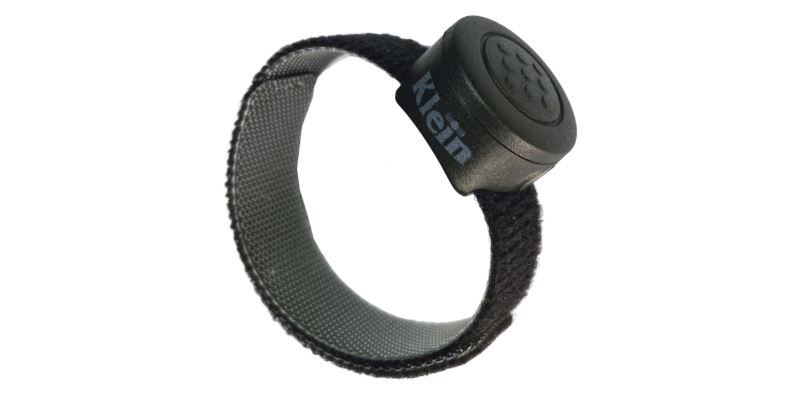
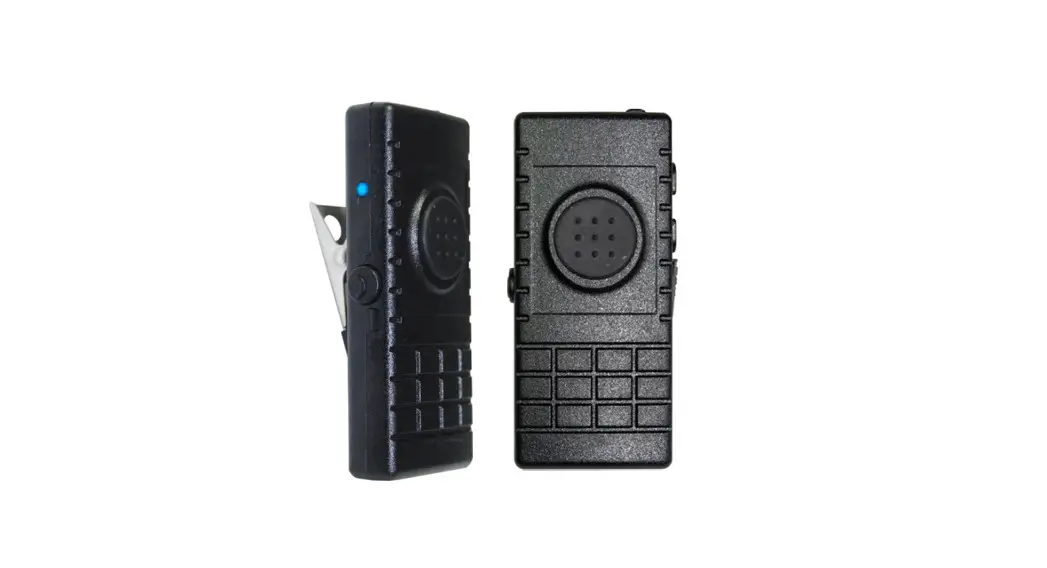
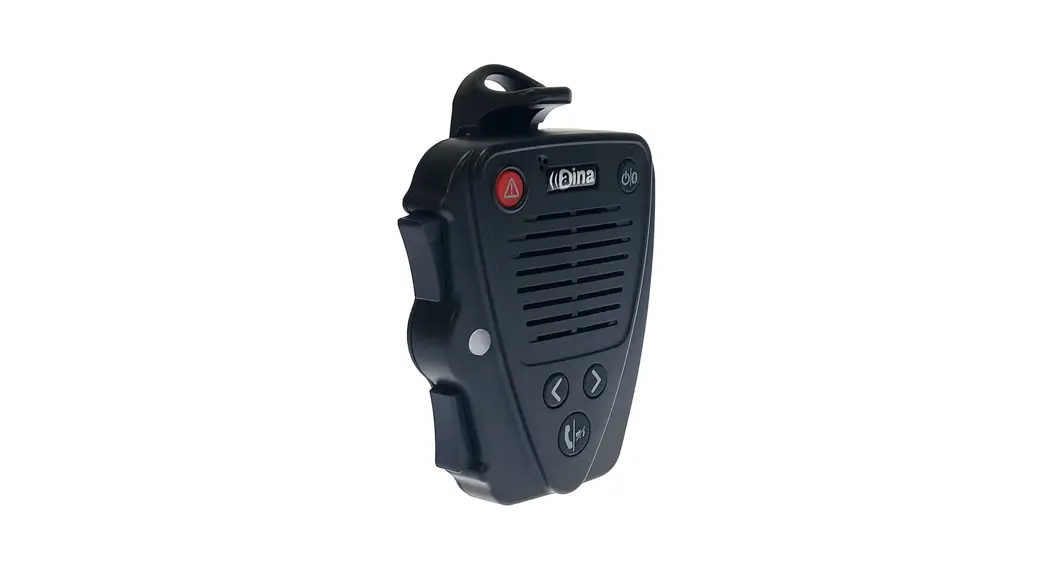
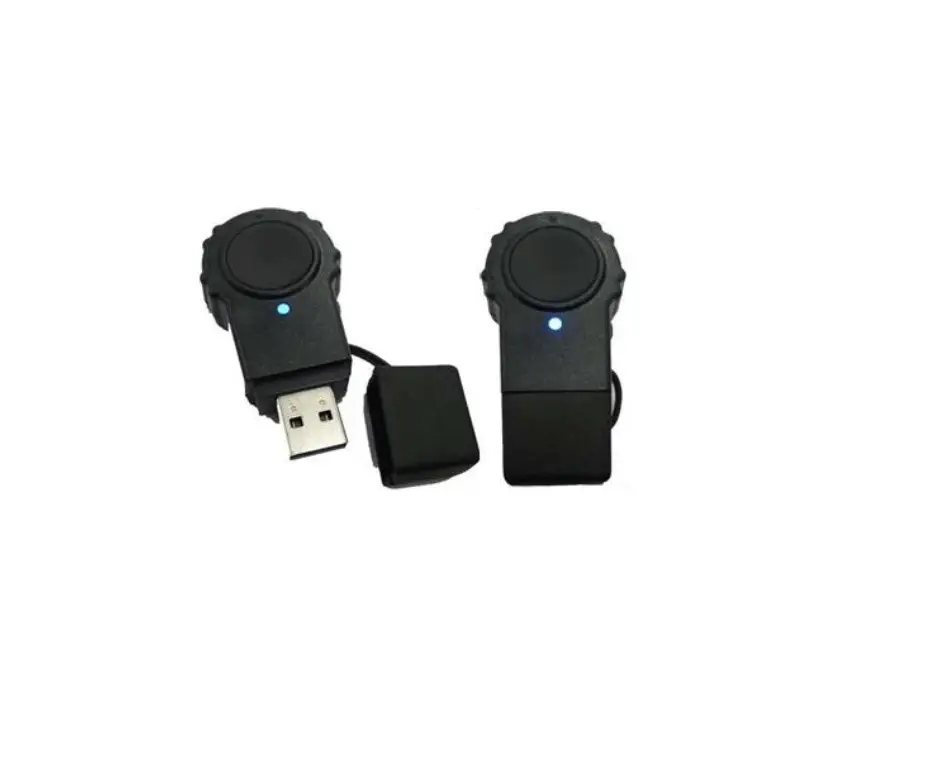
Bluetooth PTT for Zello
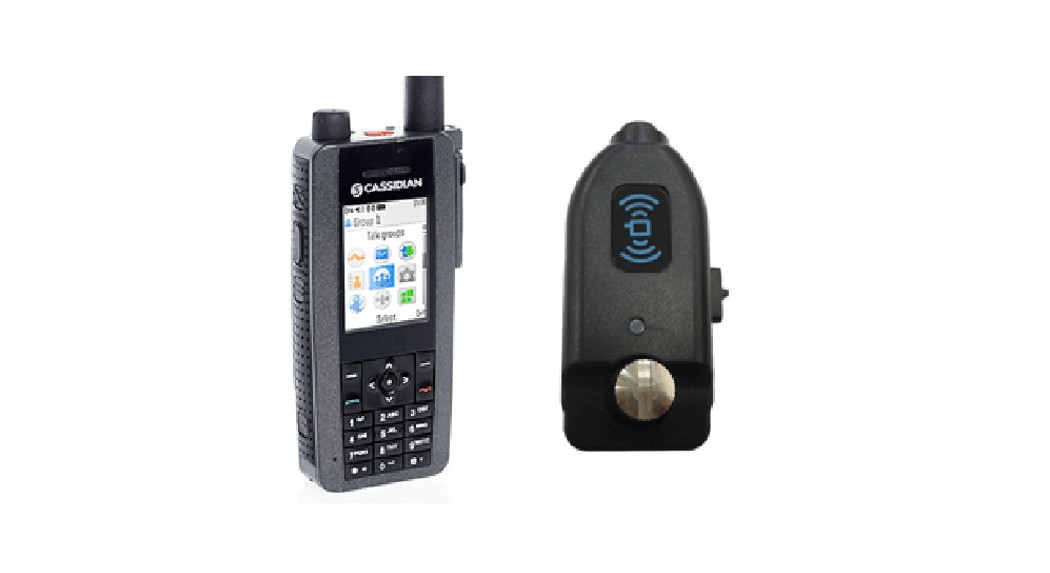
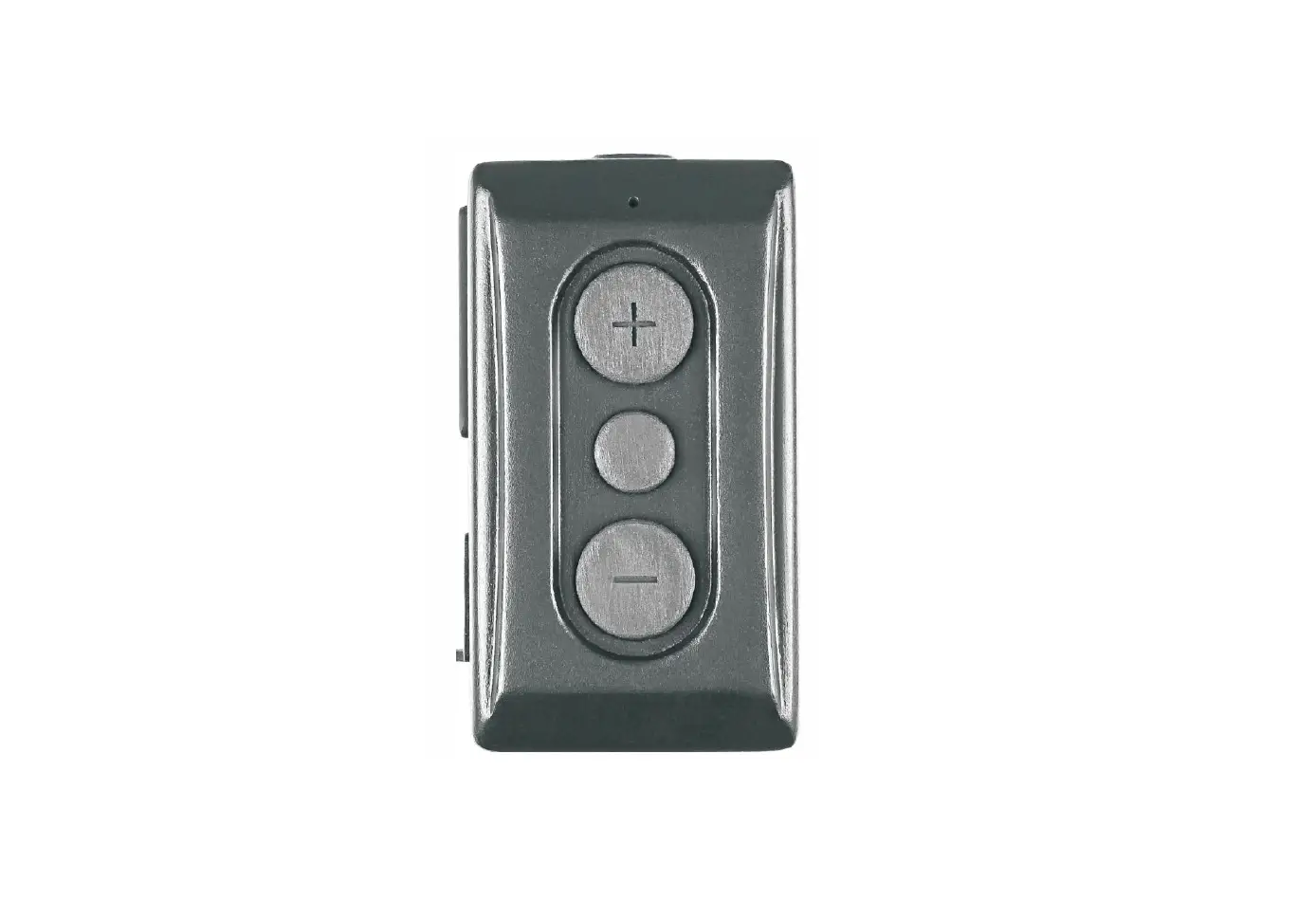
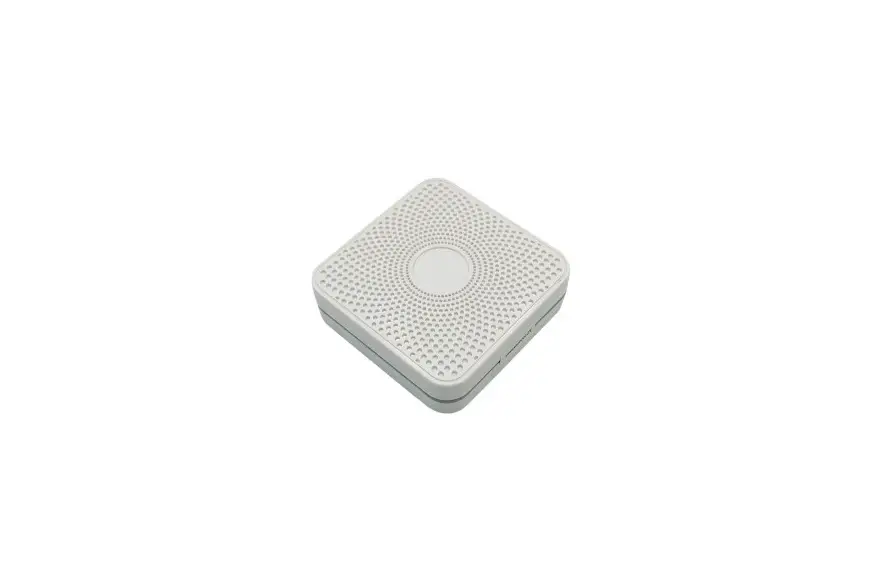
Bluetooth type PTT for connecting POC APPs
Type: Bluetooth PTT
Operating Temp: -20C±2C ~ 50C±2C
Storage Temp: -40C±2C ~ 80C±2C
Approx. Weigh: 14.5g
Specification
- Fully Qualified Bluetooth v2.1
- Chip set : CSR BC5 + 16MB external Flash
- Receiver Sensitivity: -82 dBm (typ.)
- PTT function built-in
- Power class 2,10 meters
- Display: Two color LED
- Support: SPP Profile
- DC Input: 5 VDC (std.)
- DC Current: 16 mA (avg.)
- DC Current: 20 mA (transient)
- Battery: 240mAh
- Use Time: 15 Hours (MAX)
- Charging Type: USB
User Manual (Android)
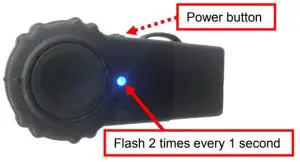
- Press the PTT button and then hold down the power button. When the LED of PTT220-VZ flashes 2 times every second, it is in the pairing mode now.

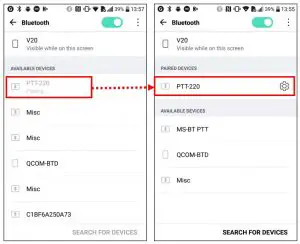
- Get in “Settings Bluetooth” on the smartphone (take LG smartphone for example)
and wait for the “PTT-220” to be found. Select “PTT-220”. Though the “PTT-220” doesn’t show “connecting”, it is normal.
(NOTE: if the PTT-220-VZ lost the link with “Zello”. Go to settings power off/on Bluetooth again.)
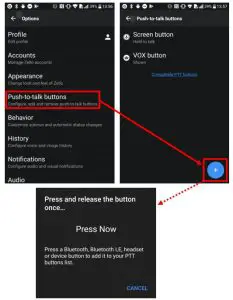
- To set “Push-to-talk buttons” before using the PTT-220-VZ for “Zello” app:
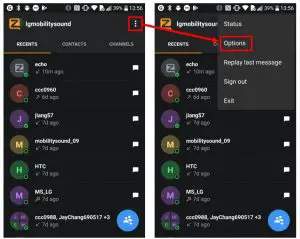
- a. First, open the “Zello” app, and click the three dots at the upper left.
- b.Next, select the “Options”.

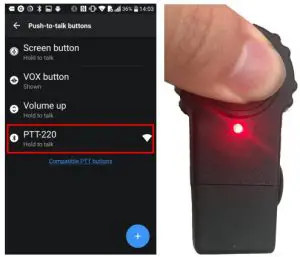
- c. Third, select the “Push-to-talk buttons” and click the “Add” button. When the pop- up window of “Press and release…” is displayed, press the PTT button on PTT220-VZ, and it will be connected with “Zello” app.

- d.Last, the “PTT-220 (Hold to talk)” should display in the window. When you press the PTT button on the PTT-220-VZ, the LED will be red. Now you can use the PTT-220-VZ to work with “Zello” app.