
BTH-300-F
User Manual
Product Descriptions
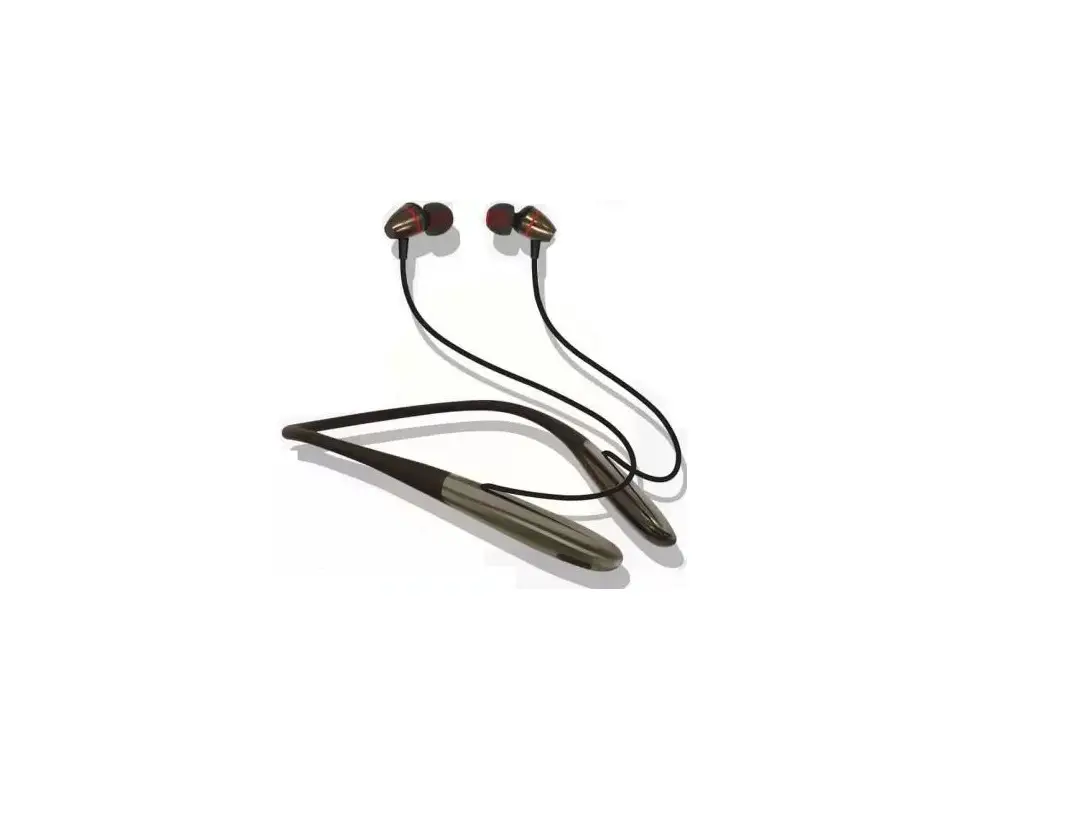
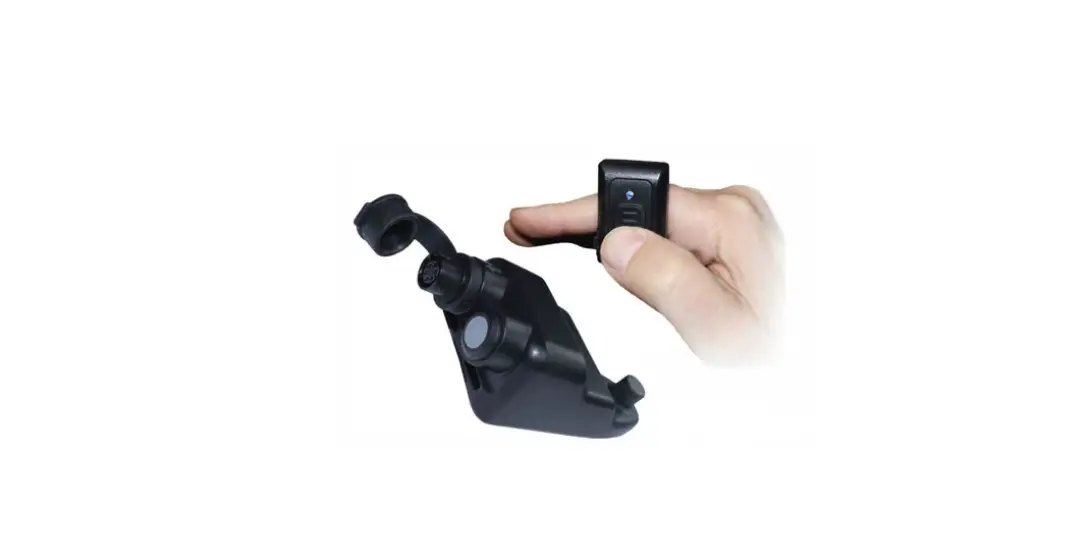
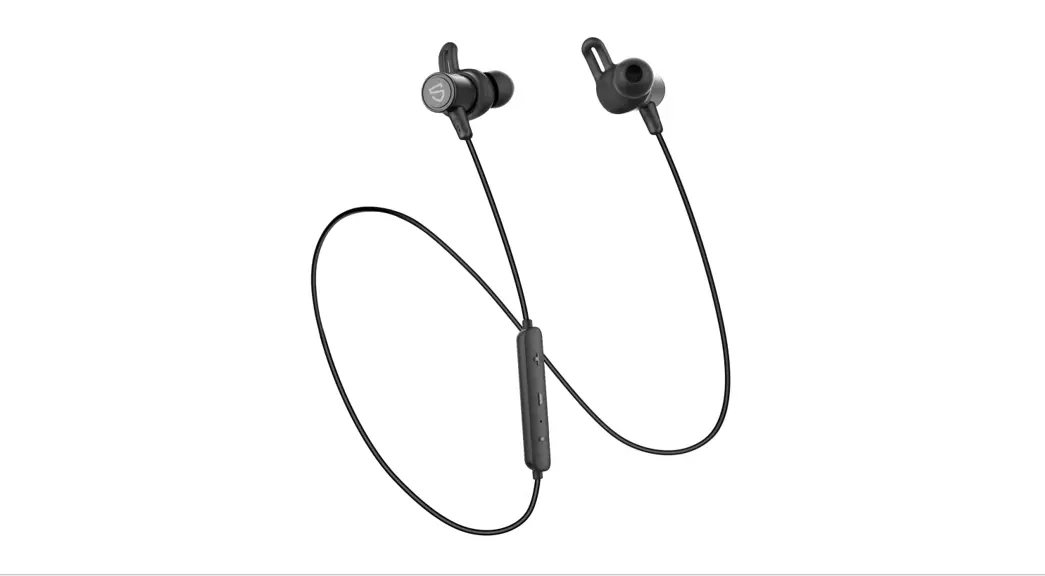
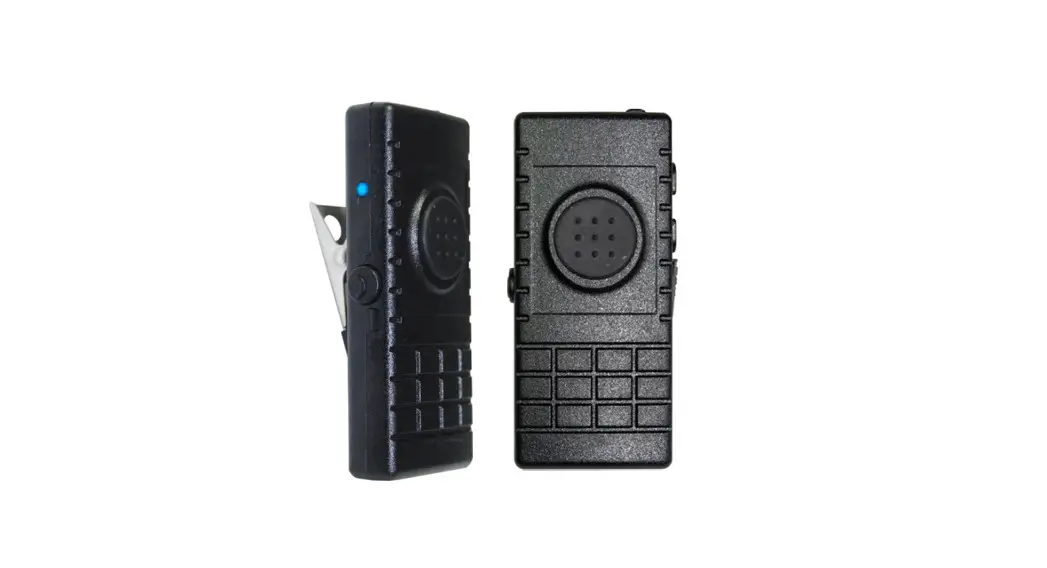
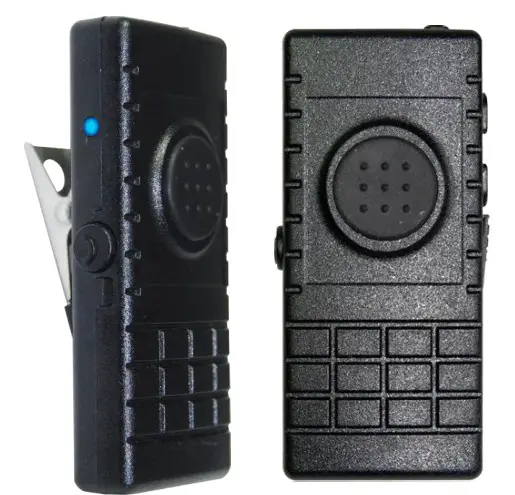
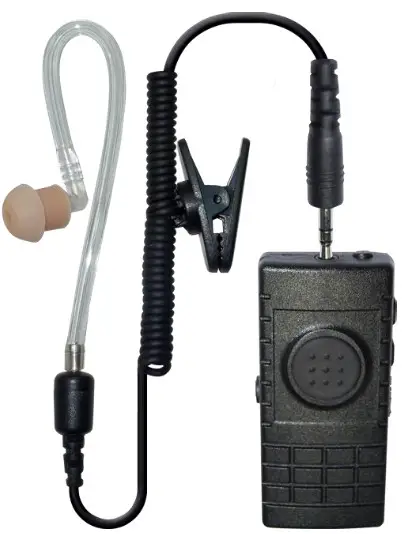
- Bluetooth earphone with PTT for walkie talkie
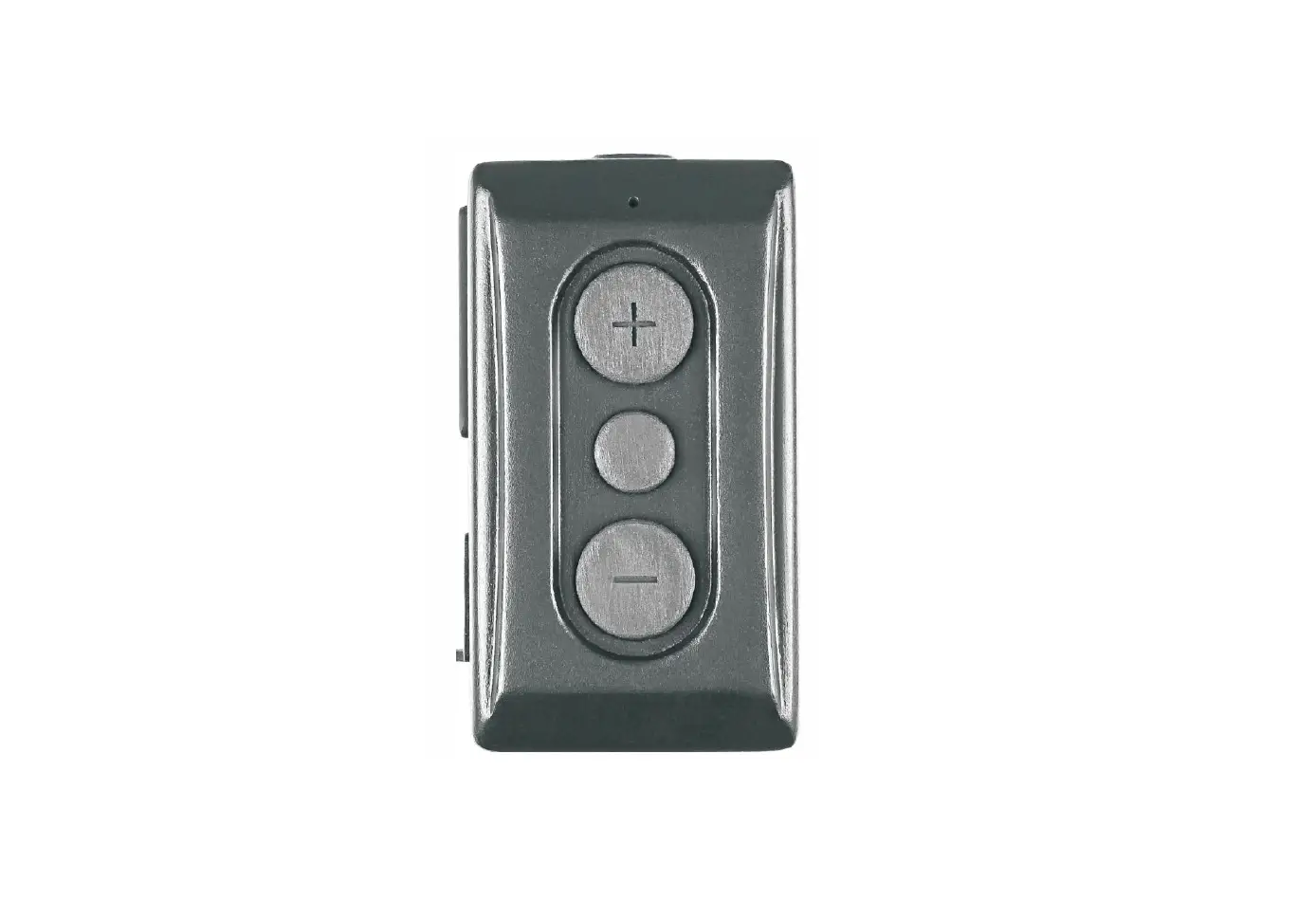
- Built-in PTT function button, Cell phone answer (reject) key, and Volume control button
- The Embedded 3.5mm jack is compatible with iPhone earphones and many other earphones.
- Long talk time, up to 10 hours.
Specification
Dimension: 65mm X 30mm X 12mm
Temp: -10℃±2℃ ~ 50℃±2℃
Approx. Weight: 21.6g (External earphone is excluded)
| • Fully Qualified Bluetooth v4.0. • Echo cancellation, noise reduction and extended features • High Quality DAC • 80MHz RISC MCU and 80MIPS Kalimba DSP • SBC, MP3, AAC, Fast stream, APTX codec support • RoHS compliant • HSP, HFP, A2DP, AVRCP profile supports • PTT function: built-in | • Talking Range: Bluetooth class 2, 10 meters • Display LED: Blue and Red • Power: Max 4dB • Sensitivity: -90dB • DC Input: 5 Vdc (std.) • Standby Current: 6mA • Battery: 190mAH • Standby Time: 50 hours • Talk Time: 10 Hours |

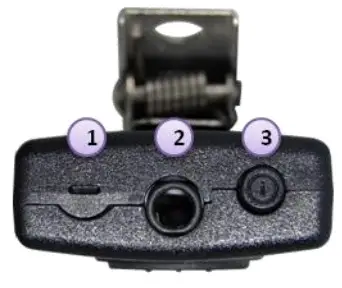
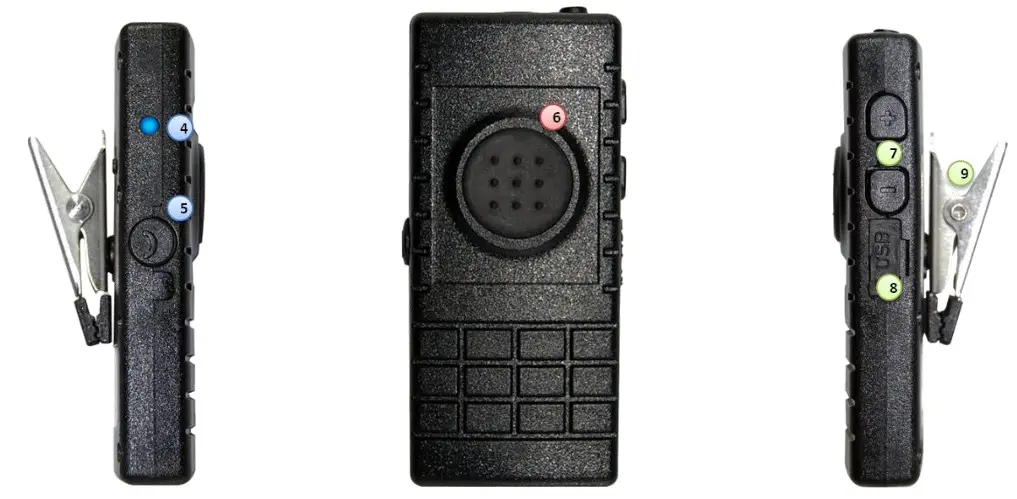
- Microphone
- 3.5mm earphone jack
- Power and Pairing button

- LED Indicator
- Phone answering/ hang-up button
- PTT button
- Volume control buttons I USB jack Clip
BTH-300 State and LED Flashing Pattern
| BTH-300 linked with cell phone | ||
| Press the TALK/END key | Blue LED flashes once every 6 seconds | If paired with iPhone, this will start/stop the music from playing |
| Music is playing, press the volume keys | Adjust the music volume of smartphone | |
| Music playing, double press the volume keys | Skip to Next/Previous track | |
| Linked with smartphone, press TALK/END key when an incoming call | Will pickup/End the call, the music will stop during the call and resume when call ends | |
| During the call, press volume keys | Adjust the speaker volume of the cell phone | |
| Standby mode, double press TALK/End key | Redial last number | |
| BTH-300 linked dongle | ||
| Connection to dongle | Blue LED flashes once every 6 seconds | <Nil> |
| PTT button pressed | RED LED continuous ON until PTT released | <Nil> |
| Charging BTH-300 | ||
| During charging | Red LED continuous ON | <Nil> |
| Charging complete | No LED ON | <Nil> |
| Low battery | Red LED flashes once every 6 seconds | With beep sound every 6 seconds |
| Volume Adjustment | ||
| Volume UP | <Nil> | 5 steps in volume adjust when reaching the max volume, a long beep is heard |
| Volume down | <Nil> | 5 steps, when reaching the min volume(Mute), a short beep is heard |
| Earphone | ||
| When a 3-pole earphone is plugged, only the speaker is switched to the earpiece, need to use BTH-300 built-in Microphone to talk | ||
| When a 4-pole iPhone standard earphone is plugged in, both speaker and microphone are switched to the earpiece, BTH-300 built-in microphone will not work. | ||
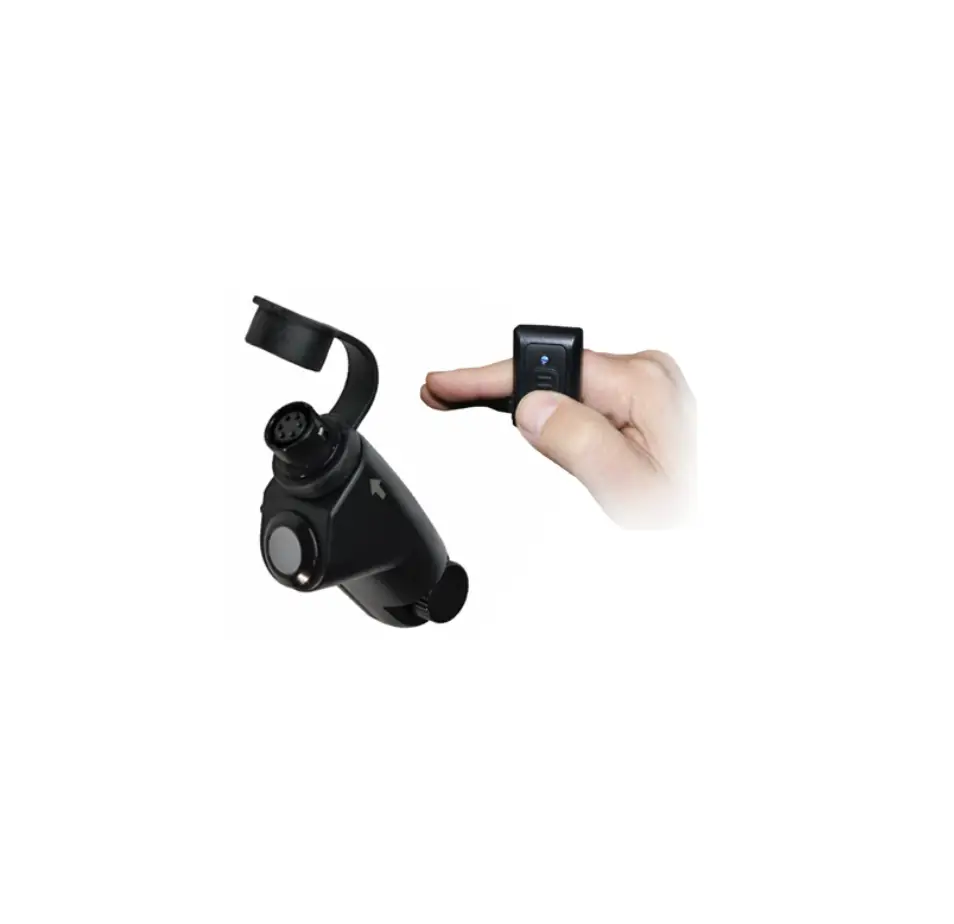
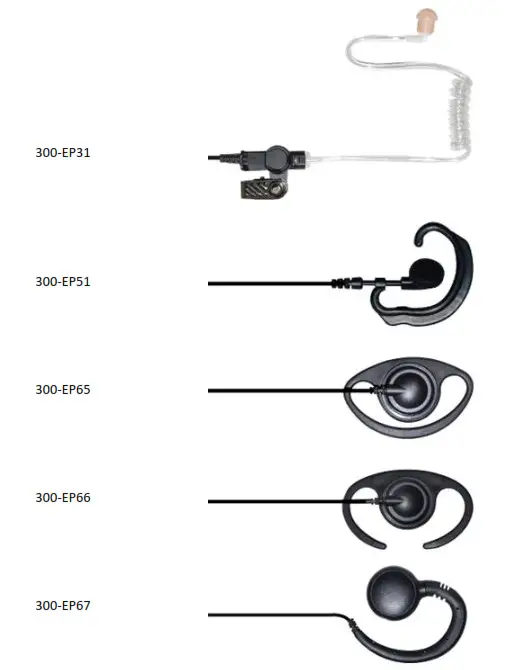
BTH-300 External Audio Accessory (Optional)
Pair BTH-300 with a smartphone
- Make sure BTH-300 is OFF, and press the power switch and hold for 6 seconds
- BTH-300 is under pairing mode when you see RED-BLUE-RED-BLUE LED flashing.
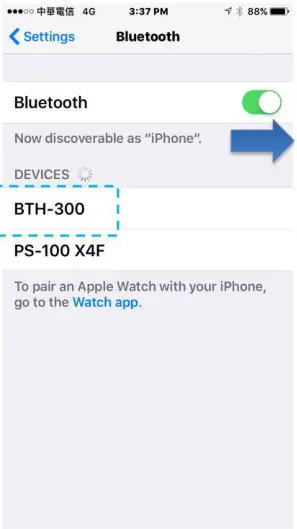
- Start the Bluetooth function on your smartphone.
- Find the device name “BTH-PTT” or” BTH-300” under the Bluetooth column and connect it.

1. Start Bluetooth
2. Find the device BTH-300 and connect it - The pairing process is completed.
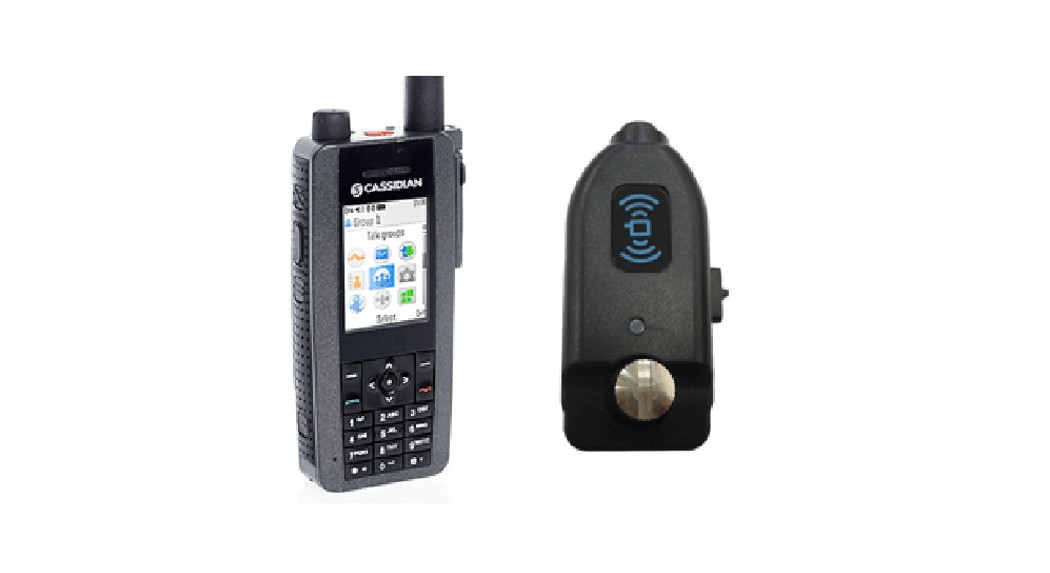
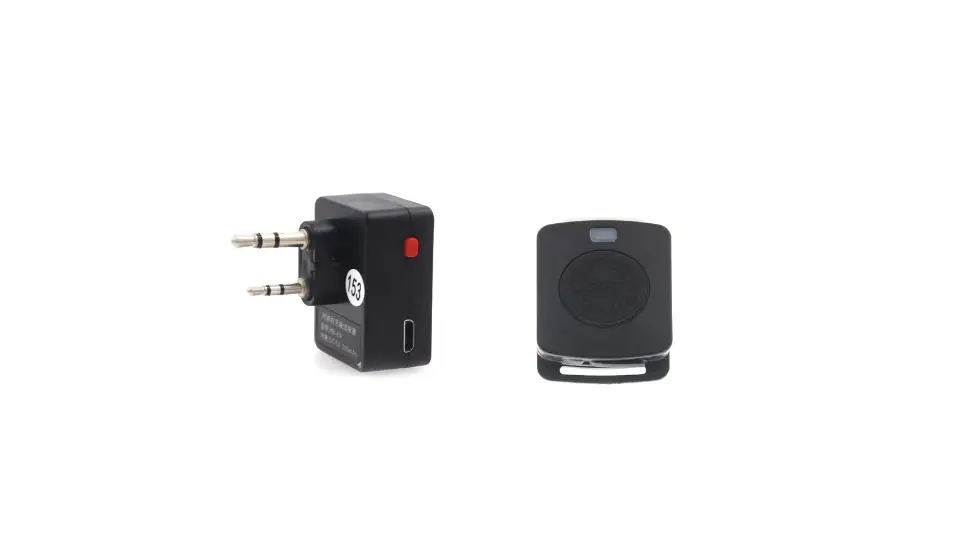
Pair BTH-300 with a dongle
- Make sure both of dongle and BTH-300 are in off
- Press and keep holding the PTT button on the dongle, and then switch on the radio and wait for few minutes
- When you see 2 Blue LED flashes per second, release the PTT button. BT dongle is in pairing mode.
- Press the power switch and hold for 6 seconds.
- When you see RED-BLUE-RED-BLUE LED flashes, BTH-300 is in pairing mode.
- Keep BTH-300 and BT dongle close and then wait for a few minutes. (Make sure other BT devices around you are not in pairing mode.)
- BTH-300 successfully connects to the BT dongle when you see BLUE LED continuous lights for 3 seconds.
- The pairing process is completed.
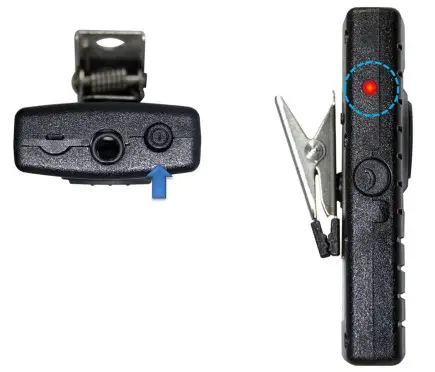
- Press power switch button & hold for 6 seconds
- Check if the LED is red and blue flashing alternatively