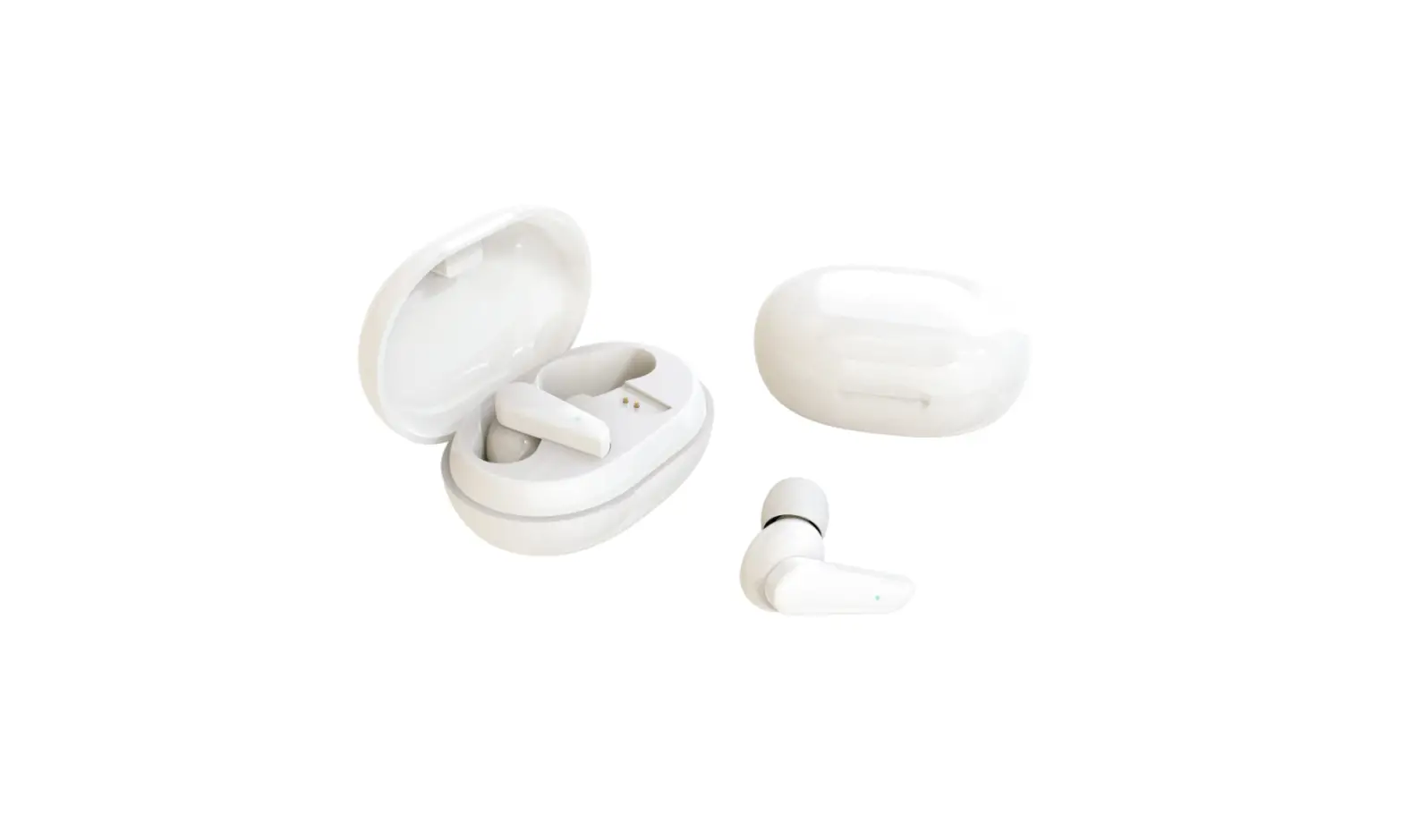
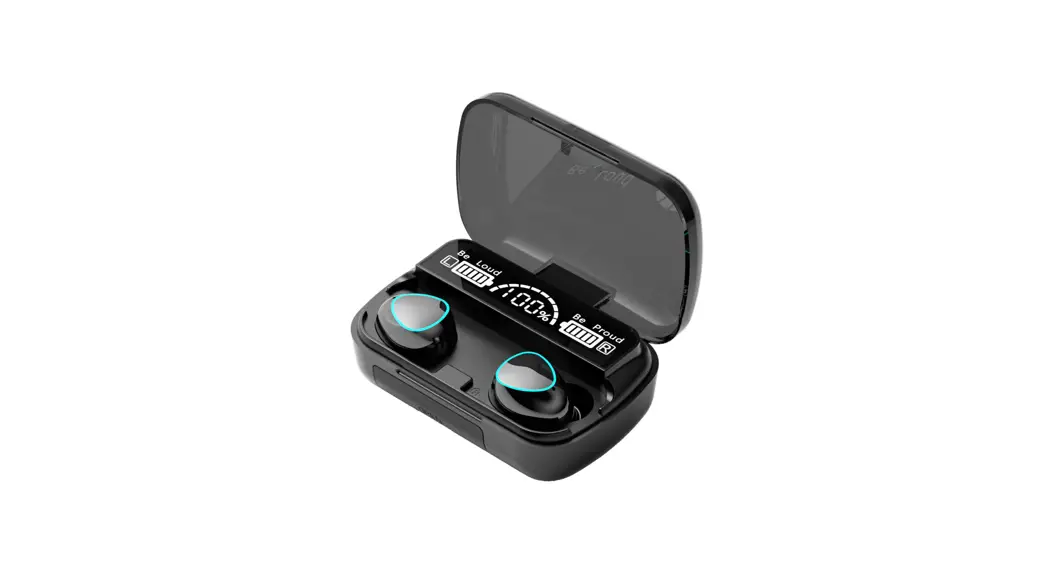
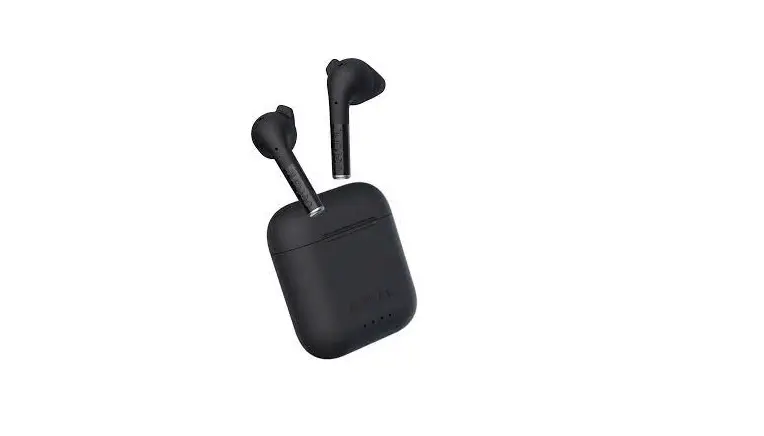
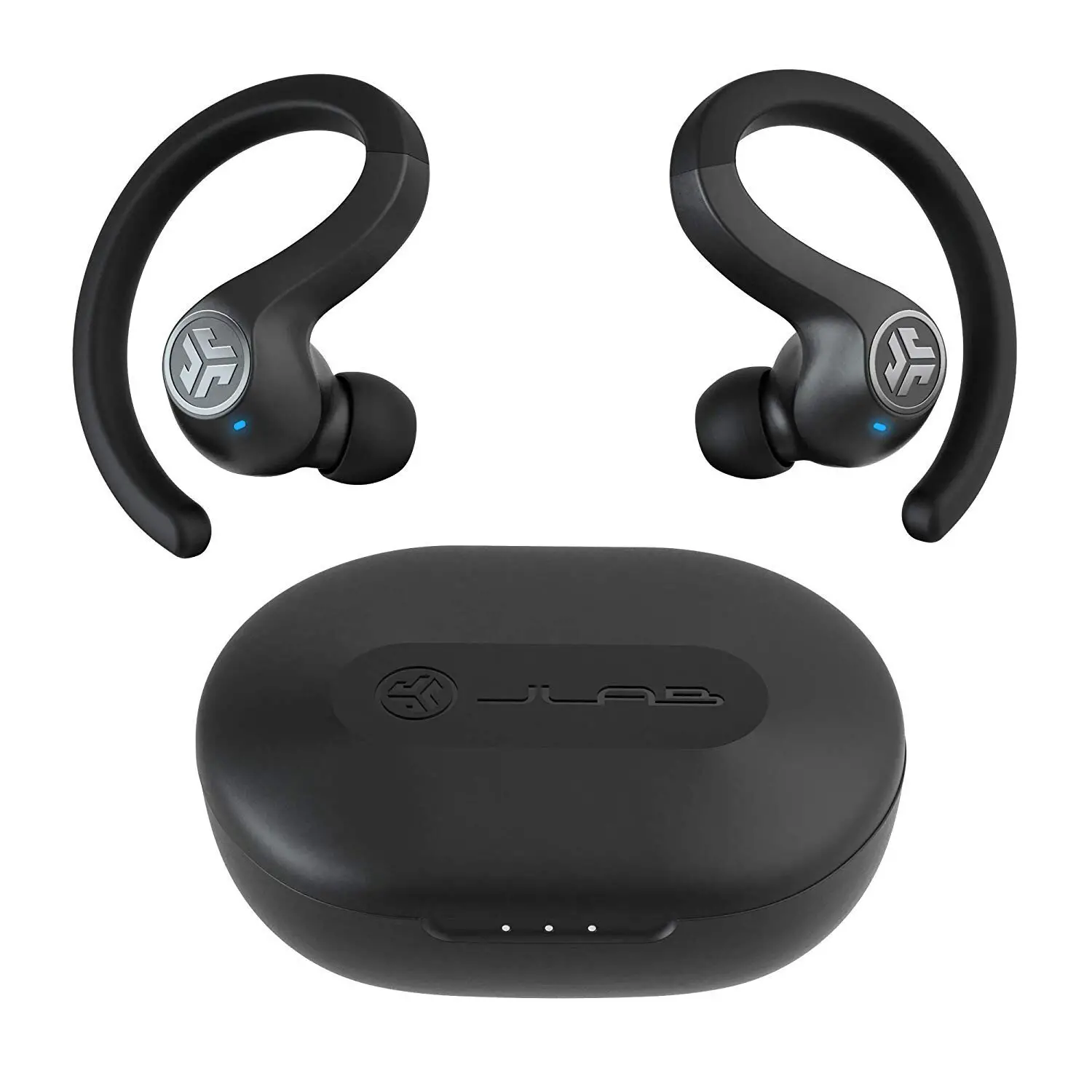
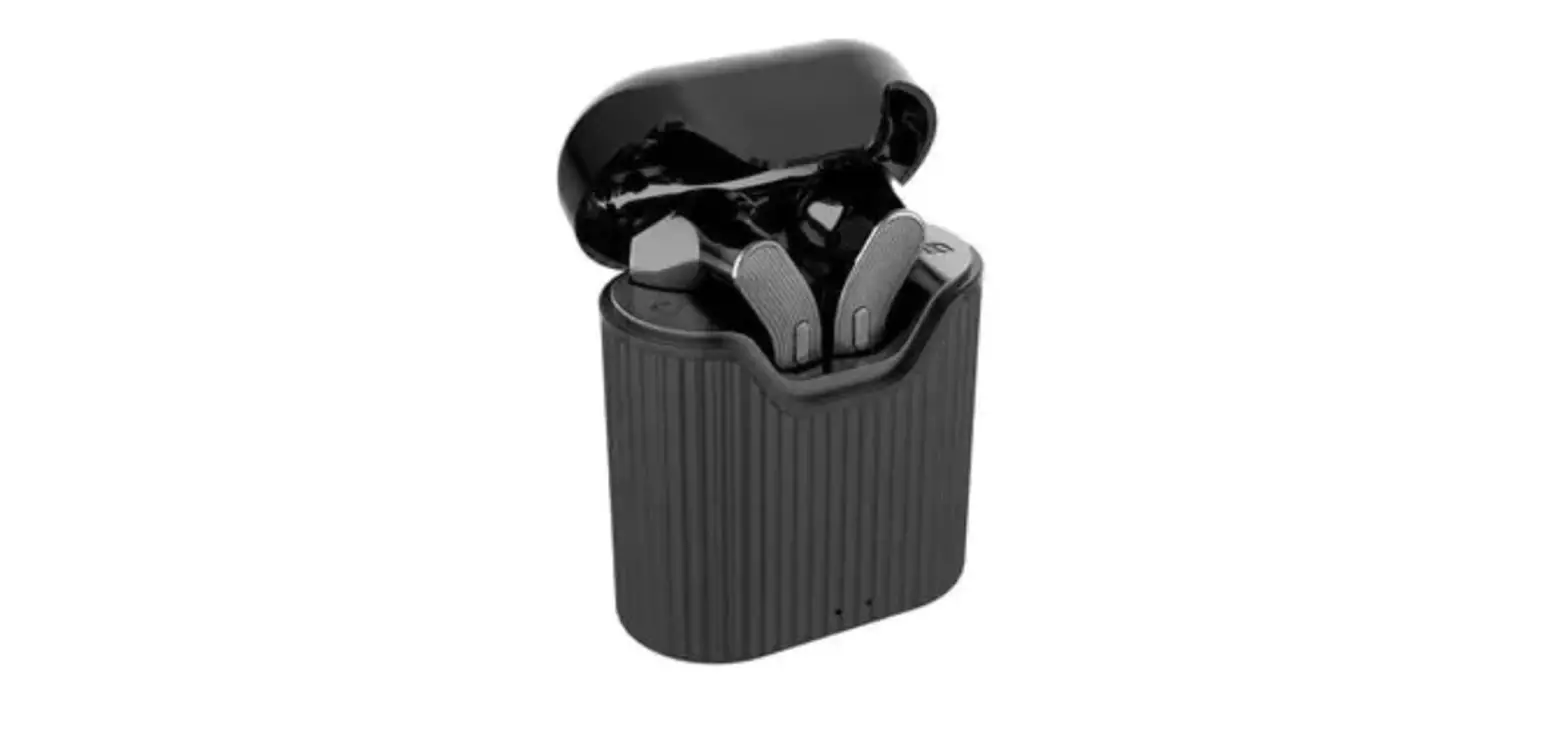
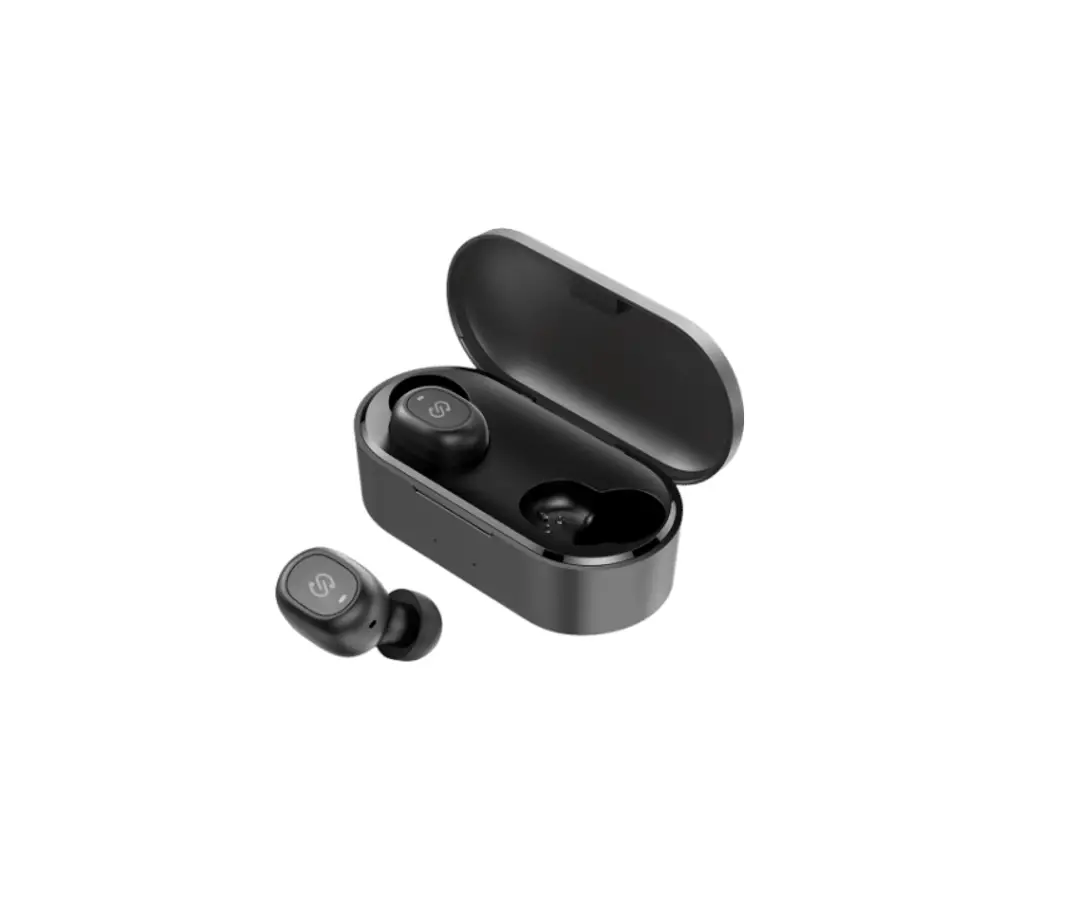
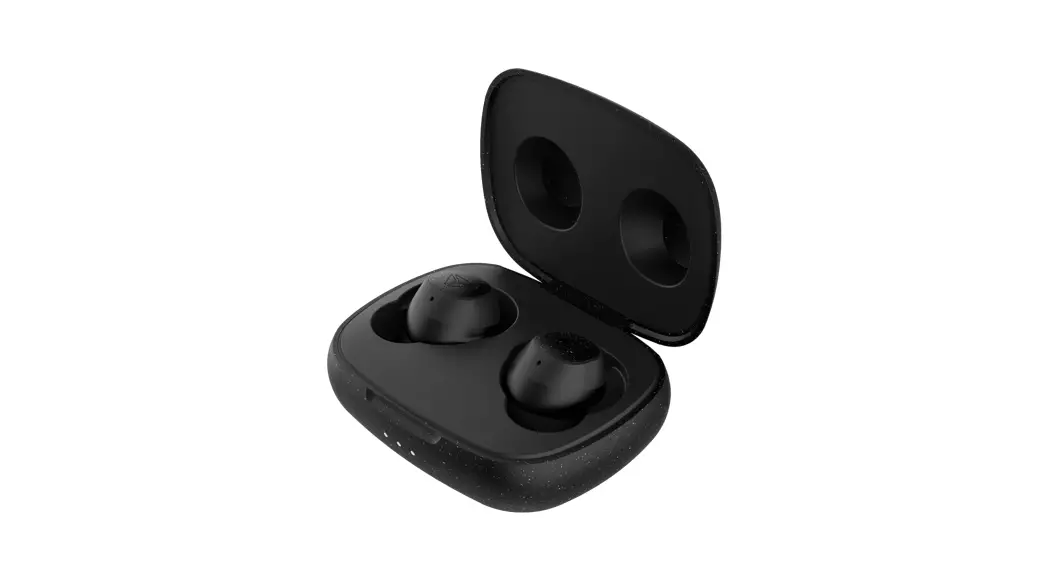
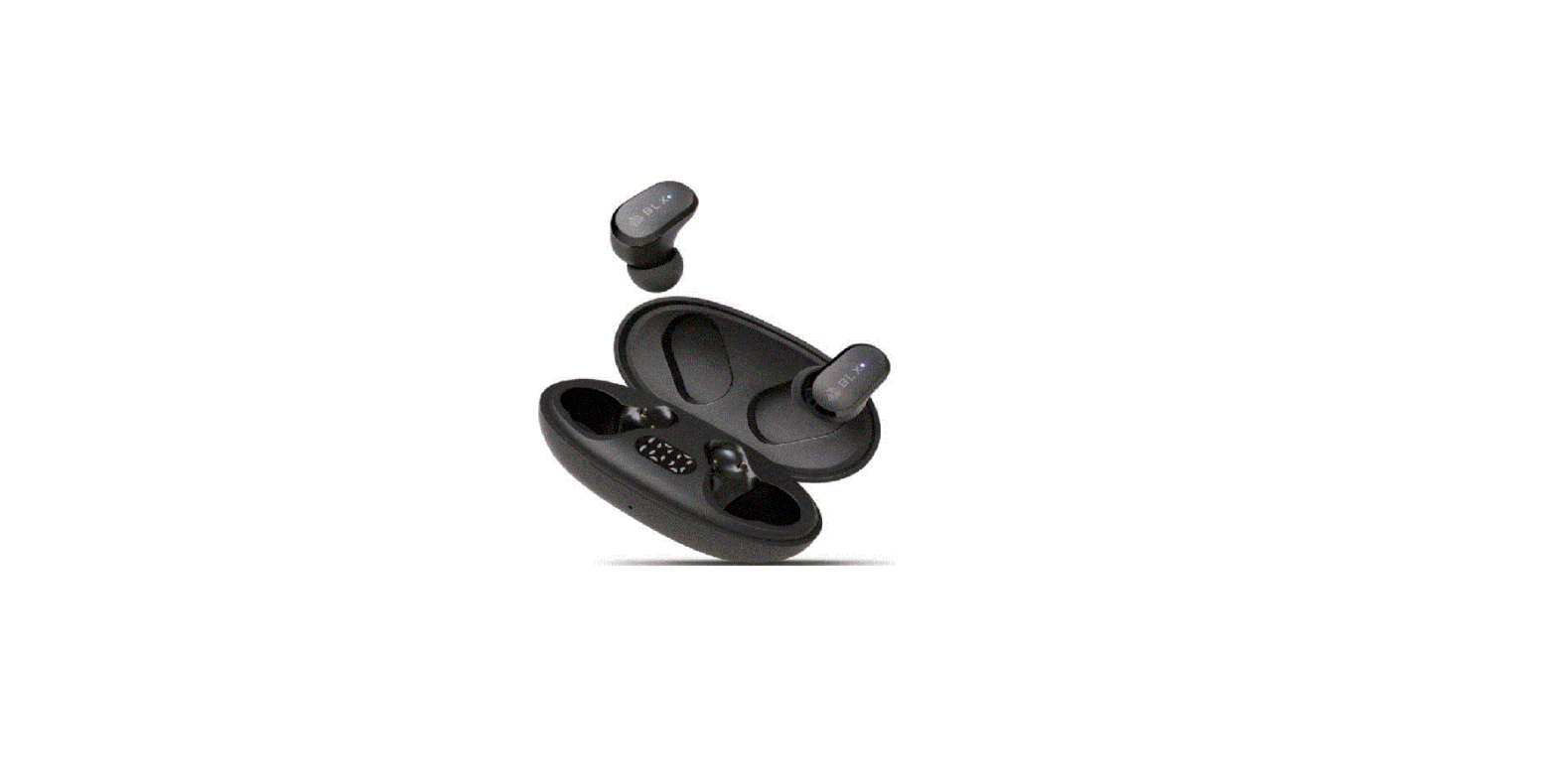
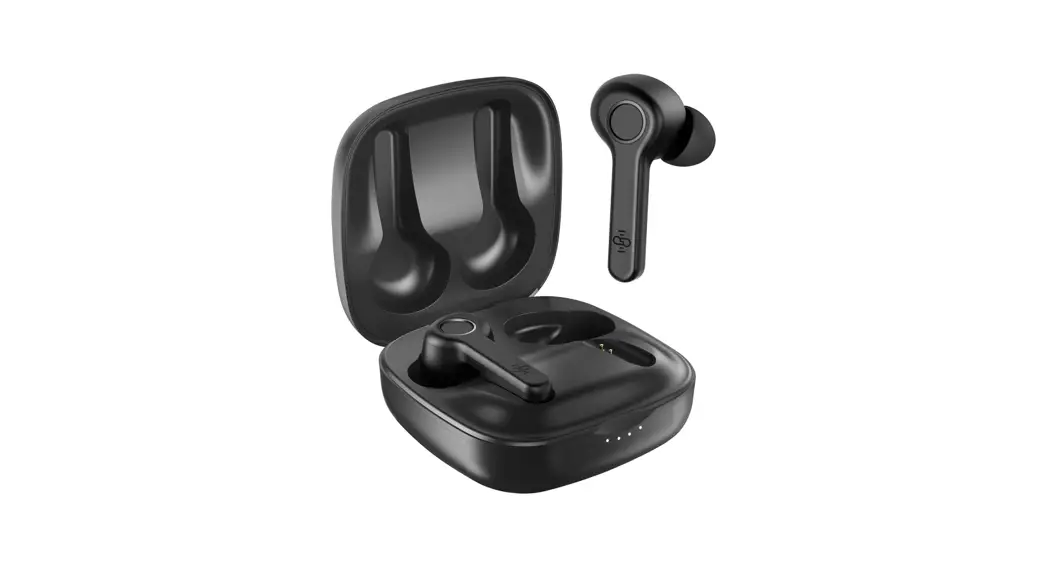
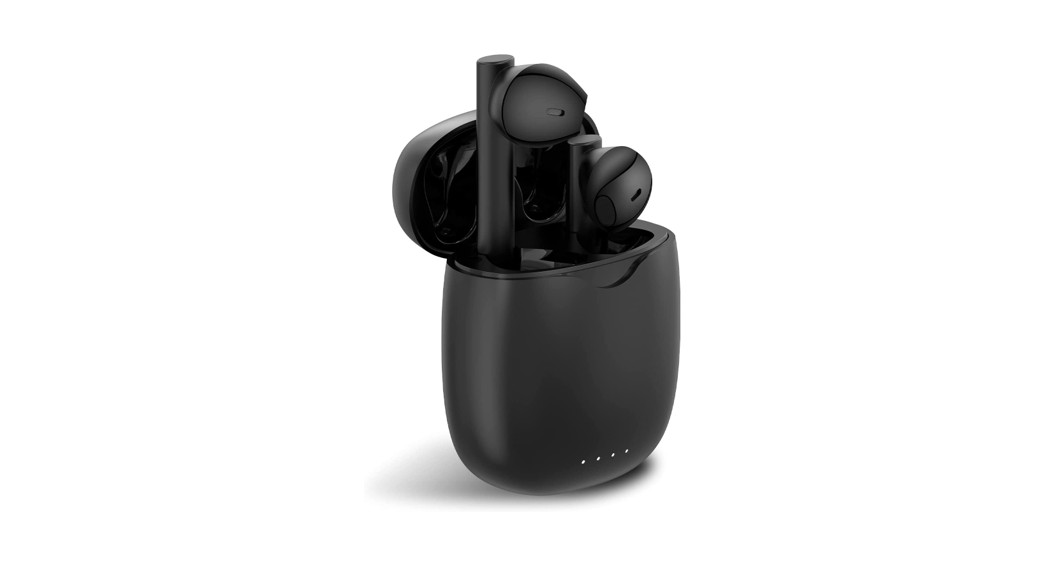
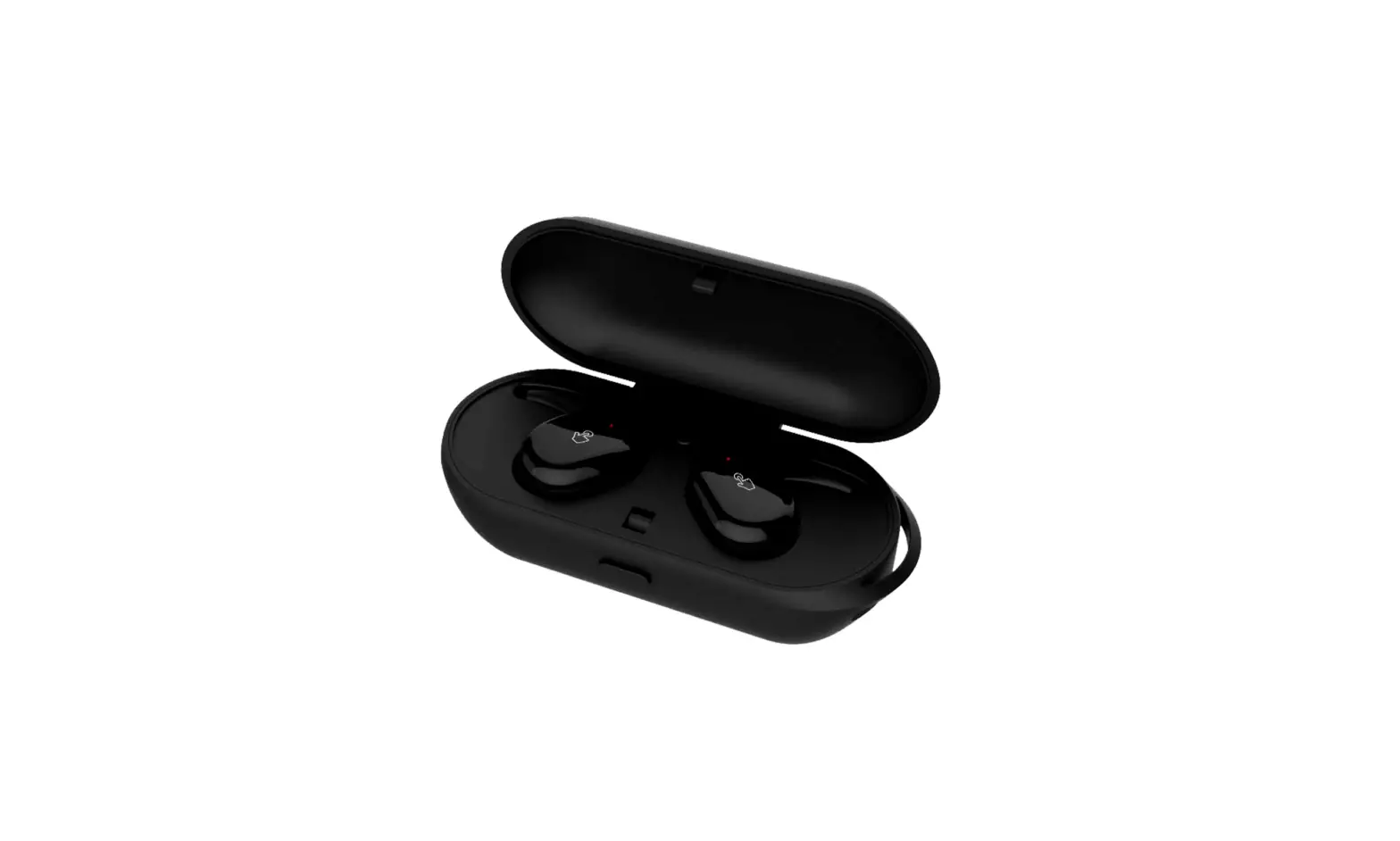
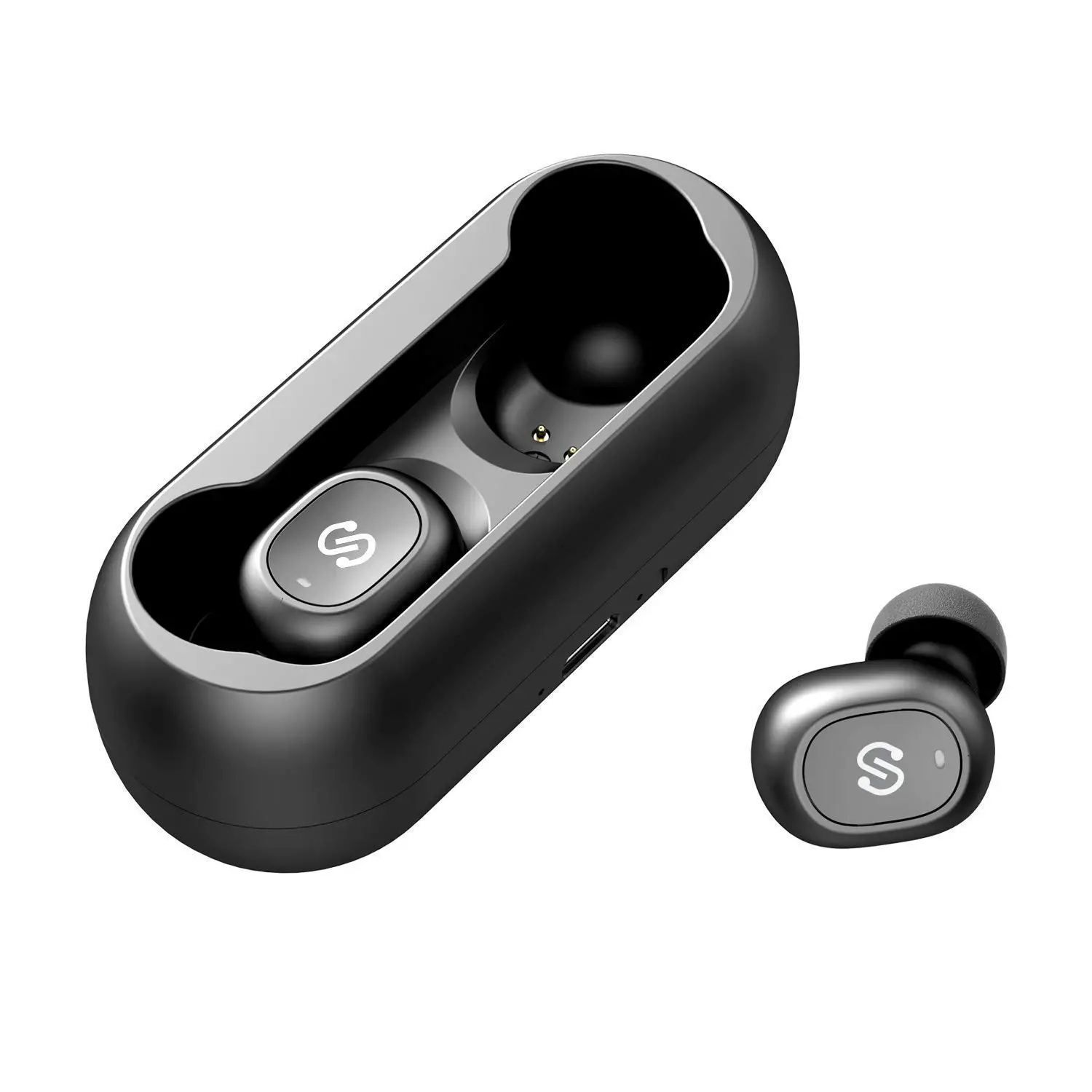
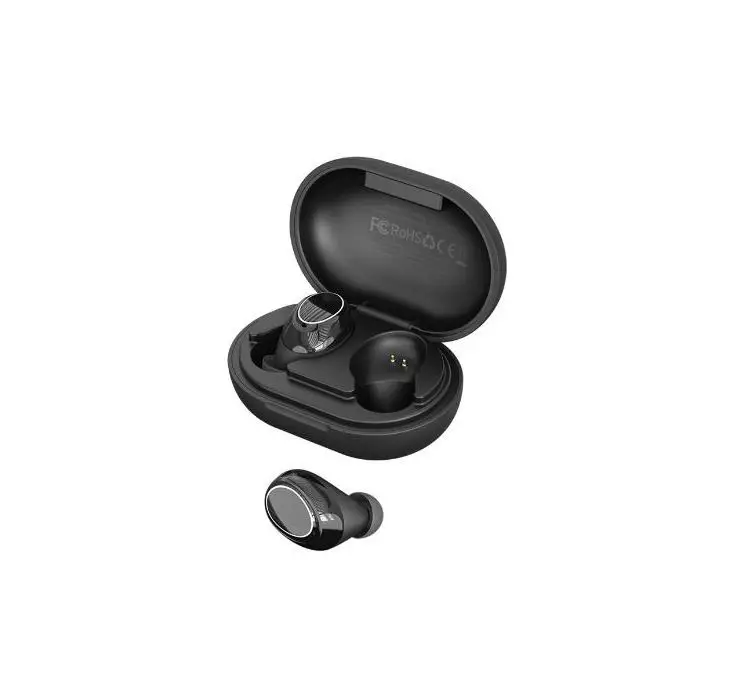
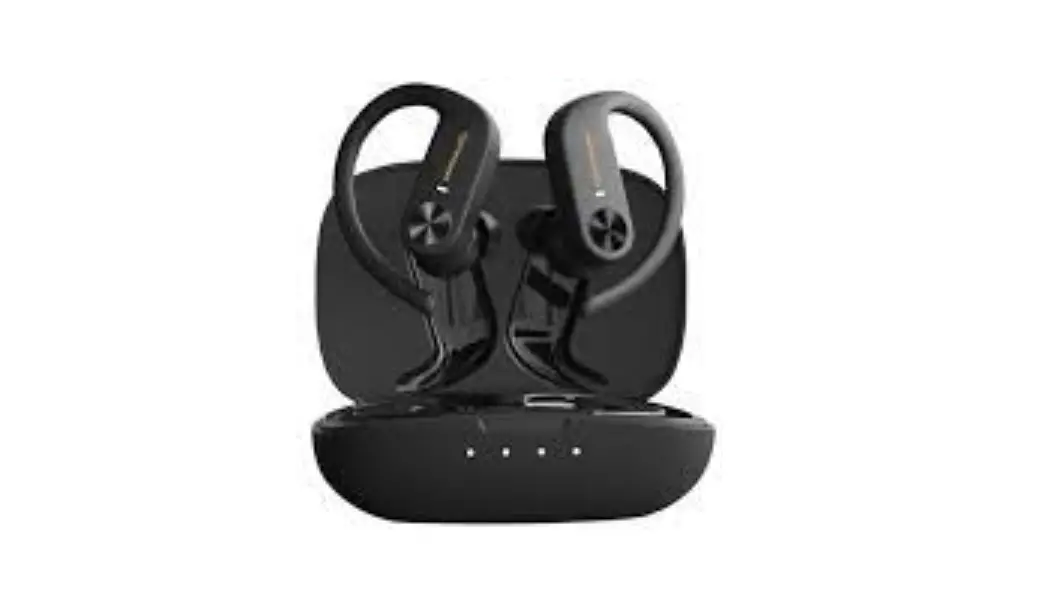
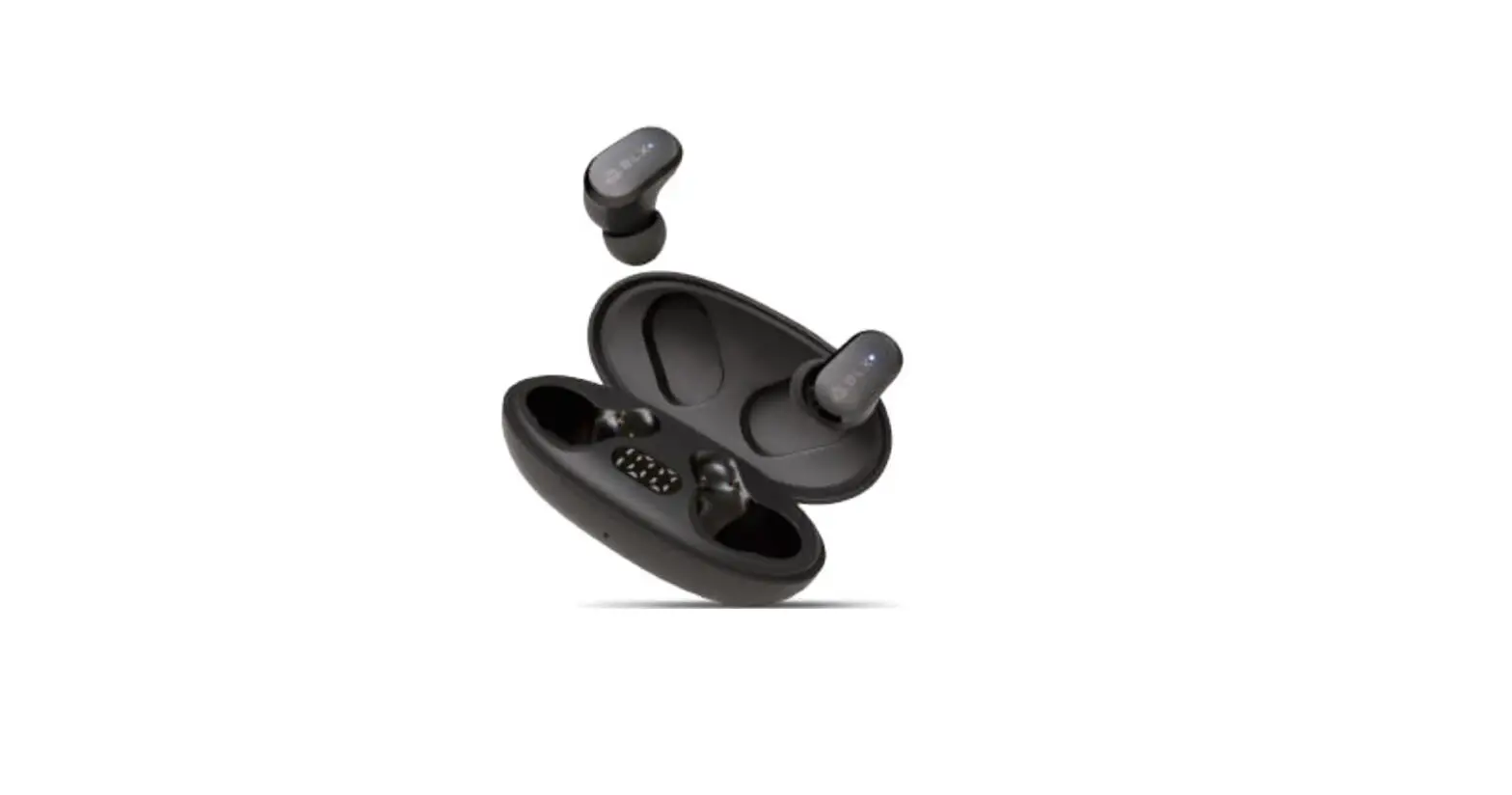
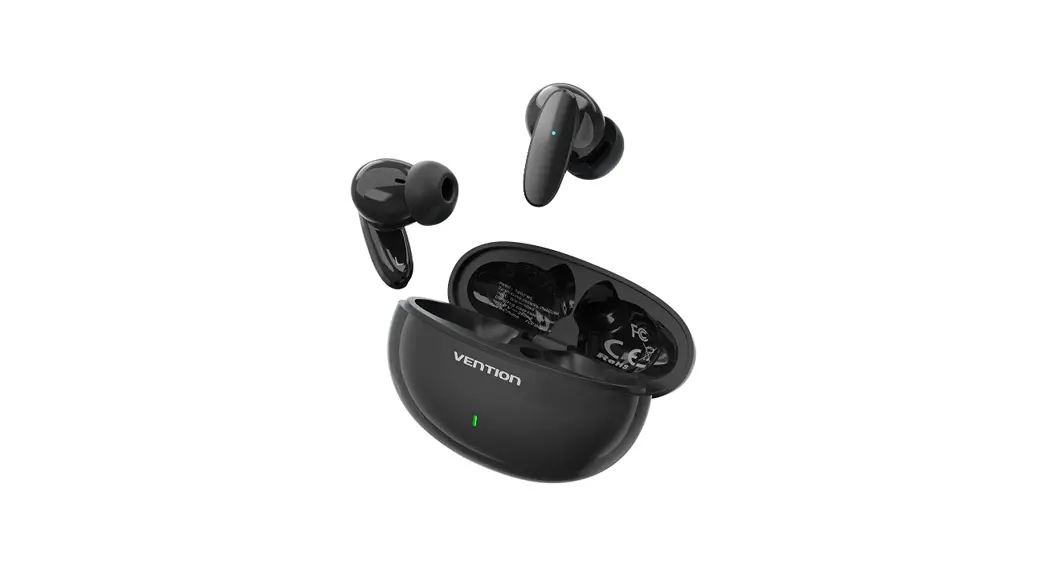
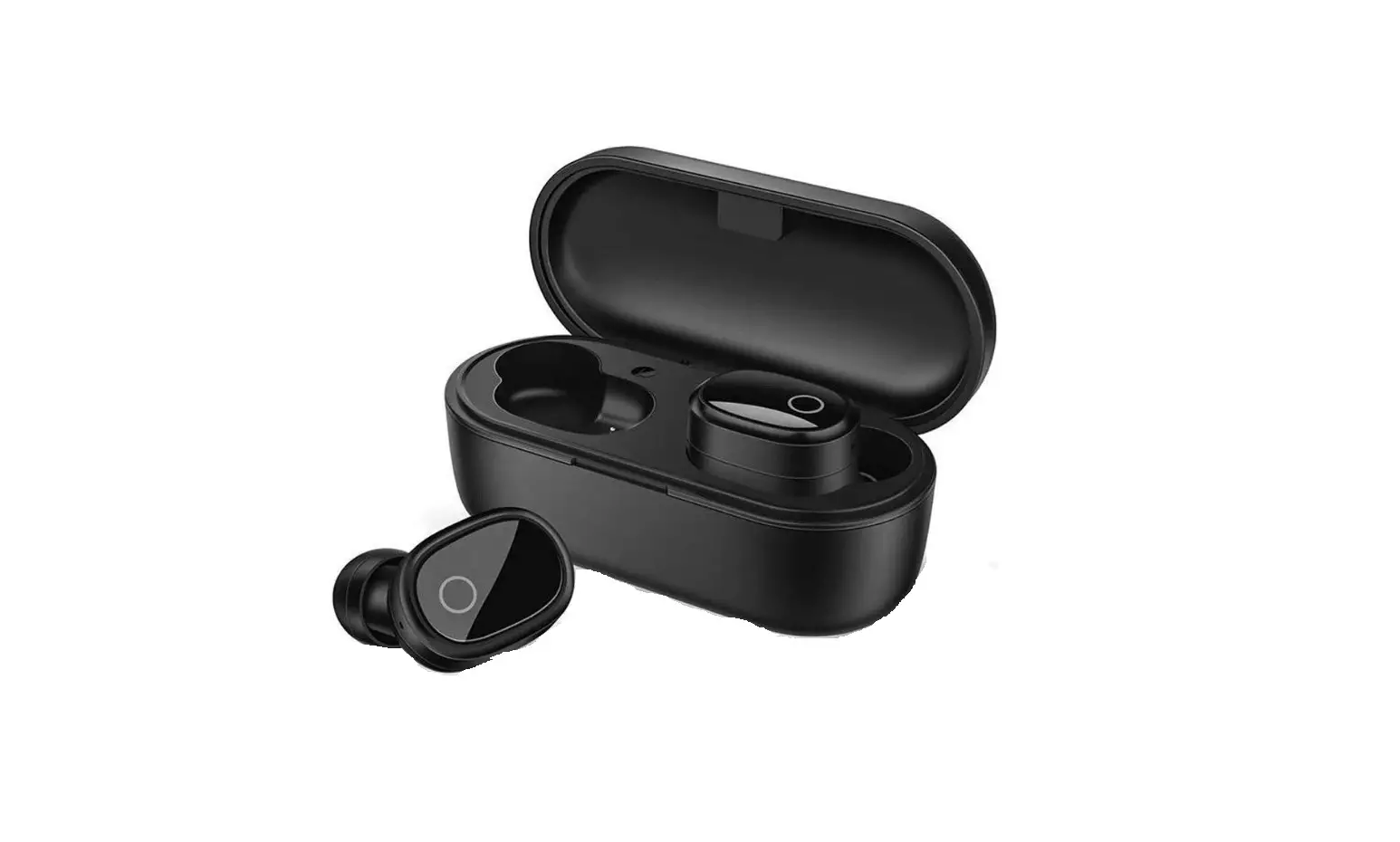
W203 True Wireless Bluetooth Earphones
Product Information
- Product Name: Earphones
- Model: VS.3+EDR
- Technology: True Wireless Stereo (TWS)
Product Usage Instructions
- Ensure that the earphones are fully charged before use.
- Turn on the Bluetooth on your device and search for available
Bluetooth devices. - Select the ‘VS.3+EDR’ model from the list of available
devices. - Once connected, you can use the earphones to listen to music or
take phone calls. - To adjust the volume, press the volume up or down buttons on
the earphones. - To skip to the next track, double-tap the right earphone.
- To go back to the previous track, double-tap the left
earphone. - To pause or resume playback, press the multi-function button on
either earphone. - To turn off the earphones, press and hold the multi-function
button on either earphone until the LED light turns off.
VS.3+EDR
Product nameEarphones
s, ‘”‘ alrel,moeaectToa (TWS)<o ,IT.,wTrel,laad,Tgh<chaeael para<Toa,HIFlso,ed.Leaad,Tgh< eacare wmpl,wbl,oo<hfuectToa,abe,sed aloae,alsocaab,,TepaT
Ve0″ l
WIprofile Fe”‘”Of W”klagraage Batt,pacity
Bloelwll,VS.3,Ultca l,ow,, WI coasomptioa
DPl.3FPl.6SP12 I /AVRCPl.6/D.3 I 2.4GH2
Aooot10M Iemal40mah,ecl1o,geableLia batte
No,h.,,h,callis oelylidoe,h,hos<.Sh,owe,playbacaedpmrneb,ooe,Coll,d bv,h,m,i,r-foectioe keyoe ooe ea,b,d,<he <rthec rnb,dwillbe w e<colledsyech,,sly. ,h,eeboa,roma,,allyoompl”es,h,pai,ieg ooeeectioe
B1,’1ooth ,sag,
Fltcall,aos,chaog,p l.Wheo o,eeacb,d;sooect; aphooe,doobled'” ”press1hem,ltlfuocto,
batto, focl.S s,Lis <o act,es;mak,mll 2.Whe”1″,d, areoo,oect;,gapho,e,””<hem,fu,ct;o,b,ro,1.s
“”,.,ues;ewmak,acall 3.Pre<hem,'””ct””0″””‘,/haog,p.
s,rood,11.,otomoslc ,.,,,; ,,””,Li,, scP=m,i,””‘”ym”‘;”””paoocplay,aod
pressthem,ltlfuoctlo, thtlmes w chathe ,” 2.lo do,ble,ma,;o, (l)a.lde do,ble cllckoo them,lt””ctlo, yfoc,ol,meplos, pssthe m,ltlfuoctlo, three1;m6fo’1he,””· ( 2)L,;de dooblek o, them,lt””ctyfo, l,me dm,fastpress th,m,lt;fu,cto, thmfo’1hela””‘·
Th powecoff Meea,b,d,;,w1hechaib;,”””‘”l’,,sh,td=a aade rn,c1h,cha”‘ m'””pressm ,ltff””cti'”yf.
,rth, Wheo a eacb,d;rn, lowp”‘i<will be promedbyreaodaompaoiedbyced ligh<flashiog ,lowly.Wheo i<i,p,< iothechaiog bio,i<wilaorom, llyid,m;fy chaiog.Whooanth,redlightwill alMv,beoo,aodwheo ltis f,,-chaed,thered I ligh,will <,mrobl,eligaod,hee<,moll.
Matters needing attention 1n”‘”””‘”spmdoct,do eo<ose h”‘{Ob[sqoea,yfmmhT “mp,ra<oraaedhomTdTcy,mem,rn.
2.Saw.yfromWIFI,·e.aed o<hehighqseecyesm'”‘,TpmewhTchwTII actep<Toe of<he,Tgealof<he ,eTCca,sT,edjammTegaeddT,weeectToe
a.Please,<hlsprodoct lo<hecteroomeo<{lOmeaod<heshoold00 ph”‘”‘”‘””””‘””h dceaod<hehead{sochas <hewall, e<
C omp,.,bl,w”h
DOD
1058,droTddea,
No<ec,hoprod””””Jwabl, ,hd
VS.3+EDR
H
(TWS) HIFI ,j,j
VS.3+EDR, A2DP1.3/ HFP1.6/HSP1.2 /AVRCPl.6/Dll.3 2.4GH2 10 40mAh
100 60
4-5 34 ISO
1
2. (TI!S)
11.5s;,; 2 1.5Siri 3
1
2 (j)R
j
1
2. WI FI
3.iClo
C o mpatiblewith
DJD
IOS&Android devices
FCC Warning This device complies with part 15 of the FCC rules. Operation is subject to the following two conditions: (1) this device may not cause harmful interference, and (2) this device must accept any inte rference received, including interference that may cause undesired operation.
Changes or modifications not expressly approved by the party responsible for compliance could void the user’s authority to operate the equipment.
NOTE: This equipment has been tested and found to comply with the limits for a Class B digital device, pursuant to part 15 of the FCC Rules. These limits are designed to provide reasonable protection against harmful interference in a residential installation. This equipment generates uses and can radiate radio frequency energy and, if not installed and used in accordance with the instructions, may cause harmful interference to radio communications. However, there is no guarantee that interference will not occur in a particular installation. If this equipment does cause harmful interferenceto radio or television reception, which can be determined by turning the equipment off and on, the user is encouraged to try to correct the interference by one or more of the following measures: · Reorient or relocate the receiving antenna. · Increase the separation between the equipment and receiver. · Connect the equipment into an outlet on a circuit different from that to which the receiver is connected. · Consult the dealer or an experienced radio/TV technician for help.
Radiation Exposure Statement The device has been evaluated to meet general RF exposure requirement. The device can be used in portable exposure condition without restriction.
ISED Warning This device complies with Industry Canada licence-exempt RSS standard(s). Operation is subject to the foll owing two conditions: (1)this device may not cause interference, and(2) this device must accept any interference, includinginterference that may cause undesired operation of the device. Le présent appareil est conforme aux CNR d’Industrie Canada applicables auxappareils radio exempts de licence. L’exploitation est autorisée aux deux conditions suivantes : (1) l’appareil ne doit pas produire de brouillage, et(2) l’utilisateur de l’appareil doit accepter tout brouillage radioélectrique subi, même si le brouillage est susceptible d’en compromettre lefonctionnement. NOTE: This equipment has been tested and found to c
The device has been evaluated to meet general RF exposure requirement. The device can be used installed and operated with minimum distance 0mm between the radiator and your body.
L’appareil a été évalué pour répondre aux exigences générales d’exposition aux RF.Cet équipement doit être installé et utilisé avec une distance minimale de 0 mm entre le radiateur et votre corps.