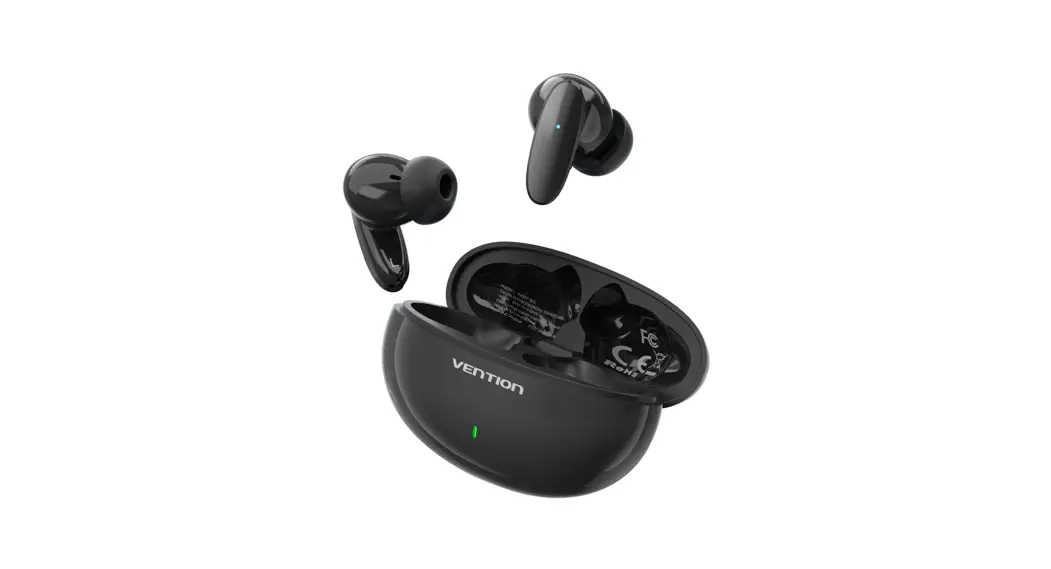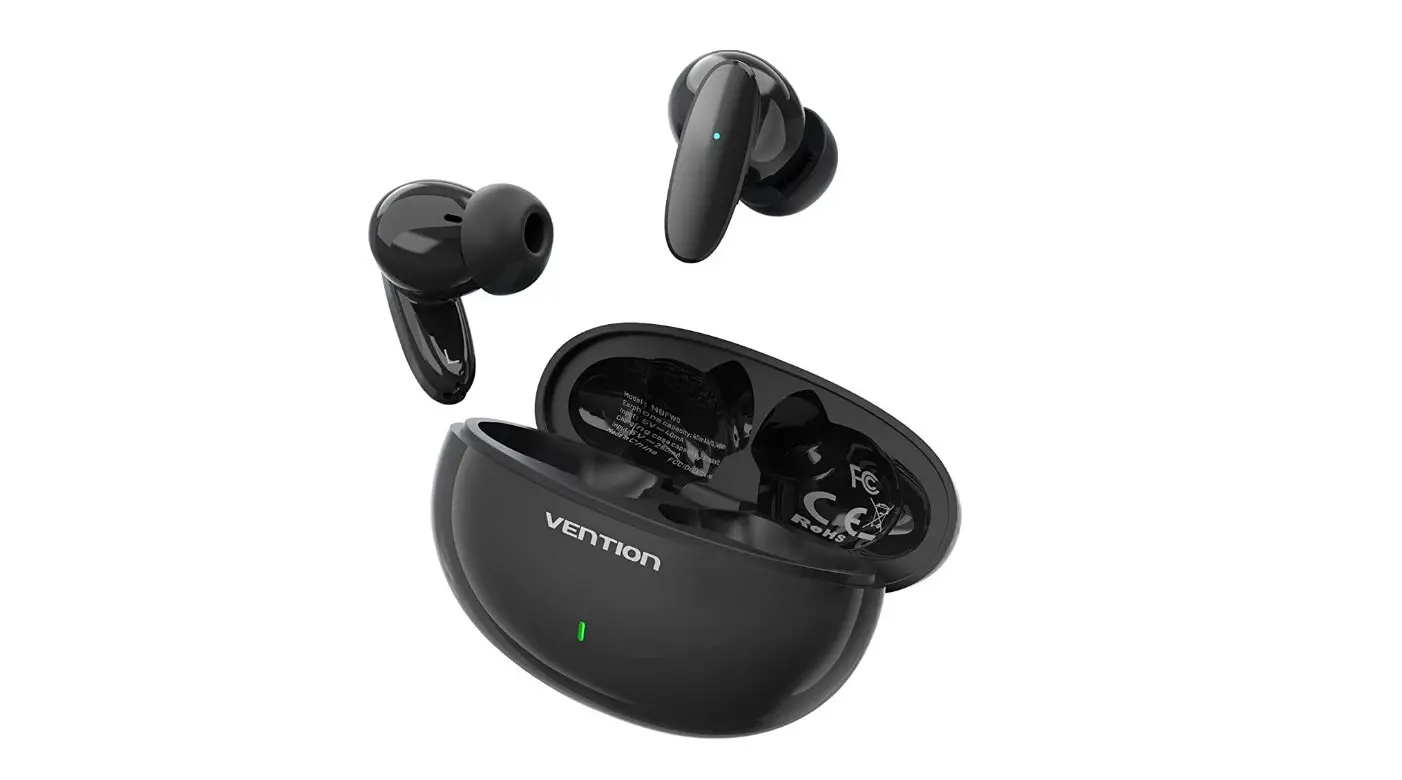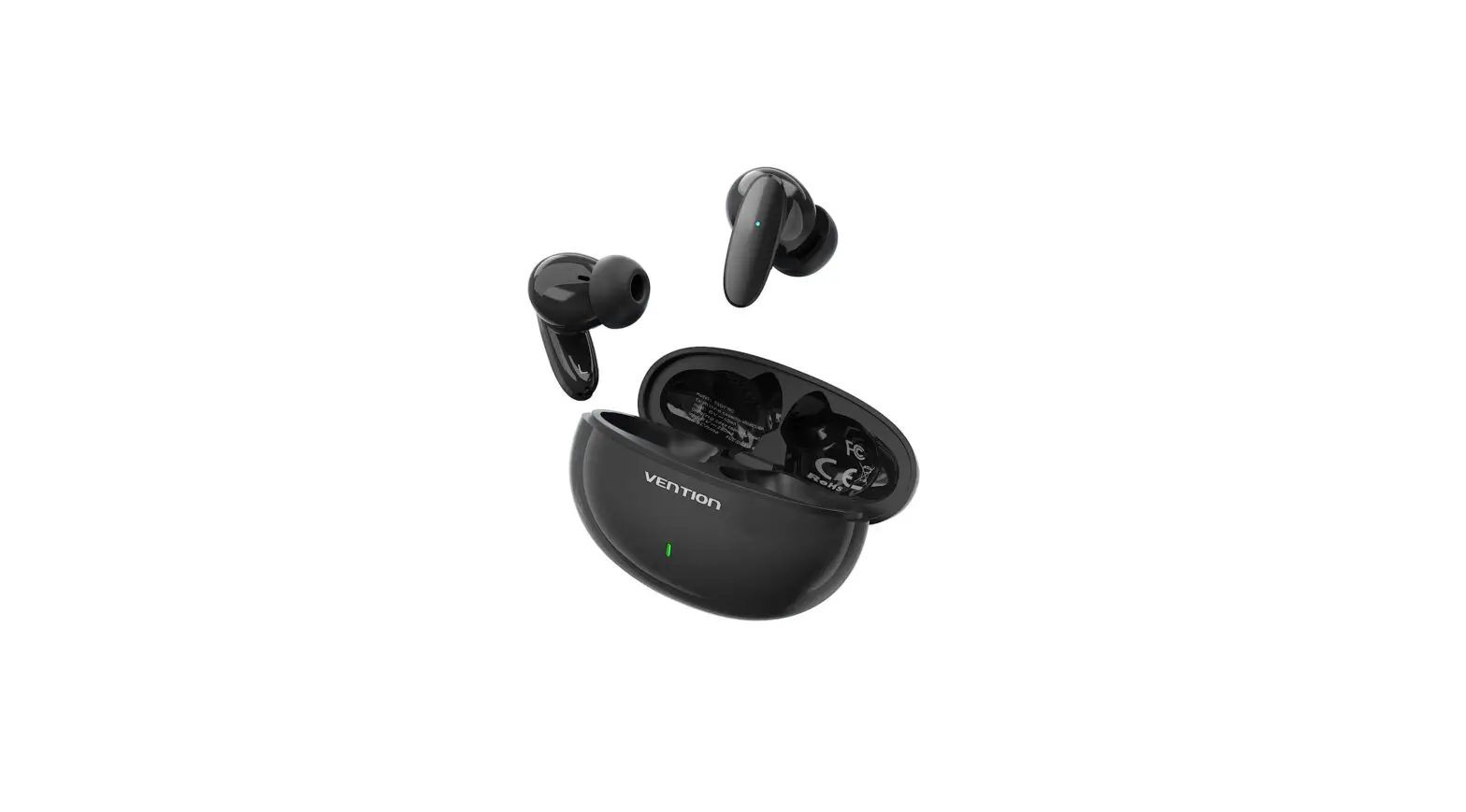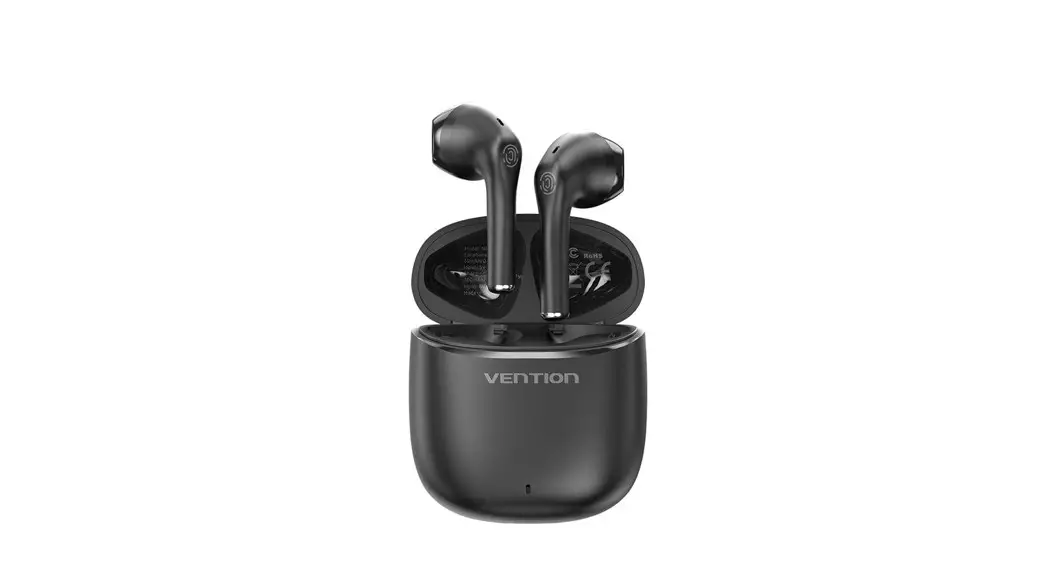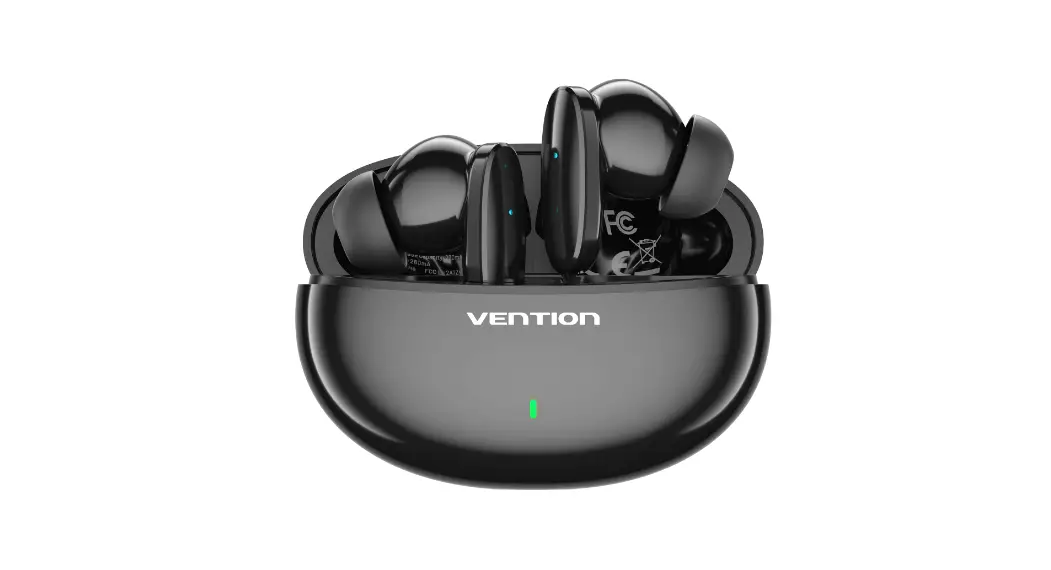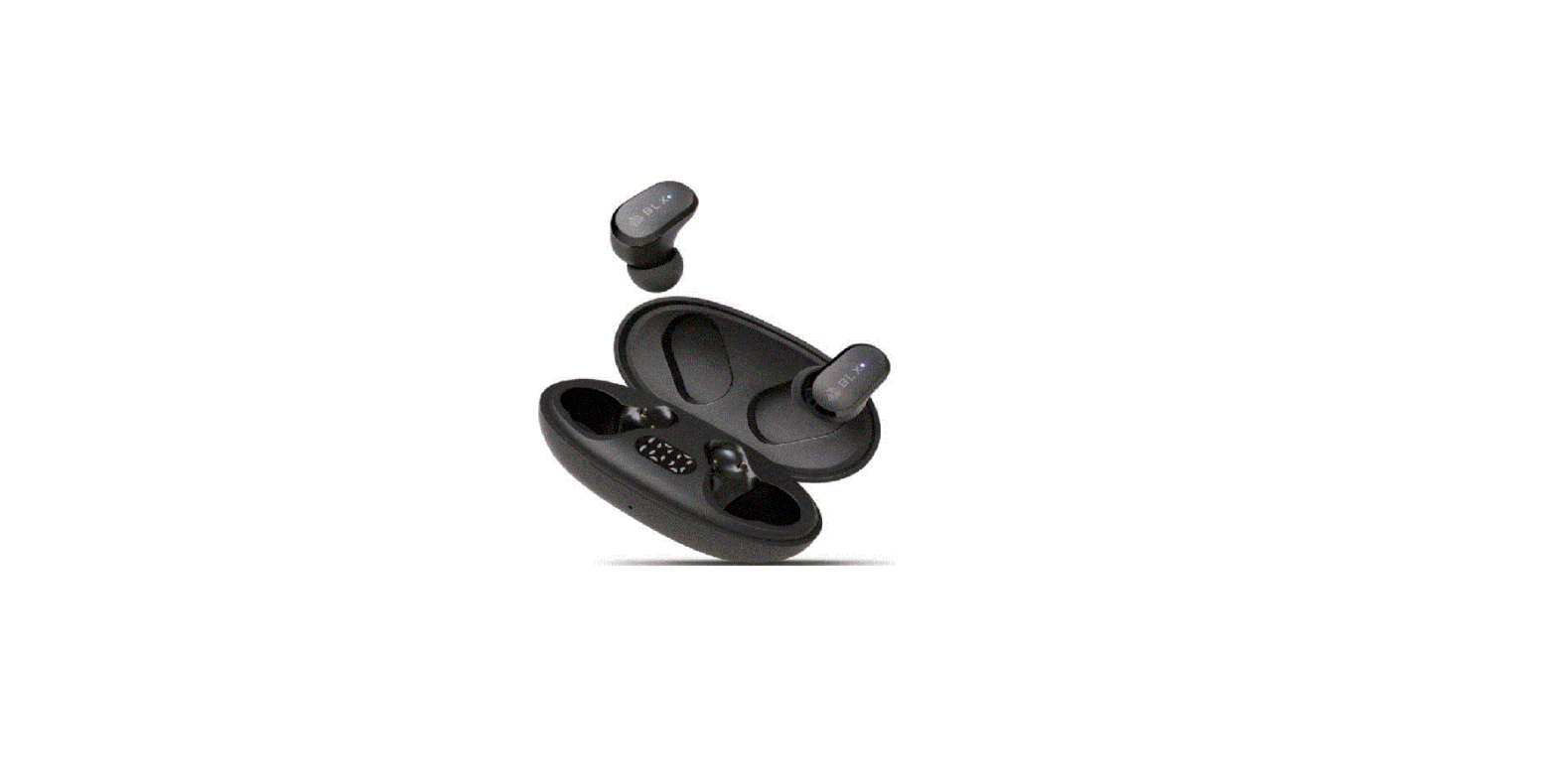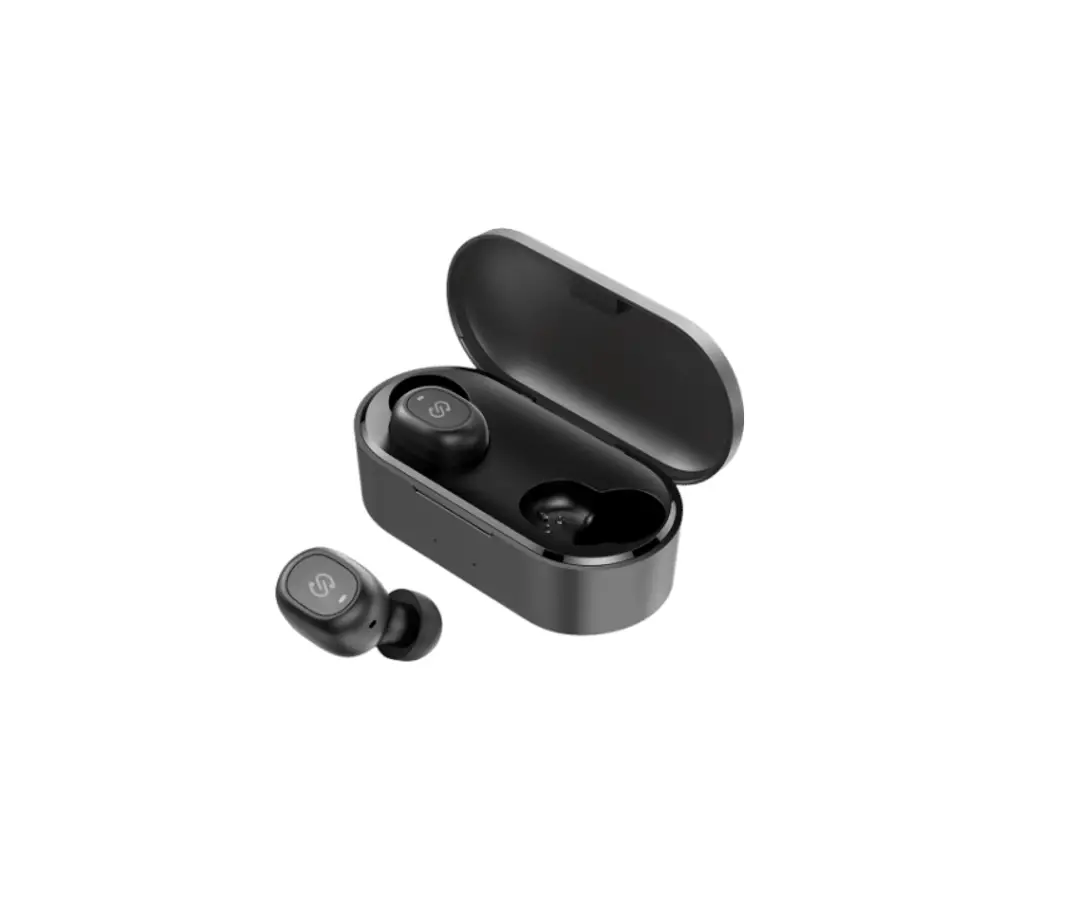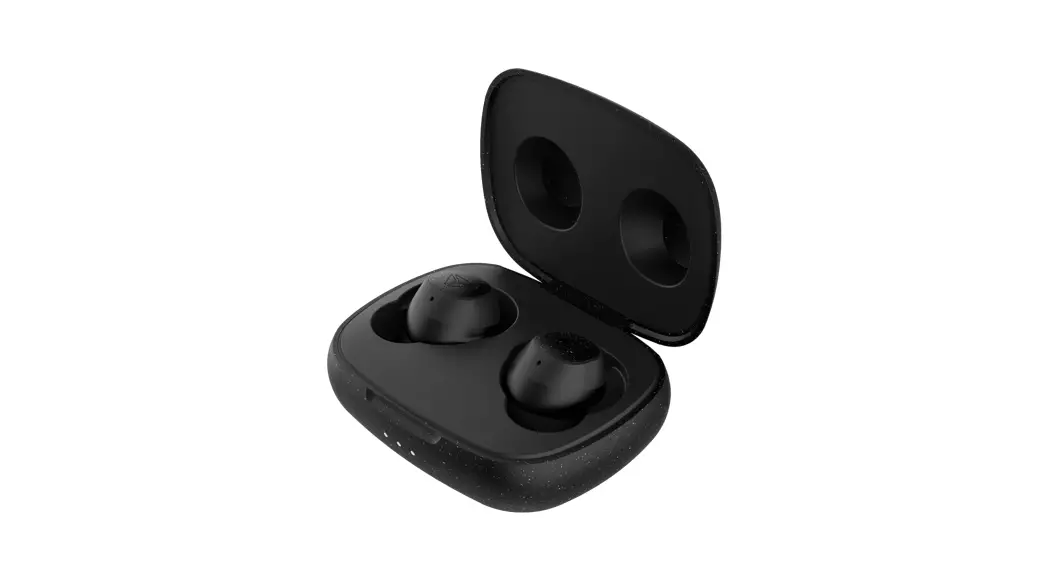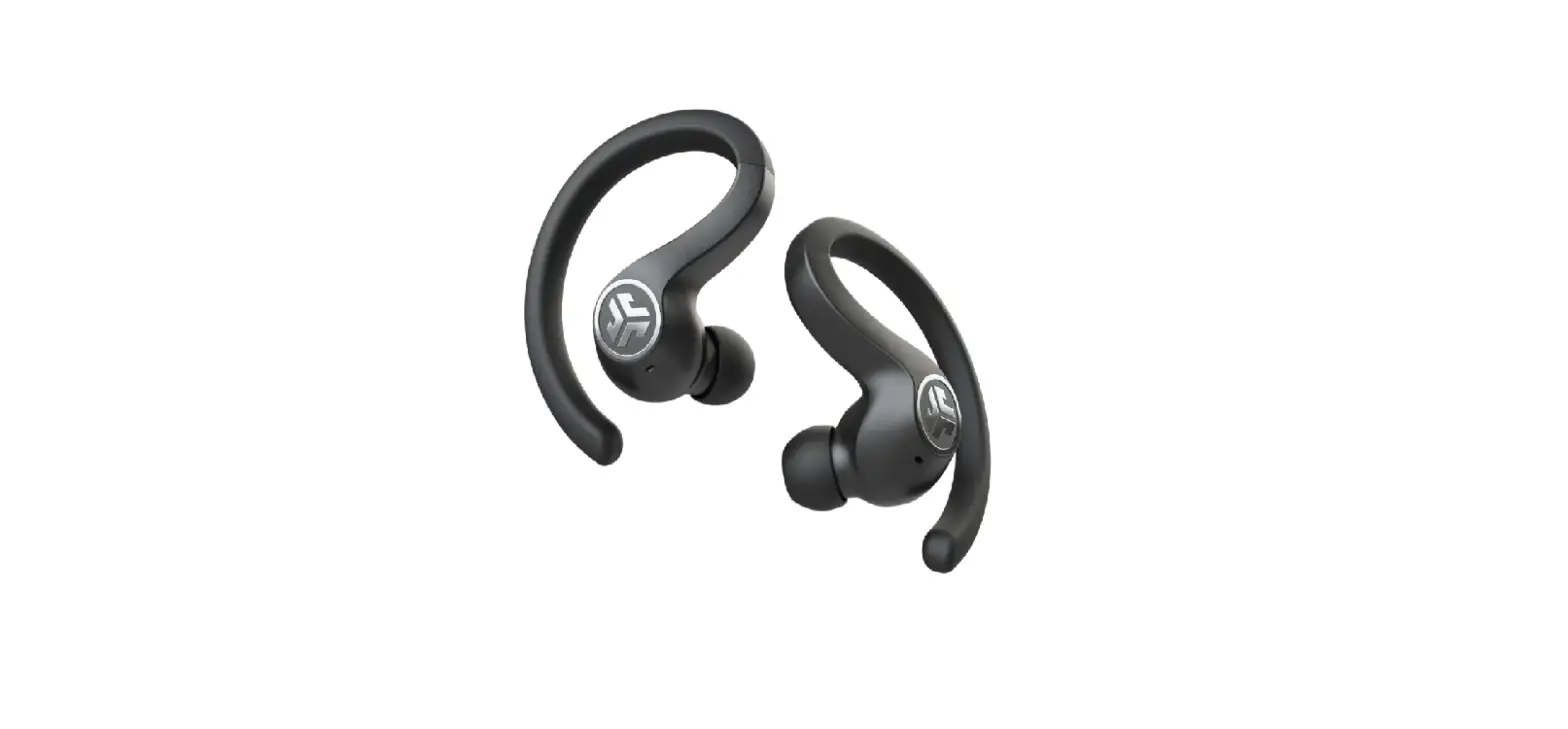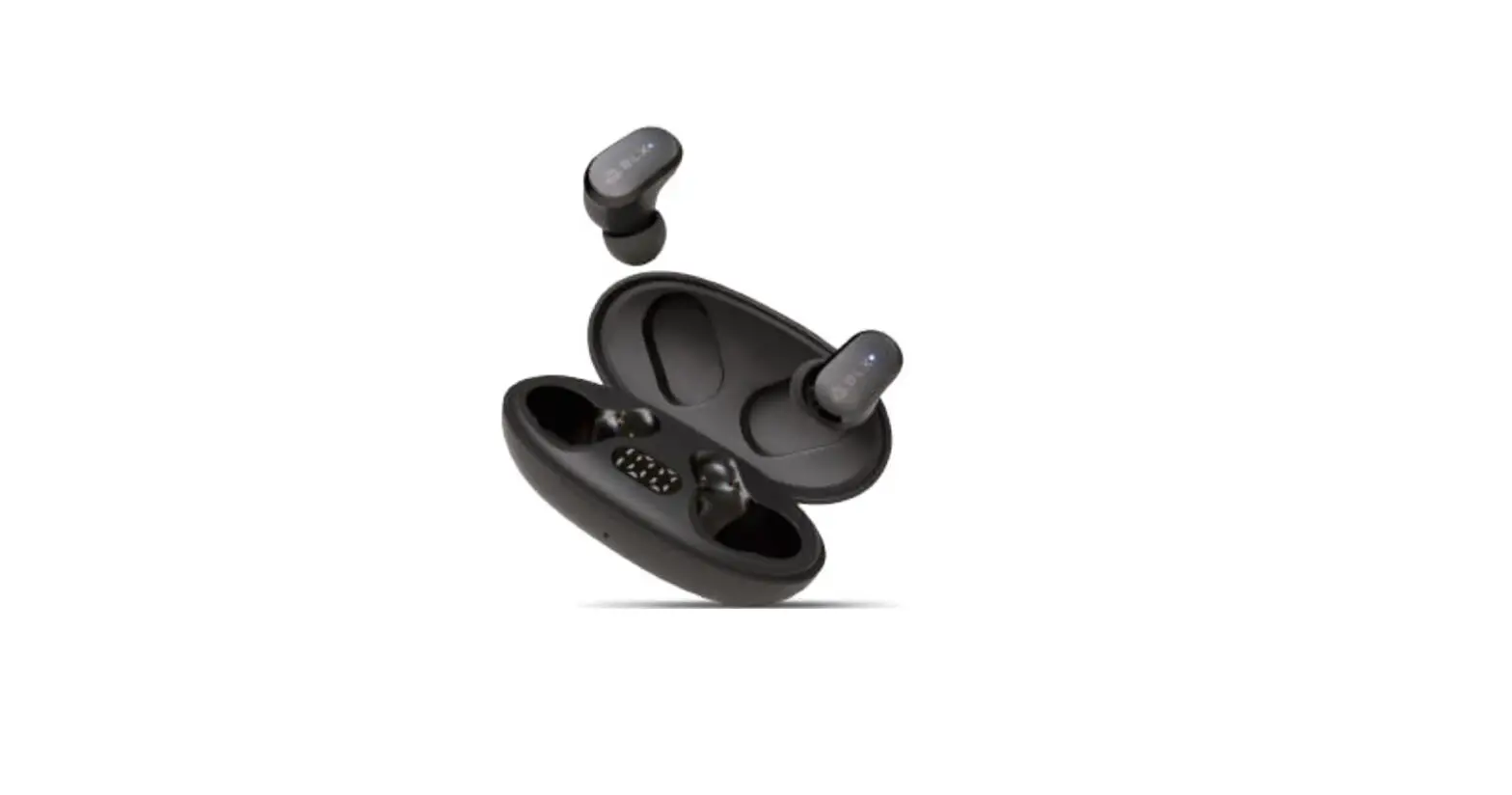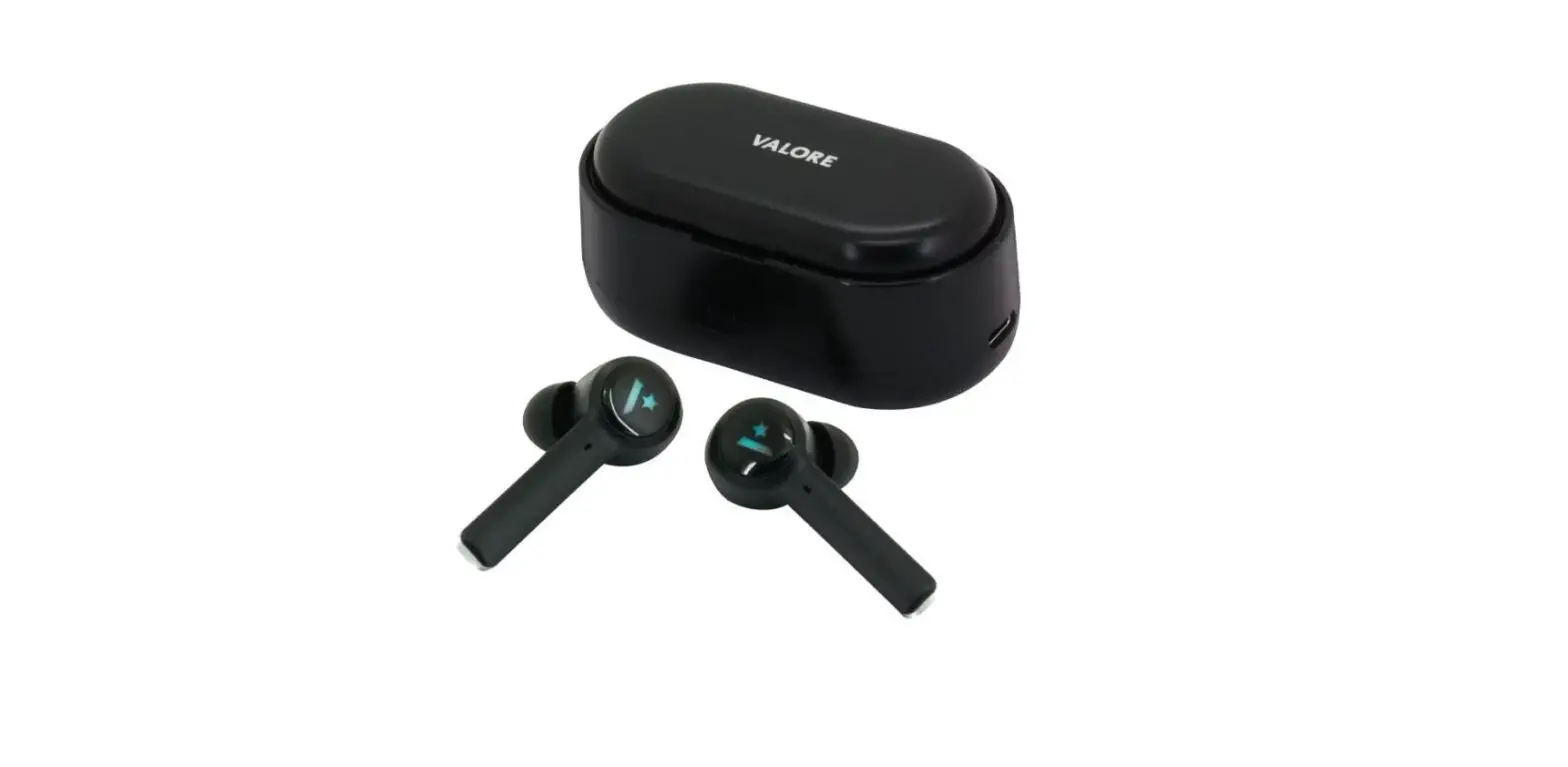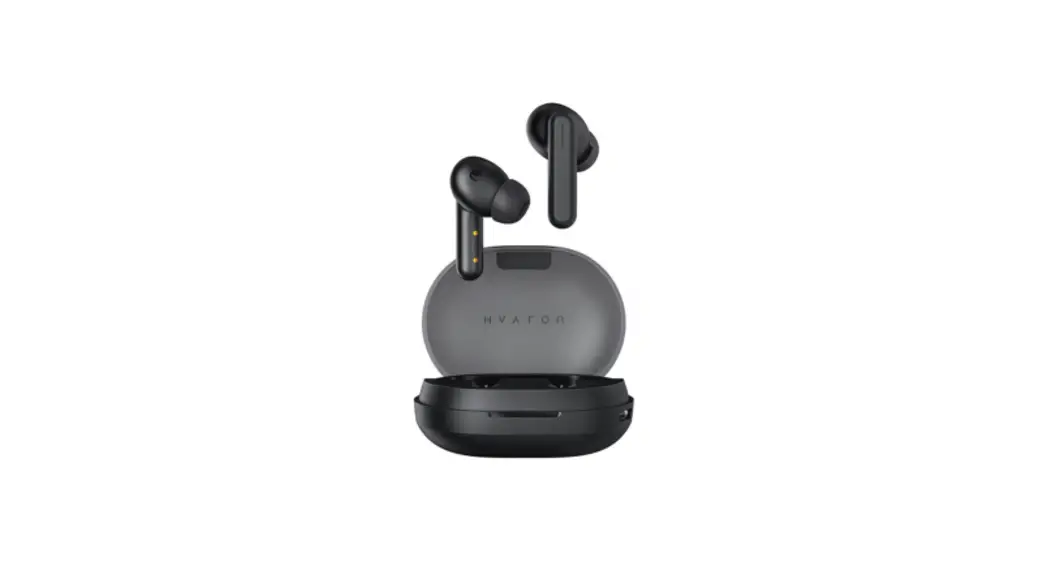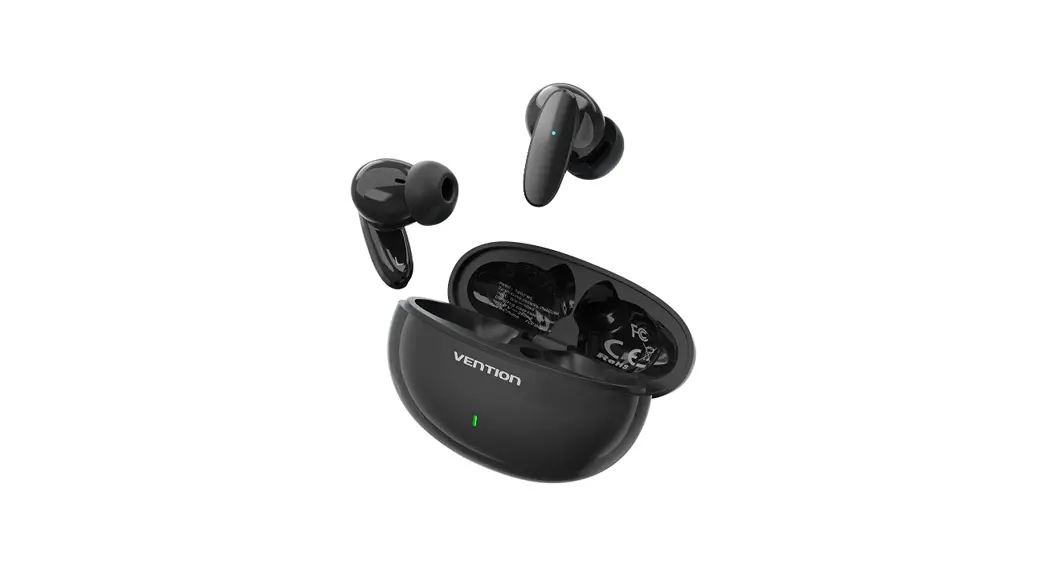
 VWS-D42 True Wireless Bluetooth Earbuds
User Manual
Specifications
- Name: True Wireless Bluetooth Earbuds
- Model: NBH
- Bluetooth version: Bluetooth 5.3
- Compatible Bluetooth profile: AVRCP/A2DP/HFP/HSP
- Supported codec: SBC/AAC
- Maximum communication range: s10 m
- Frequency band: 2402MHz-2480MHz
- Frequency range: 20Hz-20KHz
- Earbuds’ battery capacity: 30mAh/0.111Wh
- Earbuds’ input power: 5V-30mA
- Charging case’s battery capacity: 300mAh/1.11Wh
- Charging case’s input power: 5V-200mA
- Charging case’s interface: USB-C
- Shell: PC+ABS
Operating instructions
- Power on
a. When the charging case opens, the earbuds power on.
b. When it is power off, press and hold the multi-function button for 2 seconds to power it on. Within 10 seconds after the power is on, it will search for the last connected device. If it fails to find, it will enter the pairing mode. - Pairing and connection:
1. Earbuds are ready to pair right out of the charging case.
Note: If the pairing fails, please check whether the earbuds are fully charged and repeat the operation above. Or, change the function of the multi-function button to power off and restart your earbuds.
2. Open the Bluetooth menu on your device. In the list of discovered Bluetooth devices, tap or click your Vention E03. Note: For the first-time pairing, please keep the pairing range within 1 m. After the pairing is successful, the earbud automatically powers off when placed back in the case, and you can use either earbud independently. - Power off
• Auto power off
a. The earbuds will automatically power off after 5 minutes of not being connected.
b. When the earbuds are not paired with the phone due to the long distance, it will automatically power off if it is not connected for more than 5 minutes.
• Manual power off
a. Earbuds automatically power off when place back in the charging case with the lid closed.
b. When it is connected, press and hold the multi-function button (left or rightllor 5 seconds and make sure the earbuds are not in use, and the earbuds will power off. - Music mode:

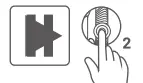
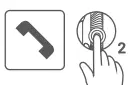
Play/Pause: Tap the multi-function 2 button twice quickly (left orright) 

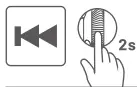
Skip backward: Press and hold the multi-fun 
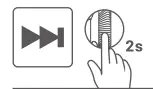
Skip forward: Press and hold the multi-function 2s button on the right earbud for 2 seconds 
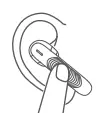
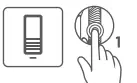
Decrease the volume: Tap the multi-function button on the left earbud 
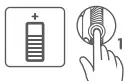
Increase the volume: Tap the multi-function button on the right earbud - Phone mode:

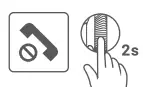
Decline the call: Press and hold the multi-function 2s button for seconds(left or right) 
Answer a call: Tap the multi-function button twice quickly (left or right) 
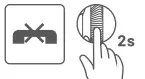
Endacall: Press and hold the multi-function button for 2seconds (left or right) - Using the voice assist function
 When the phone isin standby or playing music, tap the 3 multi-function button for3 times(left or right}to activate your voice assistant. Tap the multi-function button for3
 - Clear the Earbuds device list
 When the earbuds are powered off (and turned off the 4 device’s Bluetooth function), tap the multi-function button for four times to clear the Bluetooth devices list.
 - Charging case status light:
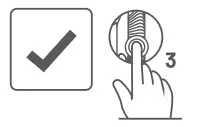 When the phone isin standby or playing music, tap the 3 multi-function button for3 times(left or right}to activate your voice assistant. Tap the multi-function button for3
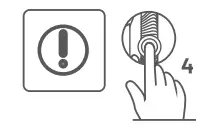 When the earbuds are powered off (and turned off the 4 device’s Bluetooth function), tap the multi-function button for four times to clear the Bluetooth devices list.
| White LED 1 (25%) | White LED 2 (50%) | White LED 3 (75%) | White LED 4 (100%) |
 |  | | |
 | | | |
| | | |
Note: When the case is charging, the last light blinks according to the current battery level. When it is fully charged, all four charging case status lights glow solid white.
Charging case battery level
| White LED 1 (25%) | White LED 2 (50%) | White LED 3 (75%) | White LED 4 (100%) |
| | | |
| | | |
| | | |
| | | |
| | | |
Important safety instructions
Please read all instructions and warnings before using this product. Inappropriate use will cause damage to the product or personal safety.
- Do not expose products containing batteries to excessive heat (e.g. from storage indirect sunlight, fire, or the like); do not store this product in high temperature, strong light, and strong magnetic field environment, do not place itin other harsh environments such as fire source, if your earbuds ever go into the water, please dry it naturally before using.
- Improper use of the product can easily cause product damage or may endanger personal and property safety.
- If consumers violate the product instructions and use them improperly, the company will not bear any consequences or legal liability for personal and property damage.
Non-professionals arestrictly forbidden to disassemble this product. - Use this product only with an agency-approved power supply that meets local regulatory requirements.
Declaration on toxic or hazardous substances and elements contained in electronic products
| Parts name | Toxic or Hazardous Substances or Elements | |||||
| Lead | Mercury | Cadmium | Hexavalent chromium | Polybrominated biphenyls | Polybrominated diphenyl ethers | |
| (Pb) | (Hg) | (Cd) | (CrV!) | (PUB) | (PBOE) | |
| PCBs | X | | | | | |
| Ceramic Parts | X | | | | | |
| IC Parts | X | | | | | |
| Charging Cables | | | | | | |
| Casing | | | | | | |
This table is prepared in accordance with the provisions of SJ/T11364. : Indicates thatthistoxic or hazardous substance contained in all of the homogeneous materials for this part is below the limit requirement of GB/T 26572.
X : Indicates that this toxic or hazardous substance contained in at least one of the homogeneous materials used for this part is above the limit requirement of GB/T 28572.
FCC Warning
This device complies with Part 15 of the FCC Rules. Operation is subject to the following two conditions:
- This device may not cause harmful interference, and(2)}this device must accept any interference received, including interference that may cause undesired operation.
NOTE 1: This equipment has been tested and found to comply with the limits for a Class B digital device, pursuant to part 15 of the FCC Rules. These limits are designed to provide reasonable protection against harmful interference ina residential installation. This equipment generates uses and can radiate radio frequency energy and, if not installed and used in accordance with the instructions, may cause harmful interference to radio communications. However, there is no guarantee that interference will not occur ina particular installation. If this equipment does cause harmful interference to radio or television reception, which can be determined by turning the equipment off
and on, the user is encouraged to try to correct the interference by one or more of the following measures:
- Reorient or relocate the receiving antenna.
- Increase the separation between the equipment and receiver.
- Connect the equipment into an outlet ona circuit different from that to which the receiver is connected.
- Consult the dealer or an experienced radio/TV technician for help.
NOTE 2: Any changes or modifications to this unit not expressly approved by the party responsible for compliance could void the user’s authority to operate the equipment.
The device has been evaluated to meet general RF exposure requirement. The device can be used in portable exposure condition without restriction.
FCC ID: 2A7Z4-NBH
Contents 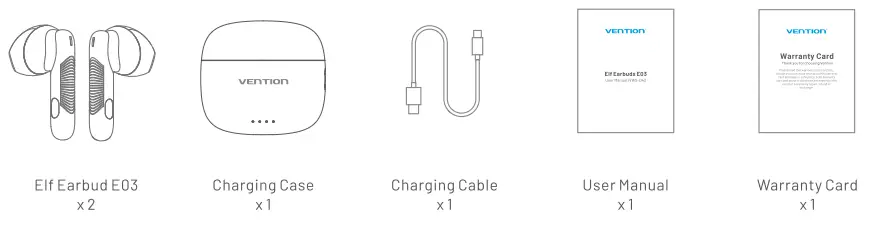 For more interesting information and events, please follow us on social media planforms:
 https://www.facebook.com/qr/358170595920336
 https://www.linkedin.com/company/ventiontechnology/
 https://www.instagram.com/ventionhdmicable/
For warranty service or support, please contact Vention team:
Website: www.ventiontech.com
Email: [email protected]