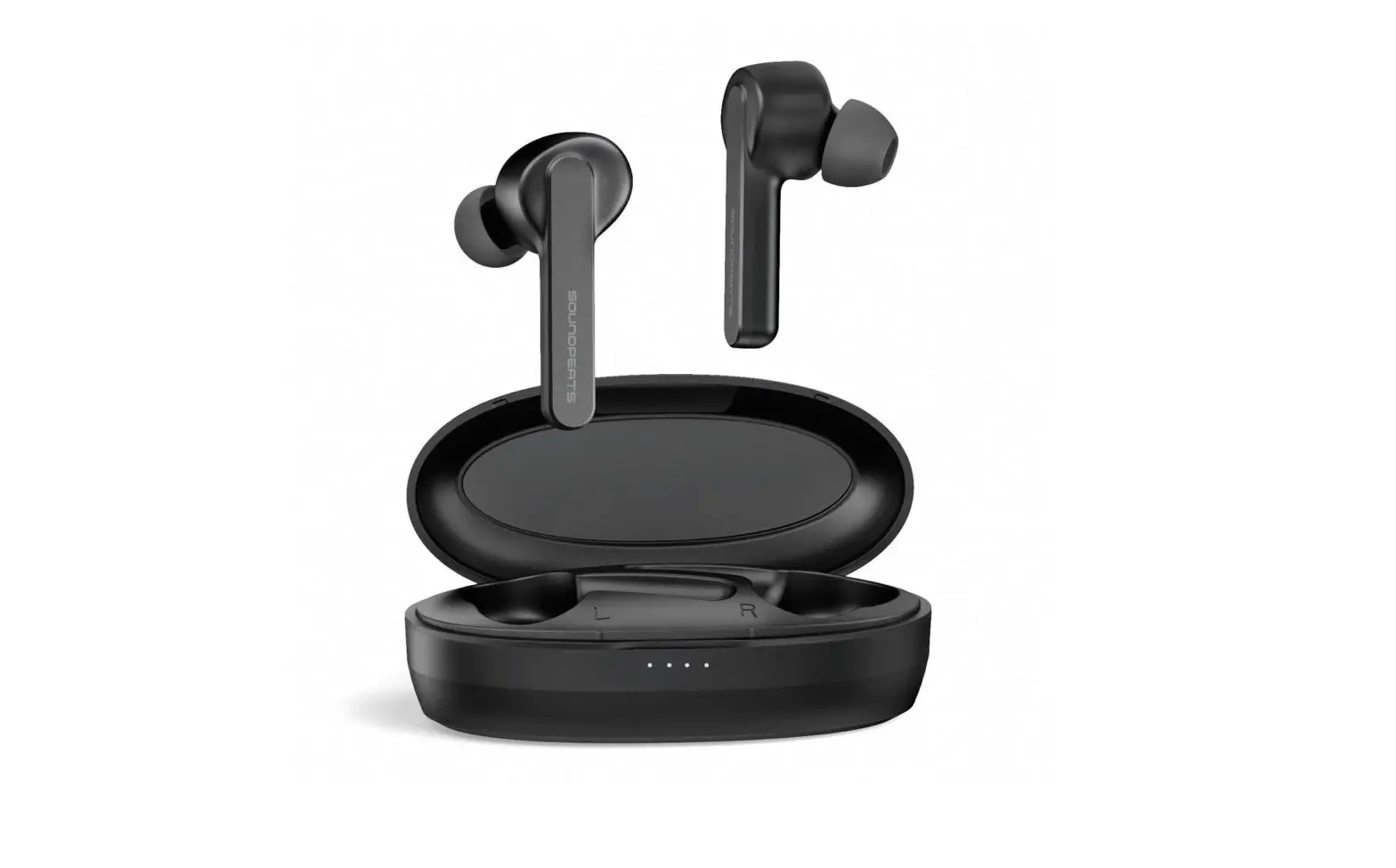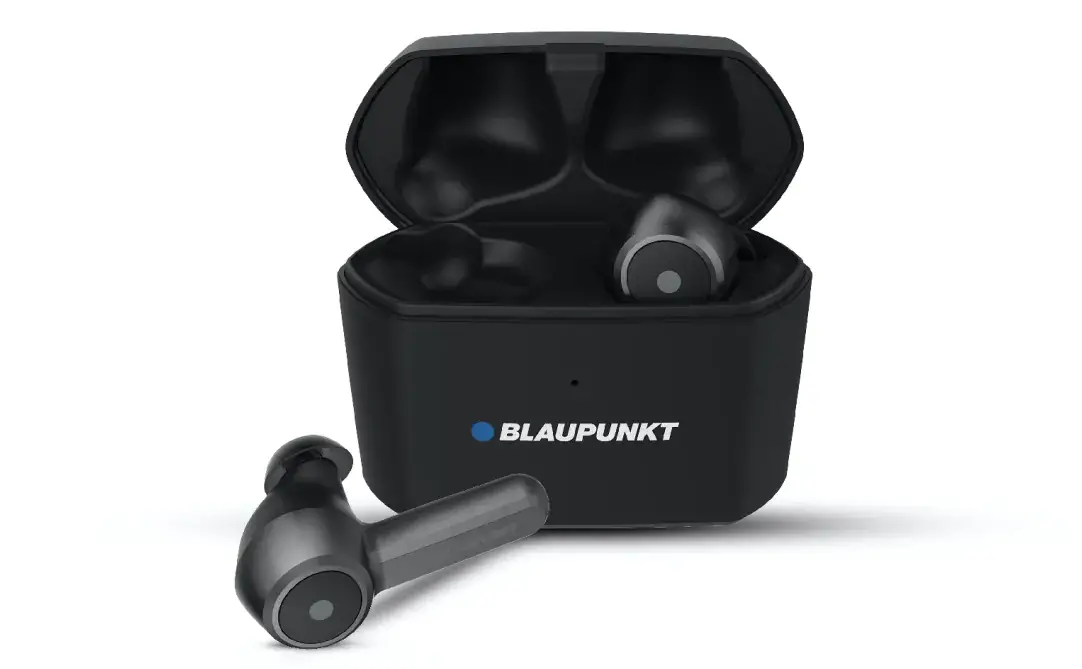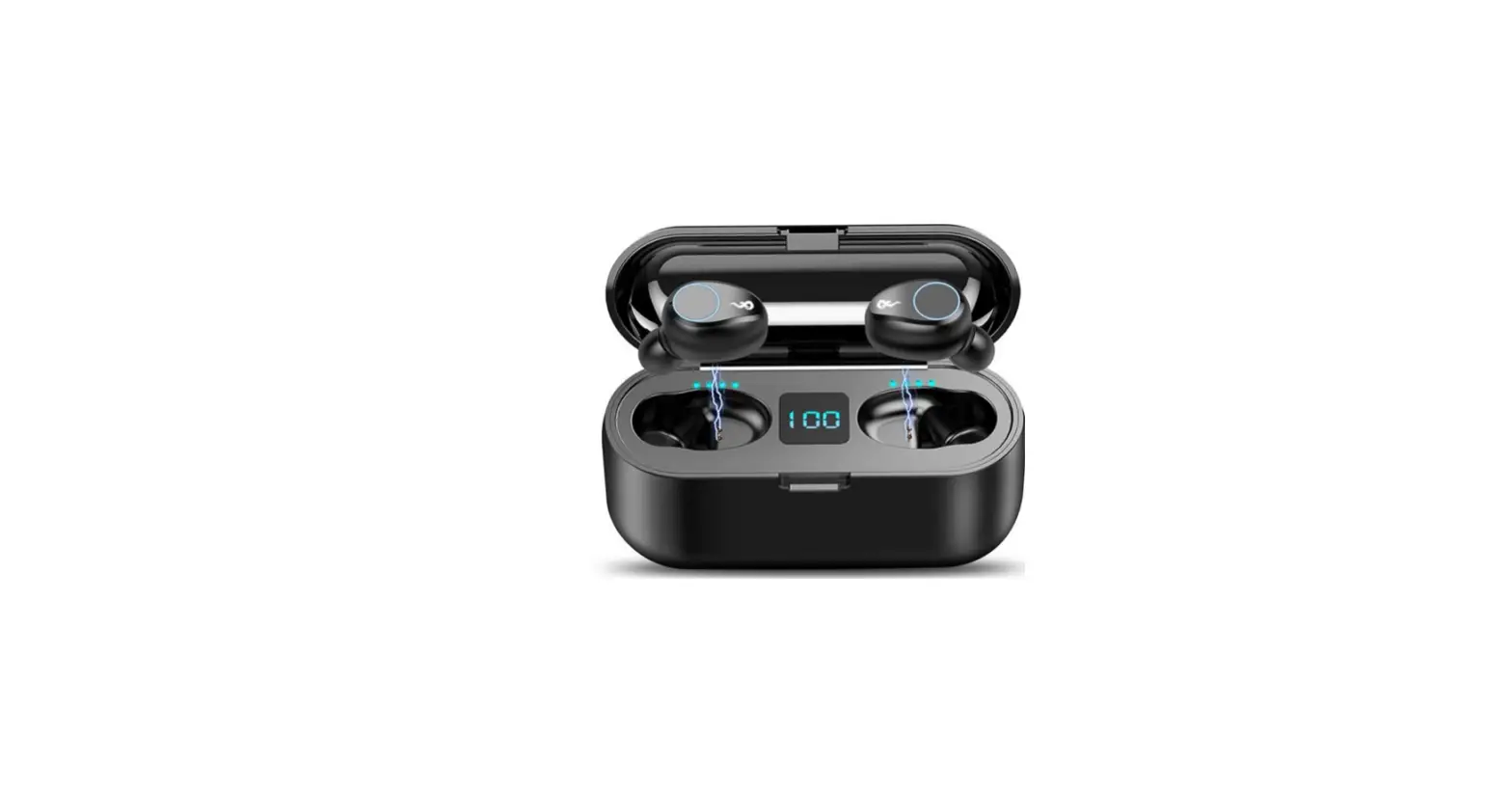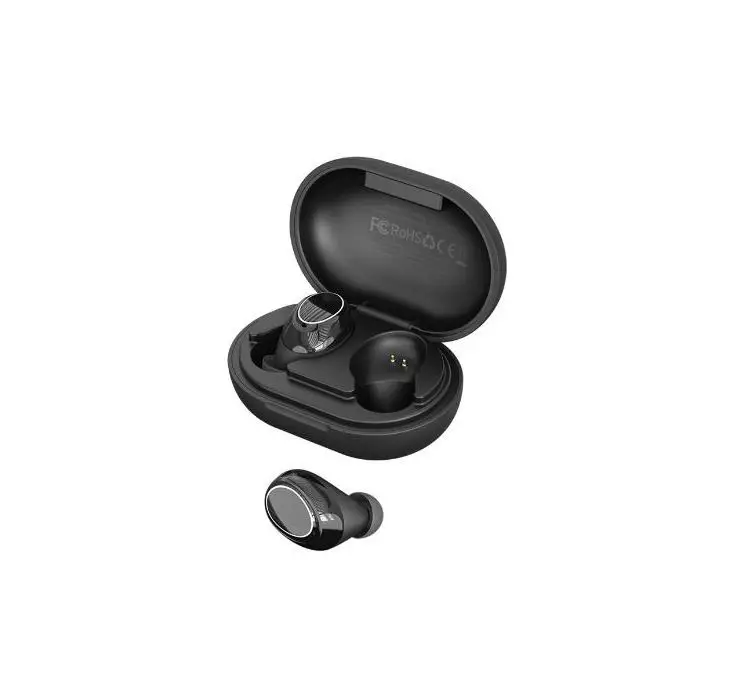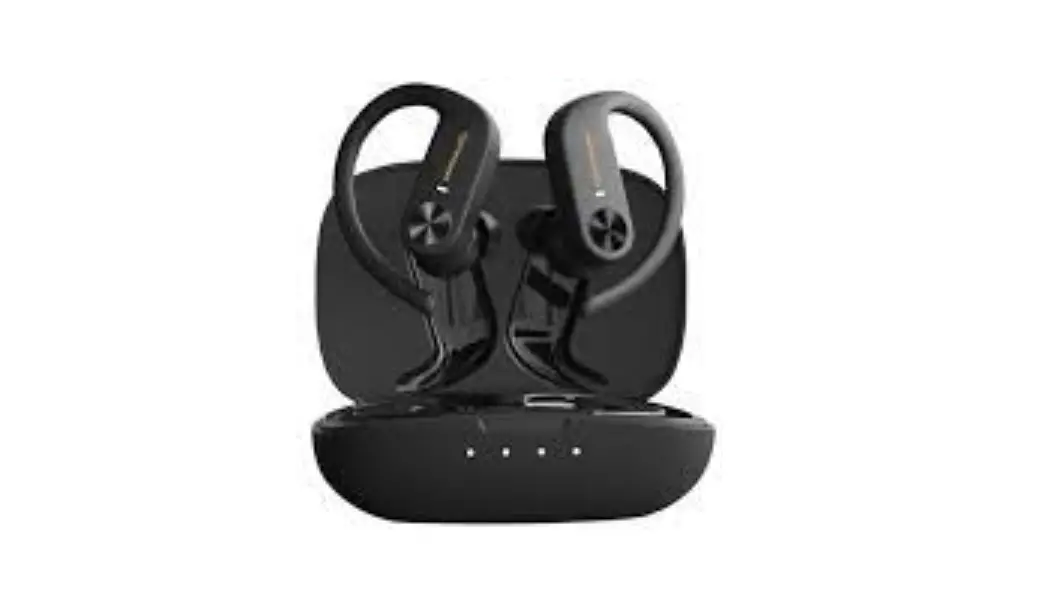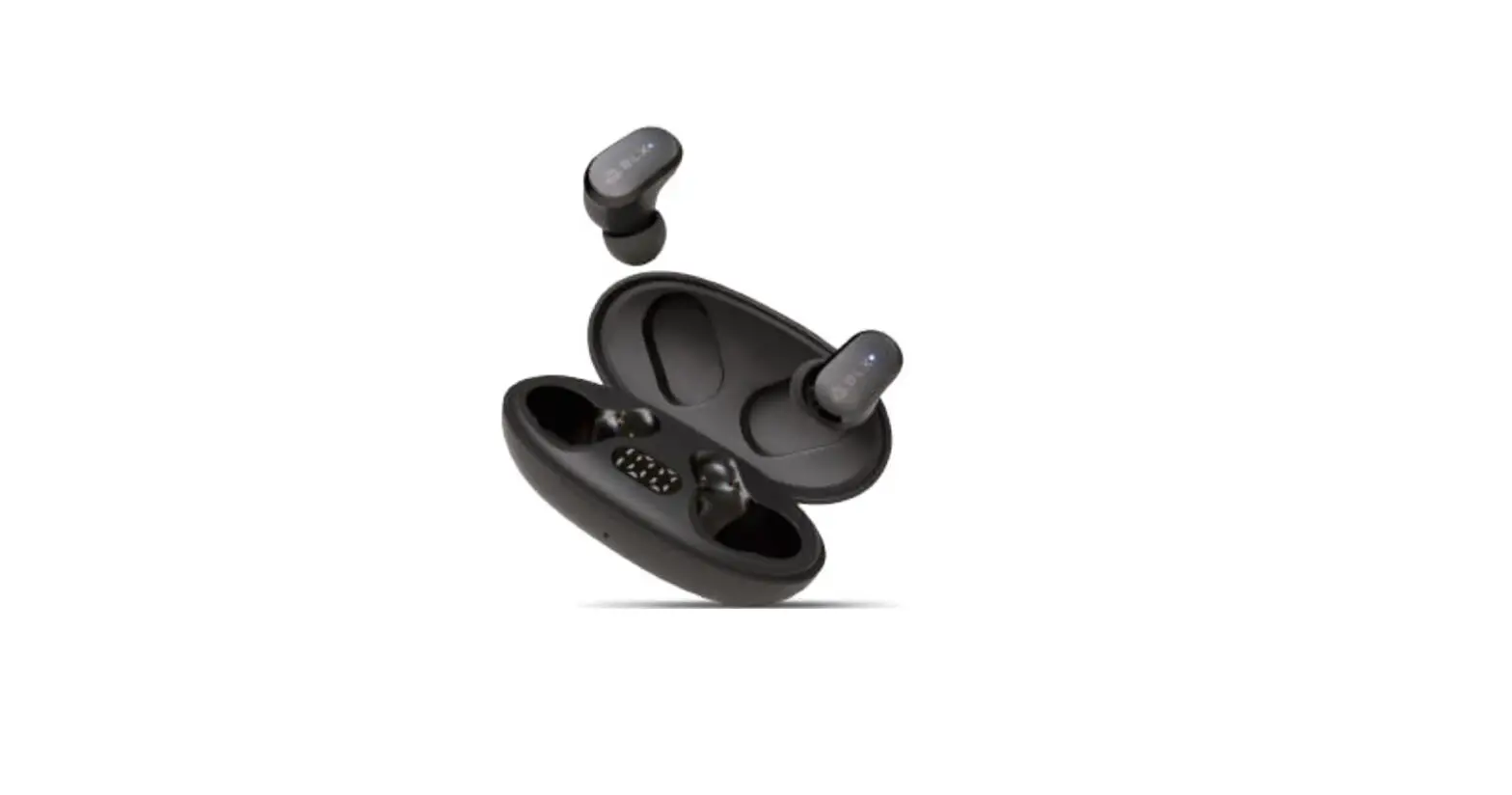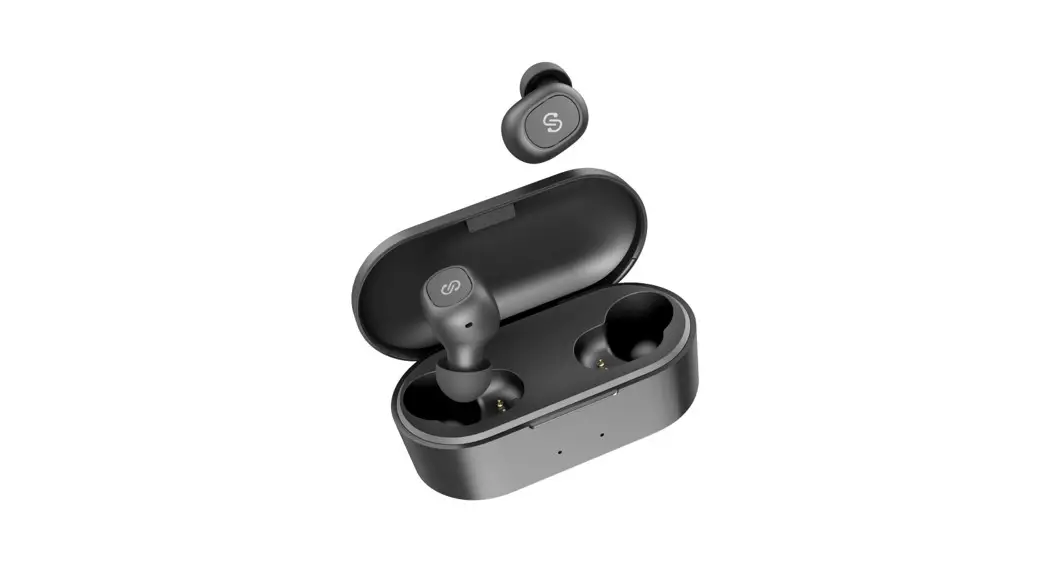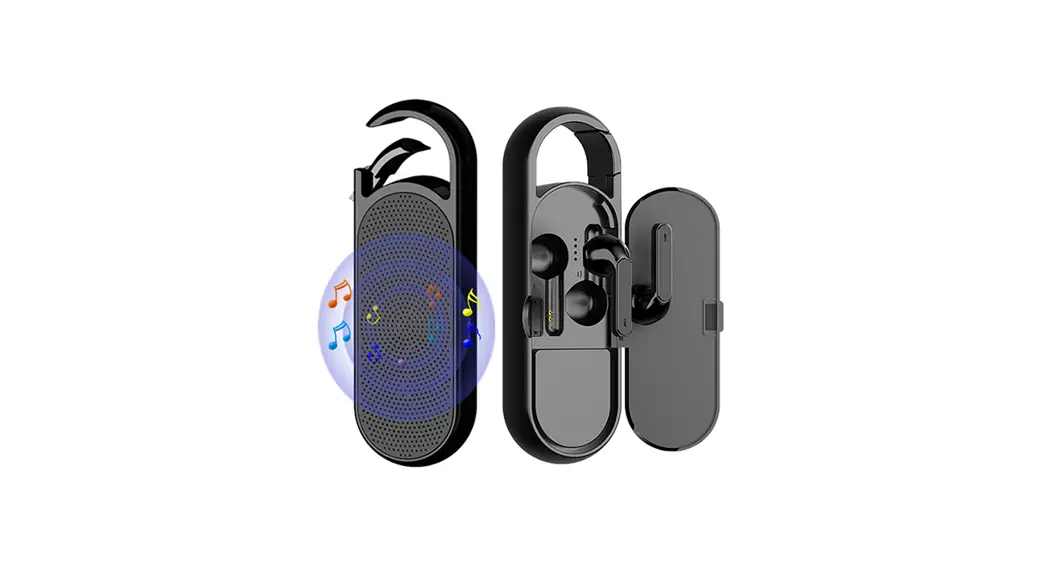

BT03 True Wireless Earbuds with Bluetooth Speaker
User Manual
BT03 True Wireless Earbuds with Bluetooth Speaker
True Wireless Earbuds with Bluetooth Speaker BT03
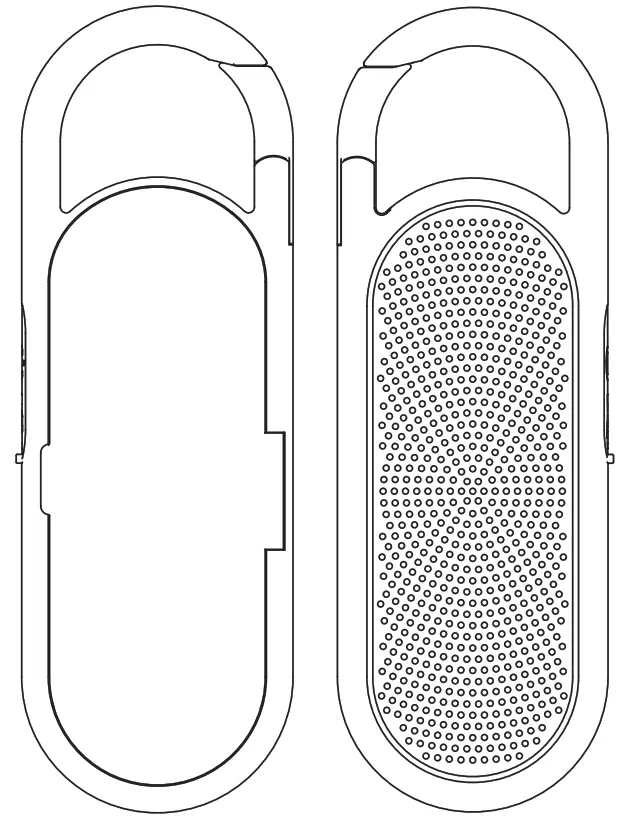
Product Description
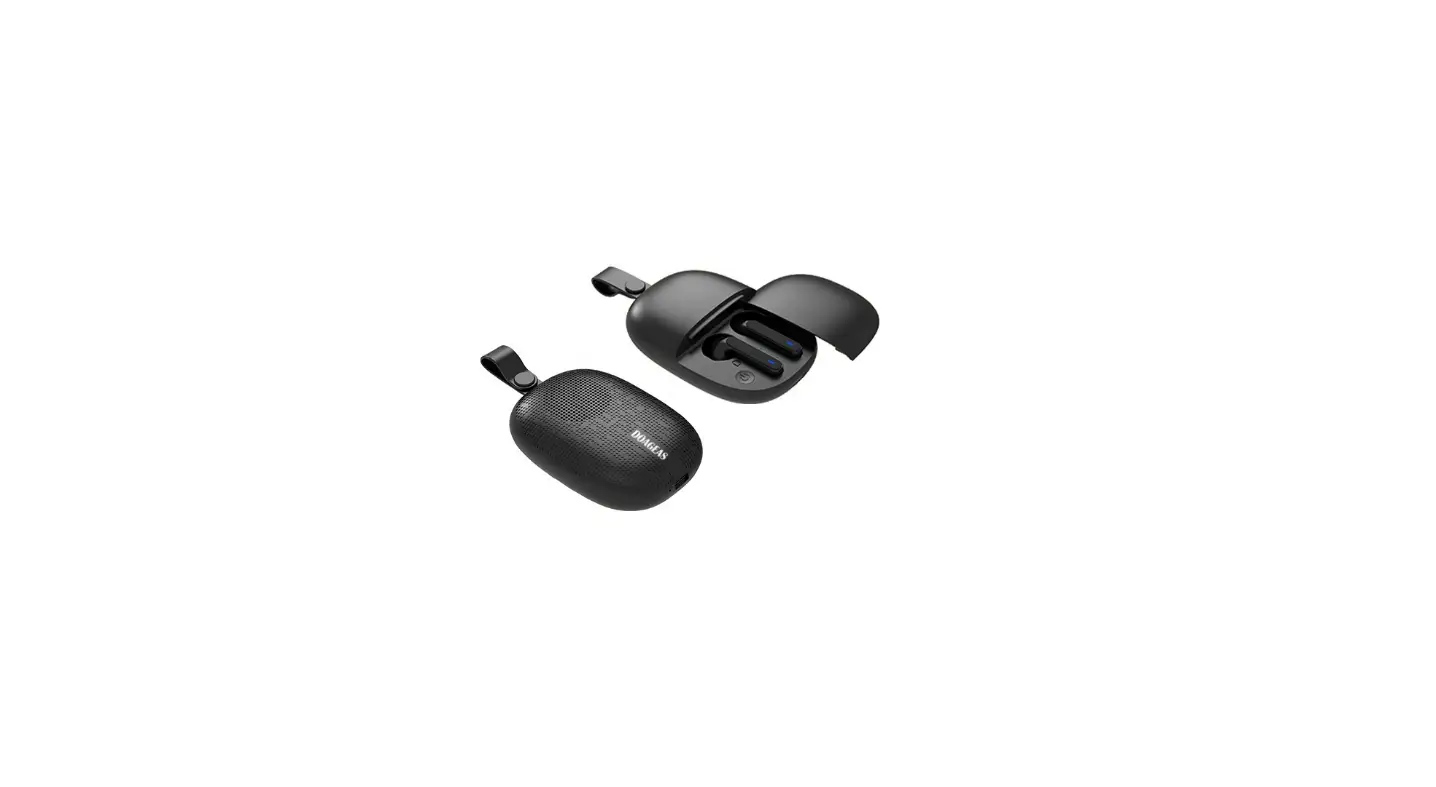
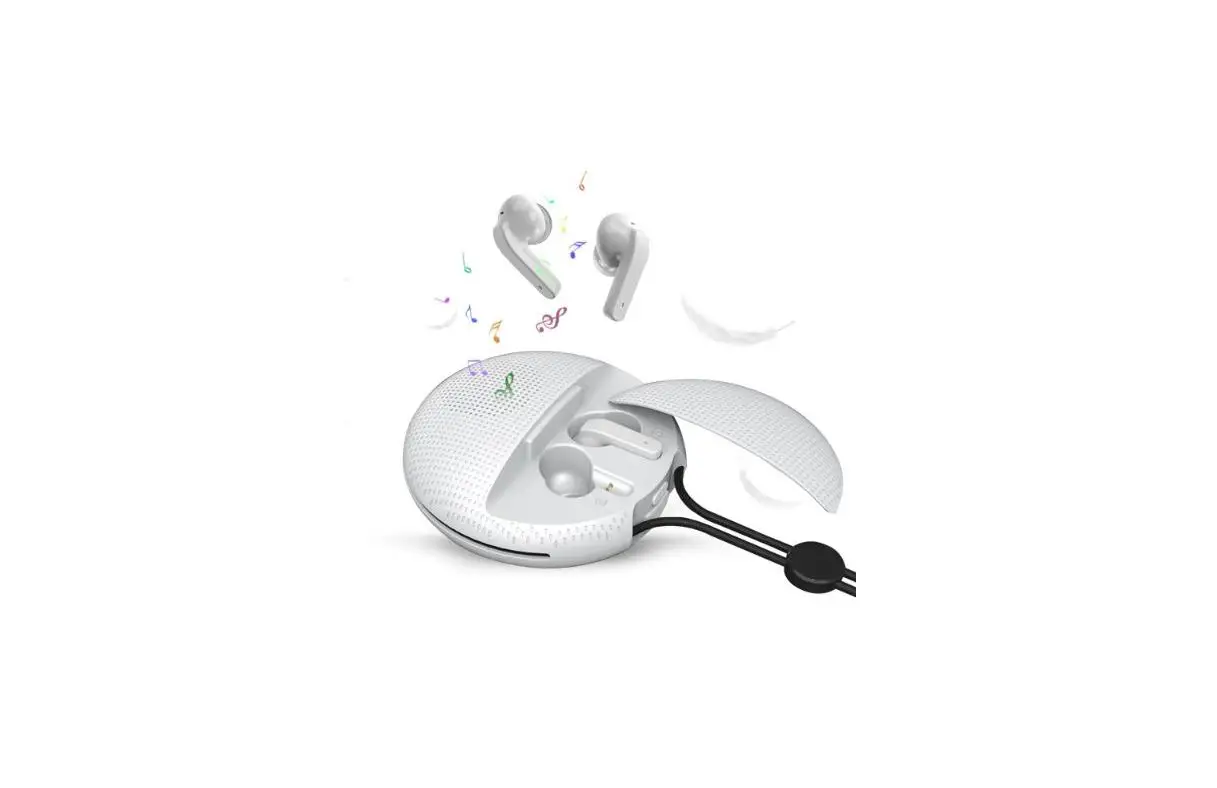
This product is an in-ear TWS Bluetooth Earbuds + integrated hanging buckle combination speaker, compact and lightweight ergonomic design, built-in low-power high- performance Bluetooth version 5.3 chip and integrated Bluetooth hanging buckle speaker charging compartment.
It can adapt to various modes of listening scenes such as sharing and private.
The compact body supports the luggage buckle lock, which can be carried with you regardless of outdoor climbing or hiking.
Technical parameters
- Bluetooth name of speaker: BT03
- Working current: 100mA
- Bluetooth version: V5.3
- Effective distance: 10 meters
- Key type: Keypress
- Audio range: 20-20Khz
- Speaker specifications: 4Ω 2W
- Rechargeable battery specification: 3.7V 300mAH
- Earbuds battery specification: 3.7V 30mAH
- Speaker playing time: 2-3 hours
- Standby time: 24H
- Support protocol: A2DP/HFP/HSP/AVRCP
- Bluetooth name of earbuds: E6
- Quiescent current: 5UA
- SNR: >85db
- Charging port: Type-C
- Low voltage reminder: Yes
- Recharging current: 5V 200mA
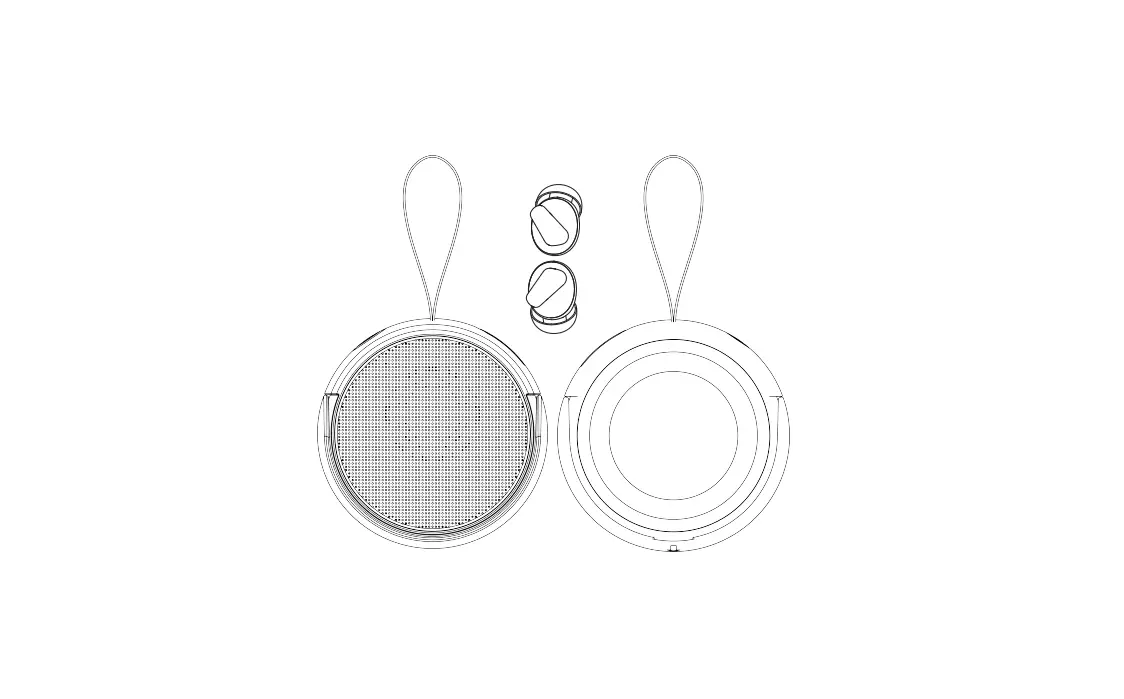
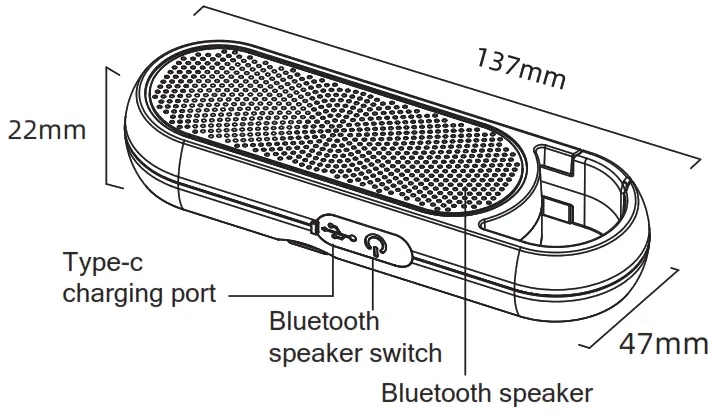
Bluetooth speaker side
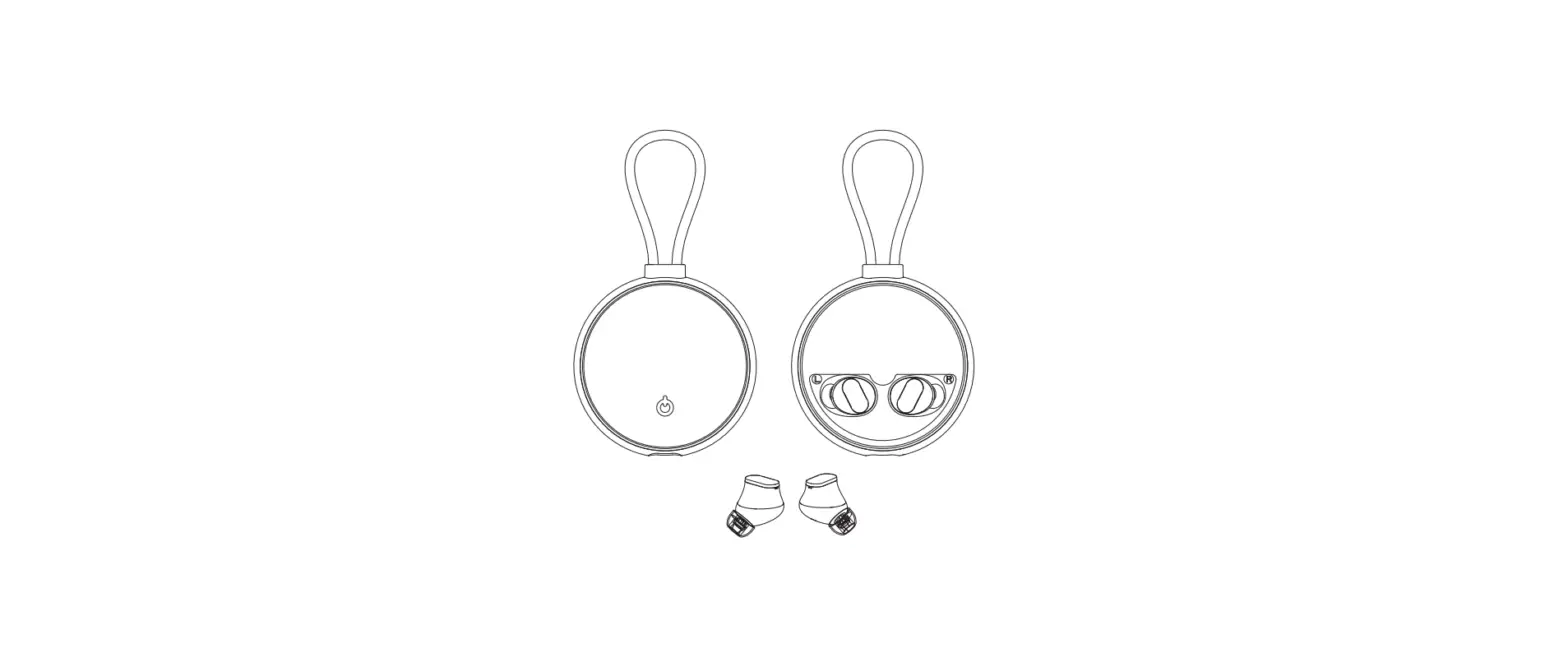
Bluetooth Earbuds Side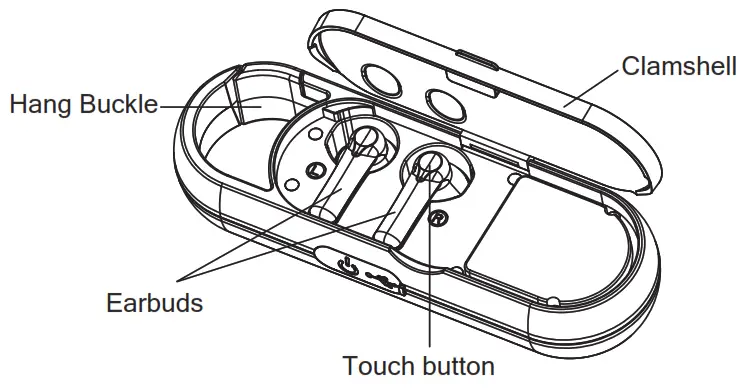 Tips:
Tips:
- Put the earbuds back into the charging case before use, and when take out the earbuds again, “L” and “R” earbuds will start pairing automatically. Or press the touch buttons of the “L” and “R” earbuds for 3 seconds, earbuds will automatically pair after power on.
- Turn on the Bluetooth of the mobile phone after “L” and “R” earbuds pairing successfully.
Function description
Brief Introduction of TWS Earbuds Function:
- When the binaural earbuds are taken out of the charging case, they will automatically complete the pairing with a prompt sound.
- Then it can be searched and connected by the mobile phone.
- After the connection is completed, there will be a success tone in both ears.
- At this time, it can be realized through the earbuds touch button:
4.1 Click to pause or play music.
4.2 Double-click on the left ear to the previous song, and double-click on the right ear to the next song. - Click to answer the call when there is an incoming call, and click to end the call when in a call.
- When put the earbuds back into the charging case, automatically sleep and start charging, the charging light turn to red and will turn off after fully charged.
Brief Introduction of speaker function:
Long press the power button, the speaker can be searched for connection after power on, and it will automatically power off after 5 minutes without connection.
| Function category | Function name | Operating |
| Basic functions | Power on | Be automatically turn on when take it out of charging box or long press the touch button for 3 seconds |
| Power off | Be automatically turn off when put into charging box or long press the touch button for 3 seconds | |
| Phone connecting | The earbuds can be searched after turning on, no need to operate to enter the pairing mode | |
| Earbuds voice assistant | After connecting the mobile phone, 3-click the left or right earbud function key to wake up the voice assistant | |
| Clear pairing | In the state of power on but not connect, 5-click the touch button to start | |
| Telephone functions | Answer call | Short press the MFB button |
| Hang up call | Short press the MFB button | |
| Refuse call | Long press the left or right MFB button for 2 seconds | |
| Media functions | Music pause | When the music is playing, press left or right MFB button once |
| Keep playing music | Press left or right MFB button once | |
| Next track | Double click right MFB button | |
| Up track | Double click left MFB button | |
| Automatic functions | Earbuds pairing | After the two earbuds are turned on, they automatically adapt to pairing with each other. No action required. |
| Restore connection | When the headset is turned on, the last connected device is selected first, and it will automatically open after no connection and can be searched and reconnected | |
| Reconnect after dropped | After being dropped out of range, return to range within 3 minutes, and the connection can be automatically restored | |
| Other functions | Earbud power display | After connecting the mobile phone, you can see the power display of the left earphone on the mobile phone (some mobile phones need to slide down the menu bar to see it) |
| Low battery reminder | When the voice prompt “battery low” appears during use, it means the battery is too low and needs to be charged | |
| Low power automatic shutdown | When it appears that it cannot be turned on or automatically shuts down during use | |
| Automatic charging | When the earbuds is placed in the charging case, it will automatically recharge, and automatically sleep when fully charged | |
| Earbud indicator light description | Red and blue flash alternately slowly | The earbuds is powered on but not paired successfully |
| Earbuds blue light flashes for 1 second | Earbuds have been paired successfully but not connected to mobile phones and other devices | |
| Earbuds blue light flashes slowly for 5 seconds | Successfully connected to mobile phones and other devices | |
| Red light is always on | The earbud’s battery is not full and is in charging (only appears during charging) |
Safety Instructions
To prevent dangerous situations during use, please read the safety instructions.
- Please do not place the product near heaters, microwave ovens, rice cookers, pressure cookers and other heating equipments to prevent the product from overeating and causing a fire.
- Please do not drop or hit the product to avoid explosion.
- When used by children, please ensure normal operation under adult supervision.
- Do not use in a low temperature and humid environment, the normal use environment is 0-50℃.
- Do not disassemble or repair the product without authorization.
- Do not place the product within 20cm of medical equipment to prevent equipment interference.
- When not in use, please unplug the product charger from the socket to avoid consuming the battery life or causing damage.
NOTE: This equipment has been tested and found to comply with the limits for a Class B digital device, pursuant to part 15 of the FCC Rules. These limits are designed to provide reasonable protection against harmful interference in a residential installation. This equipment generates uses and can radiate radio frequency energy and, if not installed and used in accordance with the instructions, may cause harmful interference to radio communications. However, there is no guarantee that interference will not occur in a particular installation. If this equipment does cause harmful interference to radio or television reception, which can be determined by turning the equipment off and on, the user is encouraged to try to correct the interference by one or more of the following measures:
- Reorient or relocate the r eceiving antenna.
- Increase the separation between the equipment and receiver.
- Connect the equipment into an outlet on a circuit different from that to which the receiver is connected.
- Consult the dealer or an experienced radio/TV technician for help.
Changes or modifications not expressly approved by the party responsible for compliance could void the user’s authority to operate the equipment.