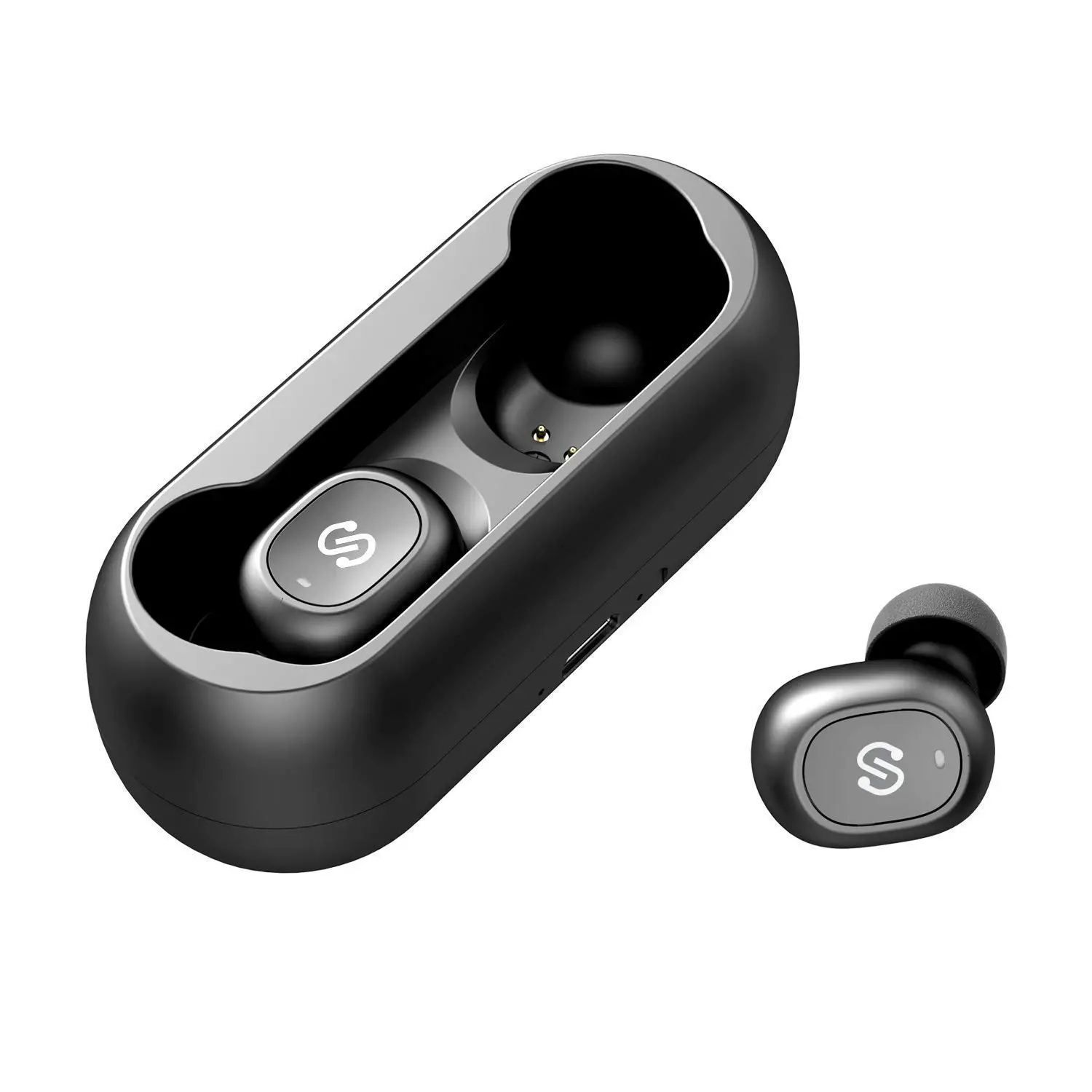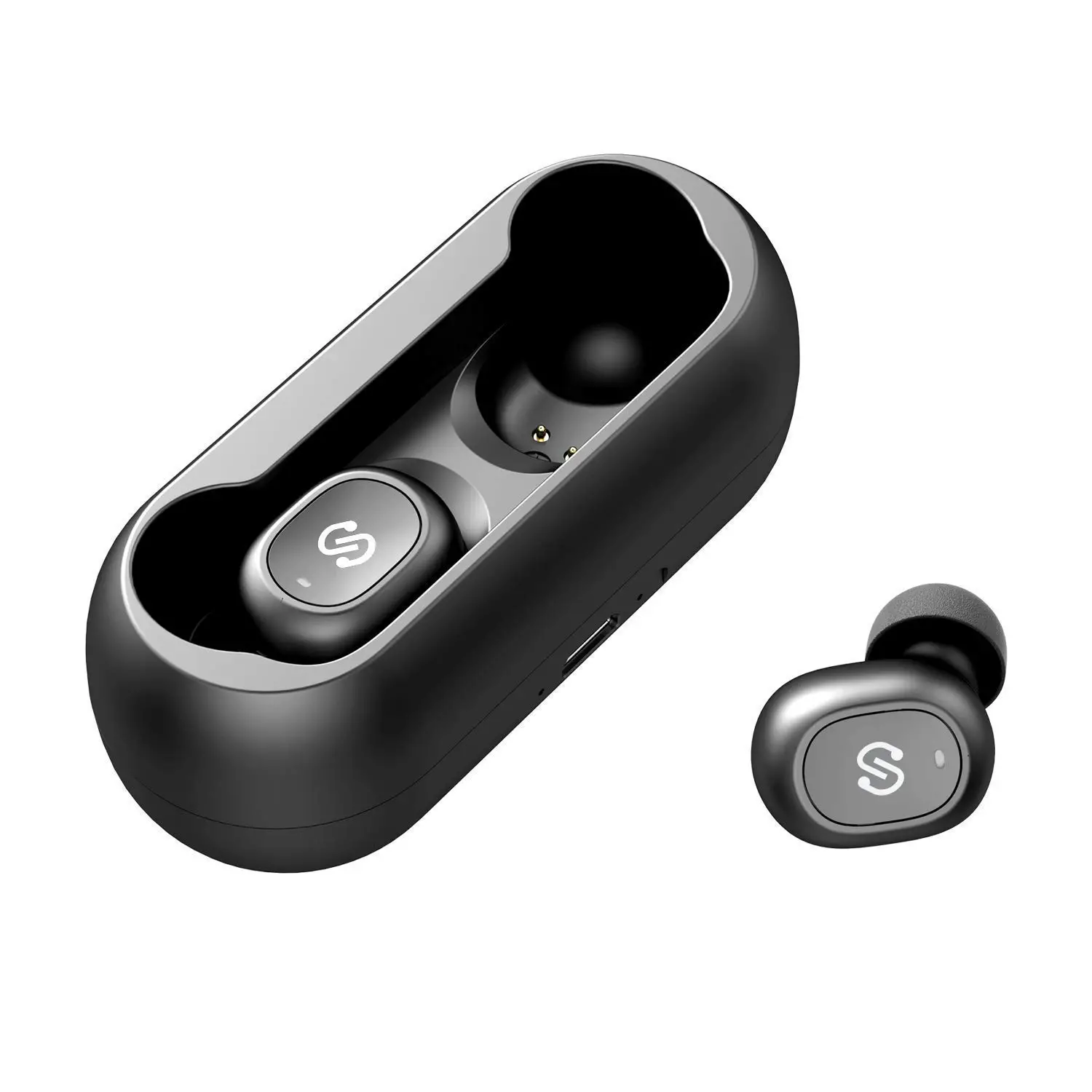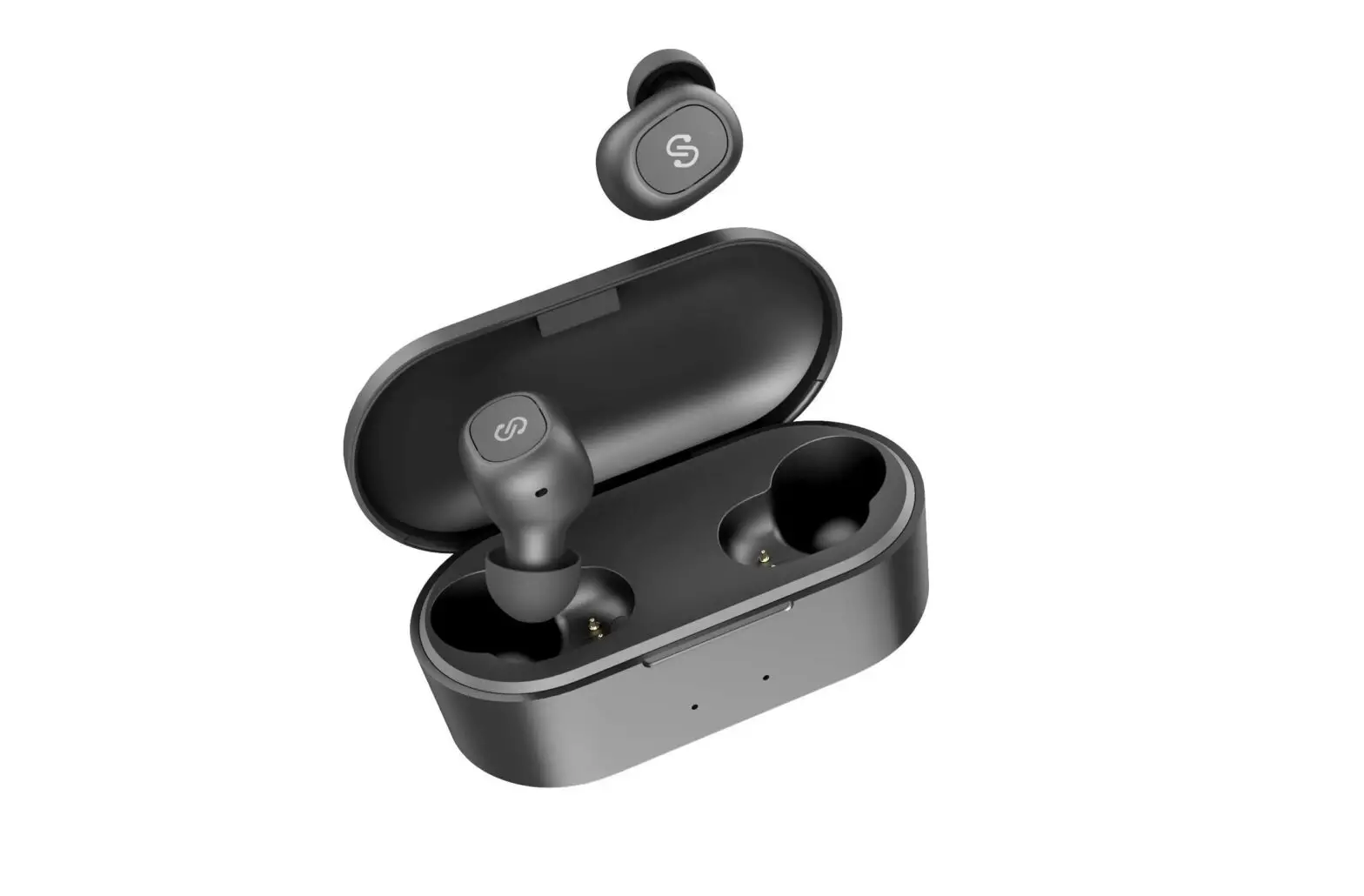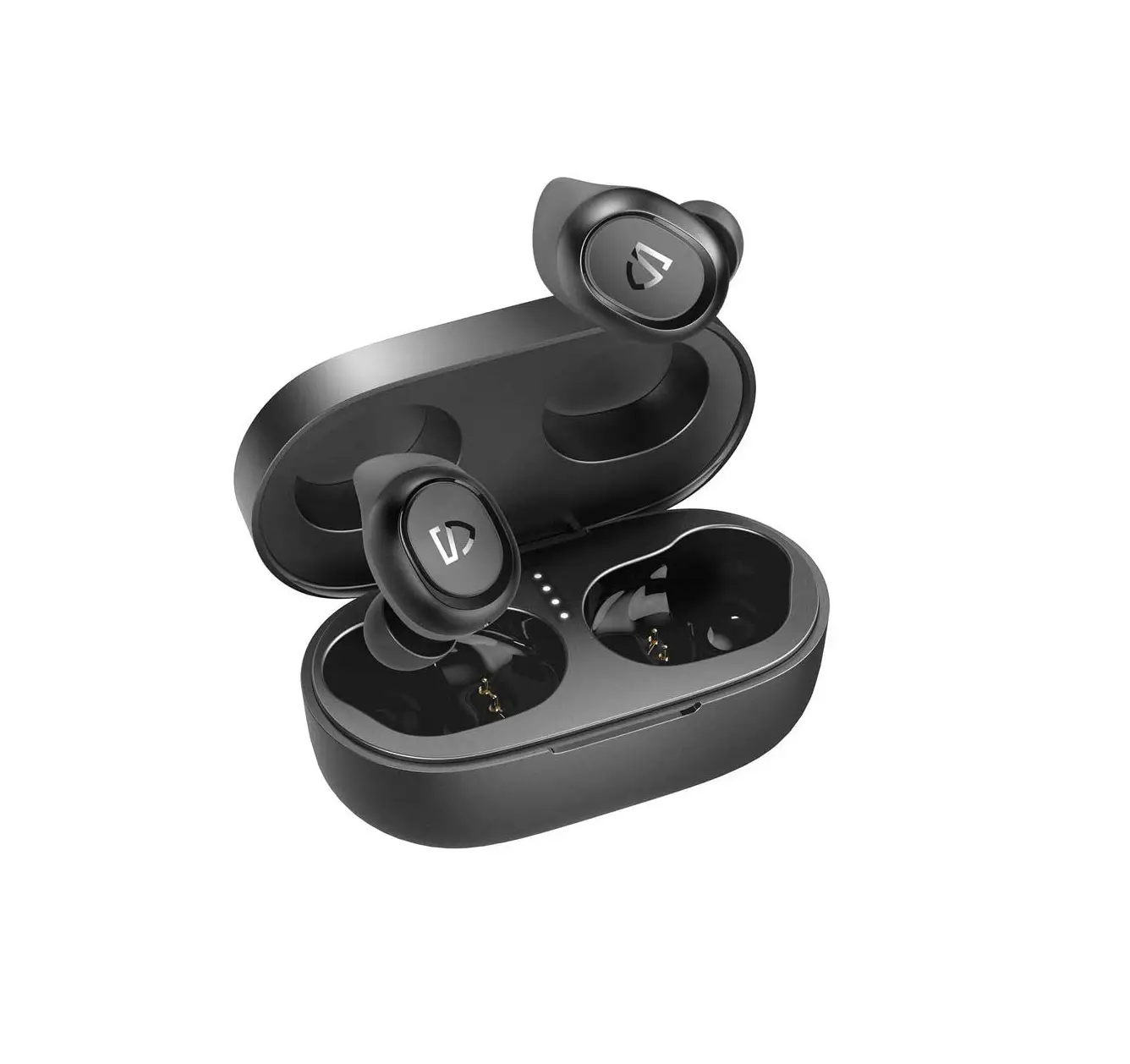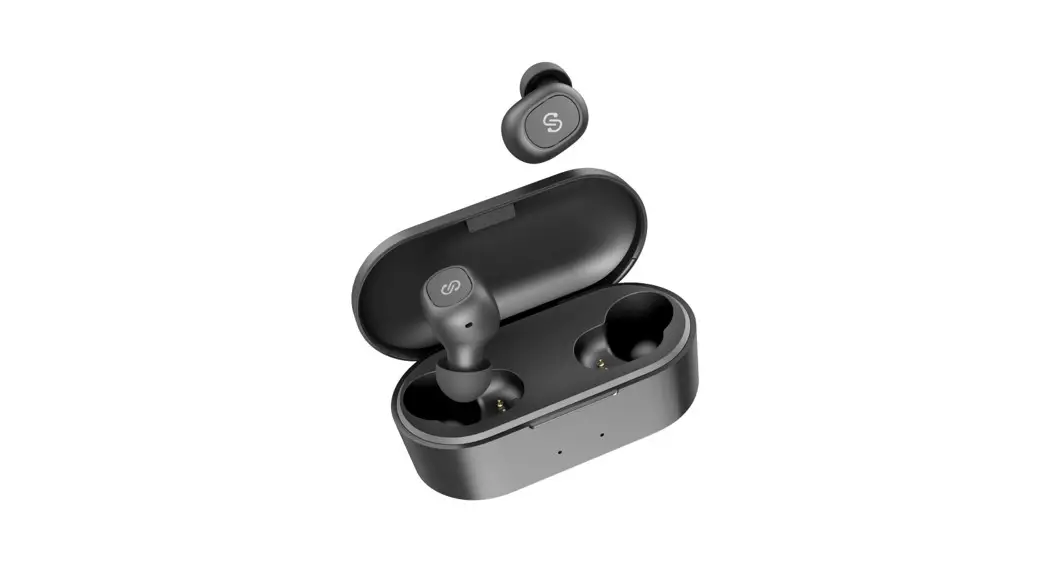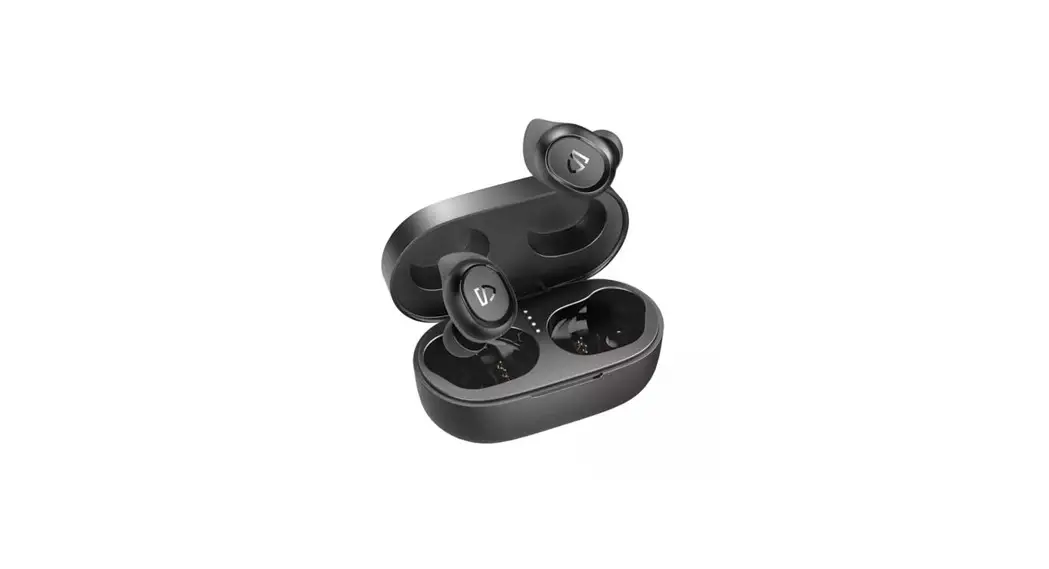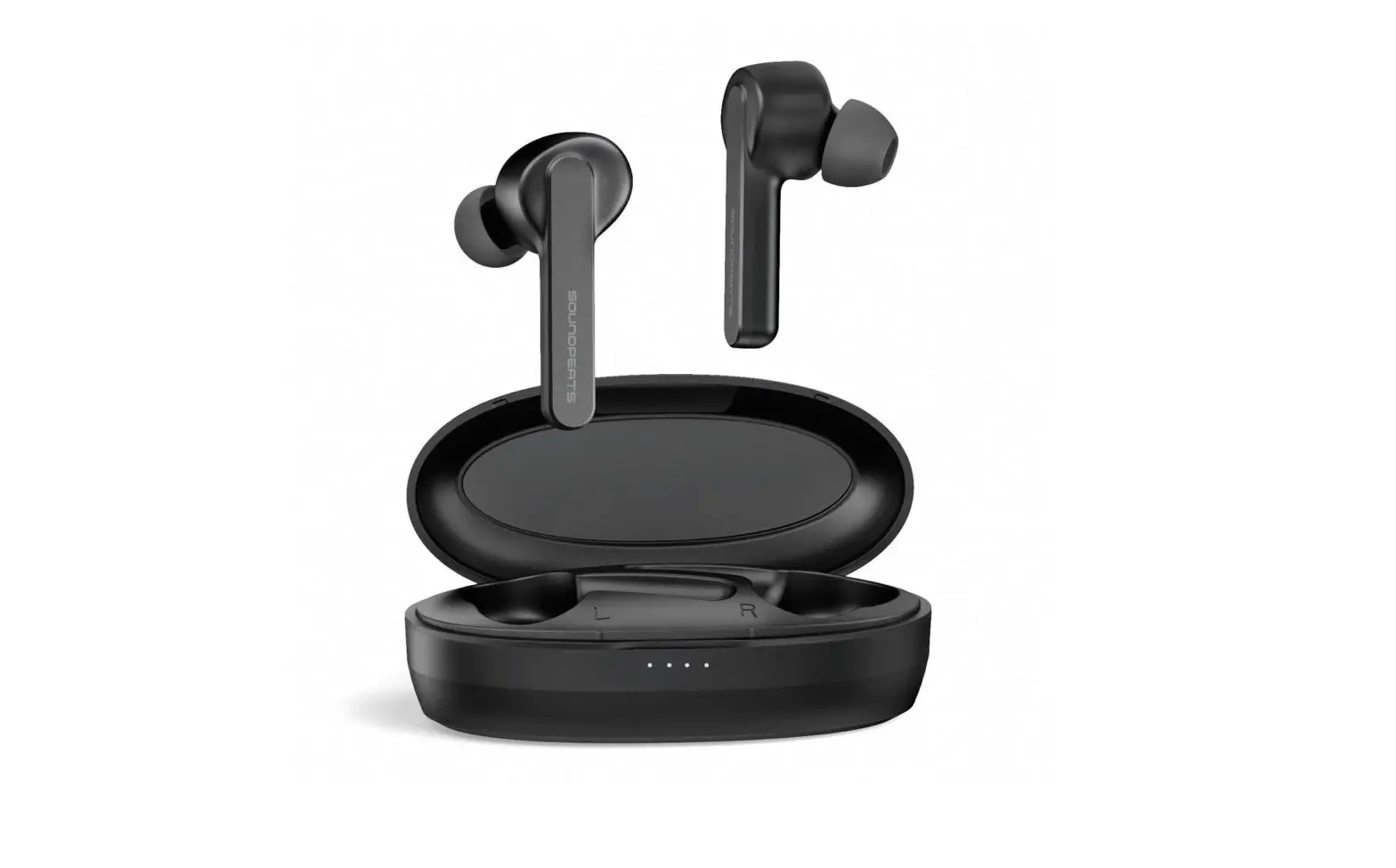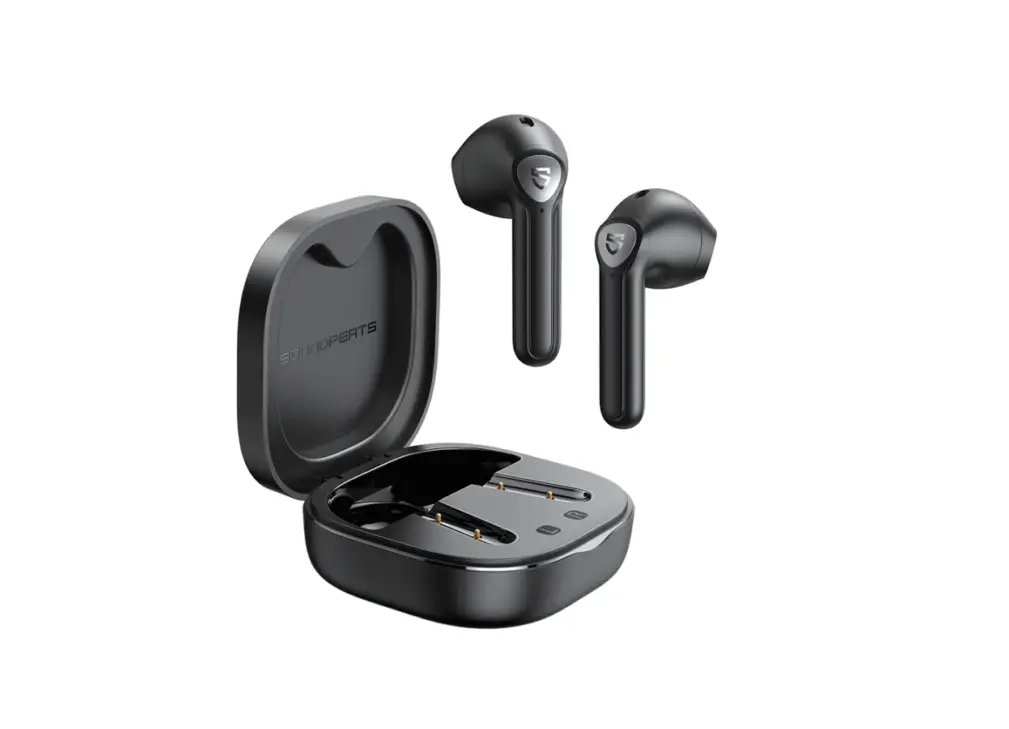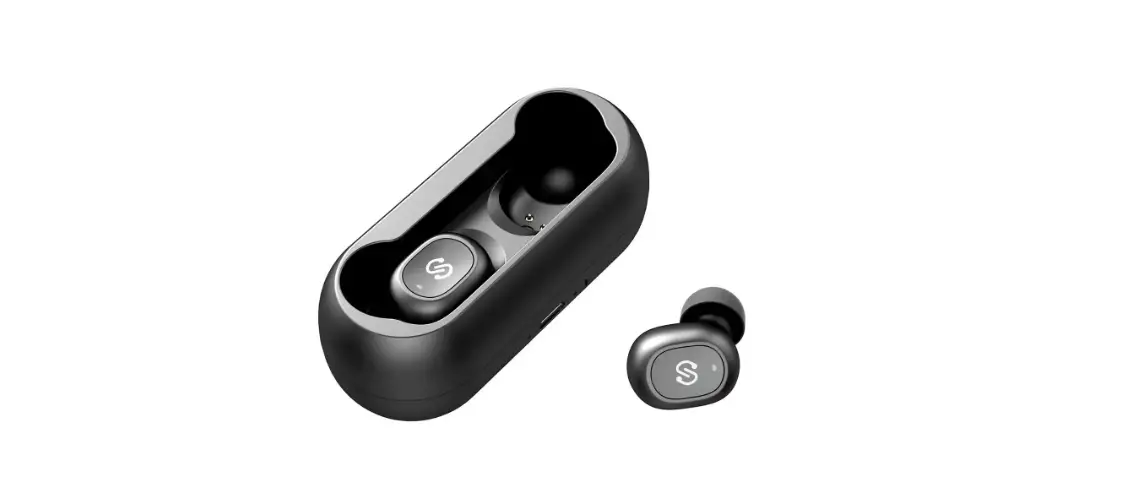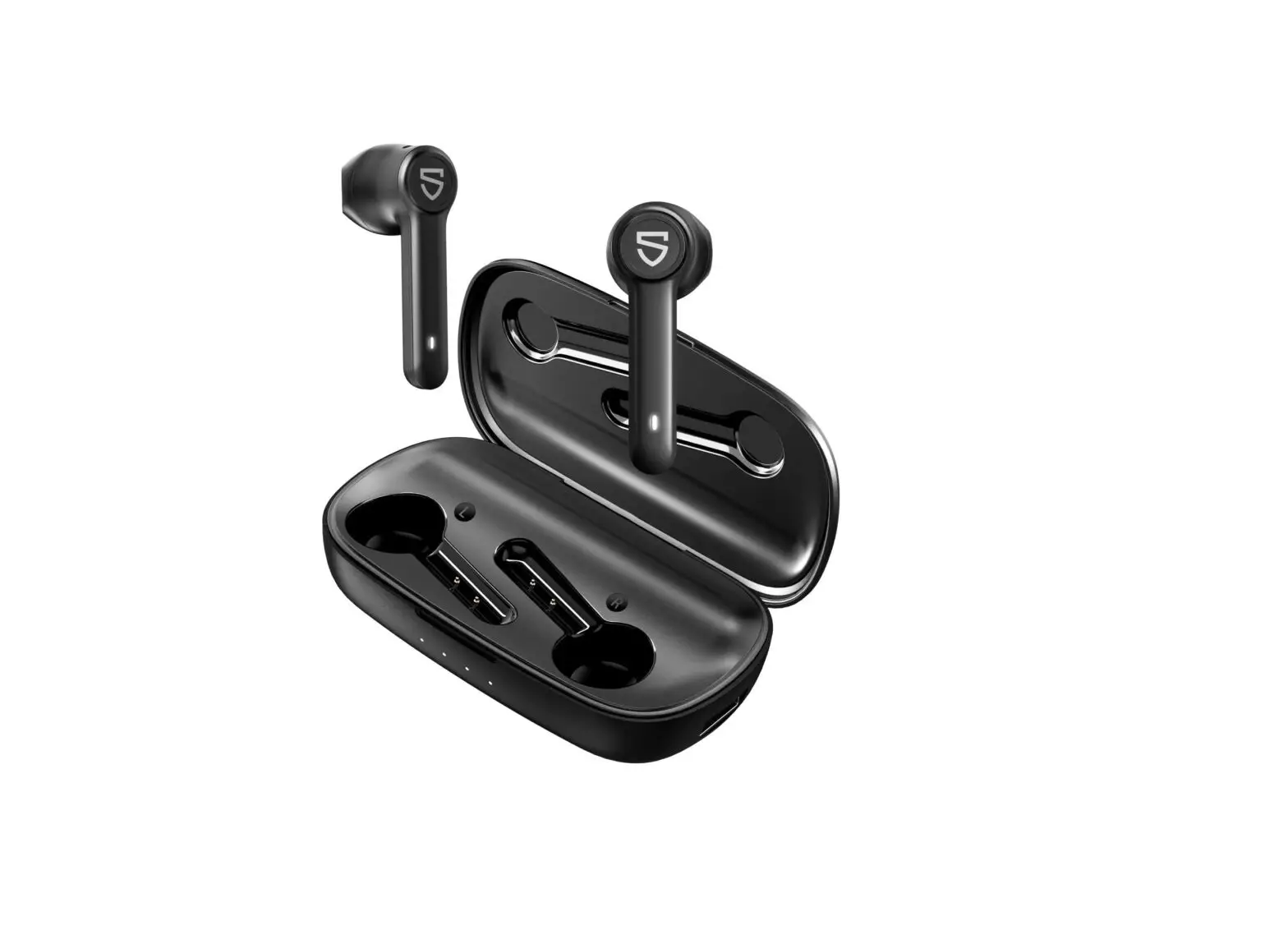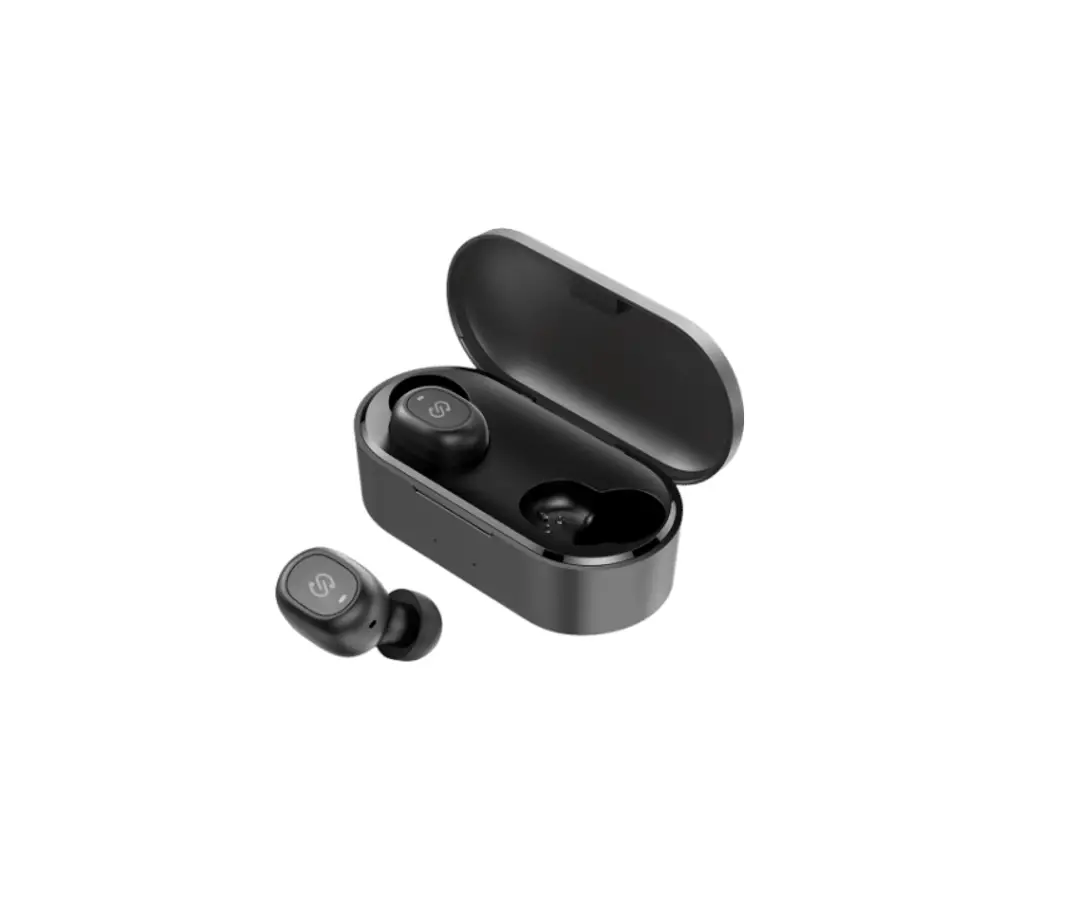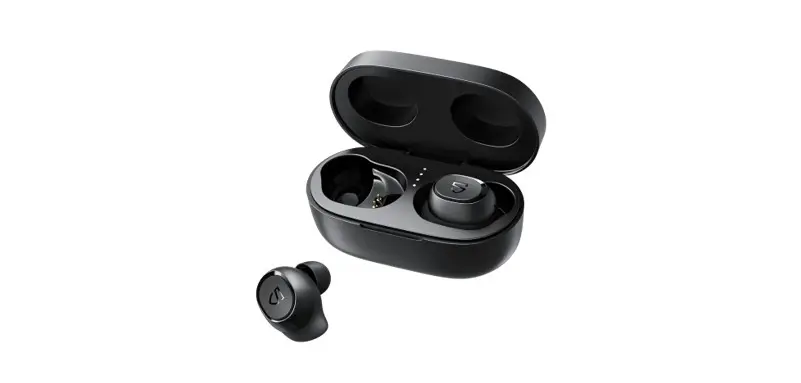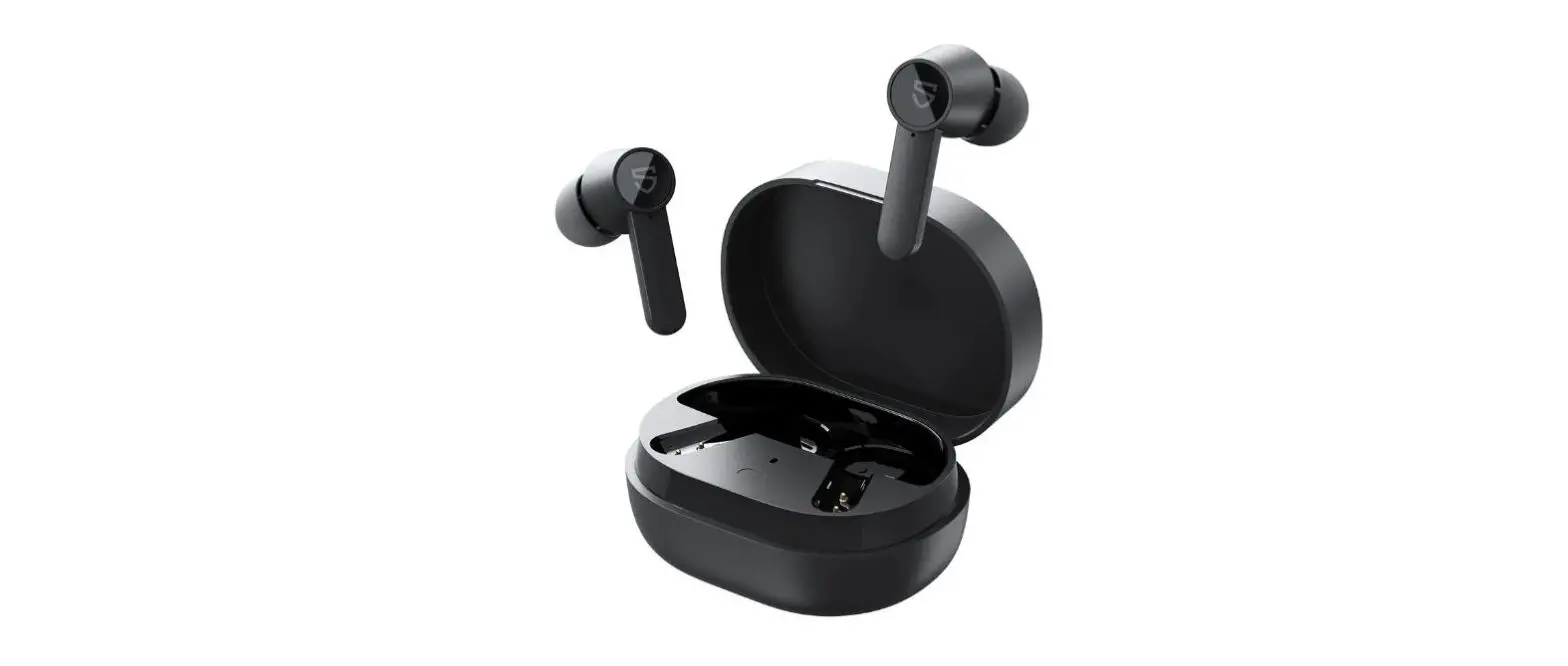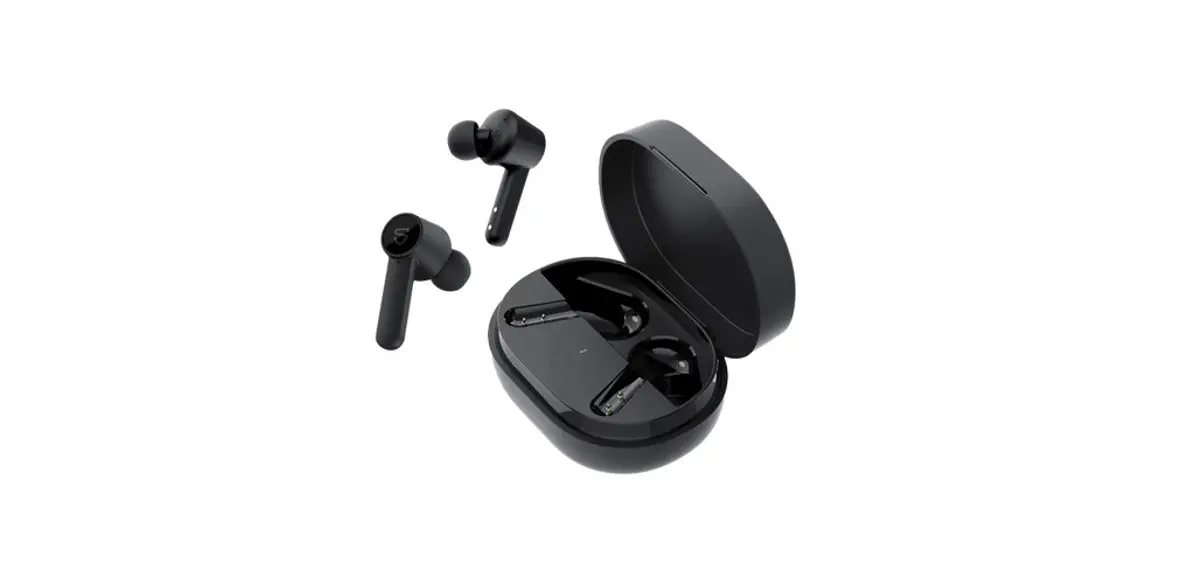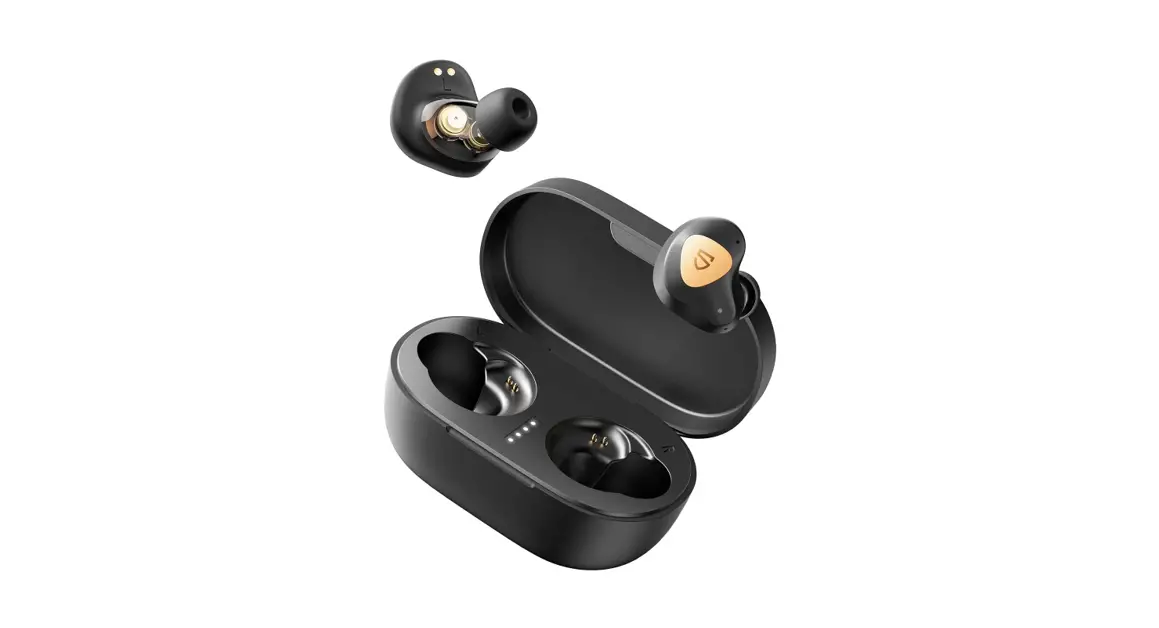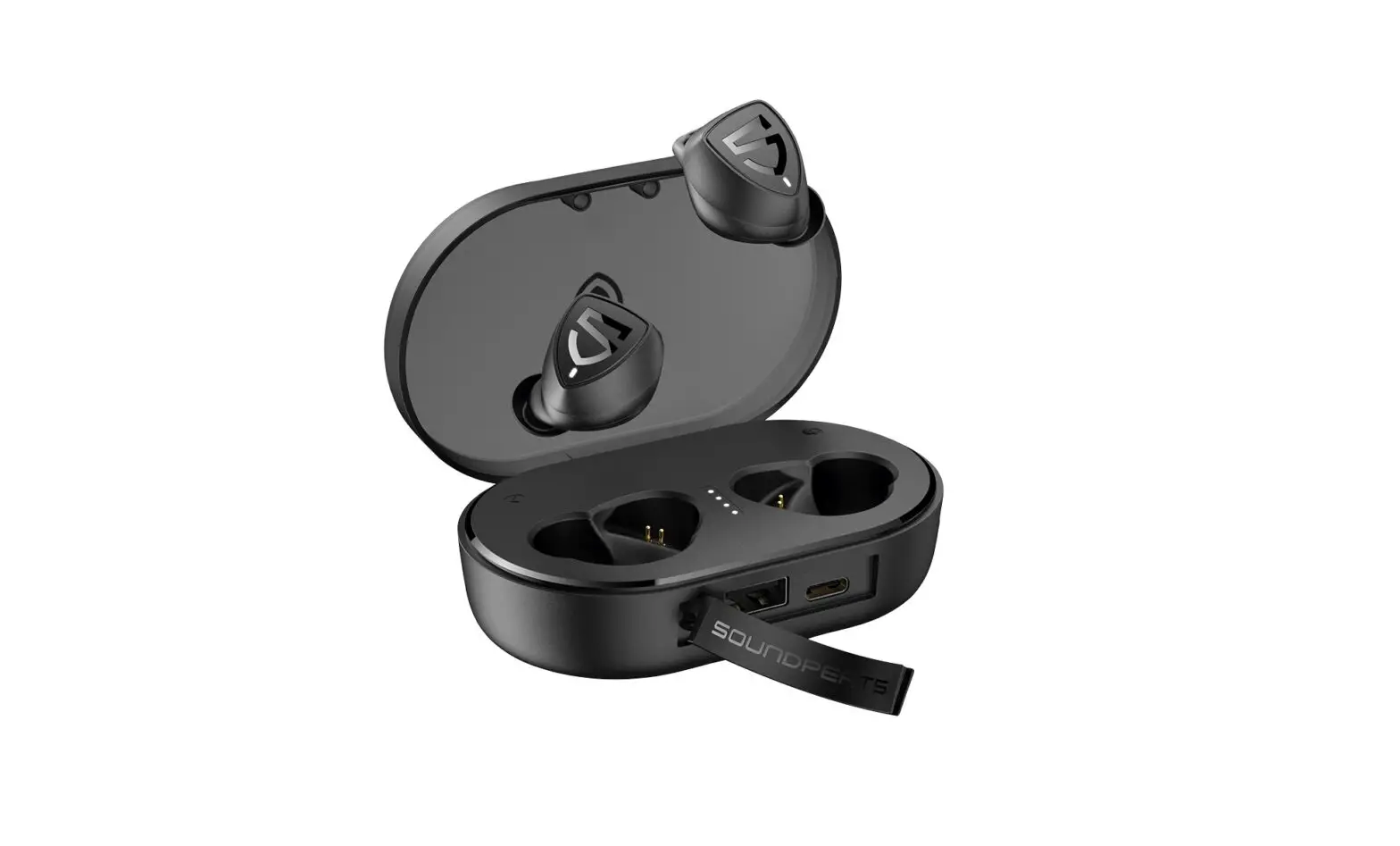

SOUNDPEATS TrueFree Wireless Earbuds Bluetooth
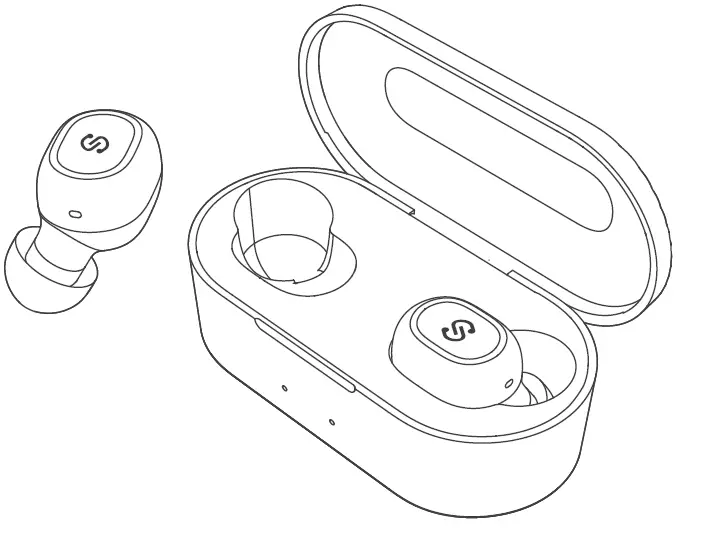
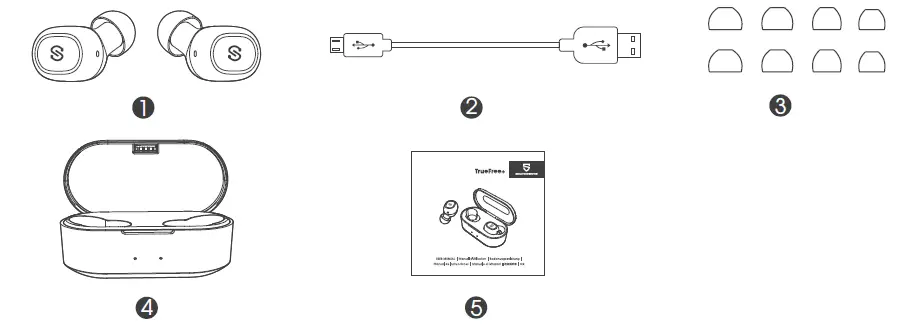
Package Content
Product Diagram
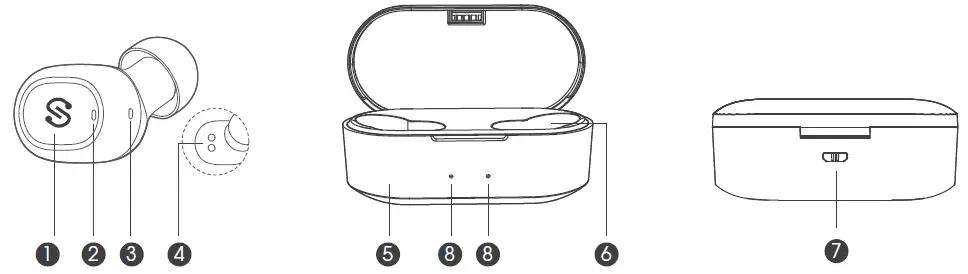
- Multifunction Button
- LED Indicator
- Microphone
- Charging Contactor
- Charging Case
- Charging Slot
- USB Charging Port
- Charging Case LED Indicator
Specifications
| Bluetooth Pro le | Bluetooth 5.0, AVRCP, HFP, HSP, A2DP |
| Bluetooth Chipset | Realtek 8763BFR |
| Maximum Working Range | 33 feet / 10m (no obstacle) |
| Play Time | 3-4 hours (varies by volume and audio le) |
| Charging Time | 1.5 hour |
| Charging Case Recharge Earbuds | 9-10 times (both earbuds) |
| Earbud Capacity | 43mah |
| Charging Case Capacity | 800mAh |
| Earbud Dimension (L * W * H) | 0.96*0.86*0.64 inches / 24*21.9*16 mm |
| Earbud Weight | 0.16oz / 4.7g |
Wearing
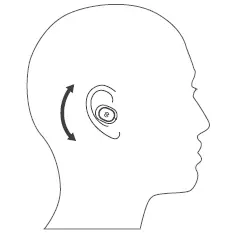
- Identify the left and right earbuds.
- Insert the earbuds into your ears and adjust to find best angle with microphone downwards.
- Make sure the eartips seal the ear canals.
Get Started
Mono Mode
- The earbud enters pairing mode directly with a voice prompt “power on” after being taken out from the charging case. White indicator flashes quickly for around 10s, then red and white indicators flash alternately with a voice prompt “pairing”. “SOUNDPEATS TrueFree+ L” or “SOUNDPEATS TrueFree+ R” would show up on the Bluetooth list, hit it to connect.
- If you want to connect two earbuds separately with 2 devices nearby, please connect the left one to one device at first. In case it will connect to the right earbud automatically after being taken out from the charging case.
Stereo Mode
Take out both earbuds from the charging case. The two earbuds will flash in white at first. Then the le indicator goes out, and right indicator flashes in red and white. Activate the Bluetooth in your device and hit “SOUNDPEATS TrueFree+ R” on the Bluetooth list.
Factory Reset
(Try the following steps if you fail building connection between two earbuds, or between earbuds and device)
- Clear the pairing record between the earbuds and all of your devices.
- Hold and press the MFB of both earbuds for 10 seconds when in charging status, the LED indicator will flash red for 3 times if resetting successfully.
Charge
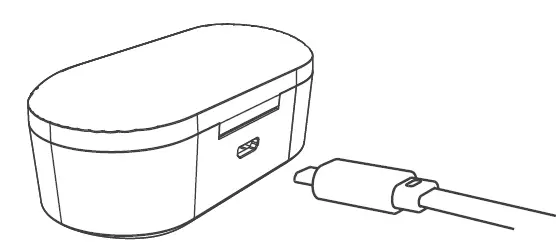
- Please charge the earbuds at least once every 3 months when not in use for a long time.
- To ensure charging safety, please do not use any USB charging adapter with current over 5V 1A. Please do not use quick charger to charge the earbuds and charging case.
Note:
- If you don’t know which device the earbud has already connected, please turn it off, then press and hold the button for 5 seconds until red and white indicator flashes alternately to have the earbud enter pairing mode again.
- If pairing device is switched off or Bluetooth disconnected, the earbuds will stay in pairing mode for 5 minutes and then power off automatically.
- The earbuds can remember previously paired devices. They would automatically connect to the last device they have paired before after being taken out from the case.
| Power On | Take out the earbuds from charging case Press and hold the MFB for 1s until white LED ashes |
| Power Off | Place back the earbuds into charging case Press and hold the MFB for 3s until red indicator long ashes once. In Stereo Mode, turn o either earbud will switch o both units |
| Play / Pause | Press the MFB once |
| Play Next / Previous | Double tap le MFB for previous track Double tap right MFB for next track |
| Answer Phone Call | Press the MFB once |
| Hang Up | Press the MFB once |
| Reject Phone Call | Press the MFB for 1.5s |
| Mute / Resume A Call | Double tap the MFB during a call |
| Activate Voice Assistant | Press the MFB for 1s in play / standby mode |
| Transfer Voice Between Earphones and Phone | Press the MFB for 1s during a call |
| Call Switching | During a call, if there is another incoming call at the same time Press the MFB to answer the second call and put the first on hold. Long press 1s to reject the new incoming call. Double tap the MFB to switch between two phone calls. Press once to hang up the current call. |
Warranty
We warrant this device 12 MONTHS from date of the original purchase for manufacturer defects.
[email protected]
www.soundpeatsaudio.com
Please scan the QR code or search the link below for detailed PDF manual:
https://soundpeatsaudio.com/downloads/
FCC Statement
This equipment has been tested and found to comply with the limits for a Class B digital device, pursuant to Part 15 of the FCC Rules. These limits are designed to provide reasonable protection against harmful interference in a residential installation. This equipment generates uses and can radiate radio frequency energy and, if not installed and used in accordance with the instructions, may cause harmful interference to radio communications. However, there is no guarantee that interference will not occur in a particular installation. If this equipment does cause harmful interference to radio or television reception, which can be determined by turning the equipment off and on, the user is encouraged to try to correct the interference by one or more of the following measures:
- Reorient or relocate the receiving antenna.
- Increase the separation between the equipment and receiver.
- Connect the equipment into an outlet on a circuit different from that to which the receiver is connected.
- Consult the dealer or an experienced radio/TV technician for help.
This device complies with part 15 of the FCC Rules. Operation is subject to the following two conditions:
(1) This device may not cause harmful interference, and (2) this device must accept any interference received, including interference that may cause undesired operation.
Changes or modifications not expressly approved by the party responsible for compliance could void the user’s authority to operate the equipment.
 SOUNDPEATS TrueWireless Earbuds & Headphones for Sound.
 Downloads - SOUNDPEATS