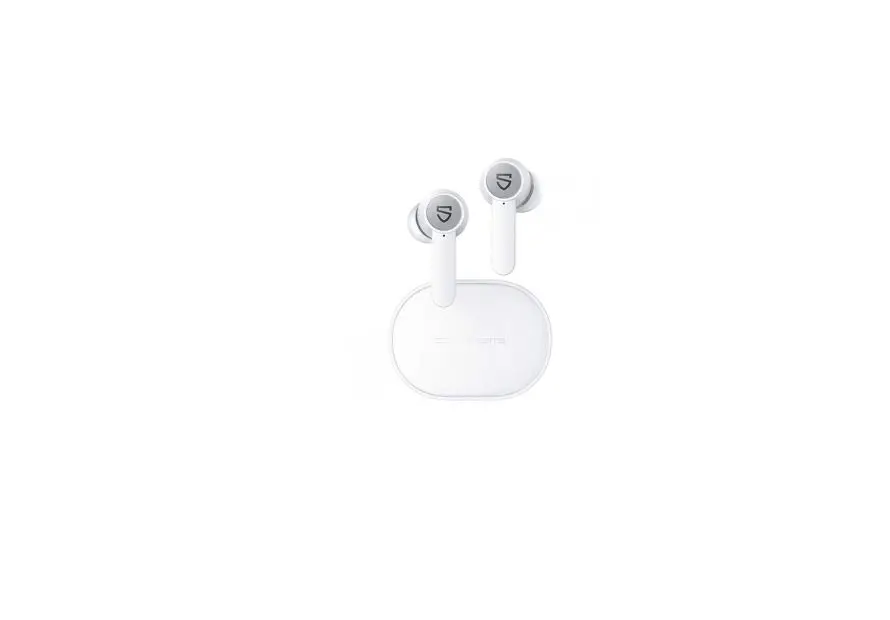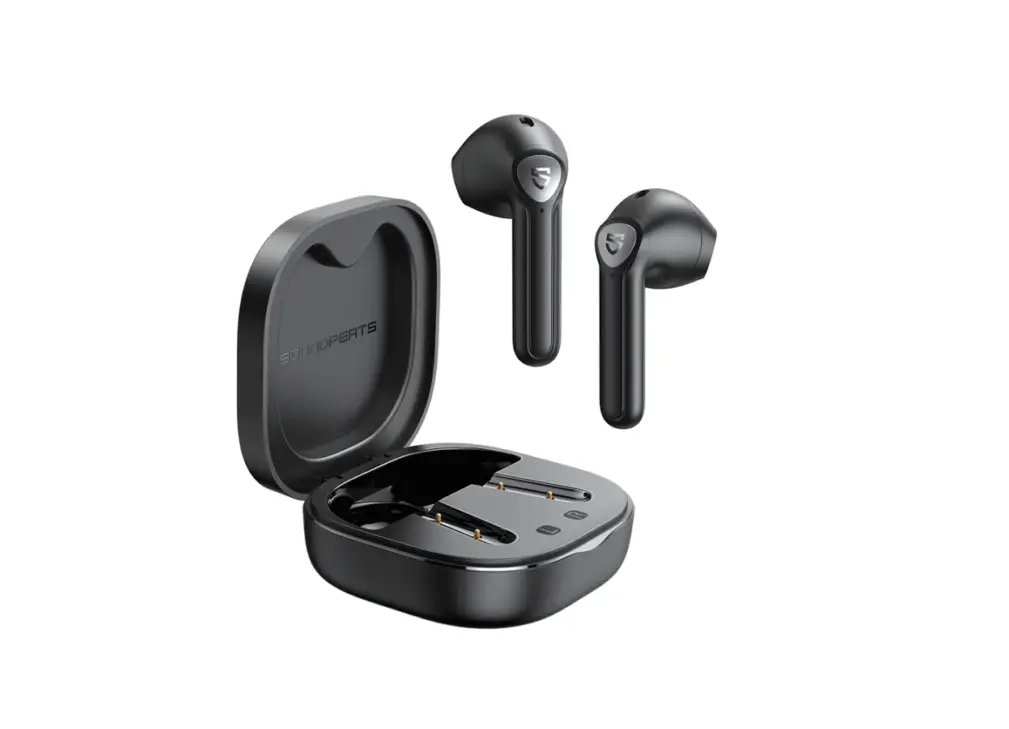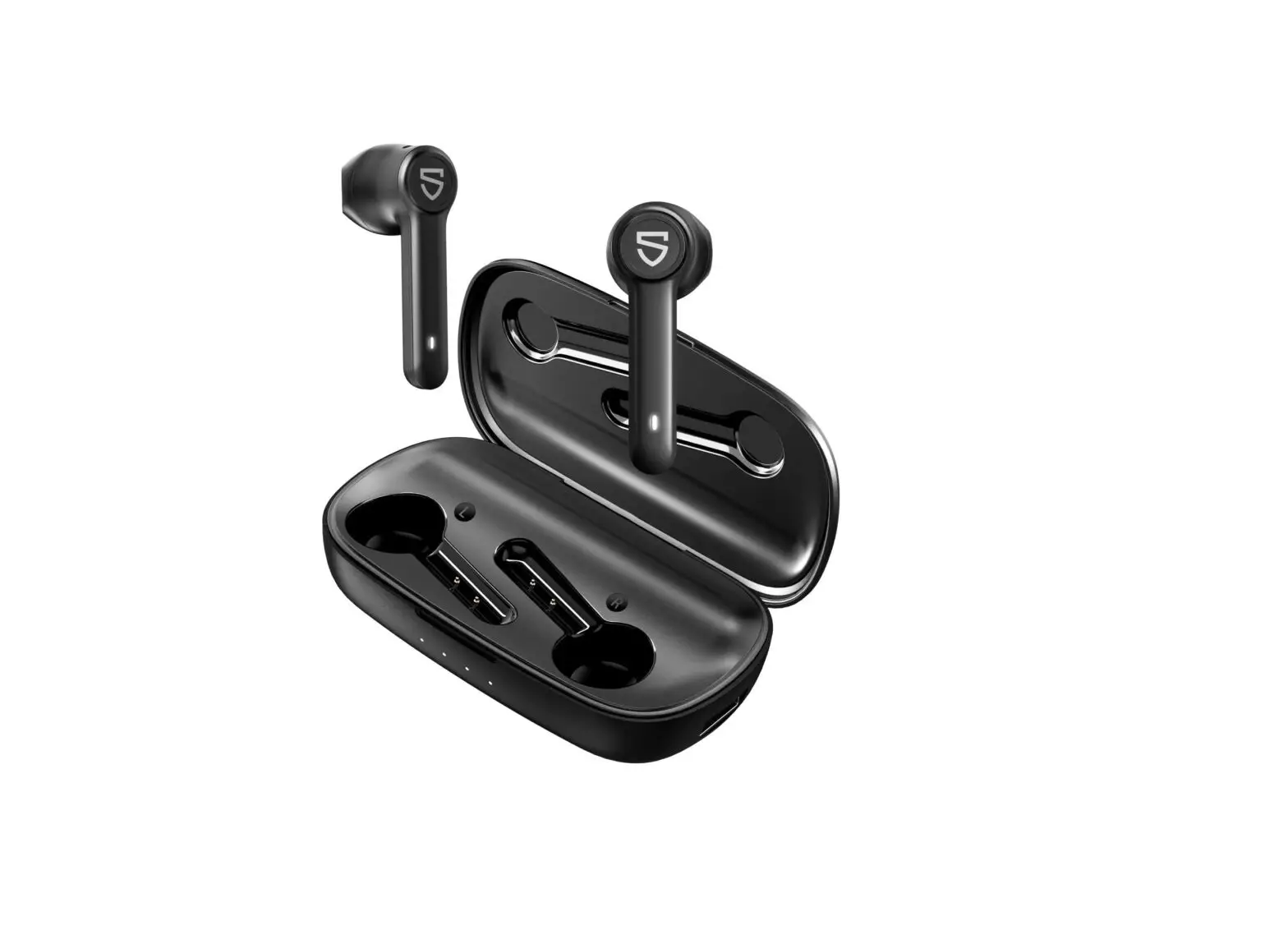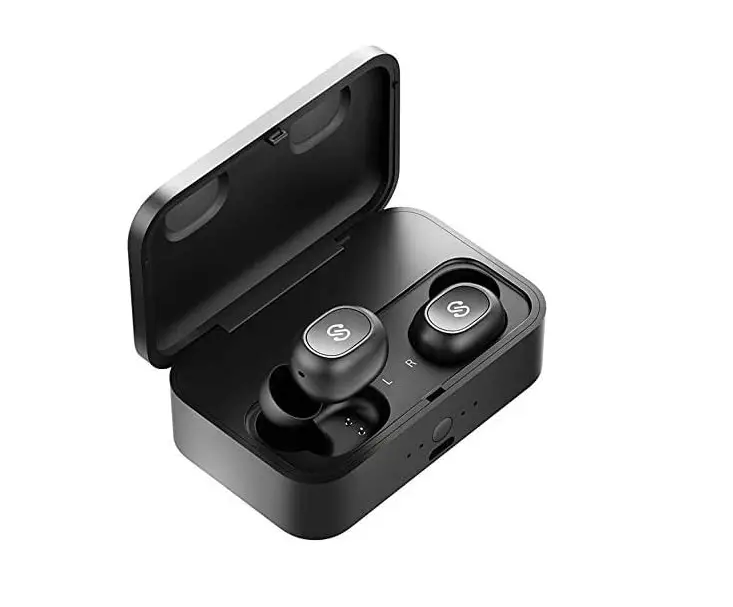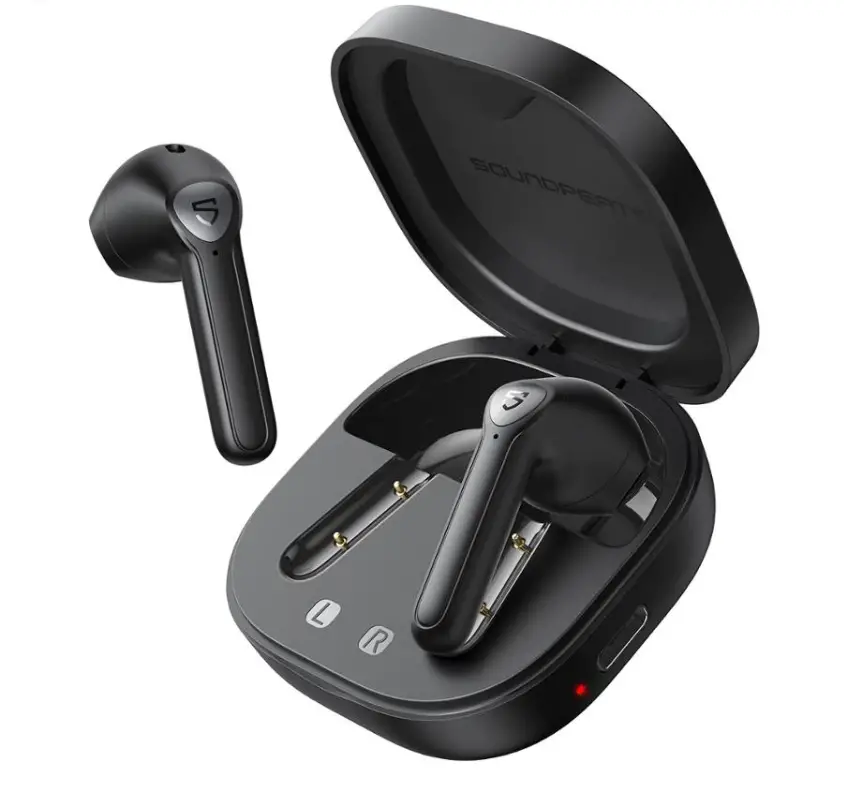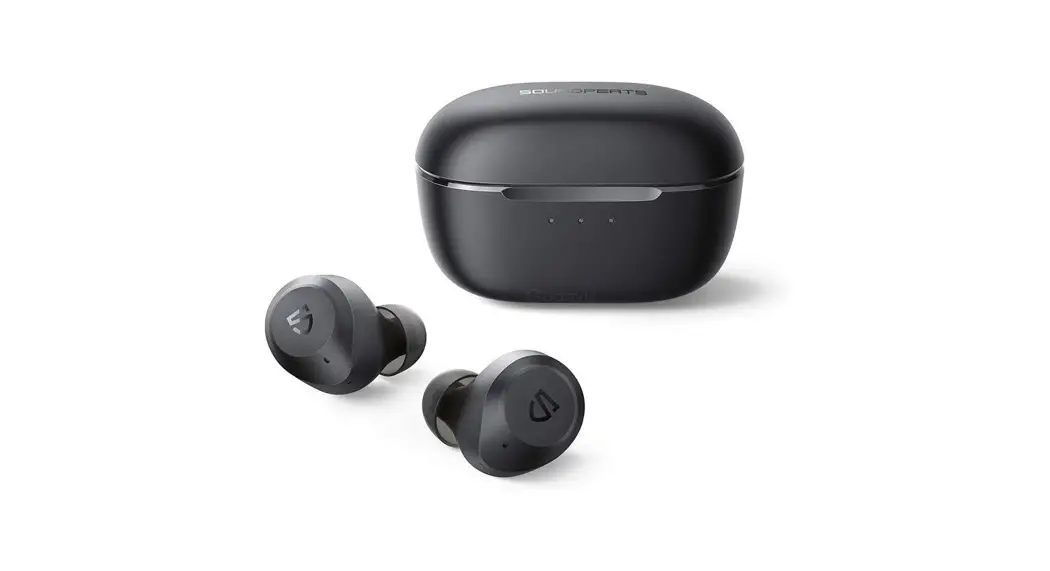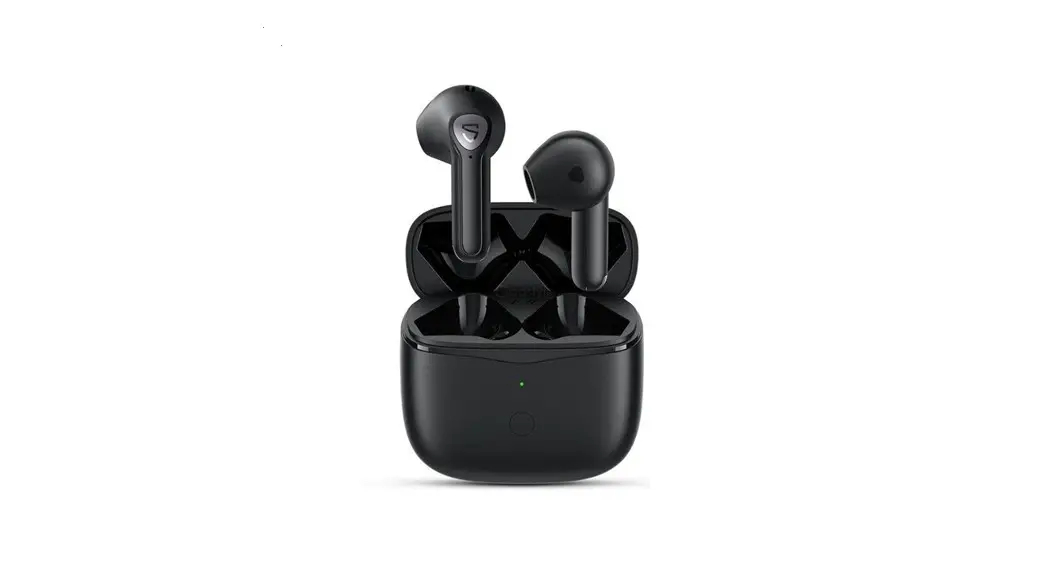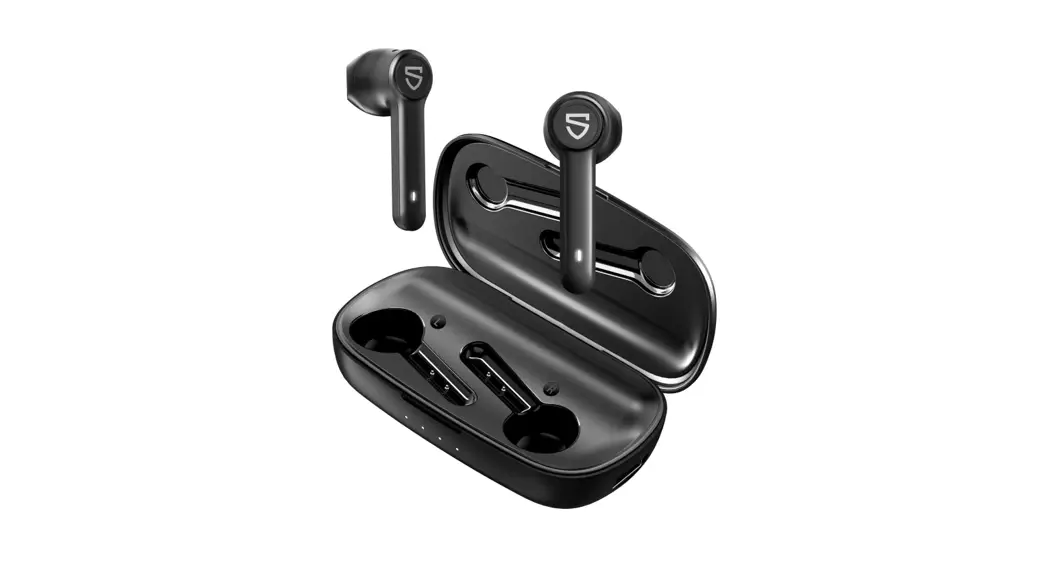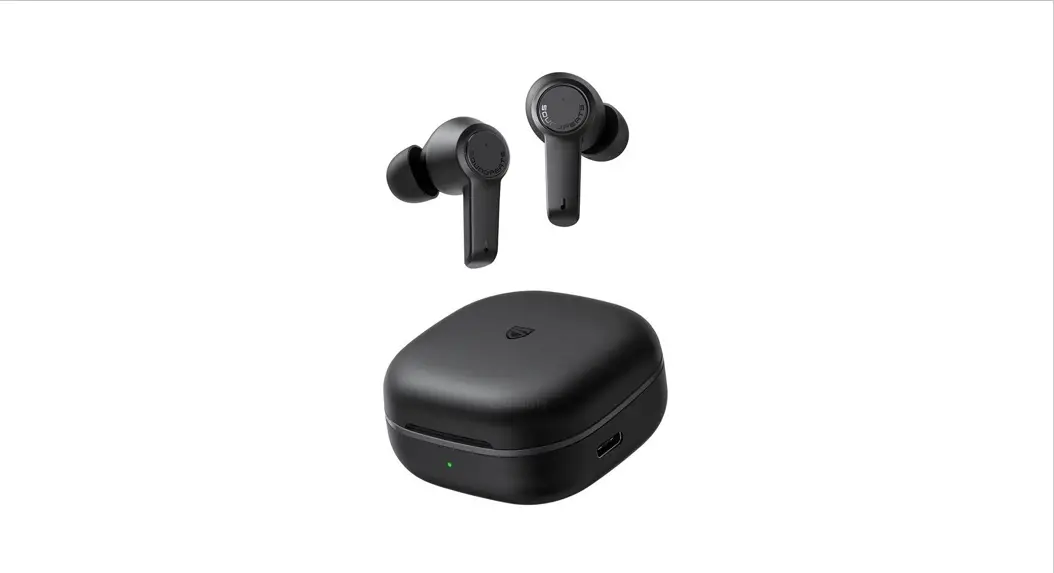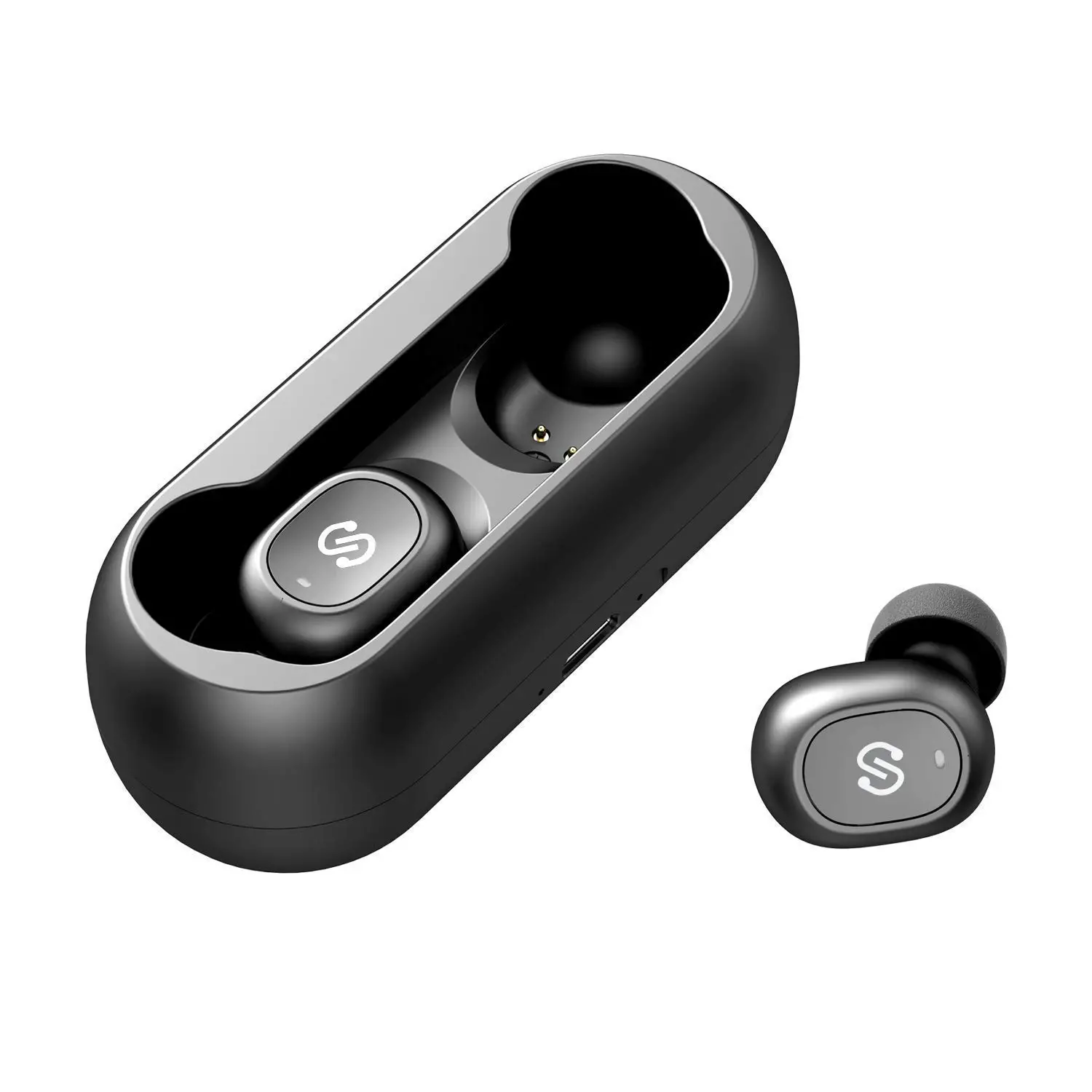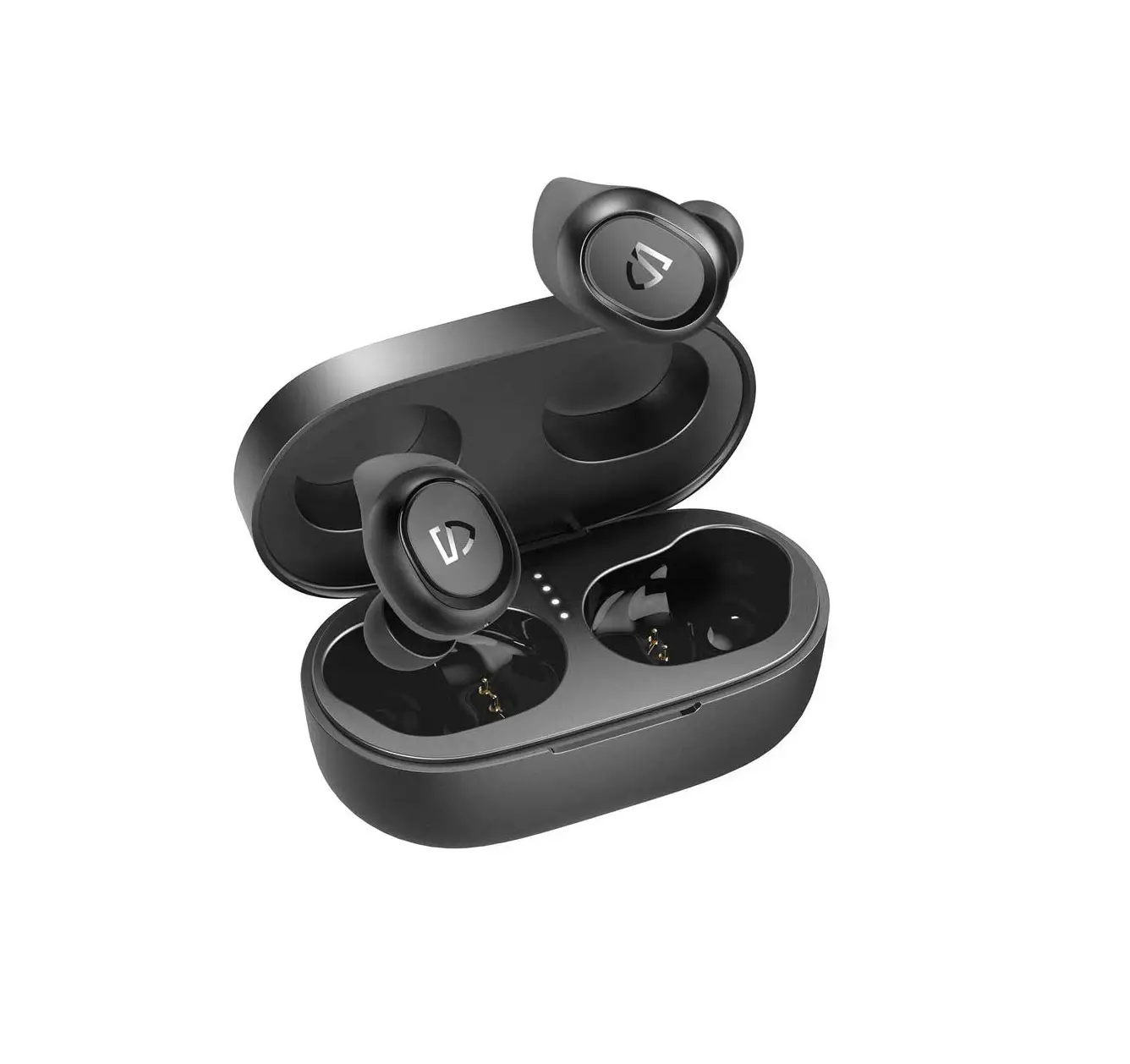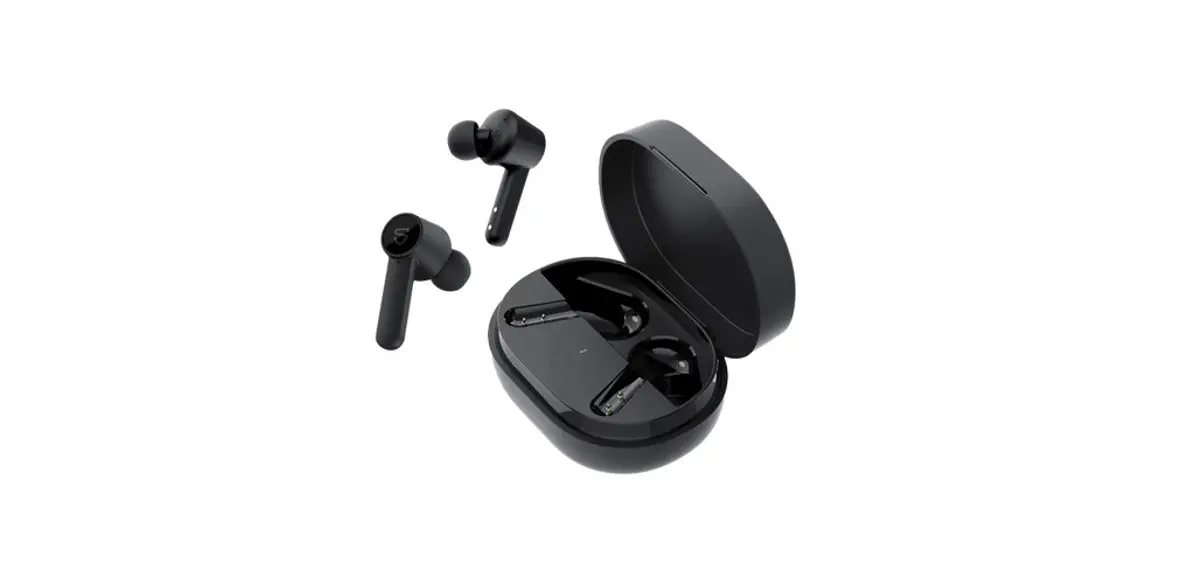
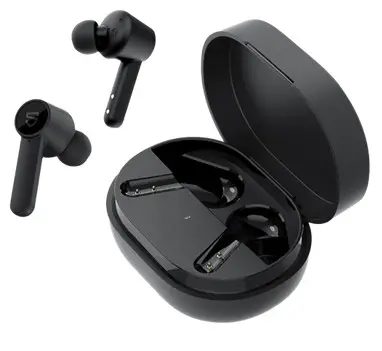
SOUNDPEATS Q True Wireless Earbuds

User Manual
Package Content

Specifications
| Bluetooth Version | Bluetooth 5.0 |
| Maximum Working Range | About 10m (no obstacle) |
| Play Time | 7 hours |
| Earbuds Charging Time | 1.5 hours |
| Case Charging Time | 2 hours |
| Charging Case Recharge Earbuds | 2times |
| Earbuds Dimension | 35.2*18. 7*24.2 mm |
Product Diagram
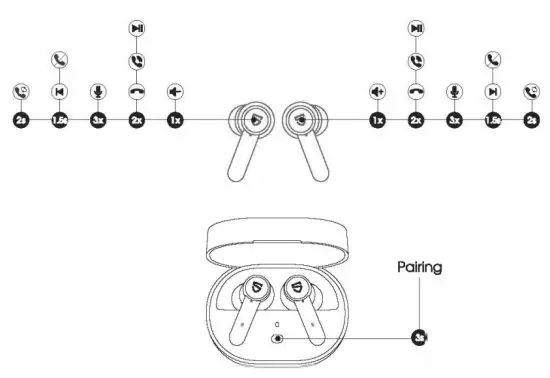
| Paver On Auto: Open up the case lid | Manually: Press and hold the MFB for 1.5s |
| Power Off | Auto: Place back the earbuds Into the charging case and close the lid Manually: Press and hold the MFB for 10s |
| Play / Pause | Double-tap the MFB |
| Volume- | Single tap the left MFB |
| volume + | Single tap the right MFB |
| Previous Track | Press and hold left MFB for 1.5s |
| Next Track | Press and hold right MFB for 1.5s |
| Answer / Hang Up Phone Call | Double-tap the MFB |
| Reject Phone Call | Press and hold the MFB for 1.5s |
| Switch Between Two Cols | Press and hold the MFB for 2s |
| Manually Enter Paling Mode | Place back the earbuds into the charging case and open the lid, press and hold the charging case button for 3s |
| Activate Voice Assistant | Triple tap MFB on the right earbud |
Wearing
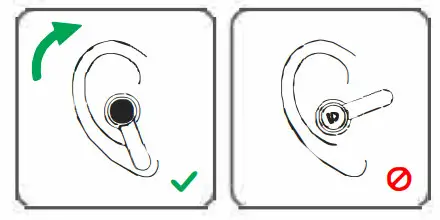
- Identify the left and night earbuds.
- Rotate earbuds to find the most comfortable angle.
Getting started
Pairing
- Open up the case lid while the case it’s with enough power left and make sure the earbuds Is In the charging case, the left and right earbuds will pair ta each other automatically with a prompt that suggests successfully connected. Then pis press and hold the button of the charging case for 3S until the indicator of the charging case starts to flash and the earbuds prompt “Pairing”, then the earbuds enter pairing mode.
- Activate the Bluetooth on your device and hit “SOUNDPEATS Q” on the Bluetooth list to connect. The earbuds will prompt “Connected” after connecting successfully.
- SOUNDPEATS Q earbuds can remember previously paired devices. To reconnect to one device, you only need to activate the Bluetooth in the device and take out bath earbuds, the earbuds will automatically connect to each other, and then pair to the device. If they don’t re-pair automatically, please choose the pairing name to connect again.
- Mona mode: SOUNDPEATS Q earbuds support working with either earbud only alter successfully connected.
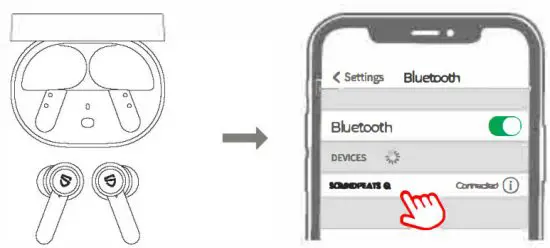
Note:
If you want ta change the paired device in the connected stats, you can force the headset to enter the pairing mode by the following way: Place back the earbuds into the charging case and open the lid, press and hold the charging case button for 3s.
Factory Reset
(Try the following steps if you fail to build a re-connection between two earbuds or fail to build a connection between earbuds and the device.)
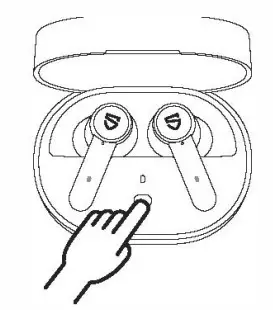
- Clear the pairing record between the earbuds and all your devices.
- Place back both earbuds Into the charging case and open up the caseload, Press and hold the charging case button for IOS.
Charge
SOUNDPEATS Q earbuds are provided with a charging case for easy carrying and charging. It can recharge both earbuds around 2 times.
Charge the earbuds
The earbuds have been partially charged at the factory. Please make sure they are fully charged before using for the first time.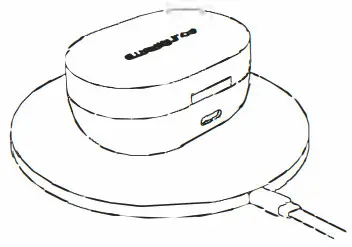
- Place back the earbud’s incorrect charging slots and make sure the contactors connect.
- Charging starts with the Indicators staying on and ends with the Indicators going out.
Charge the case
The charging indicators will turn red when the battery of the case is low, please charge the case then.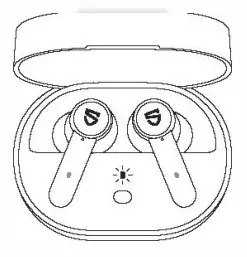 Method 1:
- Use a Type-C adapter to charge the case (current not over l A).
- Please charge the earbuds and case at least once per 3 months when not in use for a long time.
Method 2:
- Place the charging case directly above the wireless charger
- Please charge the earbuds and case at least once per 3 months when not in use for a long time.
Q & A
Q1: What do the charging LEDs tell while charging the case?
The charging Indicators will turn to red when the battery of the case Is low. please charge the case then.
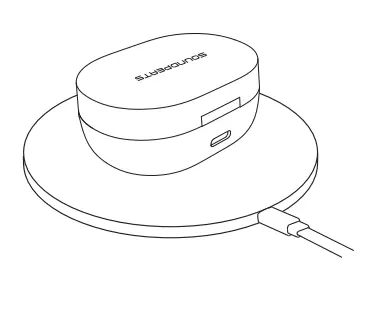
Method 1:
- Use a Type-c adapter to charge the case (current not over 1 A).
- Please charge the earbuds and case at least once per 3 months when not In use for a long time.
Method 2:
- Place the charging case directly above the wireless charger.
- Please charge the earbuds and case at least once per 3 months when not In use for a long time.
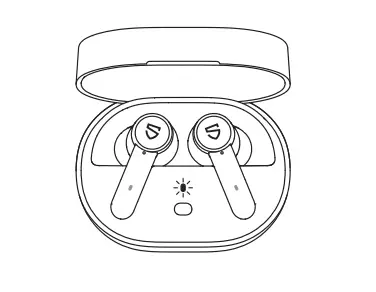
When opening up the casing lid, the indicator of the charging case will light up for 10s to show the current battery status of the charging case:
100%-50% Shows Green
49%-10% Shows Yellow
Below l 0% Shows Red
When charging the charging case, the Indicator will flash slowly:
Below 20% The indicator flashes in red slowly
20%-69% The indicator flashes in yellow slowly
70%-99% The indicator flashes in green slowly
100% The Indicator stays on green
Q2: Why are the earbuds stilt connected to my phone alter placing back?
- The charging case Is out of battery. The case will not turn off the earbuds if the case batte,y Is dead.
- Please make sure the earbuds sit well In the charging case, and the charging contactors on both the earbuds and the pin needle are clean. If not, please try something like microfiber cloth to clean the contactors.
Q3: The battery Ille Is not as advertised?
A single charge will not give you 21 hours playtime constantly. The earbuds work around 7 hours per charge with average use. The charging case provides another 2 recharges.
Warranty and Support
We warrant the device 12 MONTI-iS from the date of the Oligonol purchase for manufacturer detection.. [email protected]
 www.soundpeatsaudio.com
Please scan the QR code to check the detailed PDF manual In more detail:s.

htlps://soundpeatsaudio.com/downloads/
FCC Statement
This equipment has been tested and found to comply with the limits for a Class B digital device, pursuant to Part 15 of the FCC rules.
These limits are designed to provide reasonable protection against harmful Interference In a resldent1al Installation. This equipment generates uses and can radiate radio frequency energy and not Installed and used In accordance with the Instructions. may cause harmful interference to radio communications.
However there is no guarantee that interference will not occur in a particular installation. If this equipment does cause harmful interference to radio or television reception, which can be determined by turning the equipment off cried on, the user Is encouraged to try to correct the ln1erfarence by one or more of the following measures:
- Reorient or relocate the receiving antenna.
- Increase the separation between the equipmen1 and receiver.
- Connect the equipment Into an outlet on a circuit different from that to which the receiver Is connected.
- Consult the dealer or an experienced radio/TV technician for help.
This device complies with part 15 of the FCC rules. Operation is subject to the following 1wo conditions:
- This device may not cause harmful interference.
- this device must accept any interference received, including interference that may cause undesired operation.
Changes or modifications not expressly approved by the party responsible for compliance could void the user’s authority to operate the equipment.
MANUFACTURER
Shenzhen SoundSOUL Information Technology Company Limited Room 1308-1309i Building B, Hulhal Square, Chuangye Road, Longhua District, Shenzhen, China. 518109[email protected]www.soundpeatsaudio.com

Company: Qing UG(haftungsbeschrankt)
Address: Undinestr 7,12203 Berlin Germany

Model: SP112
FCC ID: 2AFTU-DD015
MADE IN CHINA
 SOUNDPEATS TrueWireless Earbuds & Headphones for Sound.