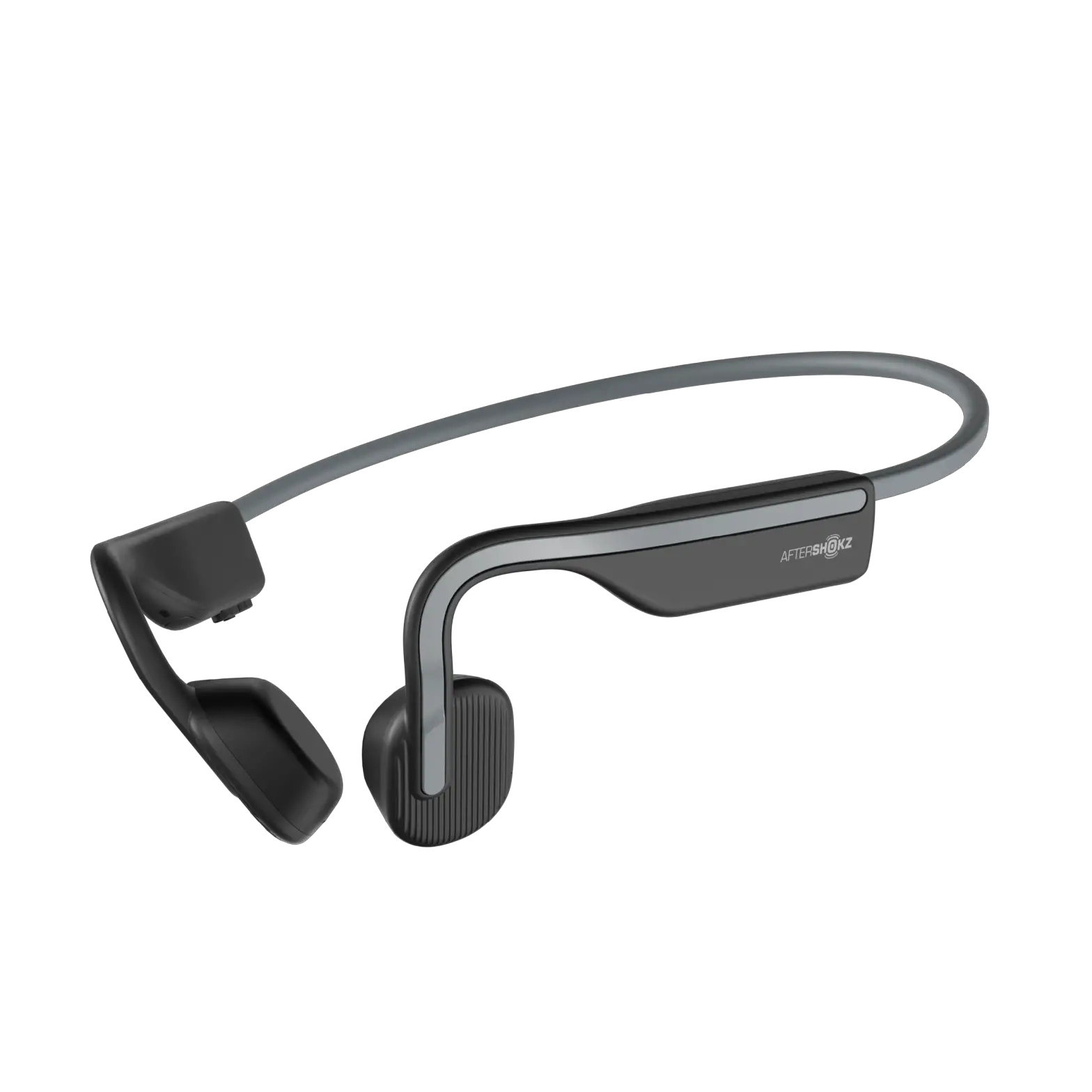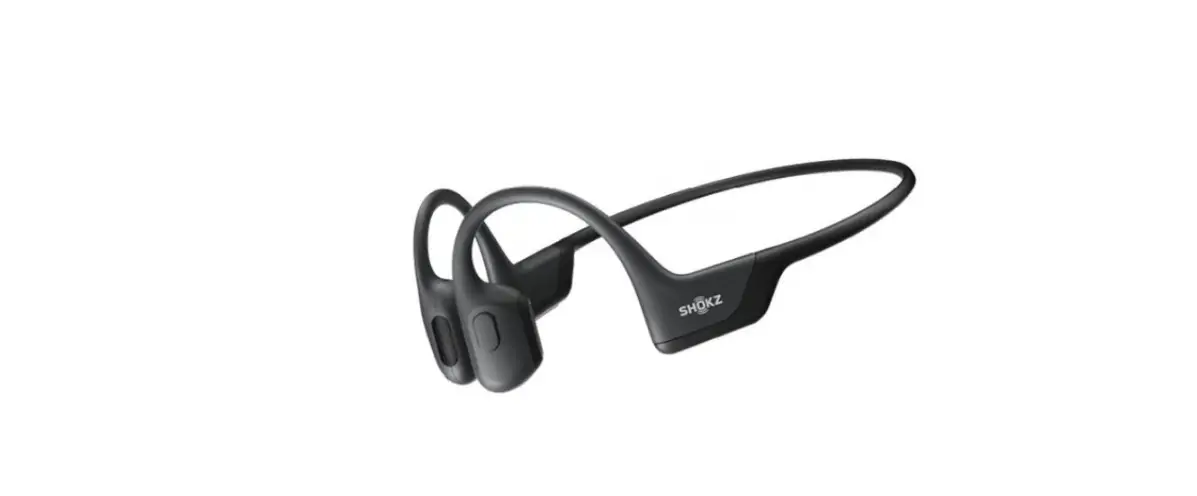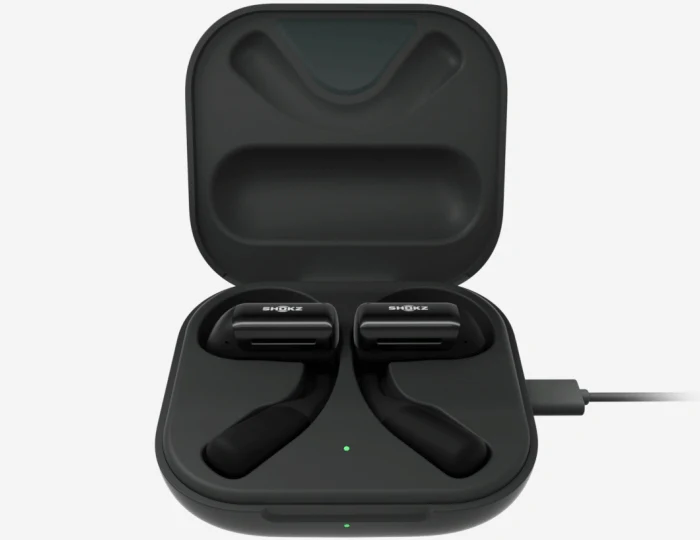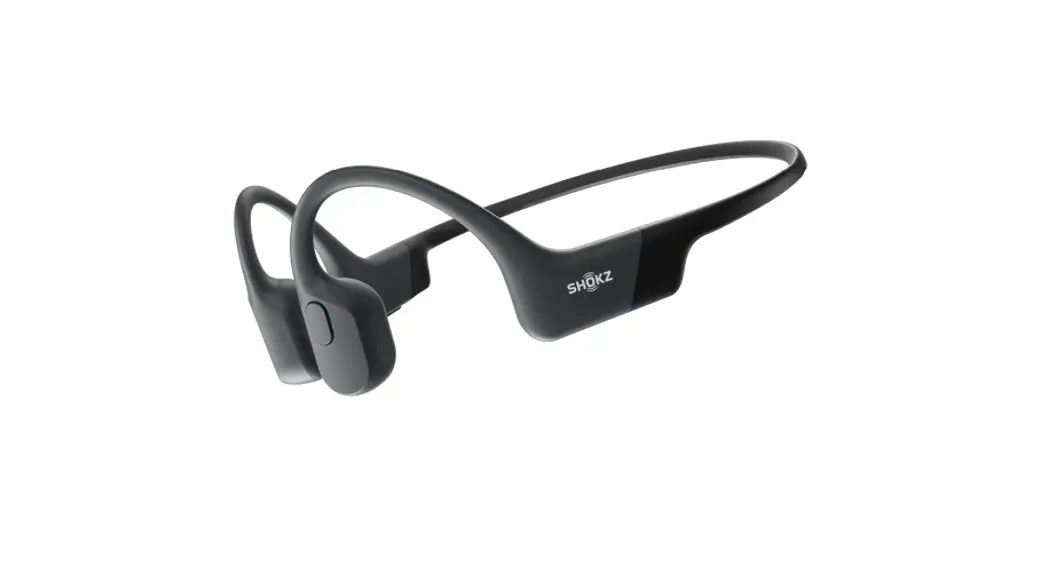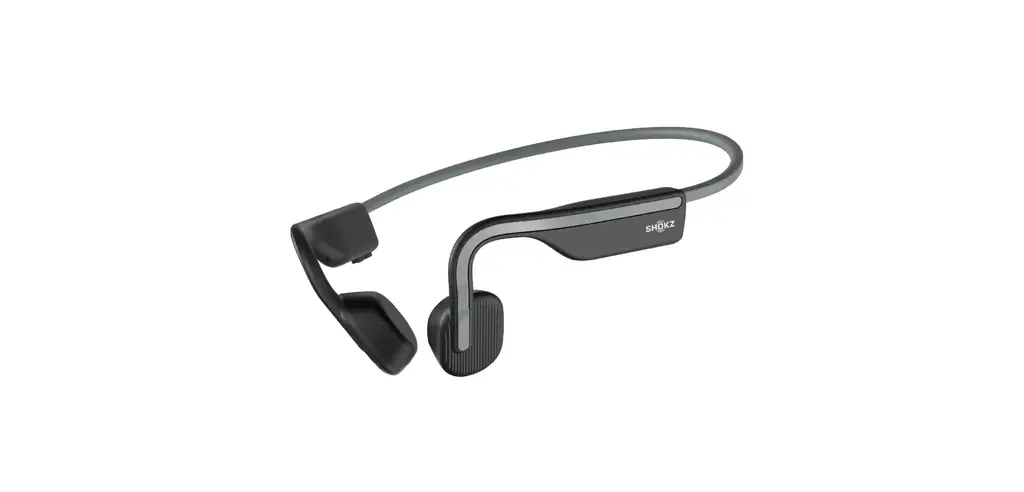

Shokz S661 Openmove Open Ear Bluetooth Headphones User Guide

Shokz S661 Openmove Open Ear Bluetooth Headphones User Guide

SHOKZ

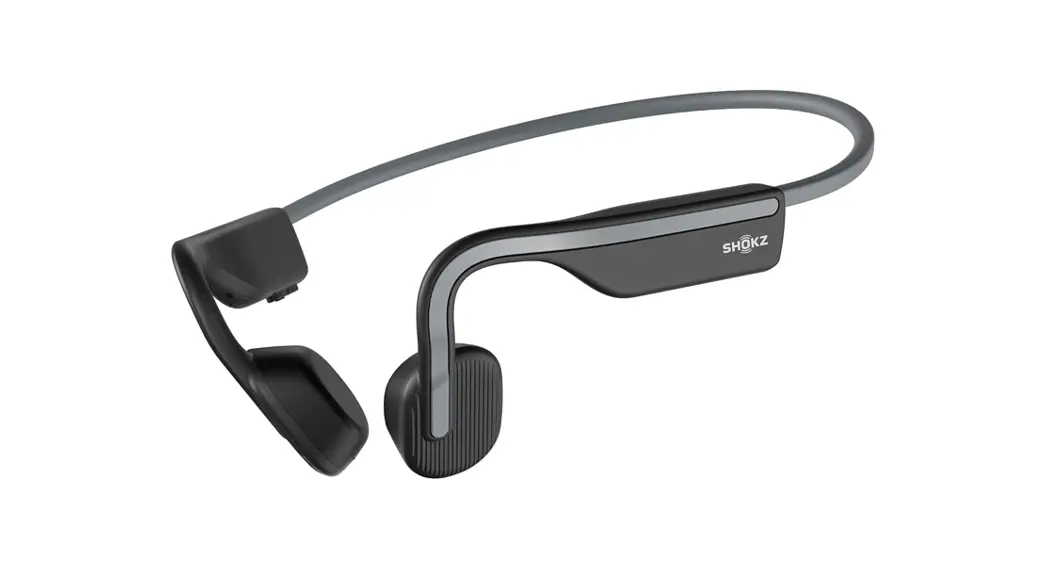
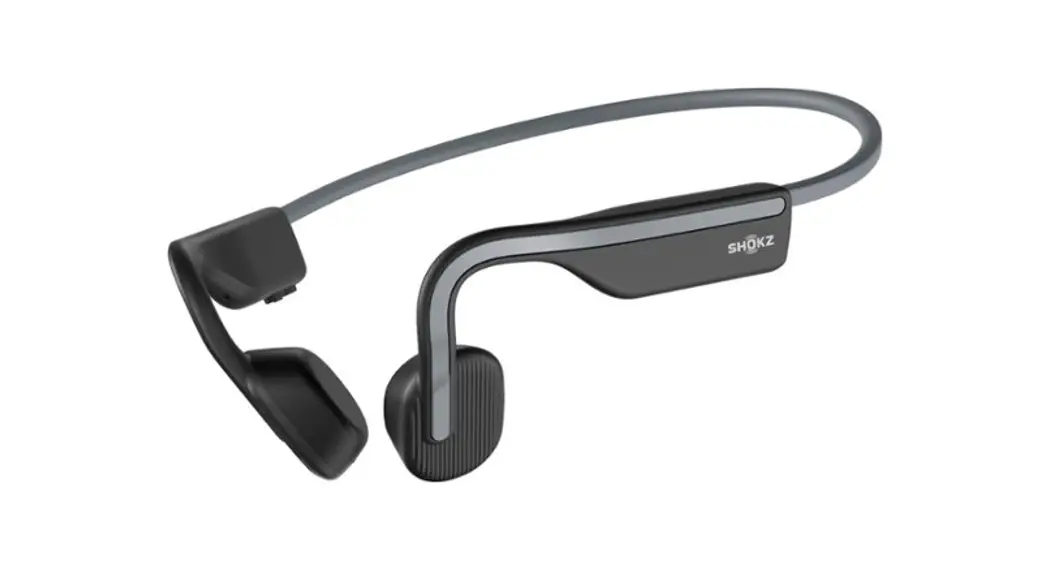
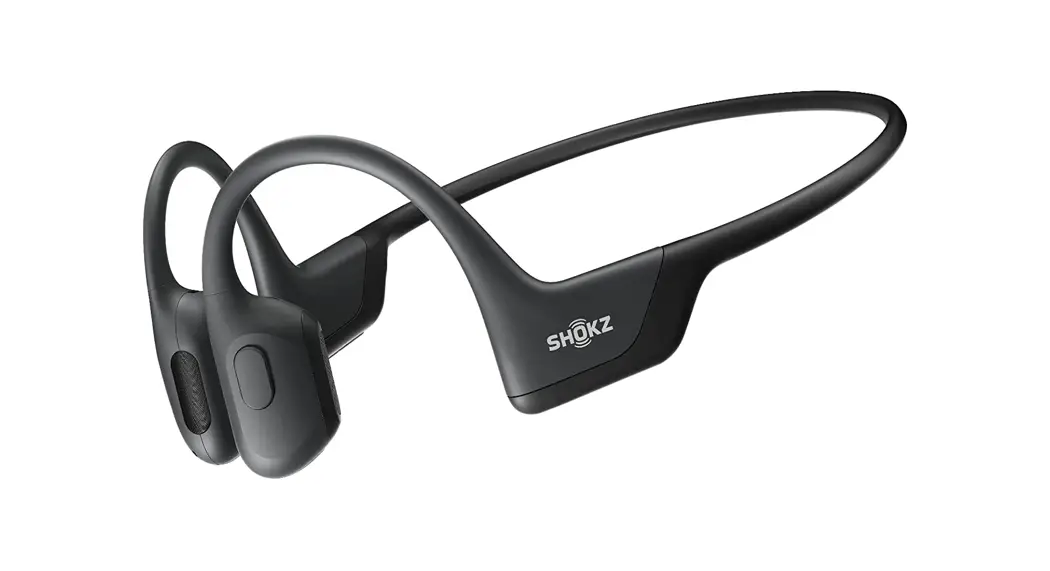
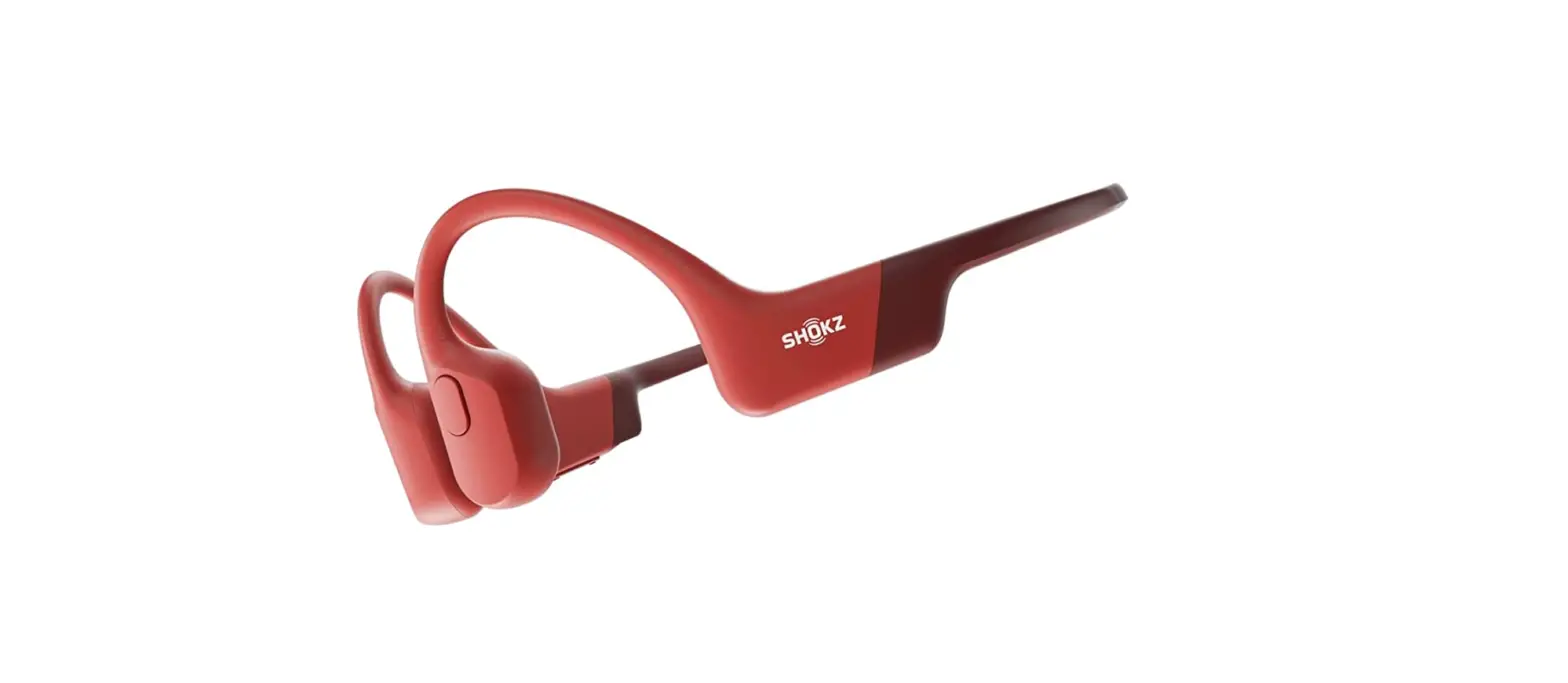
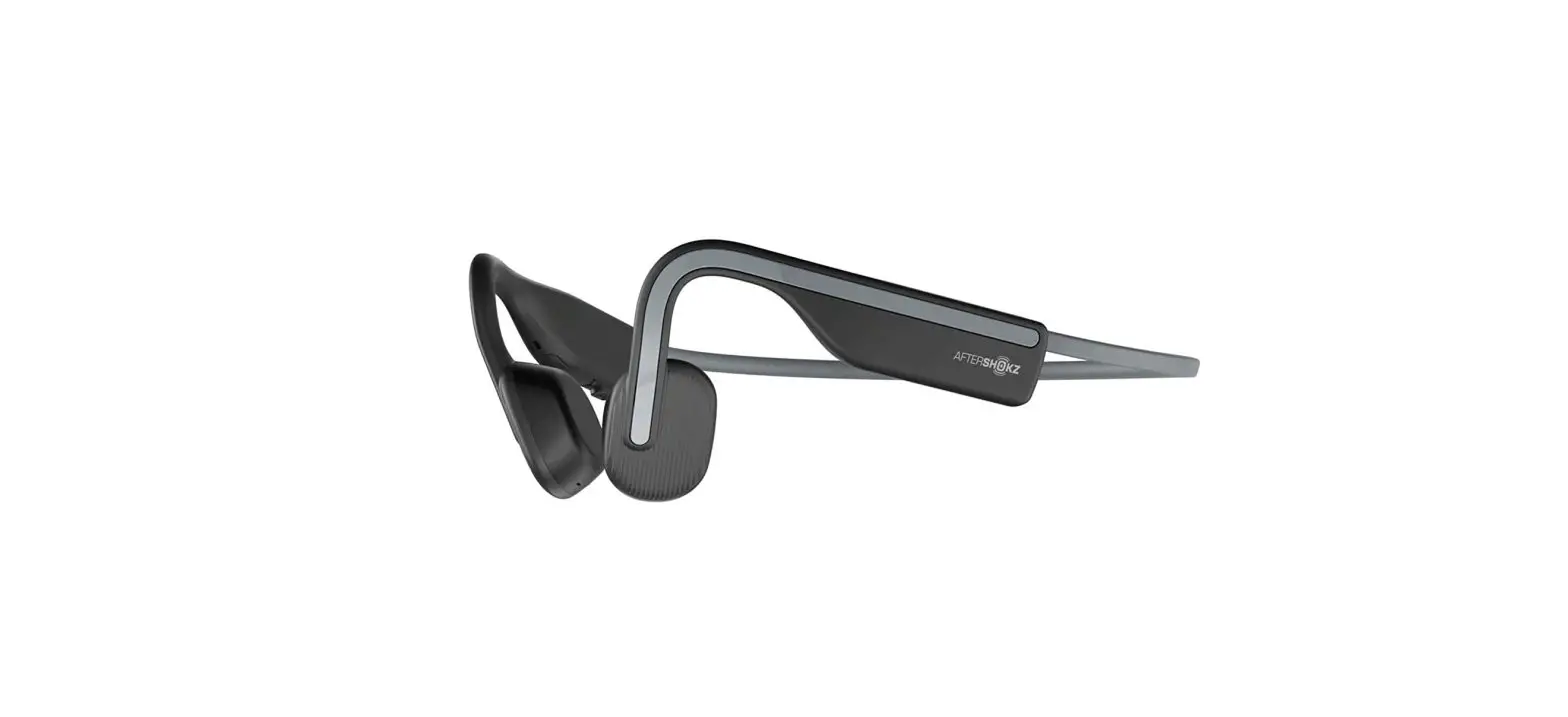
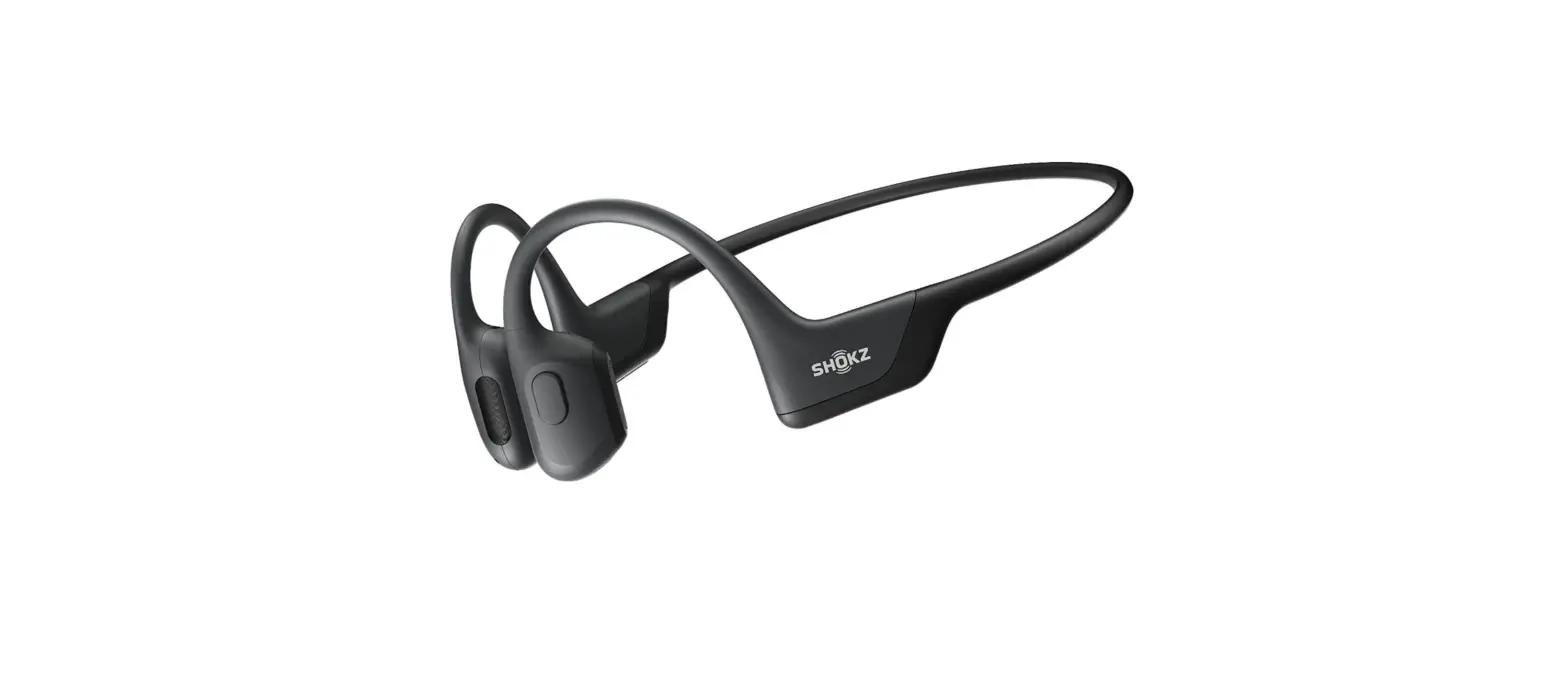
SHOKZ S661 OPENMOVE Open Ear Bluetooth Headphones
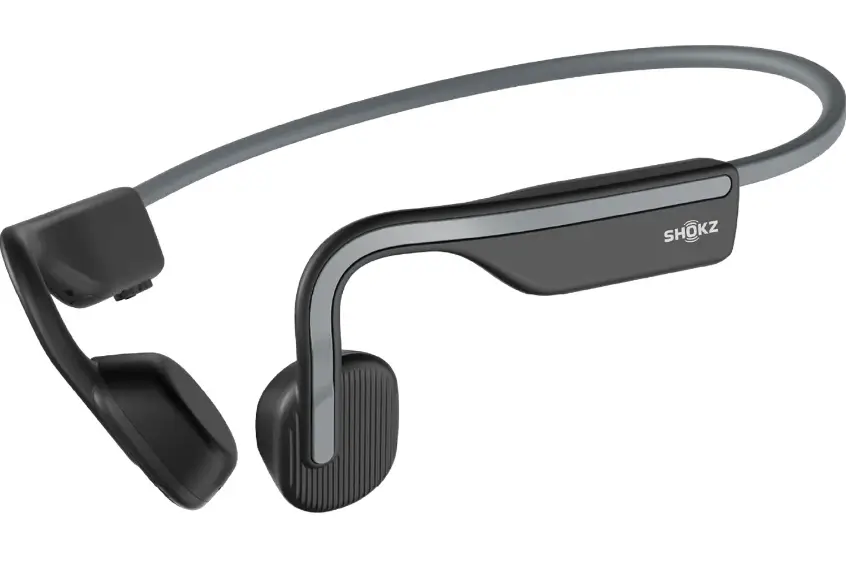
SHOKZ-S661-OPENMOVE-Open-Ear-Bluetooth-Headphones

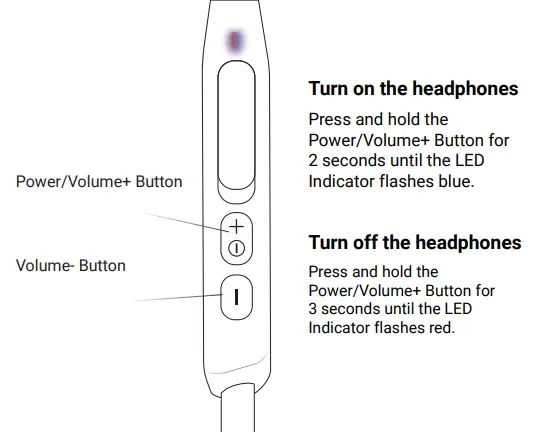
ON/OFFSHOKZ-S661-OPENMOVE-Open-Ear-Bluetooth-Headphones-1

PairingSHOKZ-S661-OPENMOVE-Open-Ear-Bluetooth-Headphones-2

  1. Start with OpenMove turned off.
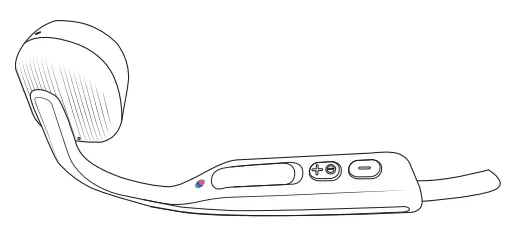
  2. Press and hold the Volume+ Button for 5 seconds or until the LED Indicator flashes red and blue.
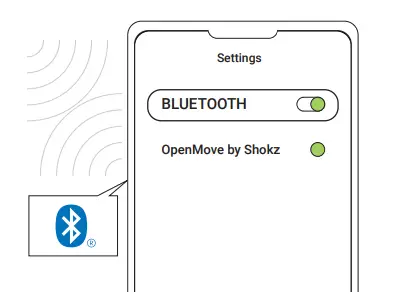
  3. Open your device’s Bluetooth settings and select ” OpenMove by Shokz.” Audrey will say “connected.”SHOKZ-S661-OPENMOVE-Open-Ear-Bluetooth-Headphones-3

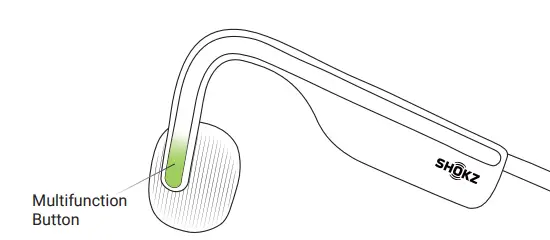
Multifunction Button

SHOKZ-S661-OPENMOVE-Open-Ear-Bluetooth-Headphones-4

  • Play/pause music
    Click once
  • Next song
    Double-click while music is playing
  • Previous song
    Triple-click while music is playing
  • Answer call
    Click once
  • End call
    Click once

SHOKZ-S661-OPENMOVE-Open-Ear-Bluetooth-HeadpSHOKZ-S661-OPENMOVE-Open-Ear-Bluetooth-Headphones-56hones-56

userguide.shokz.net/openmove

References

Documents / Resouces

Download manual
Here you can download full pdf version of manual, it may contain additional safety instructions, warranty information, FCC rules, etc.


Related Manuals