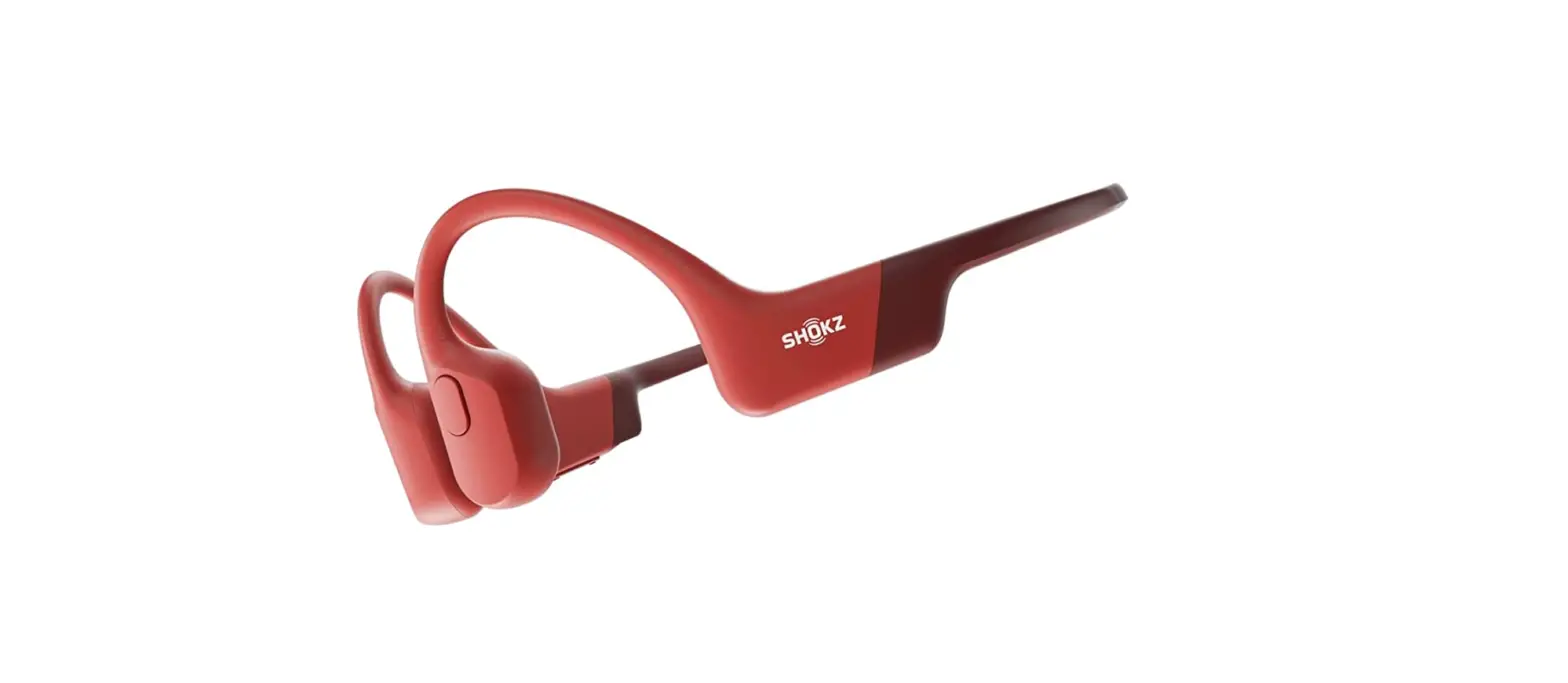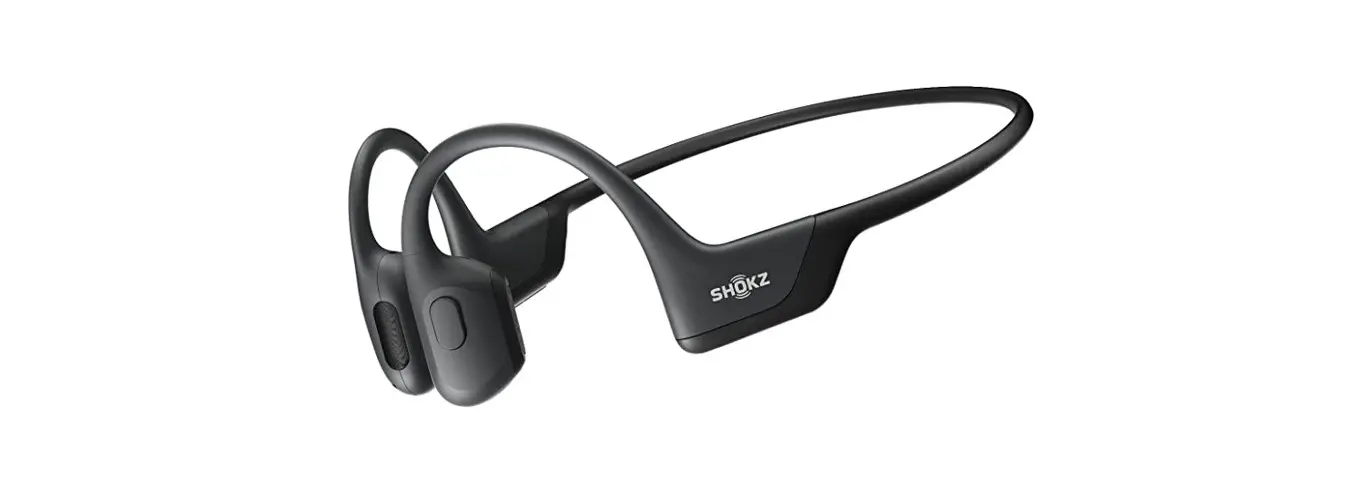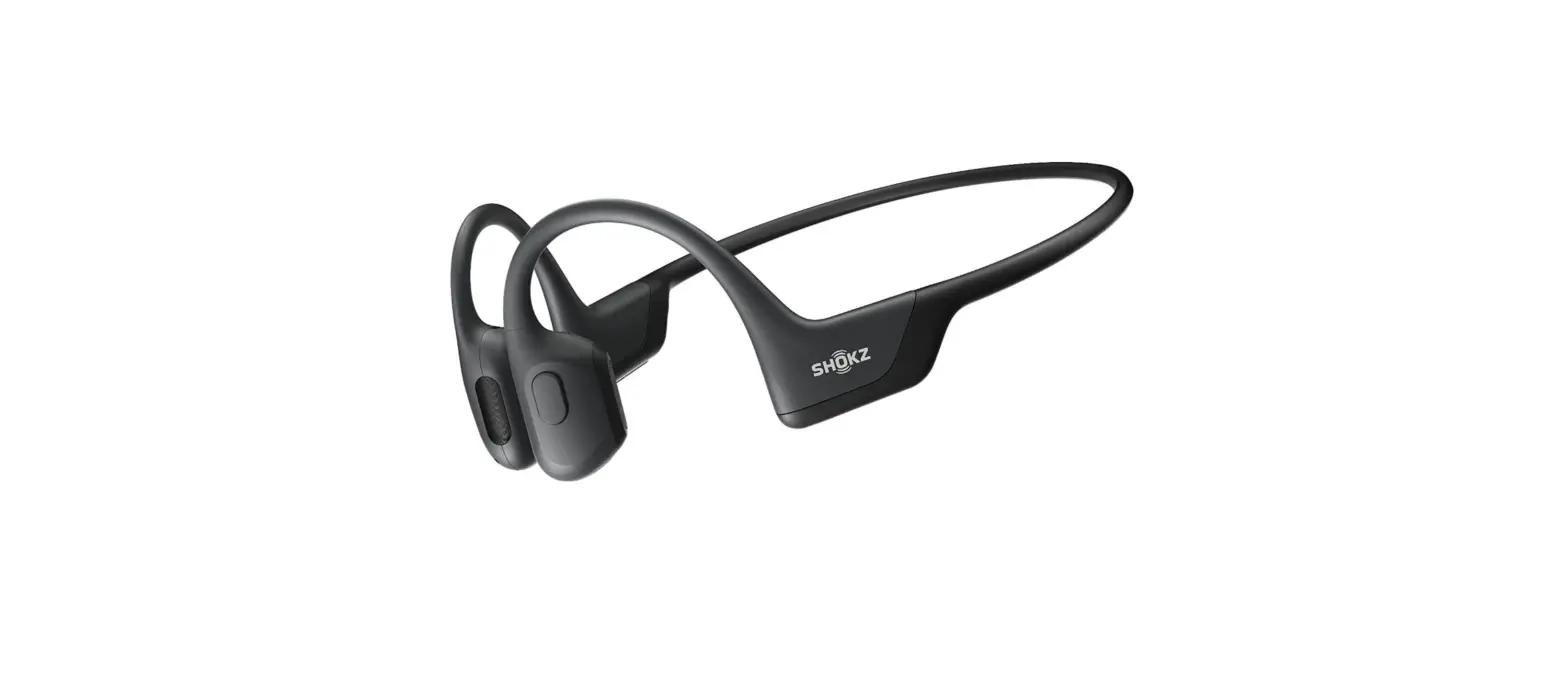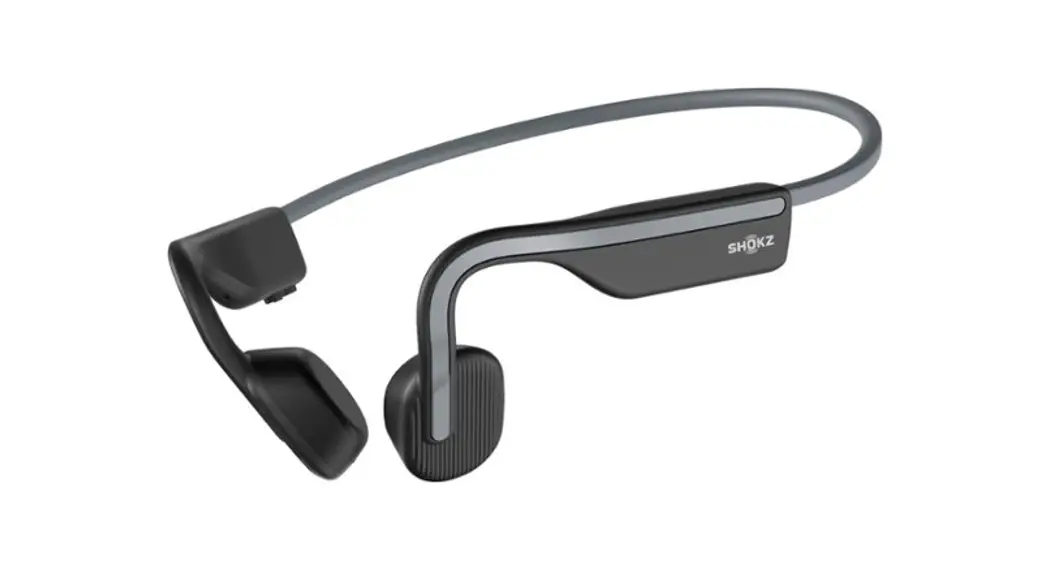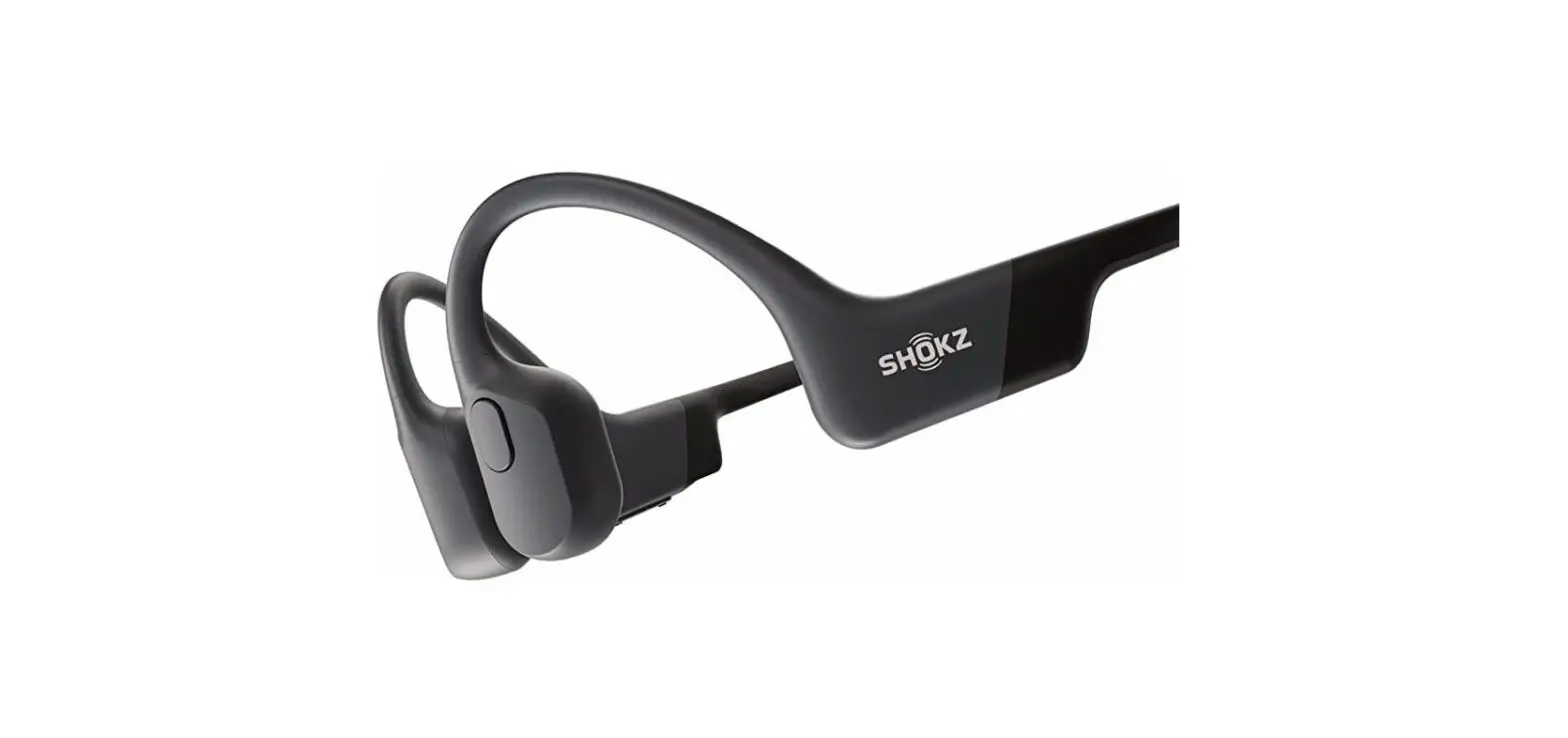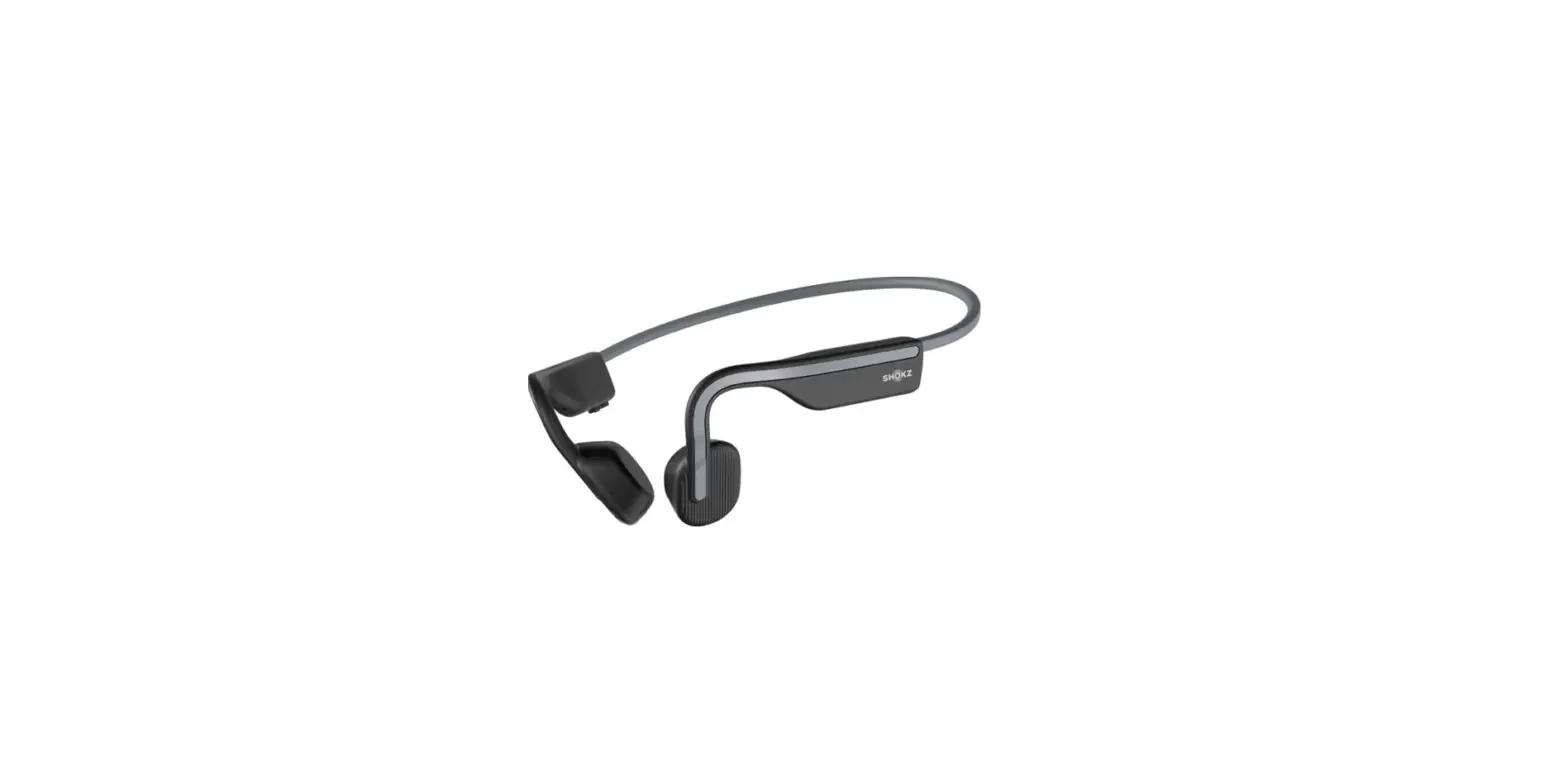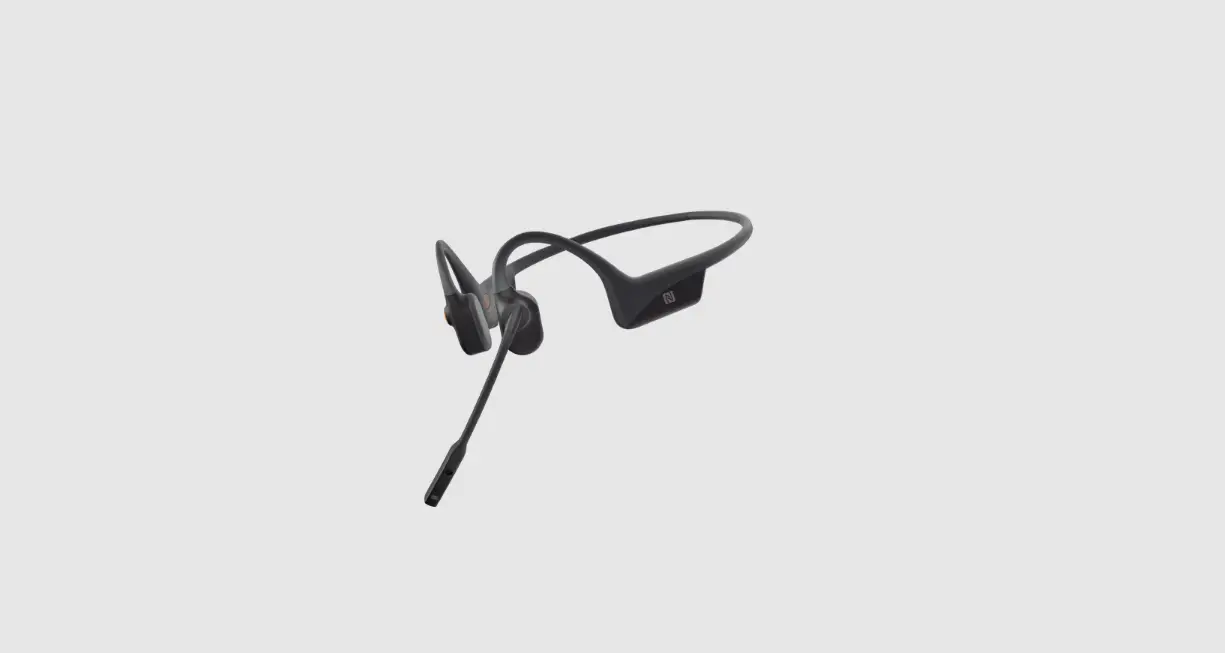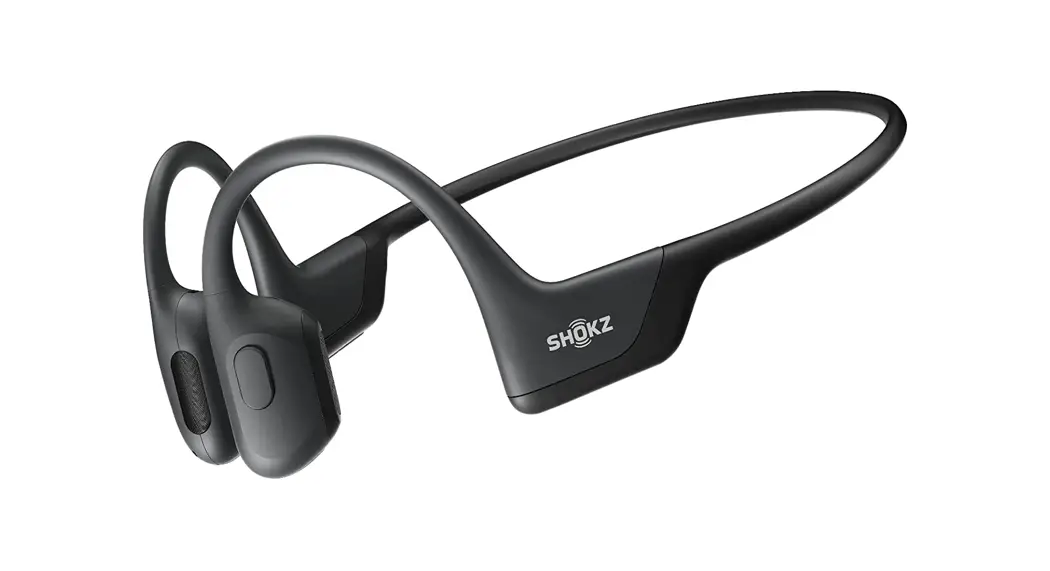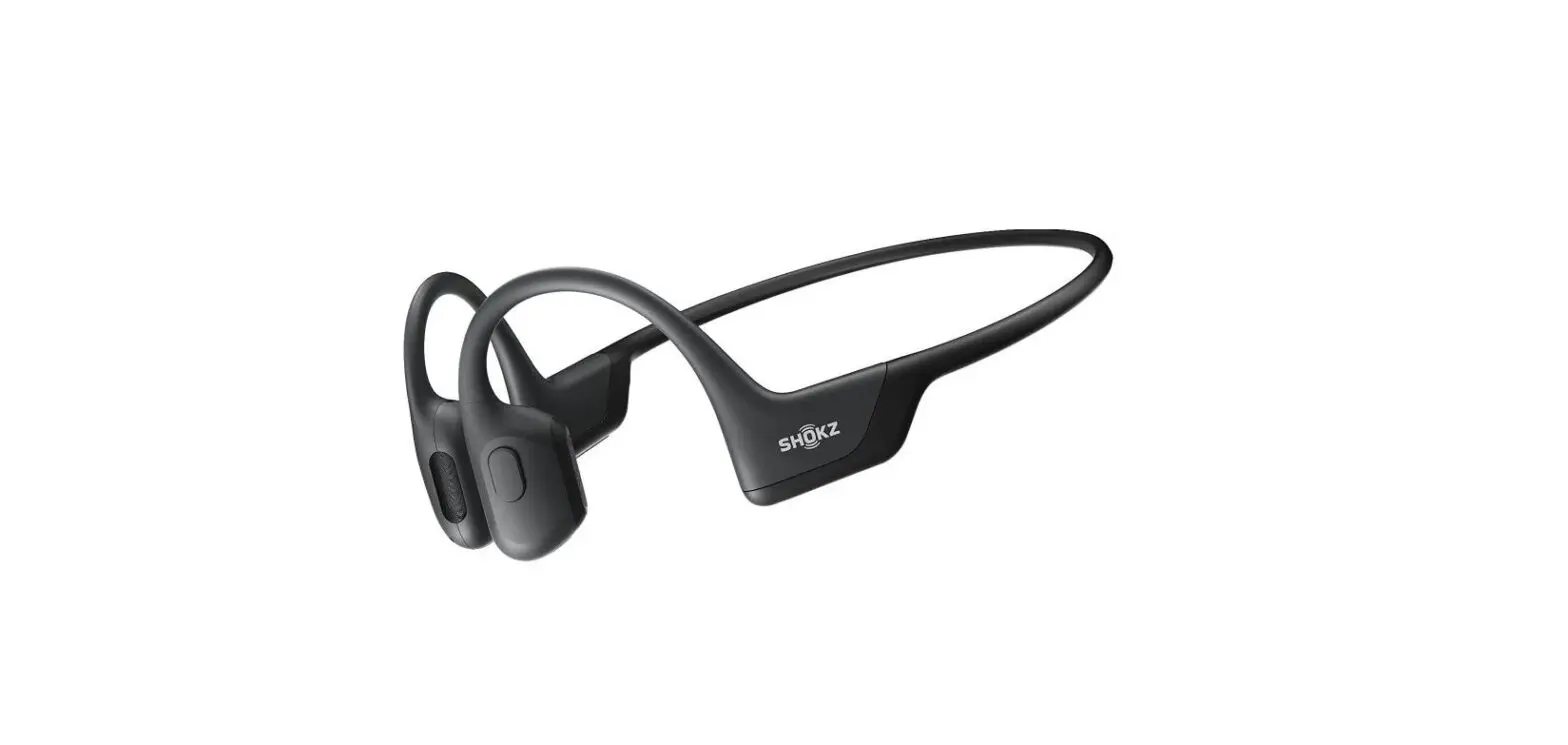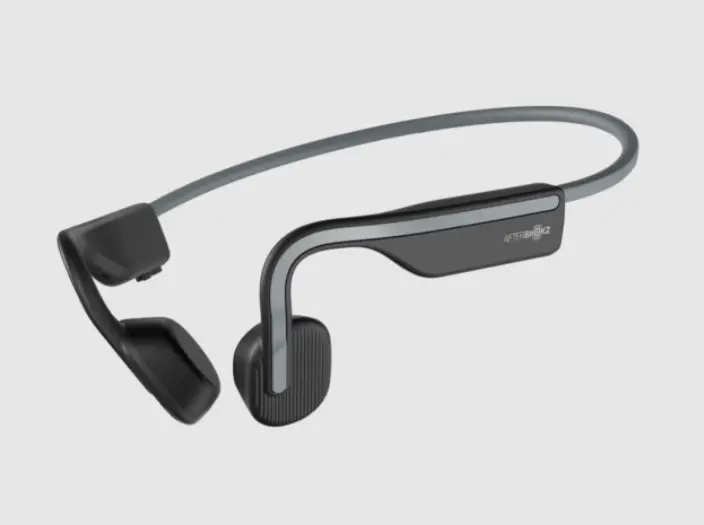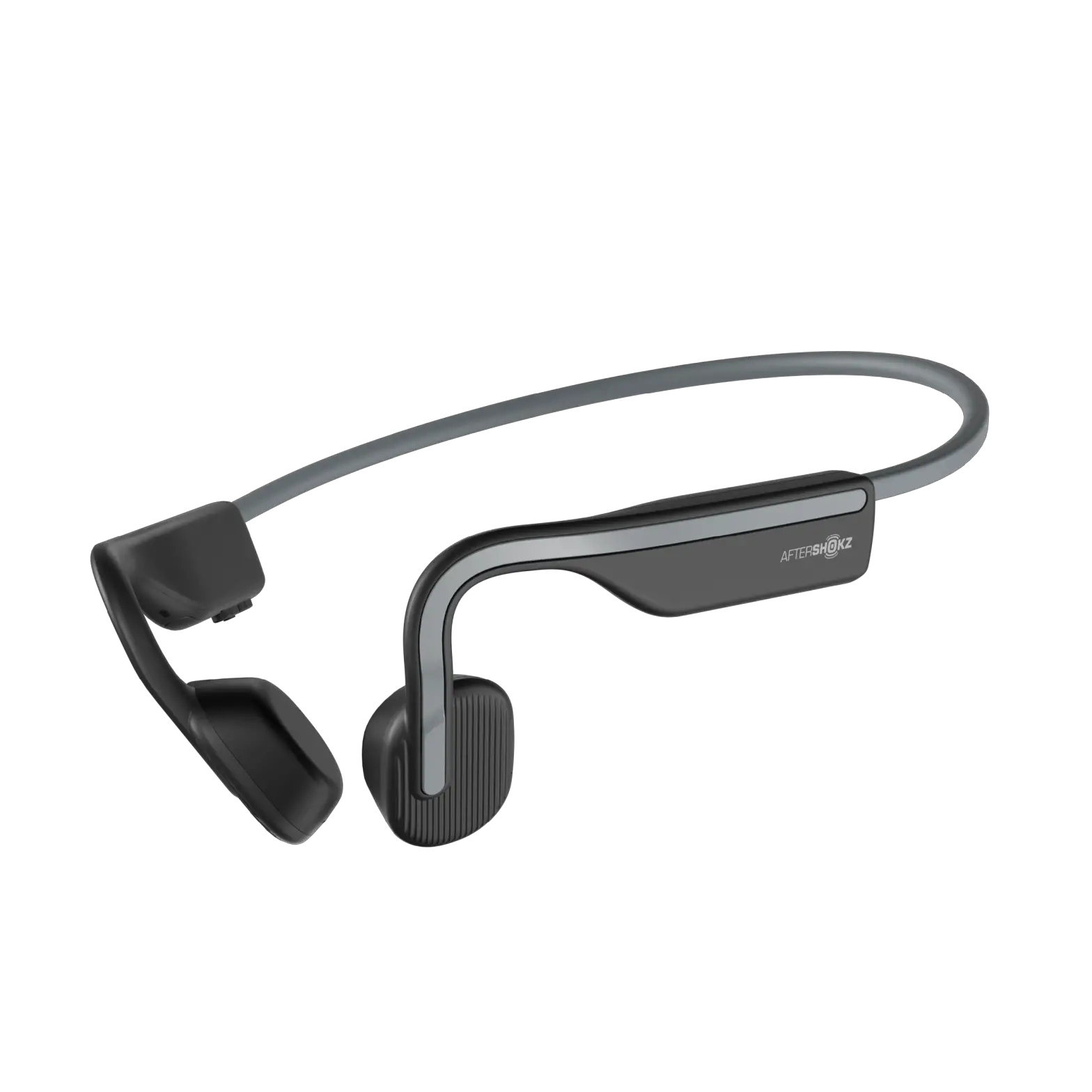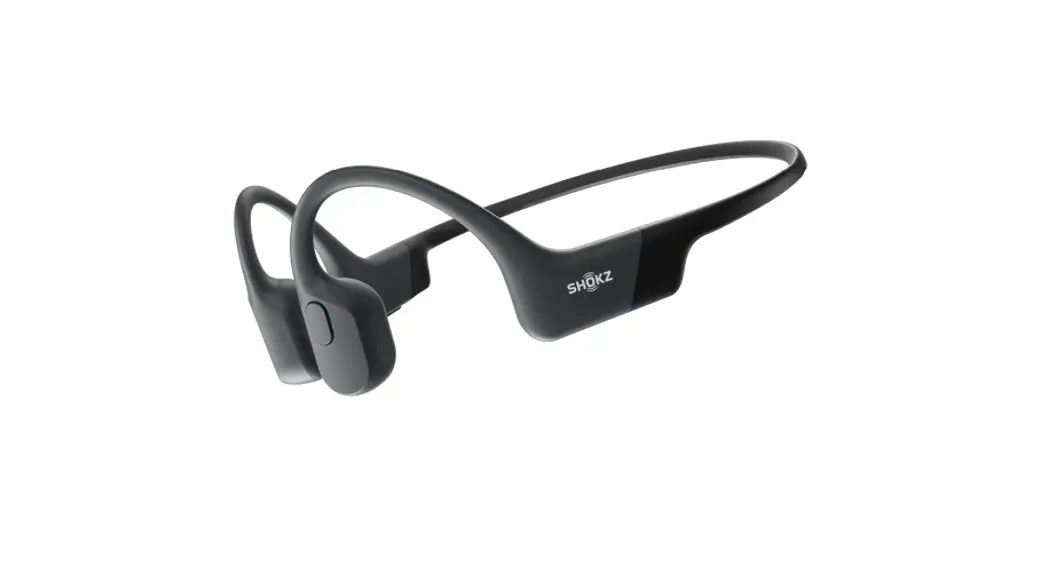


Shokz Openrun S803 Openrun Bone Conduction Open Ear Headphones User Guide

Shokz Openrun S803 Openrun Bone Conduction Open Ear Headphones User Guide

SHOKZ LogoOPENRUN LogoS803 OpenRun Bone Conduction Open Ear Headphones
User Guide

ON/OFF
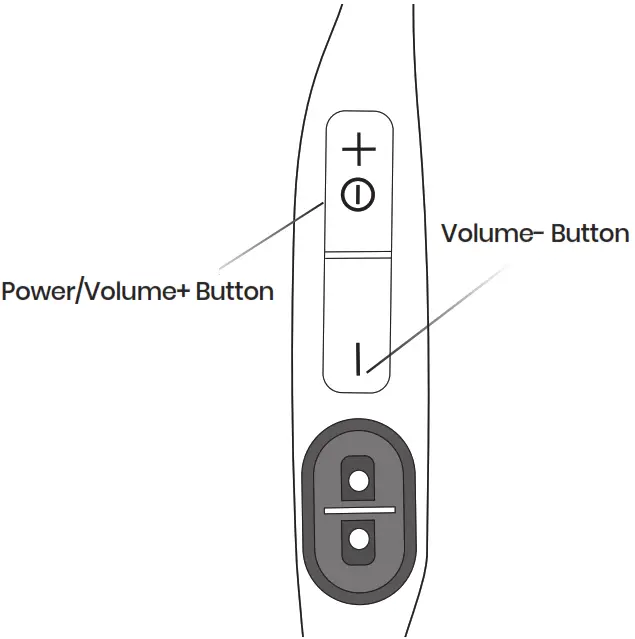
SHOKZ OPENRUN S803 OpenRun Bone Conduction Open Ear Headphones - Figure 1

Turn on the headphones
Press and hold the Power/Volume+ Button for 2 seconds until the LED Indicator flashes blue.
Turn off the headphones
Press and hold the Power/Volume+ Button for 3 seconds until the LED Indicator flashes red.

Pairing
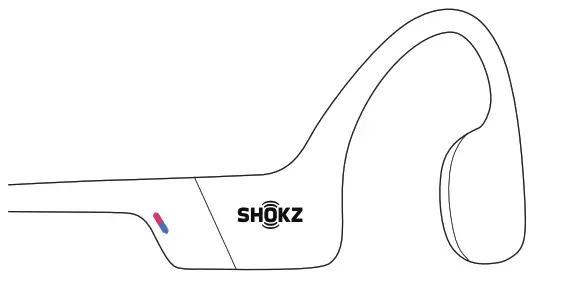
SHOKZ OPENRUN S803 OpenRun Bone Conduction Open Ear Headphones - Pairing

  1. Start with OpenRun turned off.
  2. Press and hold the Volume+ Button for 5 seconds or until the LED Indicator flashes red and blue.SHOKZ OPENRUN S803 OpenRun Bone Conduction Open Ear Headphones - Pairing 1
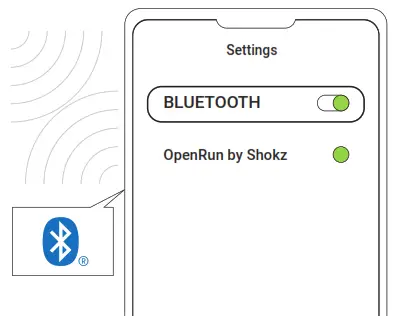
  3. Open your device’s Bluetooth settings and select ” OpenRun by Shokz.” Audrey will say “connected.”
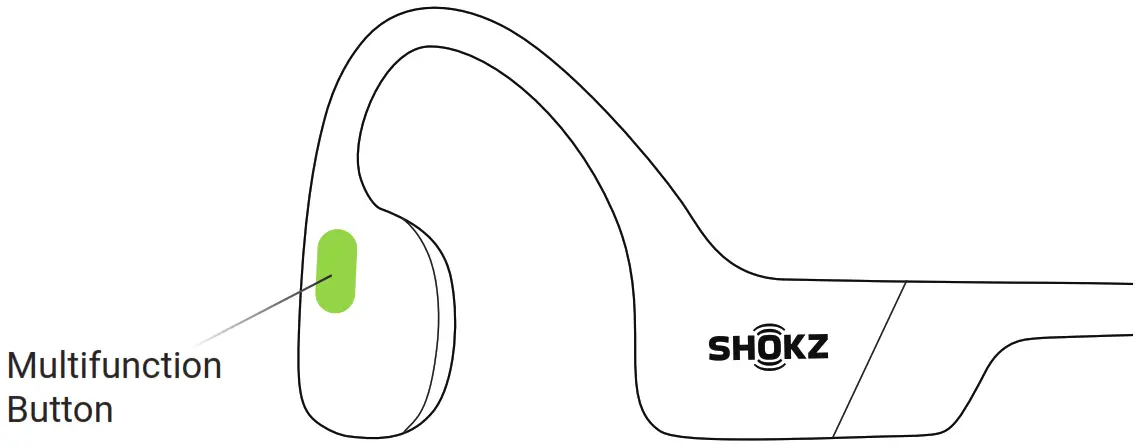
Multifunction Button

SHOKZ OPENRUN S803 OpenRun Bone Conduction Open Ear Headphones - Multifunction Button

SHOKZ OPENRUN S803 OpenRun Bone Conduction Open Ear Headphones - icon 2Play/pause music SHOKZ OPENRUN S803 OpenRun Bone Conduction Open Ear Headphones - icon 7
Click once
SHOKZ OPENRUN S803 OpenRun Bone Conduction Open Ear Headphones - icon 3Next song SHOKZ OPENRUN S803 OpenRun Bone Conduction Open Ear Headphones - icon 7SHOKZ OPENRUN S803 OpenRun Bone Conduction Open Ear Headphones - icon 7
Double-click while music is playing
SHOKZ OPENRUN S803 OpenRun Bone Conduction Open Ear Headphones - icon 4Previous song SHOKZ OPENRUN S803 OpenRun Bone Conduction Open Ear Headphones - icon 7SHOKZ OPENRUN S803 OpenRun Bone Conduction Open Ear Headphones - icon 7SHOKZ OPENRUN S803 OpenRun Bone Conduction Open Ear Headphones - icon 7
Triple-click while music is playing
SHOKZ OPENRUN S803 OpenRun Bone Conduction Open Ear Headphones - icon 5Answer call SHOKZ OPENRUN S803 OpenRun Bone Conduction Open Ear Headphones - icon 7
Click once
SHOKZ OPENRUN S803 OpenRun Bone Conduction Open Ear Headphones - icon 6End call SHOKZ OPENRUN S803 OpenRun Bone Conduction Open Ear Headphones - icon 7
Click once

SHOKZ LogoSHOKZ OPENRUN S803 OpenRun Bone Conduction Open Ear Headphones - icon 1Please refer to the following for more details
userguide.shokz.net/openrun
8000500140 (A0)

References

Documents / Resouces

Download manual
Here you can download full pdf version of manual, it may contain additional safety instructions, warranty information, FCC rules, etc.


Related Manuals