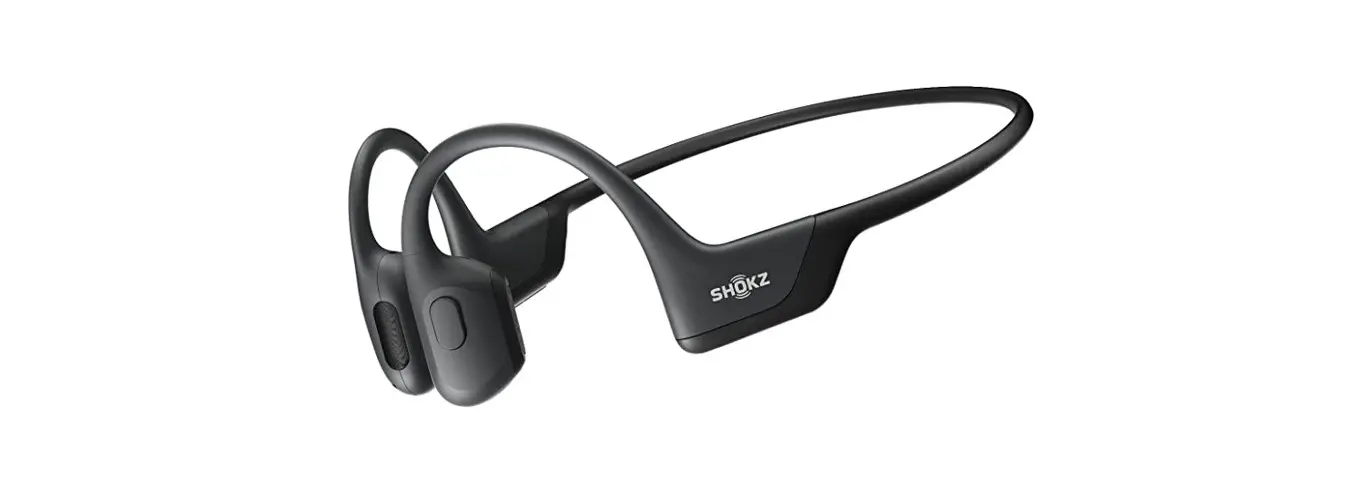

Instruction
ON/OFF
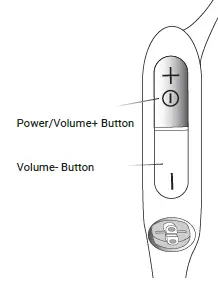
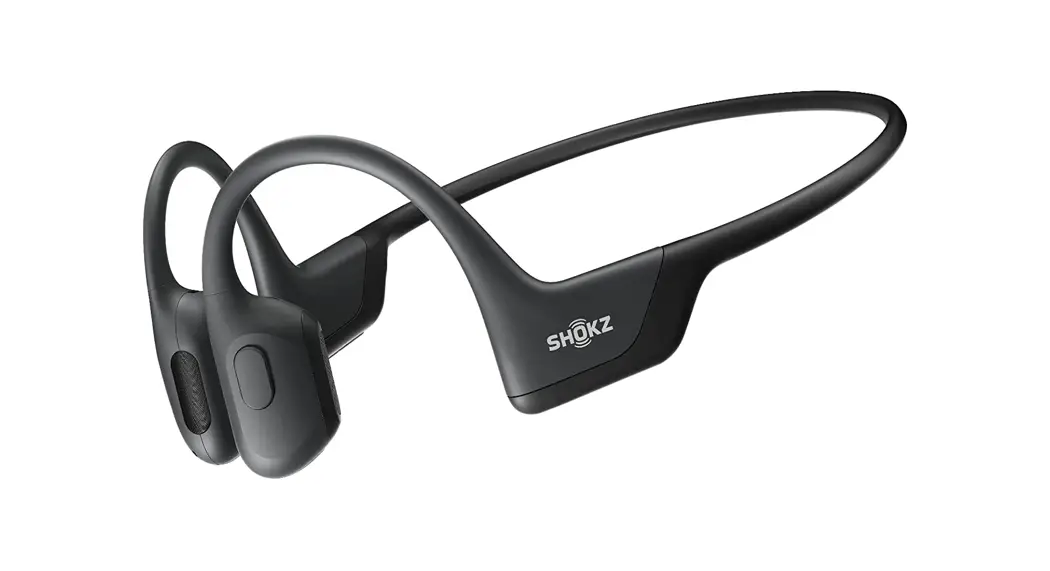
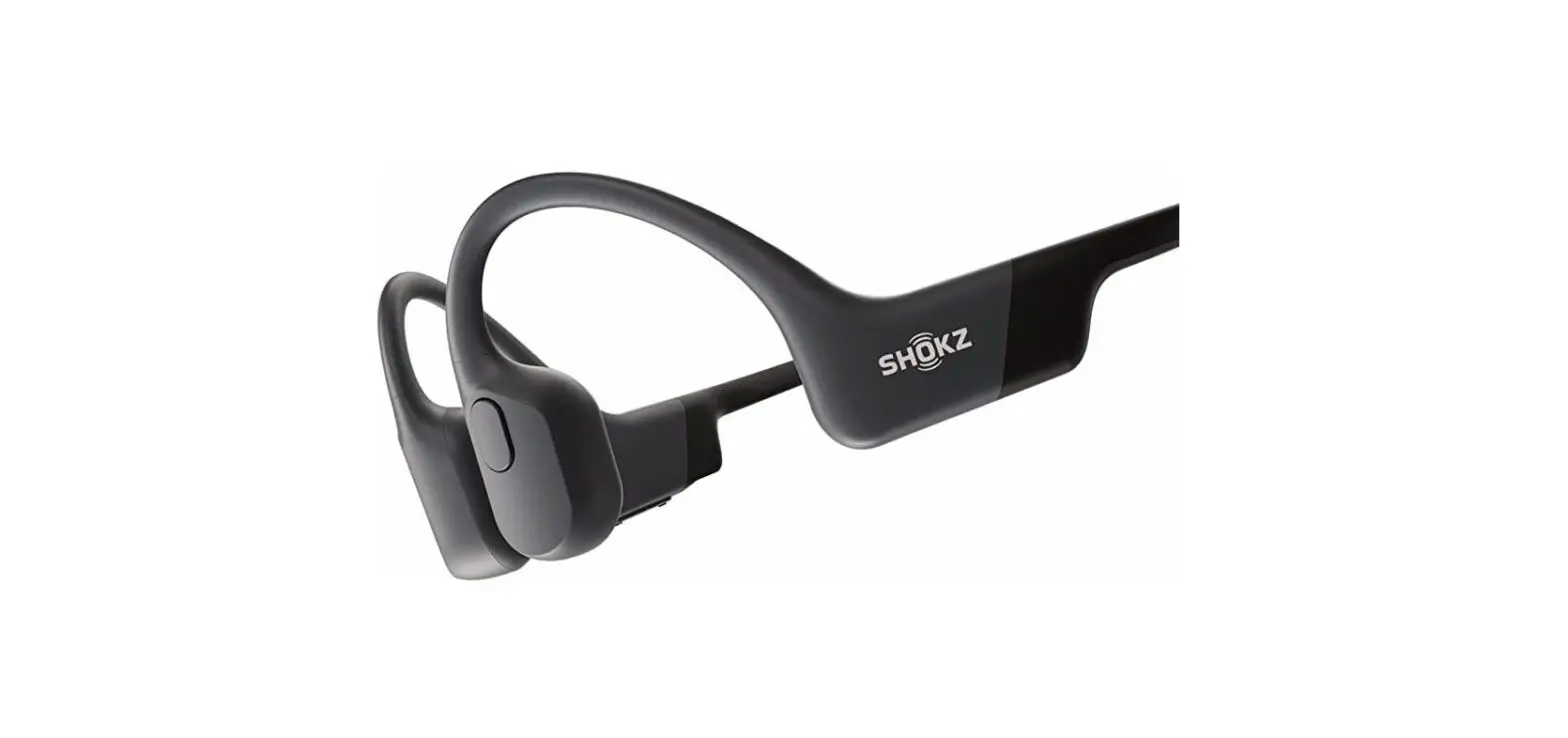
Turn on the headphones
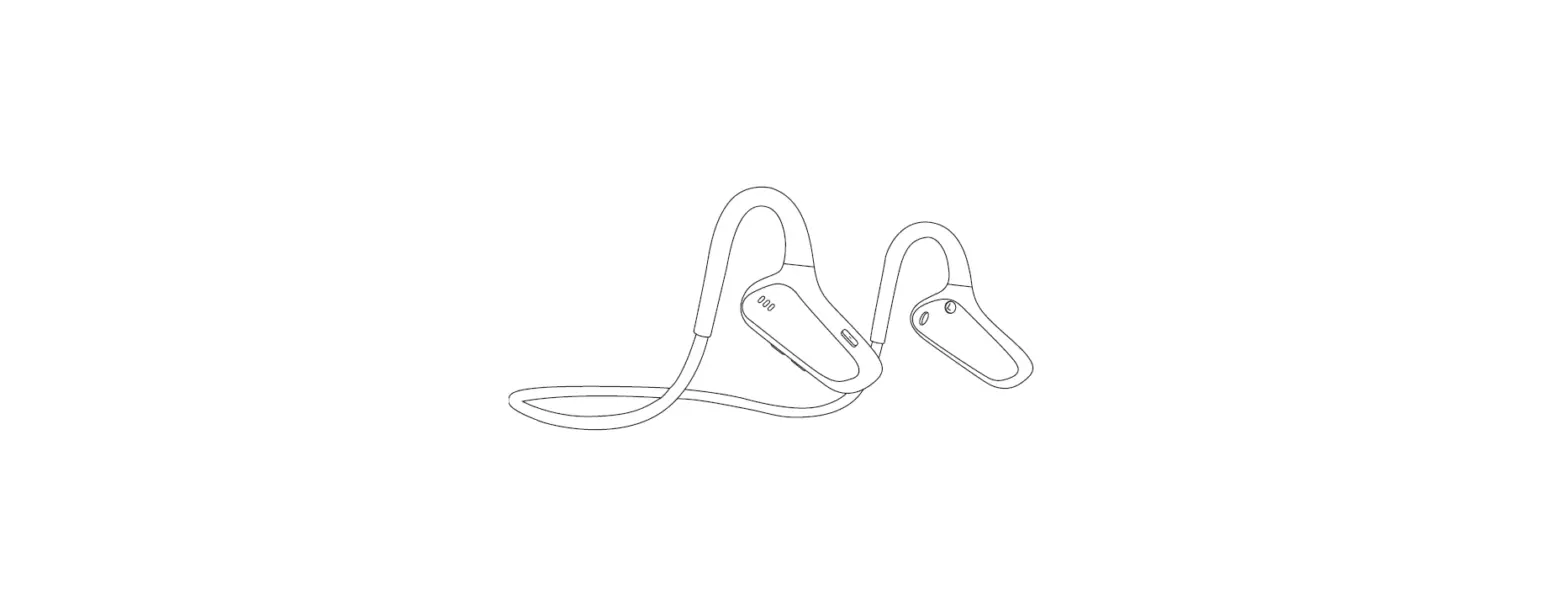
- Press and hold the
- Power/Volume+ Button for 2 seconds until the LED Indicator flashes blue.
Turn off the headphones
- Press and hold the
- Power/Volume+ Button for 3 seconds until the LED Indicator flashes red.
Pairing
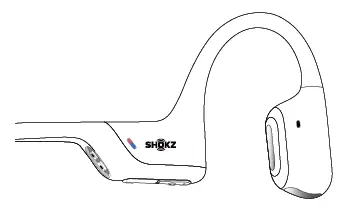
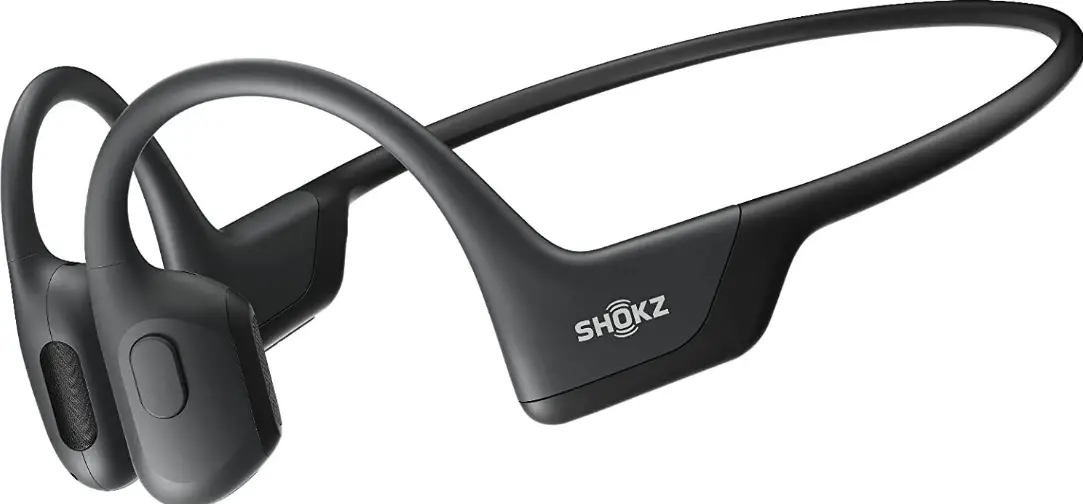
- Start with OpenRun Pro turned off.
- Press and hold the Volume+ Button for 5 seconds or until the LED Indicator flashes red and blue.
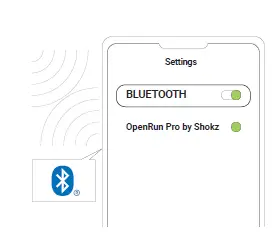
- Open your device’s Bluetooth settings and select ” OpenRun Pro by Shokz.” Audrey will say “connected.”
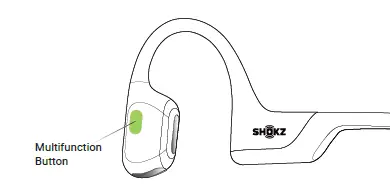
- Play/pause music
- Click once
- Next song
- Double-click while music is playing
- Previous song
- Triple-click while music is playing
- Answer call
- Click once
- End call
- Click once
 Shokz
Shokz