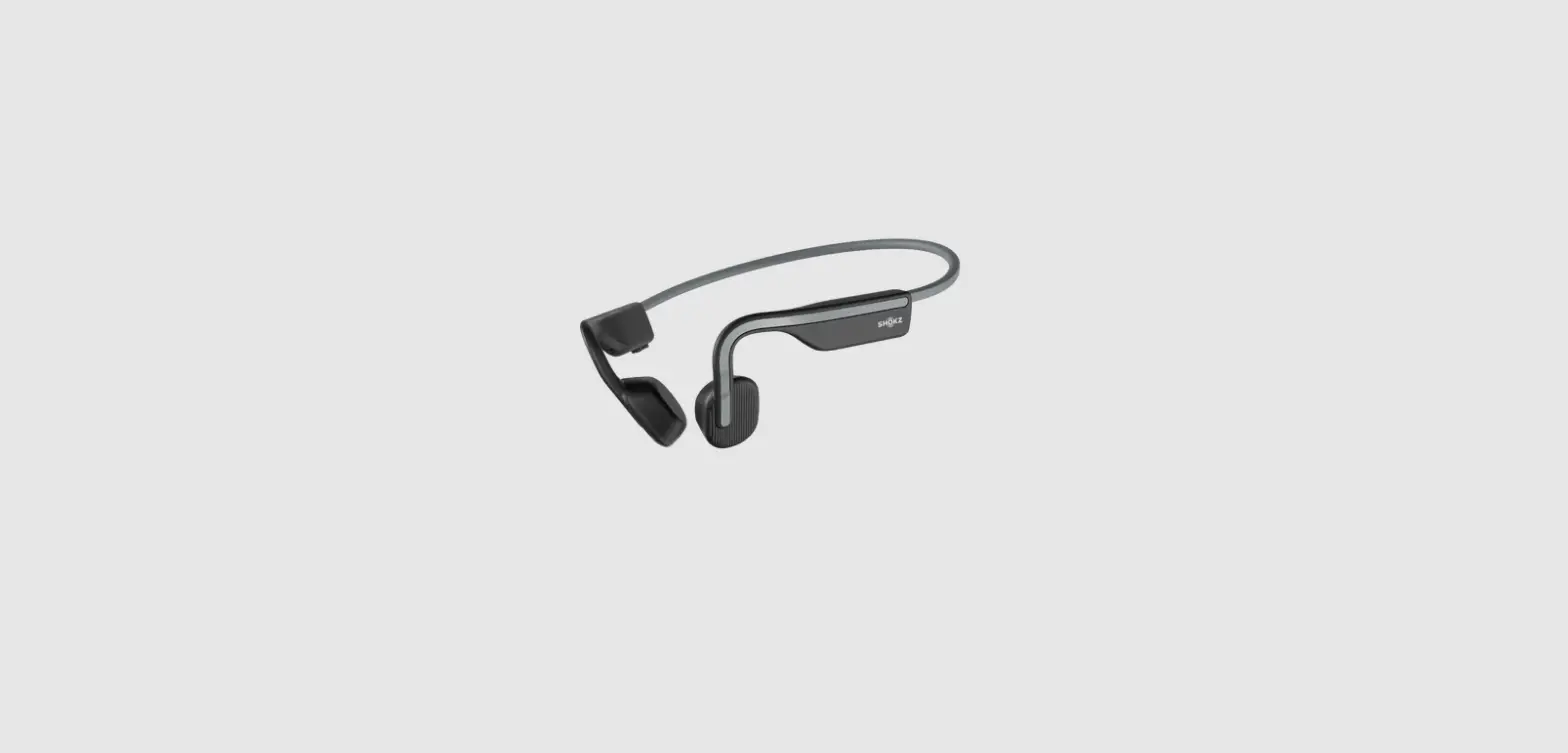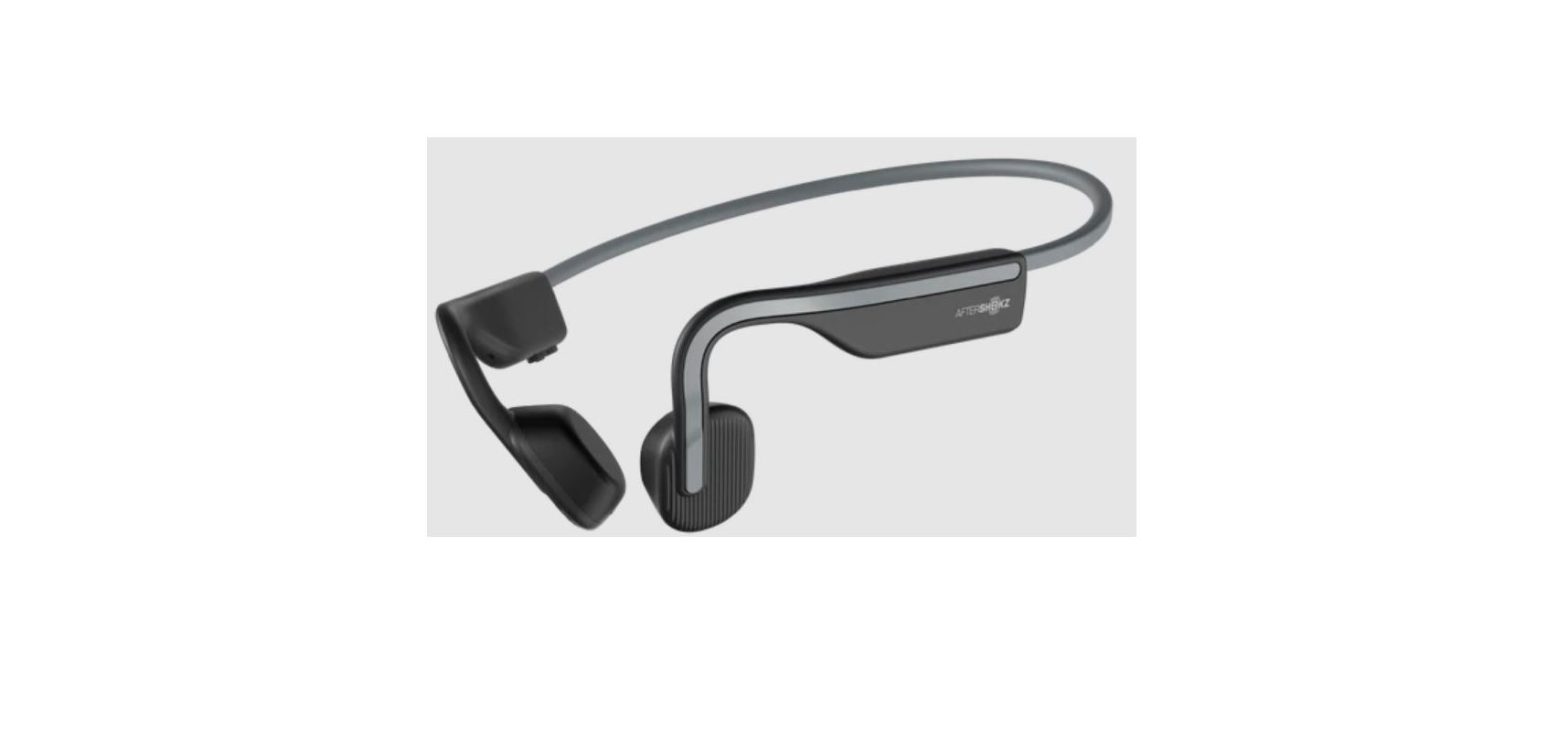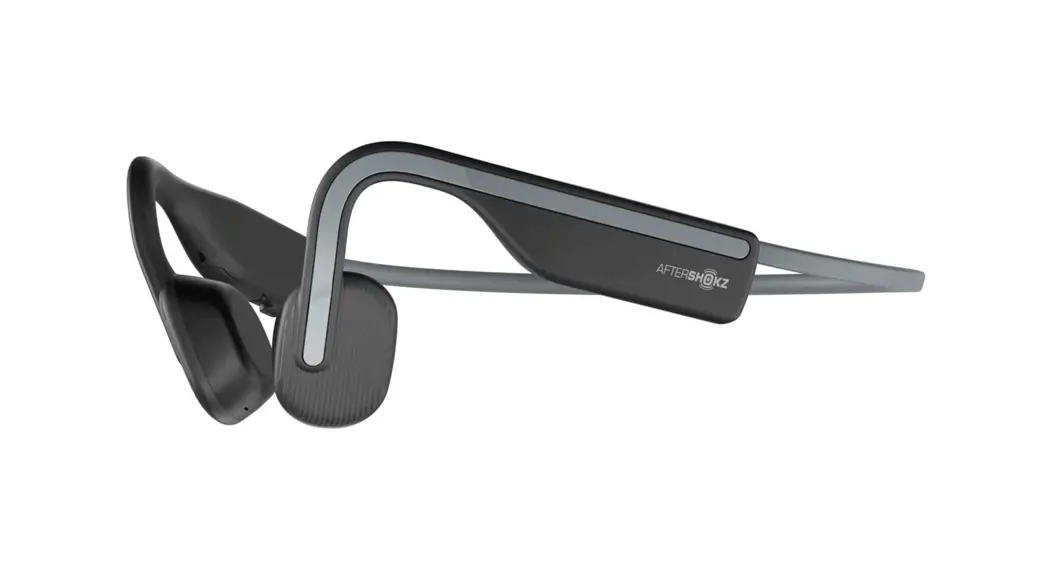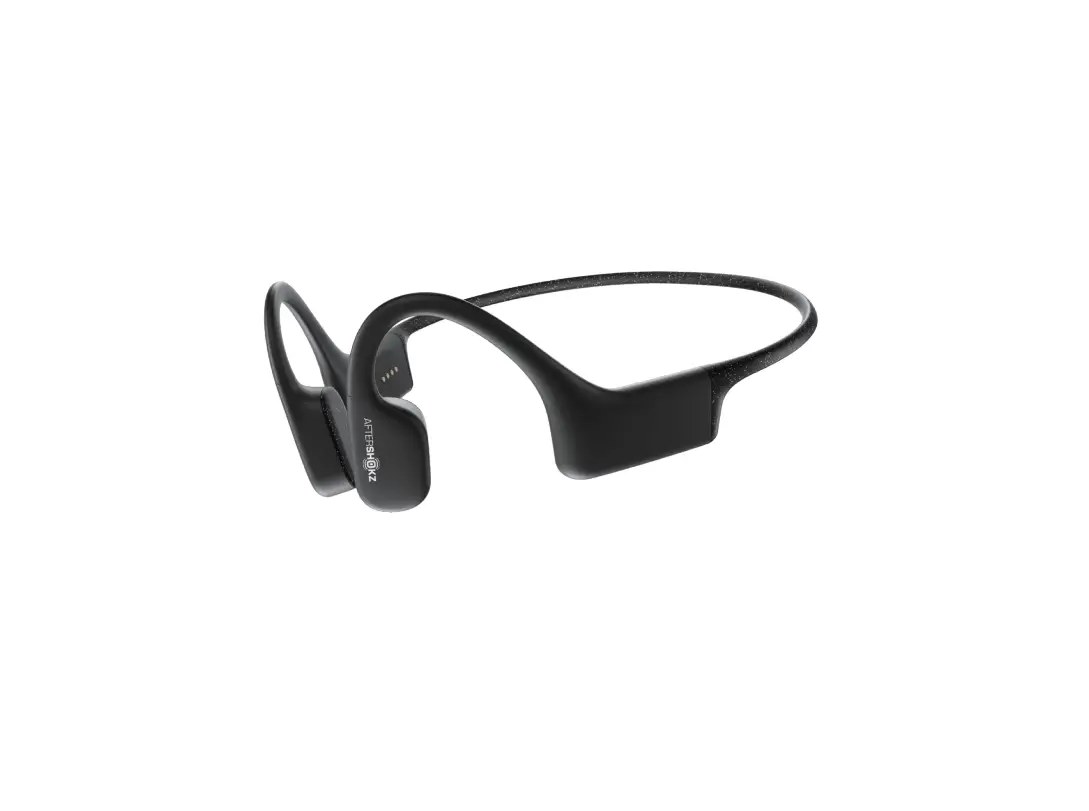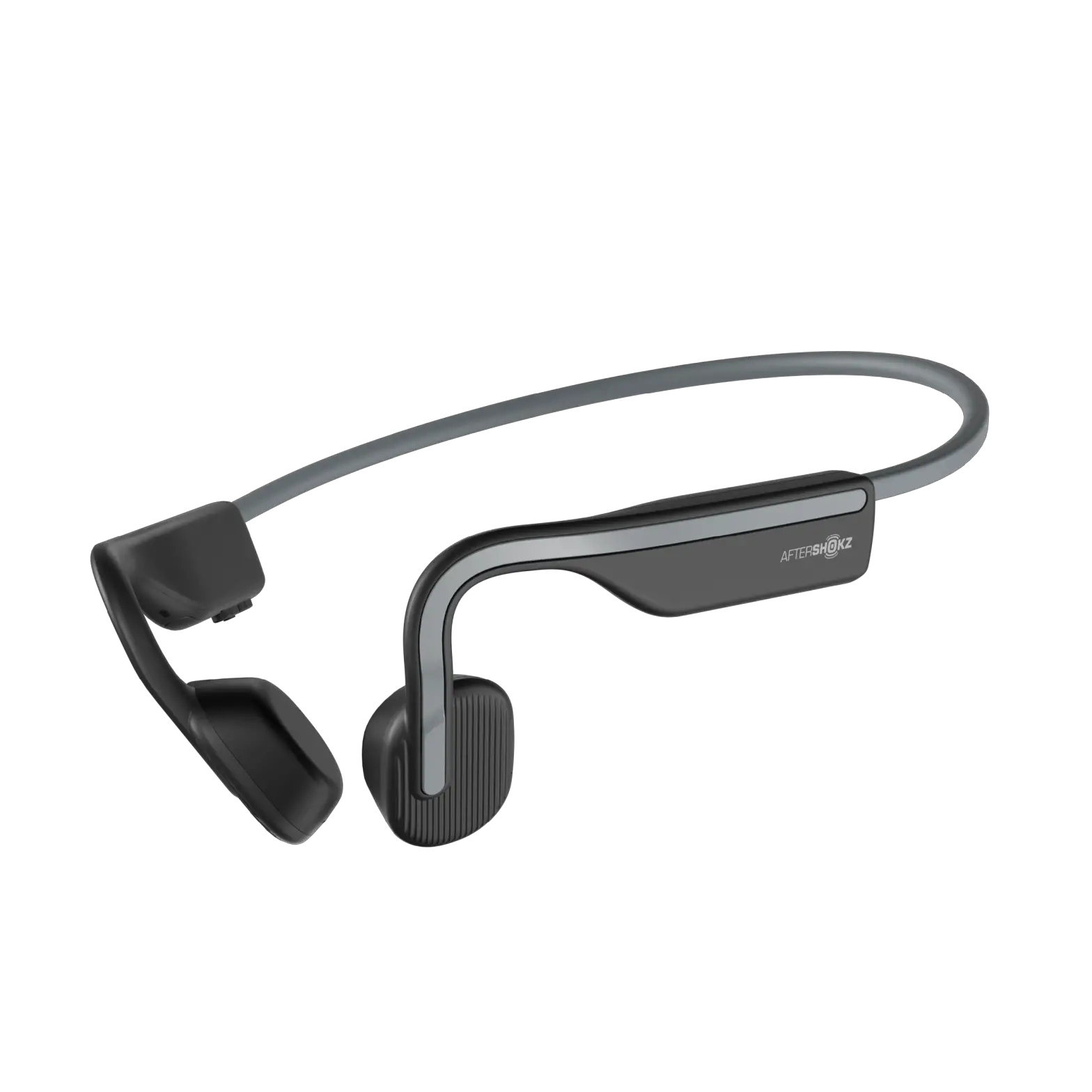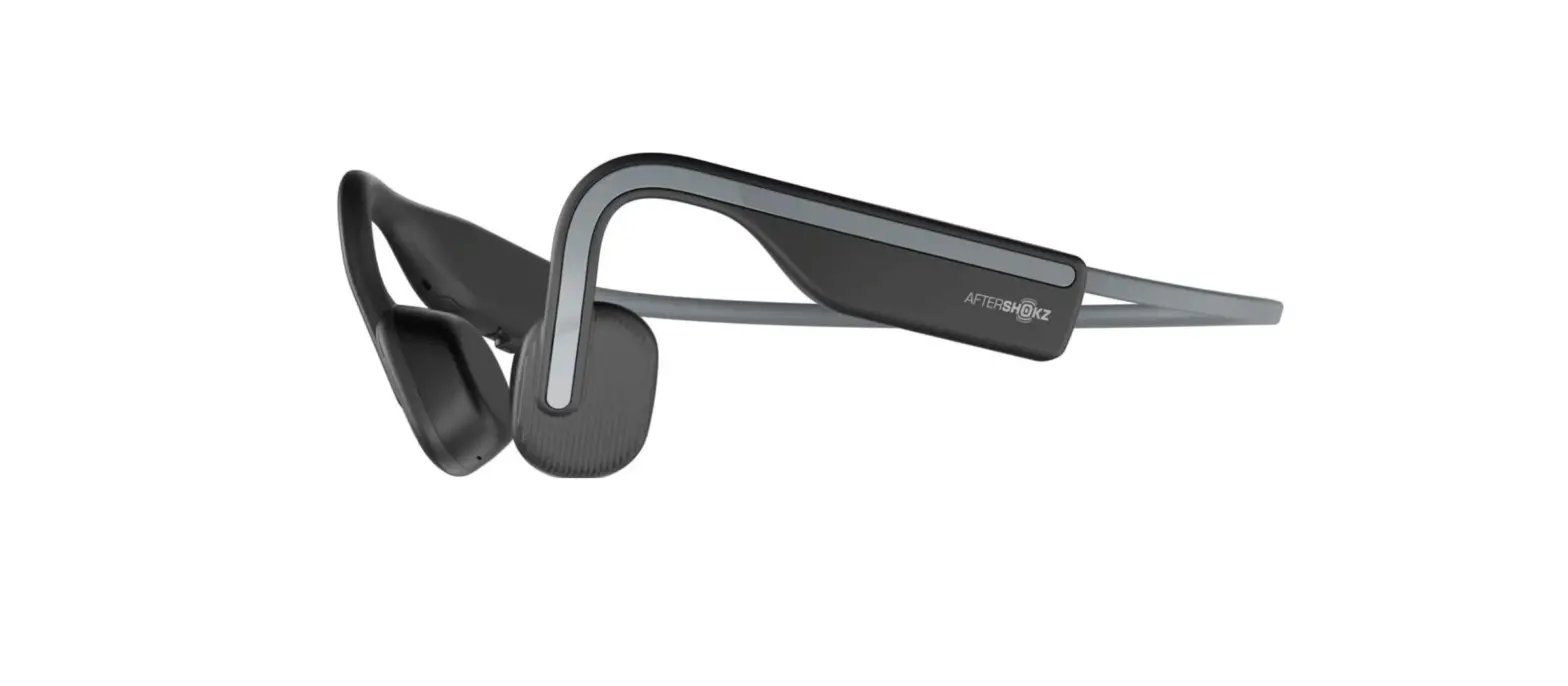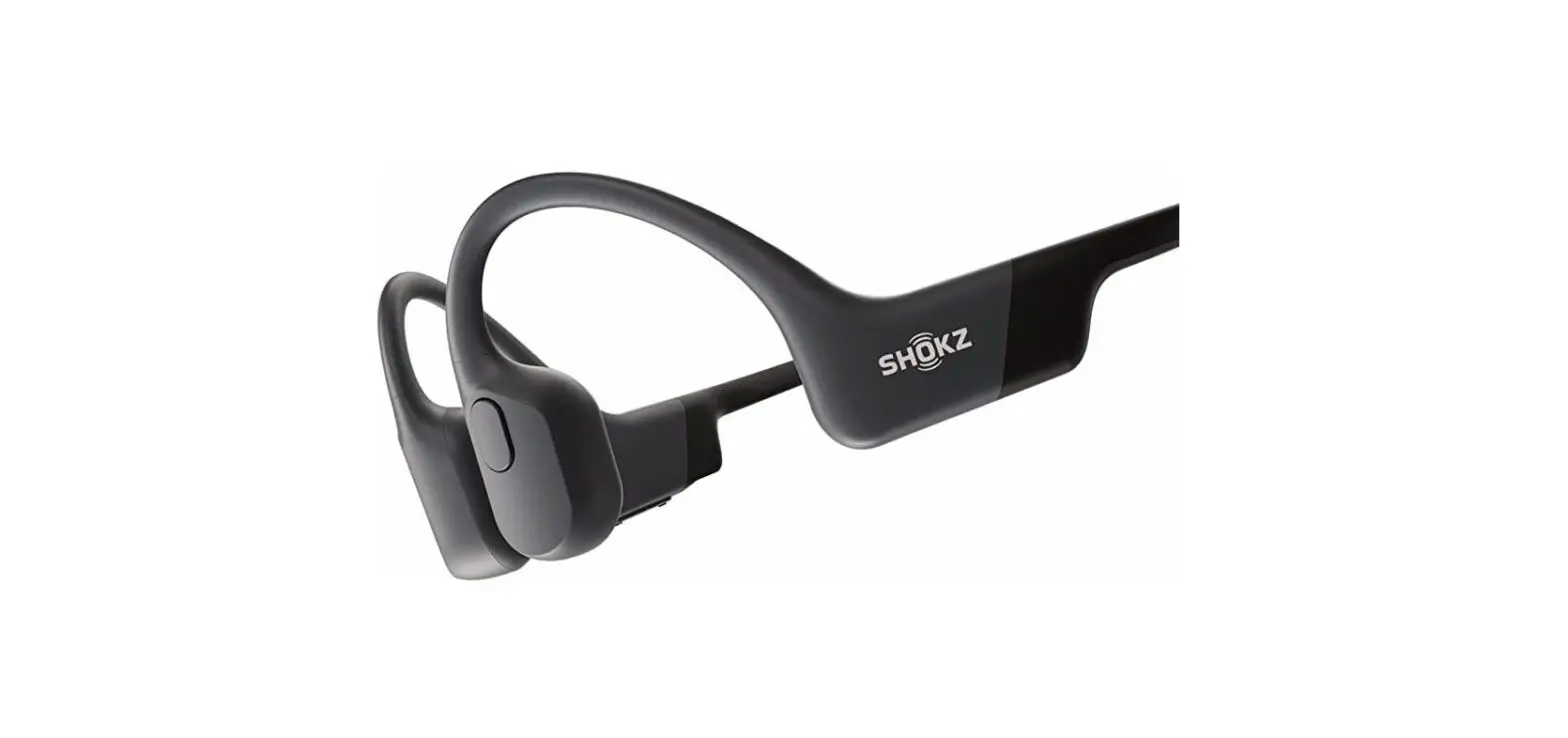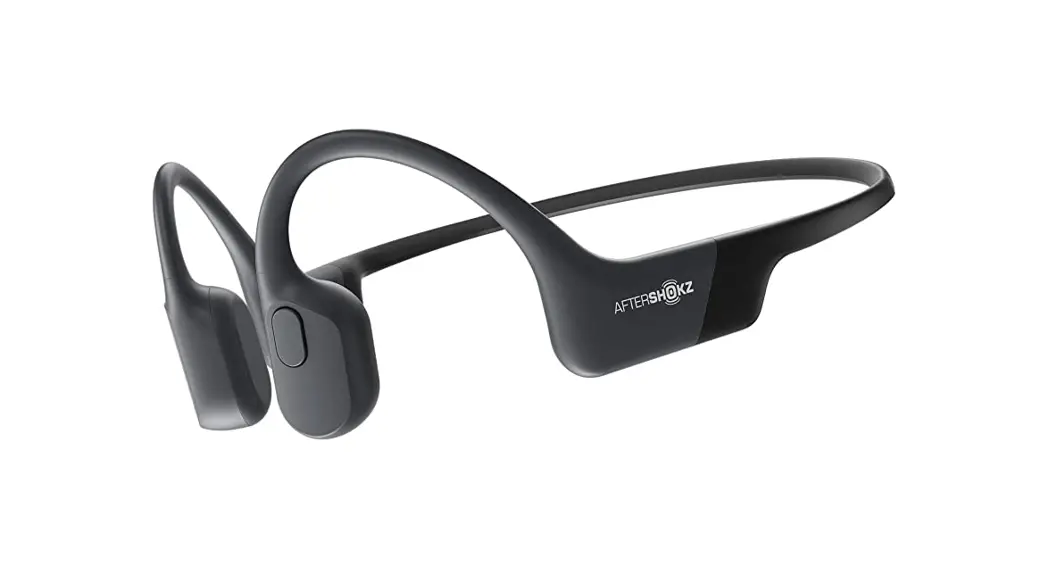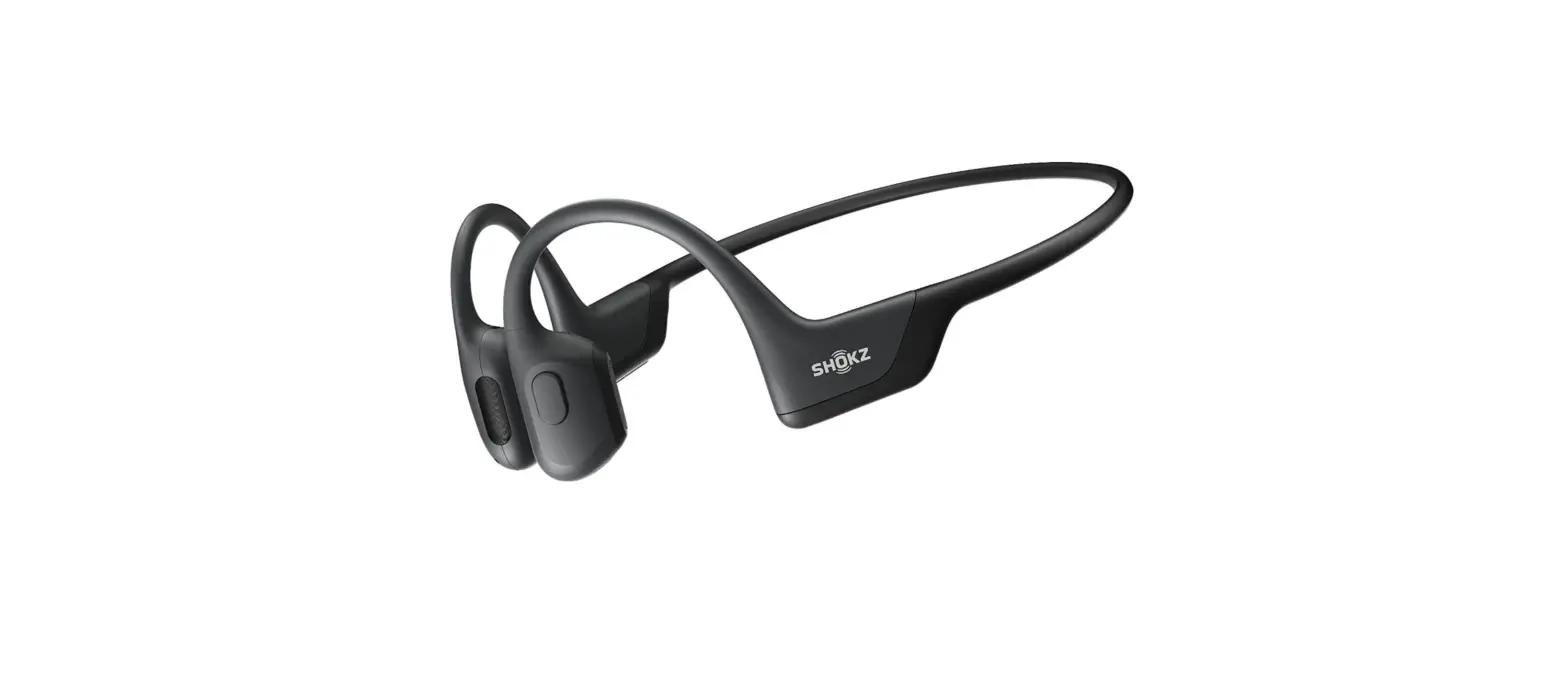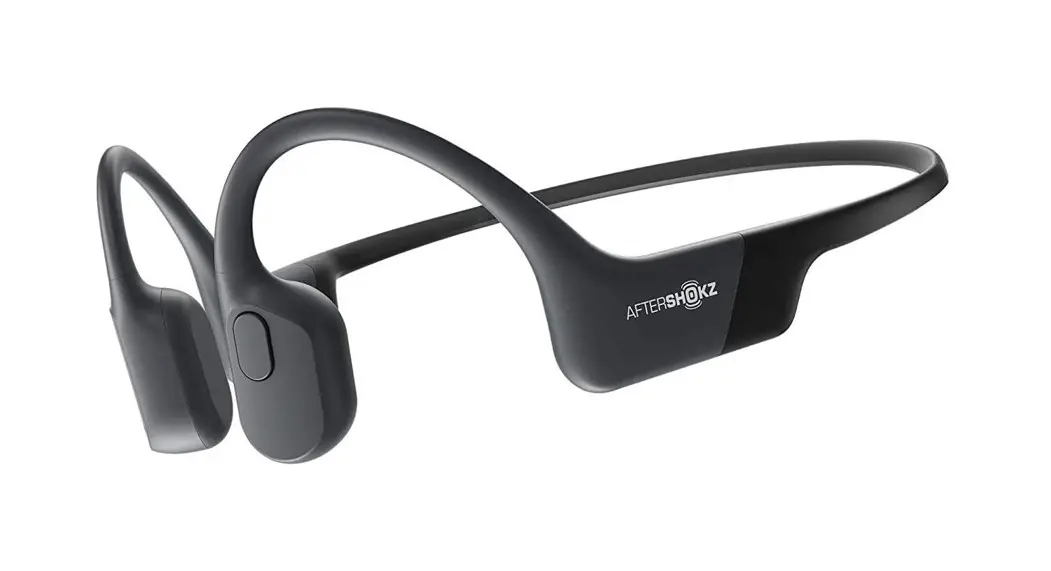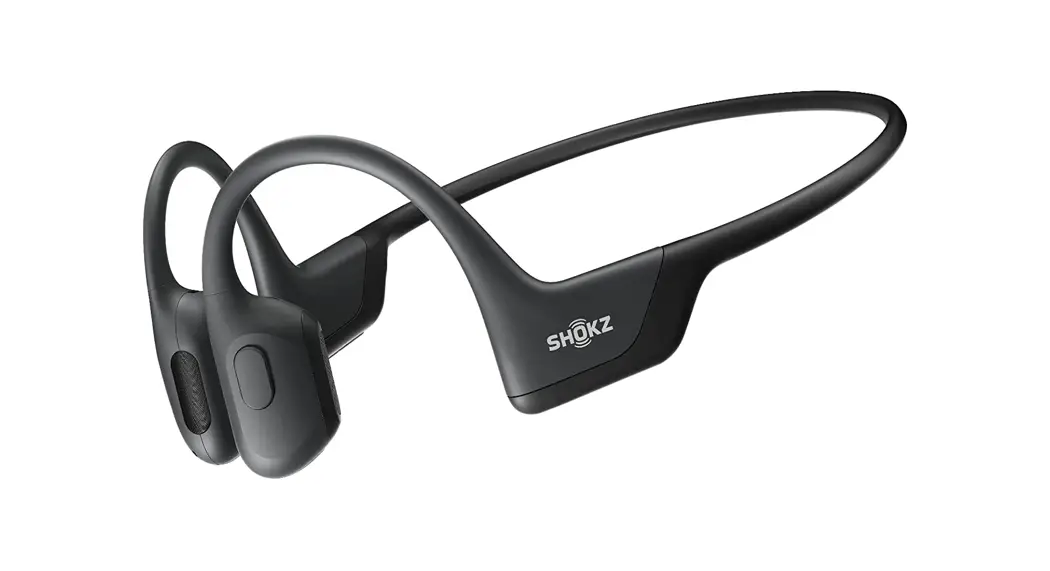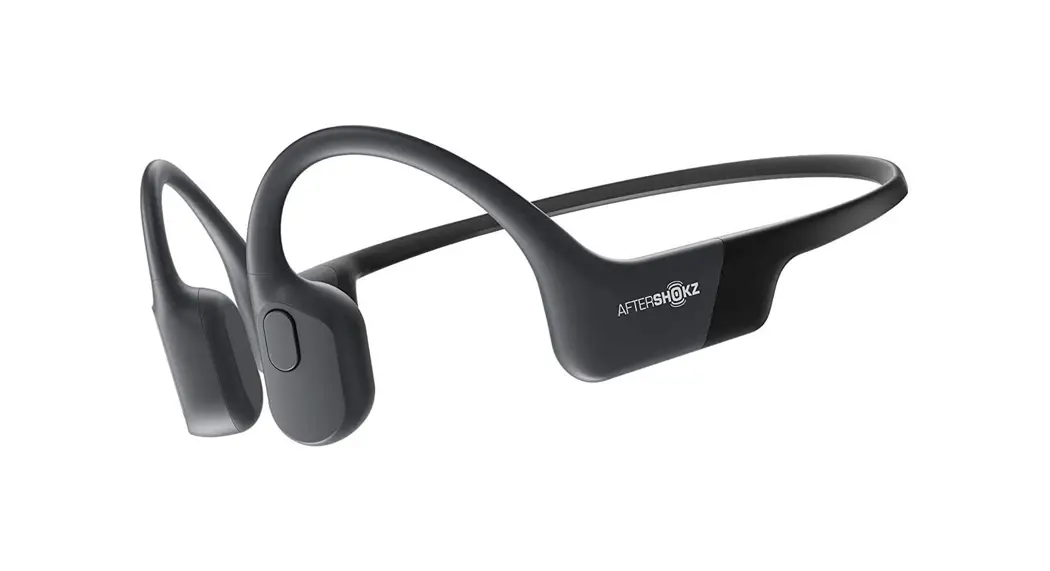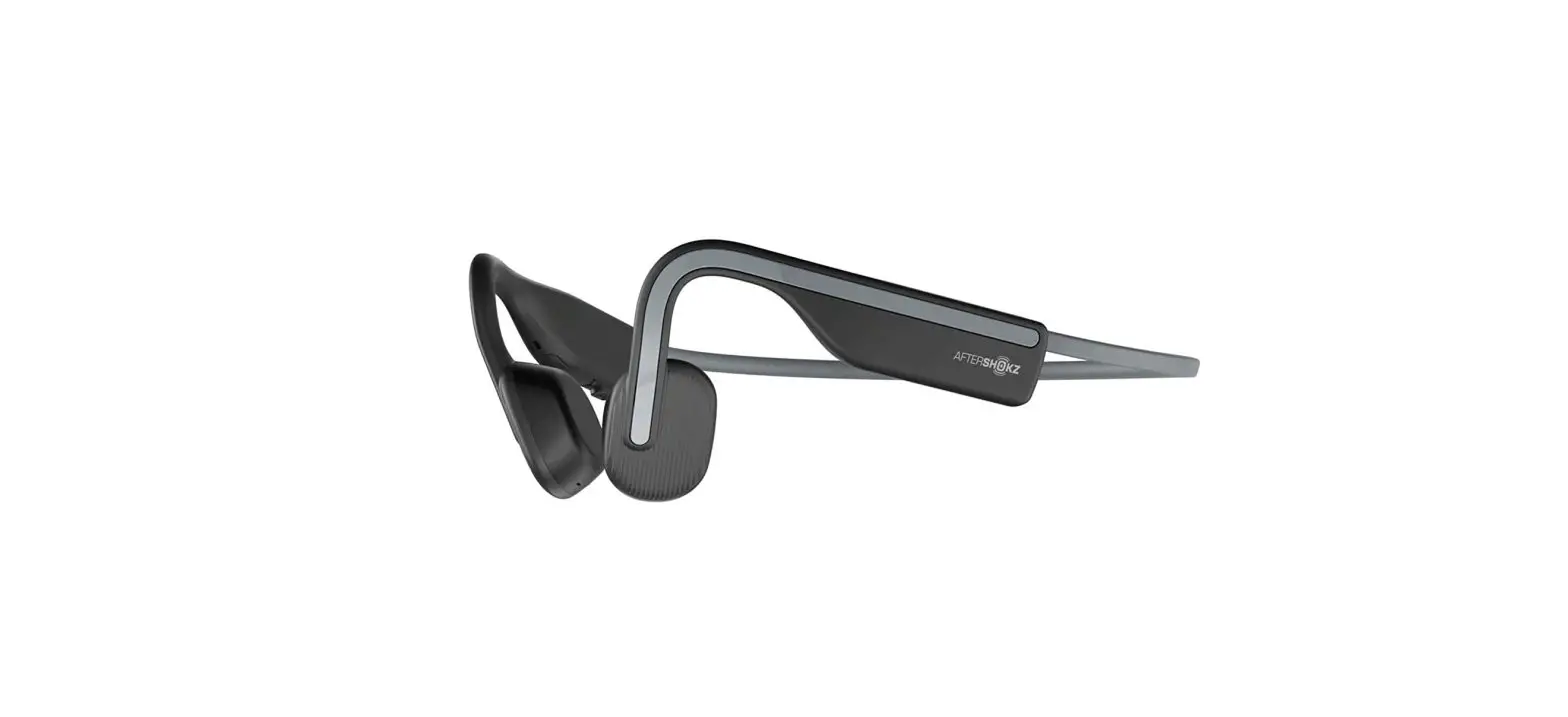
AFTERSHOKZ OpenMove Wireless Headphones User Guide
Product Overview
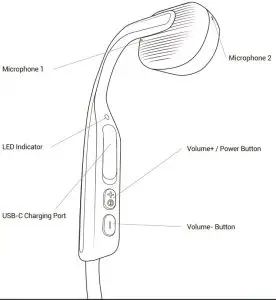
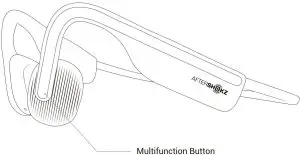
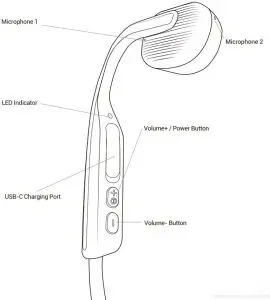
How to Set Up OpenMove
- Charge
Charge the headphones with the included USB-C charging cable. The LED indicator will change from red to blue when charging is complete. - Pair
Begin with your headphones powered off. Enter pairing mode by pressing and holding volume+ until Audrey says “pairing” and the LED indicator flashes red and blue. - Connect
Open your device’s Bluetooth® menu and select “OpenMove by AfterShokz.” Audrey will say “connected” and the LED indicator will flash blue one time.
Let us take care of you! Protect your headphones against defects.
Make sure to register your OpenMove at Aftershokz.com
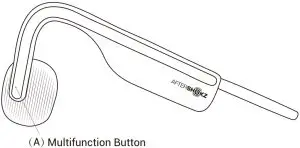
Play / pause music | Click once | One beep |
| Skip to next song | Double-click while music is playing | One beep |
| Skip to previous song | Triple-click while music is playing | One beep |
| Switch language | Double-click while on pairing | |
| Answer call | Click once | Two beeps |
| End call | Click once | One beep |
| Answer call waiting and hang up on current caller | Press and hold for 2 seconds | One beep |
| Reject a call | Press and hold for 2 seconds | Two beeps |
| Activate device’s voice assistant | Press and hold for 2 seconds | Device beep |
| Redial last number | Double-click (when idle) | “Redial last number” |
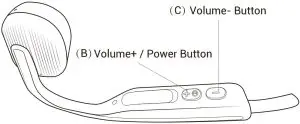
Volume+ / Power Button (B); Volume- Button (C)
| Power on | Press and hold volume+ for 2 seconds | “Welcome to AfterShokz” |
| Power off | Press and hold volume+ for 3 seconds | “Power off” |
| Mute | Press and hold both buttons for 2 seconds while on a call | “Mute on” or “Mute off” |
| Switch EQ | Press and hold both buttons for 3 seconds while music is playing | “Standard mode / Vocal booster mode / Earplug mode” |
| Check battery status | Click the volume+ or volume- button while music is paused | “Battery high/Battery medium/ Battery low/Charge me” |
| Adjust volume | Click the volume+ or volume- button to adjust volume while music is playing | One beep |
Specifications
Model number | Frequency response 20Hz – 20kHz |
| Speaker type Bone conduction transducer | Speaker sensitivity |
Bluetooth® version | Bluetooth® v5.0 | Microphone sensitivity -40 ± 2dB | |
| Wireless range | 10 m | Frequency band 2402 – 2480MHz | |
Battery Rechargeable Li-Polymer battery | Battery capacity 135 mAh | ||
| Continuous play | Up to 6 hours | Standby time Up to 10 days | |
Charge time | 2 hours | Charge voltage 5.25V ± 5% | |
| Charge type | USB-C | Speaker impedance 8.0 ± 0.5ohm | |
Water resistance | IP55 | Maximum RF output power 4dBm | |
| Weight | 29 g | Warranty 2 years | |
Compatible profiles | HSP, HFP, A2DP AND AVRCP | ||
| Solid red | Charging |
Solid blue | Charging complete |
| Flashes red and blue | Pairing mode |
Flashes blue | Incoming call |
| Flashes red every 2 minutes | Low battery |
Multipoint Pairing
- Multipoint pairing allows OpenMove to be connected to two devices at once, allowing users to seamlessly transition between the two.
- Begin with your headphones powered off.
- Press and hold volume+ until Audrey says “pairing” and the LED indicator flashes red and blue.
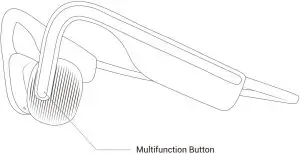
- Press and hold the multifunction button and volume+ button for 3 seconds. Audrey says “multipoint enabled”.
- Open your first device’s Bluetooth® menu and select “OpenMove by AfterShokz.” Audrey says “connected”.
- Turn your headphones off.
- Re-enter pairing mode by pressing and holding volume+ until Audrey says “pairing” and the LED indicator flashes red and blue.
- Open your second device’s Bluetooth® menu and select “OpenMove by AfterShokz.” Audrey says “connected”.
- Turn your headphones off.
- Turn your headphones on. Your headphones are now connected to both devices. Audrey says “connected” and “device 2 connected”.
- To turn off multipoint pairing: Press and hold the multifunction and volume – buttons for 3 seconds when pairing. Audrey says”multipoint disabled”.
More information: bit.ly/aftershokzpairing
How to Reset Your Headphones
- Begin with your headphones powered off.
- Enter pairing mode by pressing and holding volume+ until Audrey says “pairing” and the LED indicator flashes red and blue.
- Press and hold the multifunction button, volume+ button and volume- button (all three buttons) simultaneously for 3-5 seconds, until you hear two beeps or feel vibrations.
- Turn your headphones off. OpenMove is now reset and can be re-paired to your device.
Optional Accessories
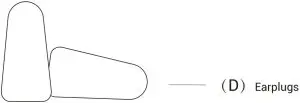
Earplugs (D)
Use earplugs with headphones in environments where it is safe to block out ambient noise, such as on a train or airplane.
- Roll earplugs firmly between fingers and place in ears.
- To adjust EQ settings for earplugs, press and hold volume+ and volume- buttons simultaneously while music is playing. Continue through options until “earplug mode.”
- Switch EQ to other settings when you take out the earplugs.
Manufacturer
AfterShokz LLC
3200 Gracie Kiltz Lane, 4th floor, Austin, TX 78758